
Tabby
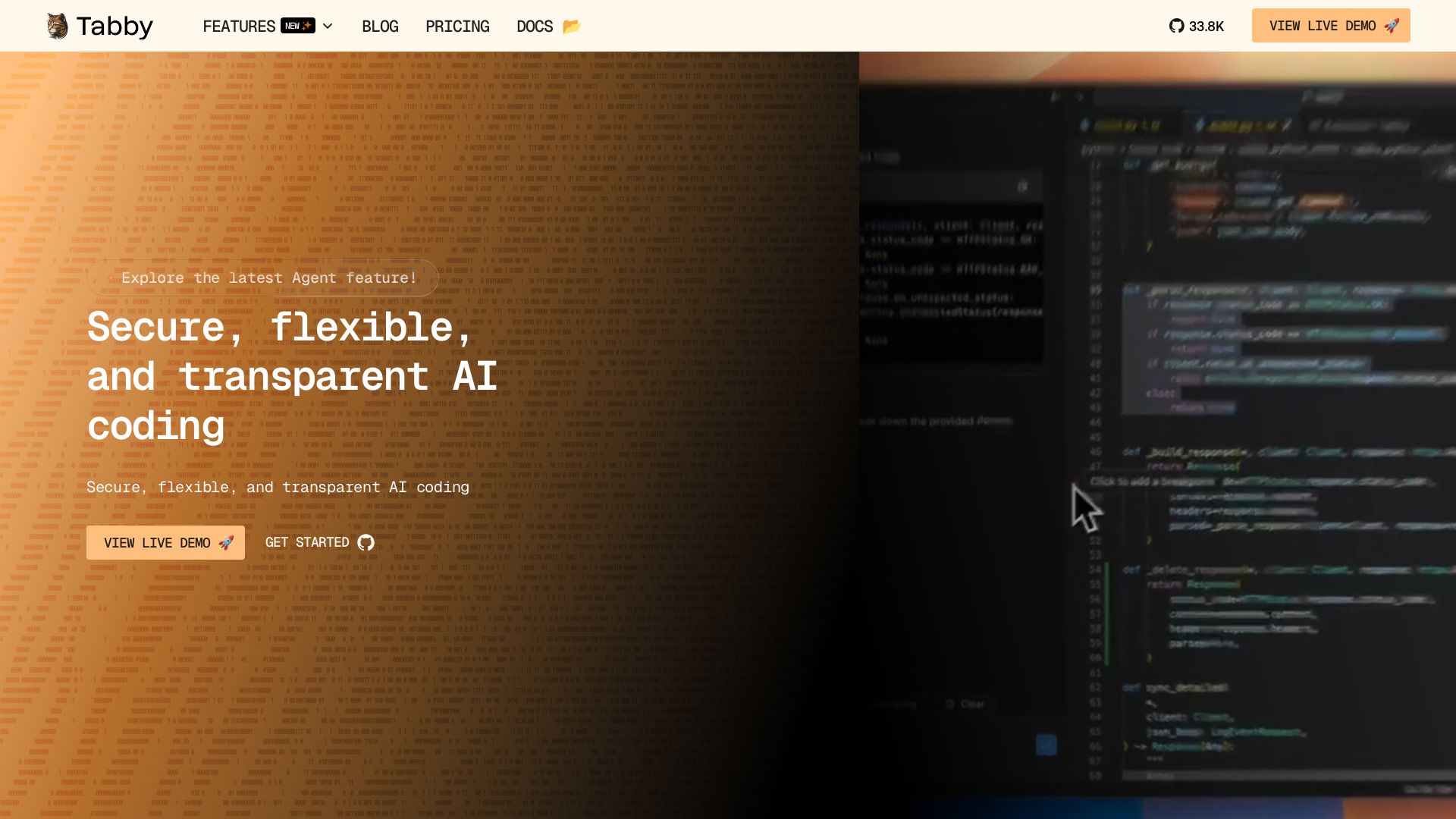
Self-hosted, secure AI coding assistant with code completion, answer engine, and inline chat. Private and flexible.
Editor's Verdict
Key Takeaways
- Code Completion
- Answer Engine
- Inline Chat
- Data Connectors
In-Depth Review: What is Tabby?
Tabby is an open-source AI coding assistant that empowers developers with intelligent code completion, an answer engine for instant coding questions, and inline chat for real-time collaboration. It is self-hosted, ensuring data security and privacy, and integrates seamlessly with popular IDEs. With support for multiple data connectors, Tabby understands your project context to provide accurate suggestions. Whether you work in the cloud or on-premises, Tabby offers a transparent, customizable alternative to proprietary AI tools.
Core Features
Code Completion
Accelerate your coding with intelligent, AI-powered suggestions that understand your context and provide real-time, accurate, and relevant completions.
Answer Engine
Get instant answers to your coding questions within your IDE, enabling faster development and reducing interruptions.
Inline Chat
Collaborate and code more efficiently with AI-driven inline chat that keeps conversations contextual to the code.
Data Connectors
Seamlessly connect to various data sources (docs, config files, APIs) for enriched coding assistance and deeper project understanding.
Pricing
Community
- Up to 5 users
- Local deployment
- Code Completion
- Answer Engine
- In-line chat
- Context Provider
Team
- Up to 50 users
- Flexible deployment
- Code Completion
- Answer Engine
- Code Browser
- Context Providers
- Usage Reports and Analytics
- Email support
Enterprise
- Unlimited users
- Customized deployment
- Enhanced security and group management
- Single Sign-On (SSO)
- Dedicated Slack channel
- Roadmap Prioritization
Pros and Cons
Pros
- Open Source & Free Community PlanTabby is open-source and offers a free community plan with local-first deployment, making it accessible to individuals and small teams.
- Self-Hosted & Privacy-FocusedDeploy on-premises or in your cloud, keeping your code and data secure and under your control.
- Rich Feature SetIncludes code completion, answer engine, inline chat, and context providers to enhance developer productivity.
- Wide IDE SupportIntegrates with VS Code, Neovim, IntelliJ, Eclipse, and many JetBrains IDEs.
- Flexible Deployment OptionsSupports local, cloud, and enterprise-grade deployments with customizable security and group management.
Cons
- Limited Users on Free PlanThe Community plan is capped at 5 users, which may not be sufficient for larger teams.
- Team Plan Lacks SSOThe Team plan does not include Single Sign-On or authentication domain features, which are only available in Enterprise.
- Enterprise Pricing Not TransparentEnterprise plan requires contacting sales, and pricing is not publicly listed.
- Some Features Still in DevelopmentFeatures like Data Connectors are marked as 'coming soon', so not all advertised capabilities are available yet.
Use Cases & Recommended Professions
Software Engineer→ View Toolkit
Accelerate coding with AI suggestions, get answers to technical questions, and reduce context switching.
Web Developer→ View Toolkit
Leverage code completion and answer engine for frontend and backend development tasks.
DevOps Engineer→ View Toolkit
Use Tabby's context providers to pull in documentation and config files for infrastructure-as-code.
Data Scientist→ View Toolkit
Get inline assistance with Python/ML libraries and coding patterns.
Full Stack Developer→ View Toolkit
Benefit from real-time code suggestions and collaborative inline chat across the entire stack.
Technical Lead→ View Toolkit
Drive team productivity with AI-assisted coding and enforce IDE/extension telemetry policies (Enterprise).
Frequently Asked Questions
Alternative AI Tools
View Detailed Comparison →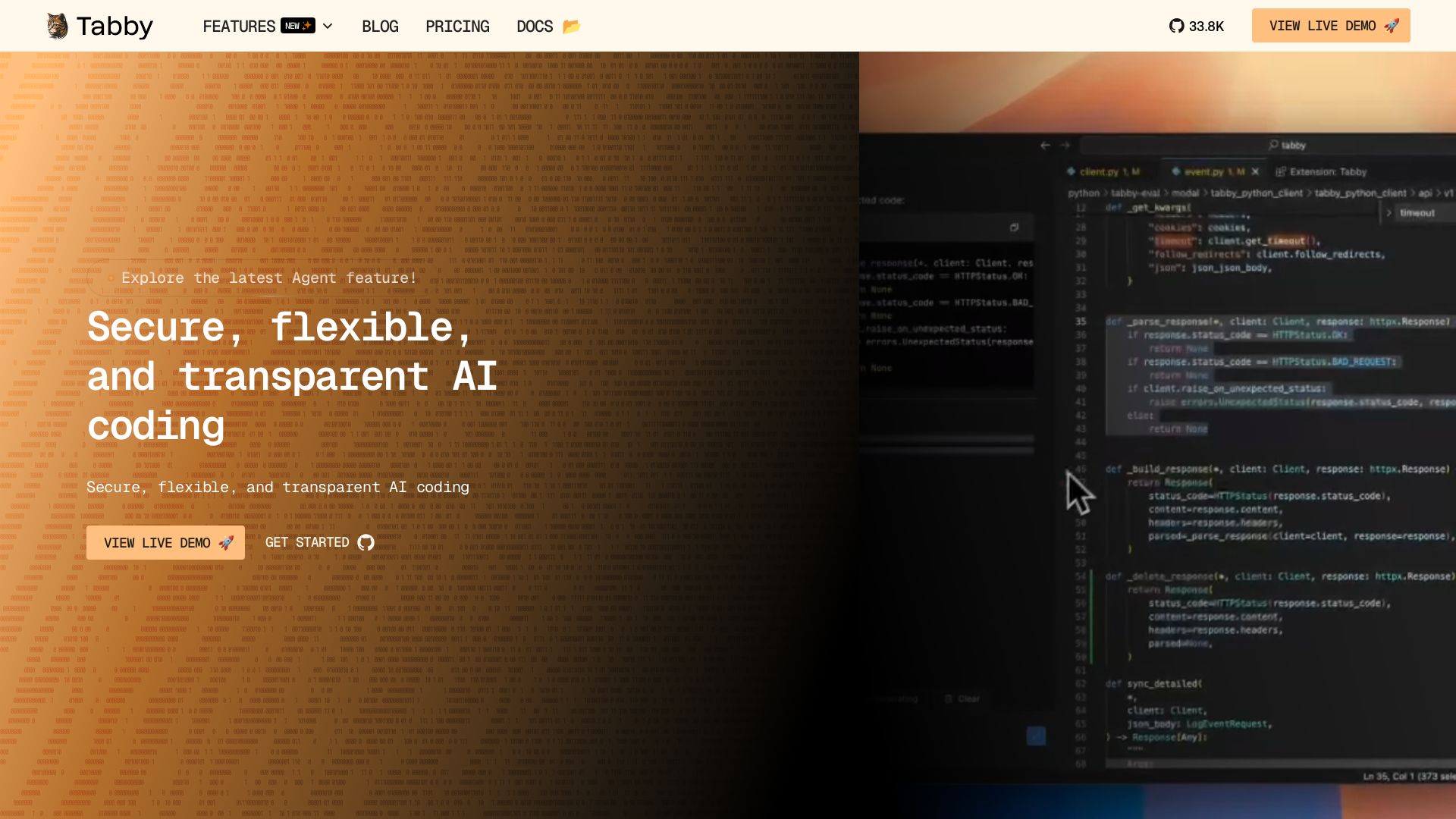
Tabby
Accelerate coding with Tabby's AI-powered code completion, answer engine, and inline chat. Self-hosted, secure, and flexible. Supports VS Code, Neovim, IntelliJ, and more.


OpenCode
OpenCode is a free, open-source AI coding assistant supporting multiple providers (OpenAI, Anthropic, local models) with CLI/TUI, custom tools, and privacy-centric local execution.


Continue
Continue, the pioneering open-source coding agent, has been acquired by Cursor. Our mission to amplify developers continues. Explore FAQs and more.

OpenCode
OpenCode is an open-source, terminal-native AI coding assistant supporting Claude, GPT-4, Gemini, and local models. Boost productivity with agent mode and seamless CLI integration.

CodeGPT
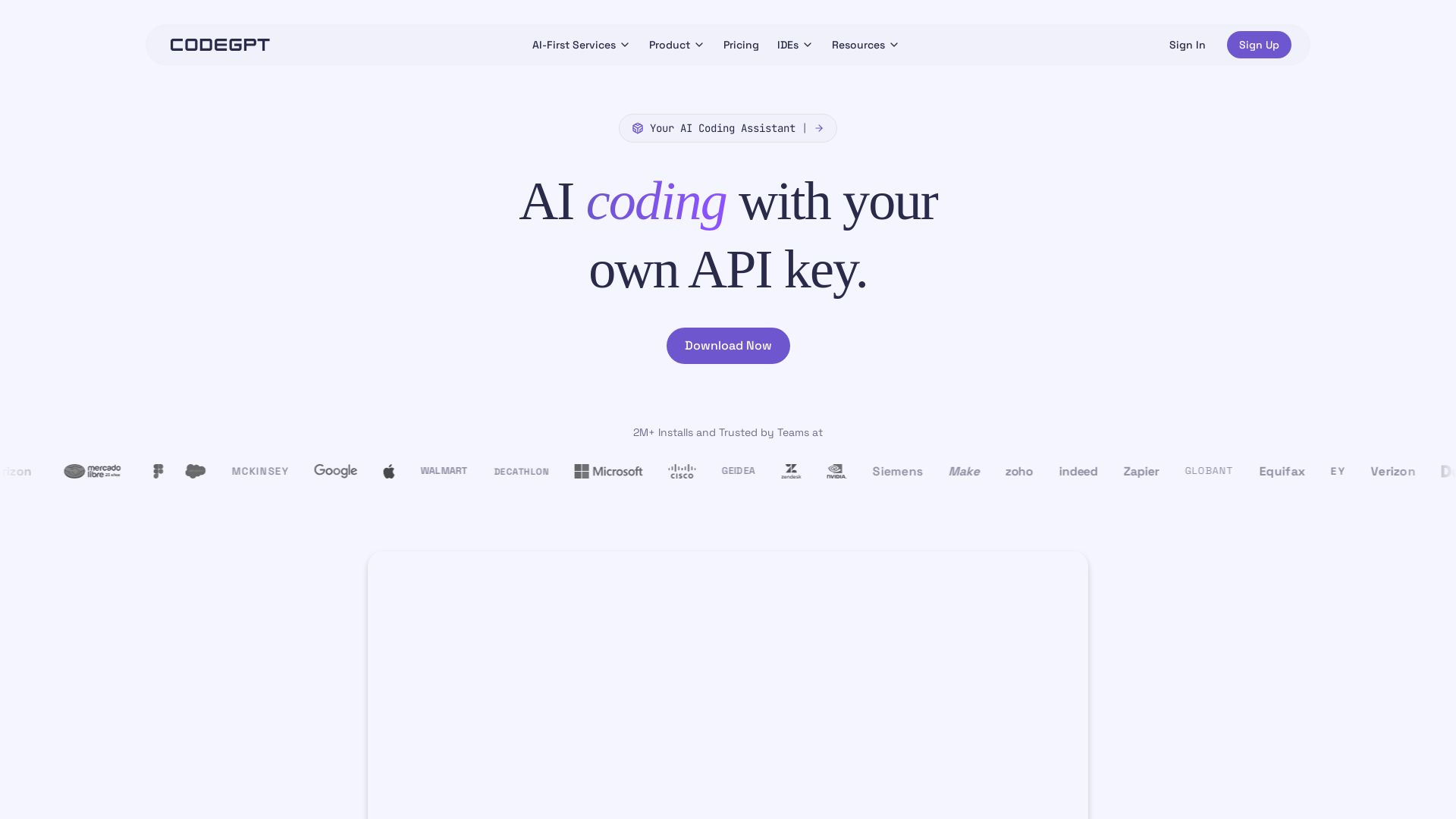
Bring your own API key for transparent, unlimited AI coding. Supports Claude, Gemini, OpenAI. Privacy-first, no middlemen. Trusted by 2M+ developers.

Continue
Create, share, and use custom AI code agents with Continue. Features agent, chat, edit modes, and autocomplete for VS Code and JetBrains.

Kilo
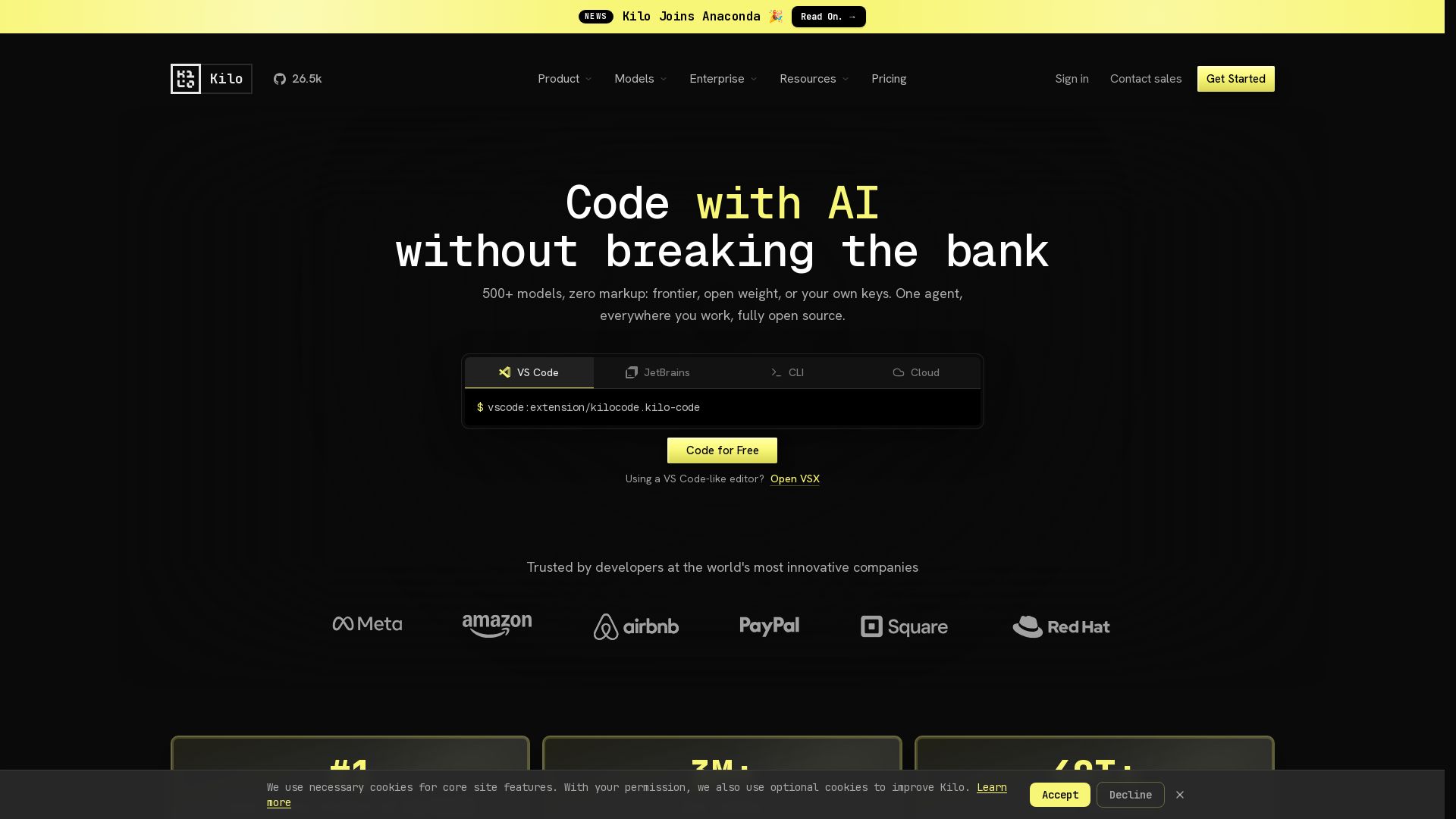
Free AI coding tool with 500+ models at cost. Open source, no lock-in. Works in VS Code, JetBrains, CLI, and cloud. Trusted by 3M+ developers.

OpenClaw
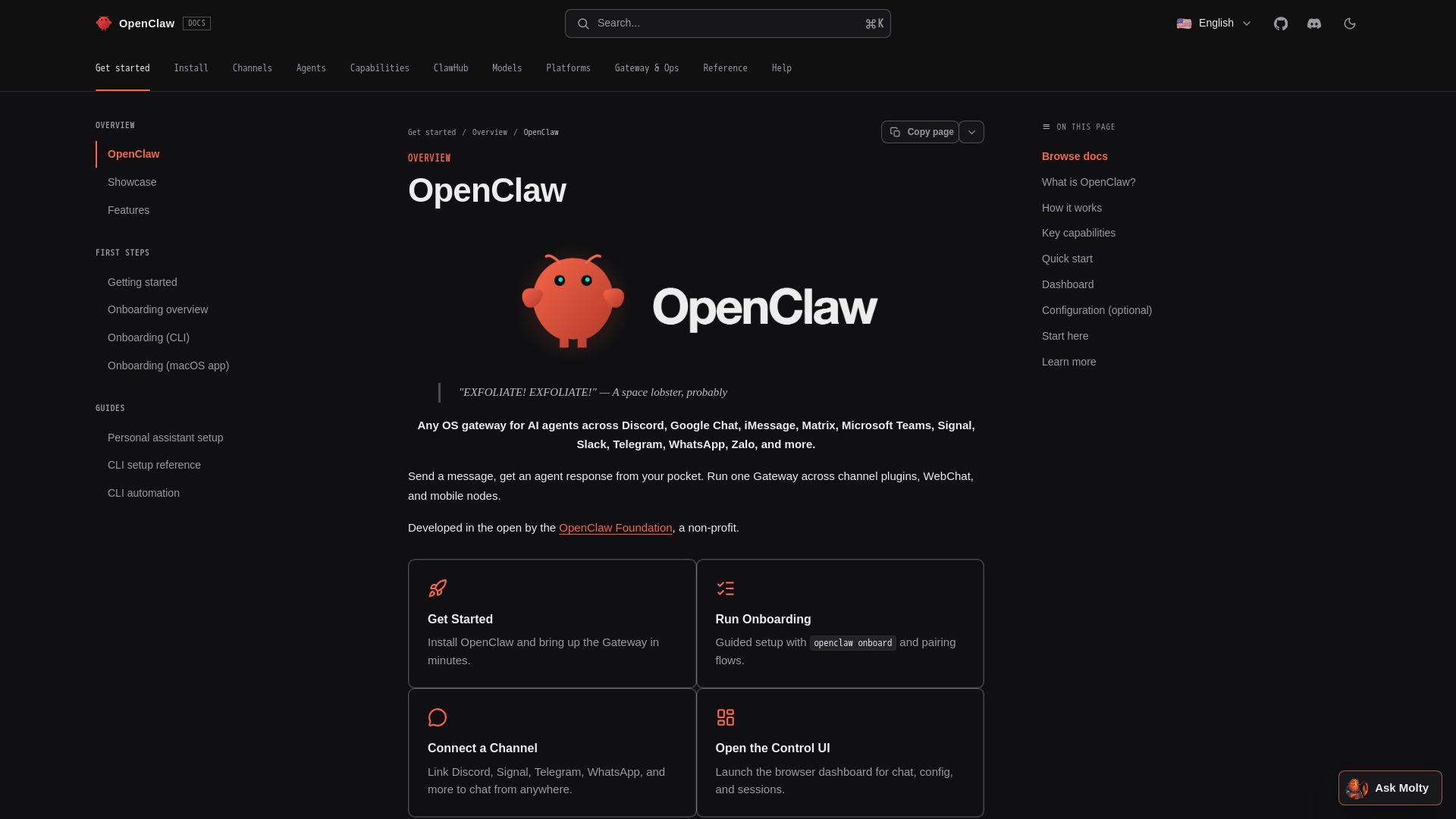
Run a private AI assistant across Discord, Telegram, WhatsApp, and more. Self-hosted gateway with no data sharing. Open source. Connect coding agents to your favorite messaging apps.

Claw Code
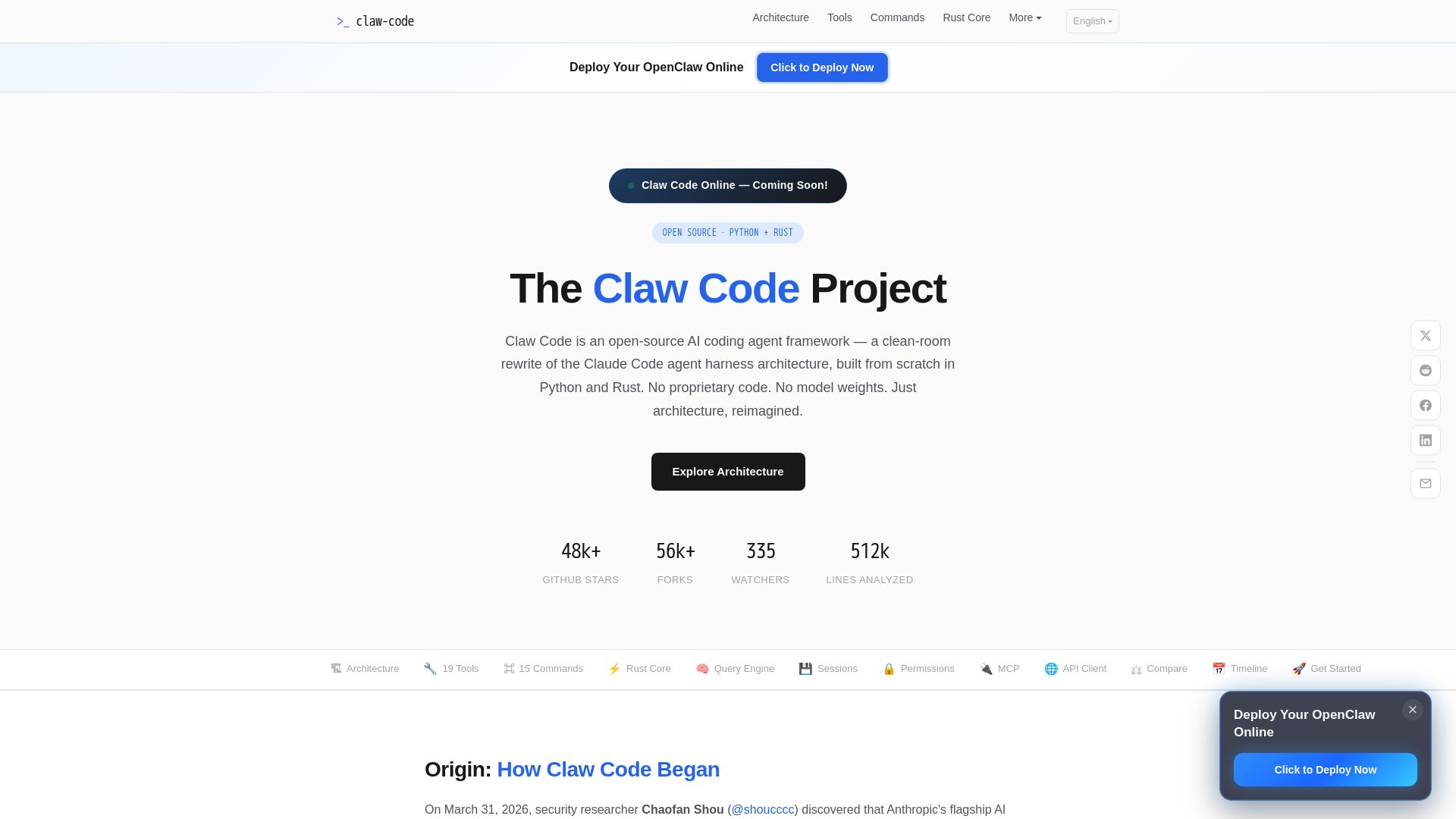
Clean-room Python & Rust rewrite of Claude Code architecture. 19 tools, multi-agent orchestration, MCP support. Free & open-source.

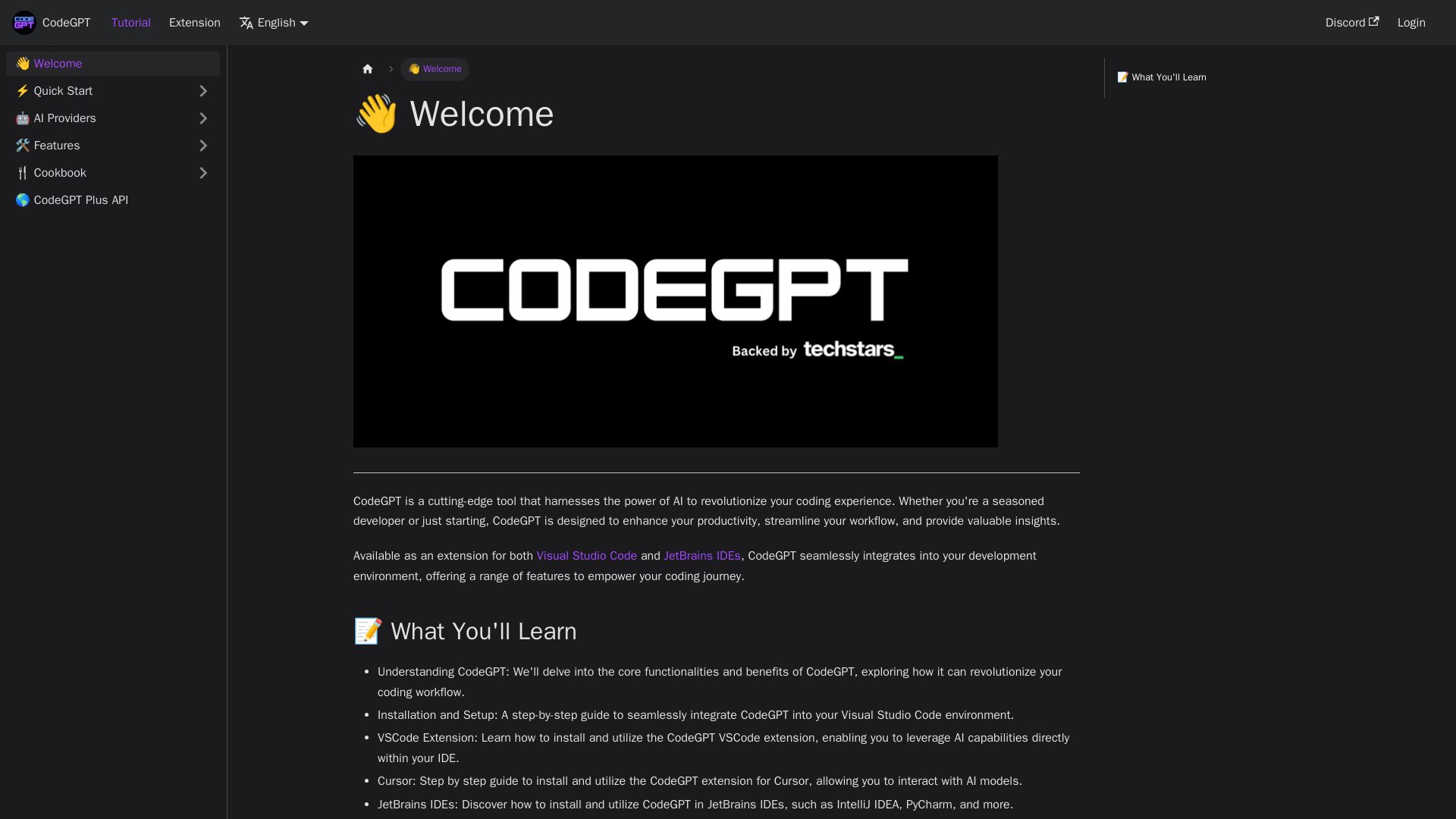
CodeGPT
Supercharge your coding with CodeGPT. AI-driven code generation, debugging, and agents. Seamlessly integrates with VS Code and JetBrains IDEs.

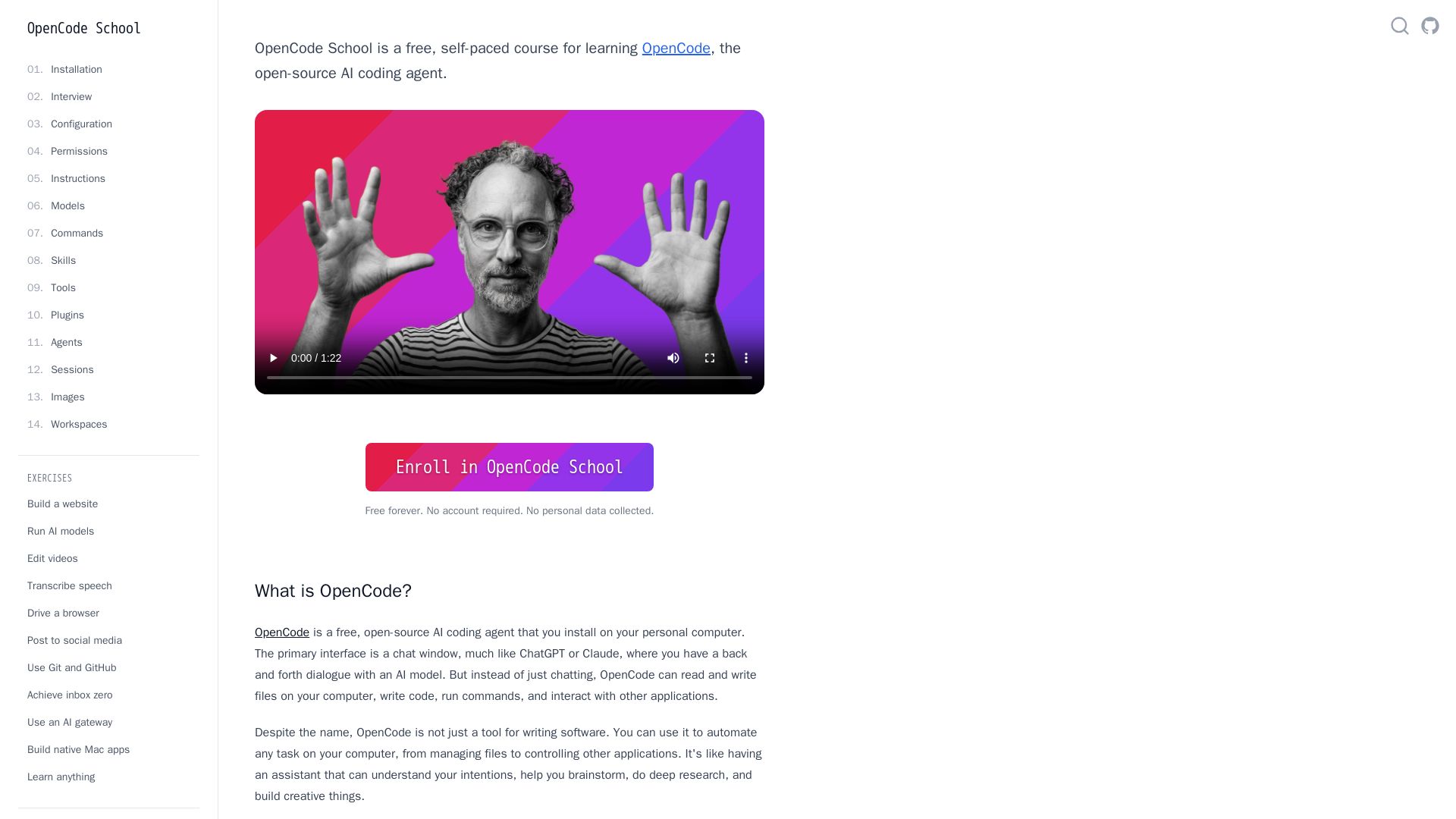
OpenCode
Free self-paced course to master OpenCode, the open-source AI coding agent. Works with 75+ models, automates tasks, helps you build projects.

Featherless
Run any open-source AI model with one API. Flat-rate pricing, dedicated GPUs, and low-latency inference. Cut costs with Featherless.

ℹ️ Curation Disclosure: The overview and features of Tabby were synthesized using AI and fact-checked by our curation team to ensure accuracy.
