OpenCode
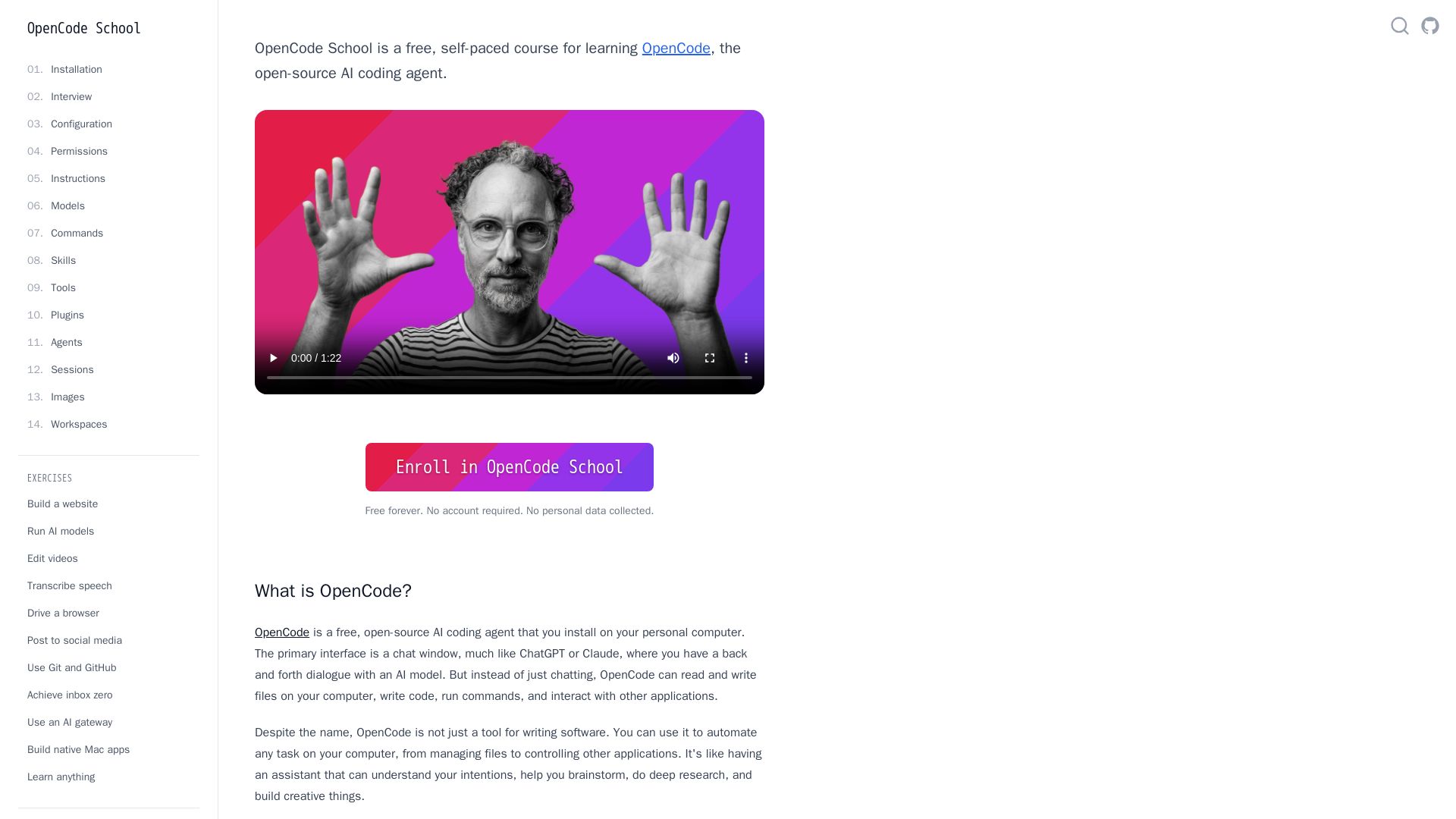
Free self-paced course to master OpenCode, the open-source AI coding agent. Works with 75+ models, automates tasks, helps you build projects.
Editor's Verdict
Key Takeaways
- AI Coding Agent
- Multi-Model Support
- Desktop App
- Task Automation
In-Depth Review: What is OpenCode?
OpenCode School is a free, interactive course that teaches you how to use OpenCode, a powerful open-source AI coding agent. Unlike proprietary tools, OpenCode works with 75+ AI model providers including Anthropic, OpenAI, and Google, and can even run local models offline. Through hands-on lessons inside the OpenCode app, you'll learn to automate tasks, manage files, control applications, and build creative projects—all with the help of an AI assistant. Perfect for beginners and experienced developers alike, no programming experience required. Enroll now and start learning for free, no account needed.
Core Features
AI Coding Agent
OpenCode is a free, open-source AI coding agent that can read and write files, write code, run commands, and interact with applications on your personal computer.
Multi-Model Support
Works with 75+ AI model providers including Anthropic, OpenAI, Google, and supports local open-source models via Ollama, LM Studio, or llama.cpp.
Desktop App
Provides a graphical interface similar to ChatGPT or Claude, making it accessible to non-programmers and beginners.
Task Automation
Can automate any computer task from file management to controlling other applications, acting as an intelligent assistant.
Interactive Learning
Includes a self-paced course (OpenCode School) that teaches users how to use the agent through interactive prompts inside the chat.
Pricing
Free
- No account required
- No personal data collected
- Access to all features
- Use with 75+ model providers
- Local model support
- Desktop app included
Pros and Cons
Pros
- 100% Free and Open SourceOpenCode is completely free with no subscription or hidden costs, and the source code is openly available on GitHub.
- Privacy-FocusedSupports local models so you can run AI entirely offline without sending data to the cloud, ensuring your privacy.
- Wide Model CompatibilityWorks with over 75 AI providers including the most popular ones like Claude, GPT, and Gemini, giving you flexibility.
- Beginner-FriendlyThe desktop app offers a graphical chat interface and includes a comprehensive course to help anyone get started, even without programming experience.
- Versatile AutomationBeyond coding, it can automate file management, browser control, social media posting, and more, making it a general-purpose assistant.
Cons
- Requires InstallationYou need to download and install the software on your computer, which may be a barrier for some users.
- Learning Curve for Advanced FeaturesWhile basics are easy, mastering skills like plugin development or multi-session management may take time.
- Dependence on Third-Party ModelsFor cloud-based models, you may need API keys and internet access, and responses depend on the model's capabilities.
- Limited to DesktopCurrently only available as a desktop app; no mobile or web version for on-the-go use.
Use Cases & Recommended Professions
Software Engineer→ View Toolkit
Automate code generation, debugging, and project setup to increase productivity.
Data Scientist→ View Toolkit
Interactively explore data, run ML models, and automate analysis pipelines.
Content Creator→ View Toolkit
Edit videos, transcribe speech, and manage media files with AI assistance.
Student→ View Toolkit
Learn programming, solve homework, and build projects with guided AI help.
Hobbyist Developer→ View Toolkit
Experiment with AI models, build websites, and create games easily.
DevOps Engineer→ View Toolkit
Automate server commands, manage Git workflows, and orchestrate deployments.
Frequently Asked Questions
Alternative AI Tools
View Detailed Comparison →
Making AI think and act: my approach to the Hugging Face AI ...
Experienced AI engineer specializing in medical imaging and LLM-powered agents. Built globally deployed radiology AI at AZmed. Now building AI agents at Matrix One.

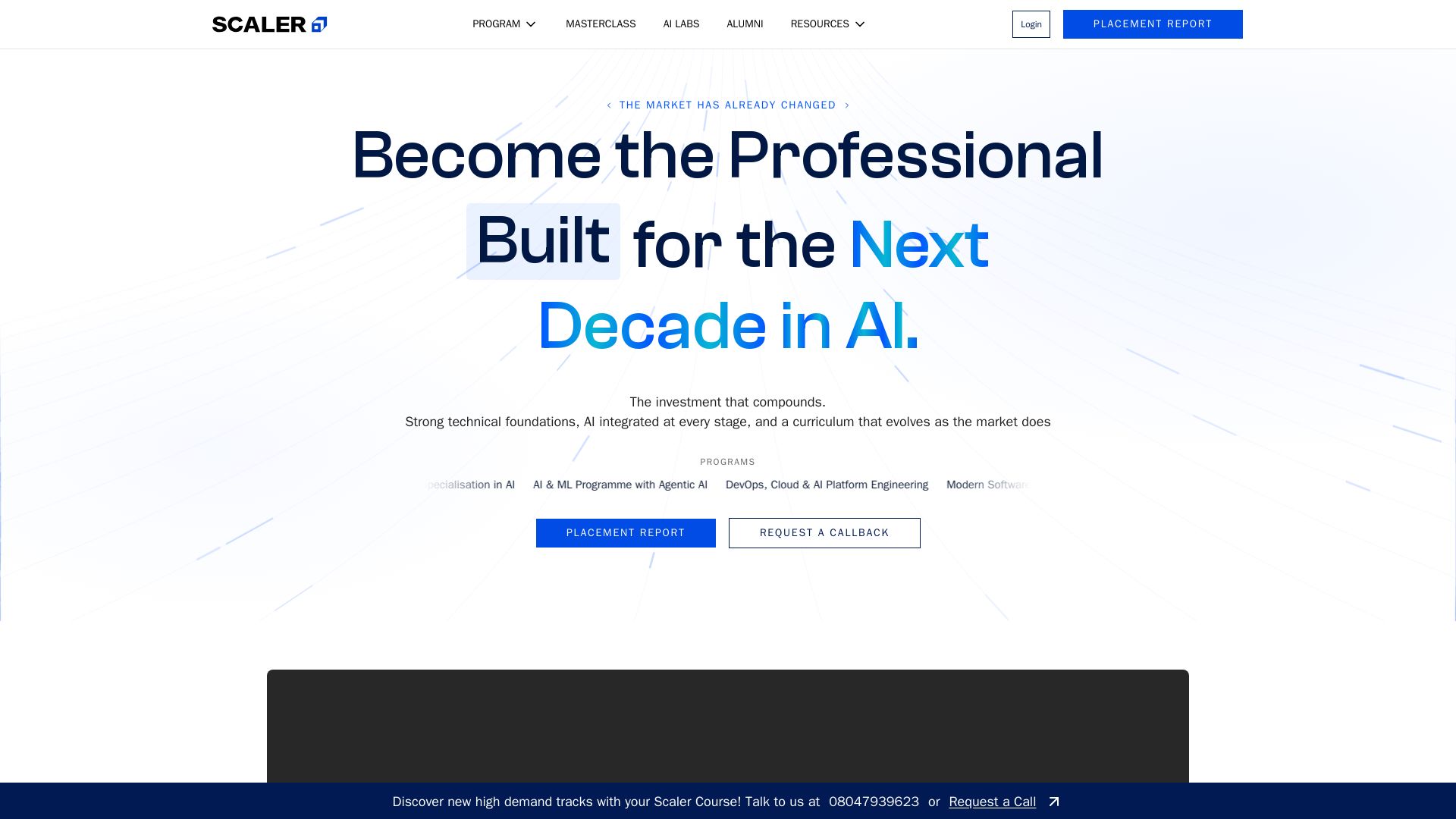
Scaler
Master AI-integrated software engineering, data science, or DevOps with real-world projects, mentors, and lifelong learning. Transform your career. 4.8+ ratings.


Wizr AI
Build autonomous enterprises with AI-powered automation. Accelerate software delivery by 50% with production-ready AI systems. Trusted by world-class enterprises.

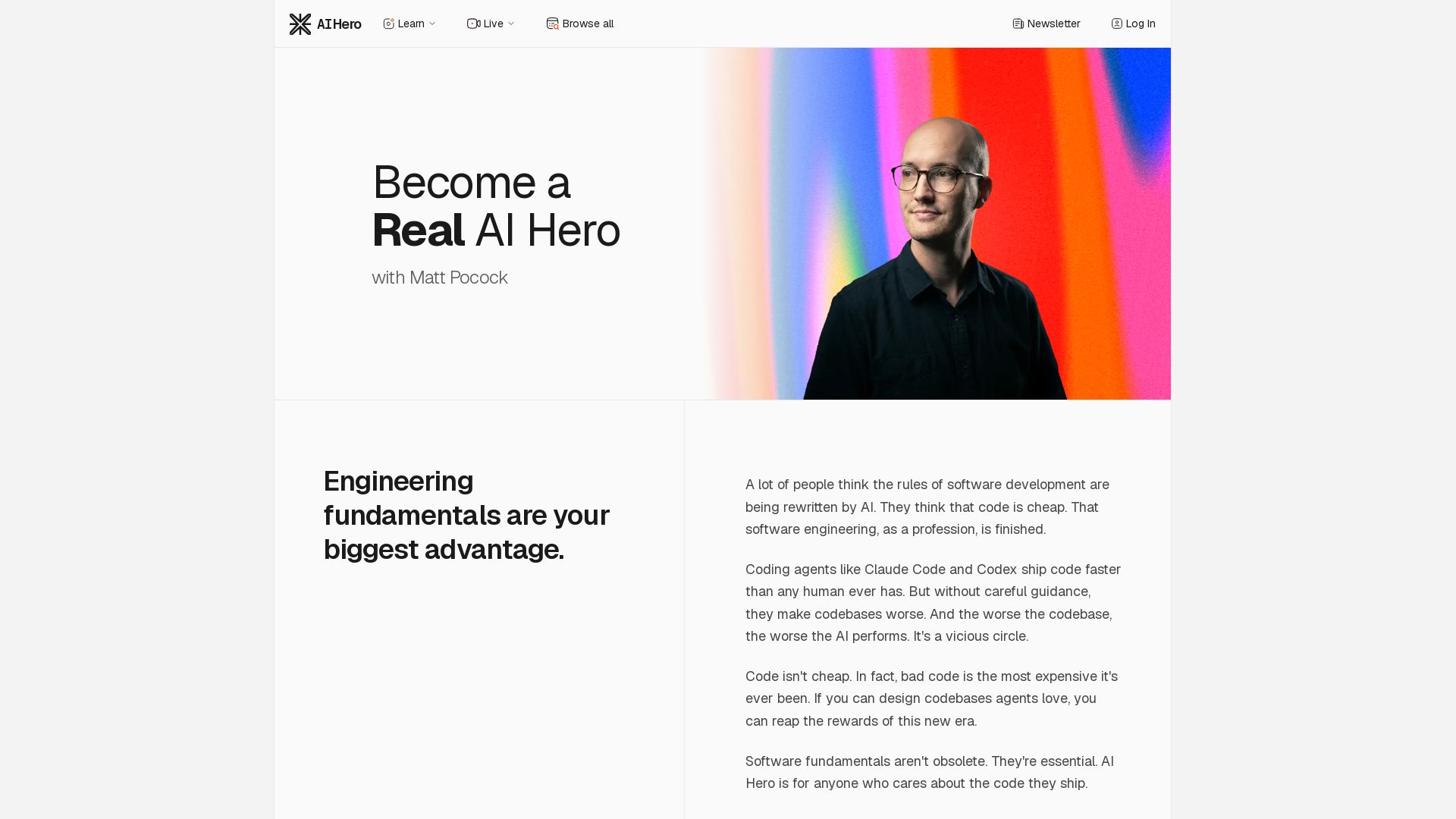
AI Hero
Master AI-assisted coding with proven engineering fundamentals. Learn to make codebases agents love, control AI output quality, and build real skills. Join 70k+ developers.


Section AI
Turn AI investment into workforce transformation with Section. Command center, coaching, and strategic support to drive measurable ROI.


AI SDK AGENTS
The toolkit for AI engineers. Install, copy, or export 125 AI SDK patterns for agents, tool calling, human-in-the-loop, and generative UI. Full source code, own your stack.


Agentic Workers
Automate tasks with 100+ pre-built AI workflows. Connect 800+ tools, save 10+ hours/week. No coding needed. Join 13,000+ professionals.

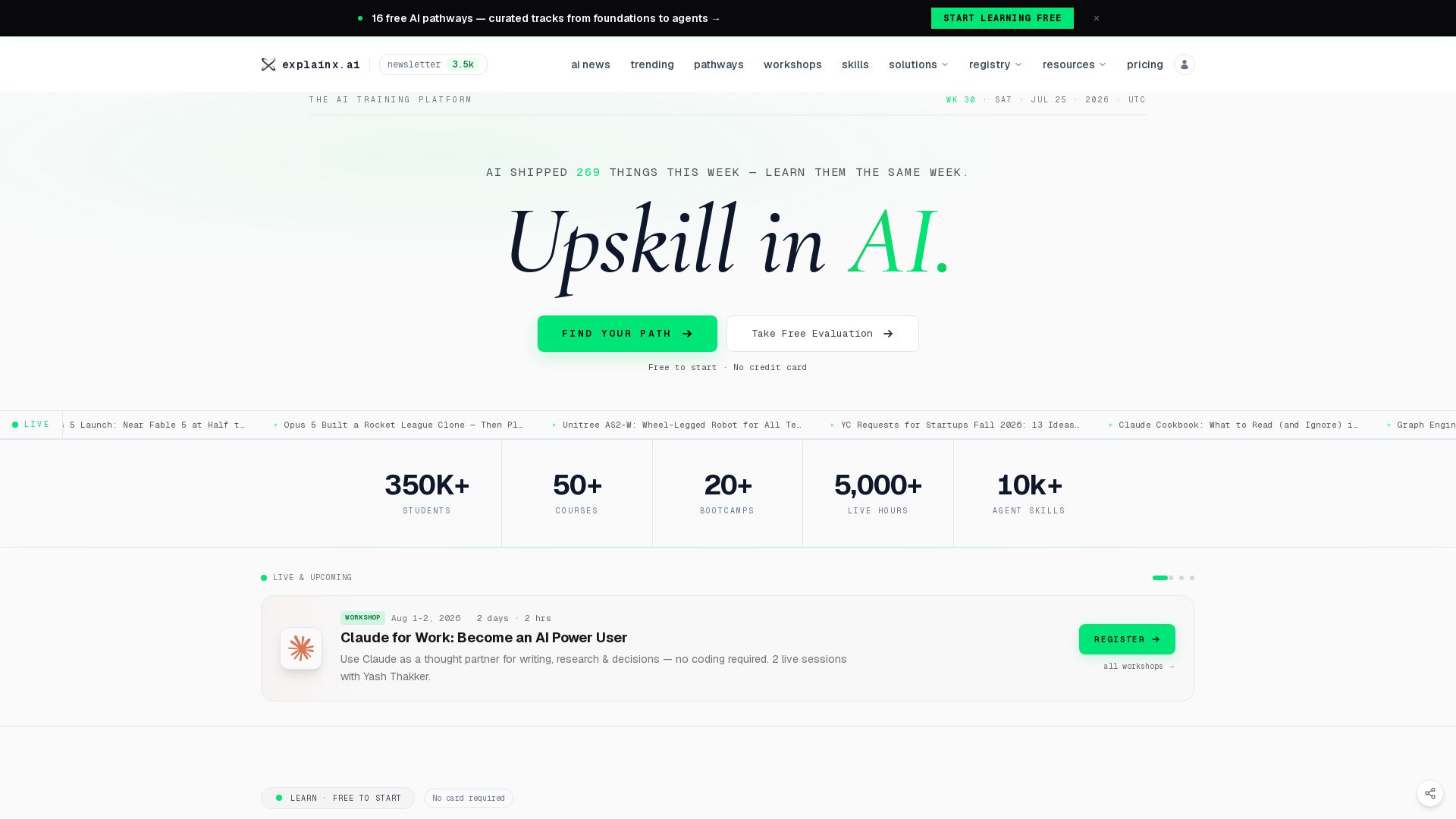
explainx
Upskill in AI with 16 free pathways, live workshops, and 50+ courses. Explore 10k+ agent skills and MCP servers. Start free, no card needed.

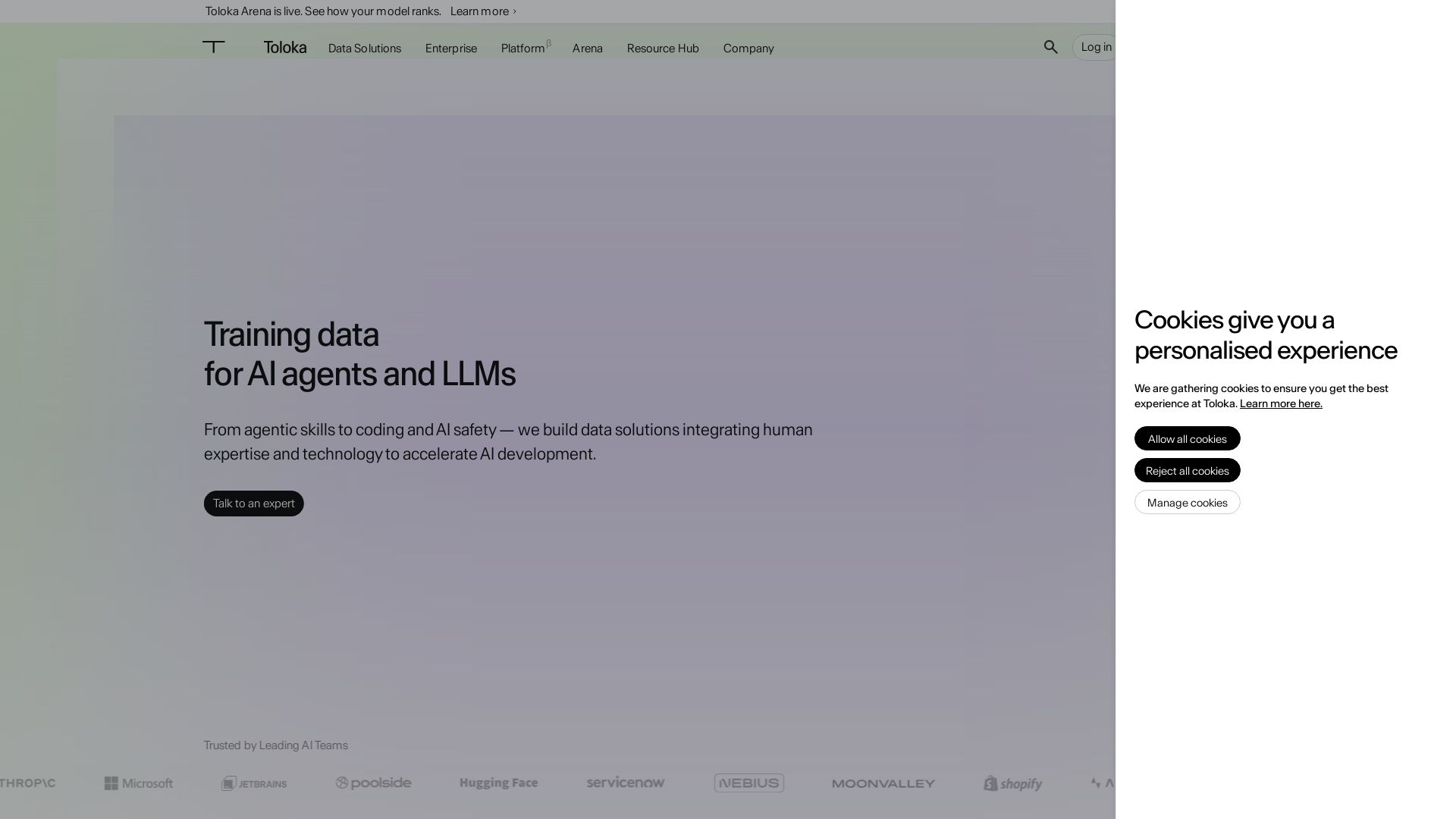
Toloka
High-quality training data for AI agents, LLMs, and coding assistants. Trusted by leading AI teams. 90+ domains, expert network.


Scuti AI
We specialize in generative AI, AI-OCR, RAG, and offshore development. Combining Vietnam's speed with Japan's quality to automate tasks and boost business.

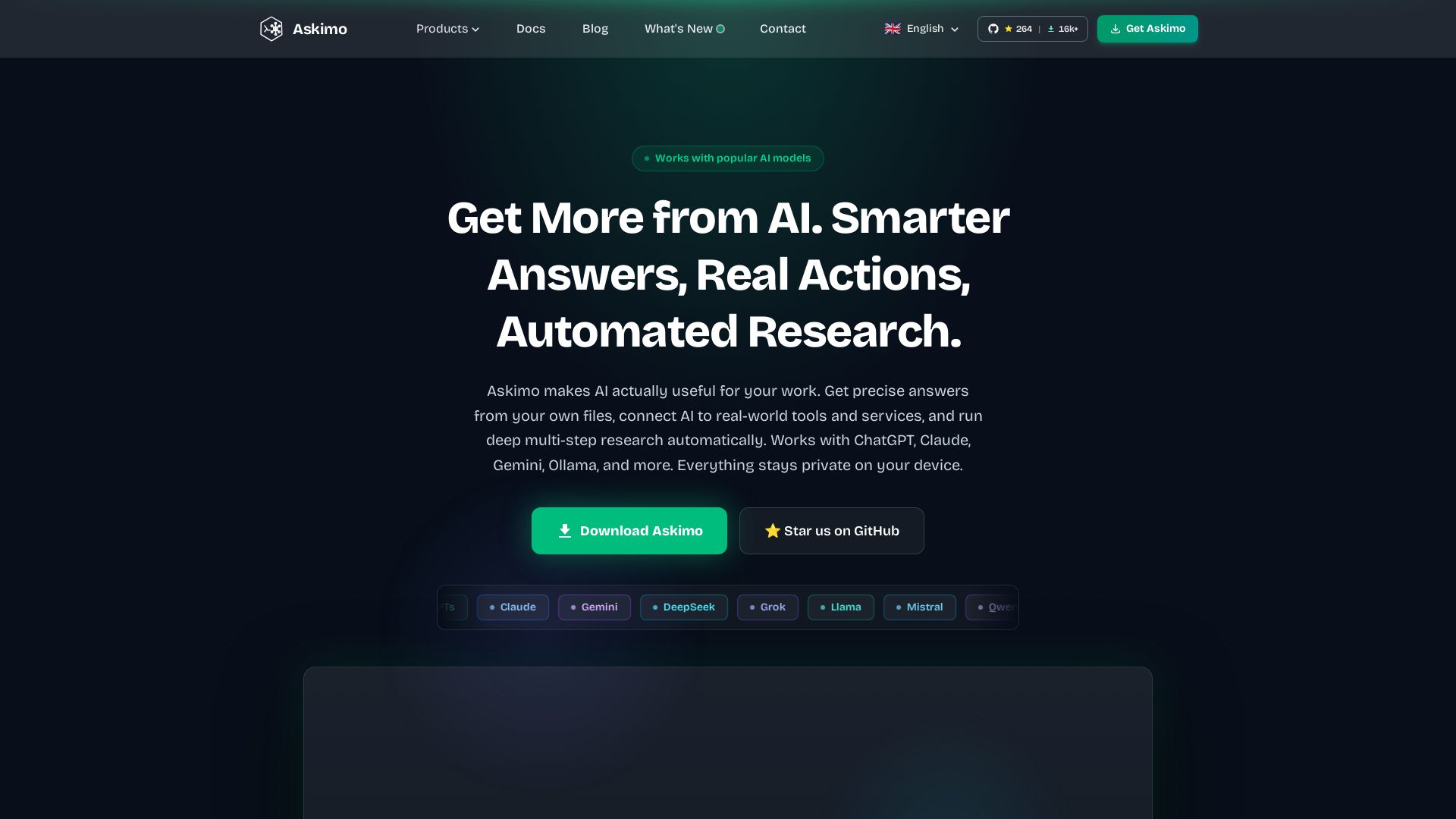
Askimo
Use ChatGPT, Claude, Gemini & more in one desktop app. AI knows your files, runs multi-step workflows, and keeps data private.

ℹ️ Curation Disclosure: The overview and features of OpenCode were synthesized using AI and fact-checked by our curation team to ensure accuracy.
