
Vibe Manager
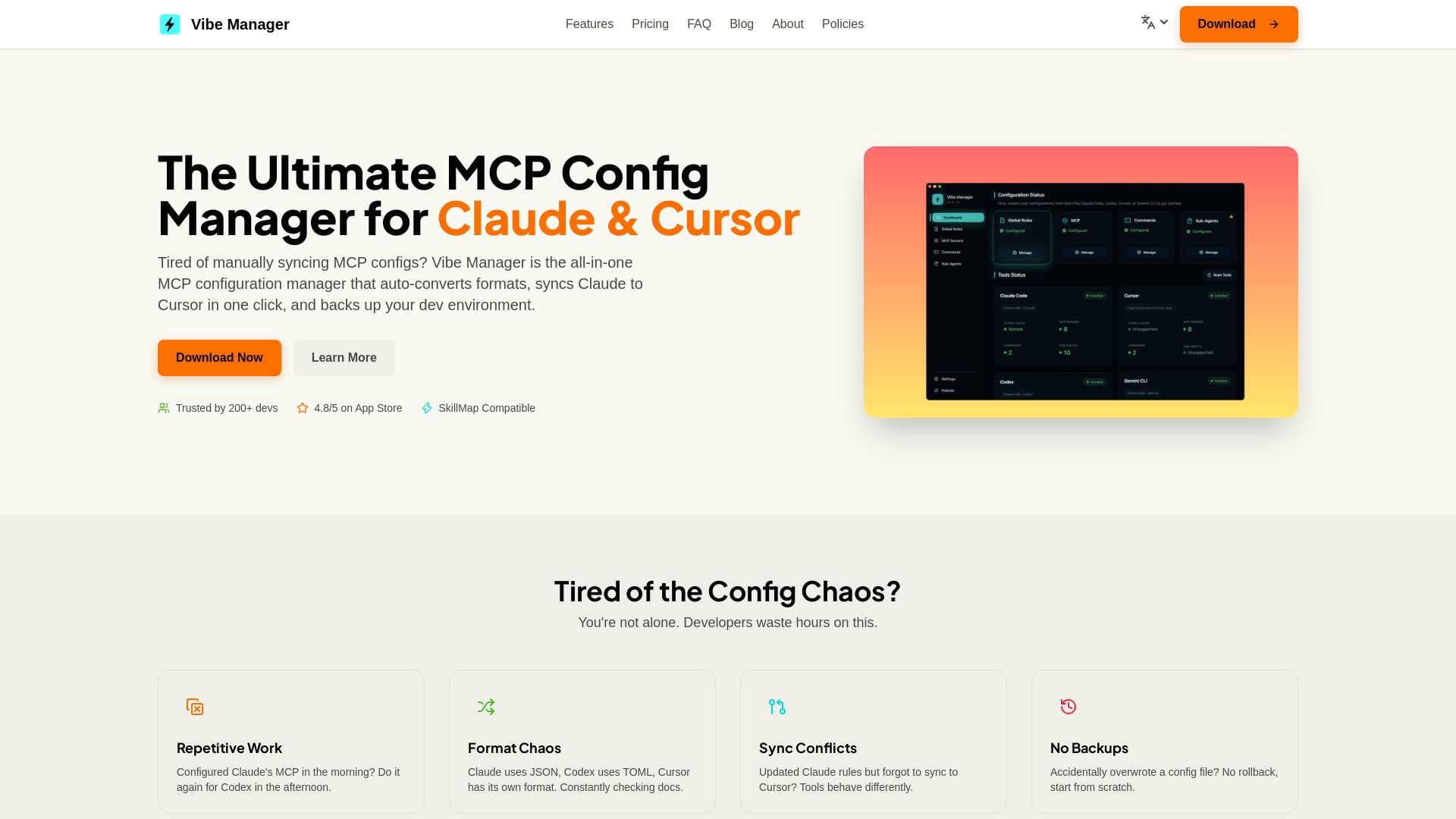
Tired of manually syncing MCP configs? Vibe Manager auto-converts & syncs Claude, Cursor & more with one click. Save 80% time. $4.99 one-time.
Editor's Verdict
Key Takeaways
- One-Click Sync
- Auto-Format Conversion
- Unified Configuration Management
- Auto-Detect & Import
In-Depth Review: What is Vibe Manager?
Vibe Manager is the ultimate MCP configuration manager for AI coding tools like Claude, Cursor, Codex CLI, and Gemini CLI. It eliminates config chaos by providing a single hub to manage all your development rules. With one-click sync, it auto-converts between JSON, TOML, and other formats, ensuring your tools behave consistently. Trusted by over 200 developers, Vibe Manager offers a one-time purchase for lifetime access, with 100% local privacy. Stop manually editing configs and get back to coding.
Core Features
One-Click Sync
Sync MCP configurations from one master config to multiple AI coding tools (Claude Code, Cursor, Codex CLI, Gemini CLI) with a single click, saving up to 80% of configuration time.
Auto-Format Conversion
Automatically converts configurations between different formats (JSON for Claude, TOML for Codex, Cursor's format, etc.), eliminating the need to manually check documentation.
Unified Configuration Management
Manage all development rules, MCP configs, rule sets, and slash commands in one intuitive UI, avoiding sync conflicts and ensuring consistency across tools.
Auto-Detect & Import
On first launch, Vibe Manager auto-detects installed AI coding tools and allows importing existing configurations from those tools.
Local & Private
All data is stored 100% locally on the user's machine, ensuring privacy and no dependency on cloud services.
Pricing
Vibe Manager Pro
- Lifetime access to all features
- Free updates forever
- Sync unlimited tools
- 100% local and private
Pros and Cons
Pros
- Saves TimeReduces configuration from editing 4 times to 1, saving 80% of time.
- Eliminates Format HeadachesAuto-converts between JSON, TOML, and other formats, so you don't have to check docs.
- Prevents Sync ConflictsMaintains one master config that syncs to all tools, ensuring consistent behavior.
- Backups Built-InProvides a safety net so you can roll back if a config gets overwritten accidentally.
- Simple One-Time PurchaseNo subscription, no hidden fees — just $4.99 for lifetime access.
Cons
- Limited Tool SupportCurrently only supports Claude Code, Cursor, Codex CLI, and Gemini CLI. Other AI coding tools may not be compatible.
- No Free TierThe app requires a one-time payment; there is no free version available.
- No Cloud SyncAs a local-only app, configurations are not synced across multiple machines unless manually copied.
- Single Plan OnlyOnly one plan exists; there are no options for different feature sets or team pricing.
- No Open SourceThe source code is not available, so users cannot customize or audit the software.
Use Cases & Recommended Professions
AI/ML Engineer→ View Toolkit
Needs to manage MCP configurations across multiple AI coding tools like Claude and Cursor, saving time and avoiding format mismatches.
Software Developer→ View Toolkit
Often switches between AI assistants for code generation and needs a unified config to maintain consistent coding rules.
DevOps Engineer→ View Toolkit
Manages development environments and needs to ensure MCP configs are synced and backed up across team tools.
Freelance Developer→ View Toolkit
Works with various clients using different AI tools; requires quick config switching and rollback capabilities.
Technical Writer→ View Toolkit
Creates documentation for AI coding tools and needs to test configs across multiple platforms efficiently.
Code Reviewer→ View Toolkit
Reviews code generated by AI assistants and needs consistent MCP rules to ensure quality and style adherence.
Frequently Asked Questions
Alternative AI Tools
View Detailed Comparison →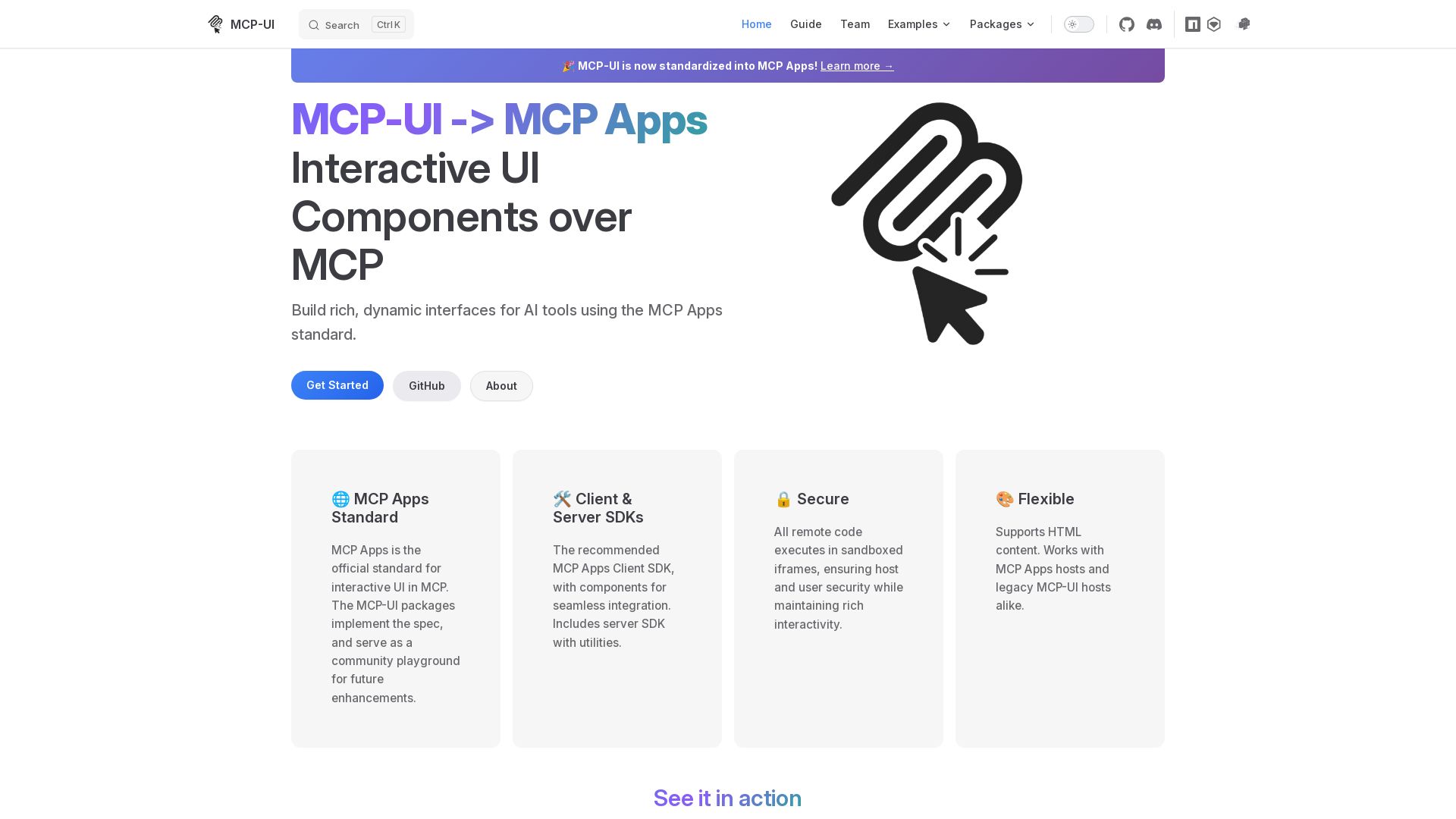
MCP-UI
Build rich, dynamic interfaces for AI tools with MCP Apps. Secure sandboxed execution, HTML support, client & server SDKs.

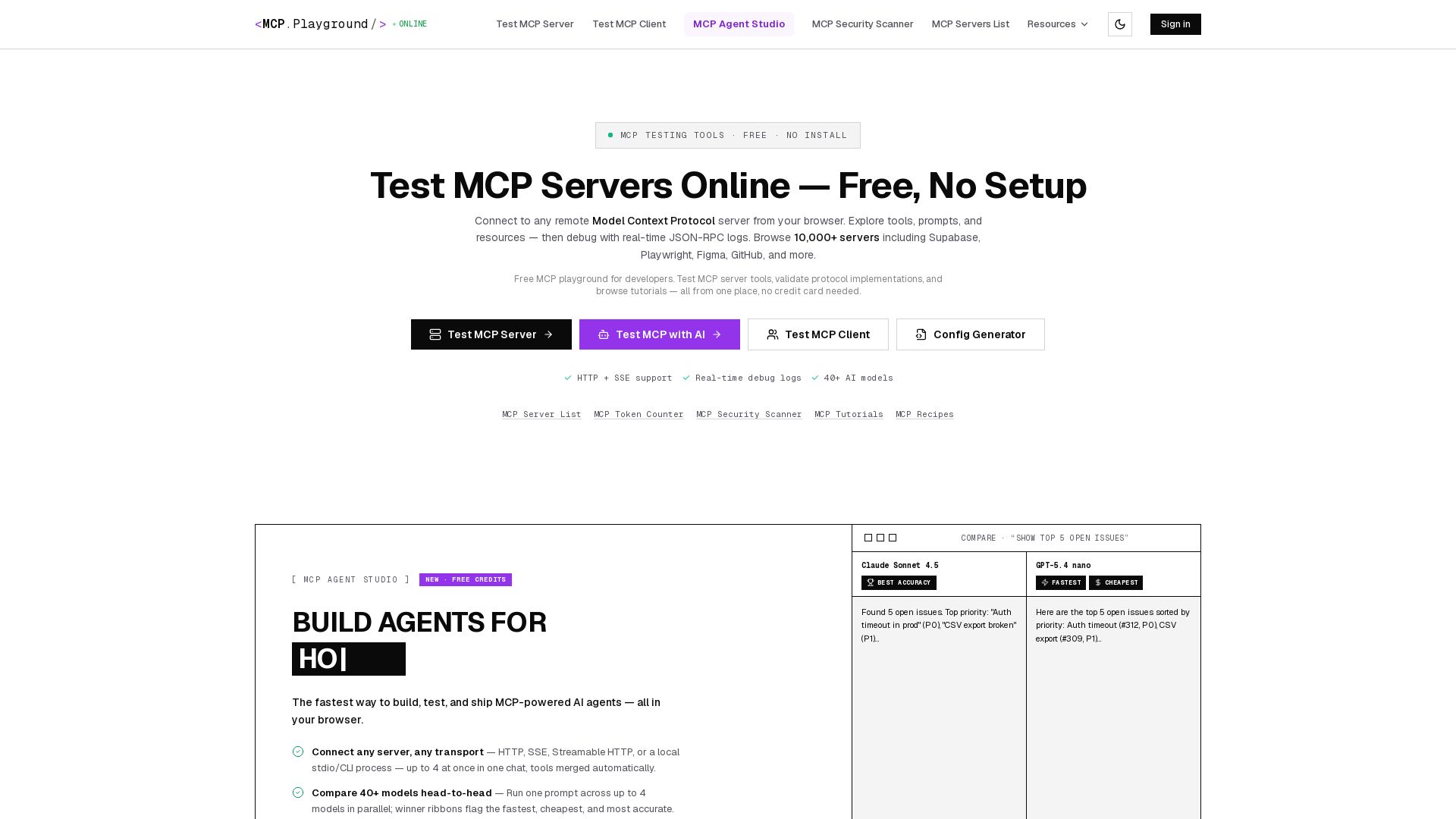
MCP Playground Online
Free browser-based MCP testing tool. Connect to any server, browse tools, execute commands, and view live JSON-RPC logs. No install required.

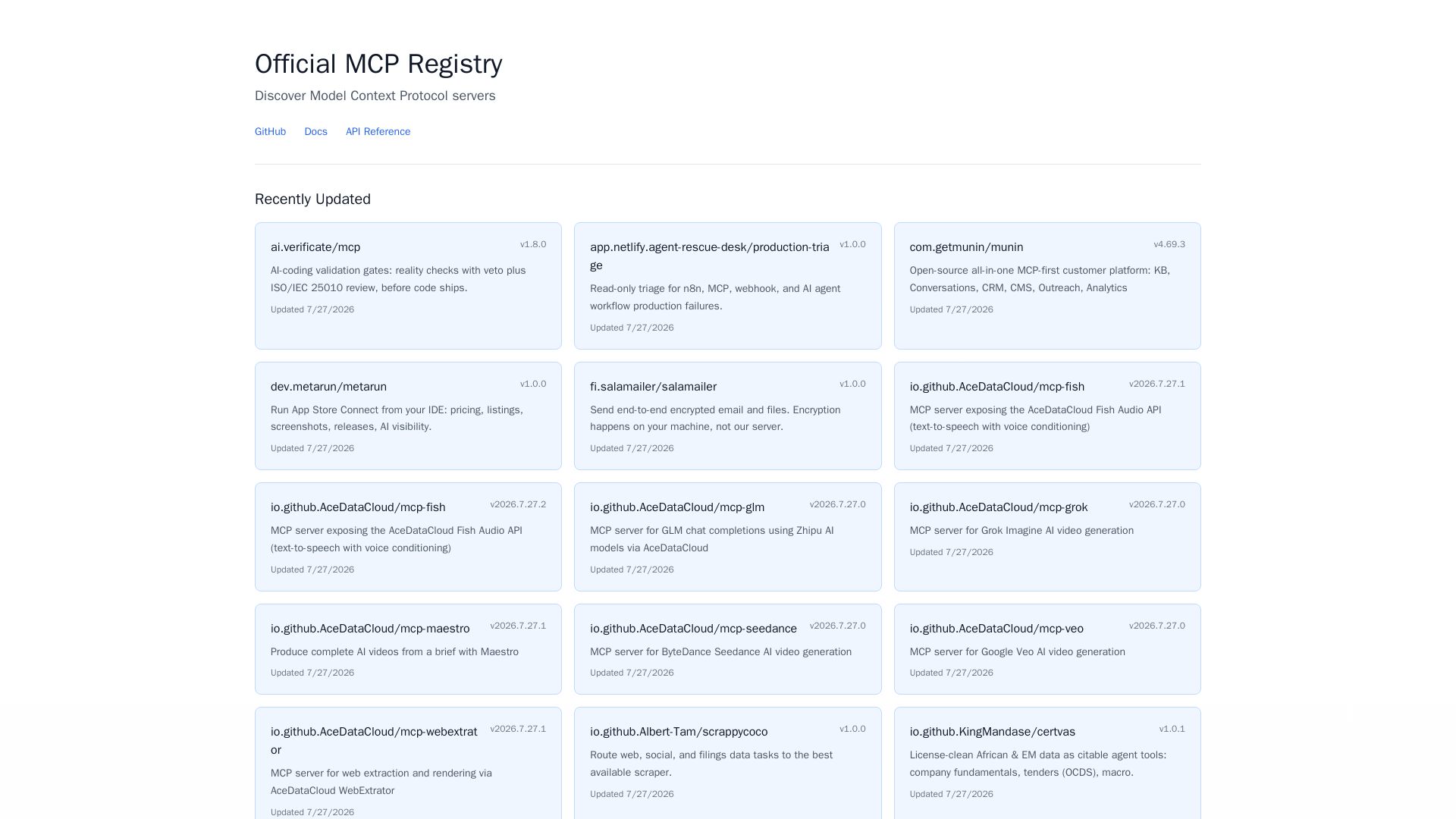
MCP Registry
Explore the official directory of MCP servers for AI integration, data processing, automation, and more. Find vetted servers with descriptions and updates.

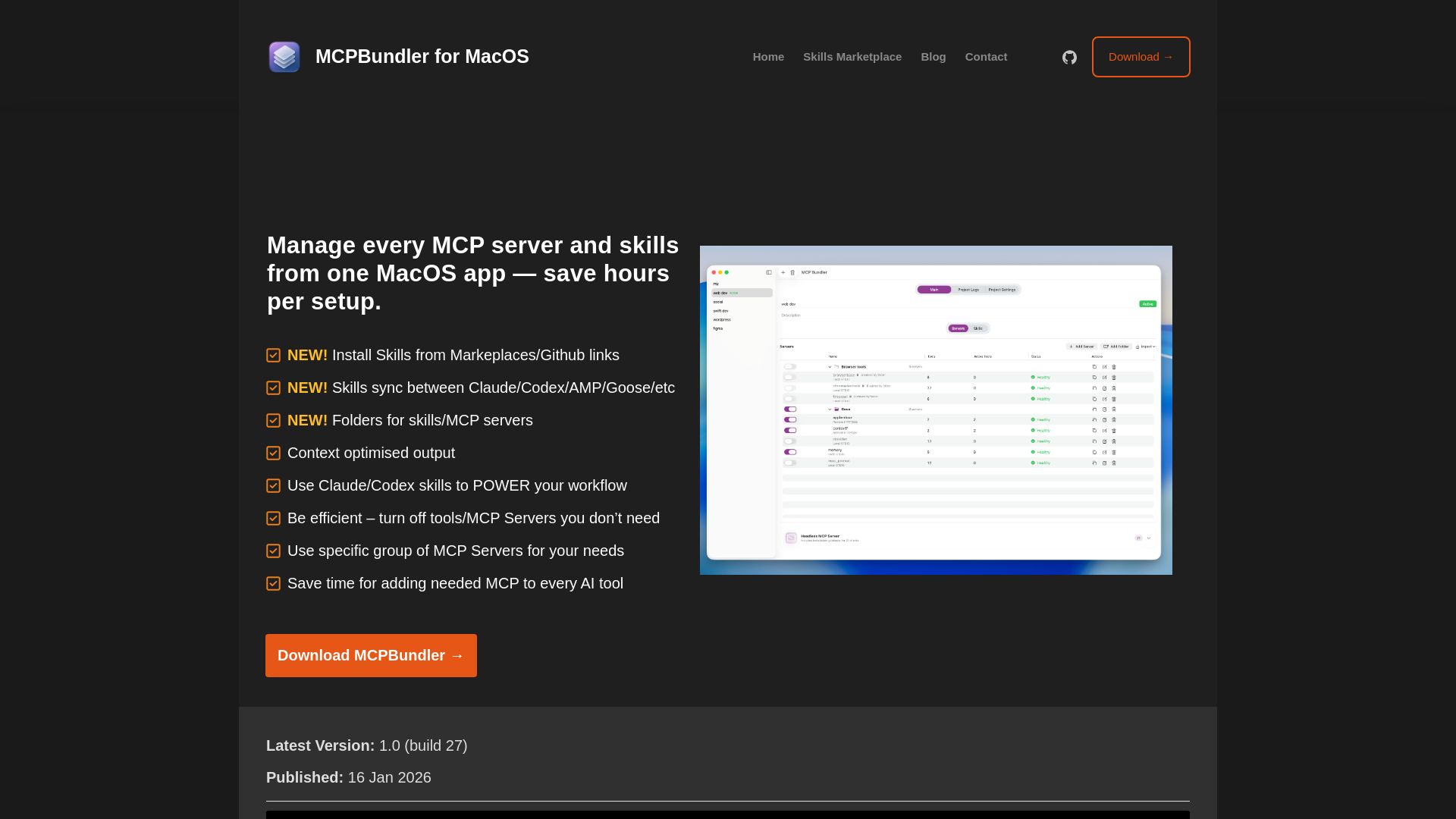
MCPBundler
Manage all MCP servers and AI skills from one macOS app. Toggle, group, import, and sync across tools. Now free and open source!

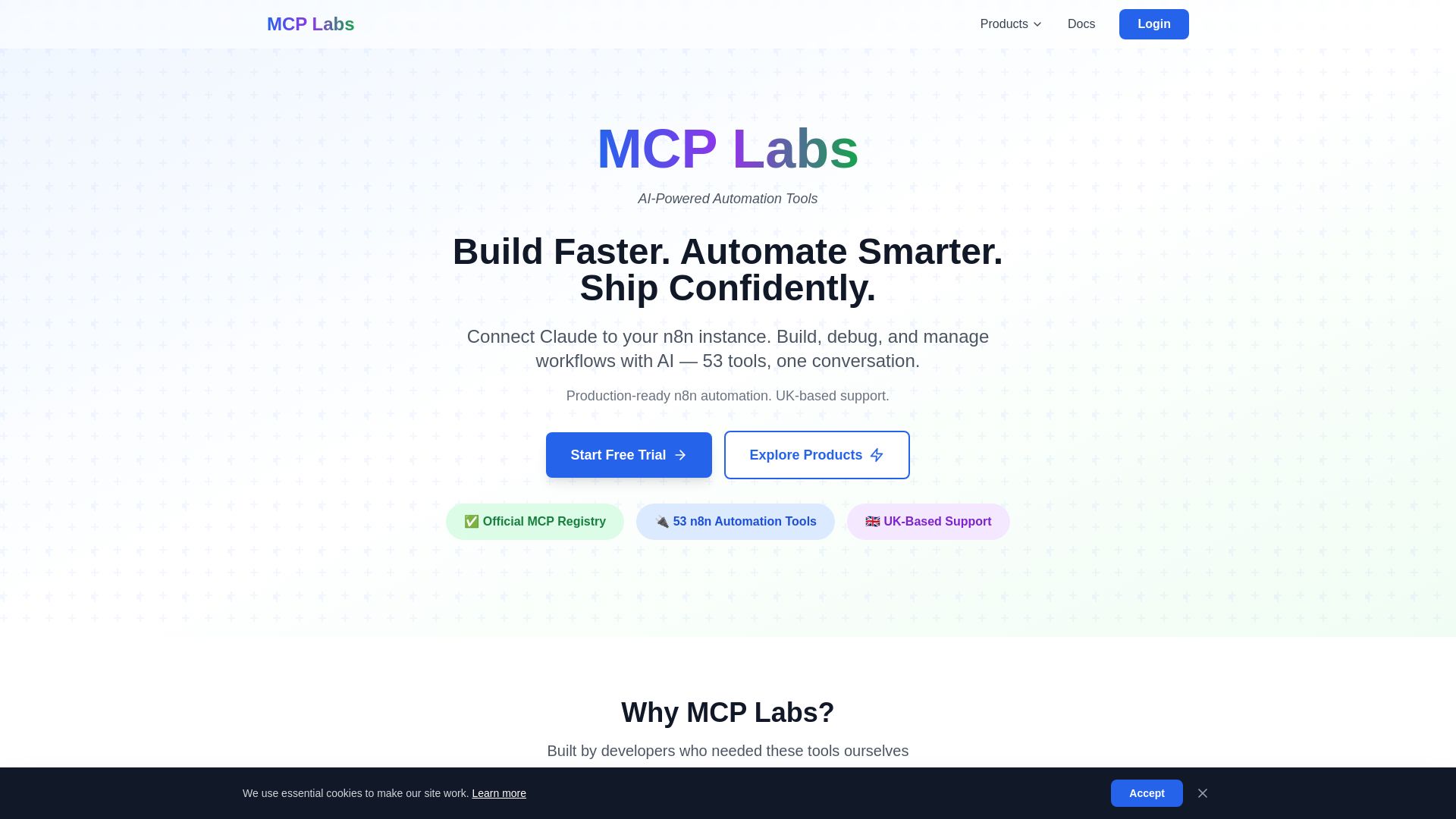
MCP Labs
Connect Claude to n8n & GitHub. 165+ automation tools. 98% token reduction. UK support. Official MCP Registry. Start free trial.
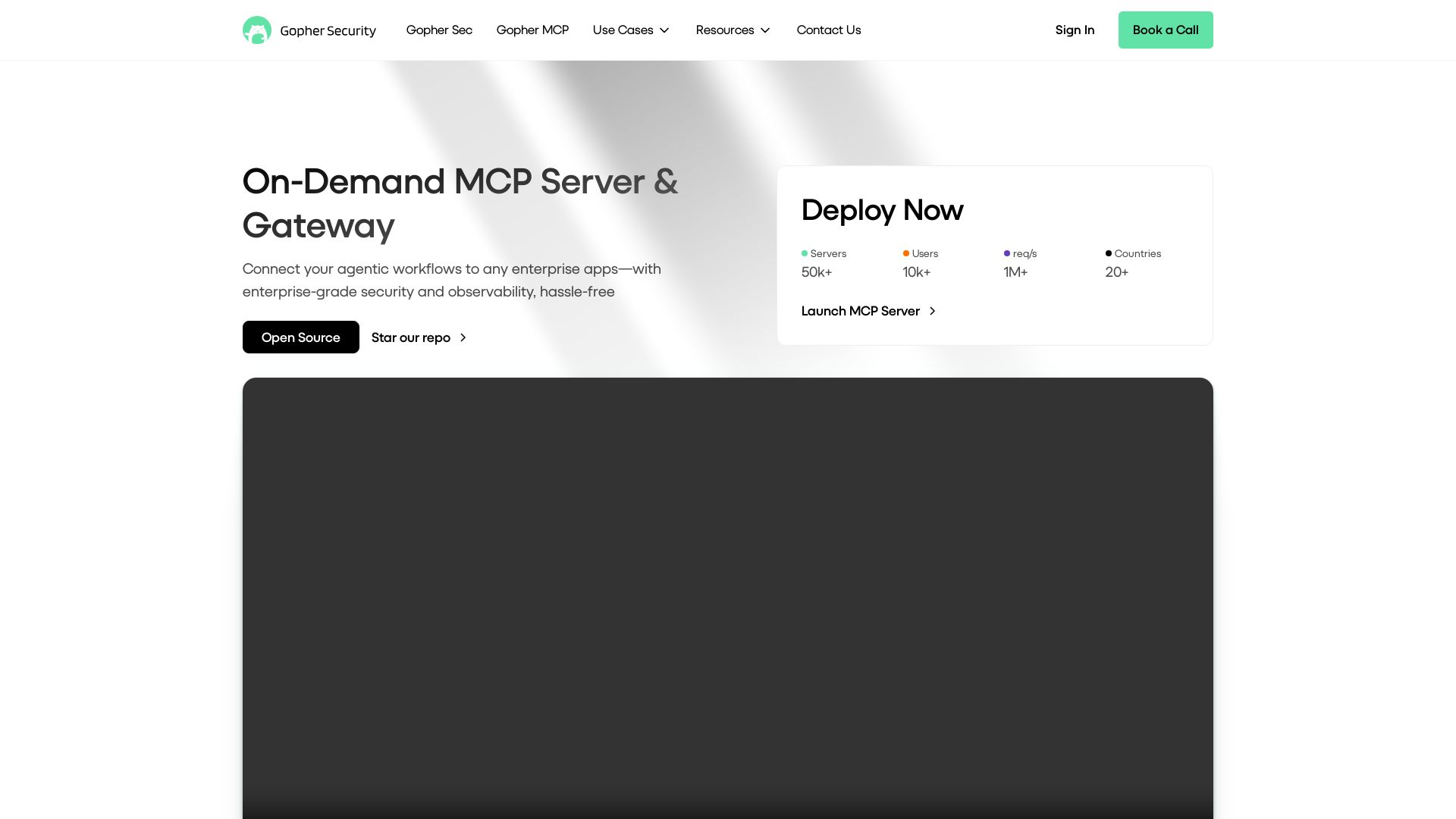
Gopher-MCP
Deploy secure MCP servers in minutes with 4D security: deep inspection, zero-trust access, granular policies, and post-quantum encryption.

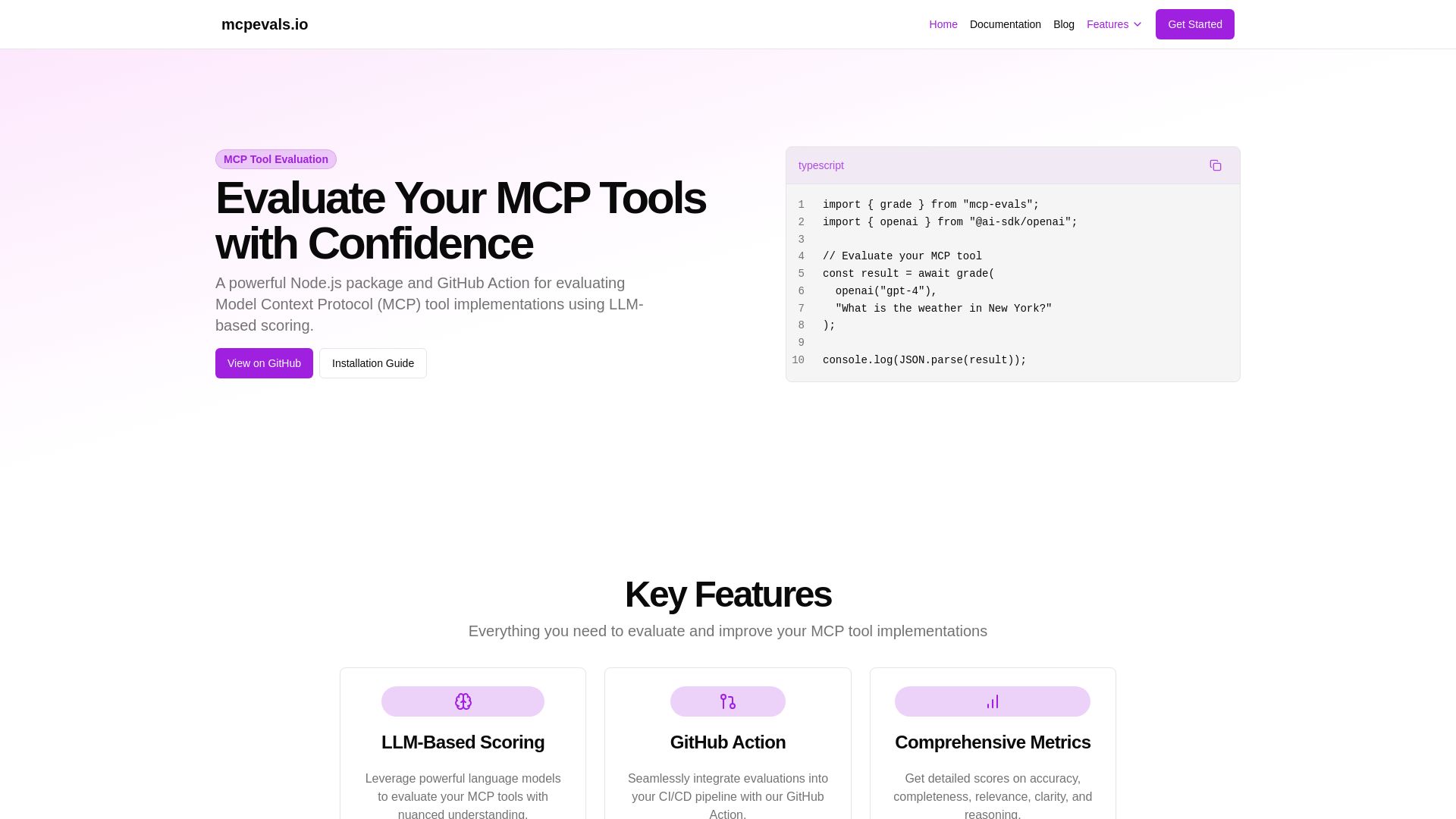
MCP Evals
A powerful Node.js package and GitHub Action for evaluating Model Context Protocol tool implementations using AI scoring. Get accurate metrics & feedback.

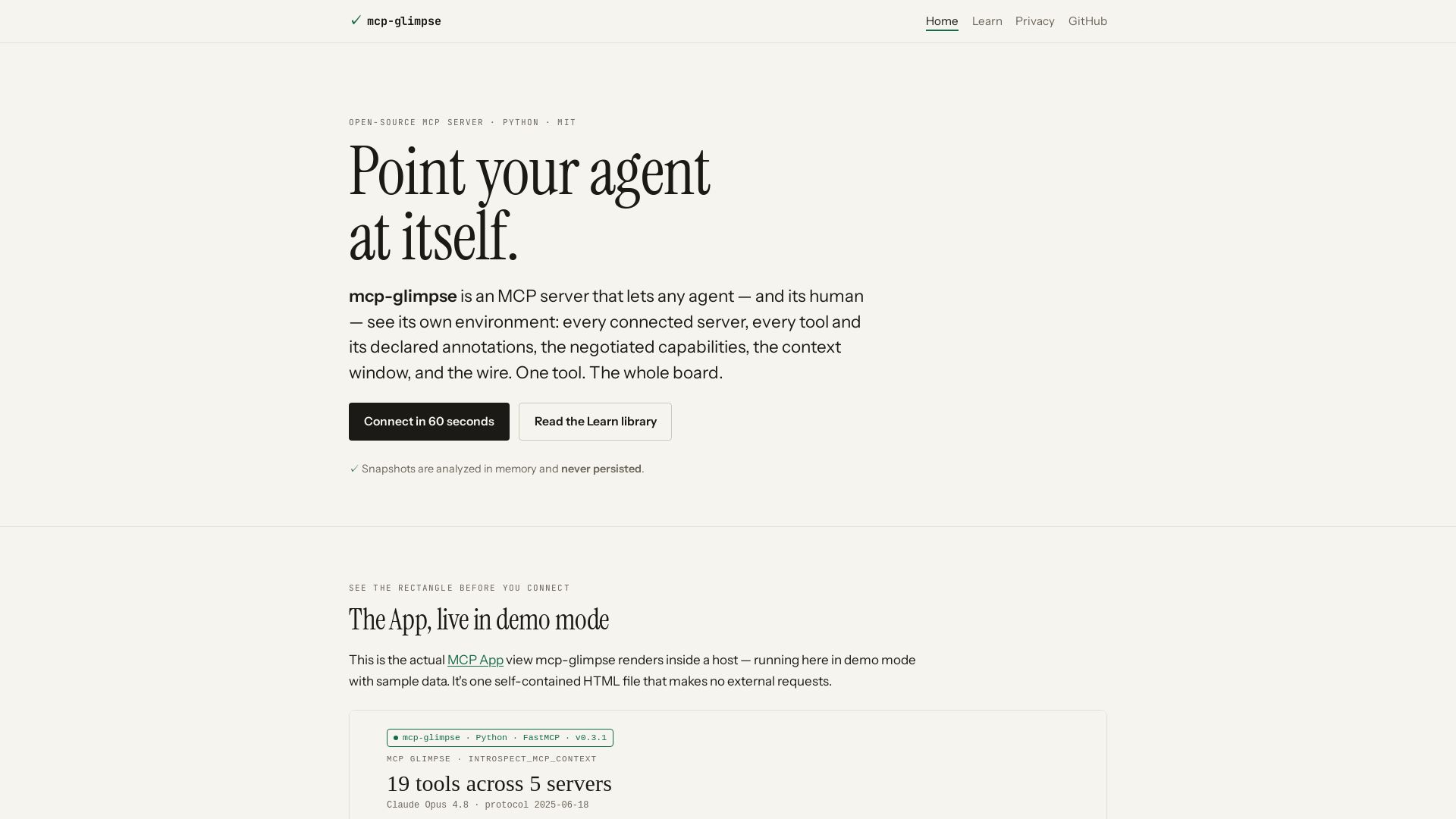
mcp-glimpse
Open-source MCP server that lets agents and humans introspect every tool, capability, and context. Privacy-first, no persistence.

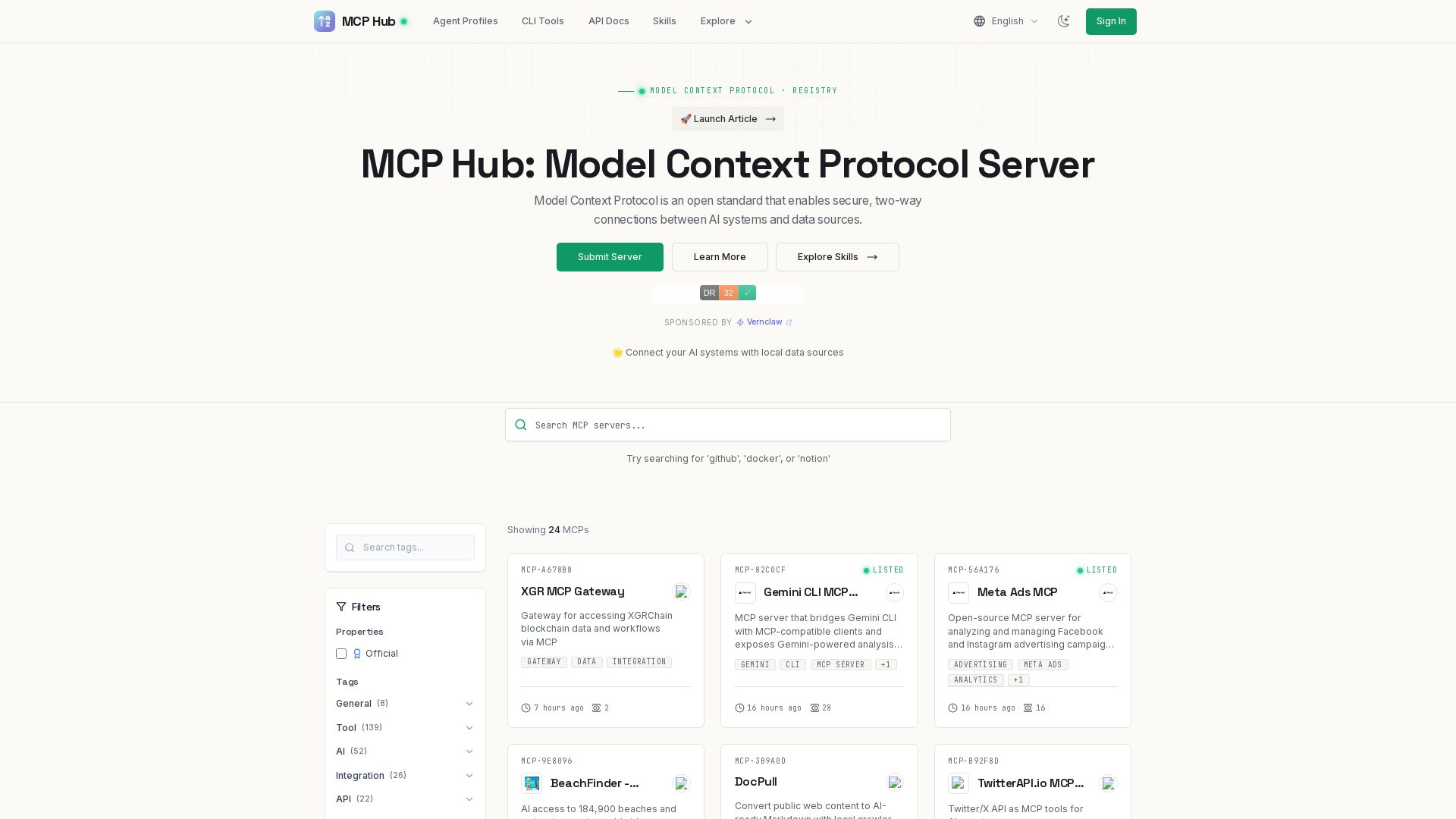
MCP Hub
Explore hundreds of MCP servers for secure AI-data connections. Find tools for GitHub, Docker, Notion, and more. Submit your own MCP implementation.

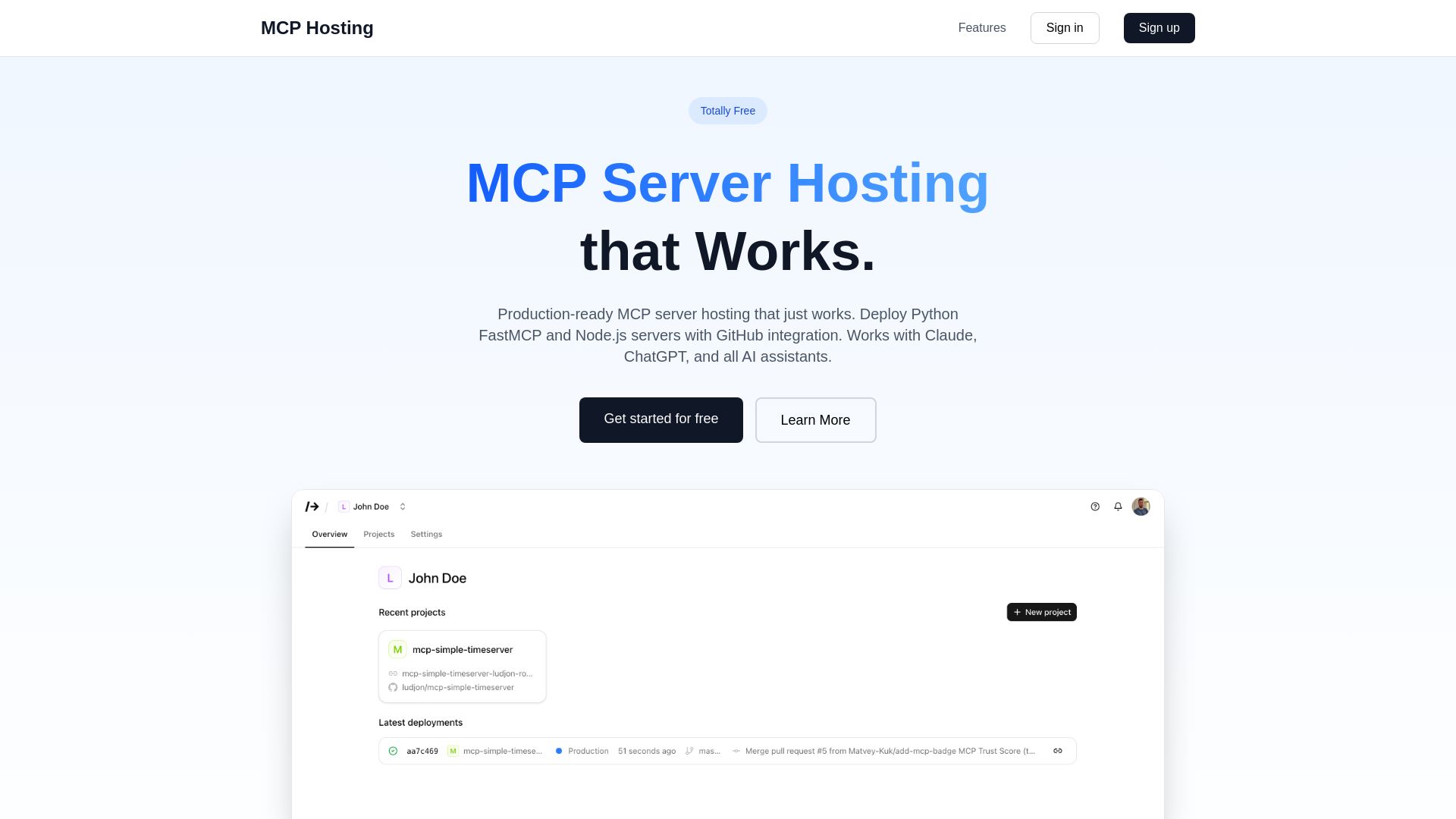
MCP Hosting
Production-ready MCP server hosting with GitHub integration. Deploy Python FastMCP & Node.js servers instantly. Free tier available. Works with Claude, ChatGPT, and all AI assistants.

Figr
Ship better UX faster. Figr builds a living understanding of your product, maps flows, finds edge cases, and generates high-fidelity prototypes from your actual design system.

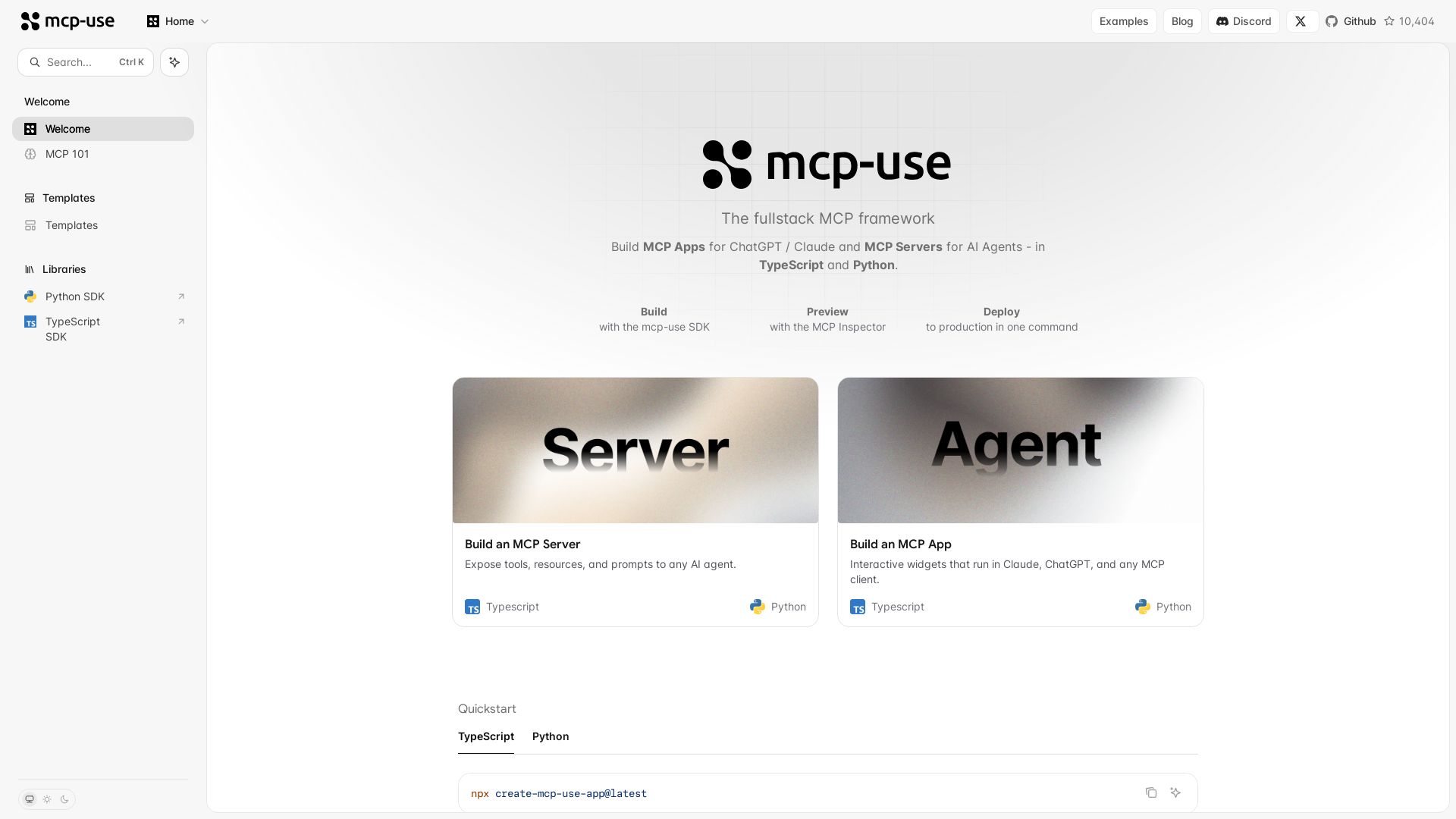
mcp-use
Build MCP apps for ChatGPT/Claude and MCP servers for AI agents. TypeScript & Python. Deploy in one command.

ℹ️ Curation Disclosure: The overview and features of Vibe Manager were synthesized using AI and fact-checked by our curation team to ensure accuracy.
