
Devin
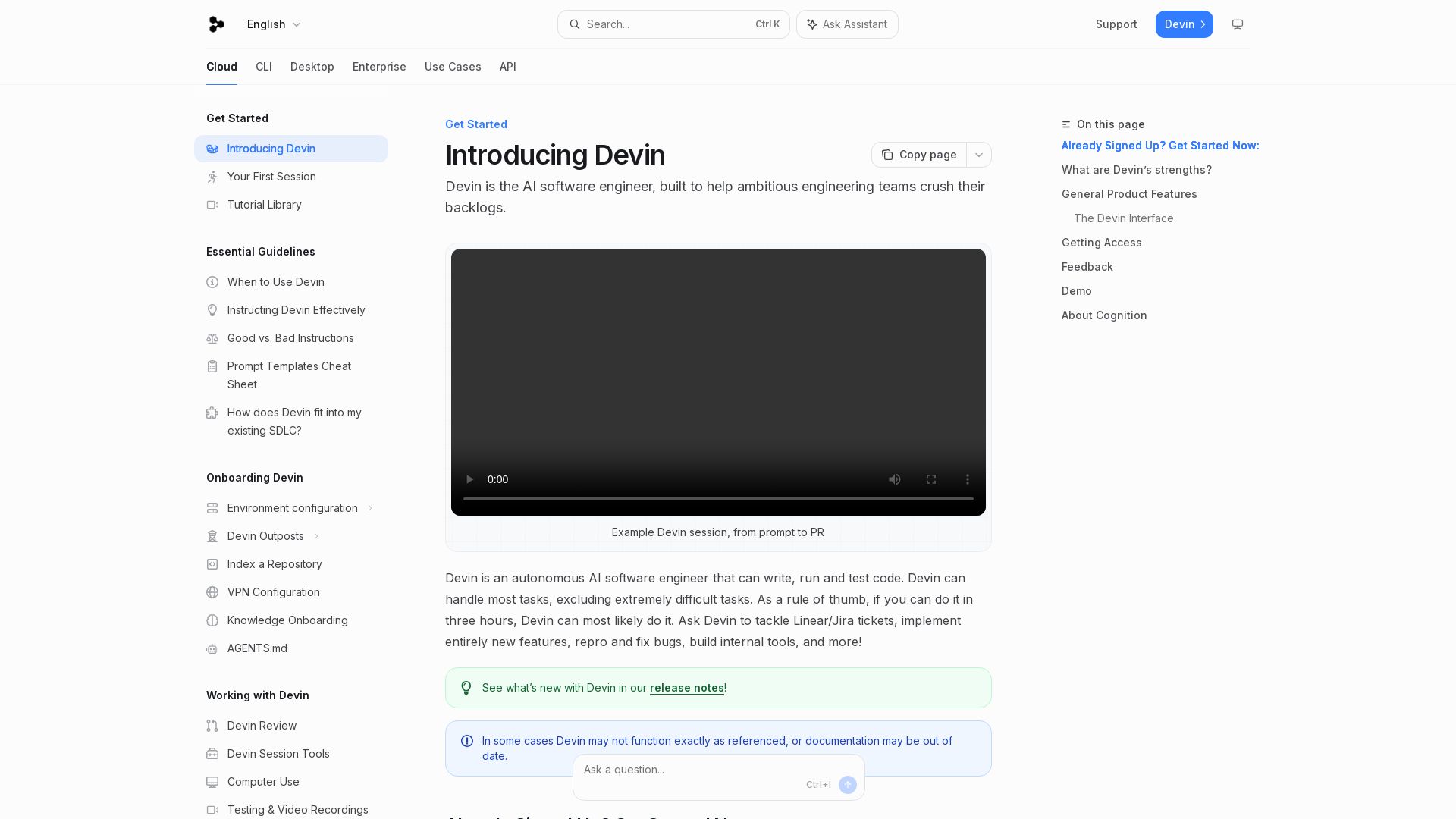
Devin is an autonomous AI software engineer that writes, runs, and tests code. Automate coding tasks, fix bugs, and crush backlogs.
Editor's Verdict
Key Takeaways
- Autonomous AI Software Engineer
- Slack/Teams Integration
- Embedded IDE
- Parallel Task Execution
In-Depth Review: What is Devin?
Devin is an autonomous AI software engineer that writes, runs, and tests code. It handles bug fixes, feature implementation, code reviews, and more. Integrates with Slack, GitHub, and Jira. Devin works in the cloud, via CLI, or web UI, allowing human takeover. Ideal for crushing backlogs and freeing engineers for higher-value work.
Core Features
Autonomous AI Software Engineer
Devin writes, runs, and tests code autonomously, handling most tasks that can be done in three hours.
Slack/Teams Integration
Tag Devin in threads to automatically tackle bugs or tasks discussed with coworkers.
Embedded IDE
Follow and take over Devin's development process in a real-time embedded code editor with shell and browser tools.
Parallel Task Execution
Devin can tackle many tasks in parallel, preventing backlog accumulation.
Code Migration & Refactoring
Supports language migrations (e.g., JS to TypeScript), framework upgrades, and codebase refactors.
PR Review & Codebase Q&A
Devin can review pull requests and answer questions about codebases.
Bug Reproduction & Fixing
Reproduce and fix bugs, write unit tests, and maintain documentation.
Slash Commands & Handoff
Use slash commands and /handoff to send longer tasks to cloud Devin from CLI.
Pricing
Individual
- Access to Devin web application
- Devin CLI installation
Teams
- Everything in Individual
- Slack Connect support
- Team collaboration
Pros and Cons
Pros
- Autonomous ExecutionDevin works independently on coding tasks, freeing engineers for higher-level work.
- Integrates with Existing WorkflowWorks with Slack, Teams, GitHub, Linear, Jira, and more, fitting seamlessly into the SDLC.
- Handles Diverse TasksFrom bug fixes and migrations to prototyping and internal tools, Devin covers a wide range.
- Real-Time ObservabilityUsers can watch Devin's progress in the IDE and take over when needed.
- Scalable for TeamsCan handle many tasks in parallel, ideal for ambitious engineering teams.
Cons
- Limited to Simple TasksBest suited for tasks that can be completed in under three hours; very complex or novel tasks may fail.
- Documentation May Be OutdatedThe documentation notes that Devin may not function exactly as referenced.
- Requires Clear InstructionsSuccess depends on writing explicit prompts and completion criteria.
- No Offline ModeDevin requires internet access and is cloud-based; no standalone offline version.
- Pricing Not TransparentExact pricing is not publicly listed; users must sign up or contact sales.
Use Cases & Recommended Professions
Software Engineer→ View Toolkit
Offload routine coding tasks, bug fixes, and code reviews to focus on complex features.
Engineering Manager→ View Toolkit
Delegate backlog tickets and PR reviews to Devin, improving team velocity.
QA Engineer→ View Toolkit
Automate writing unit tests, reproducing bugs, and app testing.
DevOps Engineer→ View Toolkit
Use Devin for code migrations, framework upgrades, and environment config changes.
Technical Product Manager→ View Toolkit
Quickly prototype ideas and build internal tools without waiting for development cycles.
Startup Founder→ View Toolkit
Leverage Devin to build features and integrations with minimal engineering headcount.
Frequently Asked Questions
Alternative AI Tools
View Detailed Comparison →
Continue
Create, share, and use custom AI code agents with Continue. Features agent, chat, edit modes, and autocomplete for VS Code and JetBrains.


OpenCode
OpenCode is a free, open-source AI coding assistant supporting multiple providers (OpenAI, Anthropic, local models) with CLI/TUI, custom tools, and privacy-centric local execution.

Tabby
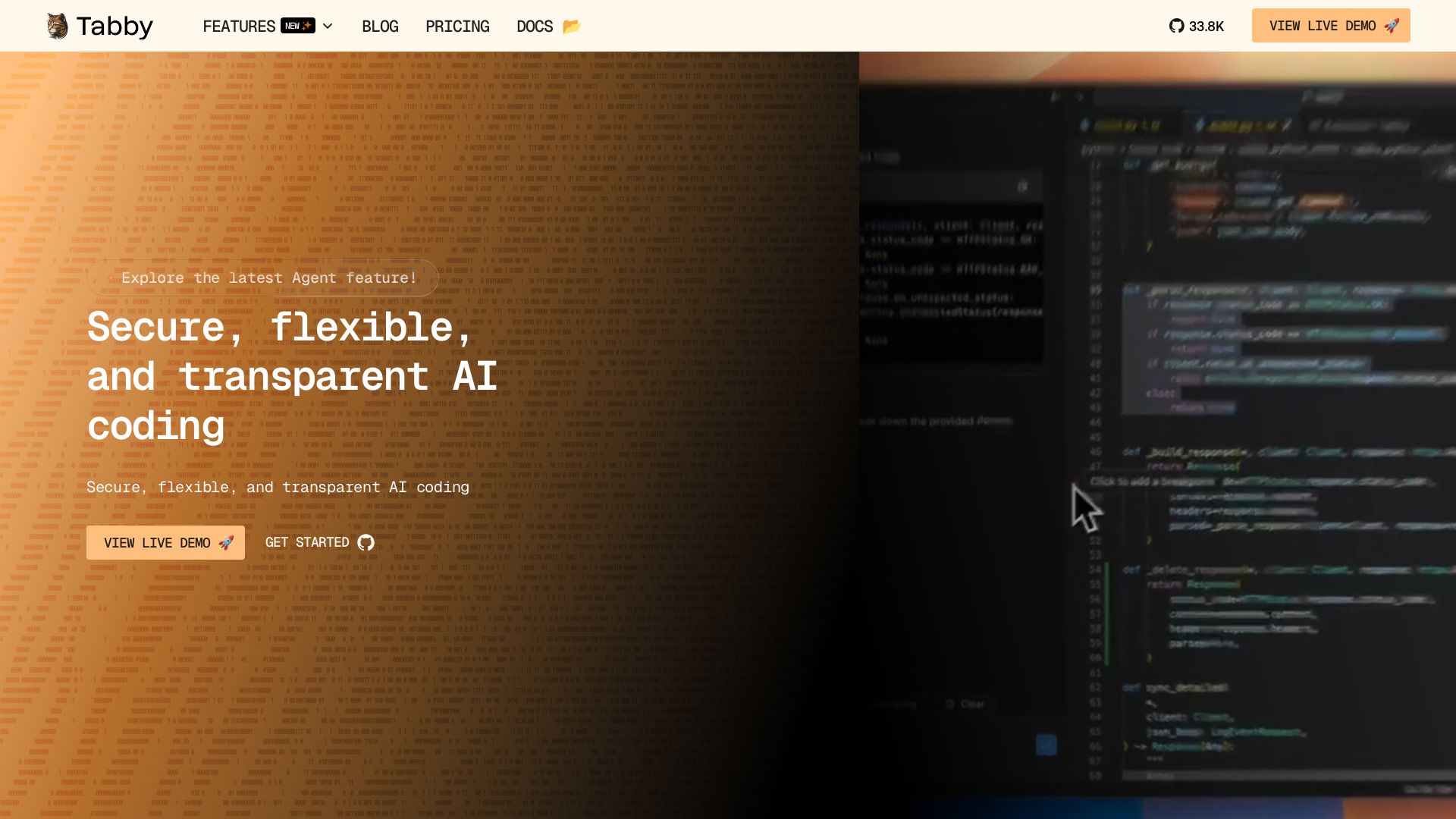
Self-hosted, secure AI coding assistant with code completion, answer engine, and inline chat. Private and flexible.

CodeGPT
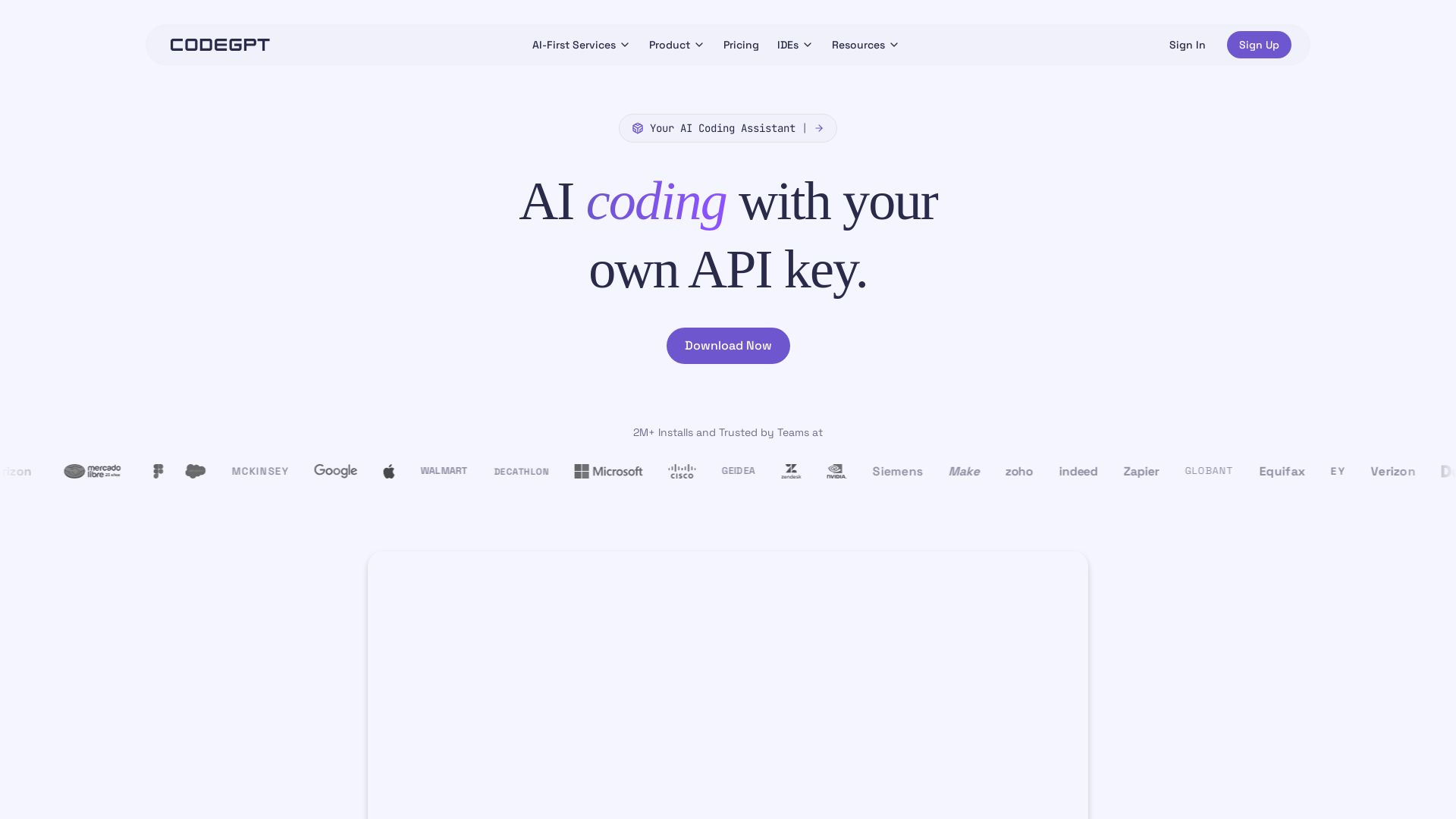
Bring your own API key for transparent, unlimited AI coding. Supports Claude, Gemini, OpenAI. Privacy-first, no middlemen. Trusted by 2M+ developers.

OpenCode
OpenCode is an open-source, terminal-native AI coding assistant supporting Claude, GPT-4, Gemini, and local models. Boost productivity with agent mode and seamless CLI integration.

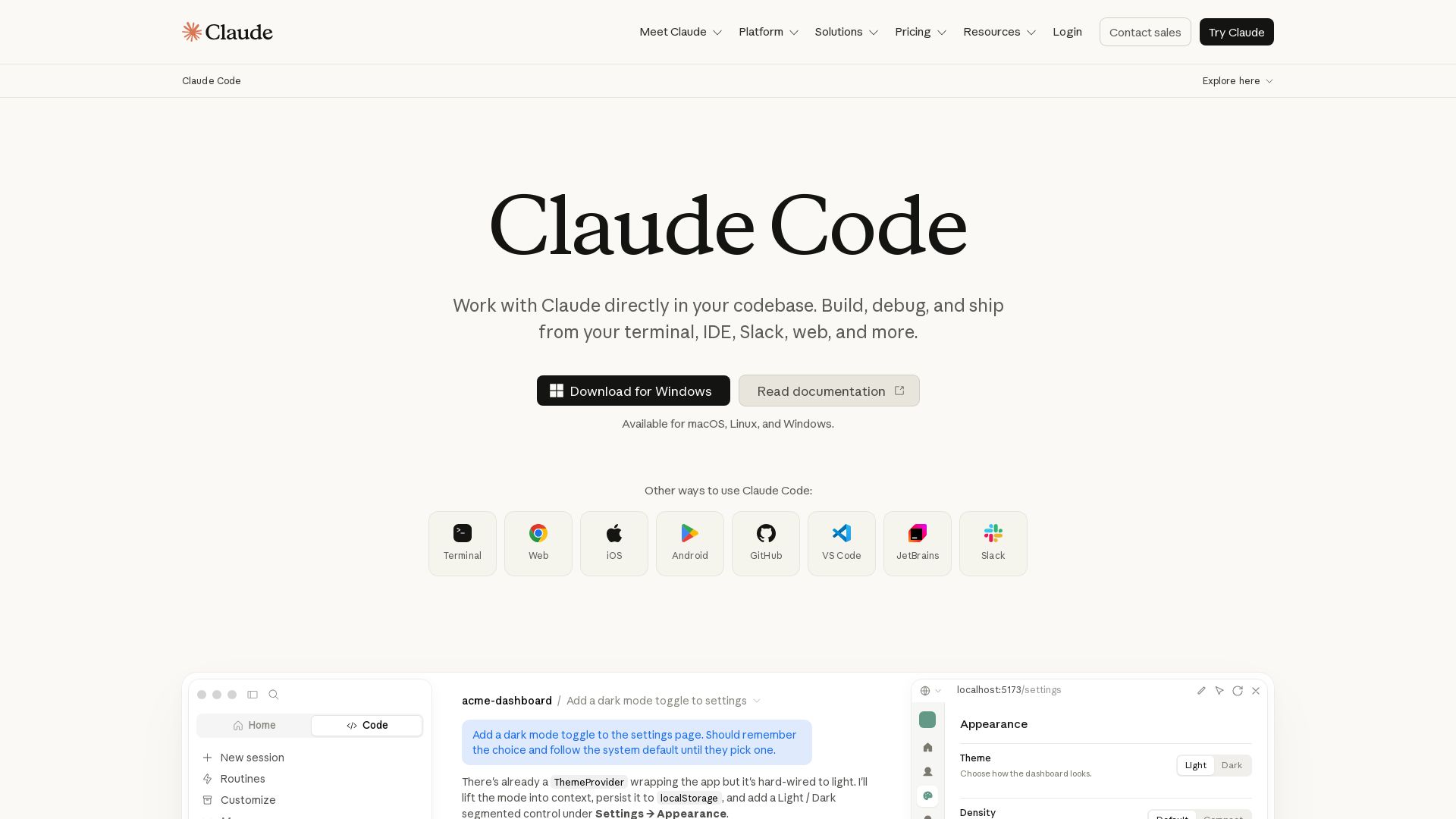
Claude Code
Build, debug, and ship faster with Claude Code. Works in terminal, VS Code, JetBrains, Slack, and more. AI-powered codebase understanding and multi-file editing.

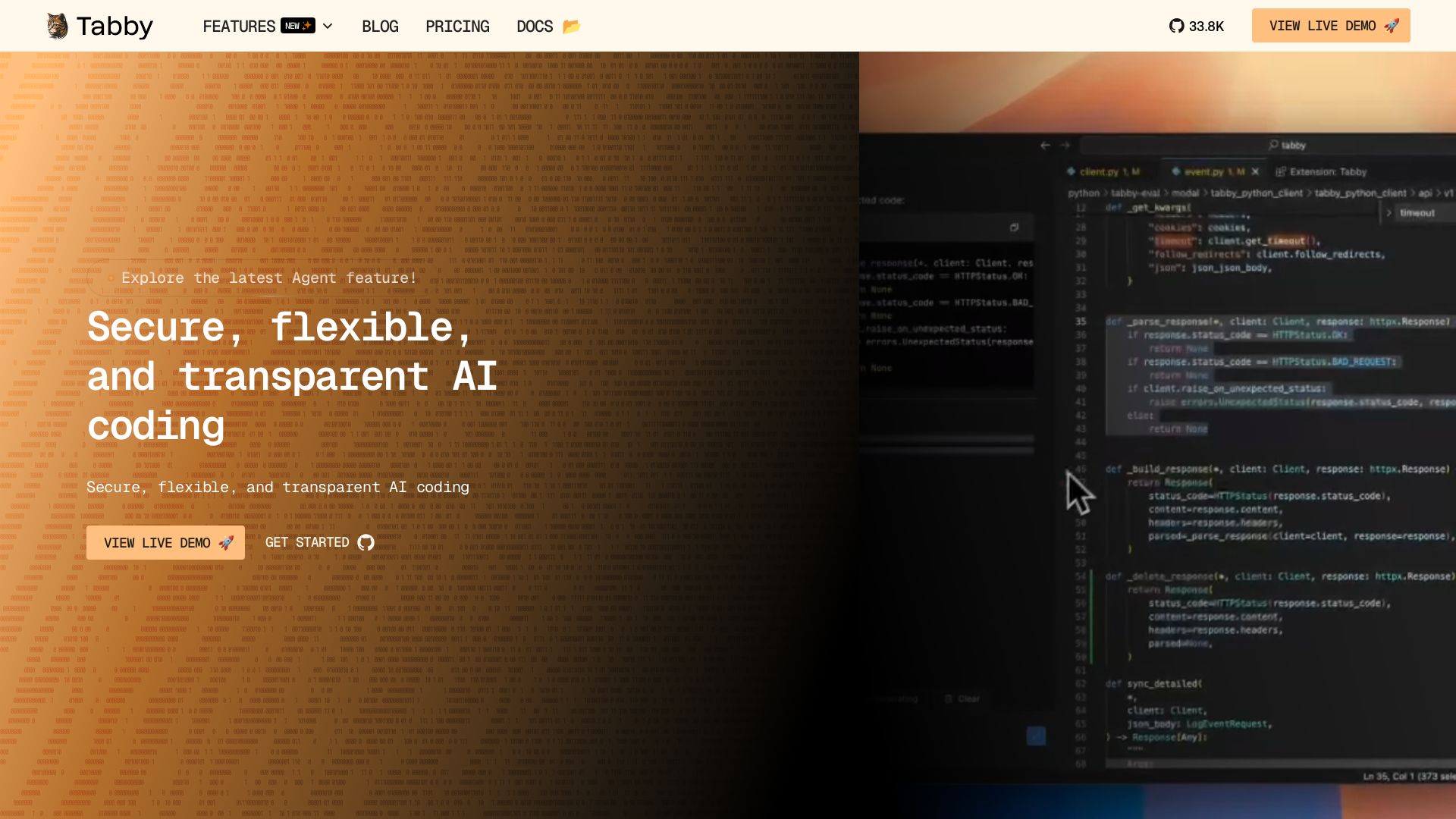
Tabby
Accelerate coding with Tabby's AI-powered code completion, answer engine, and inline chat. Self-hosted, secure, and flexible. Supports VS Code, Neovim, IntelliJ, and more.

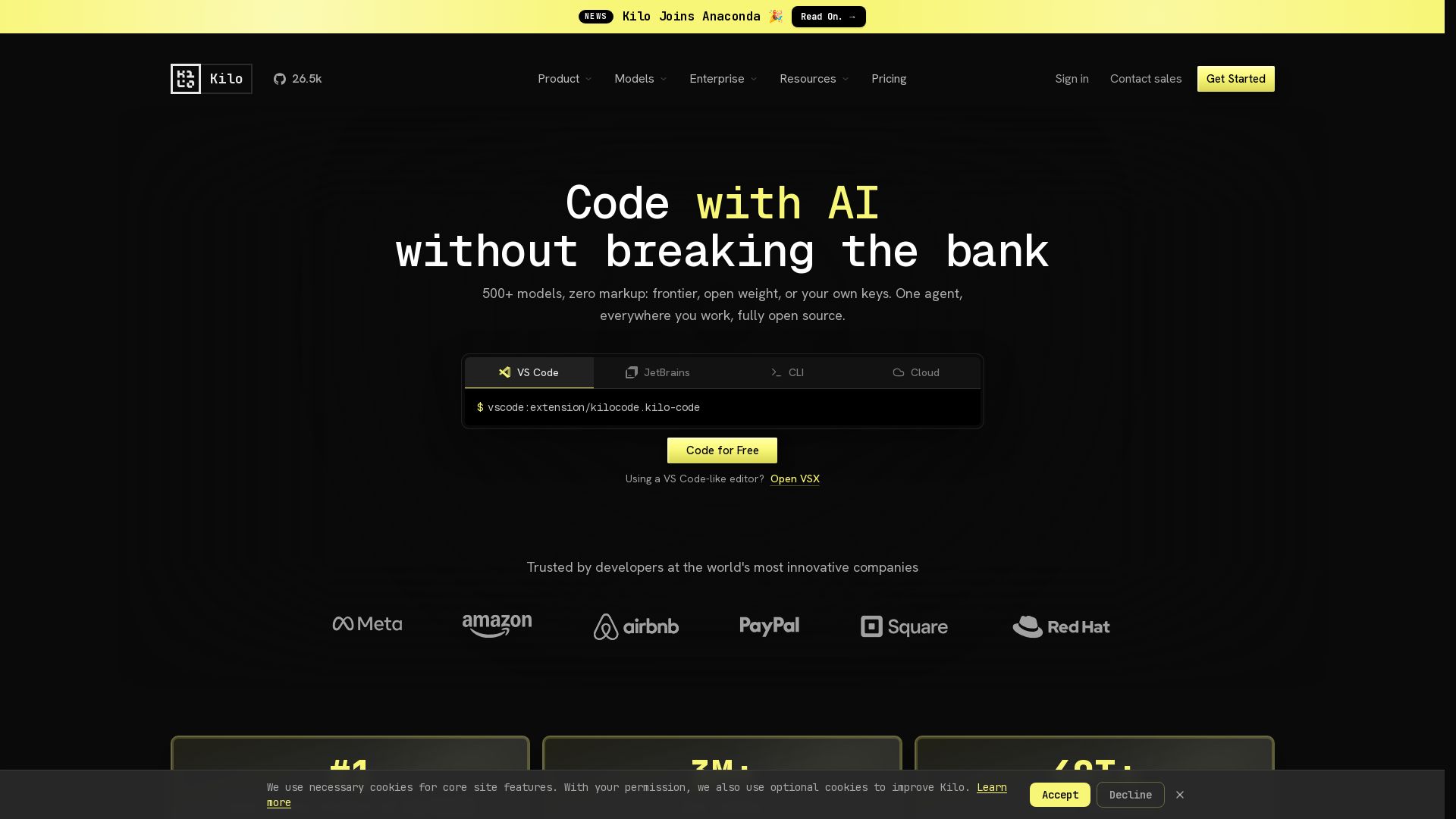
Kilo
Free AI coding tool with 500+ models at cost. Open source, no lock-in. Works in VS Code, JetBrains, CLI, and cloud. Trusted by 3M+ developers.

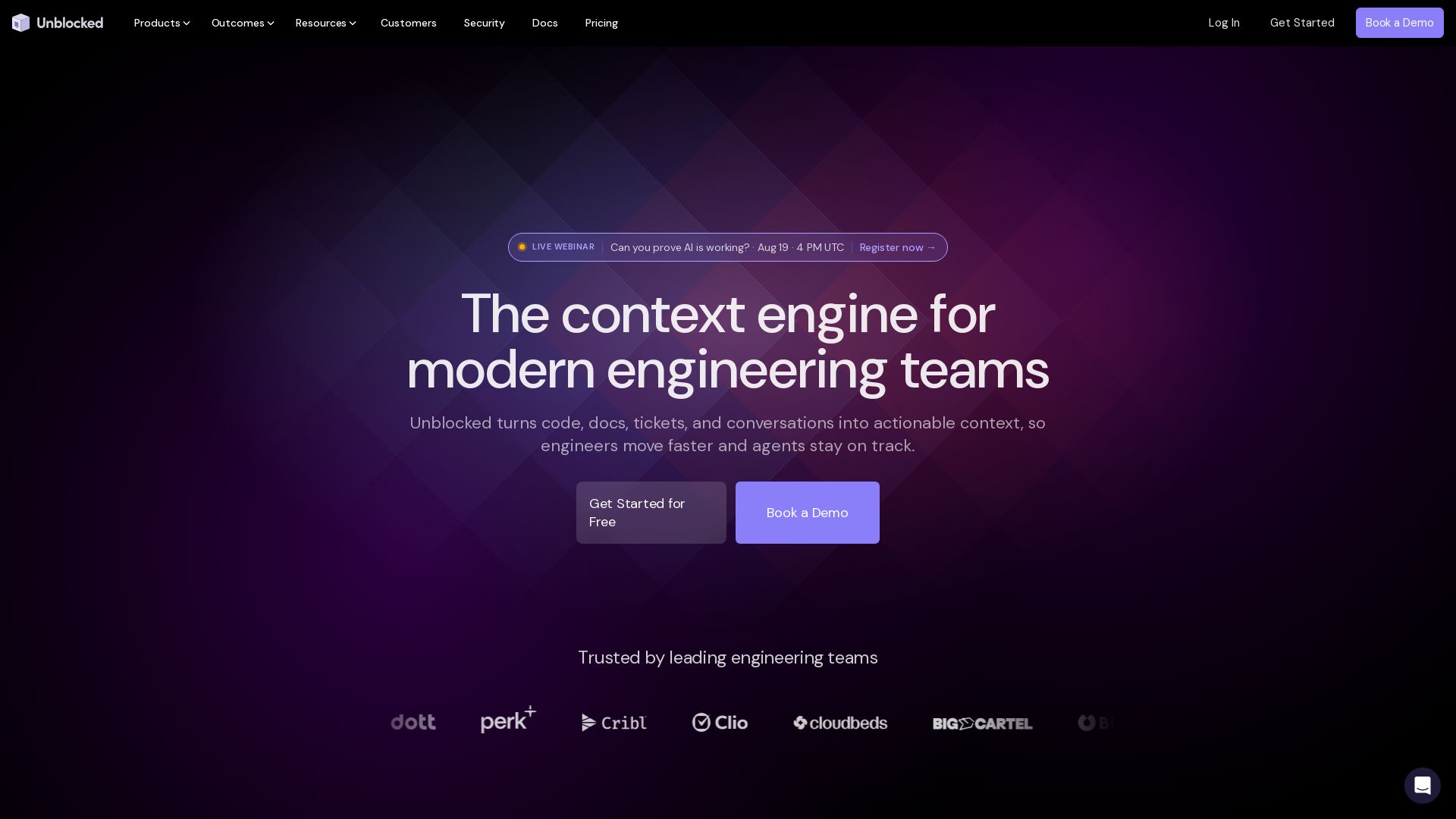
Unblocked
Unblocked turns code, docs, tickets, and conversations into actionable context. Engineers move faster, agents stay on track.

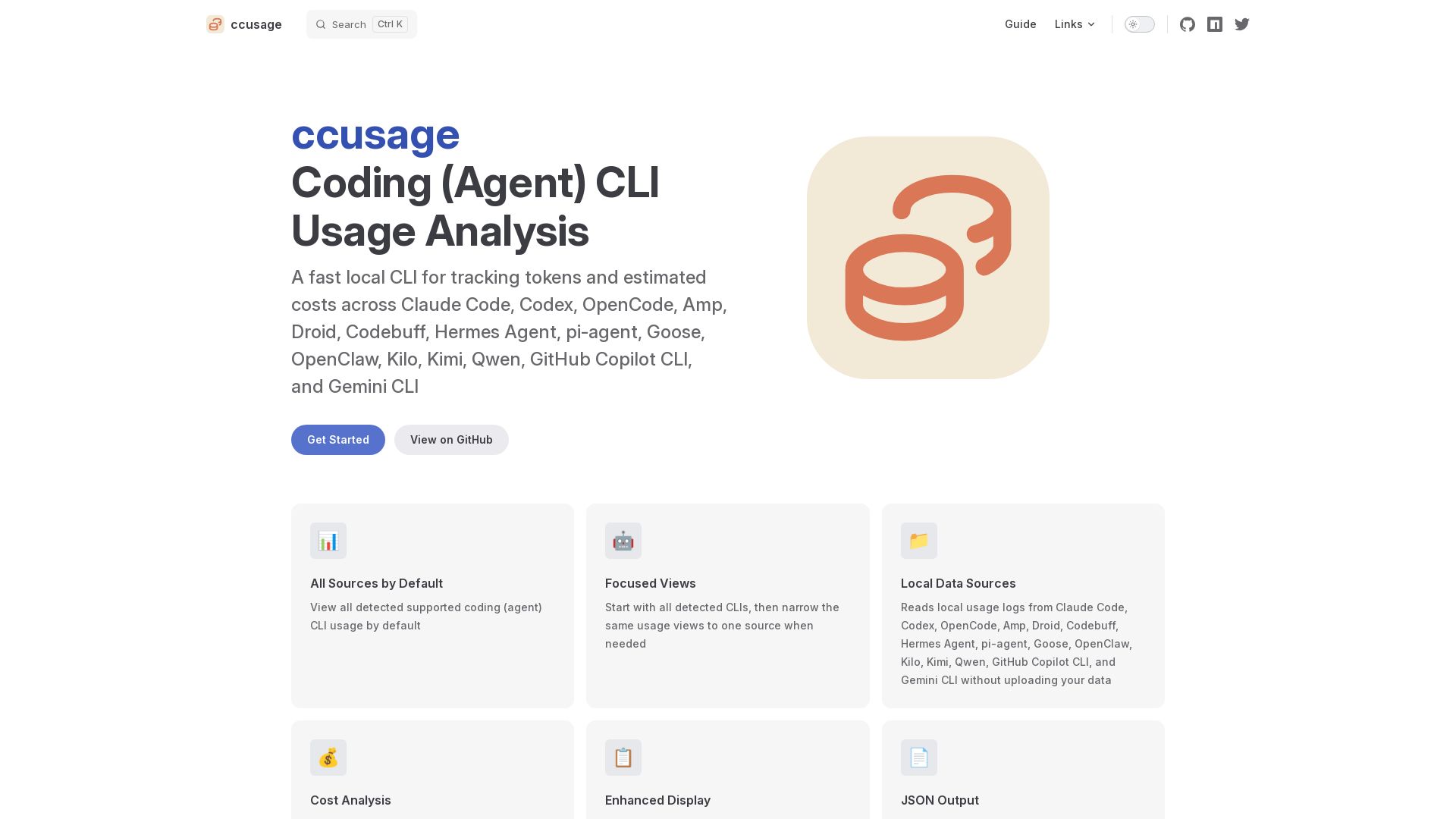
ccusage
Fast local CLI to track tokens and estimated costs across Claude Code, Codex, and 12+ other coding agents. No data upload. Cache support. Offline mode.

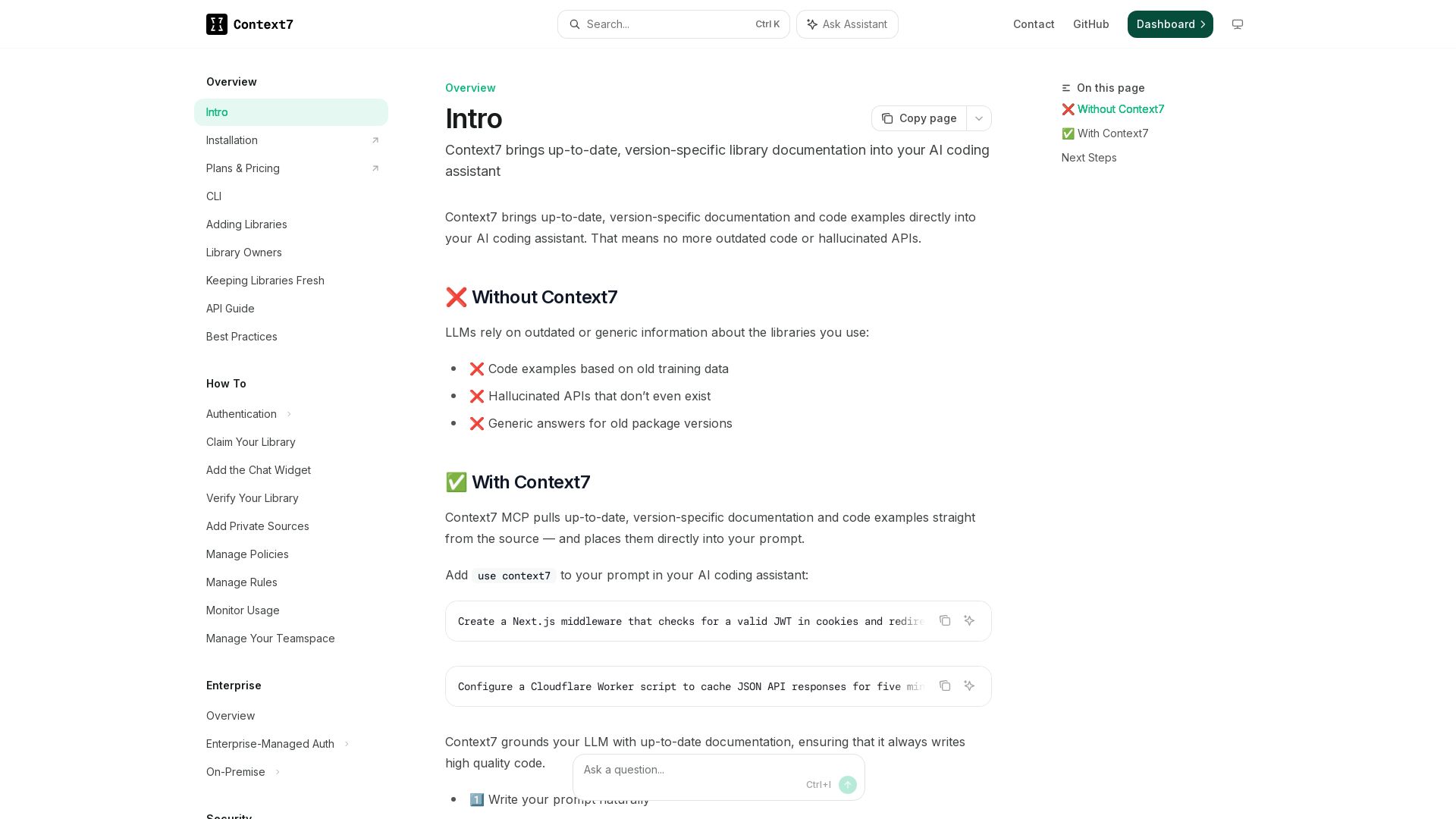
Context7
Get version-specific, current documentation and code examples directly in your AI assistant. No more outdated APIs or hallucinations.

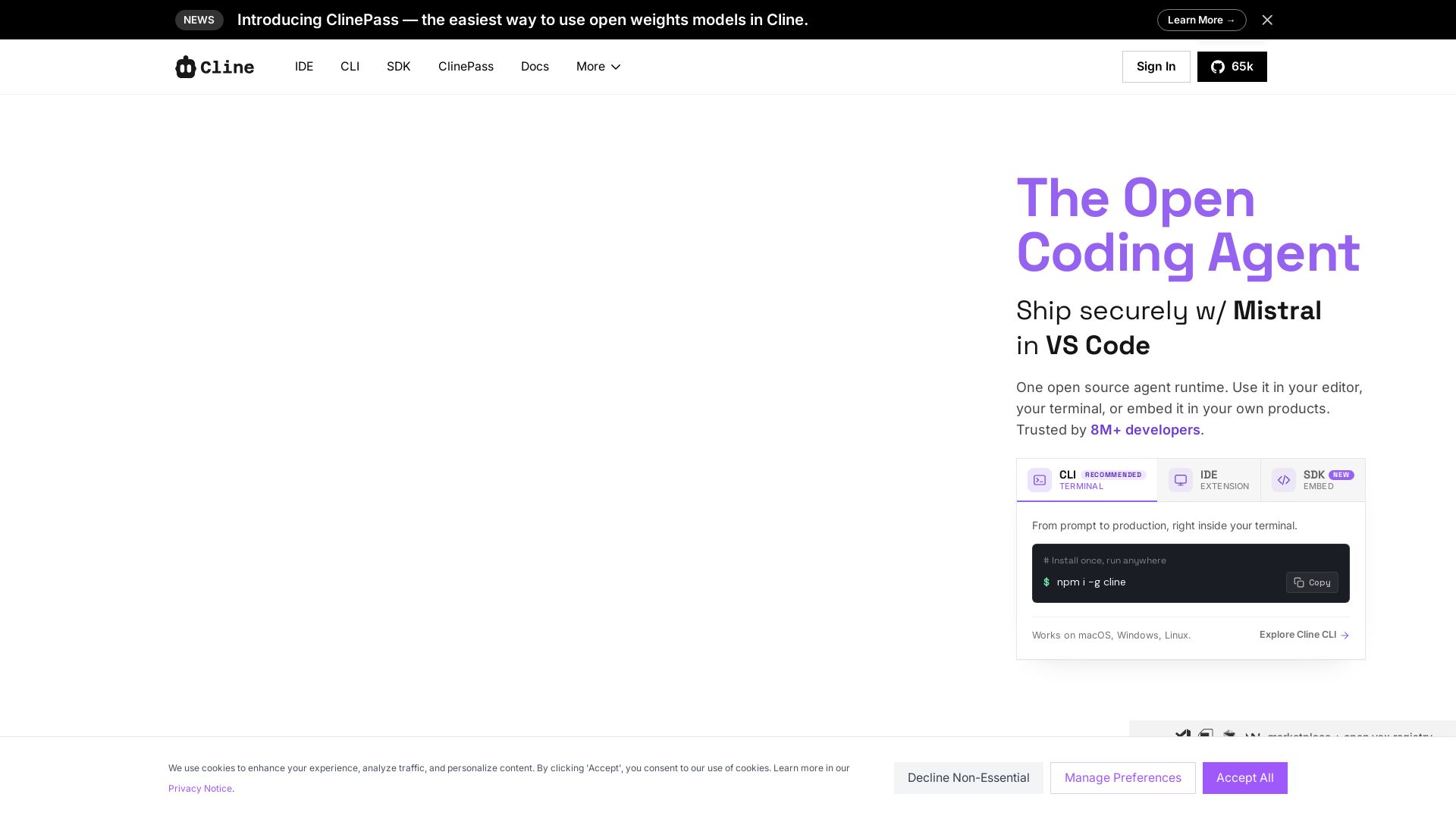
Cline
Cline is the open source AI coding agent that helps you ship secure code with Claude in VS Code, terminal, and more. Plan, act, and automate across your workflow.

ℹ️ Curation Disclosure: The overview and features of Devin were synthesized using AI and fact-checked by our curation team to ensure accuracy.
