
OpenCode
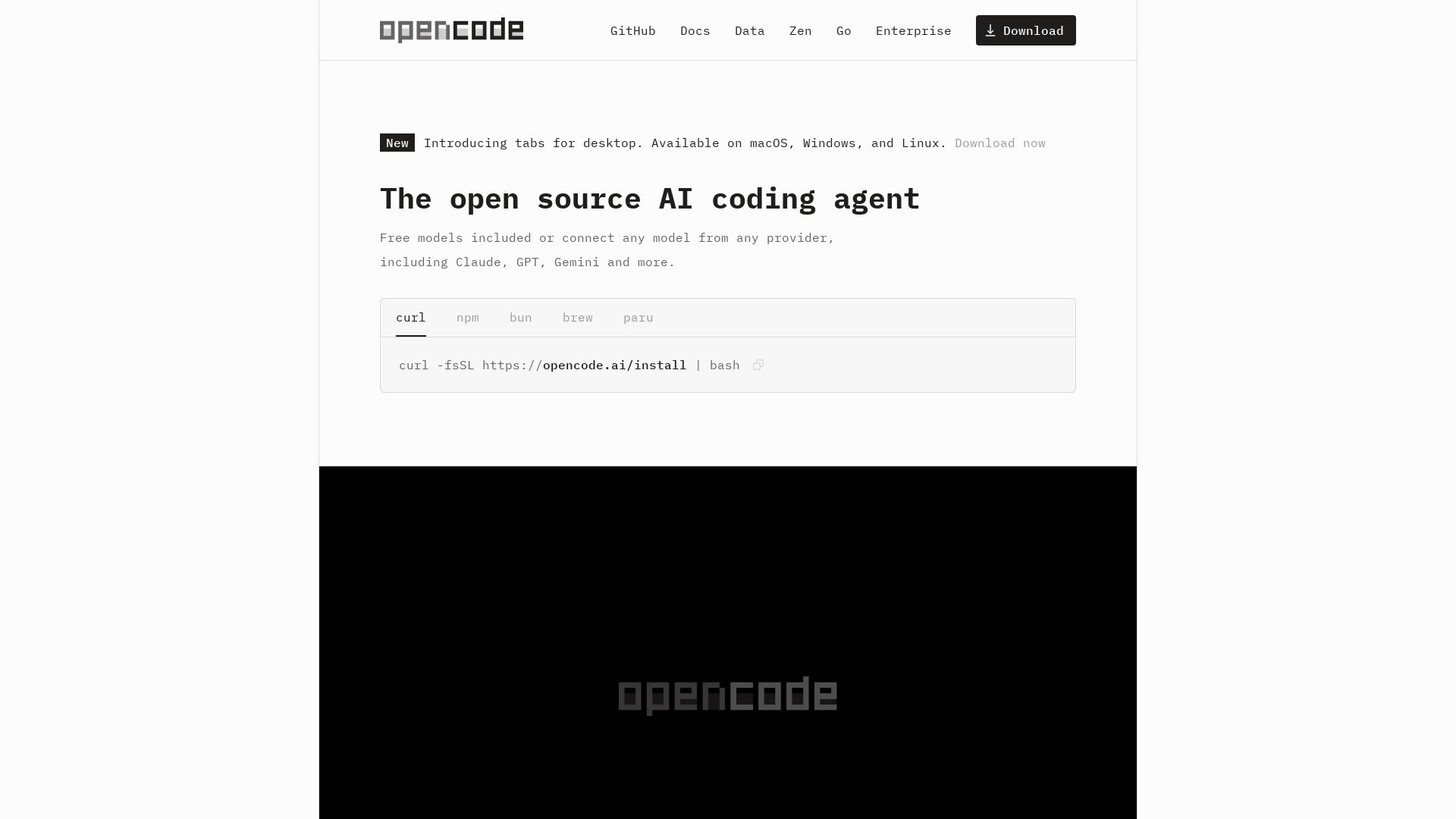
OpenCode: open source AI coding agent for terminal, IDE, or desktop. Free models, any provider, privacy-first. 160K+ GitHub stars.
Editor's Verdict
Key Takeaways
- LSP Enabled
- Multi-session
- Share Links
- GitHub Copilot Integration
In-Depth Review: What is OpenCode?
OpenCode is an open source AI coding agent trusted by over 7.5M developers monthly. It operates in terminal, IDE, or desktop, supports 75+ LLM providers (including free models), and prioritizes privacy by not storing code or context. Features include LSP integration, multi-session, and shareable session links. Also offers Zen for optimized coding models.
Core Features
LSP Enabled
Automatically loads the right LSPs for the LLM to improve code understanding.
Multi-session
Start multiple agents in parallel on the same project for increased productivity.
Share Links
Share a link to any session for reference or debugging purposes.
GitHub Copilot Integration
Log in with GitHub to use your Copilot account within OpenCode.
ChatGPT Plus/Pro Integration
Log in with OpenAI to use your ChatGPT Plus or Pro account.
Any Model
Supports 75+ LLM providers through Models.dev, including local models.
Any Editor
Available as a terminal interface, desktop app, and IDE extension.
Privacy First
OpenCode does not store any of your code or context data, ensuring privacy.
Open Source
Open source with over 160,000 GitHub stars and 900 contributors.
Pricing
Free
- Free models included
- LSP enabled
- Multi-session
- Share links
- GitHub Copilot integration
- ChatGPT Plus/Pro integration
- Any model support
- Any editor support
- Privacy-first design
Pros and Cons
Pros
- Open SourceOpenCode is free and open source, with a large community of contributors.
- Privacy-FirstNo code or context data is stored, making it suitable for privacy-sensitive environments.
- Multi-PlatformWorks in terminal, desktop app, and IDE extensions across macOS, Windows, and Linux.
- Model FlexibilitySupports 75+ LLM providers, including local models, and integrates with existing subscriptions.
- Parallel SessionsRun multiple agents simultaneously to boost coding efficiency.
Cons
- Dependency on External ModelsSome advanced models may require separate subscriptions (e.g., ChatGPT Plus/Pro, GitHub Copilot).
- Learning CurveNew users may need time to understand how to leverage multiple sessions and agent features.
- Limited to Coding TasksPrimarily designed for coding; not a general-purpose AI assistant.
- Potential Performance VariabilityPerformance depends on the underlying model provider and connection quality.
- Not Specified Pricing for ZenThe Zen service for optimized models lacks transparent pricing details.
Use Cases & Recommended Professions
Software Engineer→ View Toolkit
To get AI-assisted code writing, debugging, and refactoring directly in their terminal or IDE.
Data Scientist→ View Toolkit
To leverage multiple models for data analysis, modeling, and code generation in Jupyter or similar environments.
DevOps Engineer→ View Toolkit
To automate infrastructure as code, manage configurations, and debug scripts with parallel agents.
AI Researcher→ View Toolkit
To experiment with various LLMs locally or via providers, and test prompting strategies for code tasks.
Technical Writer→ View Toolkit
To generate code examples, documentation snippets, and verify syntax using AI agents.
Student→ View Toolkit
To learn programming with AI assistance, get instant feedback, and explore multiple solutions.
Frequently Asked Questions
Alternative AI Tools
View Detailed Comparison →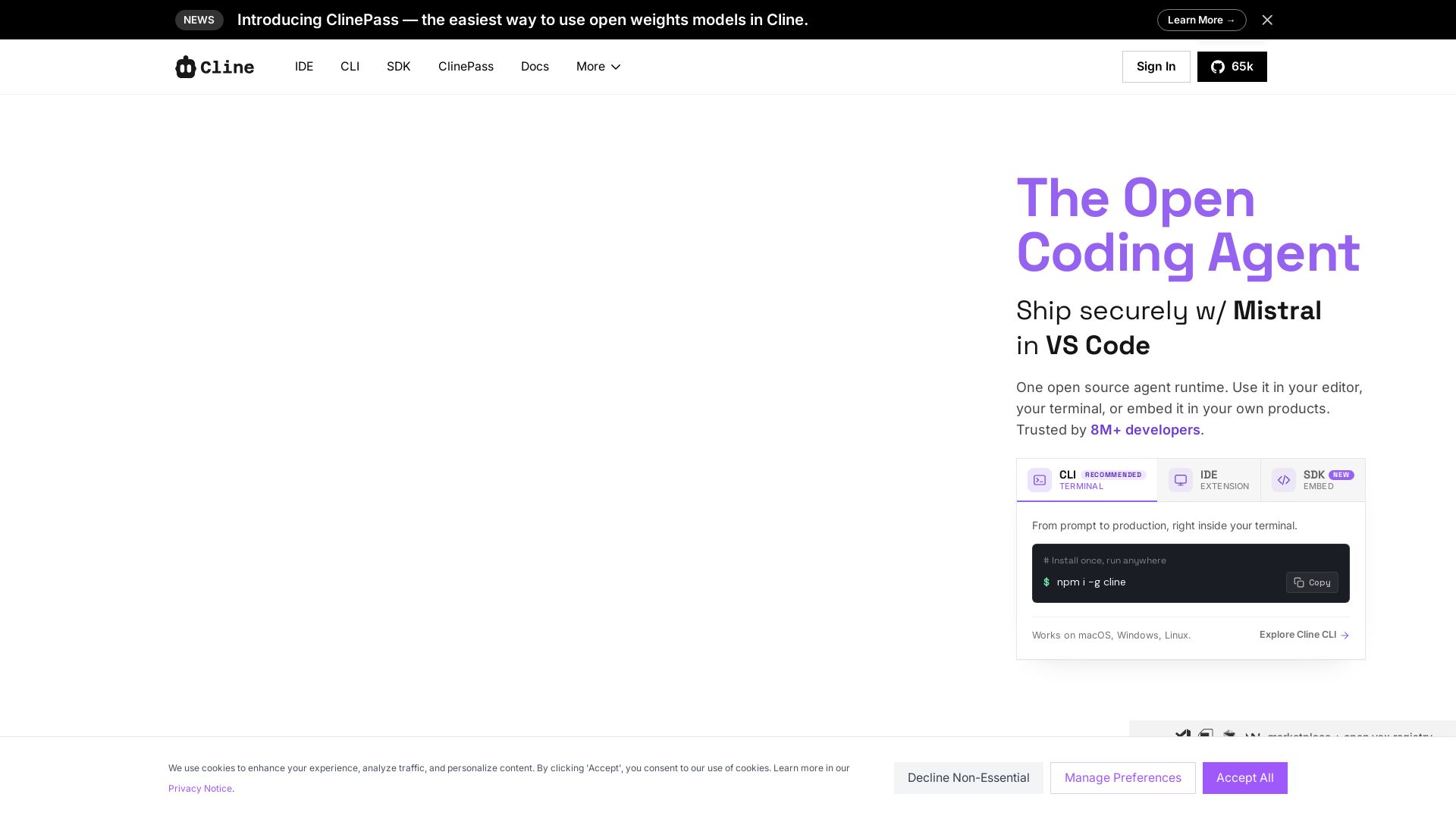
Cline
Cline is the open source AI coding agent that helps you ship secure code with Claude in VS Code, terminal, and more. Plan, act, and automate across your workflow.


OpenCode
OpenCode is a free, open-source AI coding assistant supporting multiple providers (OpenAI, Anthropic, local models) with CLI/TUI, custom tools, and privacy-centric local execution.


Continue
Create, share, and use custom AI code agents with Continue. Features agent, chat, edit modes, and autocomplete for VS Code and JetBrains.

Claw Code
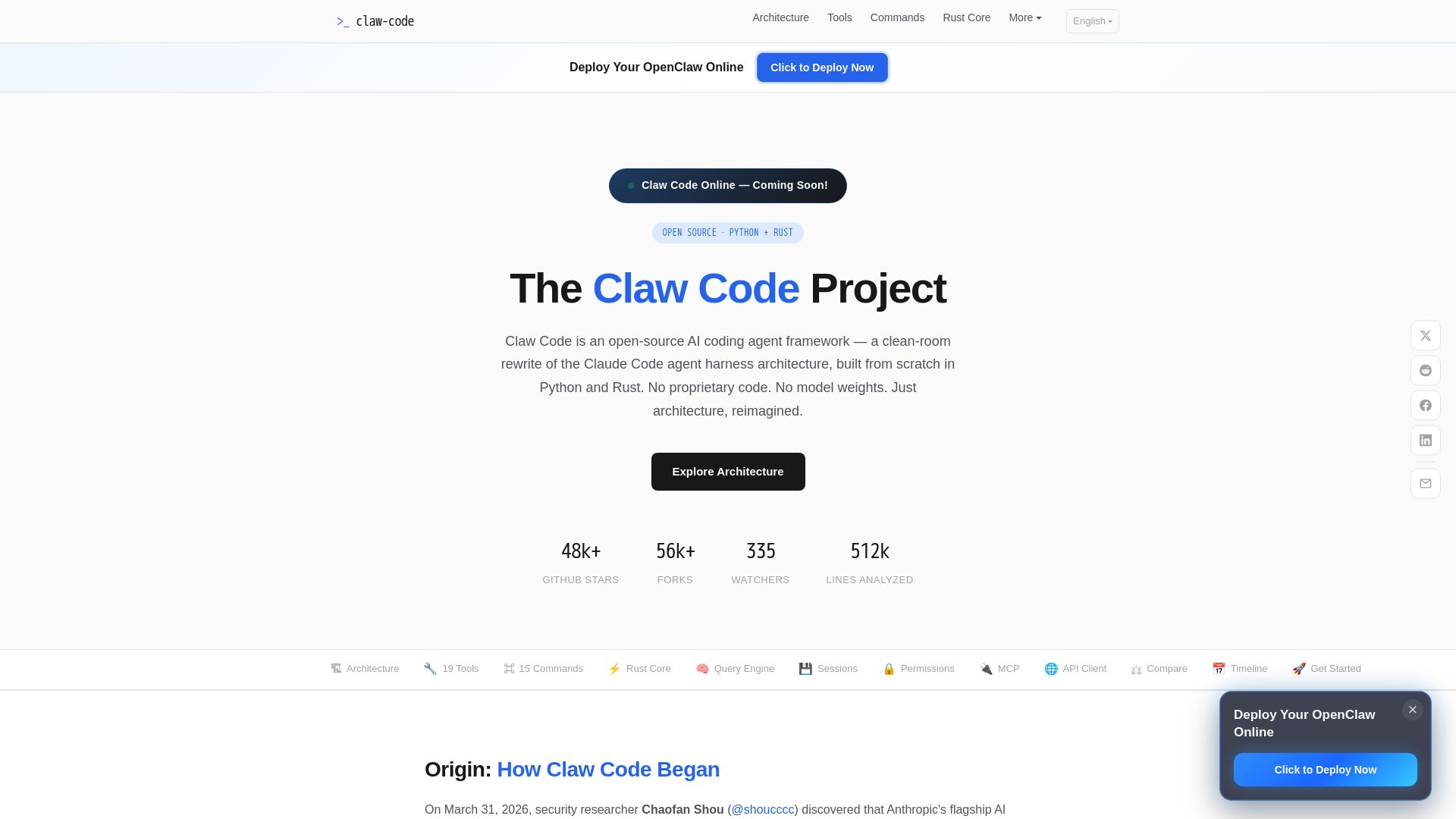
Clean-room Python & Rust rewrite of Claude Code architecture. 19 tools, multi-agent orchestration, MCP support. Free & open-source.


Continue
Continue, the pioneering open-source coding agent, has been acquired by Cursor. Our mission to amplify developers continues. Explore FAQs and more.

OpenCode
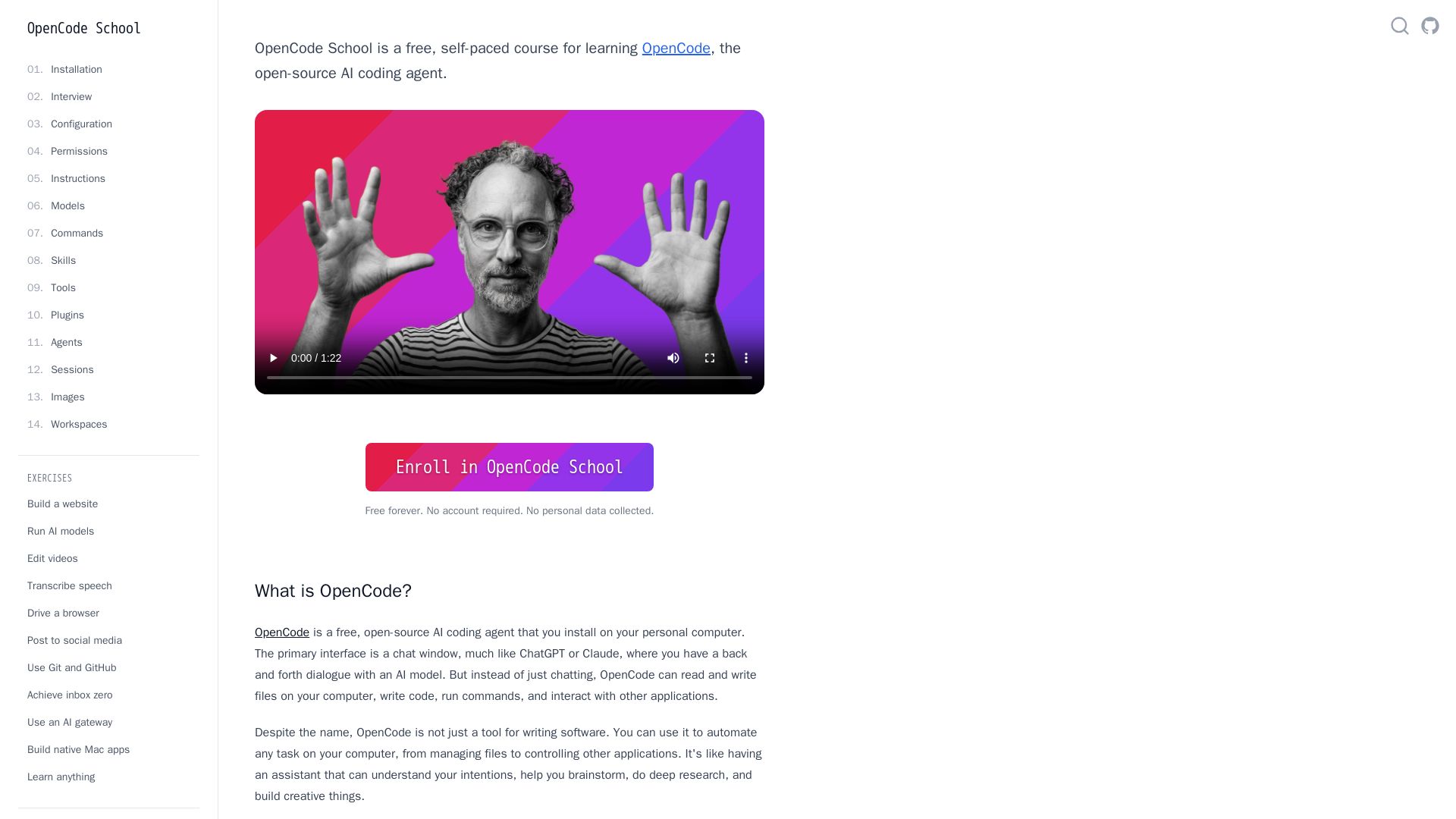
Free self-paced course to master OpenCode, the open-source AI coding agent. Works with 75+ models, automates tasks, helps you build projects.

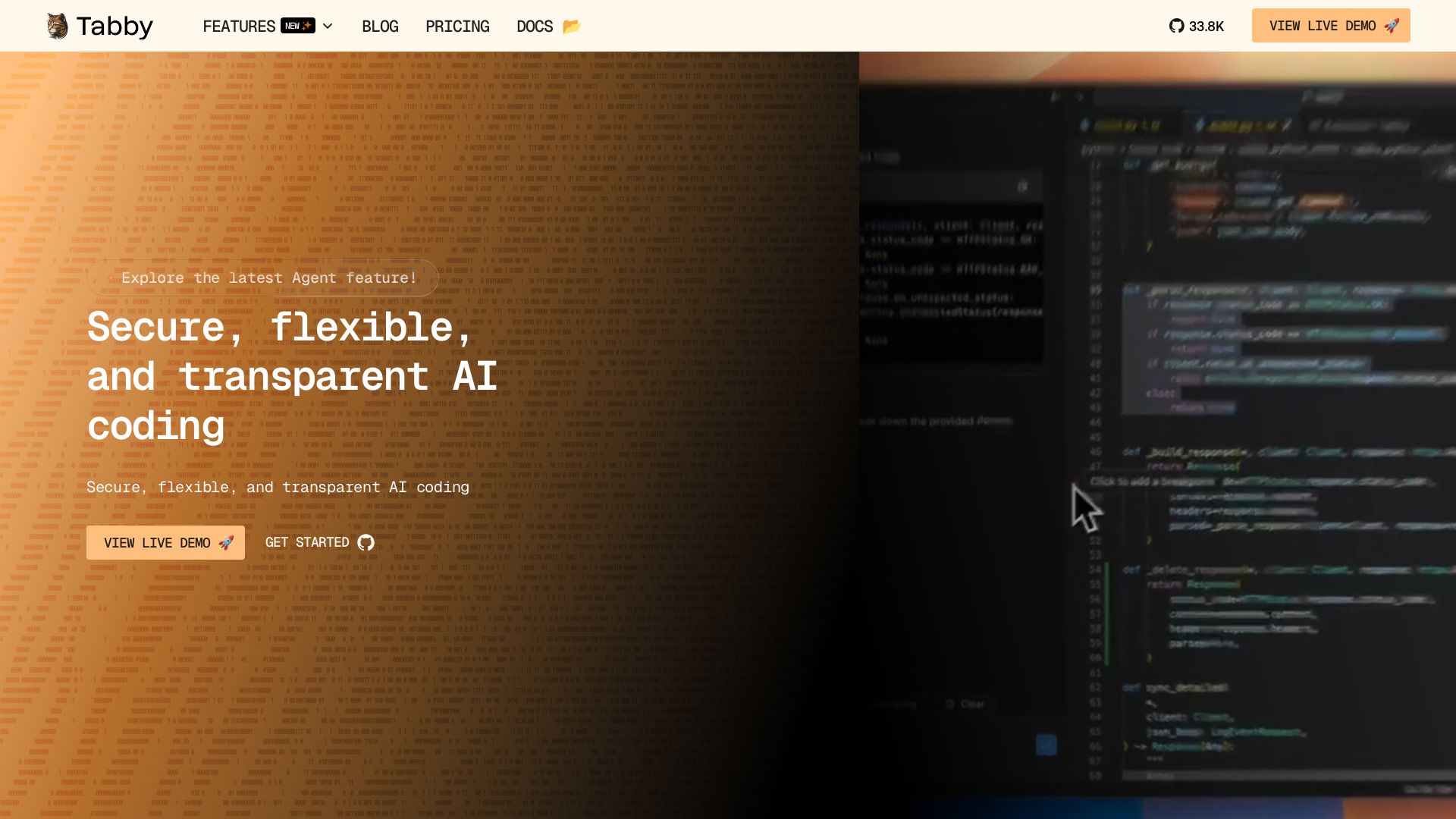
Tabby
Self-hosted, secure AI coding assistant with code completion, answer engine, and inline chat. Private and flexible.

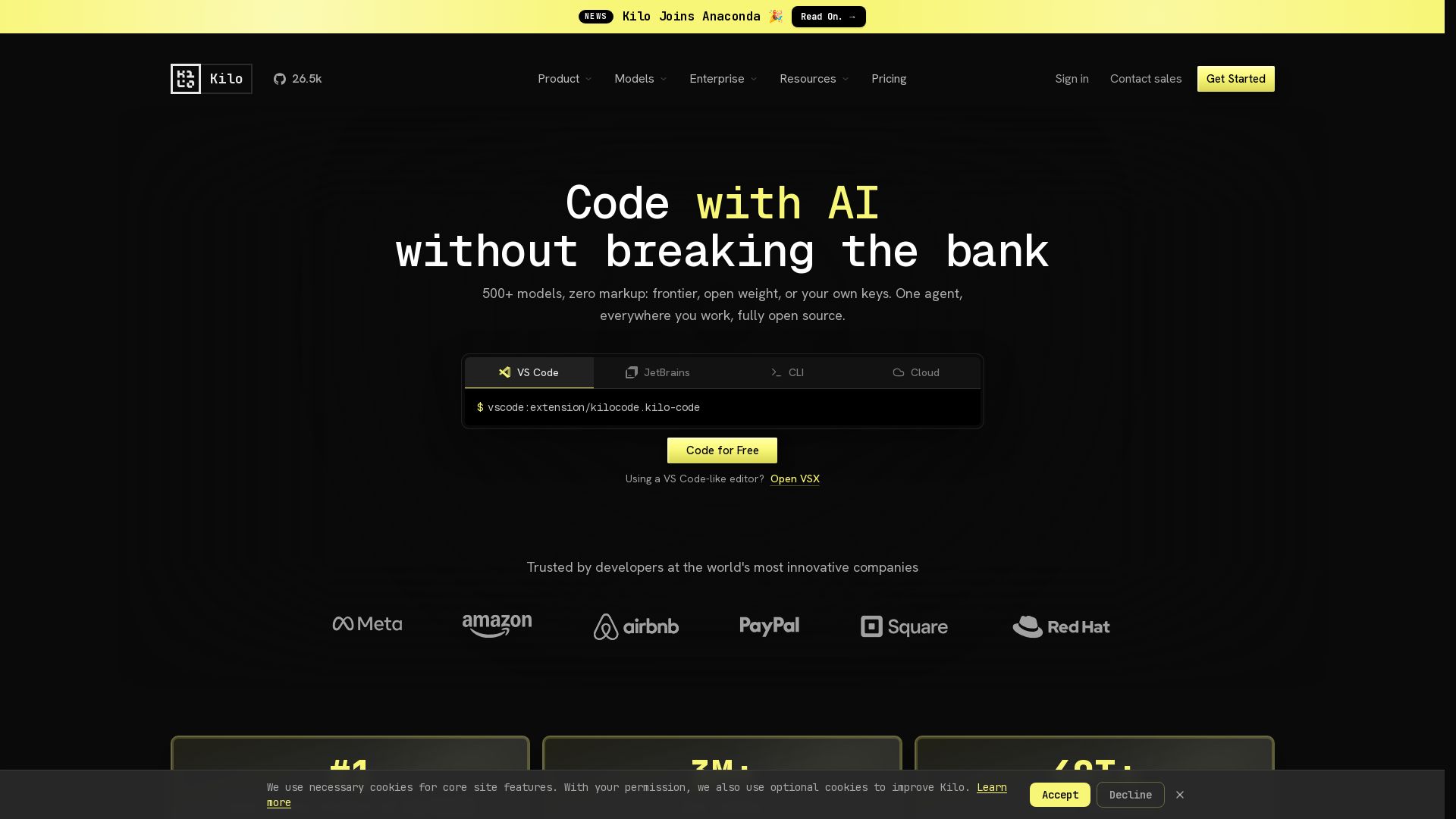
Kilo
Free AI coding tool with 500+ models at cost. Open source, no lock-in. Works in VS Code, JetBrains, CLI, and cloud. Trusted by 3M+ developers.

OpenCode
OpenCode is an open-source, terminal-native AI coding assistant supporting Claude, GPT-4, Gemini, and local models. Boost productivity with agent mode and seamless CLI integration.

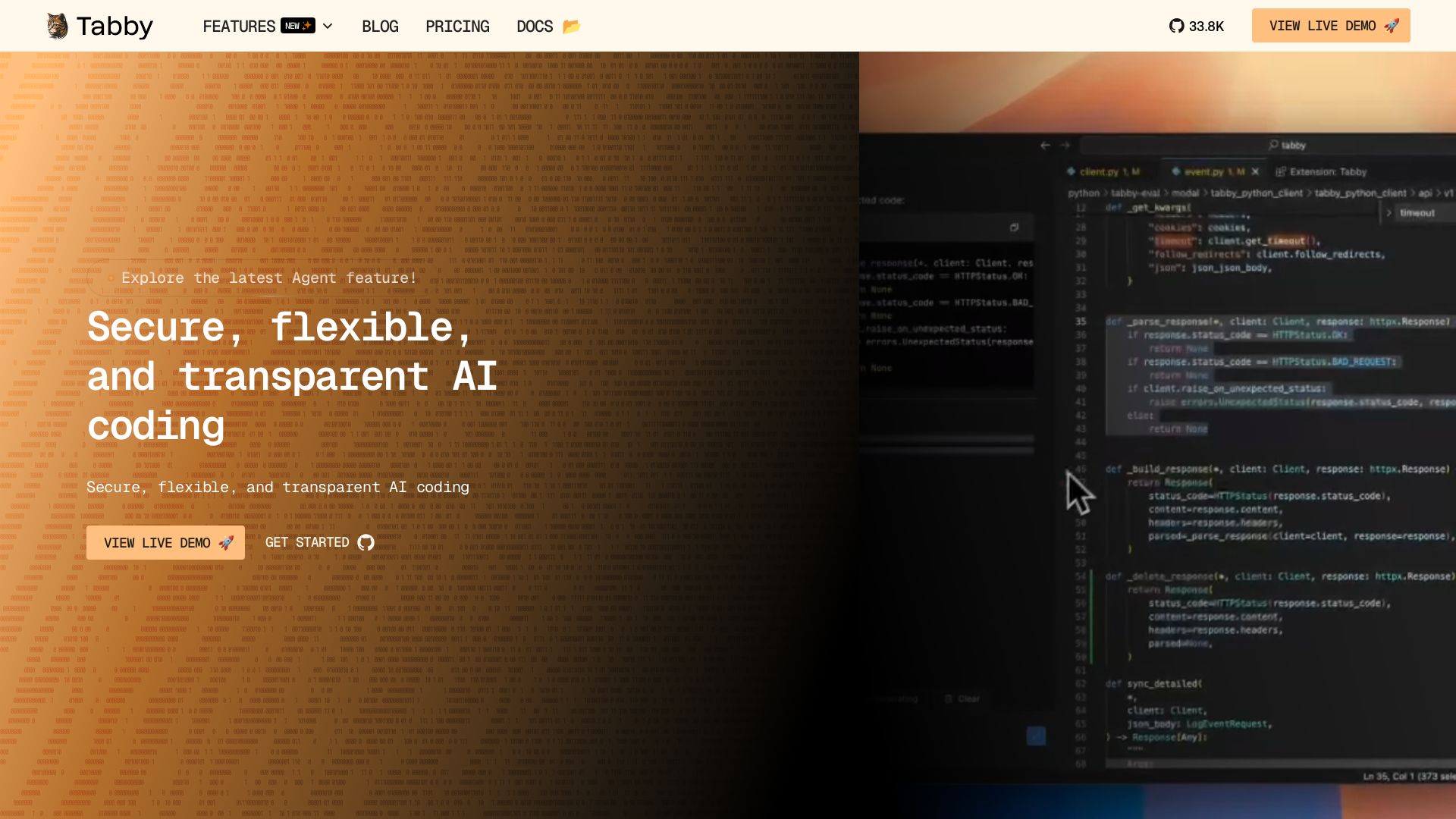
Tabby
Accelerate coding with Tabby's AI-powered code completion, answer engine, and inline chat. Self-hosted, secure, and flexible. Supports VS Code, Neovim, IntelliJ, and more.

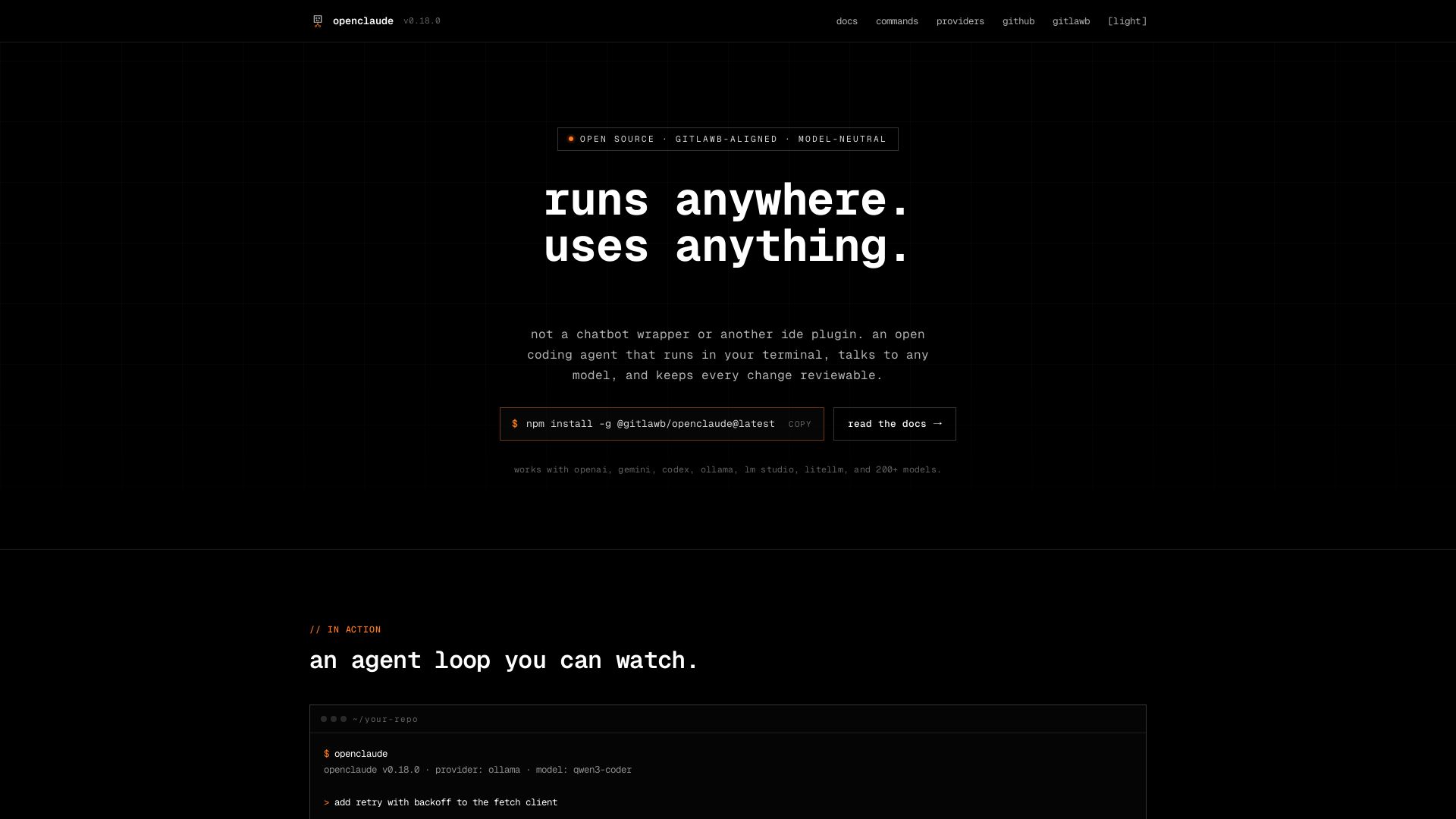
openclaude
An open coding agent that runs in your terminal, talks to any model, and keeps every change reviewable. Works with OpenAI, Gemini, Ollama, and 200+ models.

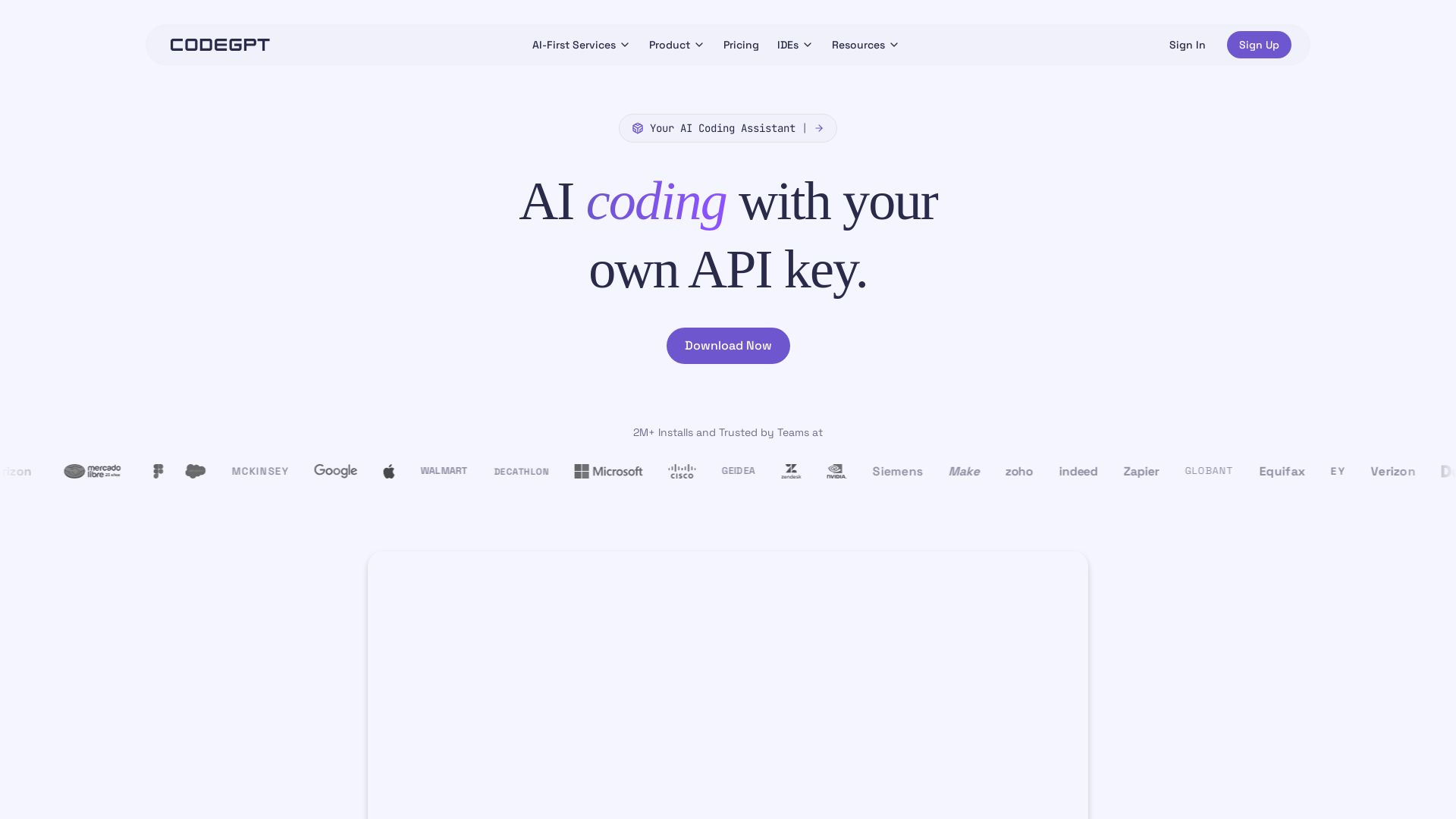
CodeGPT
Bring your own API key for transparent, unlimited AI coding. Supports Claude, Gemini, OpenAI. Privacy-first, no middlemen. Trusted by 2M+ developers.

ℹ️ Curation Disclosure: The overview and features of OpenCode were synthesized using AI and fact-checked by our curation team to ensure accuracy.
