
Augment
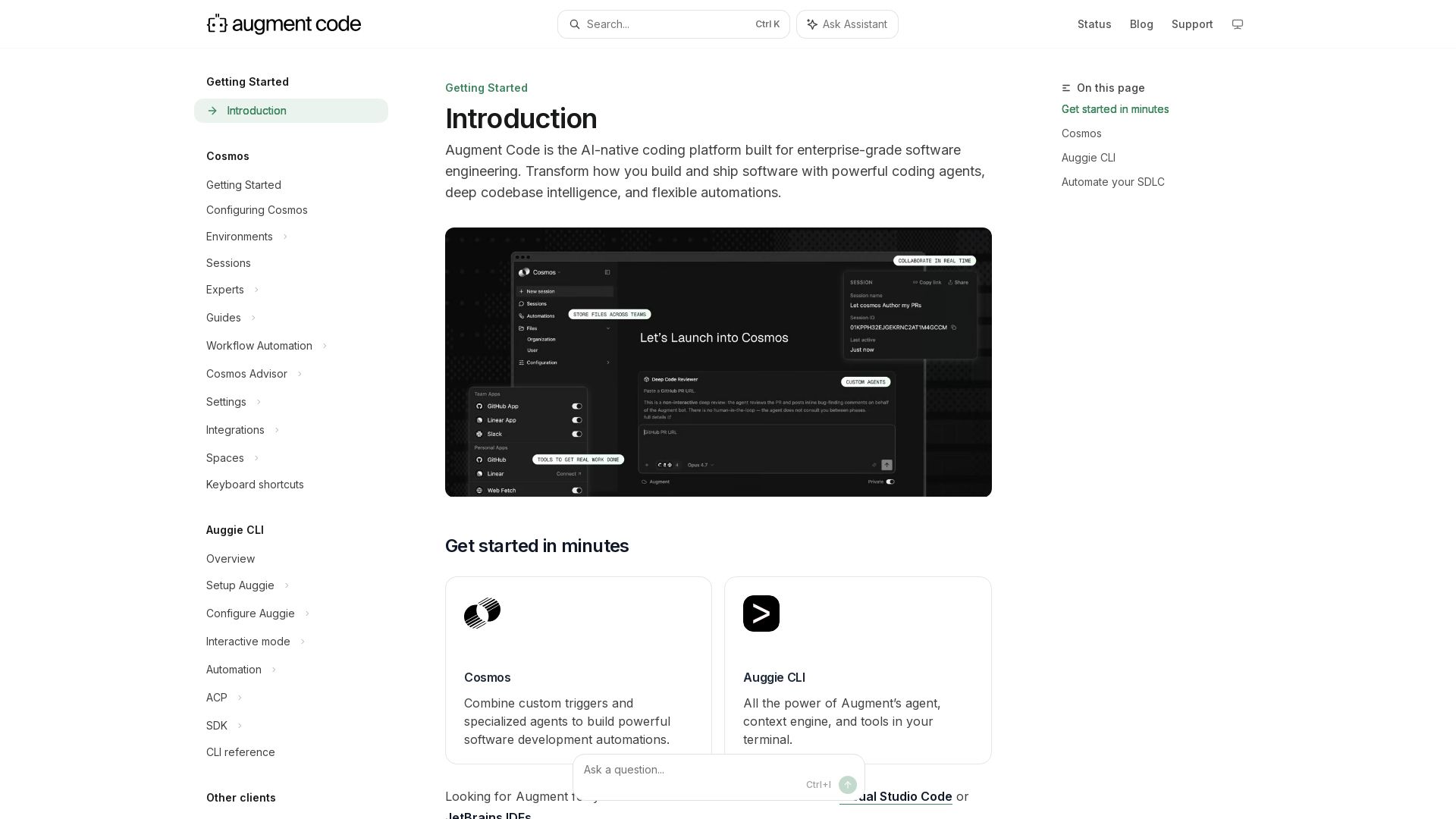
Build and ship software faster with Augment Code's AI agents, deep codebase intelligence, and automations. Get started with Cosmos, Auggie CLI, and IDE integrations.
Editor's Verdict
Key Takeaways
- Cosmos
- Auggie CLI
- Token-Based Pricing
- IDE Integrations
In-Depth Review: What is Augment?
Augment Code is an AI-native coding platform for enterprise-grade software engineering. It offers powerful coding agents, deep codebase intelligence, and flexible automations. Key components include Cosmos for building automations with custom triggers and specialized agents, and Auggie CLI for terminal-based access. Supports major IDEs like VS Code, JetBrains, and Vim. Automate code generation, review, and other SDLC tasks to streamline your workflow.
Core Features
Cosmos
Combine custom triggers and specialized agents to build powerful software development automations, including code generation, review, and scheduled tasks.
Auggie CLI
All the power of Augment's agent, context engine, and tools in your terminal for command-line-based development workflows.
Token-Based Pricing
Pay only for actual LLM tokens, compute, and a flat 40% service fee with full transparency on costs.
IDE Integrations
Seamless integration with Visual Studio Code, JetBrains IDEs, and Vim/Neovim for an in-editor AI experience.
Context Engine
Intelligent codebase indexing and context gathering through MCP SDK and connectors to enhance AI suggestions.
Automated Code Review
Automatically review every pull request to catch critical bugs and improve code quality.
Pricing
Business
- Included $100 usage per month (LLM tokens, compute, service fees)
- Up to 50 seats, no per-seat charge
- Access to Cosmos and Auggie CLI
- Cosmos compute at $0.19/hour (billed in 5-minute increments)
- Pay-as-you-go top-ups at same rates
- 40% service fee on LLM tokens only
Enterprise
- Custom plans for more than 50 seats
- Custom Cosmos setup
- Additional enterprise features
Pros and Cons
Pros
- Transparent Token-Based PricingPay only for actual LLM tokens, compute, and a flat 40% service fee with no hidden costs.
- No Per-Seat Charge Up to 50 UsersThe Business plan includes up to 50 seats at no extra cost, making it cost-effective for teams.
- Flexible Model SelectionChoose from a wide range of models (Sonnet, Opus, GPT, Gemini, etc.) to match task complexity and budget.
- Comprehensive Automation CapabilitiesCosmos enables automated code generation, review, and other SDLC tasks, boosting productivity.
- Detailed Usage MonitoringTrack token consumption and spending per user, model, and activity via CLI and web dashboard.
Cons
- Complex Pricing StructureThe combination of LLM tokens, service fee, and compute time can be confusing to estimate costs without experience.
- 40% Service Fee on LLM UsageA 40% markup on top of provider list prices increases overall cost for heavy LLM users.
- Compute Billing in 5-Minute IncrementsShort sessions may incur minimum charges even if compute time is brief, leading to inefficiency.
- Limited Included Usage on Business PlanThe $100 included usage may be insufficient for teams with high automation demands, requiring top-ups.
- No Free Tier for TestingNew users must commit to a paid plan without a trial or free tier to evaluate the platform.
Use Cases & Recommended Professions
Software Engineer→ View Toolkit
Needs AI-powered code generation, review, and automation to accelerate development and reduce manual tasks.
DevOps Engineer→ View Toolkit
Benefits from Cosmos automations for CI/CD pipelines, code reviews, and infrastructure management.
Team Lead / Engineering Manager→ View Toolkit
Uses usage dashboards and analytics to optimize team spending and ensure efficient model usage.
Full Stack Developer→ View Toolkit
Leverages IDE integrations and CLI to quickly iterate on frontend and backend code with AI assistance.
QA Engineer→ View Toolkit
Utilizes automated code review and testing features to catch bugs before deployment.
CTO / Technical Executive→ View Toolkit
Evaluates token-based pricing and enterprise options to scale AI tooling across the organization.
Frequently Asked Questions
Alternative AI Tools
View Detailed Comparison →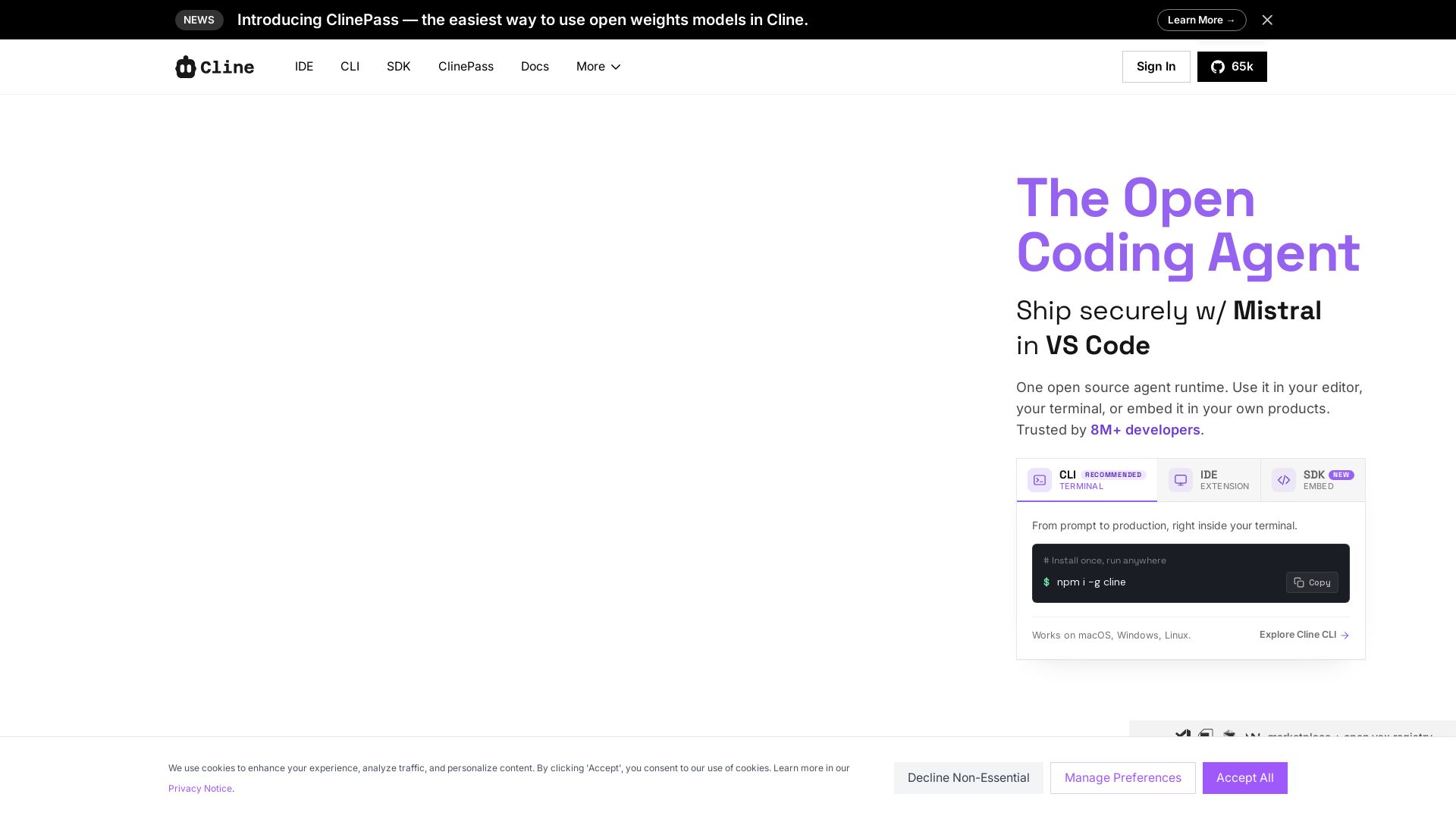
Cline
Cline is the open source AI coding agent that helps you ship secure code with Claude in VS Code, terminal, and more. Plan, act, and automate across your workflow.


Zapier
Connect AI to 9,000+ apps. Build AI agents, chatbots, and workflows without code. Trusted by Fortune 500. Start free.

Git AutoReview
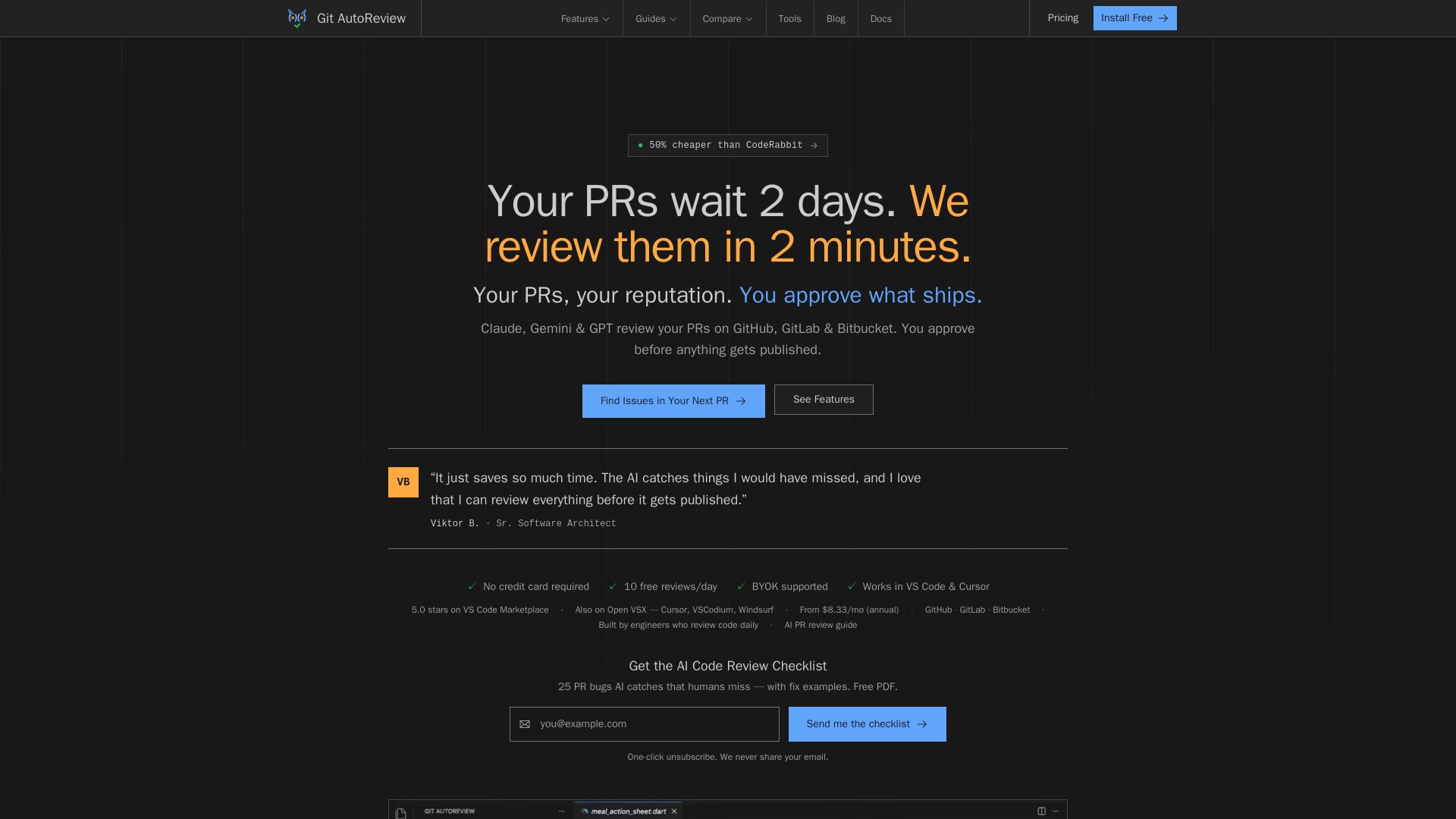
AI code review for GitHub, GitLab & Bitbucket. Reviews in 2 minutes, not 2 days. You approve before publishing. BYOK, private. 10 free reviews/day.

CodeGPT
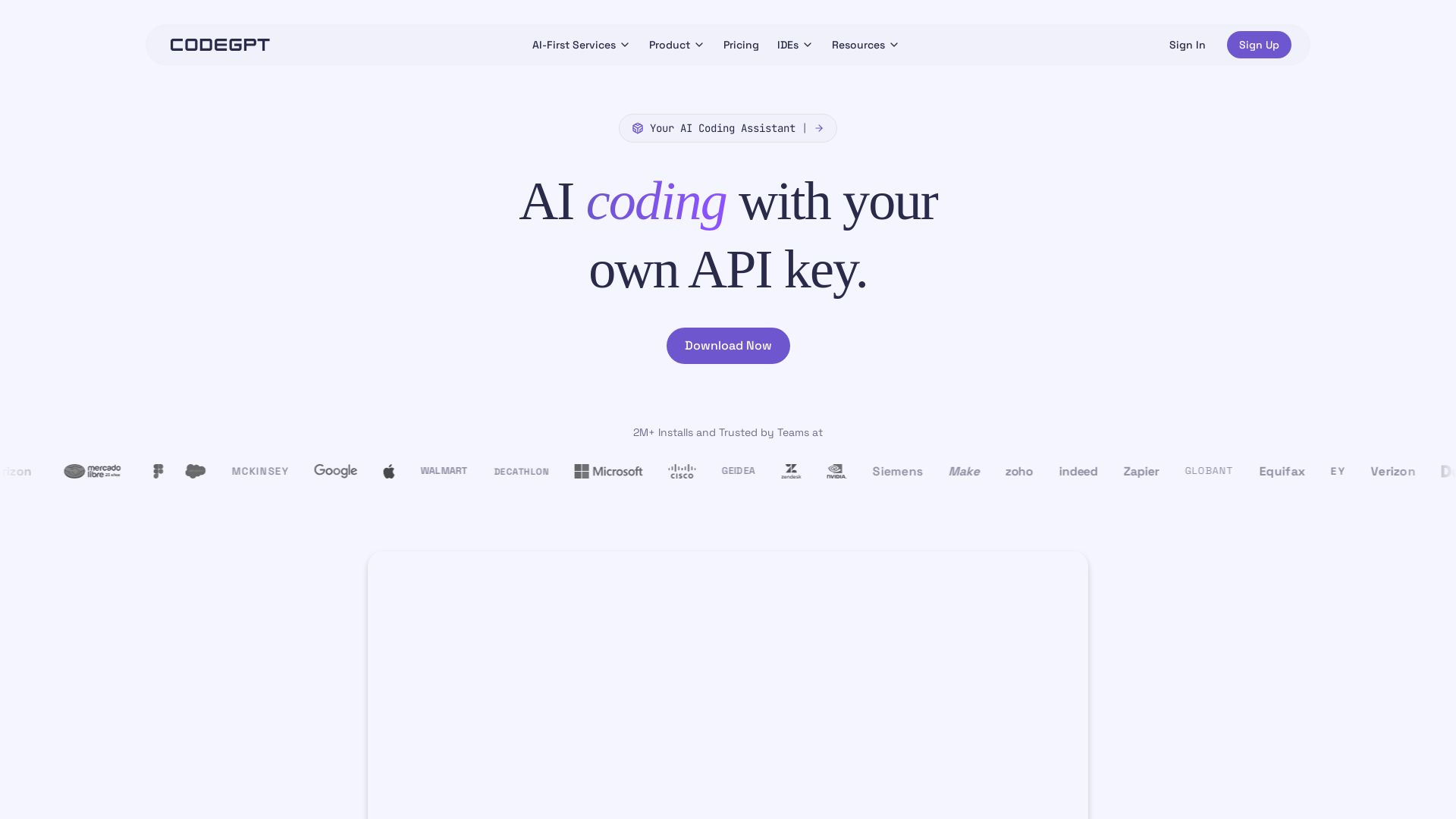
Bring your own API key for transparent, unlimited AI coding. Supports Claude, Gemini, OpenAI. Privacy-first, no middlemen. Trusted by 2M+ developers.

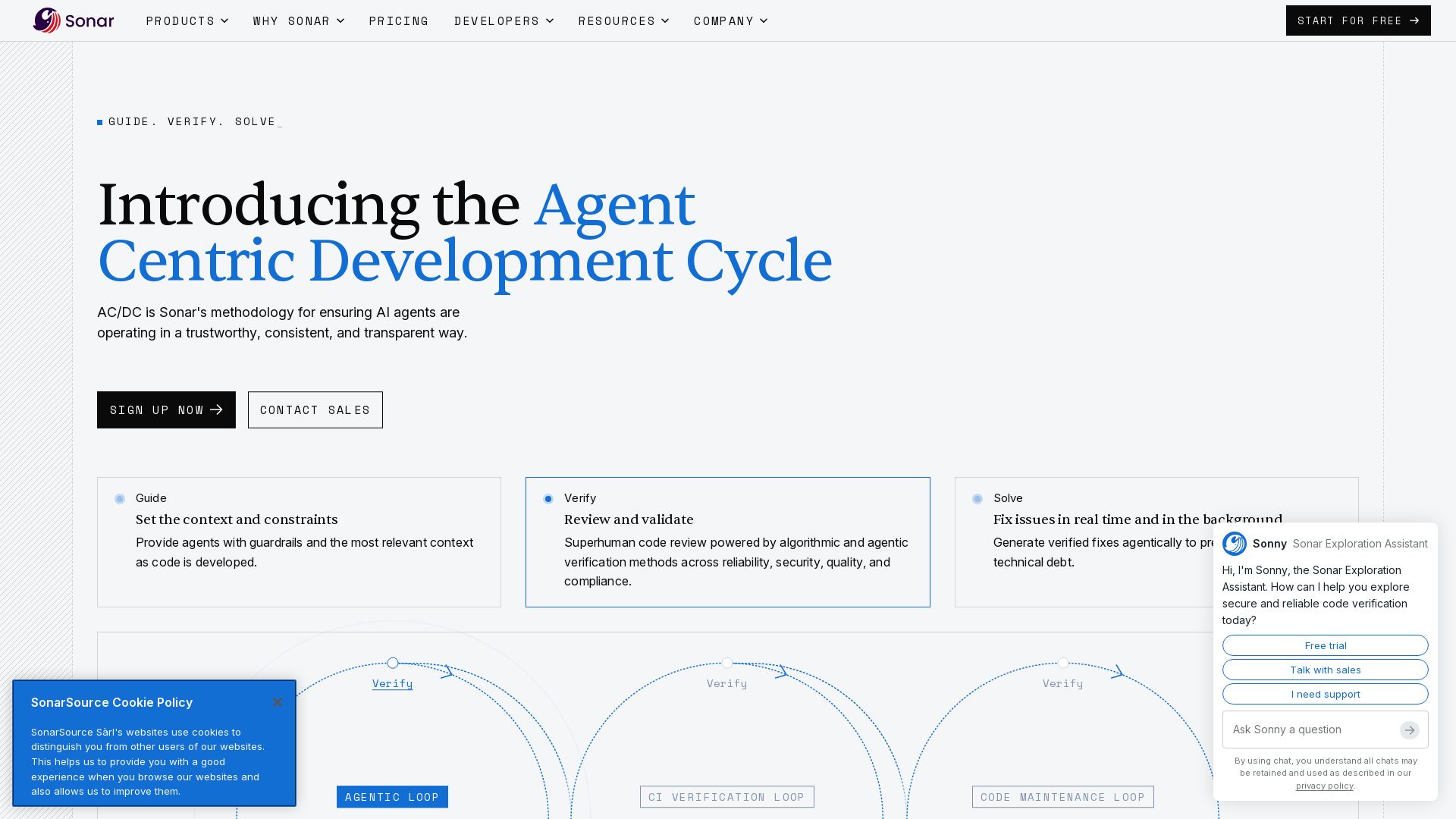
Sonar
Sonar's AC/DC framework provides zero-trust code verification for AI agents. Guide, verify, solve. Trusted by 7M+ developers, 75% Fortune 100.

Automation Anywhere
Automate mission-critical processes with agentic AI. Trusted by global leaders. Boost efficiency, ensure compliance. Request a demo.

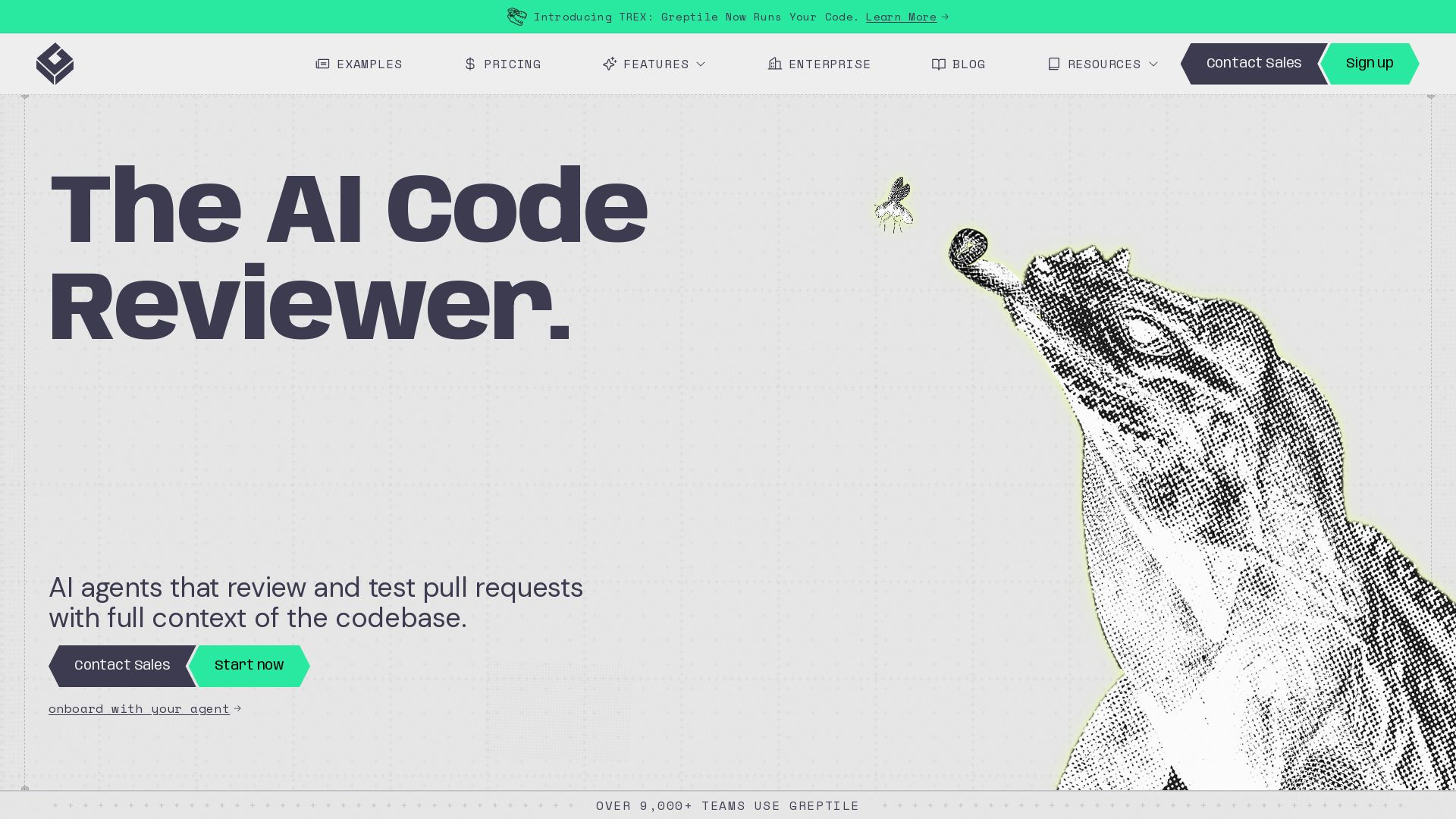
Greptile
AI code review that learns your codebase. Catch bugs, style issues, and security vulnerabilities with full context. Trusted by 9,000+ teams.


Agentic Workers
Automate tasks with 100+ pre-built AI workflows. Connect 800+ tools, save 10+ hours/week. No coding needed. Join 13,000+ professionals.

OpenCode
OpenCode is an open-source, terminal-native AI coding assistant supporting Claude, GPT-4, Gemini, and local models. Boost productivity with agent mode and seamless CLI integration.


OpenCode
OpenCode is a free, open-source AI coding assistant supporting multiple providers (OpenAI, Anthropic, local models) with CLI/TUI, custom tools, and privacy-centric local execution.

Tabby
Self-hosted, secure AI coding assistant with code completion, answer engine, and inline chat. Private and flexible.


Continue
Create, share, and use custom AI code agents with Continue. Features agent, chat, edit modes, and autocomplete for VS Code and JetBrains.

ℹ️ Curation Disclosure: The overview and features of Augment were synthesized using AI and fact-checked by our curation team to ensure accuracy.
