
InnerZero
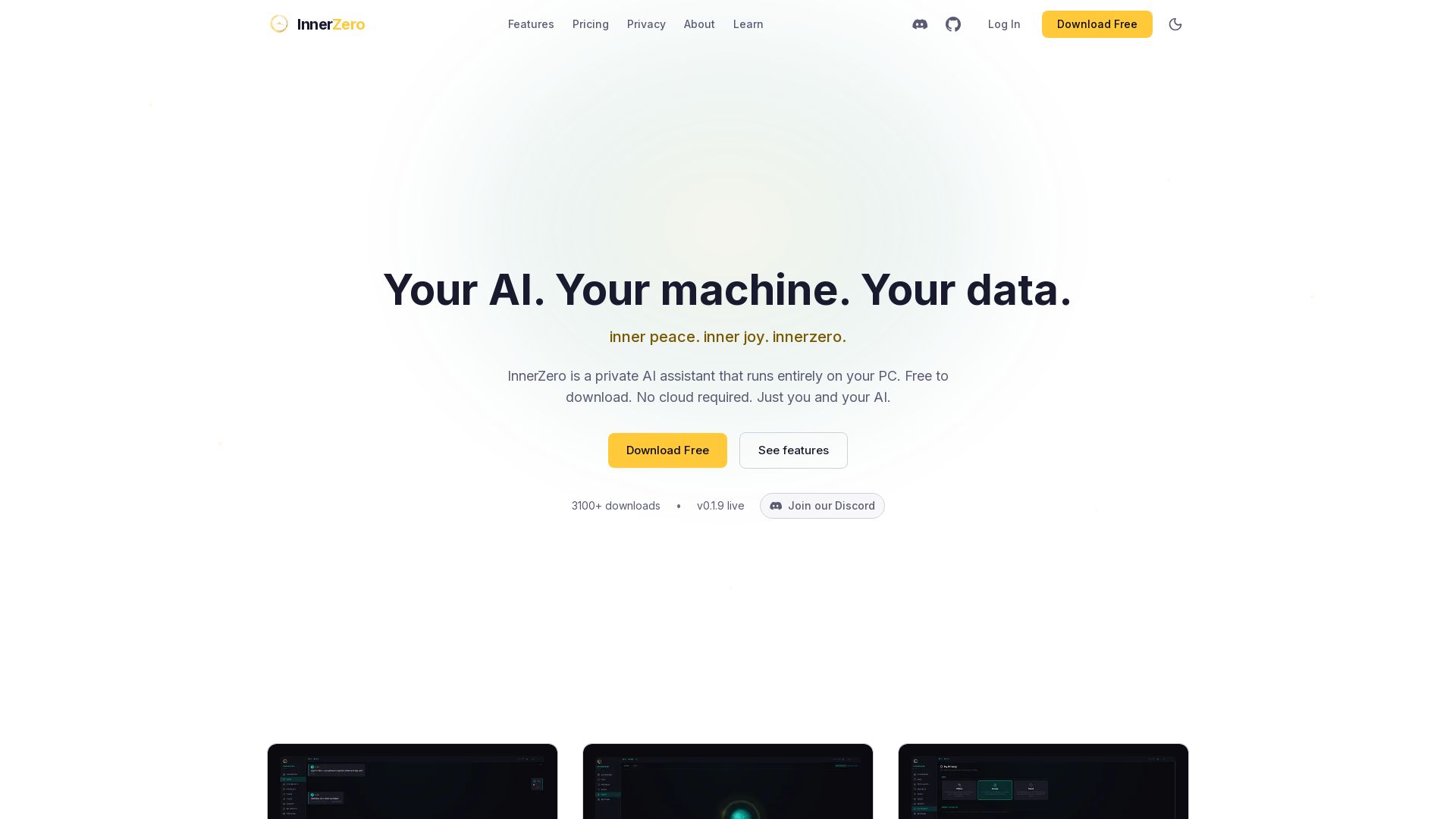
Experience a private AI that runs 100% on your PC. No cloud, no tracking. Voice, memory, multilingual, and free to download. Your data stays yours.


Editor's Verdict
Key Takeaways
- AI Chat
- Languages
- Voice Mode
- Memory
In-Depth Review: What is InnerZero?
InnerZero is a free, private AI assistant that runs entirely on your PC, ensuring no data leaves your machine. It features voice mode, local memory, and supports 26 languages. Automatically detects hardware for optimal performance. Optionally syncs with Google Calendar and Gmail. No account required. Download free to start chatting in minutes.
Core Features
AI Chat
Private conversations with streaming responses, persistent chat, multiple thinking modes, markdown rendering, slash commands, prompt library, file/image attachment, and artifact export.
Languages
Full interface in 26 languages with instant switching, right-to-left support, and multilingual memory.
Voice Mode
Full voice control with local speech recognition and text-to-speech, plus cloud voice optional.
Memory
Persistent memory that learns from conversations, stores core profile, reflects overnight, imports data, and tracks source provenance.
30+ Built-in Tools
Web search, document Q&A, calculator, file operations, calendar with Google sync, Gmail integration, timers, notes, dictionary, and more.
Specialists
Dedicated agent personas (Coding, Automation, Art coming soon) with separate models and approval gates.
Proactive Assistant
Scheduled briefings, daily summaries, reminders with natural-language scheduling, quiet hours, and multi-channel notifications.
Action Hub
Optional research and apply assistant with web research, job profile, apply assist, approval gates, and saved schedules.
Knowledge Packs
Offline Wikipedia (Best of or Simple English) for factual answers without internet, reducing hallucinations.
Screen Automation
AI-powered screen reading, clicking, typing, scrolling with emergency stop, disabled by default.
Cloud AI (Optional)
Bring your own API keys for 7 providers, smart routing, privacy blacklist, connection log, and proxy support.
Customisation
6 themes plus premium Pro themes, AI personality presets, tool preferences, output folder, hardware profiles, and local engine choice.
Unrestricted Mode
Use uncensored models with 18+ verification, CSAM block still active.
Pricing
InnerZero Free
- AI chat with streaming responses
- Full app interface in 26 languages
- Full voice mode (speech + TTS)
- Persistent memory system
- 30+ built-in tools
- Document upload and Q&A
- Gmail and Google Calendar connectors
- Knowledge packs (offline Wikipedia)
- Screen automation
- 6 themes and AI personality
- Unrestricted mode (18+)
- Remote Ollama support
- No account required
Business Licence
- Use InnerZero at work
- Commercial projects and client work
- Sole traders, freelancers, and companies
- Cancel anytime, no hidden fees
- Same free app, no extra features
Business Licence Monthly
- Use InnerZero at work
- Commercial projects and client work
- Sole traders, freelancers, and companies
- Cancel anytime, no hidden fees
- Same free app, no extra features
InnerZero Pro
- Premium themes (Golden Pro and more)
- Premium personalities
- Early access to new features
- Pro badge
- Works fully offline
InnerZero Pro Monthly
- Premium themes (Golden Pro and more)
- Premium personalities
- Early access to new features
- Pro badge
- Works fully offline
Cloud Starter (Cloud AI)
- Managed cloud text chat, voice, agents
- Monthly credit allowance
- Higher model tiers
- Local AI always works without it
One-off Donation
- Support development
- Keep InnerZero free
Pros and Cons
Pros
- 100% Local PrivacyAll AI processing and memory stay on your machine; no cloud, no tracking, no account required.
- Free Core AppFull-featured AI assistant available at no cost; no trial or subscription needed.
- Multilingual and Voice SupportInterface and AI replies in 26 languages with full voice mode and local speech recognition.
- Persistent Memory and ToolsRemembers your preferences, projects, and integrates with Gmail, Calendar, documents, and 30+ tools.
- Customisation and FlexibilityThemes, personalities, hardware profiles, and optional cloud AI with your own API keys.
Cons
- Hardware RequirementsLocal AI performance depends on PC specs; recommended 32-64 GB RAM and dedicated GPU for best experience.
- Business Licence Required for Commercial UseIf using for work, clients, or revenue, a paid Business Licence is necessary.
- Cloud AI is an Extra CostOptional cloud plans or API keys add cost; local AI is free but may be slower.
- Some Features Beta or Coming SoonArt Specialist, more connectors (Outlook, Discord) are labelled as 'Coming Soon'.
- Screen Automation Disabled by DefaultOpt-in only; requires explicit activation, which may be less convenient for some.
Use Cases & Recommended Professions
Software Developers→ View Toolkit
Need a private AI assistant for coding help, documentation, and brainstorming without exposing code to cloud servers.
Writers and Content Creators→ View Toolkit
Require offline assistance for drafting, editing, and research with tools like prompt library and document Q&A.
Students and Researchers→ View Toolkit
Benefit from local AI for studying, note-taking, offline Wikipedia, and handling sensitive academic data privately.
Freelancers and Solopreneurs→ View Toolkit
Need a versatile AI for client work, scheduling, and productivity, with optional cloud for demanding tasks.
Privacy-Conscious Users→ View Toolkit
Value absolute control over data; InnerZero's local processing ensures no third-party access.
Offline Workers→ View Toolkit
Frequent travelers or those in low-connectivity areas need a fully functional AI that works without internet.
Frequently Asked Questions
Alternative AI Tools
View Detailed Comparison →
Expo AI Chatbot
Build AI chatbot apps for iOS, Android & web with Expo SDK 54, AI SDK 5, voice, long-term memory, and more. Open-source codebase.

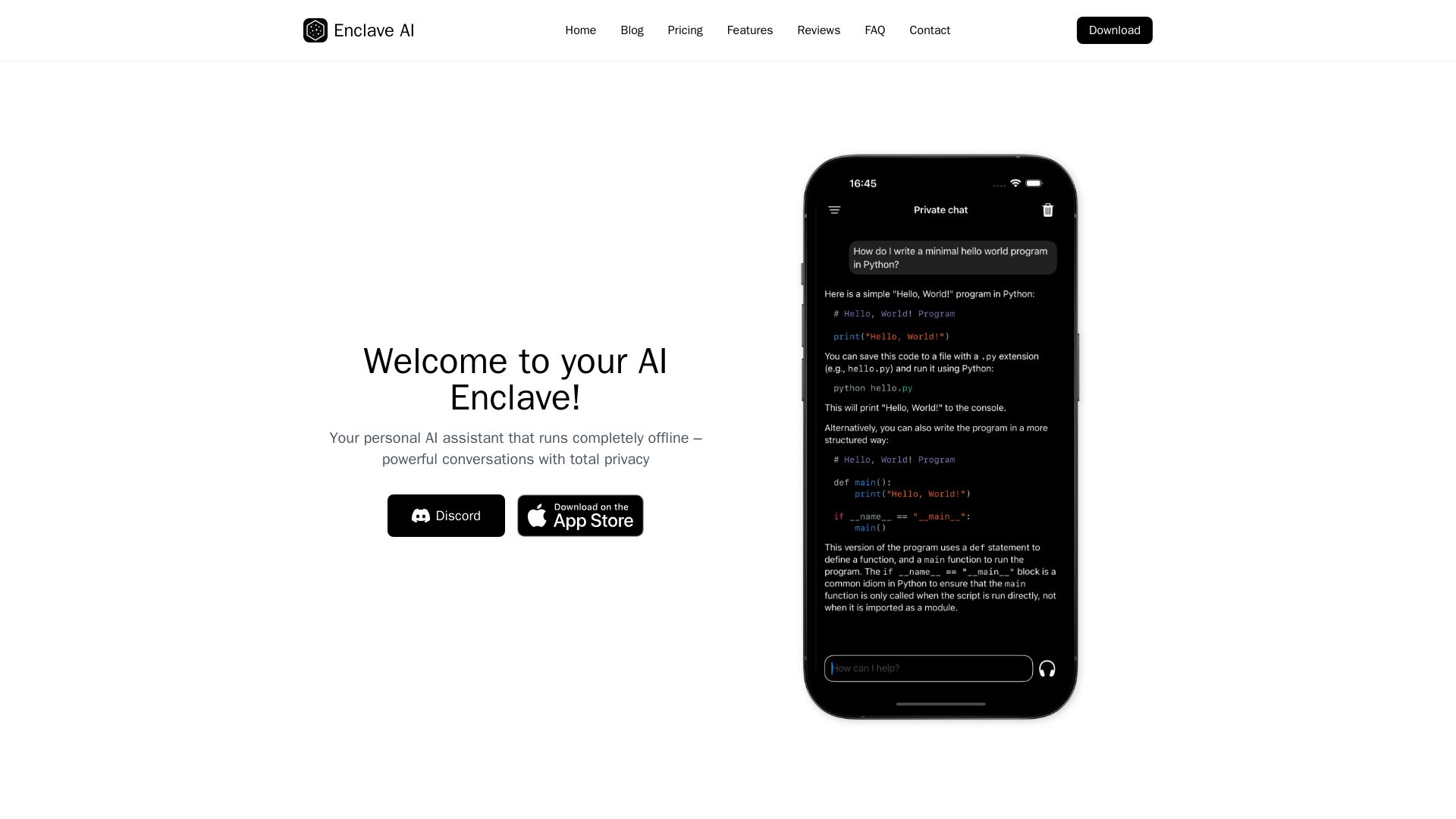
Enclave AI
Private offline AI assistant for iPhone & Mac. Voice chat, document support, custom AI. No cloud needed.

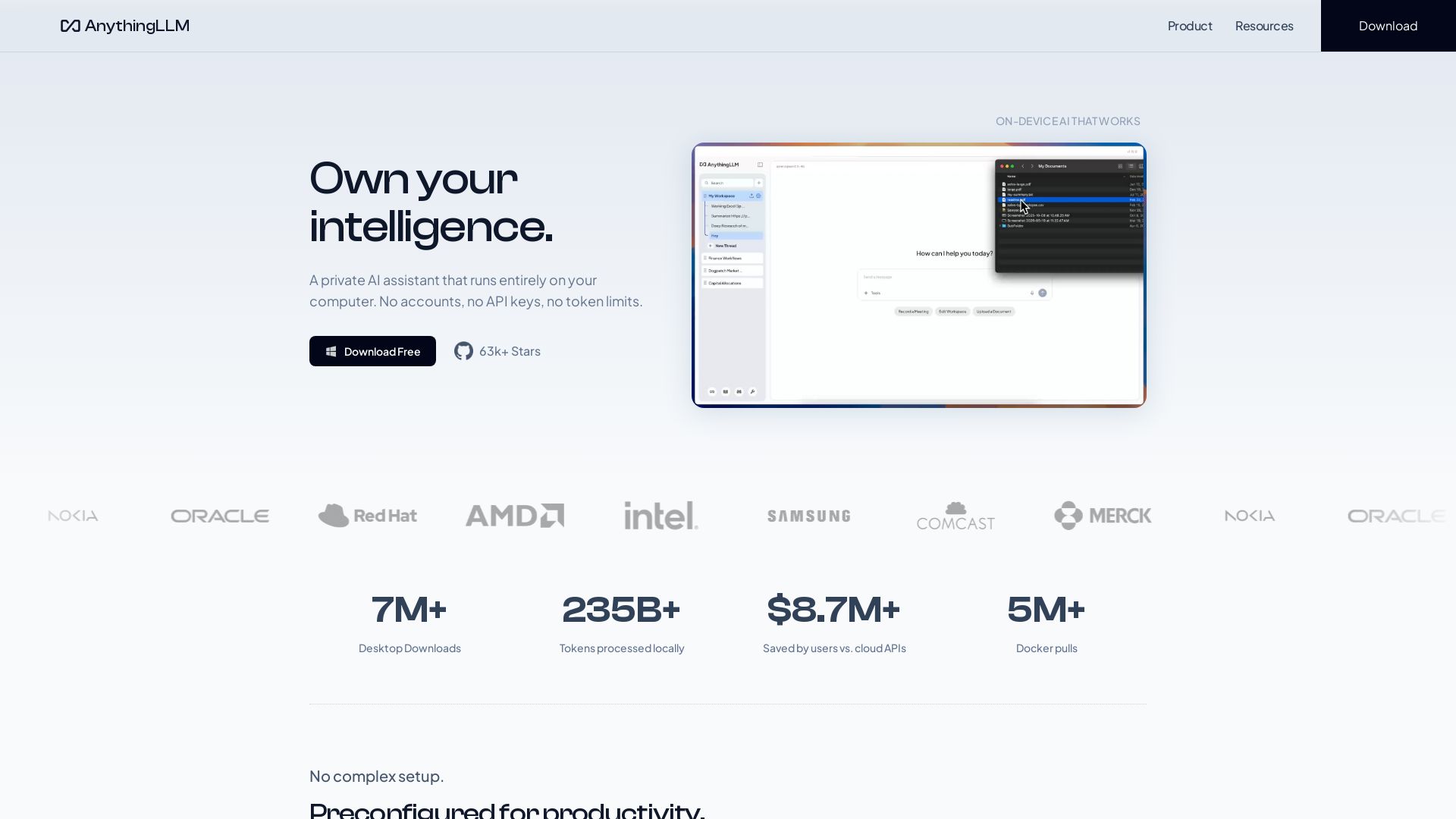
AnythingLLM
Free, open-source private AI assistant. Runs locally on your computer. No cloud, no accounts. Includes document knowledge, meeting assistant, and more.
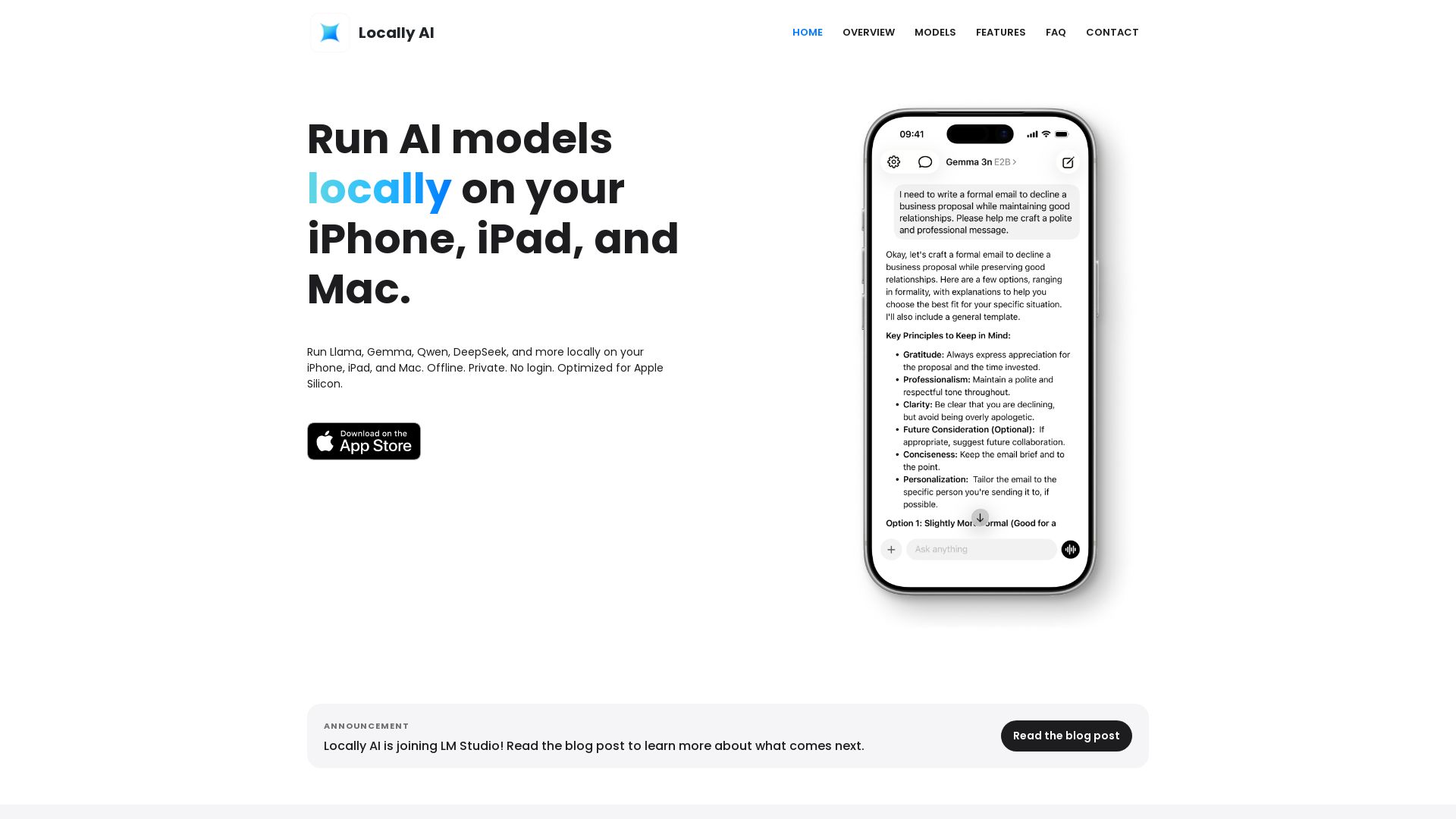
Locally AI
Run Llama, Gemma, DeepSeek & more locally on iPhone, iPad & Mac. Offline, private, no login. Apple Silicon optimized. Download now.

Figr
Ship better UX faster. Figr builds a living understanding of your product, maps flows, finds edge cases, and generates high-fidelity prototypes from your actual design system.

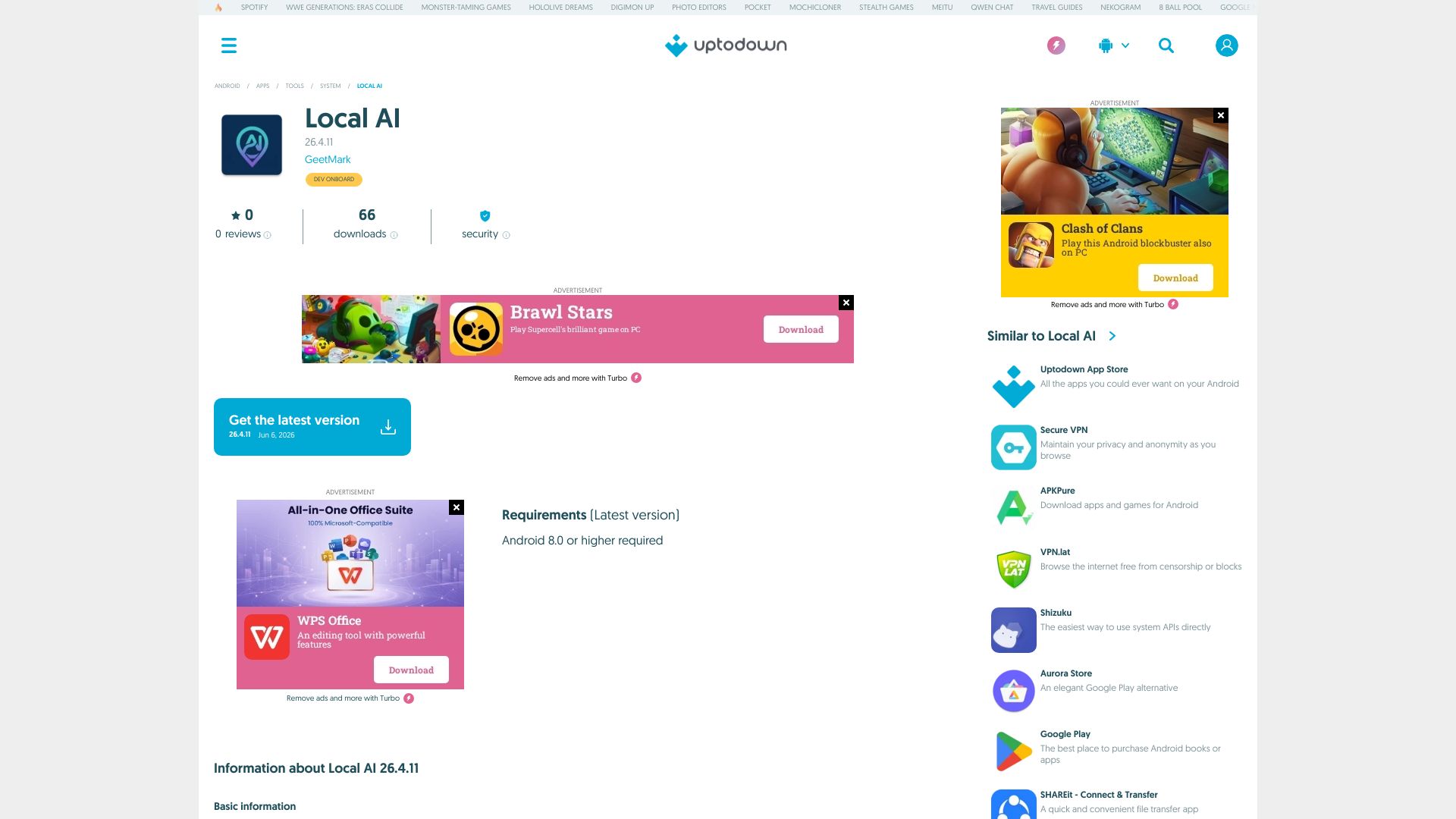
Local AI
Download Local AI for Android. Private, offline AI chat with on-device LLM. No internet needed. Free and secure on Uptodown.

Chatbot Builder
Build an AI chatbot in minutes without coding. 24/7 customer support, sales automation, and seamless integrations. Start your free 14-day trial today!

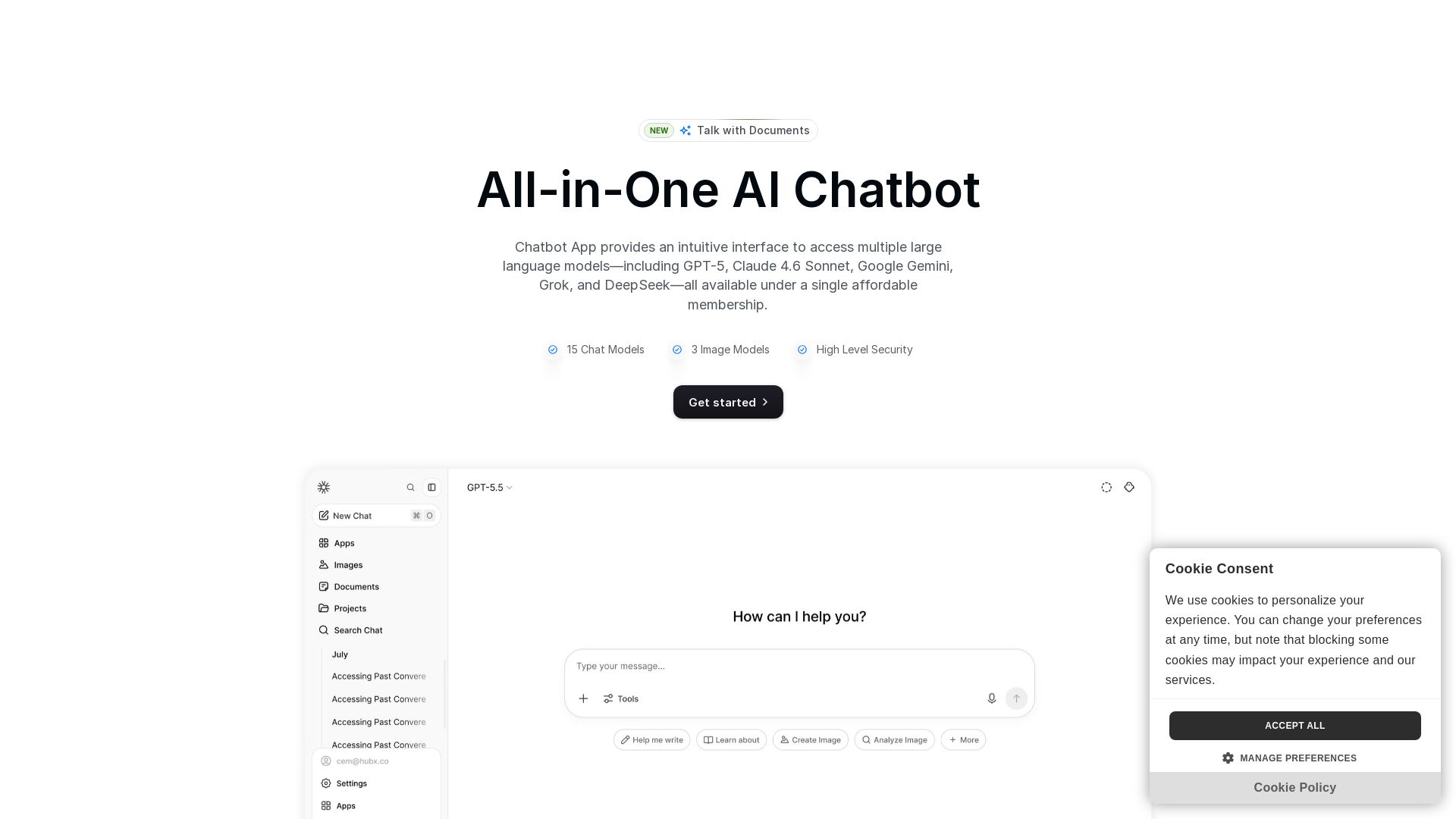
Chatbot App
Access 15+ top AI models including GPT-5, Claude 4.6, Gemini, DeepSeek in one app. Affordable membership, chat, image generation, PDF support, and more. Save 70%.

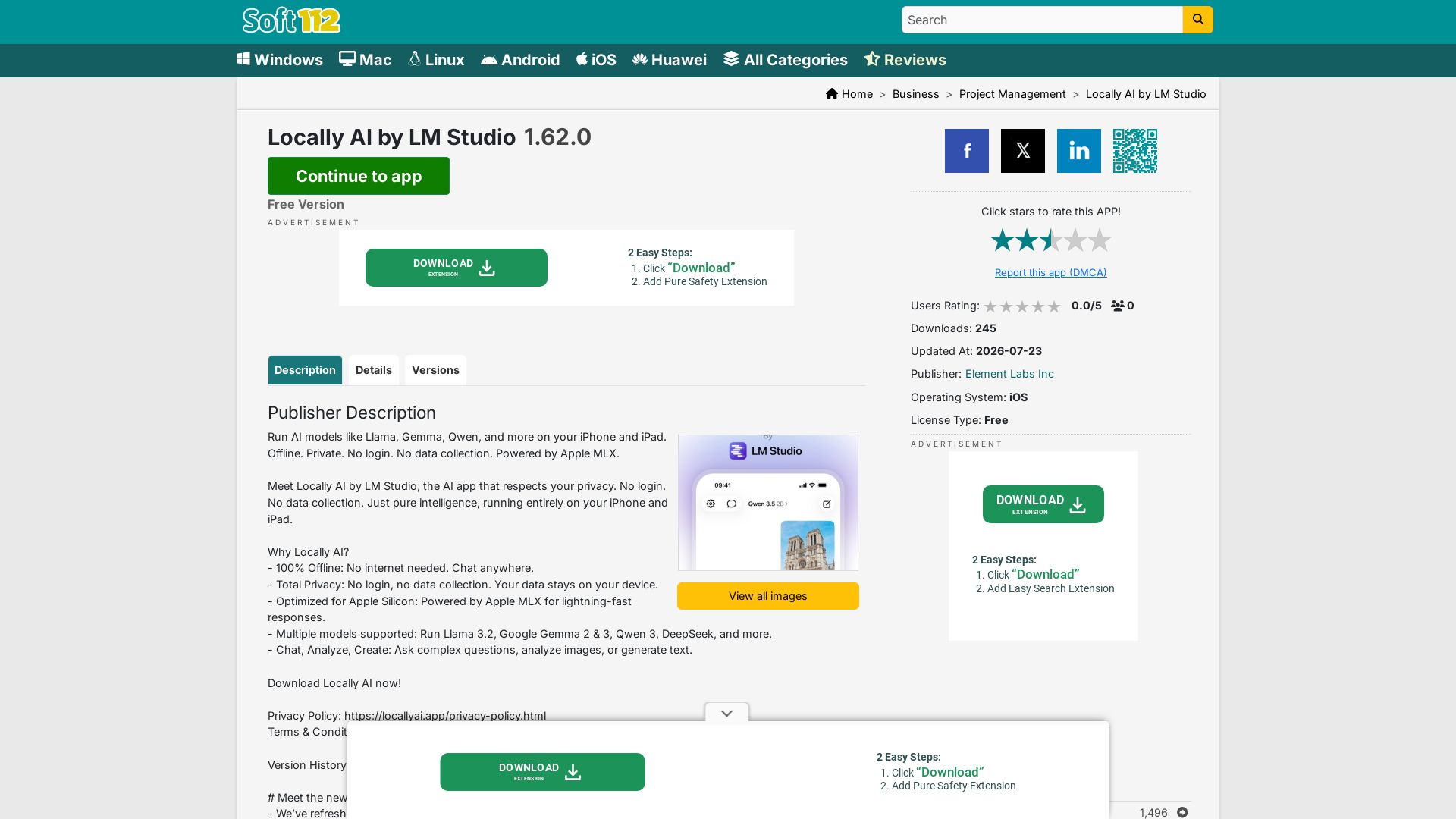
Locally AI
Run AI models like Llama, Gemma, Qwen offline on iPhone/iPad. Private, no login, no data collection. Powered by Apple MLX.

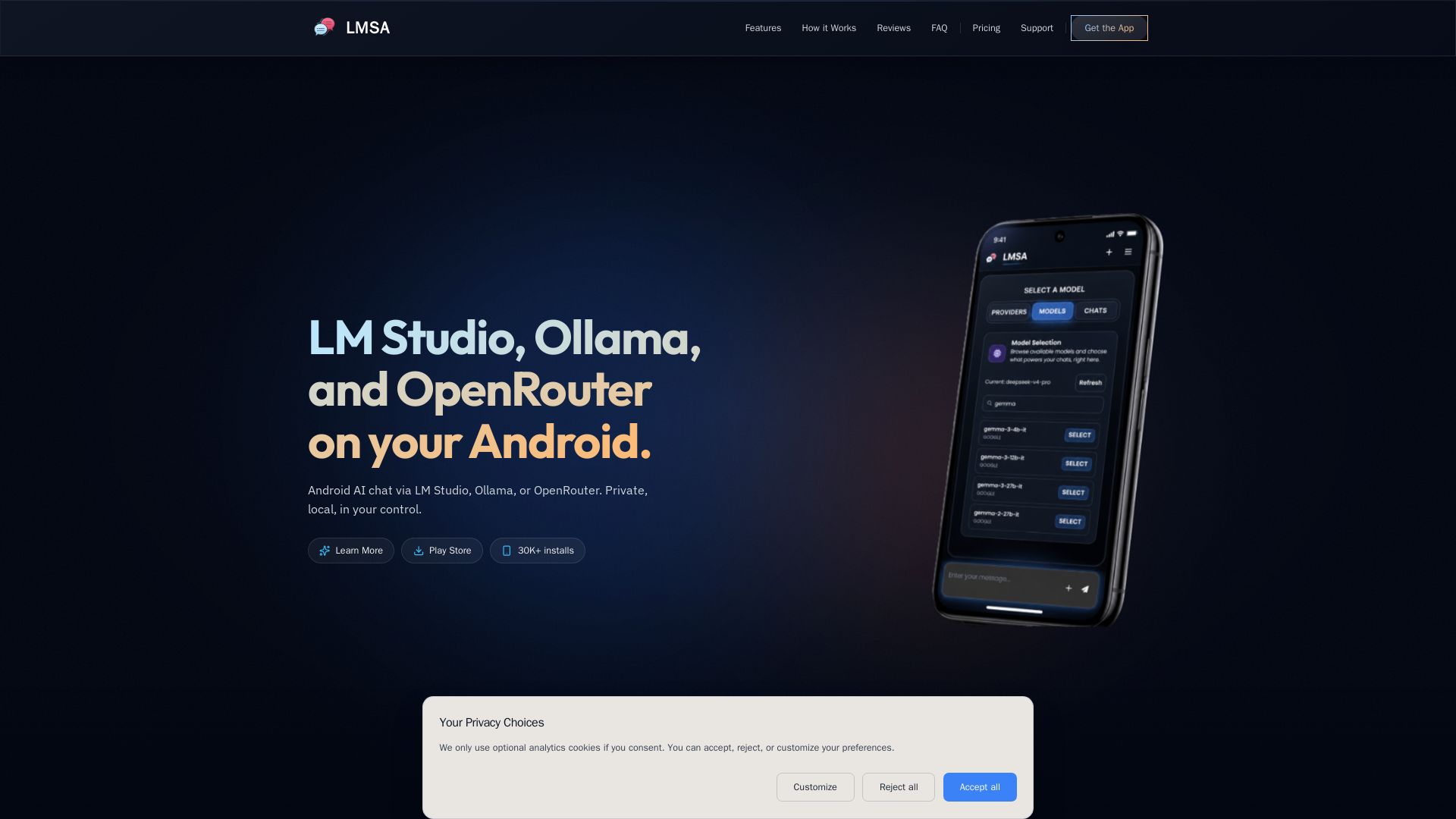
LMSA
Chat privately with AI on Android using local LM Studio/Ollama or cloud OpenRouter. Zero data retention, AES-256 encryption, voice mode. No subscriptions.

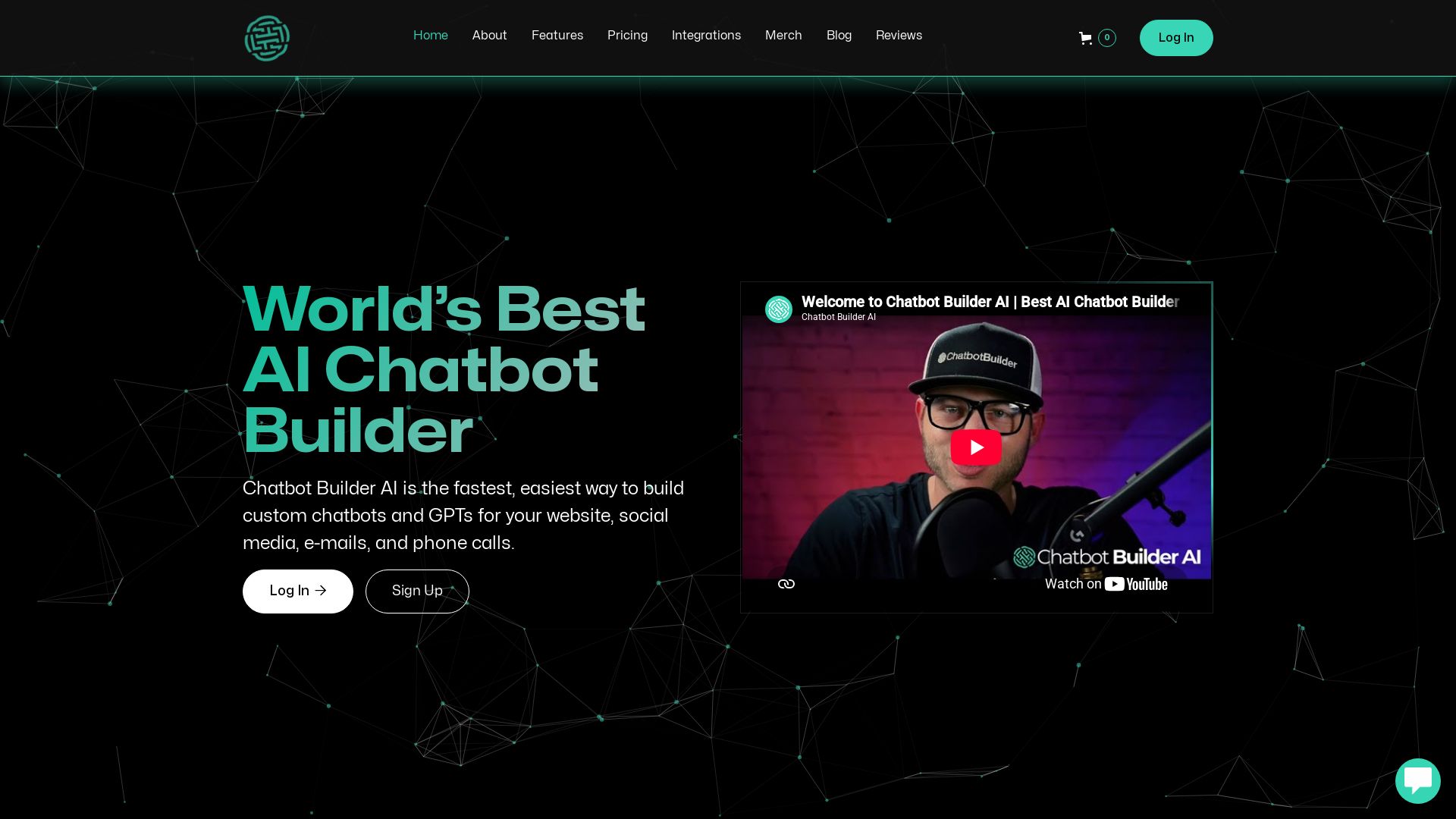
ChatBotBuilderai
Create powerful AI chatbots and GPTs for your business. Integrate with 1000+ apps, support multi-channel, and automate customer service. 14-day free trial. No credit card required.


ChatBot
Train an AI agent on your website in minutes. Answer questions, recommend products, and close sales 24/7. Free 14-day trial, no credit card.

ℹ️ Curation Disclosure: The overview and features of InnerZero were synthesized using AI and fact-checked by our curation team to ensure accuracy.
