LMSA
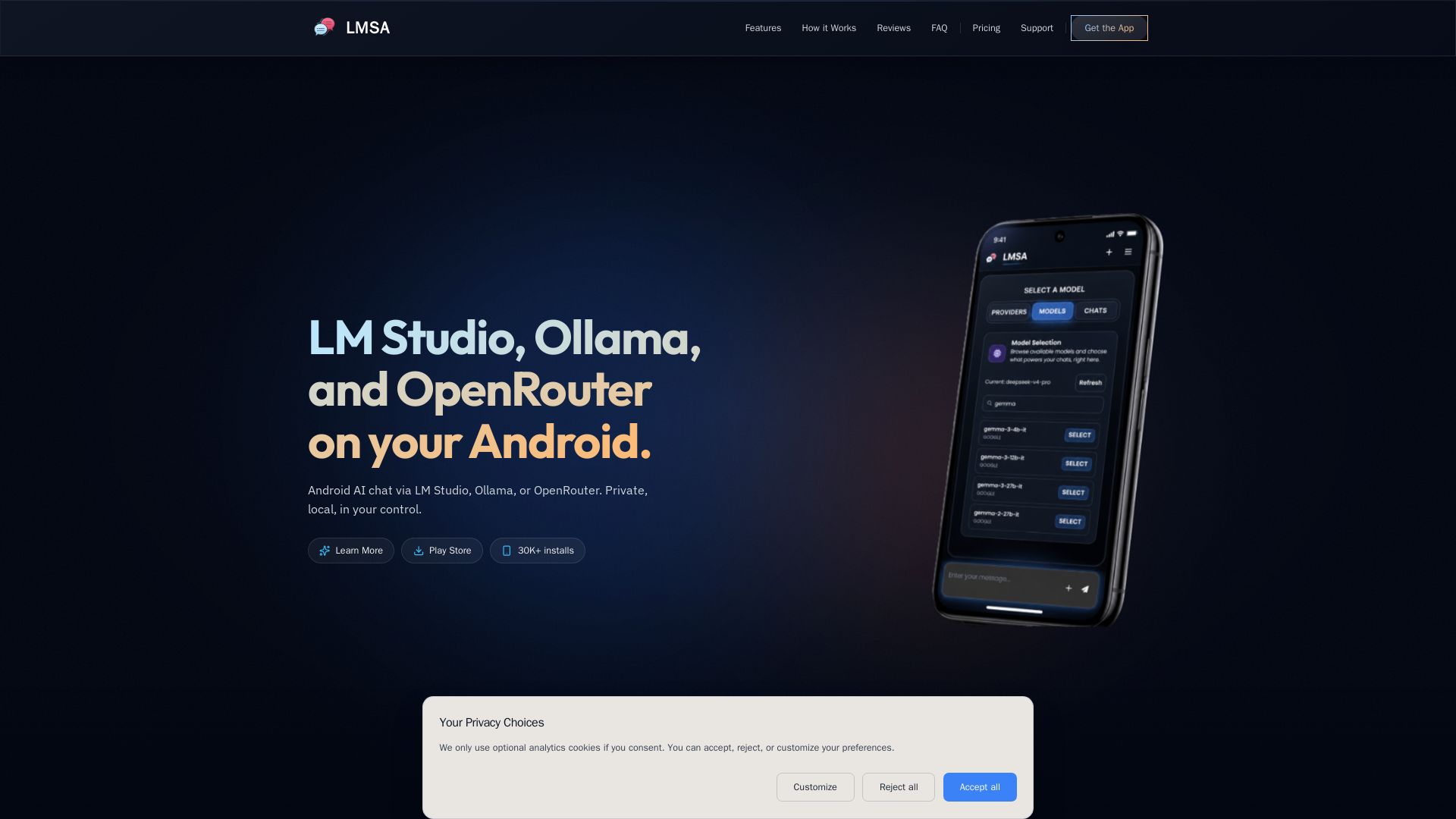
Chat privately with AI on Android using local LM Studio/Ollama or cloud OpenRouter. Zero data retention, AES-256 encryption, voice mode. No subscriptions.

Editor's Verdict
Key Takeaways
- Privacy-First Voice Mode
- Private Web Search
- Zero Data Retention
- Local Server Auto-Discovery
In-Depth Review: What is LMSA?
LMSA (Local Model Smart Assistant) is the ultimate Android app for private AI conversations. Connect to your local LM Studio or Ollama models over your home network, or use cloud models via OpenRouter with enforced zero data retention. Enjoy hands-free voice mode, real-time private web search via Brave, and automatic LAN discovery. All chats are encrypted on-device with AES-256. Free to use with optional one-time $14.99 premium upgrade to remove ads and unlock advanced features like custom endpoints and text-to-speech. Trusted by AI enthusiasts for reliability and privacy.
Core Features
Privacy-First Voice Mode
Talk directly to local Ollama or LM Studio models on your phone with completely private, hands-free conversation, zero cloud tracking, and full local network encryption.
Private Web Search
Enhance local AI conversations with real-time web results via Brave Search, executed privately without user tracking or persistent cookies.
Zero Data Retention
Interact with cloud models via OpenRouter with zero data retention enforced; prompts and files are never stored or logged by the provider.
Local Server Auto-Discovery
Automatically scan and connect to LM Studio or Ollama instances on your home Wi-Fi network, skipping manual network setup.
AES-256 On-Device Encryption
Encrypt chat database and configuration settings on-device with AES-256, keeping local storage protected with zero cloud sync.
Pricing
Free
- Unlimited chat
- Unlimited Voice Mode
- LM Studio support
- Ollama support
- File attachments
- OpenRouter support
- Limited web search
- Limited text-to-image generation
- Ads included
Lifetime Premium
- All Free features
- Unlimited web search
- Unlimited text-to-image generation
- Text-to-Speech (TTS)
- Custom endpoint usage
- Adjust max tokens / context length
- Templates & personas
- Save custom endpoints
- Offline mode
- PIN unlock
- Biometric unlock
- Advanced settings
- Edit system prompts
- Import/Export saved chats
- Ad-free experience
- Email support
Pros and Cons
Pros
- Privacy-FirstStrong privacy protections including local processing, zero data retention, on-device encryption, and no tracking.
- Local AI ControlUse your own AI models on your own hardware without relying on cloud services for sensitive conversations.
- Easy Setup & Auto-DiscoveryAutomatically finds local LM Studio/Ollama instances on your network with minimal configuration.
- Voice Mode Included FreeHands-free voice chat is available unlimitedly on both free and premium tiers.
- One-Time Premium PurchaseNo subscriptions—unlock full features with a single payment, no recurring fees.
Cons
- Ads on Free TierFree users see ads, which can be disruptive; removed only with premium purchase.
- Limited Local Network EncryptionLAN connections to LM Studio/Ollama are not encrypted, so they should only be used on trusted networks.
- Offline Mode Requires PremiumOffline chat capability is locked behind the premium purchase, limiting use without internet for free users.
- Cloud Features Require InternetOpenRouter, web search, and model updates need an internet connection; local setup is needed for full offline use.
- No Built-In Remote AccessAccessing local models away from home requires third-party tools like Tailscale; not natively supported.
Use Cases & Recommended Professions
Software Developer→ View Toolkit
Developers can integrate local AI models for testing, code assistance, or building private AI applications without exposing data to third parties.
Privacy Advocate→ View Toolkit
Individuals who prioritize data privacy and want to use AI without their conversations being stored or used for training by cloud providers.
AI Researcher→ View Toolkit
Researchers can experiment with various local LLMs on mobile, access models via OpenRouter, and maintain full control over data.
Student→ View Toolkit
Students can use private AI for studying, research, or writing assignments without relying on tracked online services.
Freelance Writer→ View Toolkit
Writers benefit from offline AI assistance for brainstorming, editing, and generating content with privacy and no subscription costs.
Business Professional→ View Toolkit
Professionals handling sensitive information can use local AI for meeting notes, email drafts, and analysis without sending data to external servers.
Frequently Asked Questions
Alternative AI Tools
View Detailed Comparison →
Expo AI Chatbot
Build AI chatbot apps for iOS, Android & web with Expo SDK 54, AI SDK 5, voice, long-term memory, and more. Open-source codebase.

Arsturn
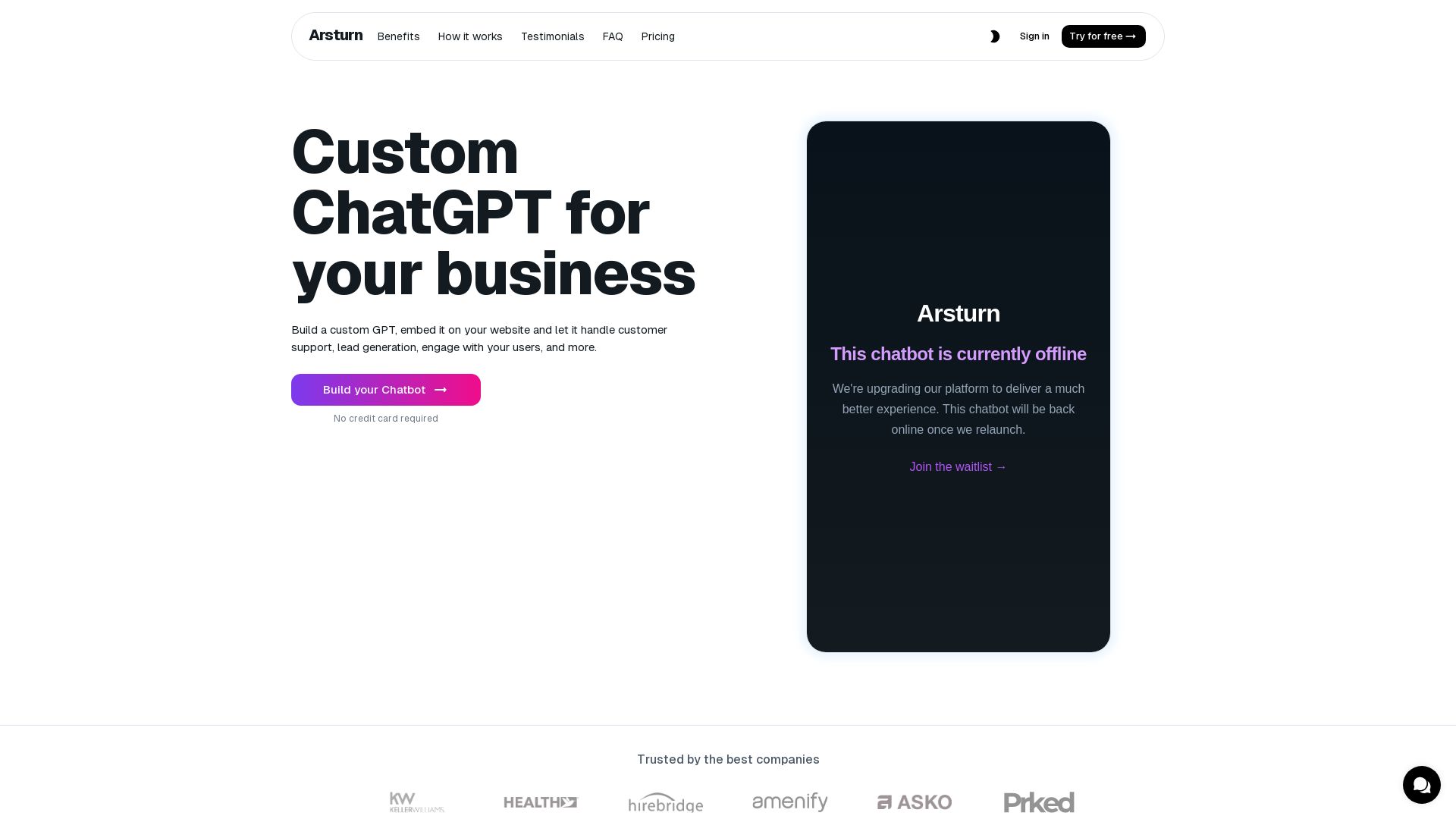
Build a custom GPT chatbot without coding. Train with your data, embed on website, boost engagement and lead generation. Free plan available.

Chatbot Builder
Build an AI chatbot in minutes without coding. 24/7 customer support, sales automation, and seamless integrations. Start your free 14-day trial today!

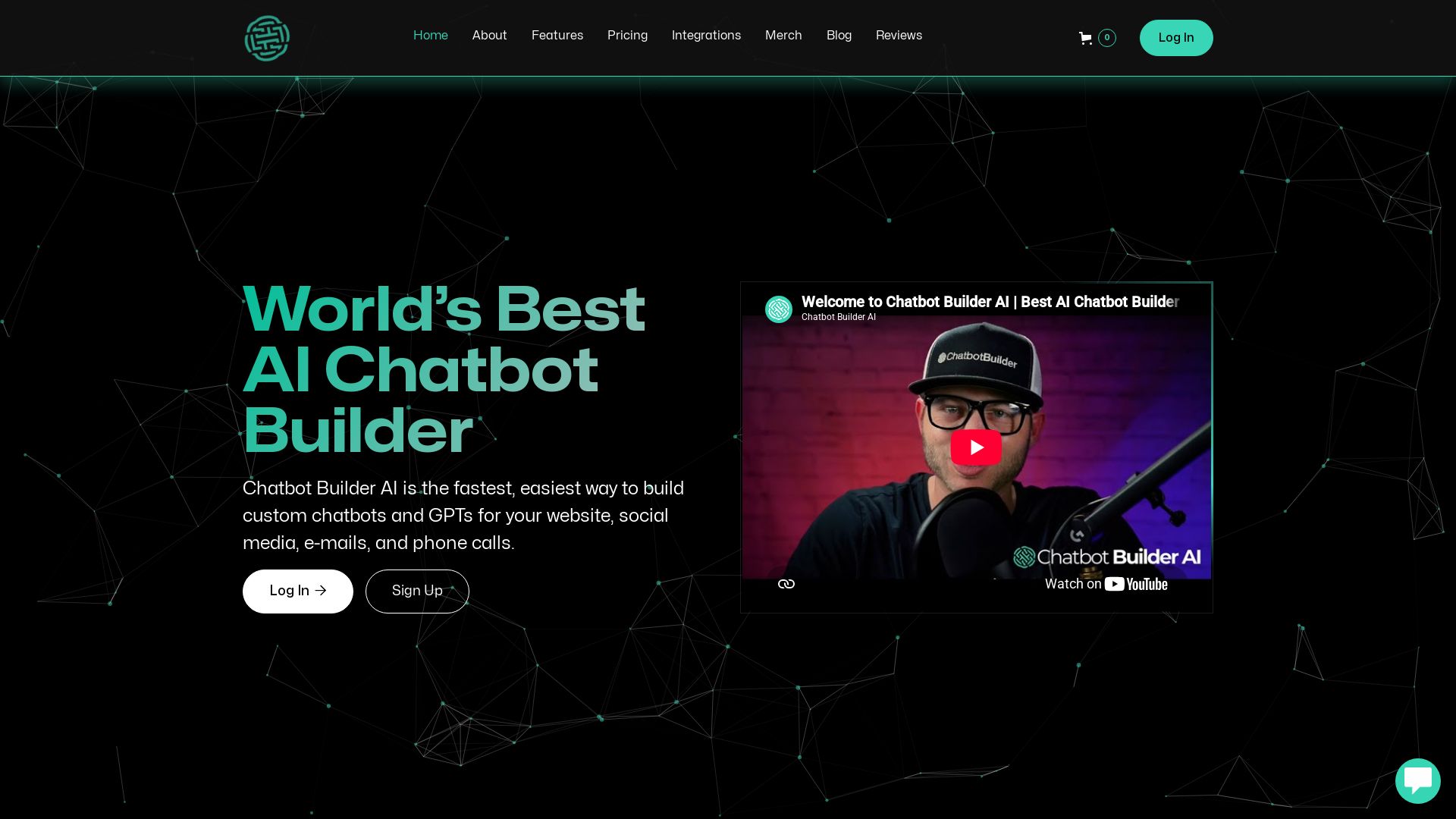
ChatBotBuilderai
Create powerful AI chatbots and GPTs for your business. Integrate with 1000+ apps, support multi-channel, and automate customer service. 14-day free trial. No credit card required.


AI Chat - Smart Chatbot
Download AI Chat - Smart Chatbot for Android. Powered by ChatGPT, it offers human-like conversations, multilingual support, and easy-to-use interface. Free download.

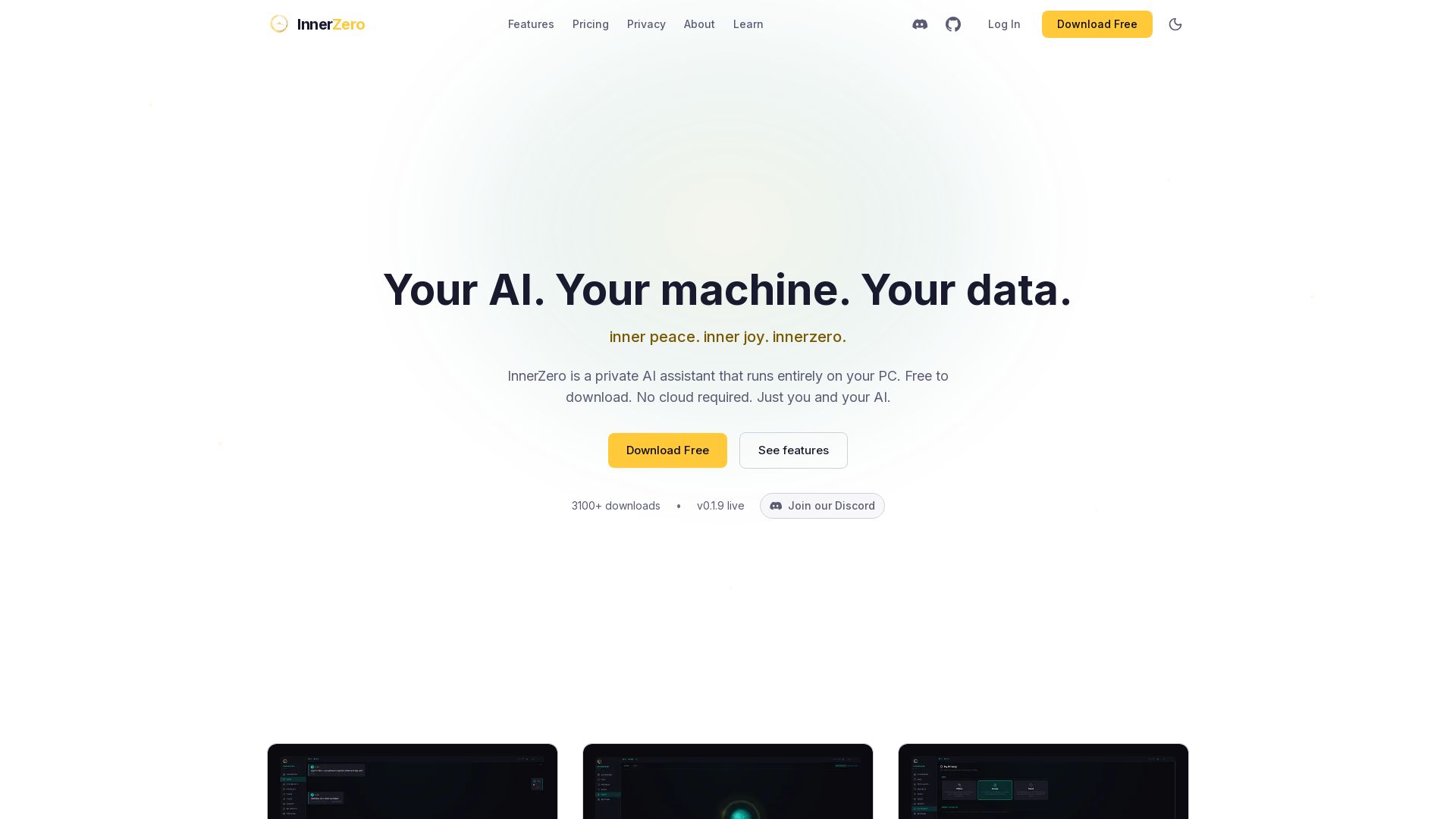
InnerZero
Experience a private AI that runs 100% on your PC. No cloud, no tracking. Voice, memory, multilingual, and free to download. Your data stays yours.

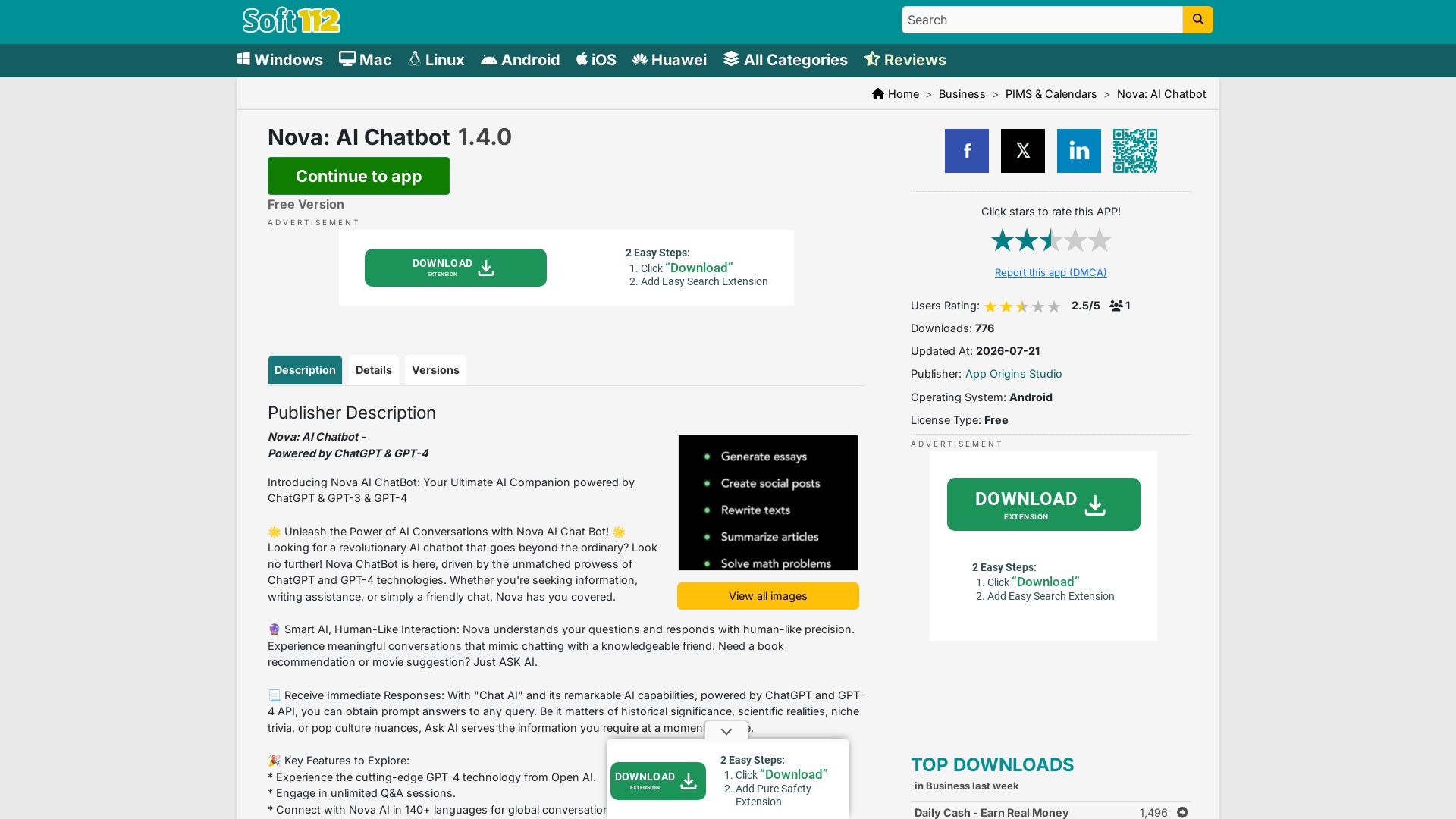
Nova AI Chatbot
Download Nova AI Chatbot for Android. Engage in human-like conversations, get writing help, and enjoy unlimited Q&A. Free version available.

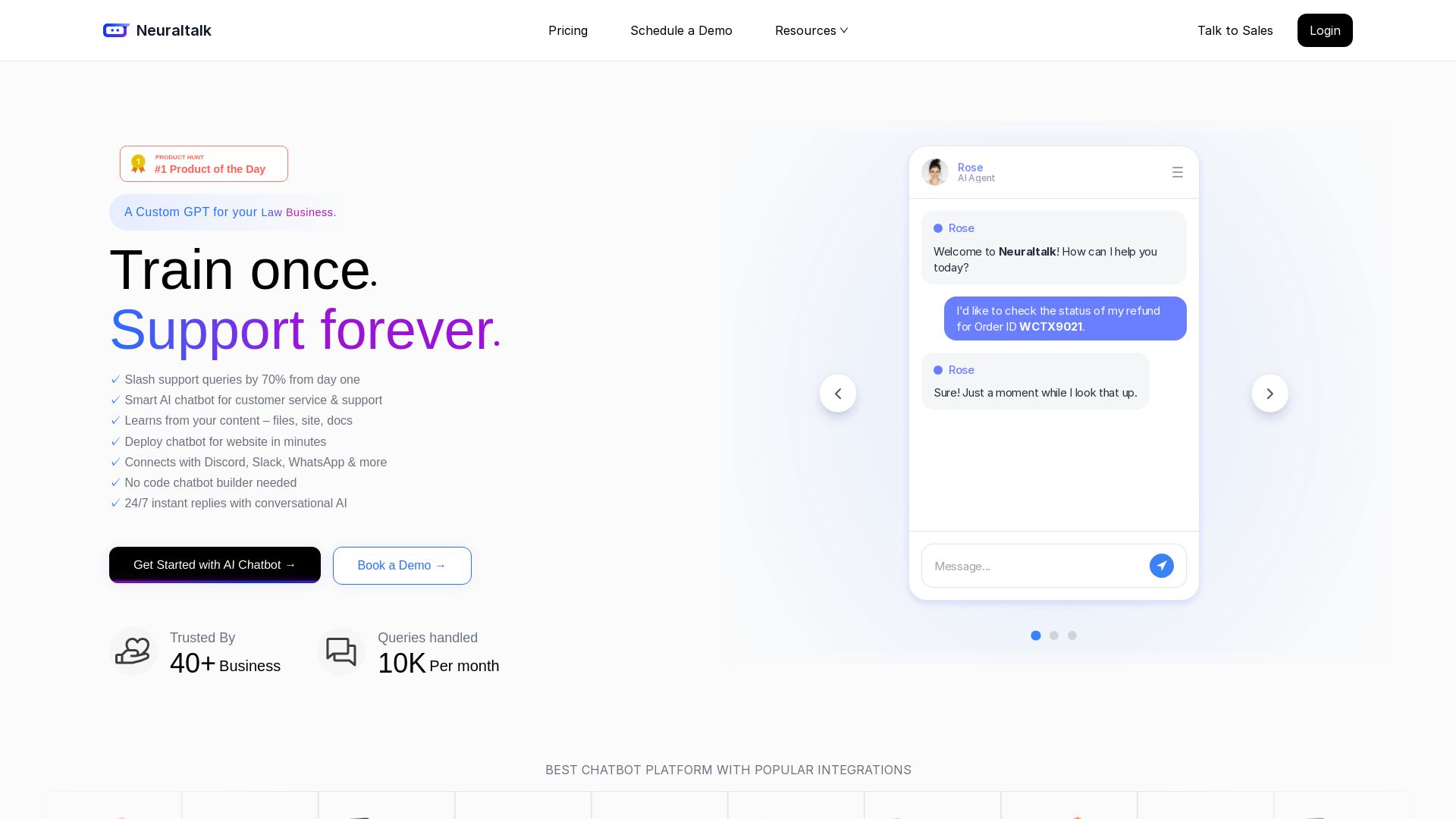
NeuralTalk AI
Create your own AI chatbot for free. Train on your data, deploy on website, and automate customer service 24/7 with no coding. Best chatbot platform.

ChatBot
Train an AI agent on your website in minutes. Answer questions, recommend products, and close sales 24/7. Free 14-day trial, no credit card.


Private AI
Chat securely offline with private AI models on your device. Zero data collection, no ads, and full control over your conversations.

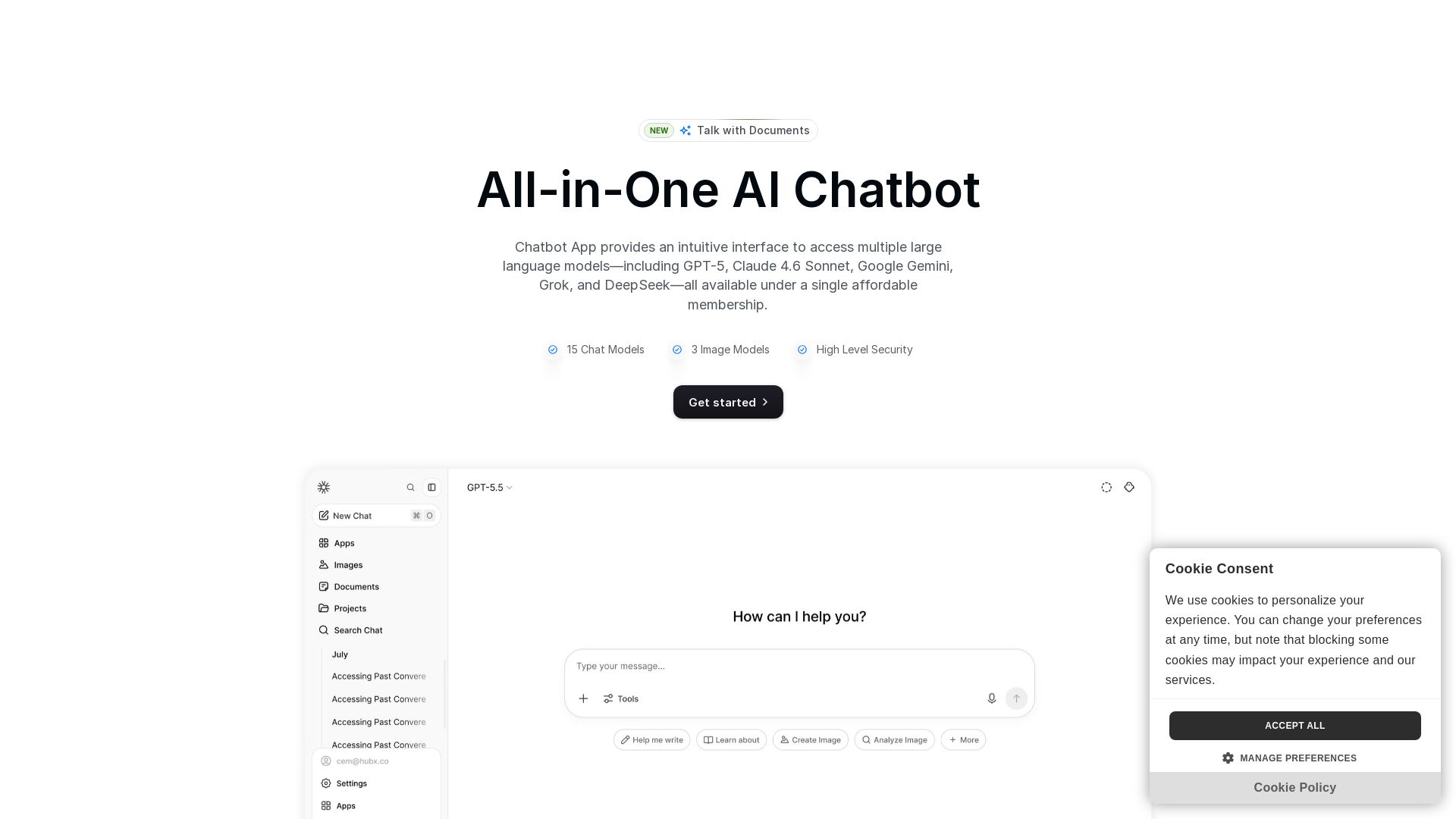
Chatbot App
Access 15+ top AI models including GPT-5, Claude 4.6, Gemini, DeepSeek in one app. Affordable membership, chat, image generation, PDF support, and more. Save 70%.

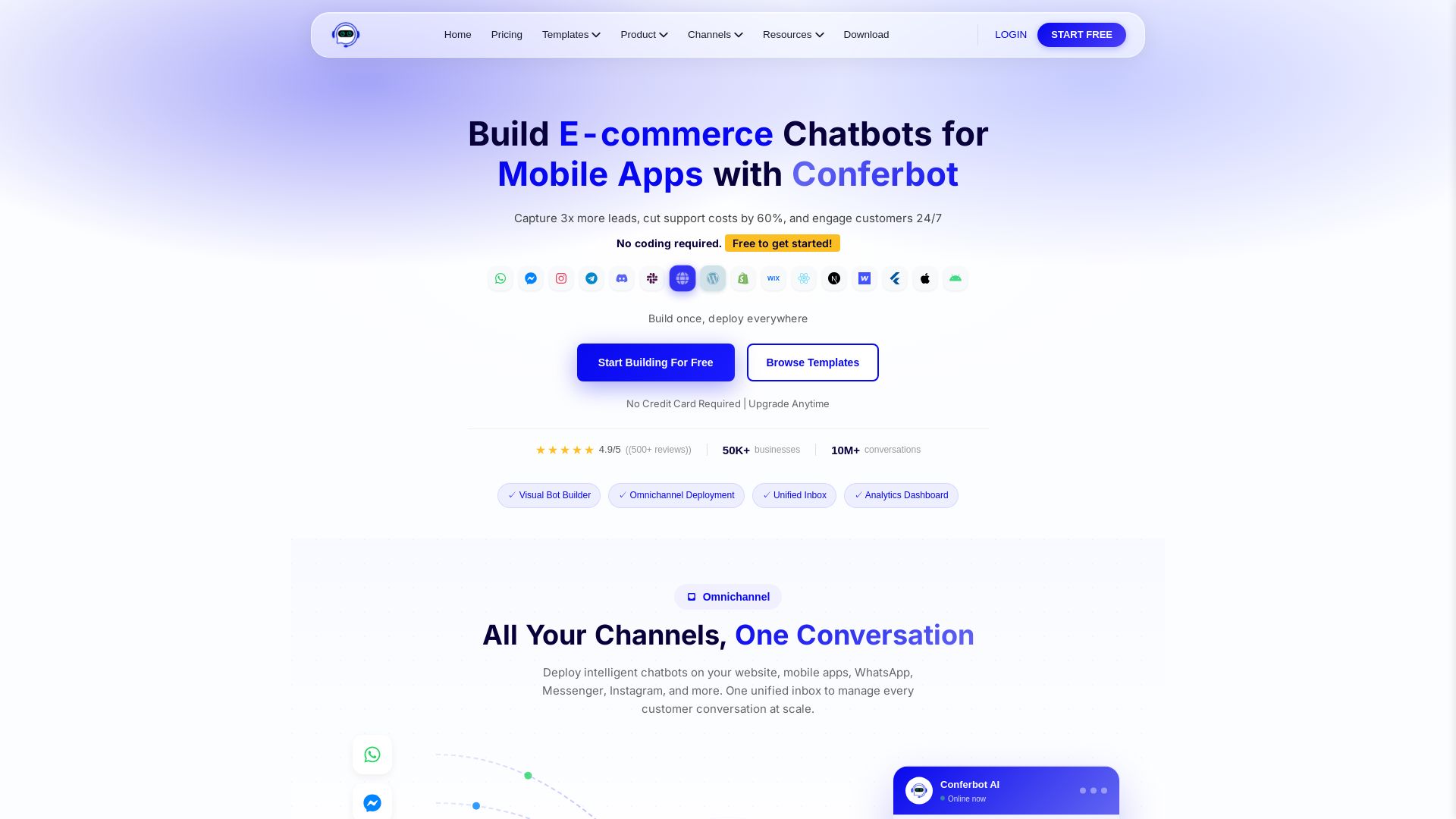
Conferbot
Capture 3x more leads and cut support costs by 60% with Conferbot. Deploy no-code AI chatbots across 13+ channels in minutes. Free to start, no credit card required.

ℹ️ Curation Disclosure: The overview and features of LMSA were synthesized using AI and fact-checked by our curation team to ensure accuracy.
