
Retool
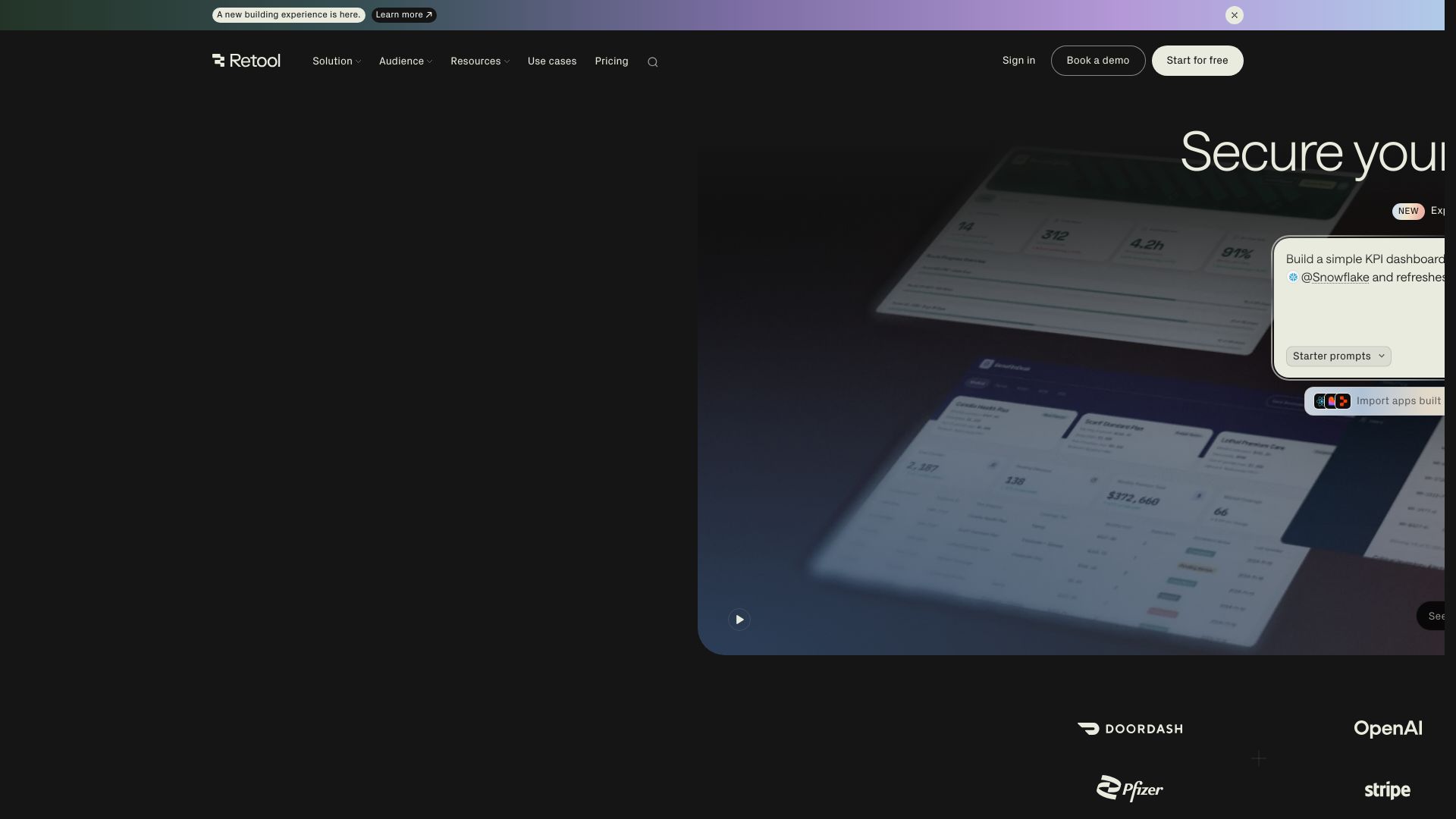
Build powerful, secure apps on your data with Retool's AI-powered app builder. Connect to any data source, deploy with governance, and scale across your enterprise.
Editor's Verdict
Key Takeaways
- App Generation (AppGen)
- MCP Server
- Import React Code
- AI Primitives and Agents
In-Depth Review: What is Retool?
Retool is a platform that allows you to generate full-stack, production-ready applications using AI. You can describe what you want and get a complete app with enterprise security and governance built in. It connects directly to your existing data sources, respects permissions, and enables rapid development without compromising on compliance. Trusted by over 10,000 teams, Retool helps businesses modernize operations, from financial services to manufacturing.
Core Features
App Generation (AppGen)
Describe what you need and get a full, production-ready app with enterprise security and governance built in.
MCP Server
Build an app from your favorite AI coding agent and deploy it within your governed Retool environment.
Import React Code
Deploy apps built in Lovable, Replit, and other platforms by uploading a ZIP file or syncing with GitHub.
AI Primitives and Agents
Use AI-powered workers to automate workflows, built-in AI credits, and agent hours for complex tasks.
Secure Data Connections
Connect directly to production data sources with existing permissions, no extra configuration required.
Enterprise Governance
Deploy with auth, access controls, audit logging, and SSO built in, ensuring compliance from day one.
Mobile Apps
Build and deploy mobile applications with offline mode, push notifications, and biometric authentication.
Workflows
Automate processes with schedule triggers, webhooks, custom error handling, and up to 5,000 runs per month.
Self-Hosting
Deploy Retool in your own VPC with Docker in about 15 minutes for full data control.
Pricing
Free
- Unlimited web & mobile apps
- 500 workflow runs/month
- 5GB of database capacity
- 5GB of file storage
- Up to 5 users
- Up to 20 hours/month of Agents
- 250 AI credits/month
Team
- Everything in Free
- 5,000 workflow runs/month
- Staging resource environment
- App release versions
- Additional Agent hours available
- 1,000 AI credits/month (750 + 250 bonus)
Business
- Everything in Team
- Audit logging
- Rich permission controls
- Portals and embedded apps
- Unlimited resource environments
- Unlimited modules
- Access to external user pricing
- Custom branding
- 3,000 AI credits/month (1,500 + 1,500 bonus)
Enterprise
- Everything in Business
- SAML / OpenID Connect SSO
- Source control
- Error monitoring and observability
- Full white-labeling
- Independent workspaces
- Platform APIs and workflow triggers
- Volume-based discounts
- Dedicated support
- 10,000 AI credits/month (5,000 + 5,000 bonus)
Pros and Cons
Pros
- Production-Ready from Day OneEnterprise-grade security, governance, and compliance built in, so apps pass security reviews without rebuild.
- AI-Native App BuilderGenerate full apps from natural language prompts, integrated with your data and infrastructure.
- Flexible IntegrationConnect to any database or API, import code from other platforms, and deploy via MCP or GitHub.
- Cost-Effective User TiersDifferentiated pricing for builders, internal users, and external users, reducing cost for end-user access.
- Self-Hosting OptionDeploy in your own VPC for complete data control, with setup in about 15 minutes.
Cons
- Credit Usage LimitsAI credits are pooled and renew monthly without rollover, requiring monitoring for high-usage teams.
- Agent Hourly PricingAgent usage is billed hourly and separate from AI credits, adding complexity to cost estimation.
- Free Plan RestrictionsFree plan is limited to 5 users and low workflow runs, insufficient for larger teams.
- Builder Seat CostsBuilder seats are more expensive than internal user seats, potentially increasing cost for teams with many editors.
- Limited Offline Mode in Lower PlansOffline mode for mobile apps is only available on Business and Enterprise plans.
Use Cases & Recommended Professions
Software Engineer→ View Toolkit
Build and deploy internal tools quickly without reinventing the wheel, using pre-built components and AI generation.
Data Analyst→ View Toolkit
Create interactive dashboards and workflows connected to live data sources, enabling real-time decision-making.
Operations Manager→ View Toolkit
Automate operational tasks such as reporting, ticket handling, and supply chain monitoring with low-code tools.
Financial Services Professional→ View Toolkit
Develop compliant applications for banking and fintech with audit logs, SSO, and data governance.
IT Administrator→ View Toolkit
Manage user permissions, integrations, and deployments across the organization with centralized governance.
Product Manager→ View Toolkit
Rapidly prototype and launch internal products without extensive development cycles, using AI-assisted building.
Frequently Asked Questions
Alternative AI Tools
View Detailed Comparison →
Cequence AI Gateway
Safely connect AI agents to business apps with enterprise-grade security, OAuth 2.1, and MCP. Unlock agentic AI productivity.


Wizr AI
Build autonomous enterprises with AI-powered automation. Accelerate software delivery by 50% with production-ready AI systems. Trusted by world-class enterprises.


Section AI
Turn AI investment into workforce transformation with Section. Command center, coaching, and strategic support to drive measurable ROI.


Unum
ML6 partners with bold leaders to deliver AI that reshapes business models. Discover Unum, the world's first Enterprise Superintelligence Platform.


SF AI Labs
End-to-end AI services from strategy to launch. Proven delivery framework, expert network in San Francisco. Maximize ROI with custom AI solutions for modern companies.


Scuti AI
We specialize in generative AI, AI-OCR, RAG, and offshore development. Combining Vietnam's speed with Japan's quality to automate tasks and boost business.


Making AI think and act: my approach to the Hugging Face AI ...
Experienced AI engineer specializing in medical imaging and LLM-powered agents. Built globally deployed radiology AI at AZmed. Now building AI agents at Matrix One.

Leanware
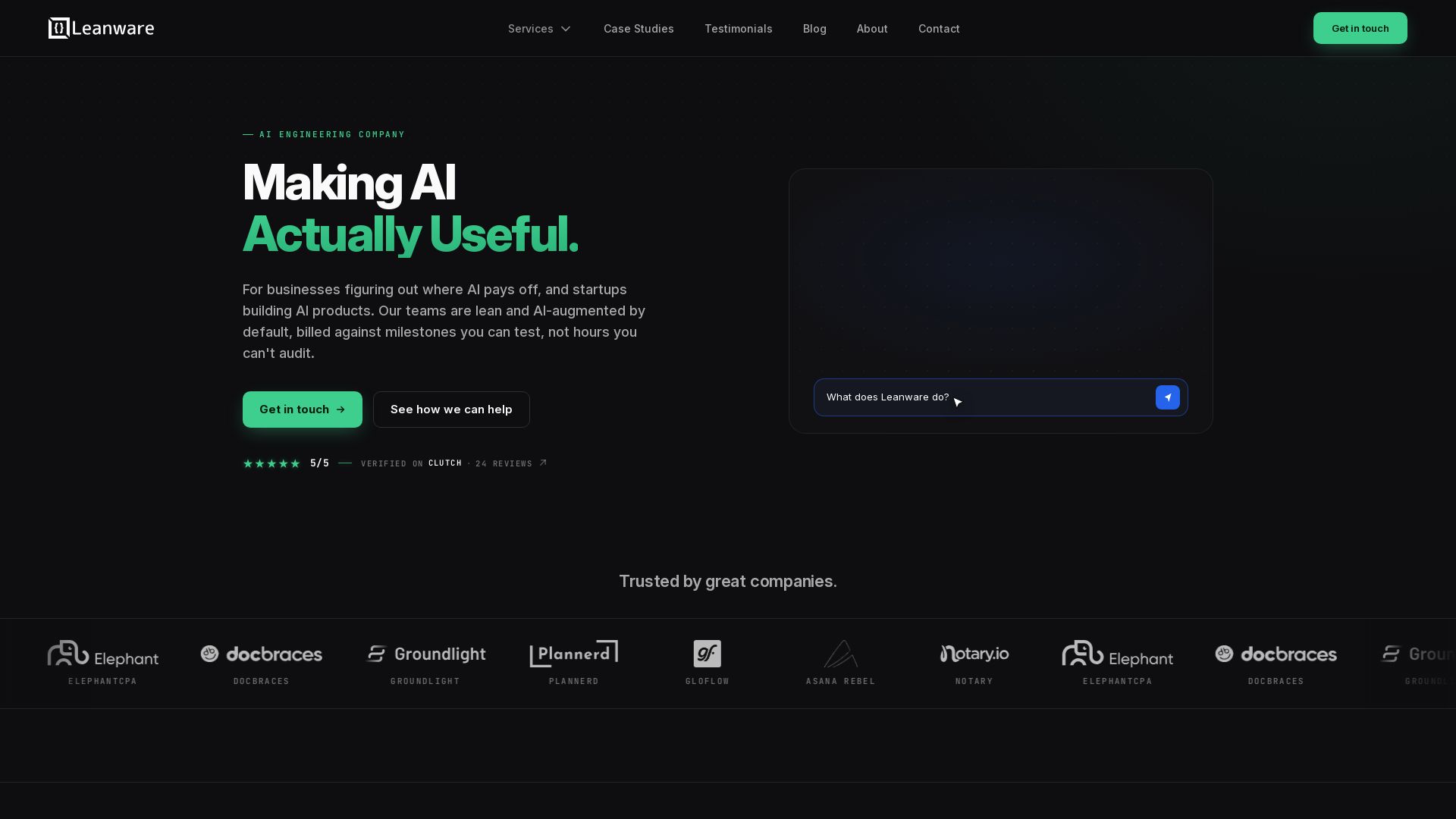
We build custom AI agents, ship AI products, and assess AI ROI. Milestone-billed, lean teams, no handoffs. Trusted by startups and businesses.

Claude Code vs LangGraph: Agent vs Workflow
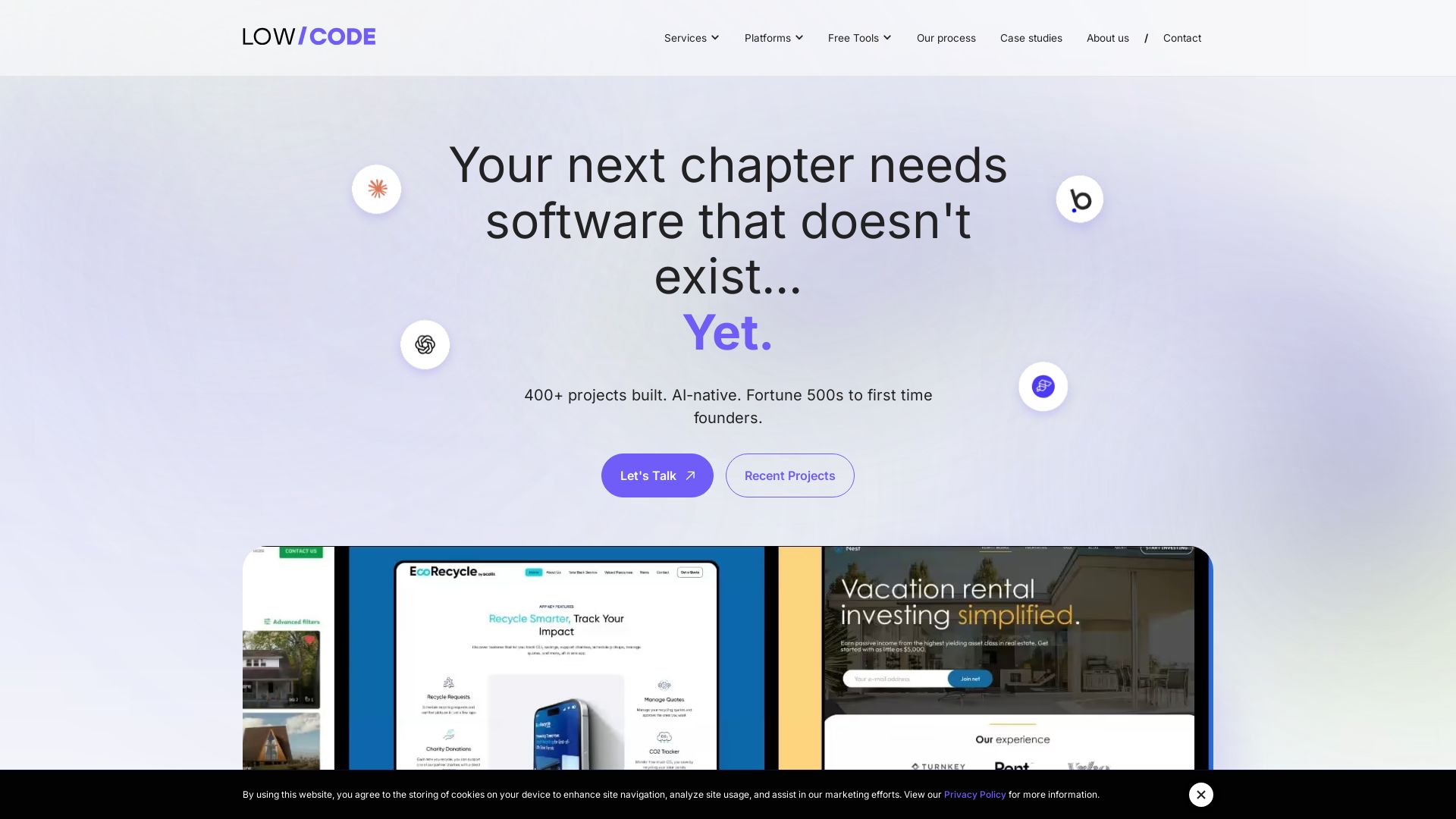
Low-code development agency building custom apps, AI automations, and MVPs for businesses and startups. 400+ projects delivered. Trusted by Fortune 500s and founders.

Kroolo
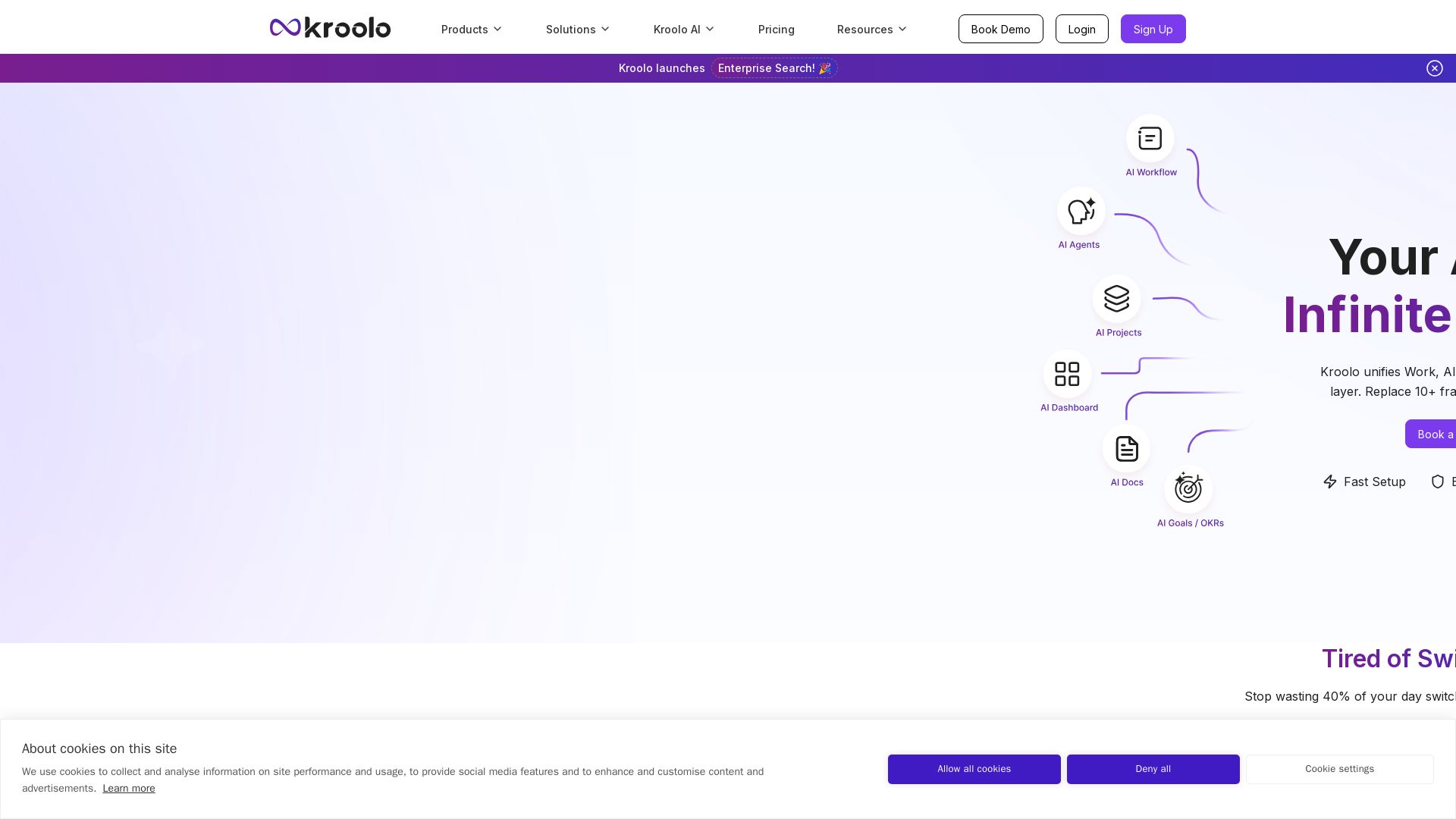
Replace 10+ fragmented apps with one AI-native platform. Kroolo unifies work, AI agents, and enterprise search to boost productivity up to 70%.


ProductCrafters
Get a free 2-week trial sprint for your AI product. Working prototype in 30 days, production-ready in 90. No contract, no credit card. Test your dev team risk-free.


Faros
Trace every AI dollar to outcomes. Improve engineering productivity, measure AI impact, and provide context for AI agents. Trusted by top teams.

ℹ️ Curation Disclosure: The overview and features of Retool were synthesized using AI and fact-checked by our curation team to ensure accuracy.
