
AFFiNE
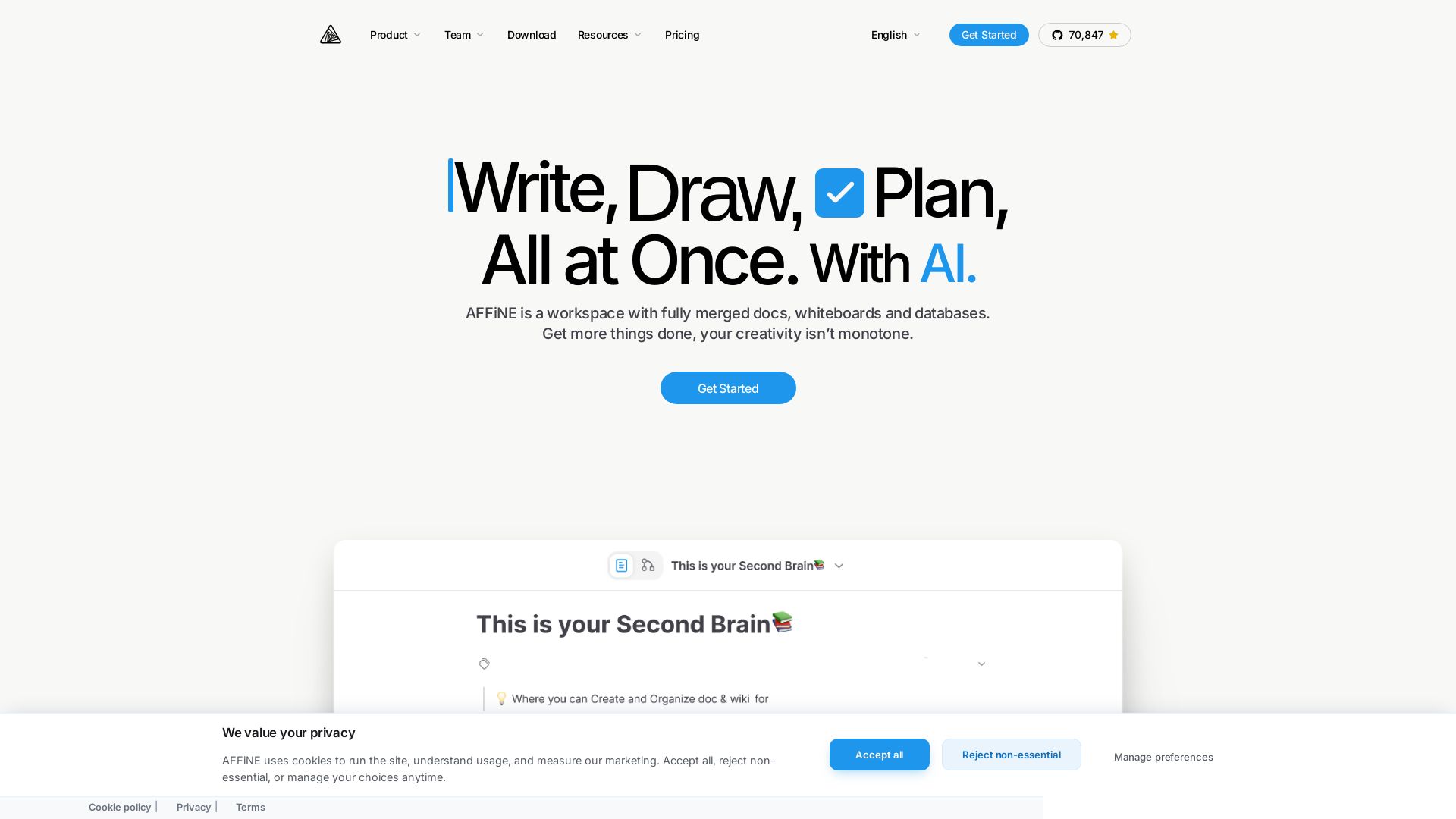
Replace Notion & Miro with AFFiNE: an open-source, local-first workspace for writing, drawing, planning with AI. Privacy-focused, collaborative, and free.

Editor's Verdict
Key Takeaways
- Docs & Wikis
- Whiteboards
- Databases
- AI Copilot
In-Depth Review: What is AFFiNE?
AFFiNE is a hyperfused platform that combines docs, whiteboards, databases, and AI in a single, privacy-focused workspace. As an open-source alternative to Notion and Miro, it enables teams and individuals to write, draw, and plan seamlessly without switching tools. With local-first data control, ready-to-use templates, and AI assistance, AFFiNE boosts productivity and creativity. Trusted by startups and enterprises, it's available on desktop, mobile, and web.
Core Features
Docs & Wikis
Write and organize content with block-based editing, supporting rich text, images, and databases.
Whiteboards
Visualize ideas on an infinite canvas with edgeless mode, enabling freehand drawing, sticky notes, and collaboration.
Databases
Manage structured data with databases that integrate seamlessly with docs and whiteboards.
AI Copilot
AI-assisted writing, drawing, and planning including rewriting, translation, mind map generation, and presentation creation.
Local-First & Privacy
All data is stored locally by default, giving users full control and privacy, with optional cloud sync.
Open Source
MIT-licensed editor and source-available backend, fostering transparency and community contributions.
Pricing
Free
- Unlimited local workspaces
- Unlimited doc and edgeless editing
- 10 GB cloud storage
- 10 MB maximum file size
- Up to 3 members per workspace
- 7-day cloud time machine version history
- Up to 3 login devices
Pro
- Everything in Free
- 100 GB cloud storage
- 100 MB maximum file size
- Up to 10 members per workspace
- 30-day cloud time machine version history
- Community support
- Real-time syncing & collaboration
Team
- Everything in Pro
- 100 GB initial storage + 20 GB per seat
- 500 MB maximum file size
- Unlimited team members (10+ seats)
- Multiple admin roles
- Priority customer support
Believer Plan
- Everything in Pro
- Life-time personal usage
- 1 TB cloud storage
Enterprise
- Everything in Team
- Dedicated point of contact
- Custom contract & procurement
- Priority security review
- Self-host + cloud hybrid options
- SLA on request
Code License
- Commercial source-code license
- Whitelabel and rebrand rights
- OEM and SDK embedding support
- Dedicated solutions engineer
- License audit transparency
- Co-development on roadmap
AFFiNE AI
- Write with AI: content generation, rewriting, grammar fixing
- Draw with AI: mind map creation, presentation generation (Beta)
- Plan with AI: auto-sort and auto-tag notes (Coming soon)
- Privacy protected
Pros and Cons
Pros
- All-in-One WorkspaceCombines docs, whiteboards, databases, and AI in a single platform, eliminating the need to switch between apps.
- Privacy & Local-FirstData is stored locally by default, giving users full control and security, with optional cloud sync.
- Open SourceMIT-licensed editor and source-available backend ensure transparency, community contributions, and no vendor lock-in.
- Real-time CollaborationTeams can collaborate simultaneously on docs and whiteboards with version history and cloud sync.
- Multi-PlatformAvailable as native apps for macOS, Windows, Linux, iOS, Android, plus web and self-hosted Docker.
Cons
- Limited Free Cloud StorageFree plan includes only 10 GB cloud storage, which may be insufficient for heavy users.
- AI Features Require Extra PaymentAFFiNE AI is a paid add-on at $8.9/month, not included in any base plan.
- Team Plan Minimum SeatsTeam plan requires at least 10 seats, which may be too many for small teams.
- Self-Hosting Requires Technical ExpertiseSelf-hosted deployment requires Docker knowledge and maintenance effort.
- Steep Learning CurveWith many features and modes, new users may need time to fully utilize the platform.
Use Cases & Recommended Professions
CEO / Executive→ View Toolkit
Streamline team collaboration, manage projects, and maintain knowledge bases in one secure, privacy-focused workspace.
Product Manager→ View Toolkit
Plan roadmaps, document specs, and visualize ideas with whiteboards and databases, all while collaborating with cross-functional teams.
Graphic Designer→ View Toolkit
Sketch, doodle, and brainstorm on an infinite canvas whiteboard, and organize projects with Kanban boards.
Student→ View Toolkit
Take notes, create mind maps, and organize study materials with a local-first, open-source tool that supports rich media and handwriting.
Project Manager→ View Toolkit
Track tasks with Kanban boards, document decisions, and manage team knowledge in a single platform with real-time collaboration.
Freelancer→ View Toolkit
Manage multiple projects, plan schedules, and store client information in a private, local-first workspace with optional cloud sync.
Frequently Asked Questions
Alternative AI Tools
View Detailed Comparison →
Figr
Ship better UX faster. Figr builds a living understanding of your product, maps flows, finds edge cases, and generates high-fidelity prototypes from your actual design system.


Superdesign
Create stunning designs with AI. Iterate quickly using natural language. Export production-ready code. Browse design prompts and styles.


SlidesAI
Create beautiful presentations from notes, prompts, or docs with SlidesAI. Works in Google Slides, PowerPoint, ChatGPT & web. Save 85% time.


Figma
Figma is the intelligent, AI-native canvas for designing, prototyping, and building products together. Trusted by 95% of Fortune 500. Explore design and dev tools.


Prezi
Prezi AI creates studio-quality presentations from your ideas. Describe or upload, get a polished deck in seconds. Refine via chat, export as PPTX or PDF. No design skills needed.


SlideSpeak
Turn PDFs, Word docs, and ideas into professional PowerPoint slides in minutes. AI-powered editor, video, and branding. Trusted by 1M+ users.


UX Pilot
Ideate, design, and hand-off web apps in seconds with UX Pilot's AI. Generate wireframes, hi-fi designs, and clean code. Trusted by 1M+ users.


AiPPT
Transform ideas into stunning presentations instantly with AiPPT. Generate slides from text, documents, URLs, or templates. Import from Google Drive. Free and paid plans.


Figma Console MCP
Connect AI to Figma for design extraction, token sync, and component creation. Turn your design system into a programmable API.


Presentation Maker AI
Create professional presentations in minutes with our AI presentation maker. Ideal for students, teachers, and businesses. No design skills needed. Try free!




Komposo
Turn product ideas into real, editable designs with AI. Generate, edit, and export UIs using plain language. Trusted by 100k+ users. Start for free.

ℹ️ Curation Disclosure: The overview and features of AFFiNE were synthesized using AI and fact-checked by our curation team to ensure accuracy.