Context Mode
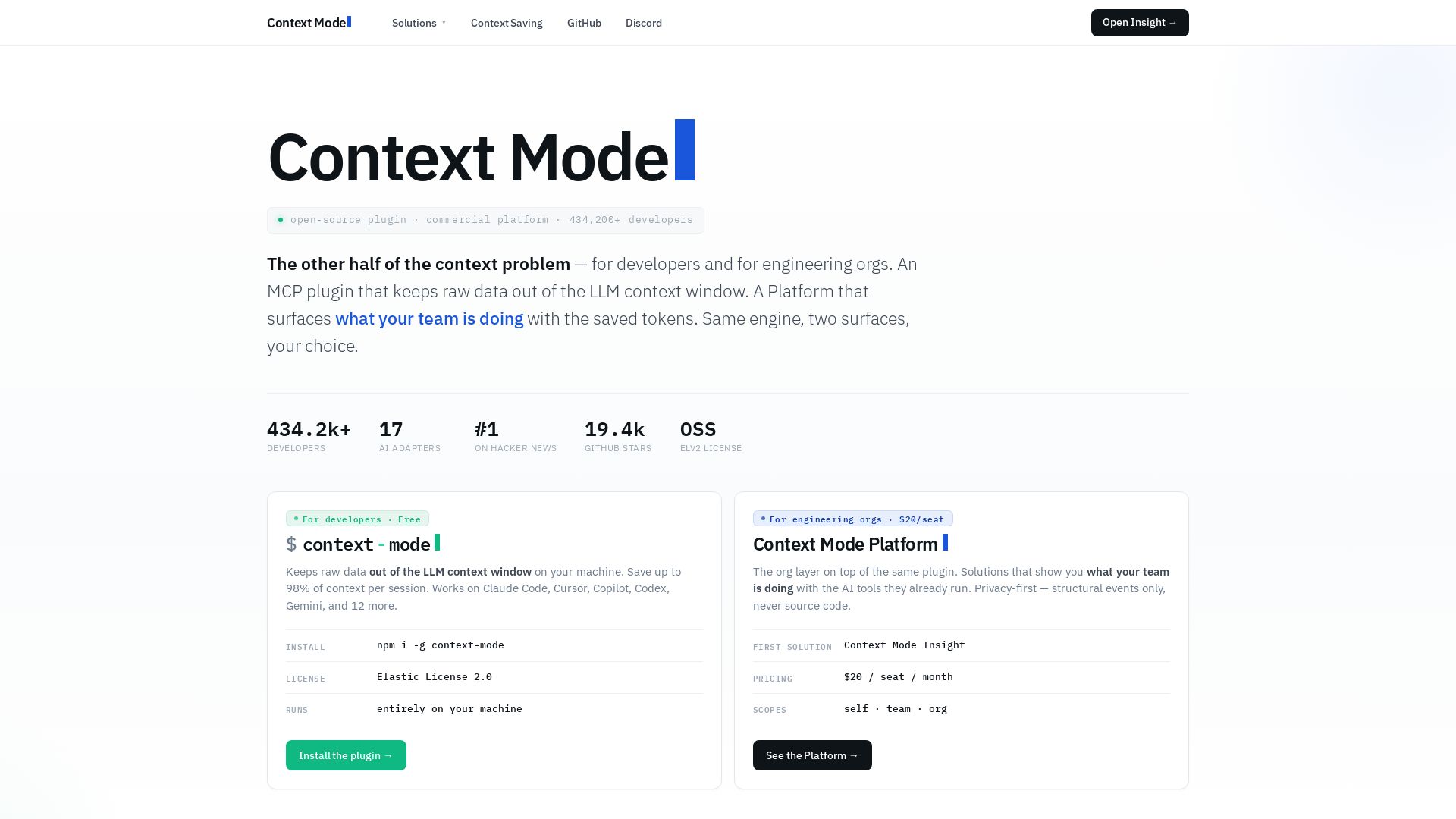
Free open-source MCP plugin cuts AI context costs by 98%. Works with Claude Code, Cursor, GitHub Copilot. Privacy-first. Platform for teams. Get started now.
Editor's Verdict
Key Takeaways
- Context Saving Plugin
- Context Mode Platform
- Privacy-First Architecture
- Insight Solution
In-Depth Review: What is Context Mode?
Context Mode is a developer tool that radically reduces the token consumption of AI coding agents. The free, open-source MCP plugin intercepts large tool output before it reaches the LLM context window, storing it locally in a searchable store. This allows your AI agent to retrieve information on demand without re-sending massive context, saving up to 98% of tokens per session. The plugin works with 17+ AI adapters including Claude Code, Cursor, and GitHub Copilot, and runs entirely on your machine—no cloud, no telemetry. For engineering organizations, the Context Mode Platform offers an opt-in layer that provides team-level insights, anomaly detection, and compliance trails without exposing source code or prompts. Already trusted by 434,000+ developers and teams at Microsoft, Google, and Meta, Context Mode is the smart way to make AI coding sustainable.
Core Features
Context Saving Plugin
Free, open-source MCP plugin that keeps raw data out of the LLM context window, saving up to 98% of context per session. Works with 17 AI adapters including Claude Code, Cursor, and Copilot.
Context Mode Platform
Commercial platform for engineering orgs that surfaces team activity from the plugin via opt-in event forwarding. Includes 222 behavioral patterns, 13 MCP tools, 14 AI adapters, and 7 persona views.
Privacy-First Architecture
Only structural metadata (tool names, file paths, error counts) is forwarded to the platform—never source code, prompts, or file content.
Insight Solution
First solution on the platform providing per-engineer productive session rate, retry waste, and pattern detection for CTO, EM, IC, CISO, FinOps, and DevOps roles.
Multi-Adapter Support
Works with 17 AI coding agents including Claude Code, Cursor, Copilot, Codex, Gemini CLI, JetBrains Copilot, and more.
Pattern Detection
Continuously evaluates 222 behavioral patterns across nine categories: Adoption, Engagement, Workflow, Quality, Effectiveness, Efficiency, Risk, Cost, and Security.
Pricing
Open Source Plugin
- Runs locally on your machine
- No cloud, no telemetry, no account
- Saves up to 98% context per session
- Works with 17 AI adapters
- Elastic License 2.0
Context Mode Platform (Pro)
- All 222 patterns evaluated at org scope
- MCP endpoint with 13 first-class tools
- 17 AI adapters supported
- 90-day data retention with edge-cached read access
- 7 persona views (CTO, EM, IC, CISO, FinOps, DevOps, Owner)
- REST API for CI/Slack/compliance
- Email support with 24-hour SLA
Pros and Cons
Pros
- Massive Context SavingsSaves up to 98% of context per session, drastically reducing token usage and costs for AI-assisted coding.
- Privacy-First DesignOnly structural metadata is shared; source code, prompts, and file content never leave the developer's machine.
- Open Source & FreeThe core plugin is free, open-source (ELv2), and runs entirely locally without any account or cloud dependency.
- Wide Adapter CompatibilityWorks with 17 different AI coding agents, making it versatile across teams using various tools.
- Org-Wide VisibilityThe platform provides actionable insights for CTOs, EMs, CISOs, and FinOps, turning saved tokens into measurable ROI.
Cons
- Paid Platform Required for InsightsAdvanced org-level features and patterns require the $20/seat/month platform subscription.
- No Free Trial for PlatformThe platform has no free tier or trial; it's pay-per-seat from the start.
- Structural Metadata OnlyThe platform cannot analyze actual code content or prompts, which may limit deep debugging capabilities.
- Data Retention LimitPlatform retains data for only 90 days, which may not be sufficient for long-term trend analysis.
- No Volume DiscountsPricing is flat at $20/seat/month with no discounts for larger teams or annual commitments.
Use Cases & Recommended Professions
Software Engineer→ View Toolkit
Uses the free plugin to reduce token consumption and speed up AI-assisted coding, improving daily workflow efficiency.
Chief Technology Officer (CTO)→ View Toolkit
Leverages platform insights to measure AI tool ROI, defend budget, and present board-level metrics.
Engineering Manager→ View Toolkit
Uses blocker detection and productivity patterns to identify stuck engineers and improve team velocity.
Chief Information Security Officer (CISO)→ View Toolkit
Relies on audit trails and risk patterns to ensure compliance and monitor AI-related security issues.
FinOps / DevOps Engineer→ View Toolkit
Analyzes token spend and cost patterns to optimize AI budget and identify retry waste.
Individual Contributor (IC)→ View Toolkit
Uses personal performance insights to benchmark against team and improve coding effectiveness.
Frequently Asked Questions
Alternative AI Tools
View Detailed Comparison →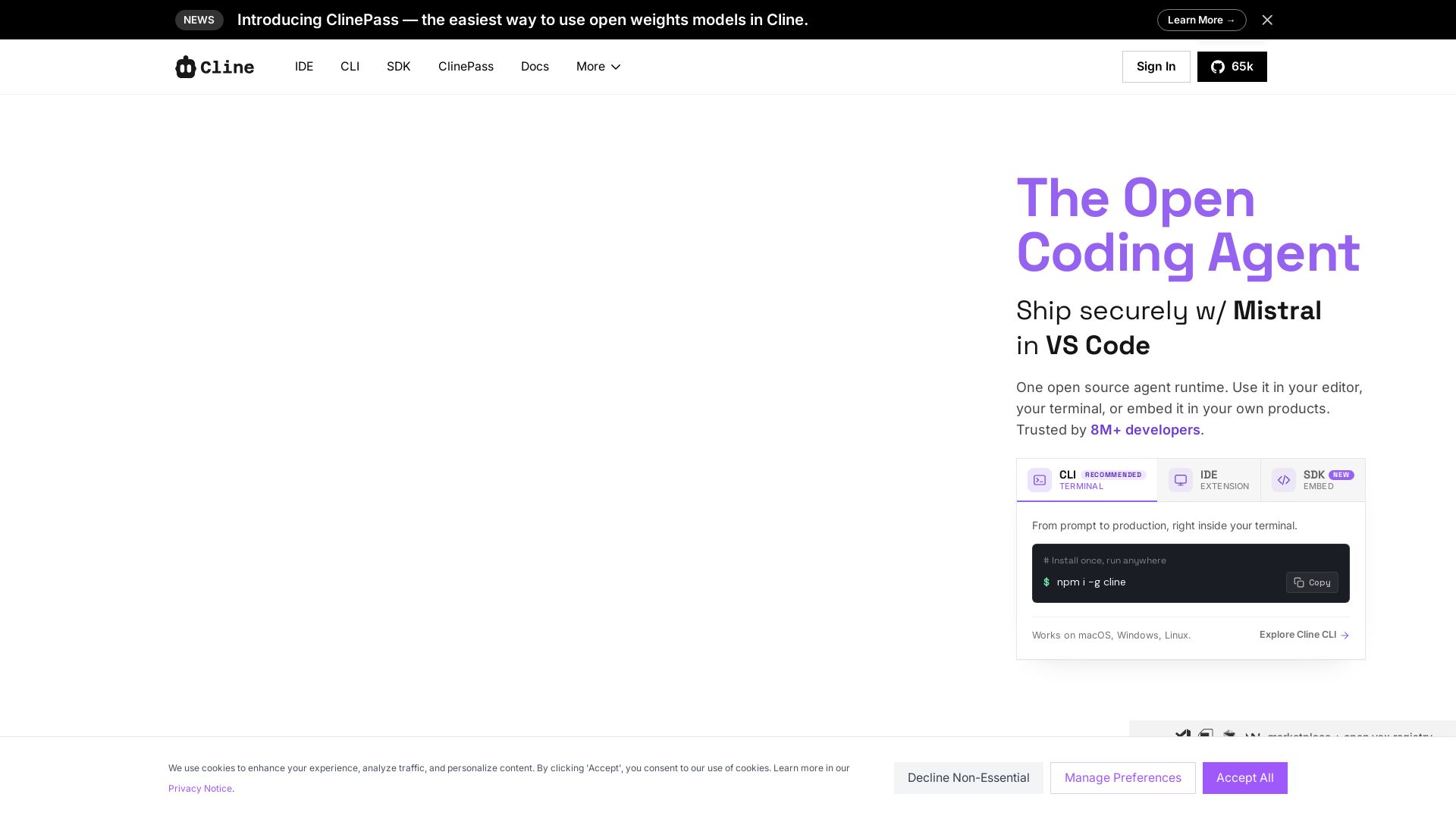
Cline
Cline is the open source AI coding agent that helps you ship secure code with Claude in VS Code, terminal, and more. Plan, act, and automate across your workflow.


Continue
Create, share, and use custom AI code agents with Continue. Features agent, chat, edit modes, and autocomplete for VS Code and JetBrains.

Devin
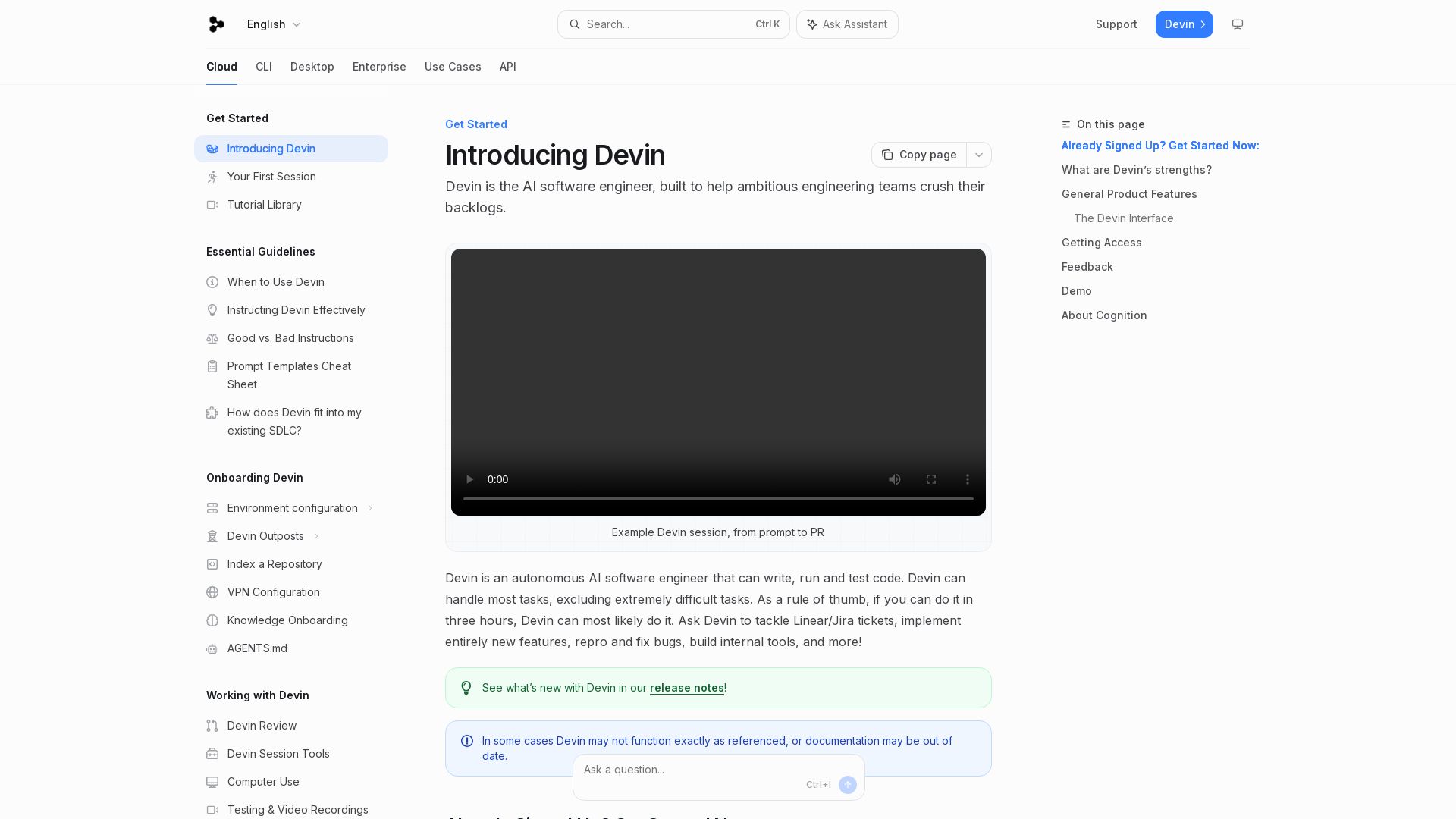
Devin is an autonomous AI software engineer that writes, runs, and tests code. Automate coding tasks, fix bugs, and crush backlogs.

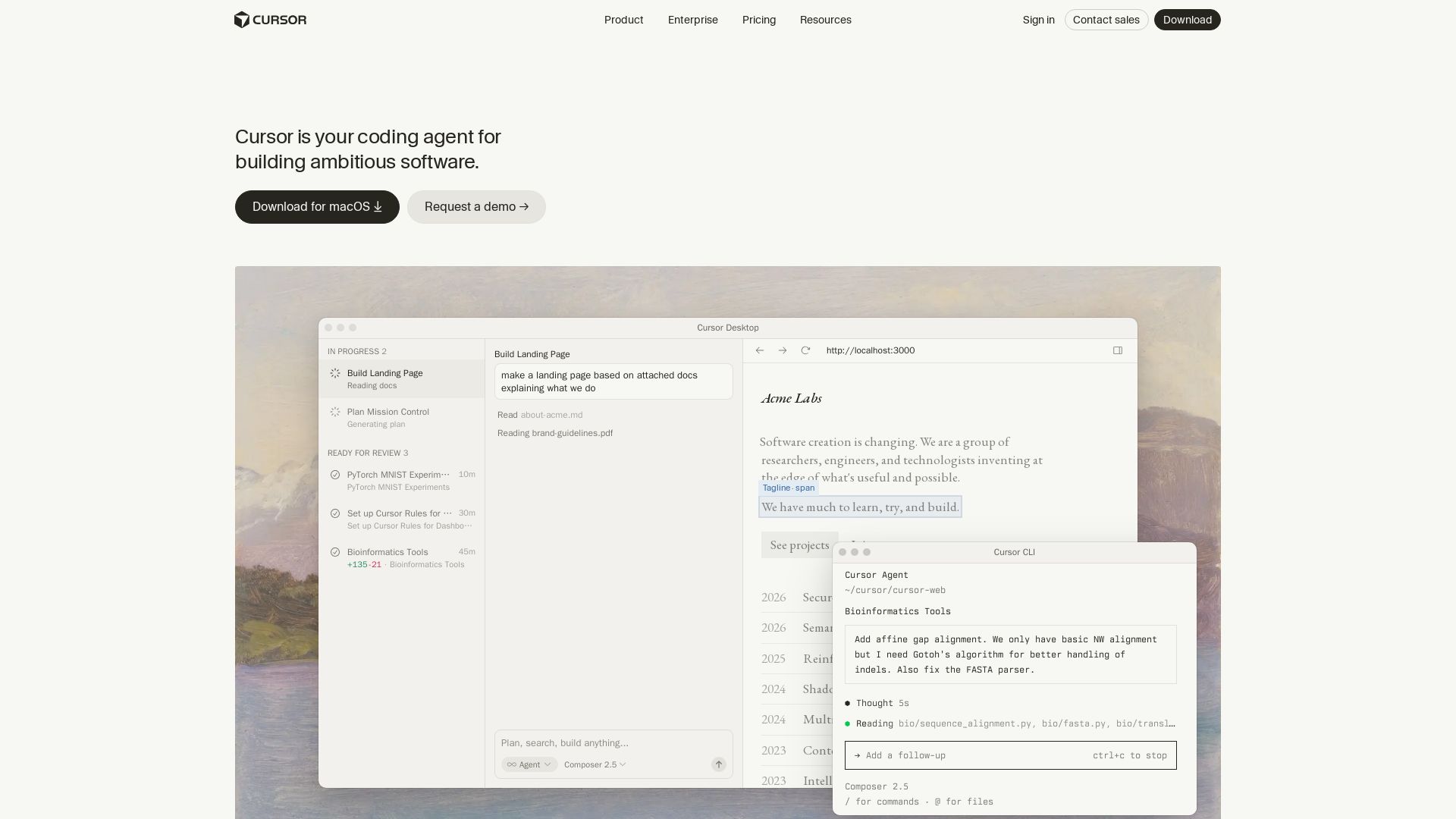
Cursor
Cursor is the AI coding agent that helps you build software faster with autonomous agents, IDE integration, and team collaboration. Trusted by top companies.


OpenCode
OpenCode is a free, open-source AI coding assistant supporting multiple providers (OpenAI, Anthropic, local models) with CLI/TUI, custom tools, and privacy-centric local execution.

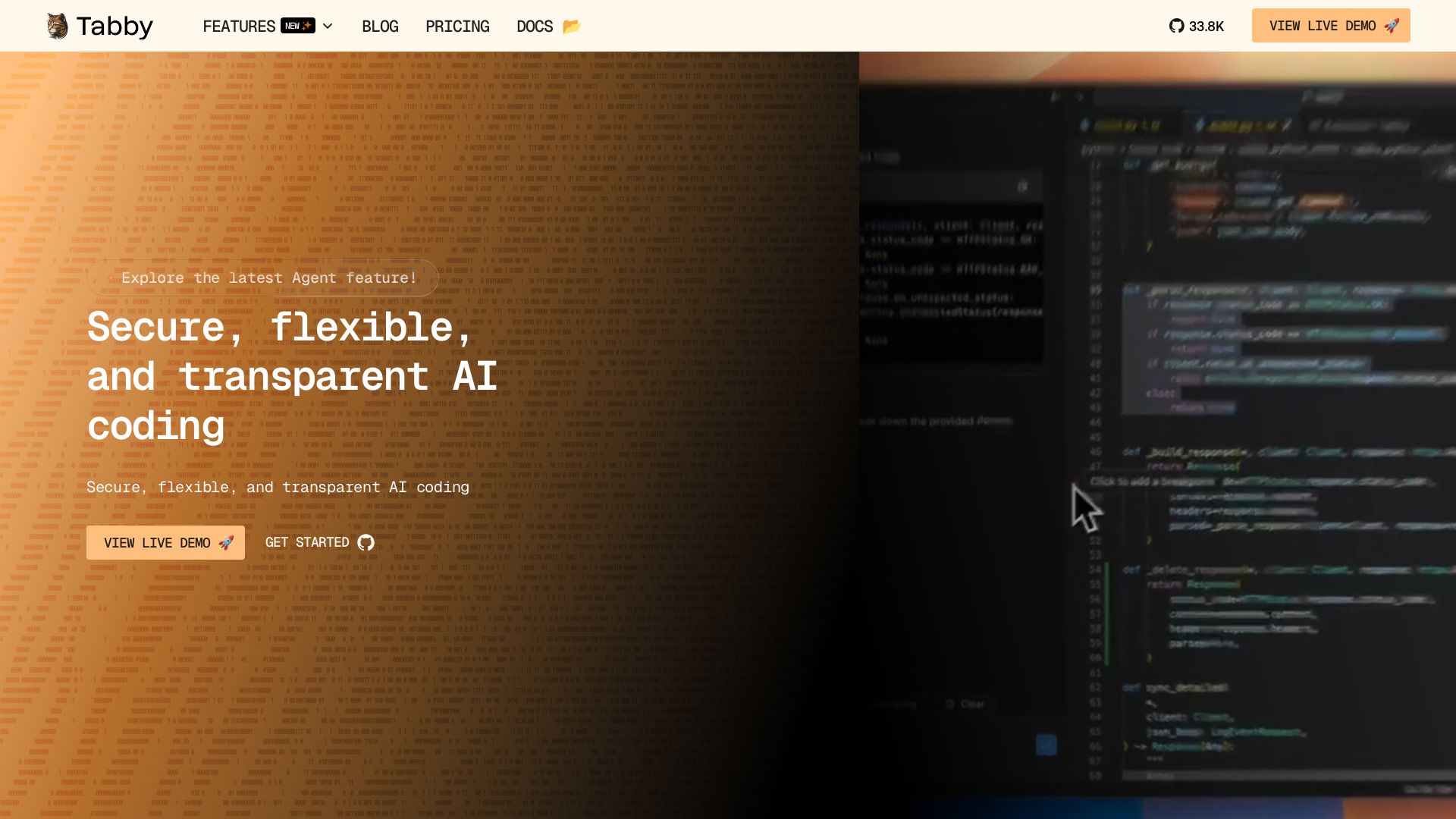
Tabby
Self-hosted, secure AI coding assistant with code completion, answer engine, and inline chat. Private and flexible.

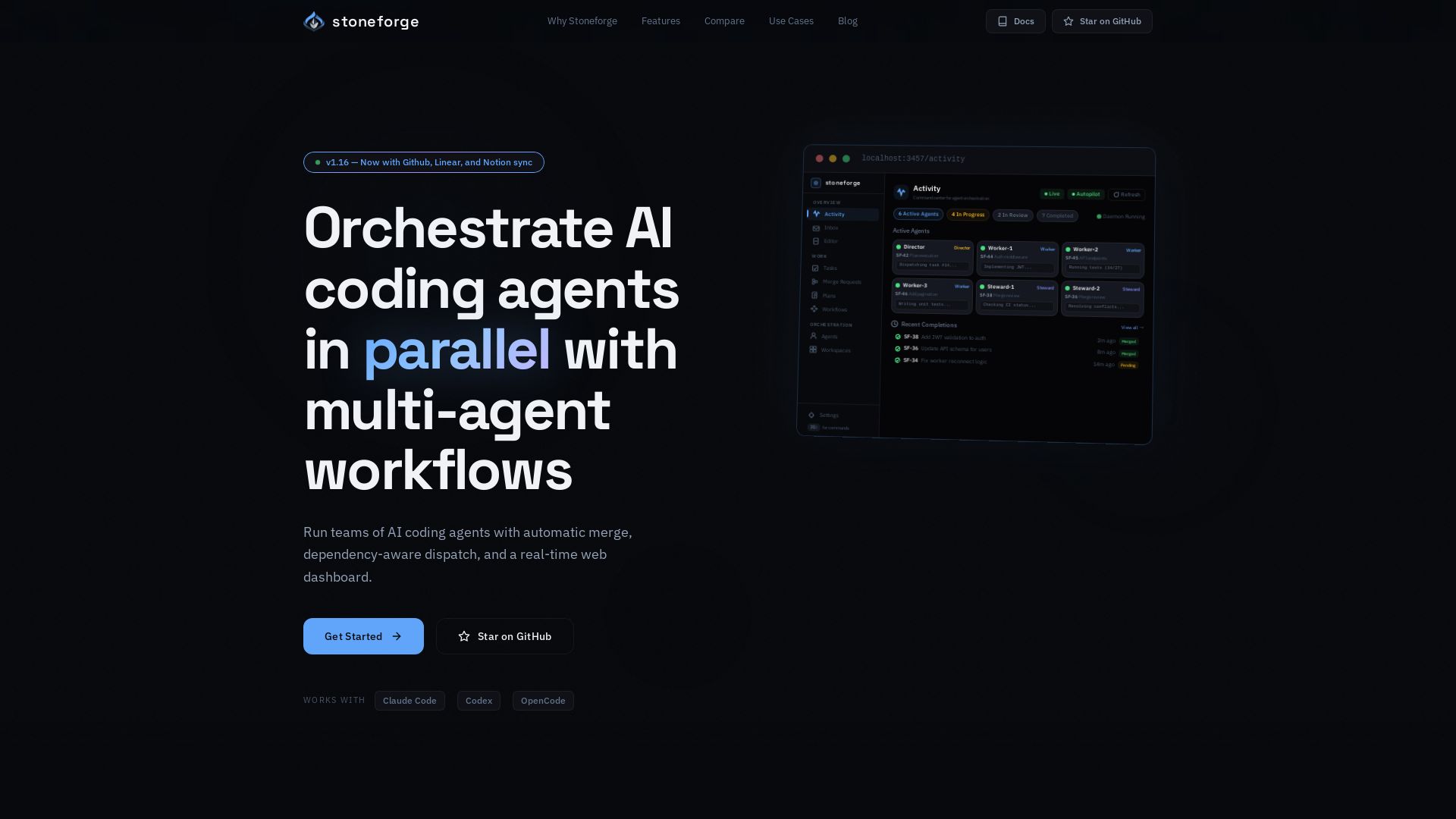
Stoneforge
Open-source platform to run teams of AI coding agents with auto-merge, dependency dispatch, and real-time dashboard. No merge conflicts, no duplicated work.

CodeGPT
Bring your own API key for transparent, unlimited AI coding. Supports Claude, Gemini, OpenAI. Privacy-first, no middlemen. Trusted by 2M+ developers.
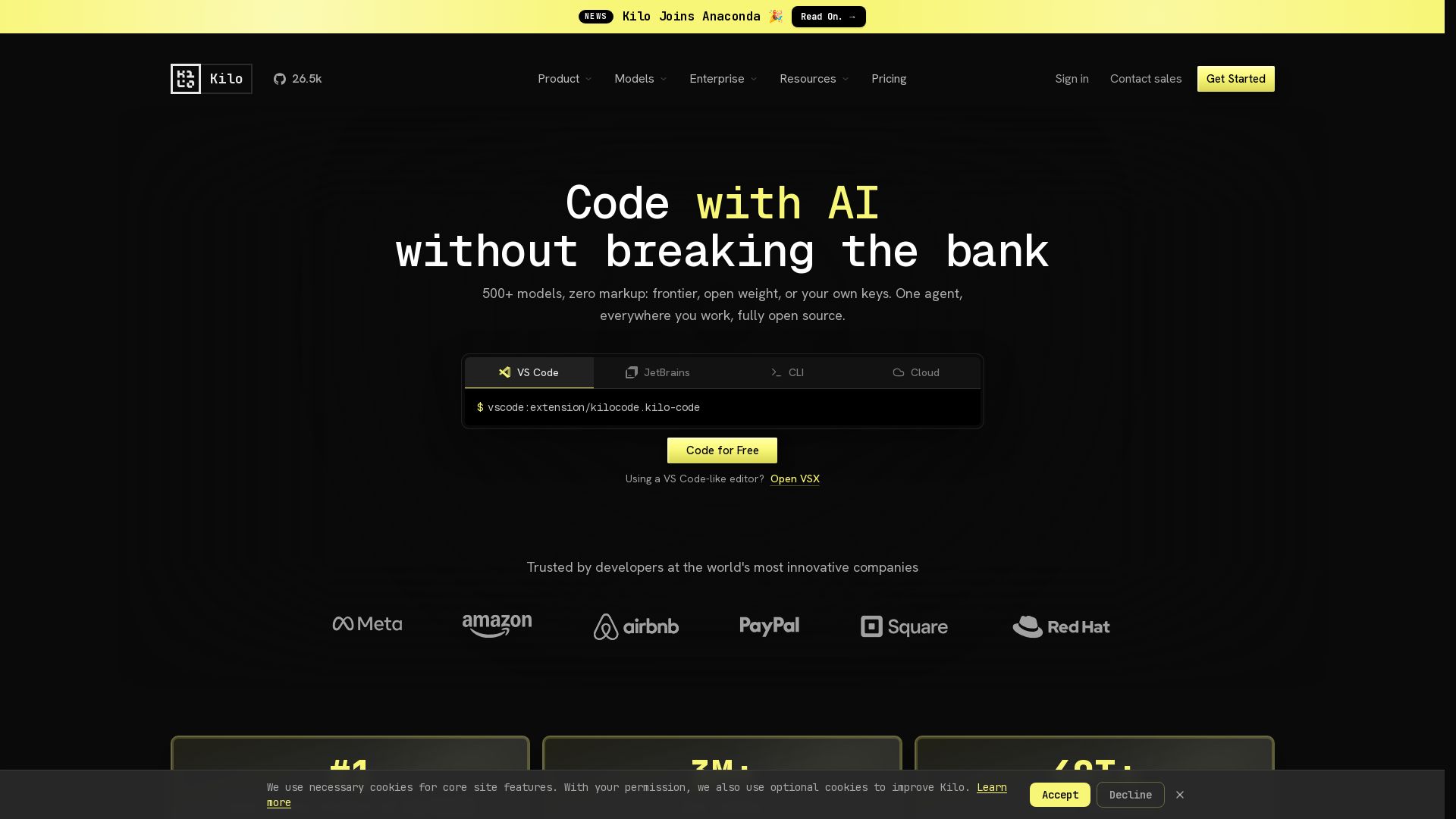
Kilo
Free AI coding tool with 500+ models at cost. Open source, no lock-in. Works in VS Code, JetBrains, CLI, and cloud. Trusted by 3M+ developers.

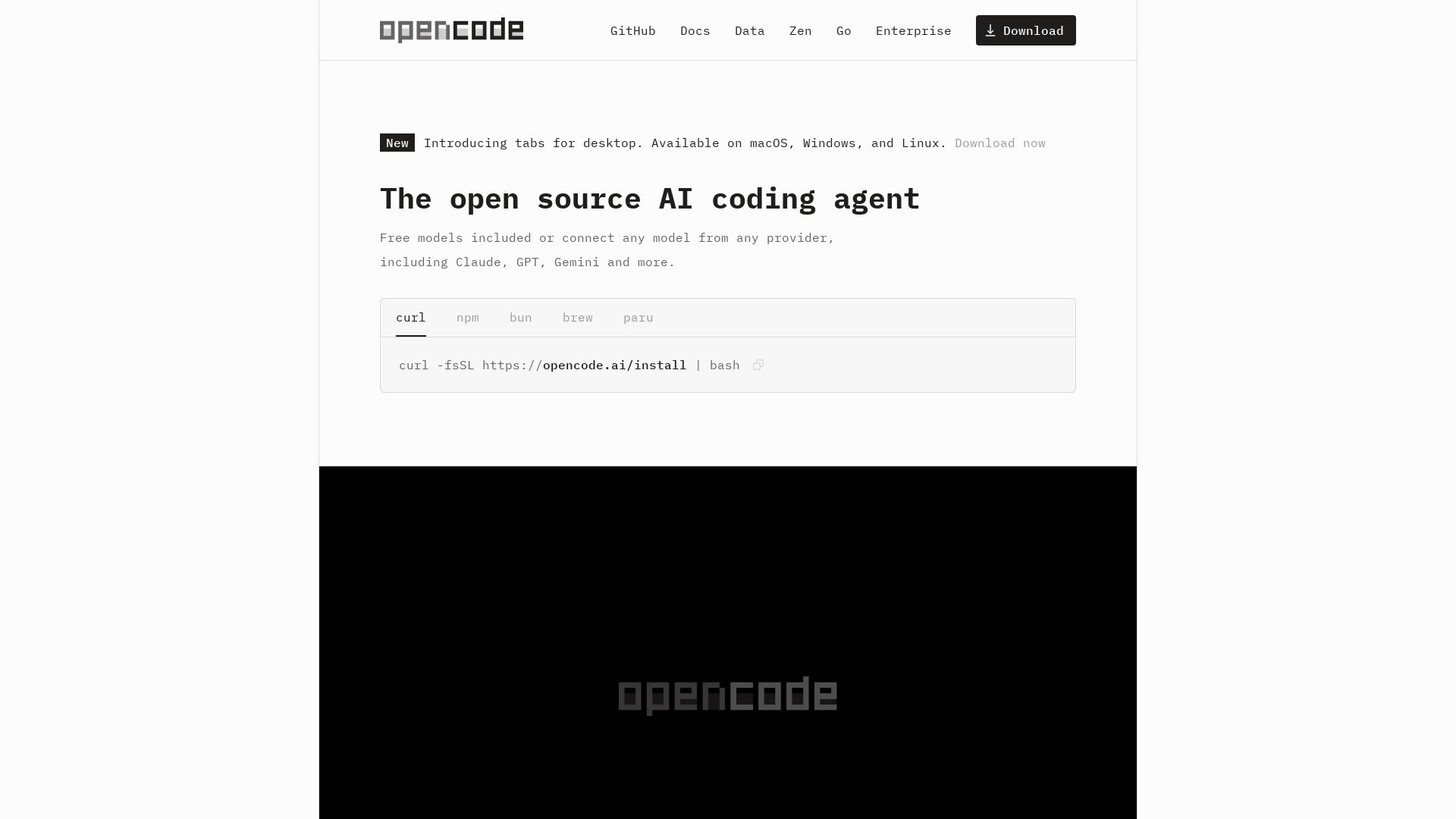
OpenCode
OpenCode: open source AI coding agent for terminal, IDE, or desktop. Free models, any provider, privacy-first. 160K+ GitHub stars.

OpenCode
OpenCode is an open-source, terminal-native AI coding assistant supporting Claude, GPT-4, Gemini, and local models. Boost productivity with agent mode and seamless CLI integration.

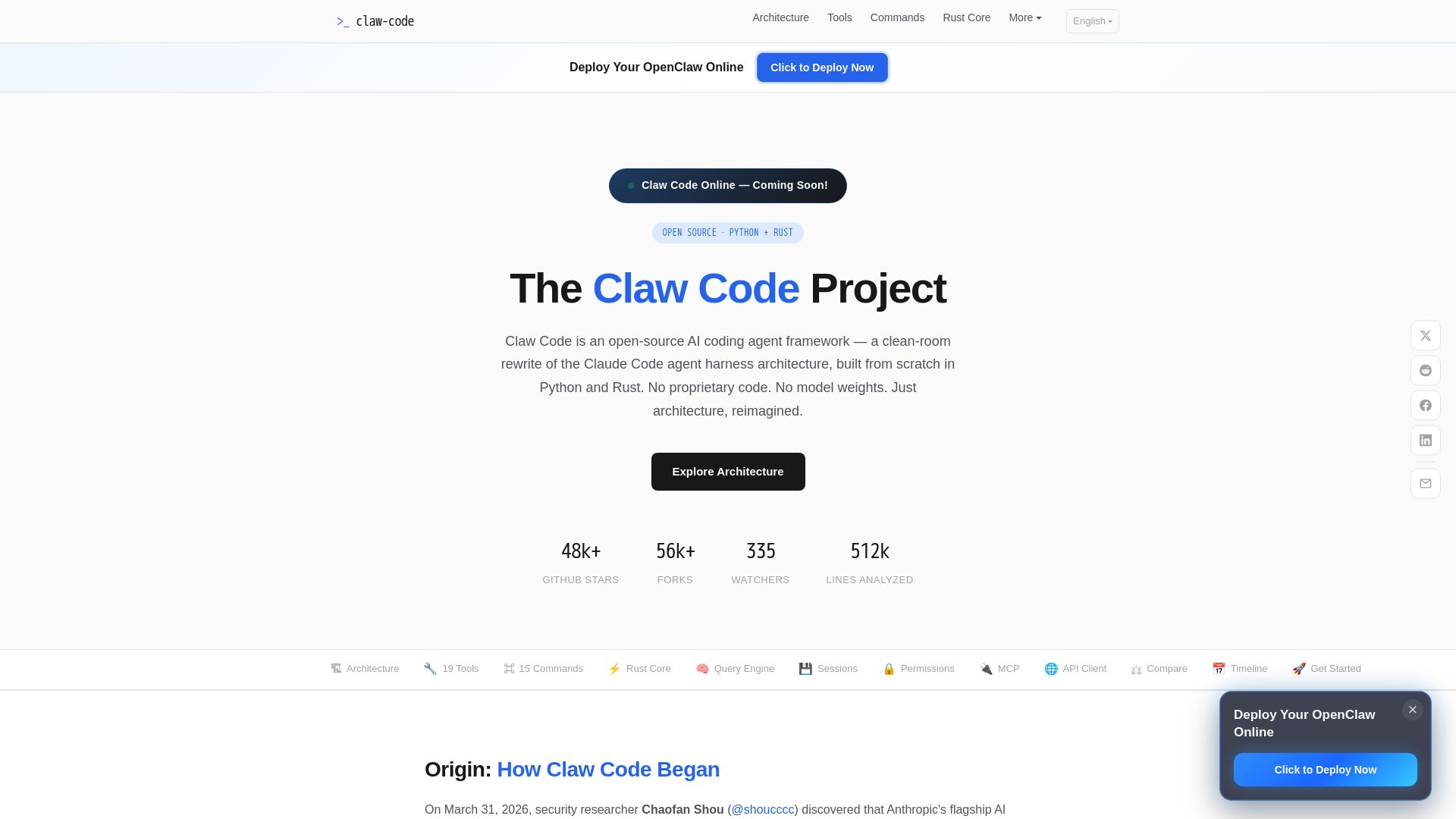
Claw Code
Clean-room Python & Rust rewrite of Claude Code architecture. 19 tools, multi-agent orchestration, MCP support. Free & open-source.

ℹ️ Curation Disclosure: The overview and features of Context Mode were synthesized using AI and fact-checked by our curation team to ensure accuracy.
