
Builder.io
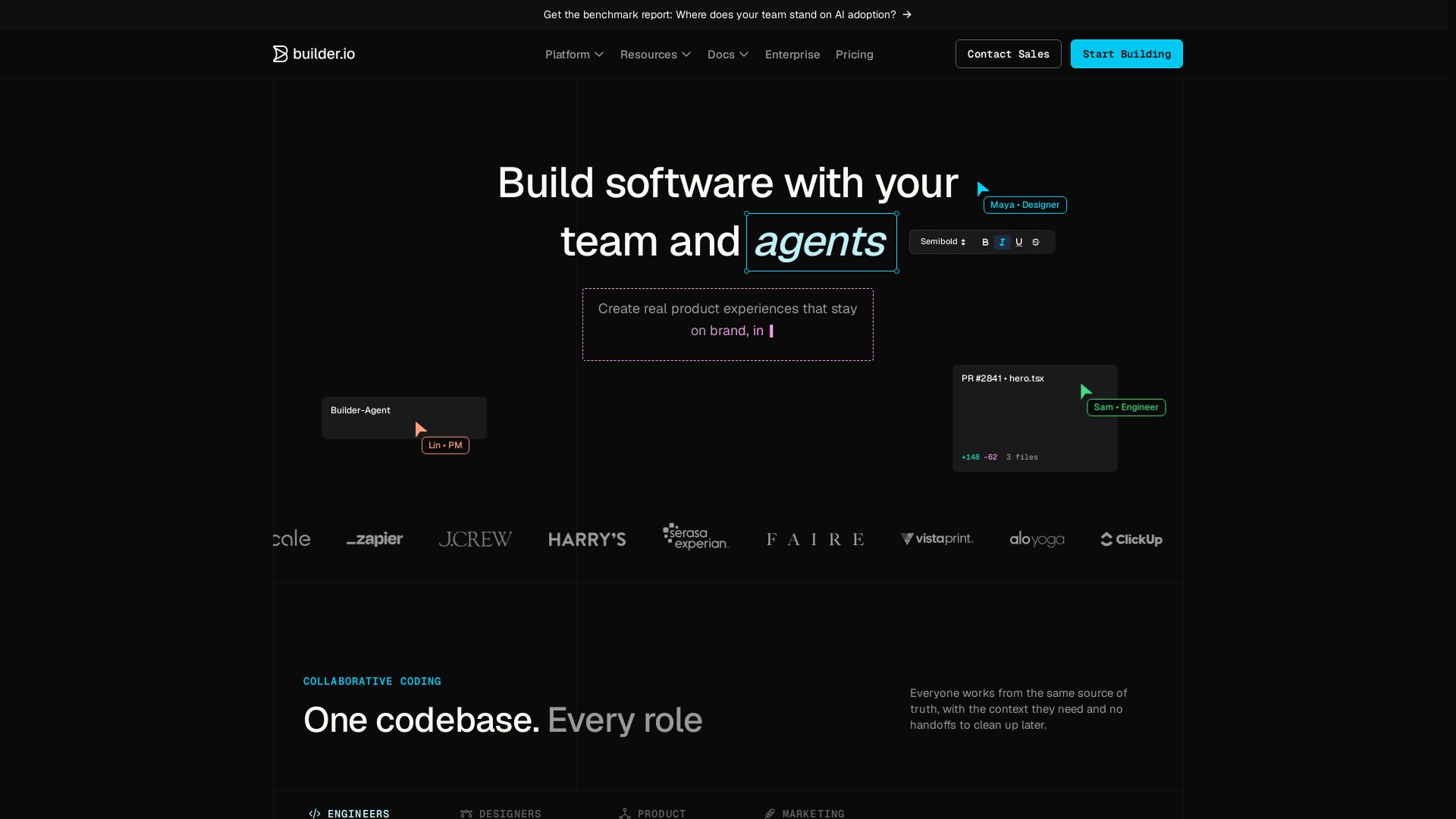
Build, edit, and ship from one codebase with engineers, designers, PMs, and agents. Visual editor, agentic CMS, and Git workflow.
Editor's Verdict
Key Takeaways
- Collaborative Coding
- Visual Editor
- Agentic CMS
- AI Prototyping
In-Depth Review: What is Builder.io?
Builder.io is a platform that unifies your entire team—engineers, designers, product managers, and AI agents—on a single codebase. With a visual editor that writes production code, an agentic CMS for prompt-driven content, and seamless Git integration, you can prototype, build, and ship faster while keeping design systems and brand consistency intact. Trusted by teams at Zappier, J.Crew, and Everlane.
Core Features
Collaborative Coding
One codebase for every role: engineers, designers, PMs, and marketing can work from the same source of truth without handoffs.
Visual Editor
A visual canvas wired into your components and design tokens, enabling production-ready edits with design system consistency.
Agentic CMS
Create and manage content with prompts, run A/B tests, personalize, and schedule updates, all with brand and workflow compliance.
AI Prototyping
Turn prompts, ideas, and designs into working prototypes that teams can review and validate before committing to build.
Figma to Code
Convert Figma designs into pixel-perfect, production-ready code using your existing components and design system.
Integration with Tools
Works with GitHub, GitLab, Bitbucket, Figma, VS Code, Slack, Jira, and MCP connectors for end-to-end workflow integration.
Enterprise Security
SOC 2 Type II compliant with roles, permissions, SSO, privacy mode, and no training on your data for enterprise accounts.
Pricing
Free
- Up to 5 users
- Connect with GitHub, GitLab, and Bitbucket
- Figma plugin
- VS Code extension
- Admin-only role
Pro
- Everything in Free
- Pay-as-you-go for more usage
- Agent Credit rollovers
- 30-day activity history
- Built-in MCP Servers
- Standard support
Team
- Everything in Pro
- AI training opt-out
- Builder Agent in Slack and JIRA
- Admin, Developer, Designer, Editor roles
- Commenting and Peer Reviews
- Custom MCP servers
- Password-protected previews
- Usage metrics
- Priority support
Enterprise
- Custom user seats
- Custom Agent Credits
- Connect with Bitbucket Enterprise, GitLab Enterprise, Azure DevOps
- Design System Intelligence
- Training opt-out by default
- Privacy mode
- Role-based access control (RBAC)
- Faster development environments
- Single Sign-On (SSO)
- Uptime and Premium Support SLAs
- Onboarding & deployed engineering support
- Add-ons: self-hosted git providers, private Slack channel
Pros and Cons
Pros
- Unified Codebase for All RolesEngineers, designers, PMs, and marketers can collaborate on the same codebase without handoffs, reducing friction and speeding up delivery.
- AI-Powered EfficiencyAI understands your design system and codebase, enabling rapid prototyping, automated code generation, and intelligent content management.
- Enterprise-Grade SecuritySOC 2 Type II compliant, with role-based access, SSO, privacy mode, and no data training for enterprise accounts.
- Seamless IntegrationsWorks with popular tools like GitHub, Figma, Slack, Jira, and MCP servers, fitting into existing workflows without disruption.
- Reduced Development BottlenecksNon-technical team members can make visual edits that generate clean PRs, freeing engineers for complex tasks.
Cons
- Pricing Not Fully TransparentPro and Team plan prices are not explicitly listed on the page, requiring users to contact sales or explore further.
- Learning Curve for Non-Technical UsersWhile visual editing is simplified, understanding codebase context and AI features may require some initial training.
- Dependency on Git WorkflowThe platform relies on Git-based version control, which may not suit teams without established Git practices.
- Limited Free Plan FeaturesFree plan is restricted to 5 users and limited daily Agent Credits, which may not be enough for team evaluation.
- Potential Over-Reliance on AIAI-generated code may require human review to ensure alignment with complex business logic or edge cases.
Use Cases & Recommended Professions
Software Engineer→ View Toolkit
Engineers can code the hard parts and offload follow-ups, while collaborating with designers and PMs on the same codebase.
Product Manager→ View Toolkit
PMs can contribute actual app changes through visual editing, ship features faster, and act on customer feedback without waiting for sprints.
Designer→ View Toolkit
Designers can create prototypes, make pixel-perfect edits, and ensure their designs go live as intended using the visual editor.
Marketing Manager→ View Toolkit
Marketers can create and update landing pages, run campaigns, and publish content with brand consistency and approval workflows.
Content Creator→ View Toolkit
Content teams can manage dynamic content, run A/B tests, and publish updates with the Agentic CMS, all without developer intervention.
CTO / Engineering Director→ View Toolkit
CTOs can increase development capacity, reduce bottlenecks, and maintain governance with enterprise-grade security and role-based controls.
Frequently Asked Questions
Alternative AI Tools
View Detailed Comparison →
Anima
Convert Figma designs, images, and code into live HTML/React apps. AI with design context for developers and agents.


UX Pilot
Ideate, design, and hand-off web apps in seconds with UX Pilot's AI. Generate wireframes, hi-fi designs, and clean code. Trusted by 1M+ users.


Figma Console MCP
Connect AI to Figma for design extraction, token sync, and component creation. Turn your design system into a programmable API.


Figma
Figma is the intelligent, AI-native canvas for designing, prototyping, and building products together. Trusted by 95% of Fortune 500. Explore design and dev tools.


Superdesign
Create stunning designs with AI. Iterate quickly using natural language. Export production-ready code. Browse design prompts and styles.


AIDesigner
Create premium UI, logos, brand kits, and more with AIDesigner. No design experience needed. Free to try, no credit card required. Join 15,000+ users.

Framer
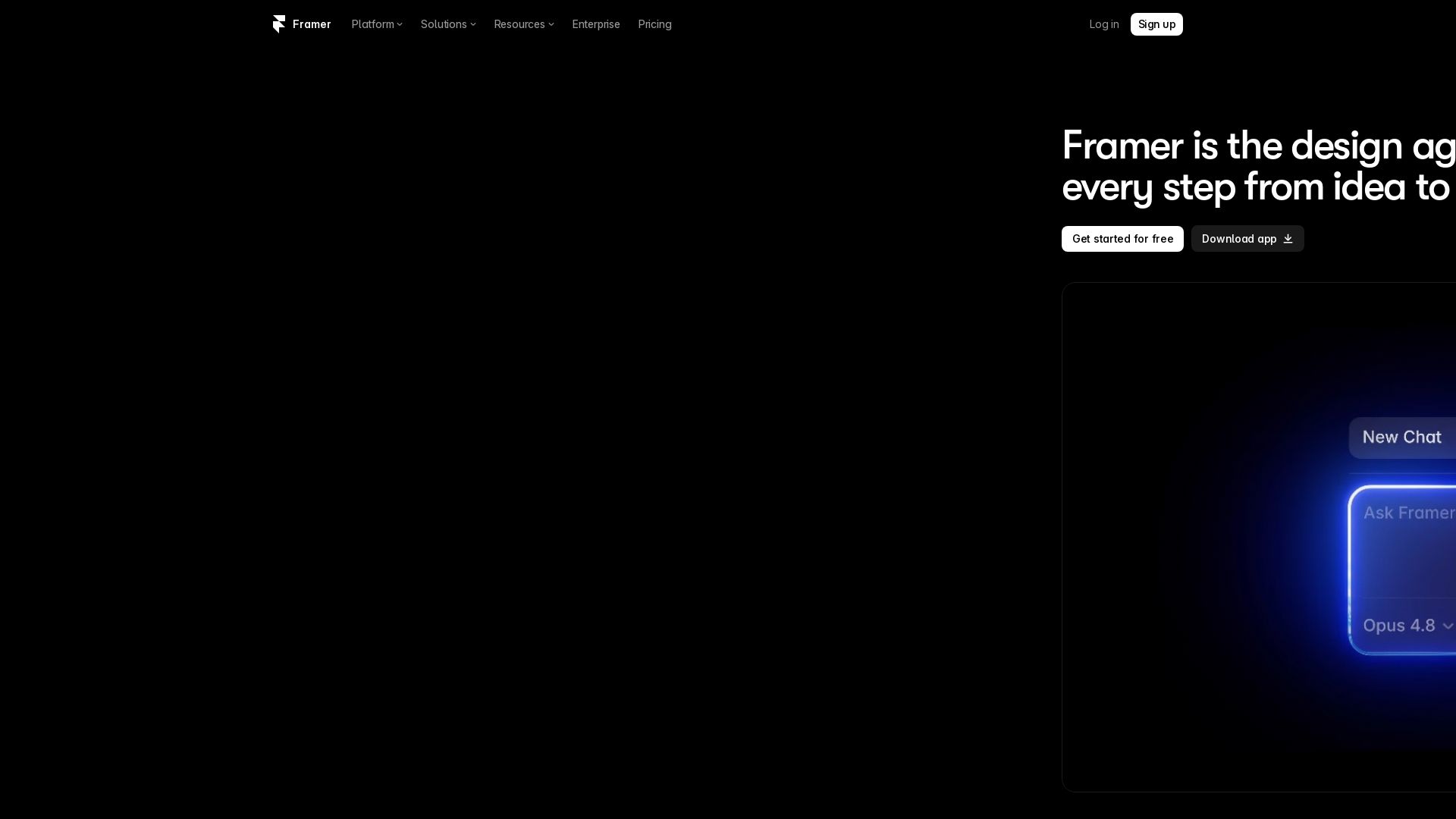
Design and launch stunning sites with Framer's AI agents. Manage CMS, code, and publish faster. Trusted by modern teams. Get started free.


Komposo
Turn product ideas into real, editable designs with AI. Generate, edit, and export UIs using plain language. Trusted by 100k+ users. Start for free.


Figr
Ship better UX faster. Figr builds a living understanding of your product, maps flows, finds edge cases, and generates high-fidelity prototypes from your actual design system.

Flowstep
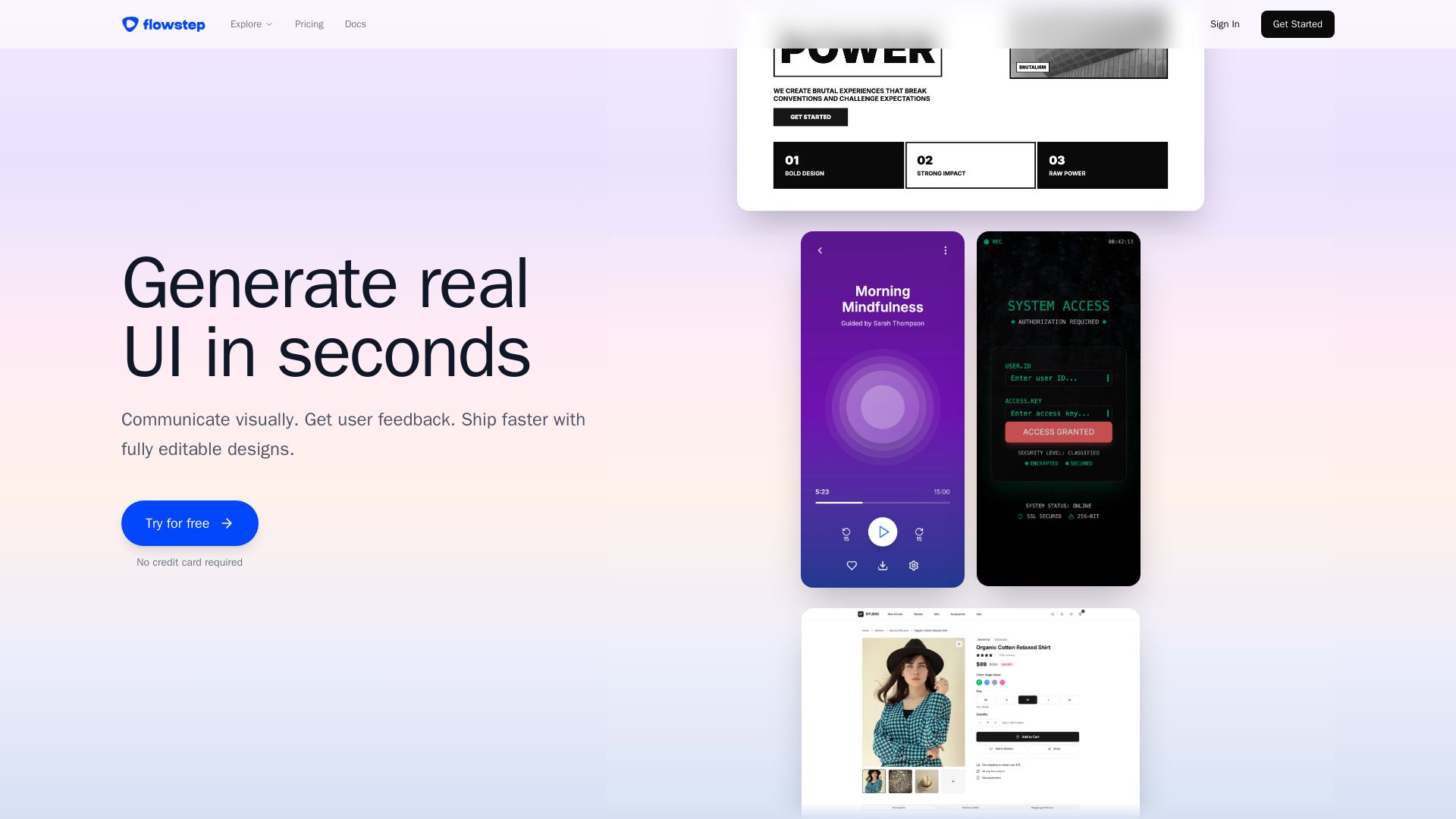
Describe your idea and watch it become editable UI. Collaborate, export code, and copy to Figma instantly. Ship faster.


Motiff AI
Generate production-ready UI from text, wireframes, or screenshots with Motiff AI. Choose preset styles, export to React/HTML. Fast, consistent design.

Puck
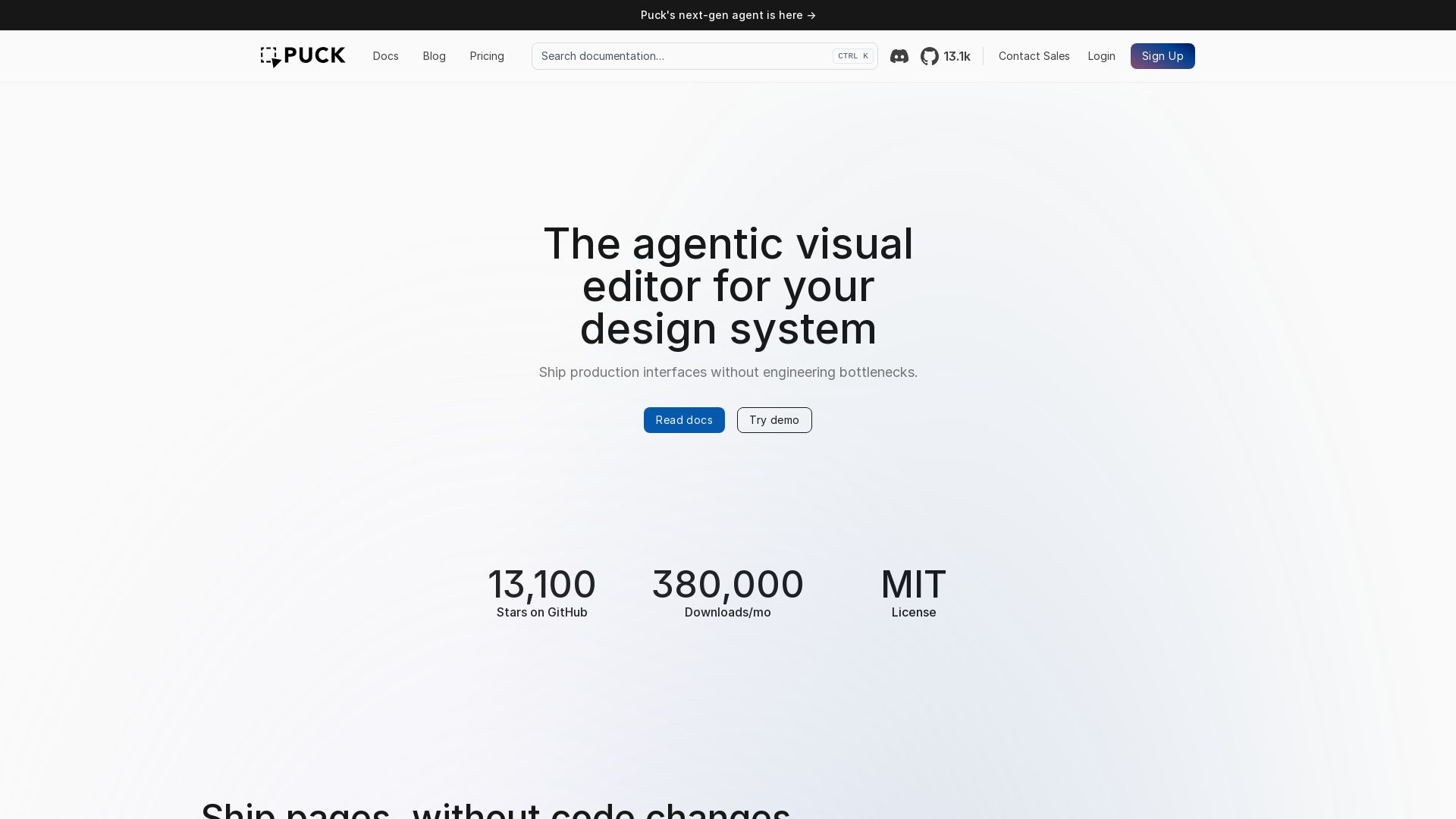
Ship production interfaces without engineering bottlenecks. Build on-brand pages with drag-and-drop, inline editing, and AI.

ℹ️ Curation Disclosure: The overview and features of Builder.io were synthesized using AI and fact-checked by our curation team to ensure accuracy.
