
Puck
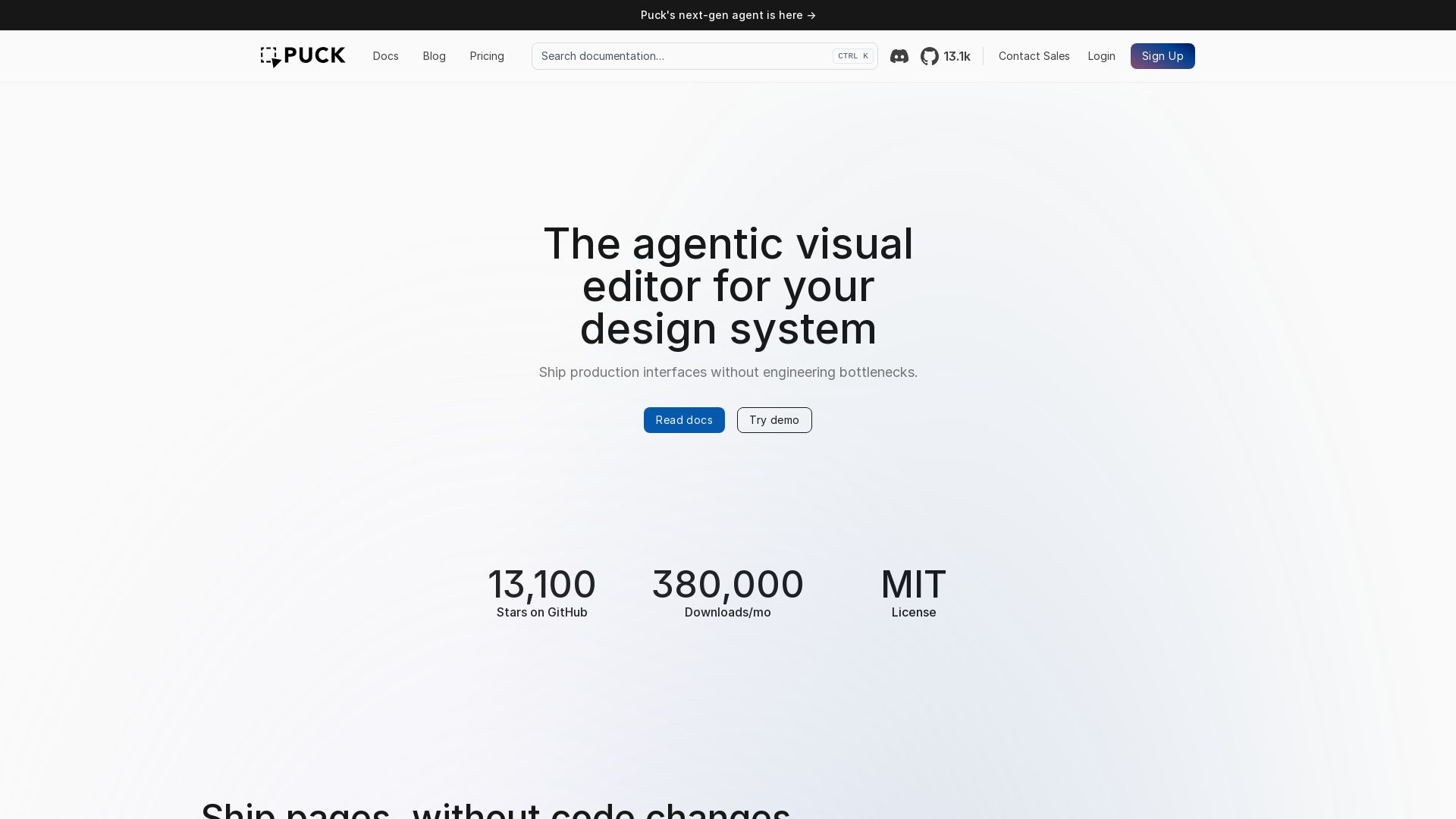
Ship production interfaces without engineering bottlenecks. Build on-brand pages with drag-and-drop, inline editing, and AI.
Editor's Verdict
Key Takeaways
- Agentic Visual Editor
- Drag-and-Drop Builder
- Inline Editing
- On-Brand by Default
In-Depth Review: What is Puck?
Puck is an open-source, MIT-licensed visual editor that lets you build production-ready pages using your design system. With intuitive drag-and-drop, inline editing, and AI constrained by your rules, teams can ship on-brand interfaces in seconds without code changes. Trusted by 13.1k GitHub stars and 380k monthly downloads, Puck is ideal for standalone CMS, automated publishing, white-label products, and no-code development.
Core Features
Agentic Visual Editor
An AI-powered visual editor that understands your design system and helps you ship production interfaces without engineering bottlenecks.
Drag-and-Drop Builder
Intuitive drag-and-drop functionality to build page experiences in seconds.
Inline Editing
Update headlines, copy, and calls to action directly in the preview for rapid iteration.
On-Brand by Default
AI is constrained by your design rules, ensuring outputs are always on-brand.
Standalone CMS
Configure Puck as a fully functional CMS for your business, agency, or open-source project.
Automated Publishing
Automate enterprise content publishing workflows to scale brand-safe experiences across all channels.
White-Label Products
Incorporate Puck into your own commercial application, white-labeling it for your users.
No-Code Development
Empower non-technical team members to build applications using your design system.
Pricing
Pay-as-you-go
- AI Copilot and API (OpenAI models)
- Platform fee: Token cost + 20%
Launch
- AI Copilot and API (OpenAI models)
- Bring Your Own Key (BYOK)
- Priority Support
- Platform fee: Token cost + 0% (BYOK)
Growth
- AI Copilot and API (Private models)
- Bring Your Own Key (BYOK)
- Priority Support
- Training Opt-out
- Dedicated Slack Channel
- GitHub Issue Prioritization
- Platform fee: Token cost + 0% (BYOK)
Enterprise
- On-prem / Single-tenant AI
- Private models
- SLA-backed support
- Training Opt-out
- Dedicated Slack Channel
- GitHub Issue Prioritization
- Regular Office Hours
- Negotiated platform fees
Pros and Cons
Pros
- Visual DevelopmentBuild and edit pages visually without writing code, reducing engineering bottlenecks and speeding up delivery.
- Design System IntegrationUses your existing design system components, ensuring on-brand output and consistency.
- AI AssistanceAI generates UI constrained by your rules, allowing rapid creation of pages while maintaining brand safety.
- Open SourceMIT licensed with a large community (13.1k stars), providing flexibility and cost savings.
- Flexible DeploymentOptions range from cloud-based pay-as-you-go to on-premise enterprise solutions.
Cons
- Cloud DependencySome features, especially AI and collaboration, require a cloud subscription or may have usage limits.
- Initial Setup RequiredNeed to integrate your design system components first, which may require engineering effort.
- Learning CurveNon-technical users may still need to understand design system concepts to use it effectively.
- Cost for Advanced PlansGrowth and Enterprise plans can be expensive for small teams or individual developers.
- Some Features Coming SoonPages and Multiplayer are announced but not yet available, limiting current functionality.
Use Cases & Recommended Professions
UI/UX Designer→ View Toolkit
To quickly prototype and build pages using existing design systems without waiting for developers.
Frontend Developer→ View Toolkit
To reduce repetitive coding by leveraging visual editing and AI, allowing focus on complex logic.
Product Manager→ View Toolkit
To iterate on pages and features without engineering bottlenecks, enabling faster product testing.
Content Editor / Marketer→ View Toolkit
To create and update landing pages and content easily, maintaining brand consistency.
Agency Owner→ View Toolkit
To white-label Puck and offer powerful page-building tools to clients, differentiating services.
No-Code Developer→ View Toolkit
To build applications visually using a design system, expanding capabilities without writing code.
Frequently Asked Questions
Alternative AI Tools
View Detailed Comparison →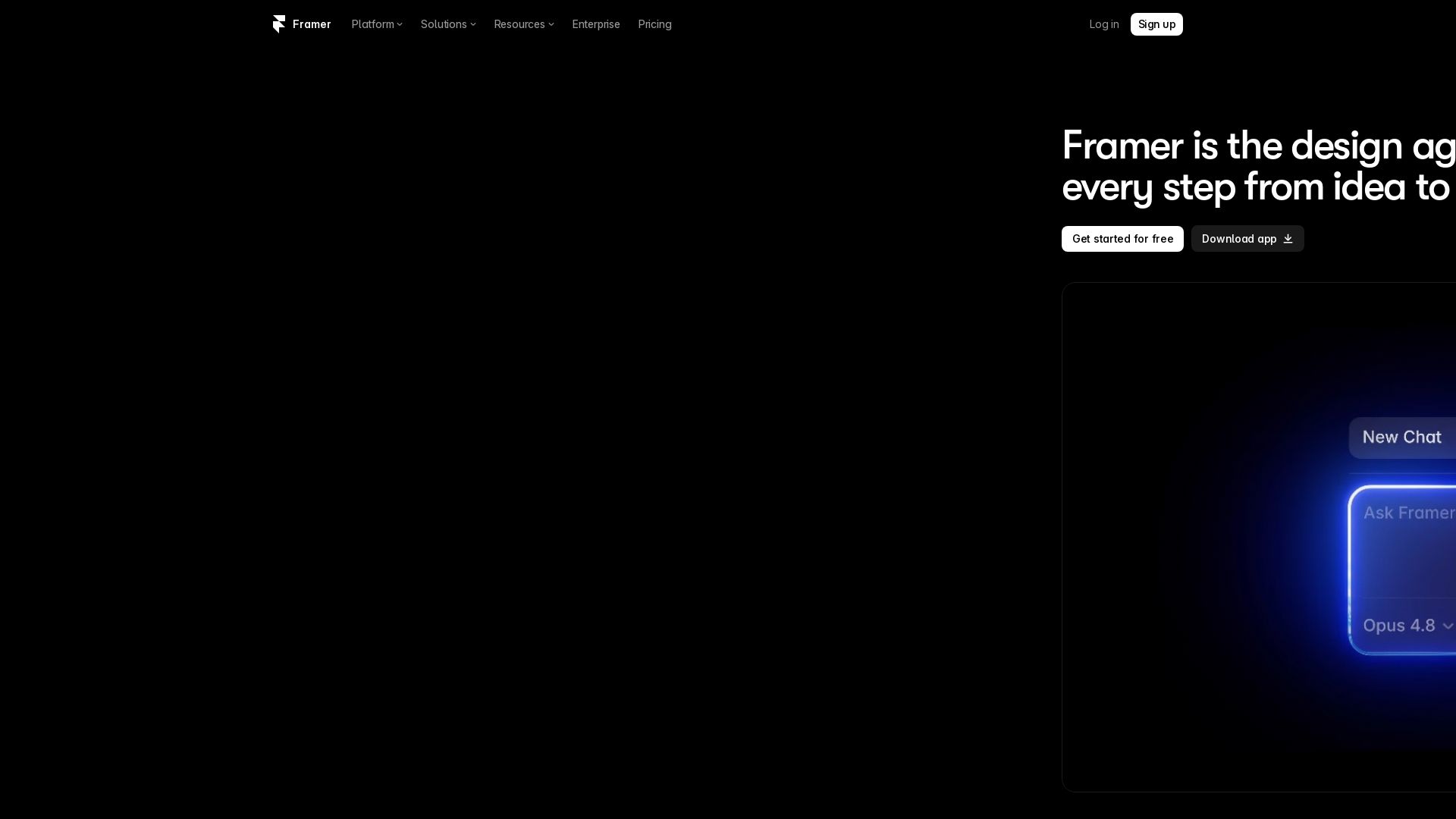
Framer
Design and launch stunning sites with Framer's AI agents. Manage CMS, code, and publish faster. Trusted by modern teams. Get started free.


Motiff AI
Generate production-ready UI from text, wireframes, or screenshots with Motiff AI. Choose preset styles, export to React/HTML. Fast, consistent design.


Anima
Convert Figma designs, images, and code into live HTML/React apps. AI with design context for developers and agents.


UX Pilot
Ideate, design, and hand-off web apps in seconds with UX Pilot's AI. Generate wireframes, hi-fi designs, and clean code. Trusted by 1M+ users.


Figma Console MCP
Connect AI to Figma for design extraction, token sync, and component creation. Turn your design system into a programmable API.


Figma
Figma is the intelligent, AI-native canvas for designing, prototyping, and building products together. Trusted by 95% of Fortune 500. Explore design and dev tools.


Komposo
Turn product ideas into real, editable designs with AI. Generate, edit, and export UIs using plain language. Trusted by 100k+ users. Start for free.


Superdesign
Create stunning designs with AI. Iterate quickly using natural language. Export production-ready code. Browse design prompts and styles.

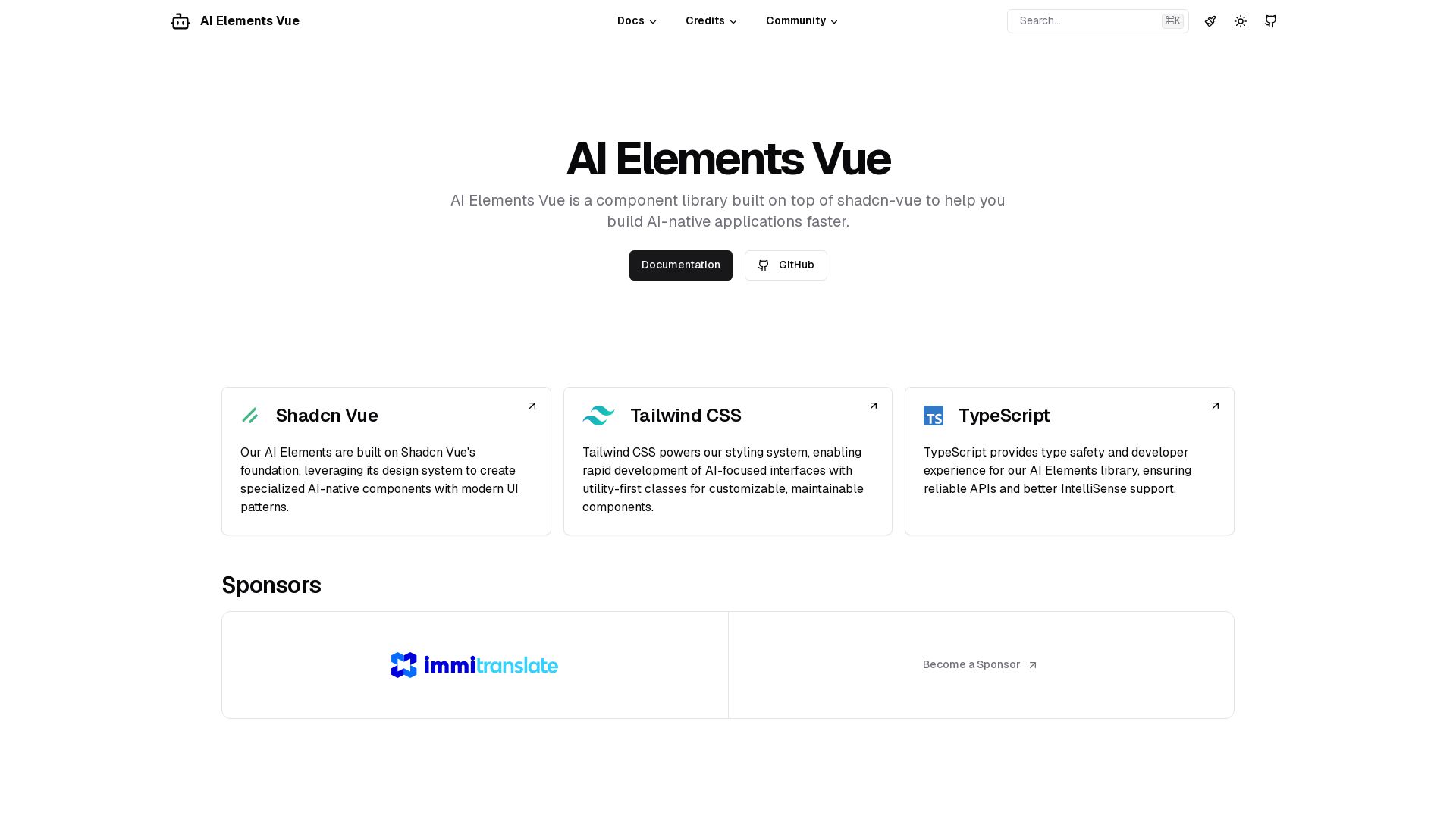
AI Elements Vue
Build AI-native apps faster with AI Elements Vue: a component library on shadcn-vue with Tailwind CSS & TypeScript. Pre-built AI components.


Making AI think and act: my approach to the Hugging Face AI ...
Experienced AI engineer specializing in medical imaging and LLM-powered agents. Built globally deployed radiology AI at AZmed. Now building AI agents at Matrix One.

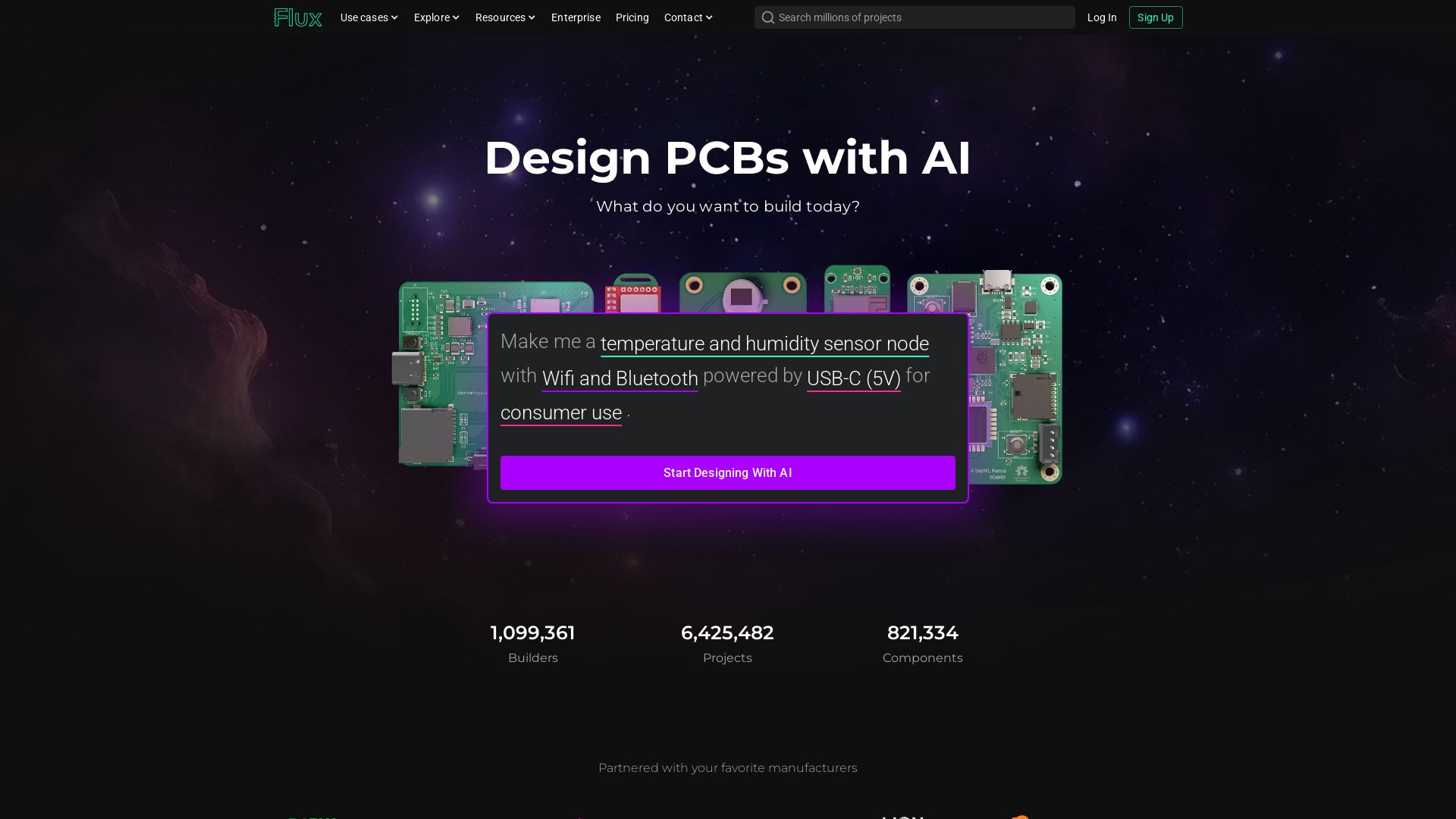
Flux
Design PCBs with AI. Flux is a browser-based eCAD with real-time collaboration, live component data, and AI assistance from idea to manufacturing.

Builder.io
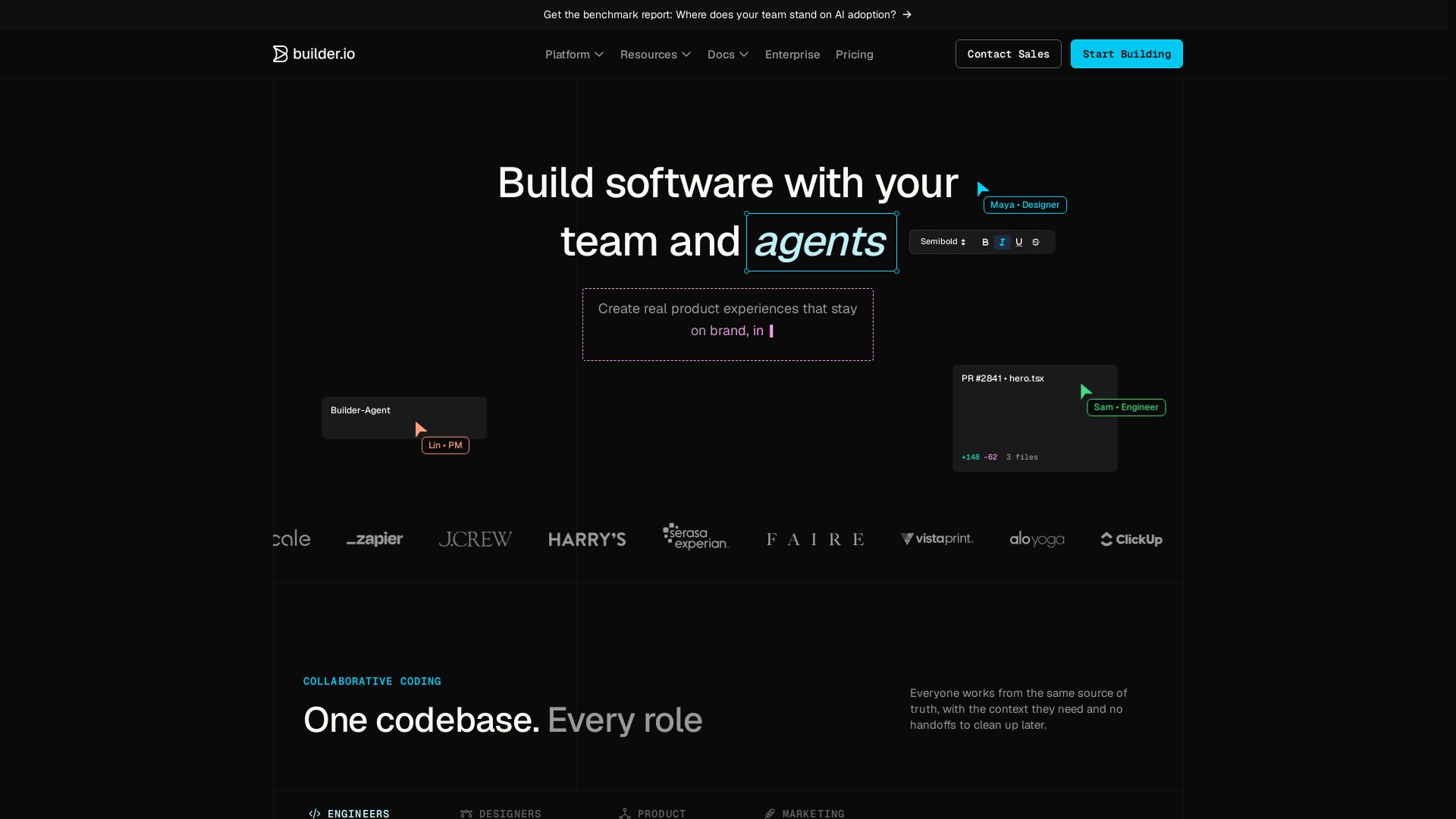
Build, edit, and ship from one codebase with engineers, designers, PMs, and agents. Visual editor, agentic CMS, and Git workflow.

ℹ️ Curation Disclosure: The overview and features of Puck were synthesized using AI and fact-checked by our curation team to ensure accuracy.
