
Phygital+
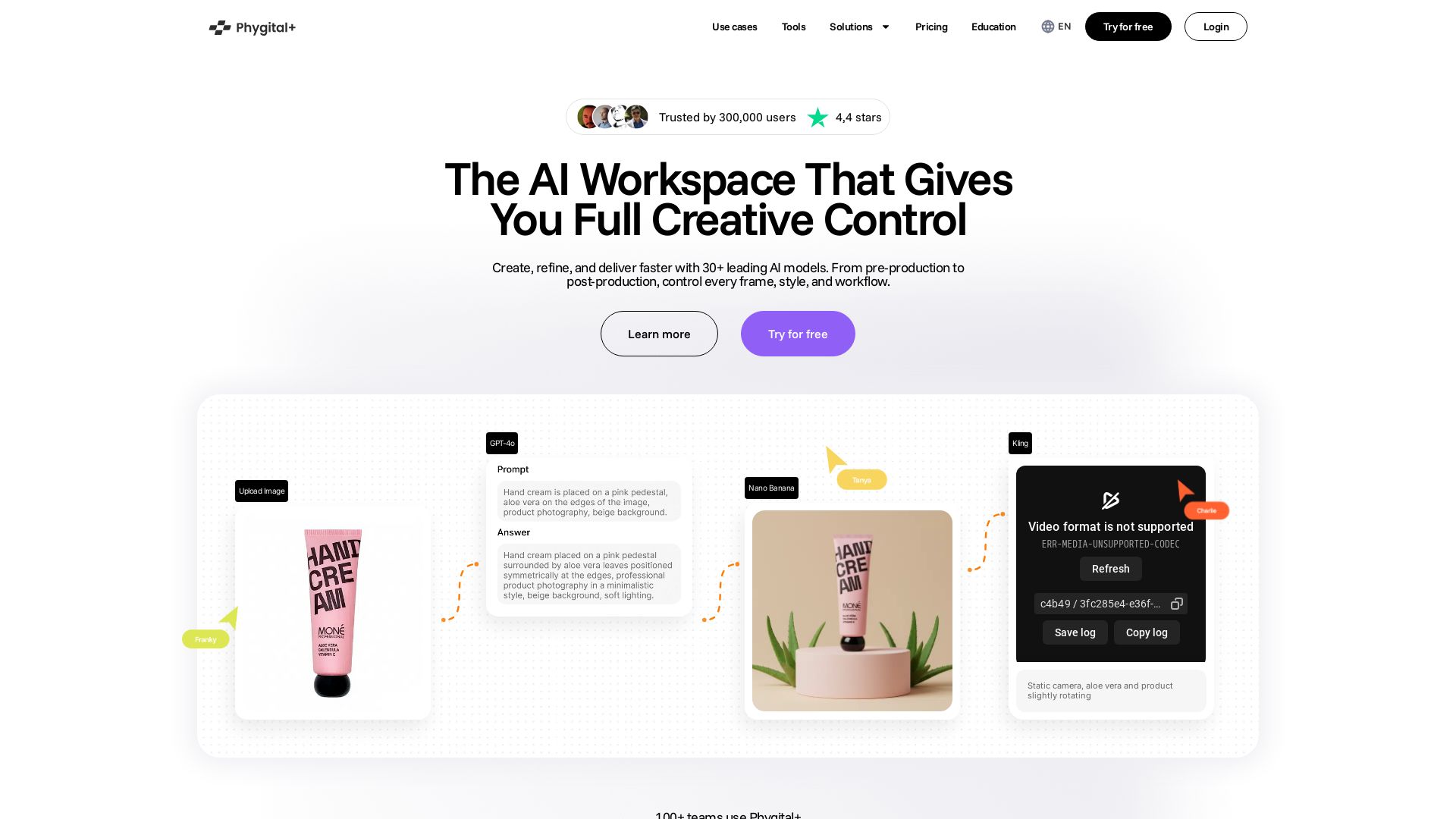
Create, refine, and deliver faster with 30+ leading AI models. From pre-production to post-production, control every frame, style, and workflow.



Editor's Verdict
Key Takeaways
- Node-based workflow
- 30+ leading AI models
- Pre-built templates
- Collaboration
In-Depth Review: What is Phygital+?
Phygital+ is an all-in-one AI workspace trusted by 300,000+ users. It offers 30+ top AI models for image, video, voice, and editing in a single node-based interface. With pre-built templates and intuitive workflows, users can generate consistent brand visuals, cinematic videos, and marketing assets quickly. Features include GPT Image, Sora, Veo, Kling, MidJourney, and more. Ideal for designers, marketers, video editors, and creators. Start for free with 500 weekly credits.
Core Features
Node-based workflow
Build creative workflows with intuitive node-based logic, allowing you to chain models, prompts, and post-processing for efficient AI generation.
30+ leading AI models
Access a comprehensive suite of AI models including GPT Image, Sora 2, Veo 3.1, FLUX, Kling 3, Seedream, and more for image, video, and audio generation.
Pre-built templates
Skip the blank canvas with tuned chains of models, prompts, and post-processing for common workflows like product scene composer, beauty try-on, and sketch to animation.
Collaboration
Work together with teams in shared canvases and reusable pipelines, with admin controls and permissions for scalable projects.
Commercial use
Use generated content for commercial purposes with eligible plans, including marketing, advertising, and product design.
Pricing
Free
- 500 weekly credits (~9 image generations, ~1 video, ~25 text)
- 10 projects
- Access to 30+ models
Starter
- 10,000 monthly credits (~400 image generations, ~36 videos, ~667 text)
- 20 projects
- Buy more credits
- Commercial use
Pro
- 45,000 monthly credits (~1800 image generations, ~164 videos, ~3000 text)
- 30 projects
- Buy more credits
- Commercial use
Teams
- 90,000 monthly credits (~3600 image generations, ~327 videos, ~6000 text)
- 70 projects
- Buy more credits
- Admin controls and permissions
- Priority support
- Centralized billing
Enterprise
- Collaboration
- Priority generations
- Centralized payments
- Year credit pull
- Priority support and personal onboarding
- Enterprise API and Pipeline Agent (Soon)
- Roles and custom limits on seats
Pros and Cons
Pros
- Comprehensive AI workspaceIntegrates 30+ leading AI models for image, video, audio, and text generation in one platform, reducing tool switching.
- Node-based workflowIntuitive visual logic allows complex pipelines, making it easy to chain models and reuse workflows.
- Pre-built templatesReady-made templates for common creative tasks speed up production and provide a starting point for exploration.
- User-friendly interfaceBalances simplicity for beginners with advanced features for professionals, as noted by user feedback.
- Flexible pricing with commercial usePlans start free and scale to enterprise, with commercial use rights on paid plans.
Cons
- Learning curve for node-based systemNew users may need time to understand the node workflow, though templates help mitigate this.
- Credit-based usage limitsGenerations consume credits, and free tier is limited (500 weekly credits), which may restrict heavy users.
- Pricing can escalate for high usagePro and Teams plans are reasonably priced, but heavy usage may require the more expensive plans or additional credit purchases.
- Dependence on internet connectionAs a cloud-based platform, stable internet is required for all operations.
- Model availability may varyNot all models may be available on every plan; some advanced models might require higher tiers.
Use Cases & Recommended Professions
Design Teams→ View Toolkit
Produce images, videos, and concepts faster with 30+ AI models in one workspace, maintaining brand consistency across projects.
Art Directors→ View Toolkit
Control style, framing, and creative direction across large volumes of content, speeding up pre-production with moodboards and storyboards.
Creators & Influencers→ View Toolkit
Generate video ideas, scenes, and animations ready for social media platforms like TikTok, IG, and YouTube in minutes.
Video Editors→ View Toolkit
Generate AI shots, transitions, and b-roll to enhance edits, extend scenes with Start/End Frames and motion tools.
Marketing Designers→ View Toolkit
Create campaign visuals, hero images, and ad variations instantly, using templates for fast social, email, and landing page content.
Brand Designers→ View Toolkit
Generate style-consistent visuals for packaging, products, and brand shoots, applying controlled style transfer for unified brand look.
Frequently Asked Questions
Alternative AI Tools
View Detailed Comparison →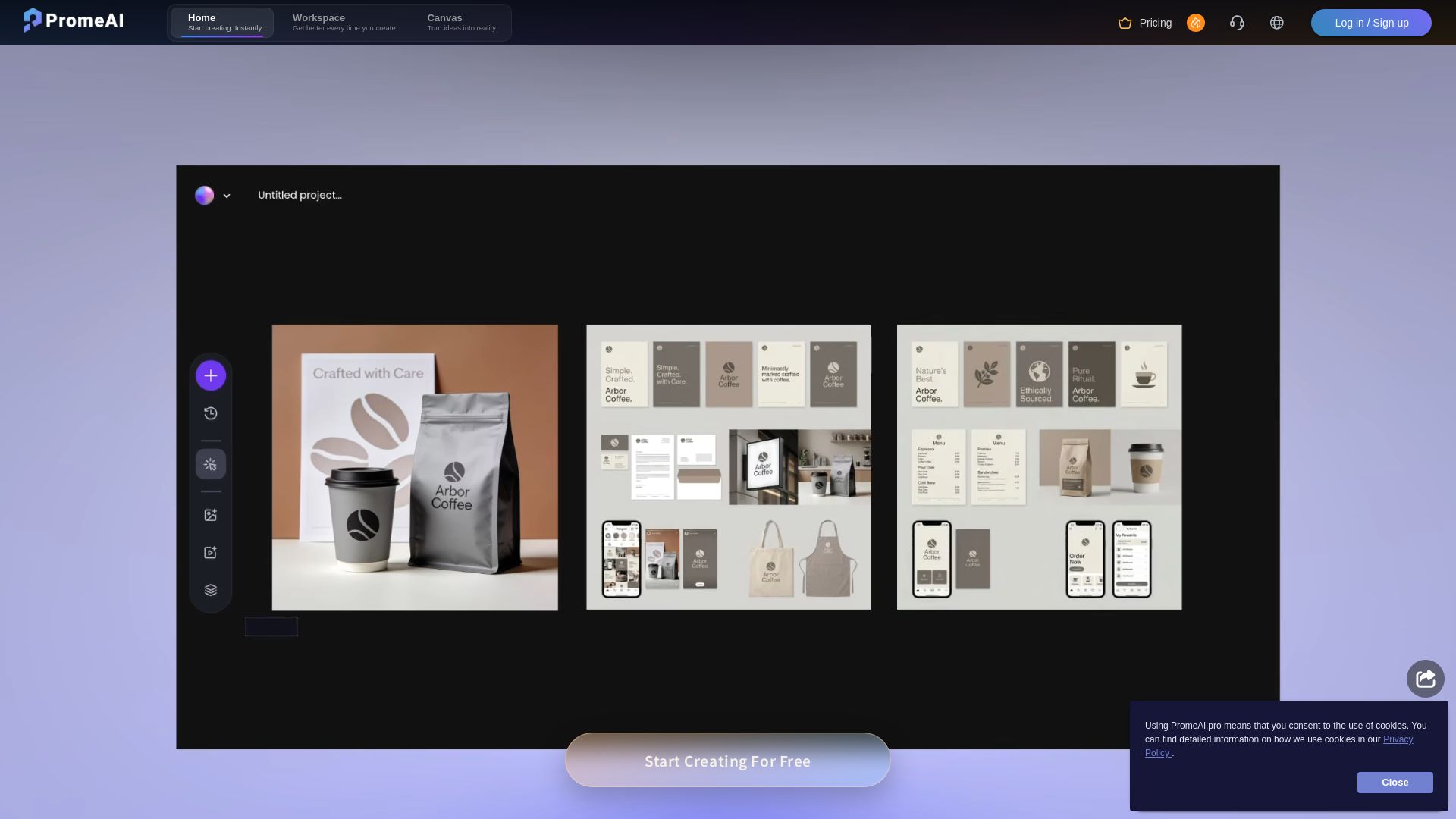
PromeAI
Transform sketches into realistic renders with PromeAI. 42+ AI tools for architecture, interior design, and more. Trusted by 2M+ users.


Superdesign
Create stunning designs with AI. Iterate quickly using natural language. Export production-ready code. Browse design prompts and styles.


Figma Console MCP
Connect AI to Figma for design extraction, token sync, and component creation. Turn your design system into a programmable API.

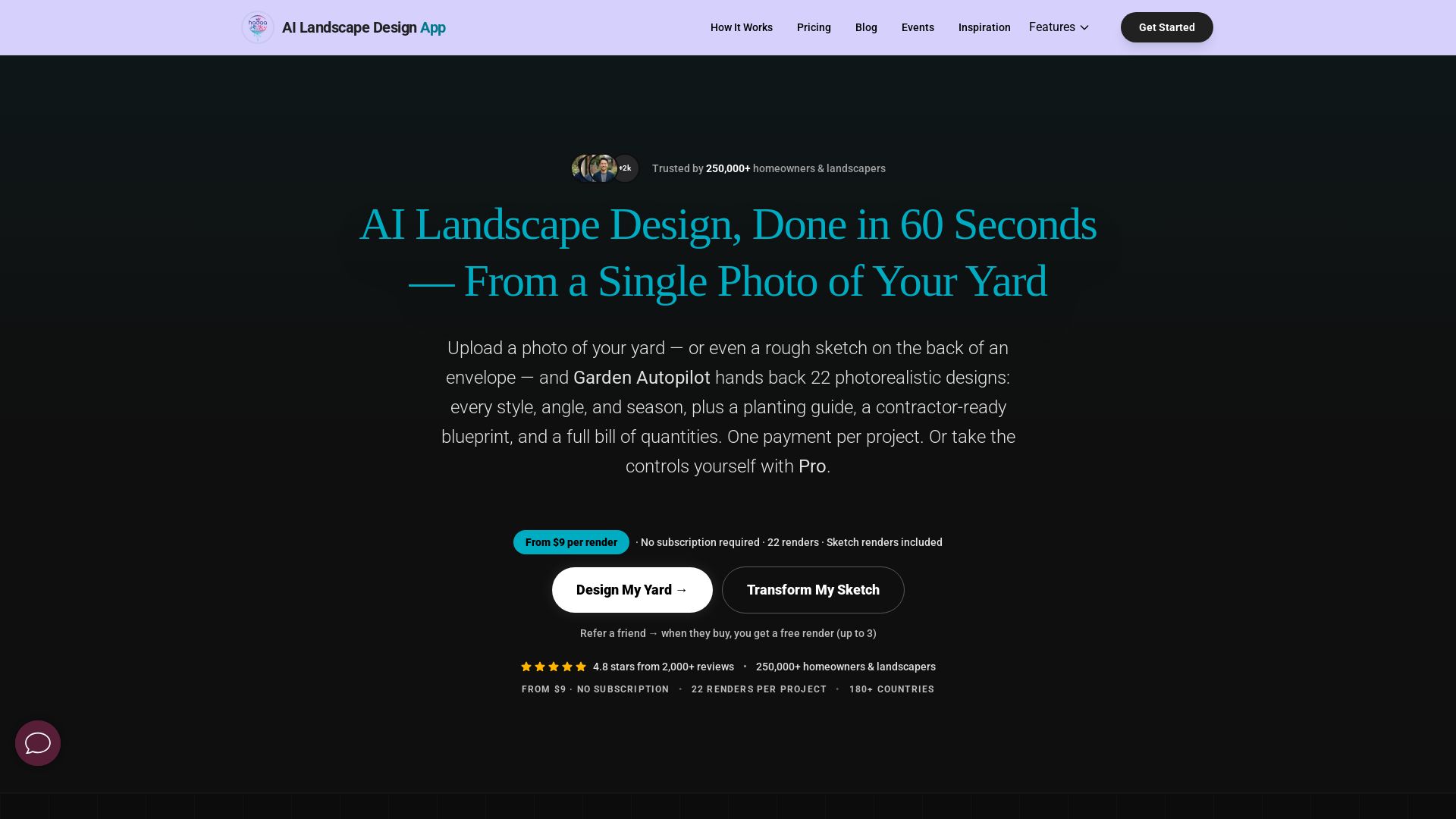
AI Garden Design vs Hadaa: Features & Pricing (2026)
Upload a photo or sketch, get 22 photorealistic designs, planting guide, blueprint & BOQ. Pay per project, no subscription.


UX Pilot
Ideate, design, and hand-off web apps in seconds with UX Pilot's AI. Generate wireframes, hi-fi designs, and clean code. Trusted by 1M+ users.


Figma
Figma is the intelligent, AI-native canvas for designing, prototyping, and building products together. Trusted by 95% of Fortune 500. Explore design and dev tools.


AIDesigner
Create premium UI, logos, brand kits, and more with AIDesigner. No design experience needed. Free to try, no credit card required. Join 15,000+ users.


Anima
Convert Figma designs, images, and code into live HTML/React apps. AI with design context for developers and agents.


Komposo
Turn product ideas into real, editable designs with AI. Generate, edit, and export UIs using plain language. Trusted by 100k+ users. Start for free.


Figr
Ship better UX faster. Figr builds a living understanding of your product, maps flows, finds edge cases, and generates high-fidelity prototypes from your actual design system.


Motiff AI
Generate production-ready UI from text, wireframes, or screenshots with Motiff AI. Choose preset styles, export to React/HTML. Fast, consistent design.

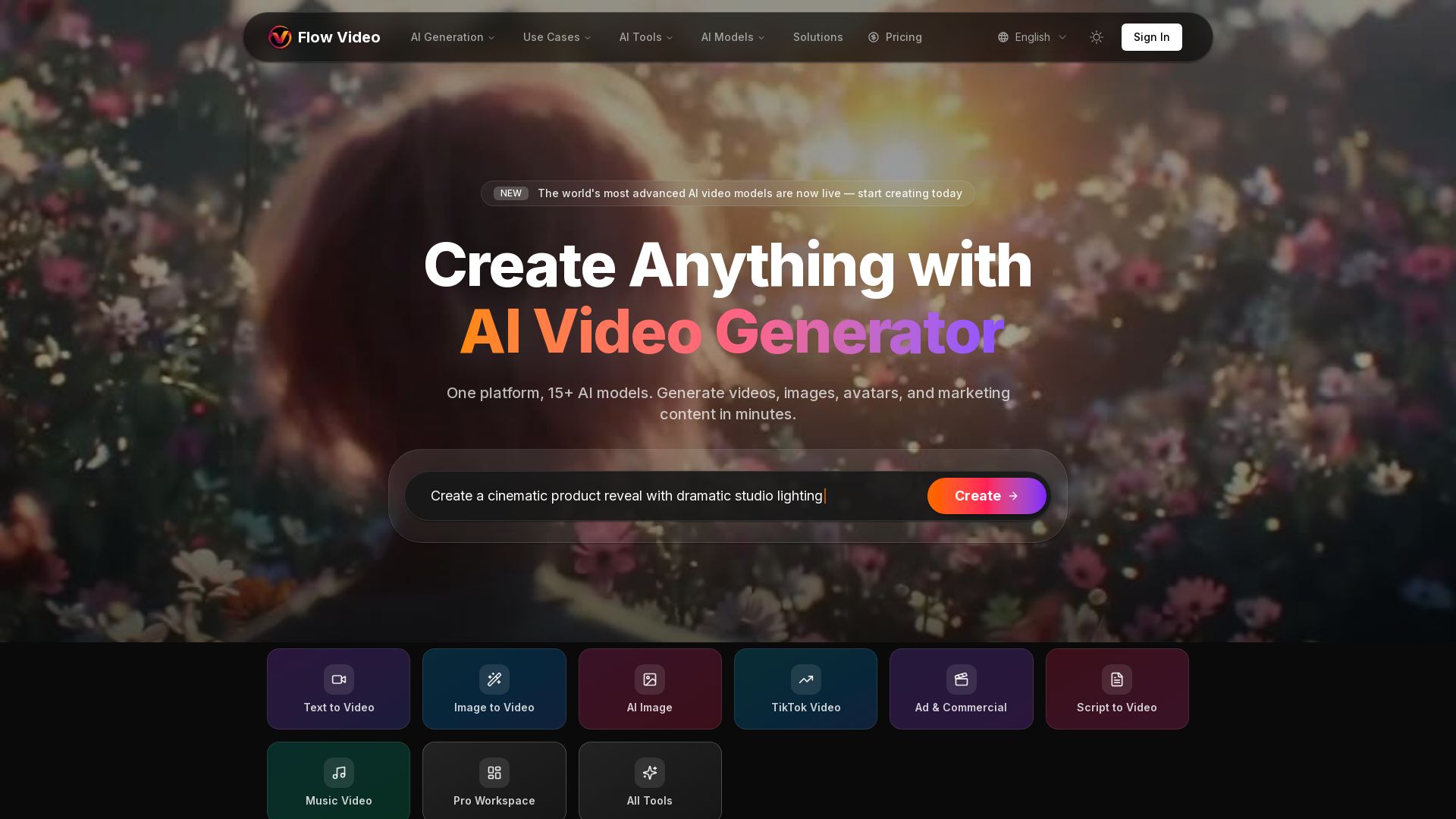
Flow Video AI
Create stunning AI videos, images, and marketing content with 15+ models. Text to video, image to video, and more. Start free!

ℹ️ Curation Disclosure: The overview and features of Phygital+ were synthesized using AI and fact-checked by our curation team to ensure accuracy.