
Monsha
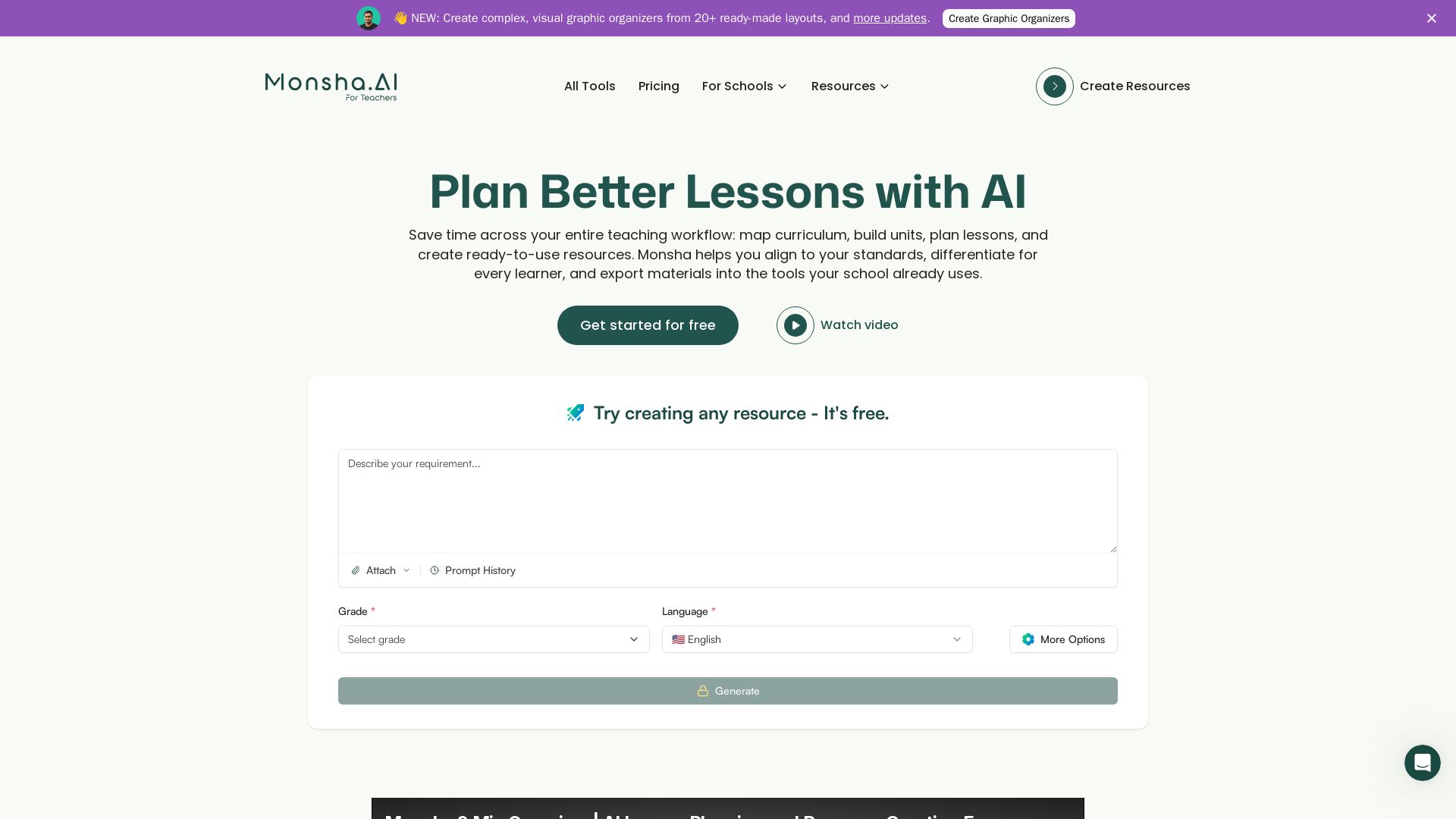
AI-powered lesson planning, curriculum mapping, and resource creation. Align to standards, differentiate, export to Google/Microsoft. Used by teachers worldwide.


Editor's Verdict
Key Takeaways
- AI Lesson Planning
- Curriculum Planning
- Resource Generation
- Differentiation & Customization
In-Depth Review: What is Monsha?
Monsha is an all-in-one AI teaching tool that helps educators save time across their entire workflow. From designing full courses and mapping units to generating standards-aligned lesson plans, worksheets, presentations, and assessments, Monsha handles the heavy lifting. Teachers can differentiate for every learner, import existing materials, and export directly to Google Workspace, Microsoft 365, or any LMS. Trusted by thousands of teachers, Monsha is built with privacy and compliance in mind, making it ideal for K–12, homeschool, and international educators.
Core Features
AI Lesson Planning
Generate full lesson plans from a topic, file, standard, or objective. Includes learning goals, activities, questions, and differentiated materials.
Curriculum Planning
Design full course outlines, map units, organize standards, and structure curriculum across a semester or year with AI assistance.
Resource Generation
Create worksheets, quizzes, reading passages, presentations, vocabulary lists, rubrics, and more from any source material.
Differentiation & Customization
Adjust reading level, cognitive demand, skill focus, language, and scaffold steps for different learner groups.
Standards Alignment
Align lessons and resources to major US, UK, Australian, Canadian, IB, and custom standards with a few selections.
Export & Integration
Export to Google Docs, Slides, Forms, Microsoft Word, Excel, PowerPoint, PDF, and integrate with Google Classroom, Canvas, Schoology, and more.
Pricing
FREE
- 500 AI credits per month
- Basic AI image models
- Limited import and export options
PRO
- Unlimited AI usage
- End-to-end planning for courses, units, and lessons
- Resource creation and differentiation
- Import/export across devices, LMSs, and 20+ formats
- Use of source materials from files, URLs, texts, etc.
- Editing and customization with and without AI
- Early access to new features
TEAM
- Unlimited AI usage
- Everything in PRO
- Centralized billing
- Admin controls
- Advanced data controls
ENTERPRISE
- Unlimited AI usage
- Everything in TEAM
- Custom standards integration
- On-demand training & onboarding
- Dedicated customer support
- On-demand custom tools
- Discounts for Institution-wide licenses
Pros and Cons
Pros
- Time-SavingAutomates lesson planning, resource creation, and curriculum mapping, saving teachers hours per week.
- Standards-AlignedSupports major curriculum standards and custom frameworks, ensuring alignment across lessons and units.
- Differentiation Made EasyEasily adjust content for different reading levels, languages, and learning needs without starting from scratch.
- Flexible Export OptionsExport to multiple formats including Google Docs, Slides, Word, PowerPoint, and PDF, integrating with existing workflows.
- Privacy-FocusedDesigned to work without collecting identifiable student data, compliant with FERPA, COPPA, and GDPR.
Cons
- Limited Free TierThe free plan only includes 500 AI credits per month and limited features, which may not be sufficient for heavy users.
- AI Credit SystemUsage is capped by AI credits on free and trial plans, requiring upgrades for unlimited use.
- Learning CurveNew users may need time to explore the various tools and understand how to best utilize the AI capabilities.
- Dependency on AIOver-reliance on AI-generated content may reduce teachers' own lesson planning skills.
- Potential InaccuraciesAI-generated materials may occasionally contain errors or require manual review and adjustments.
Use Cases & Recommended Professions
K-12 Teacher→ View Toolkit
Plan lessons, create worksheets, quizzes, and assessments aligned to standards, and differentiate instruction for diverse learners.
Homeschool Teacher→ View Toolkit
Design custom curriculum, generate engaging materials, and track progress without needing extensive planning time.
Instructional Coach→ View Toolkit
Support teachers with curriculum mapping, unit planning, and resource creation to improve instructional quality.
Tutor→ View Toolkit
Quickly generate personalized practice materials, reading passages, and assessments for individual student needs.
Curriculum Specialist→ View Toolkit
Design and align entire course outlines, unit plans, and assessments across grade levels and subjects.
School Administrator→ View Toolkit
Oversee curriculum consistency, implement standards alignment, and provide efficient planning tools for staff.
Frequently Asked Questions
Alternative AI Tools
View Detailed Comparison →
Prezi
Prezi AI creates studio-quality presentations from your ideas. Describe or upload, get a polished deck in seconds. Refine via chat, export as PPTX or PDF. No design skills needed.


SlidesAI
Create beautiful presentations from notes, prompts, or docs with SlidesAI. Works in Google Slides, PowerPoint, ChatGPT & web. Save 85% time.

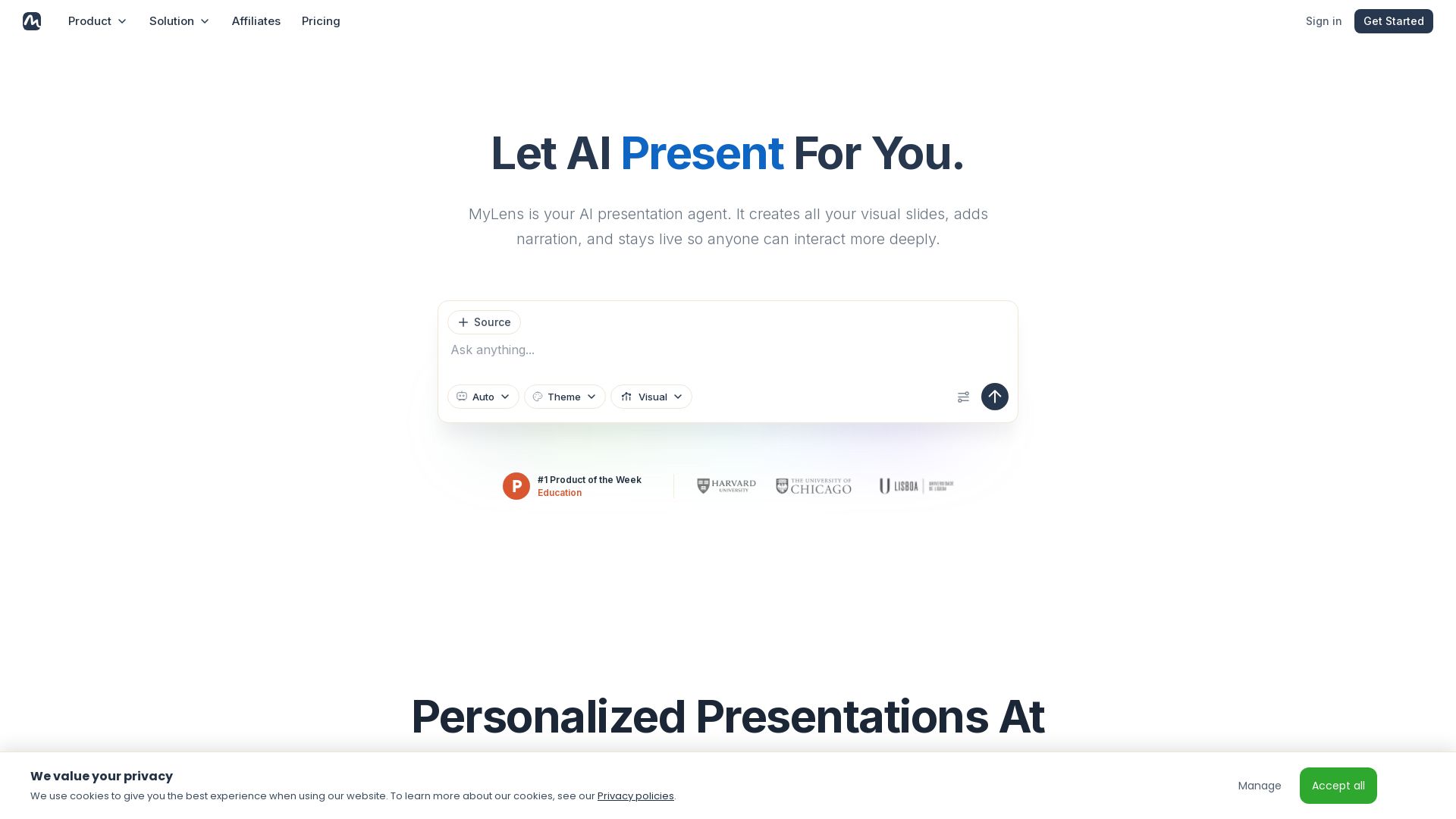
MyLens
Turn documents, links, or ideas into interactive presentations with AI narration. Engage your audience with live, explorable slides. Get started free.


SlideSpeak
Turn PDFs, Word docs, and ideas into professional PowerPoint slides in minutes. AI-powered editor, video, and branding. Trusted by 1M+ users.


AiPPT
Transform ideas into stunning presentations instantly with AiPPT. Generate slides from text, documents, URLs, or templates. Import from Google Drive. Free and paid plans.


Figr
Ship better UX faster. Figr builds a living understanding of your product, maps flows, finds edge cases, and generates high-fidelity prototypes from your actual design system.


Presentation Maker AI
Create professional presentations in minutes with our AI presentation maker. Ideal for students, teachers, and businesses. No design skills needed. Try free!

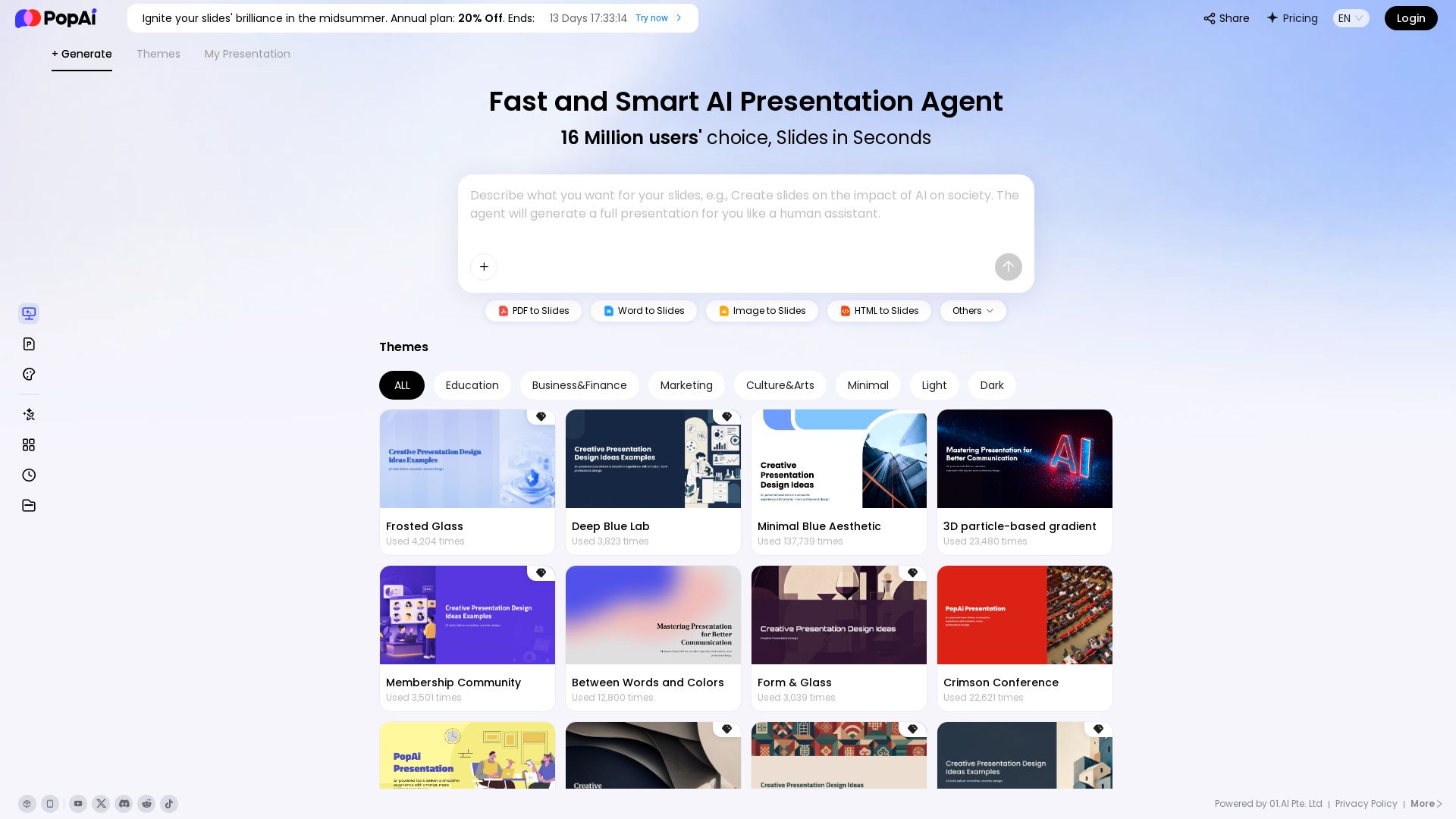
PopAi
Turn prompts, PDFs, Word docs into professional AI presentations. Fast, smart, and easy. 20% off annual plan. Try now!

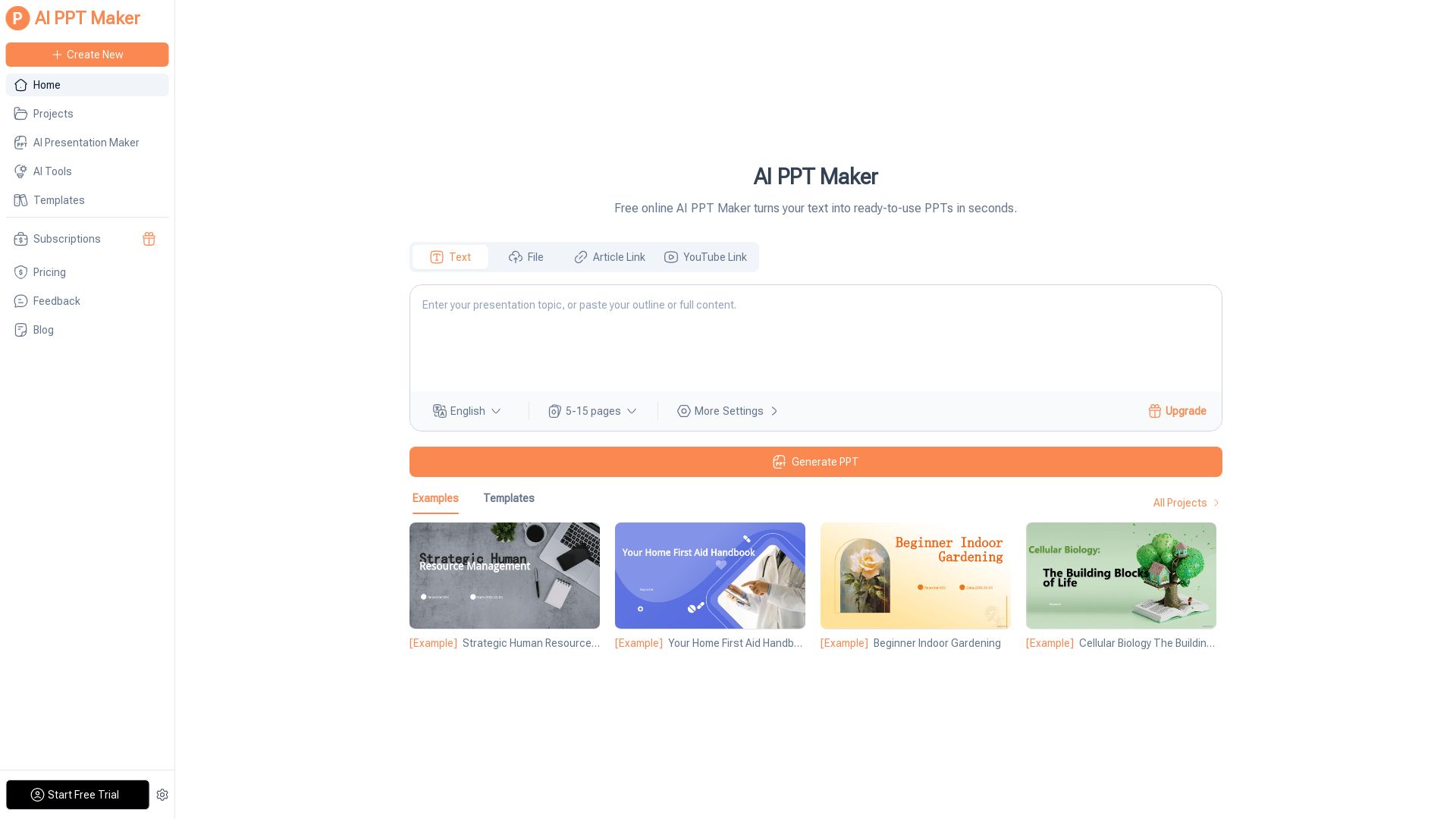
AI PPT Maker
Turn text, PDFs, videos into stunning PPTs in seconds. Free AI-powered tool with templates, customization, and instant download. Try now!

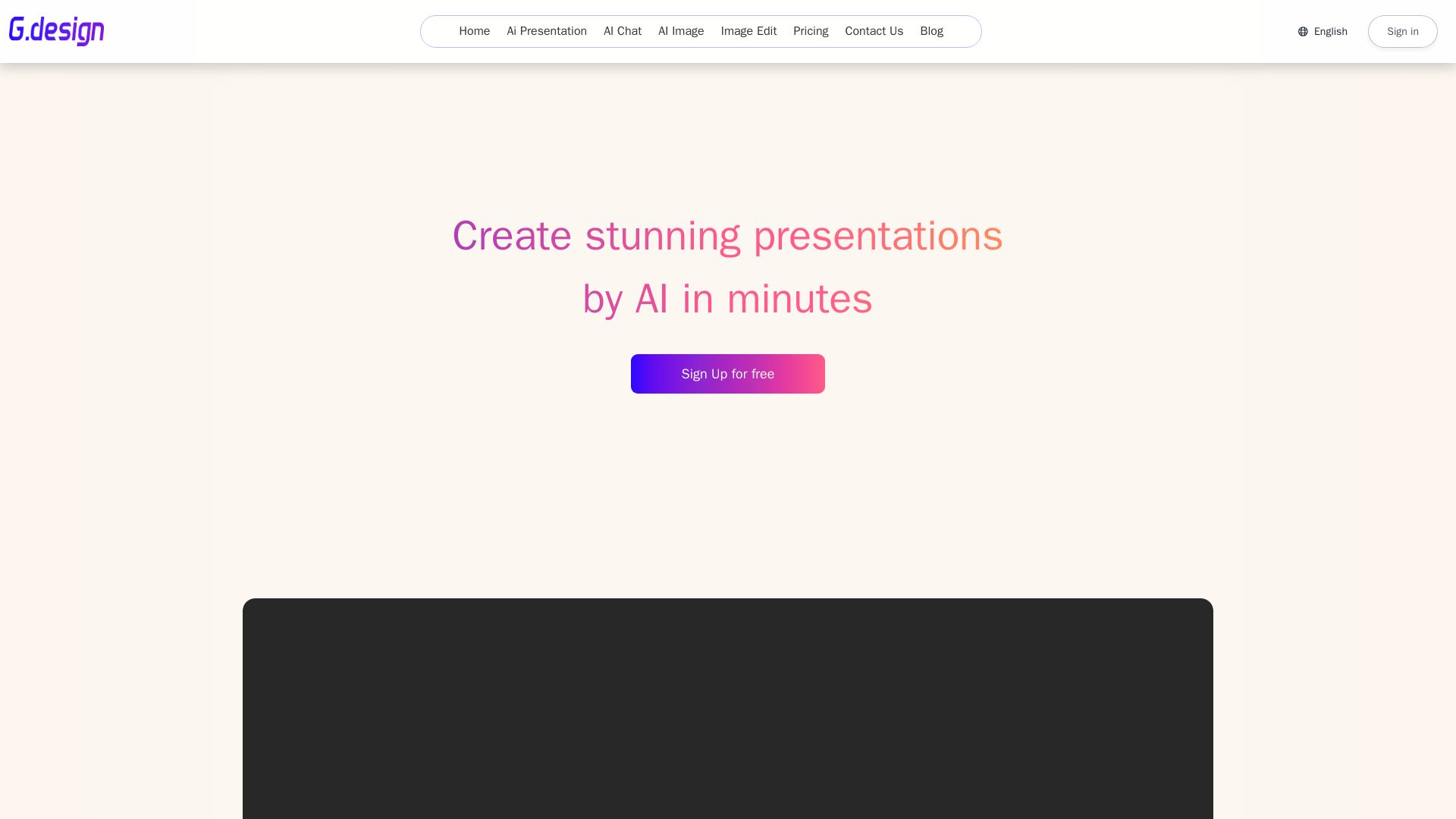
Gamma
Create stunning presentations by AI in 3 minutes. Upload files, convert to PPT, access 1000+ templates. Free trial available.

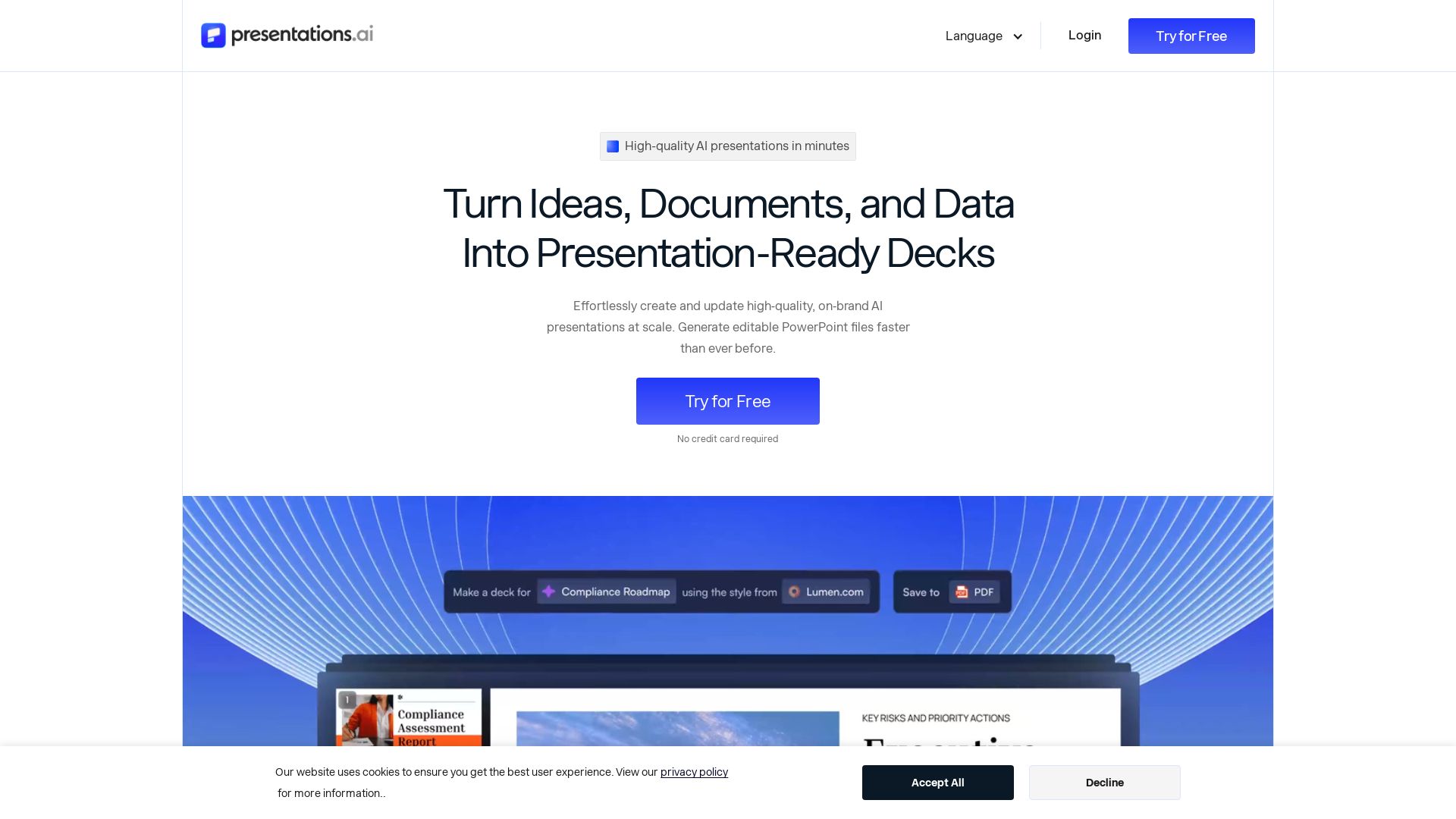
Presentations.AI
Create professional AI presentations in minutes. Turn ideas, documents, or data into editable PowerPoint slides with instant branding. Trusted by 12M+ teams.

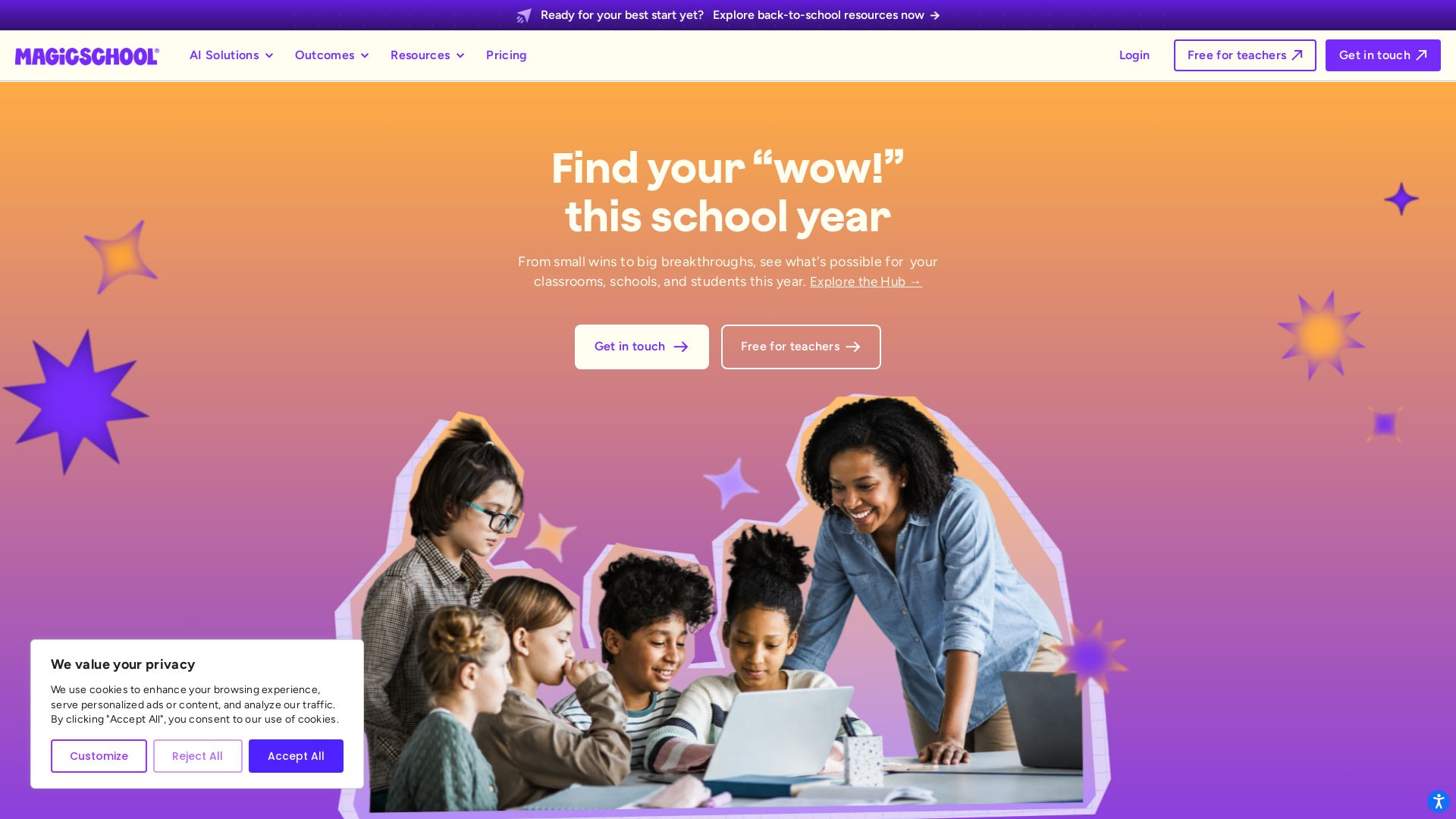
MagicSchool
MagicSchool AI: Trusted AI platform for schools. Teachers save time with 80+ tools, personalize learning, protect student data.

ℹ️ Curation Disclosure: The overview and features of Monsha were synthesized using AI and fact-checked by our curation team to ensure accuracy.