
MagicSchool
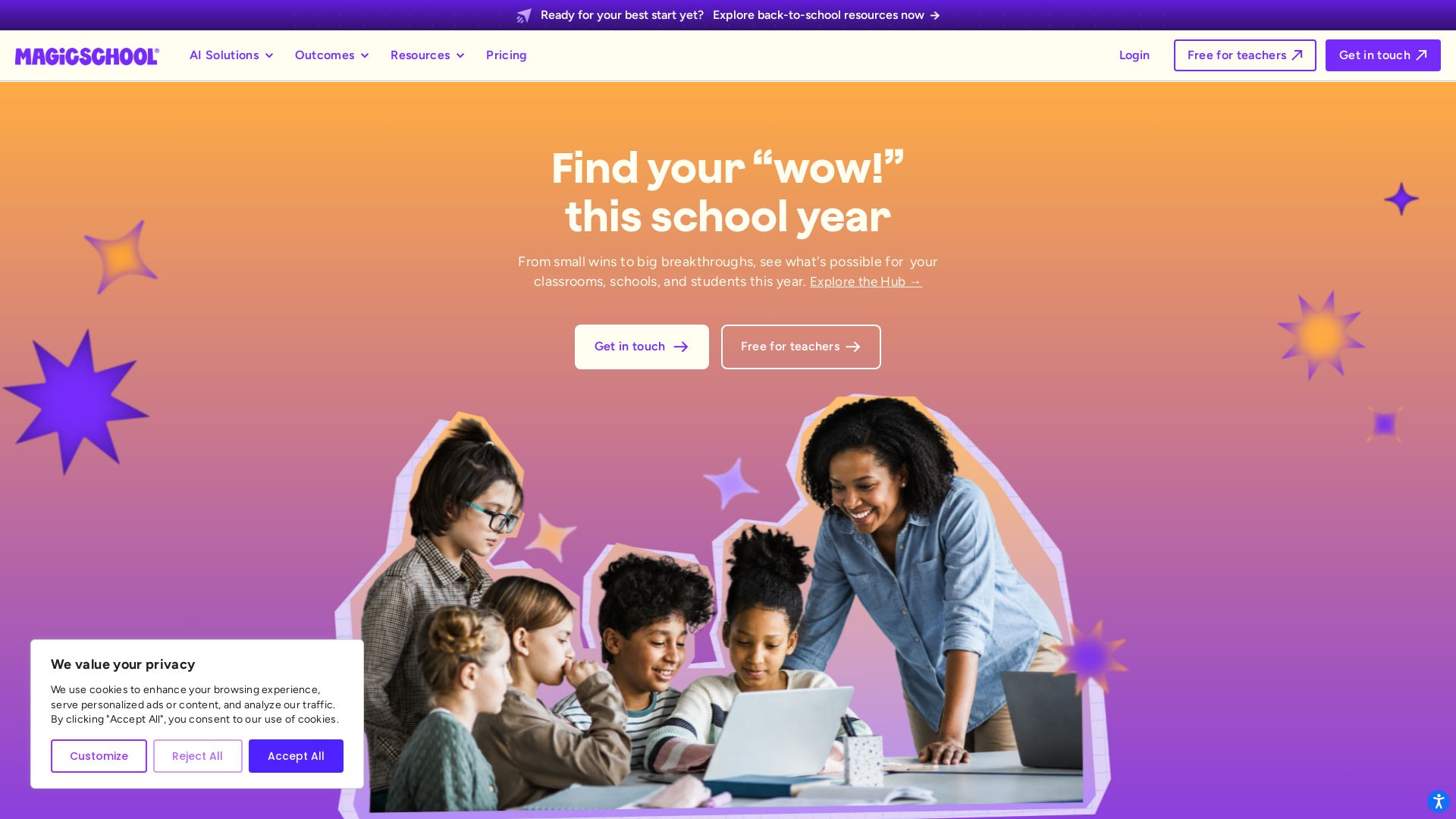
MagicSchool AI: Trusted AI platform for schools. Teachers save time with 80+ tools, personalize learning, protect student data.


Editor's Verdict
Key Takeaways
- AI Tools for Teachers
- AI Tools for Students
- Raina Chatbot
- Student Learning Insights
In-Depth Review: What is MagicSchool?
MagicSchool is the leading AI education platform built for classrooms, schools, and districts. It empowers teachers with more than 80 intuitive tools—including a lesson plan generator, rubric maker, and quiz builder—to save time and spark creativity. Students engage safely with 50+ teacher-led tools designed to build critical AI skills. With enterprise-grade security (SOC 2 certified, FERPA/COPPA compliant), school leaders can adopt AI responsibly. MagicSchool integrates seamlessly with Google Classroom, Canvas, and Docs, and has driven measurable results: a 28% improvement in literacy standards and 7-10 hours saved per teacher weekly. Explore the Hub, get certified, and join a community transforming education with AI.
Core Features
AI Tools for Teachers
80+ teacher tools including lesson plan generator, rubric maker, presentation generator, quiz maker, and worksheet generator to save time and personalize learning.
AI Tools for Students
50+ student tools with teacher-led activities, safe settings, and built-in safeguards designed to build AI literacy and critical thinking.
Raina Chatbot
An AI-powered chatbot that provides instant assistance to teachers and students, helping with planning, grading, and classroom tasks.
Student Learning Insights
Advanced analytics that provide visibility into student progress and engagement, helping educators tailor instruction to individual needs.
Privacy and Security
SOC 2-certified and FERPA/COPPA-compliant infrastructure with a strict policy of not using student or teacher data for AI training.
Integrations
Seamless integration with Google Docs, Classroom, Canvas, and other popular education platforms to fit into existing workflows without disruption.
District Management
Enterprise-grade features including advanced data dashboards, district-customized tools, structured rollout, and professional development.
Learning Outcomes Module
A tool that enables teachers to provide timely formative assessment and feedback at scale, making feedback a daily habit.
Pricing
Free
- 80+ teacher tools
- 50+ student tools
- Raina chatbot
- Quizzes
- Class Writing Feedback
- Student learning insights
- Basic support and professional development
- Best in class privacy and security
- Standard access
Plus
- Everything in Free
- Unlimited generations
- Unlimited output history
- Unlimited AI-output editing
- Advanced tool features
- MagicSchool Labs
- Standard access to all tools
- FERPA, COPPA, SOC-2, GDPR, Ed Law 2-D Compliant
Enterprise
- Everything in Plus
- Custom Data Privacy Agreement
- Integrations with SIS, LMS
- Single Sign-On (SSO)
- Curriculum alignment
- Customization of tools and platform
- Tool management controls and guardrails
- Advanced safeguards and moderation
- Advanced data dashboards
- Dedicated customer service manager
- Professional development packages
- White-Glove onboarding
Pros and Cons
Pros
- Improves Student Outcomes28% improvement in students meeting literacy grade-level expectations reported by schools using MagicSchool.
- Saves Valuable TimeTeachers save 7-10 hours per week on average by automating repetitive tasks and generating resources quickly.
- Reaches Every Learner88% of teachers say MagicSchool helps them reach every learner through personalized learning tools.
- Industry-Leading PrivacySOC 2-certified and FERPA/COPPA-compliant, with a promise never to train AI on student or teacher data.
- Safe for StudentsBuilt-in safeguards and moderation ensure student-facing tools are safe and responsible.
Cons
- Limited Free PlanThe free plan offers standard access but lacks unlimited generations and advanced features, which may require upgrading to Plus.
- Enterprise Cost TransparencyCustom pricing for Enterprise requires contacting sales, which may be a barrier for districts with tight budgets.
- Dependence on InternetInstitution-wide AI tools require a stable internet connection, which may be challenging in low-resource areas.
- Learning CurveTeachers may need professional development to fully leverage the platform's breadth of tools and features.
- Integration LimitsWhile integrating with popular platforms, some advanced integrations are only available in the Enterprise plan.
Use Cases & Recommended Professions
Teacher→ View Toolkit
Save time with lesson planning, grading, and content creation tools while personalizing instruction for diverse student needs.
School Administrator→ View Toolkit
Monitor adoption, usage patterns, and student outcomes with district dashboards and ensure compliance with privacy standards.
Superintendent→ View Toolkit
Lead the district with a safe, scalable AI operating system and structured professional development for educators.
Instructional Coach→ View Toolkit
Use AI-powered tools to provide targeted support to teachers, enhance classroom practices, and drive professional learning.
Principal→ View Toolkit
Integrate AI tools school-wide, observe impact on teaching and learning, and manage adoption with teacher support.
Curriculum Designer→ View Toolkit
Align tools with district curriculum standards, customize learning activities, and ensure consistency across grade levels.
Frequently Asked Questions
Alternative AI Tools
View Detailed Comparison →
Figr
Ship better UX faster. Figr builds a living understanding of your product, maps flows, finds edge cases, and generates high-fidelity prototypes from your actual design system.

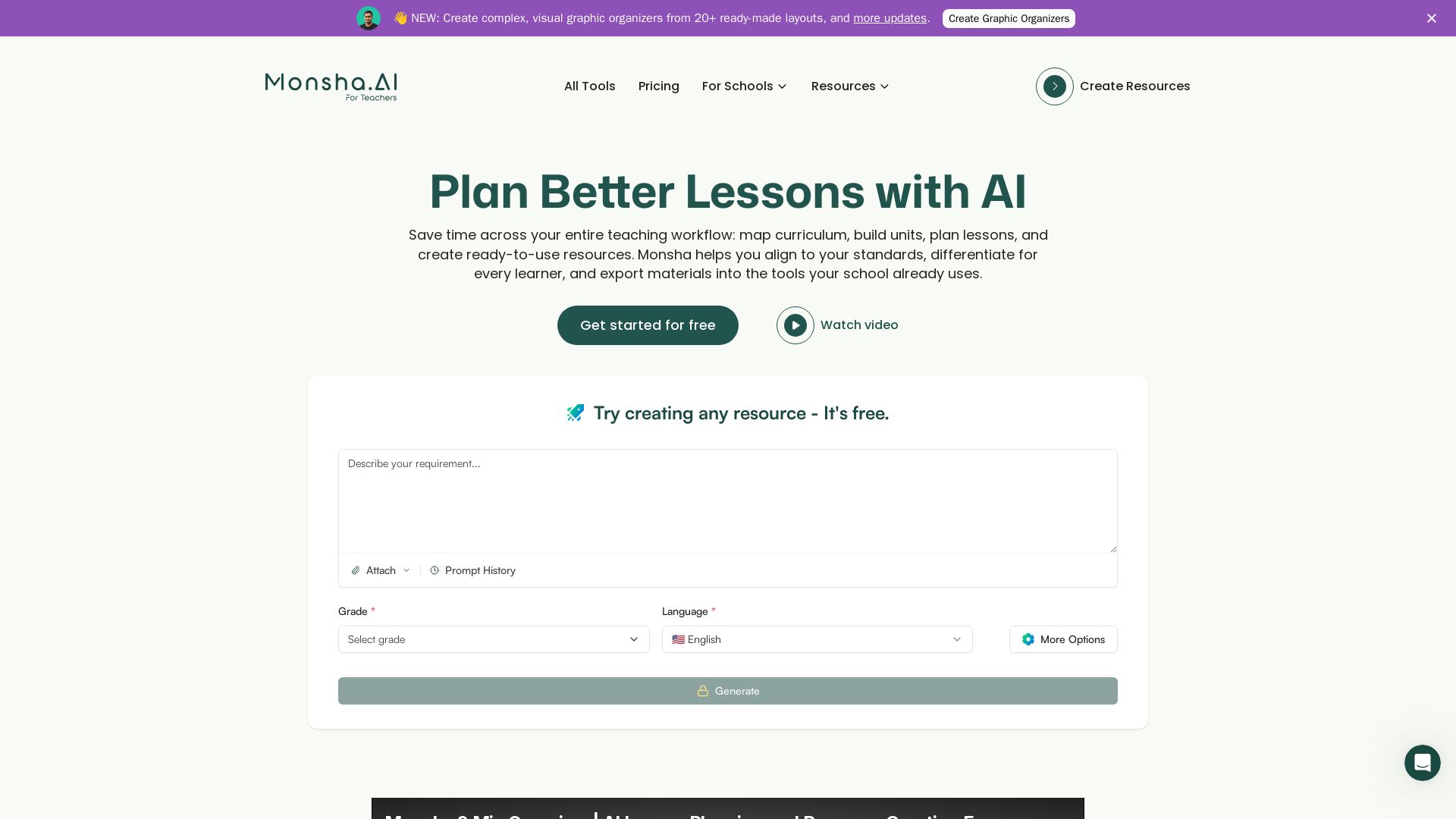
Monsha
AI-powered lesson planning, curriculum mapping, and resource creation. Align to standards, differentiate, export to Google/Microsoft. Used by teachers worldwide.




ProductCrafters
Get a free 2-week trial sprint for your AI product. Working prototype in 30 days, production-ready in 90. No contract, no credit card. Test your dev team risk-free.

SKULaunch
Automate supplier data onboarding, AI extracts attributes, enrich product catalogs, and publish ready data. From messy files to filterable search.

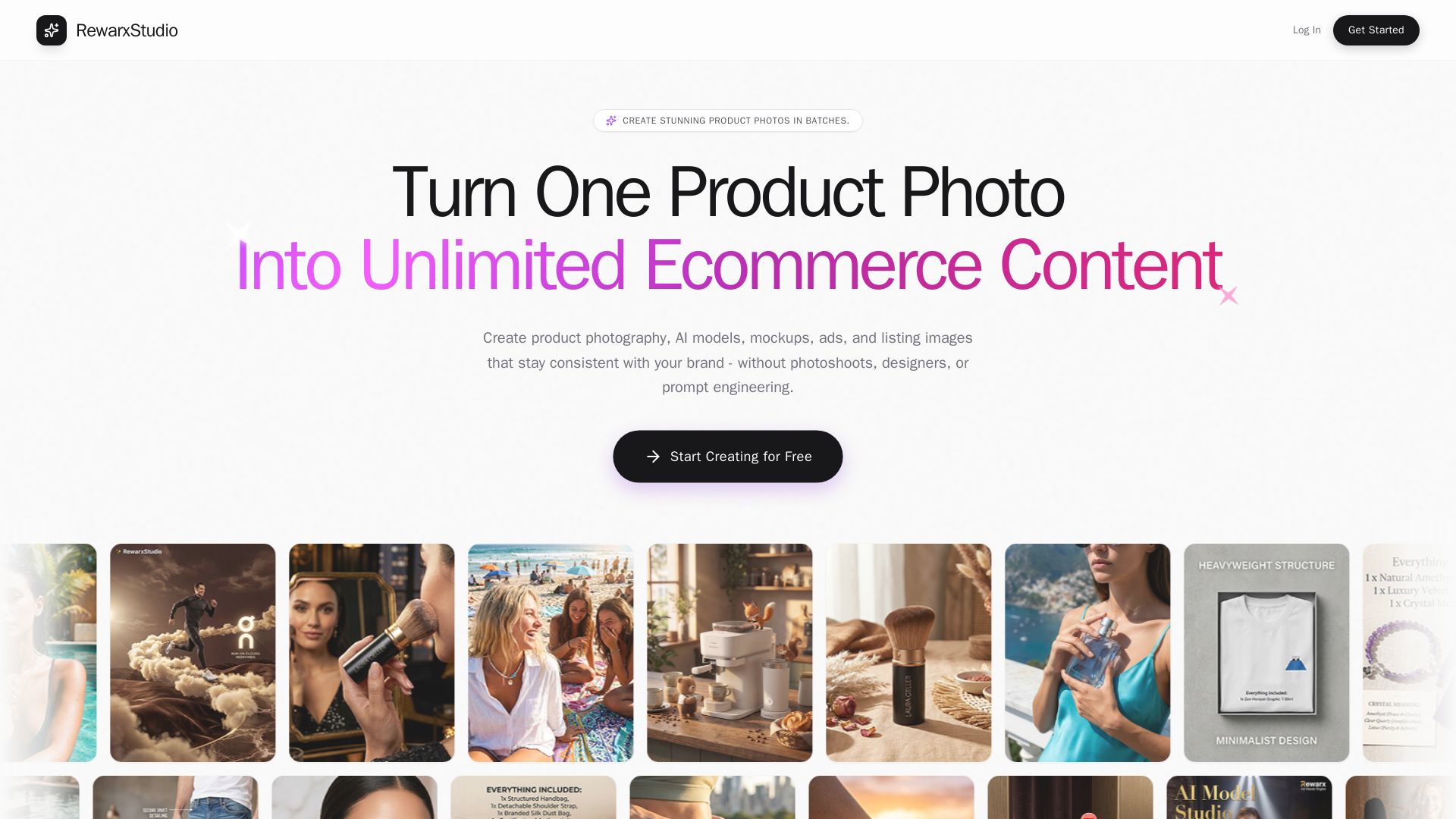
Rewarx Studio
Create professional product photos, AI models, and mockups in batches. Save 90% on content costs. Trusted by 5M+ sellers.

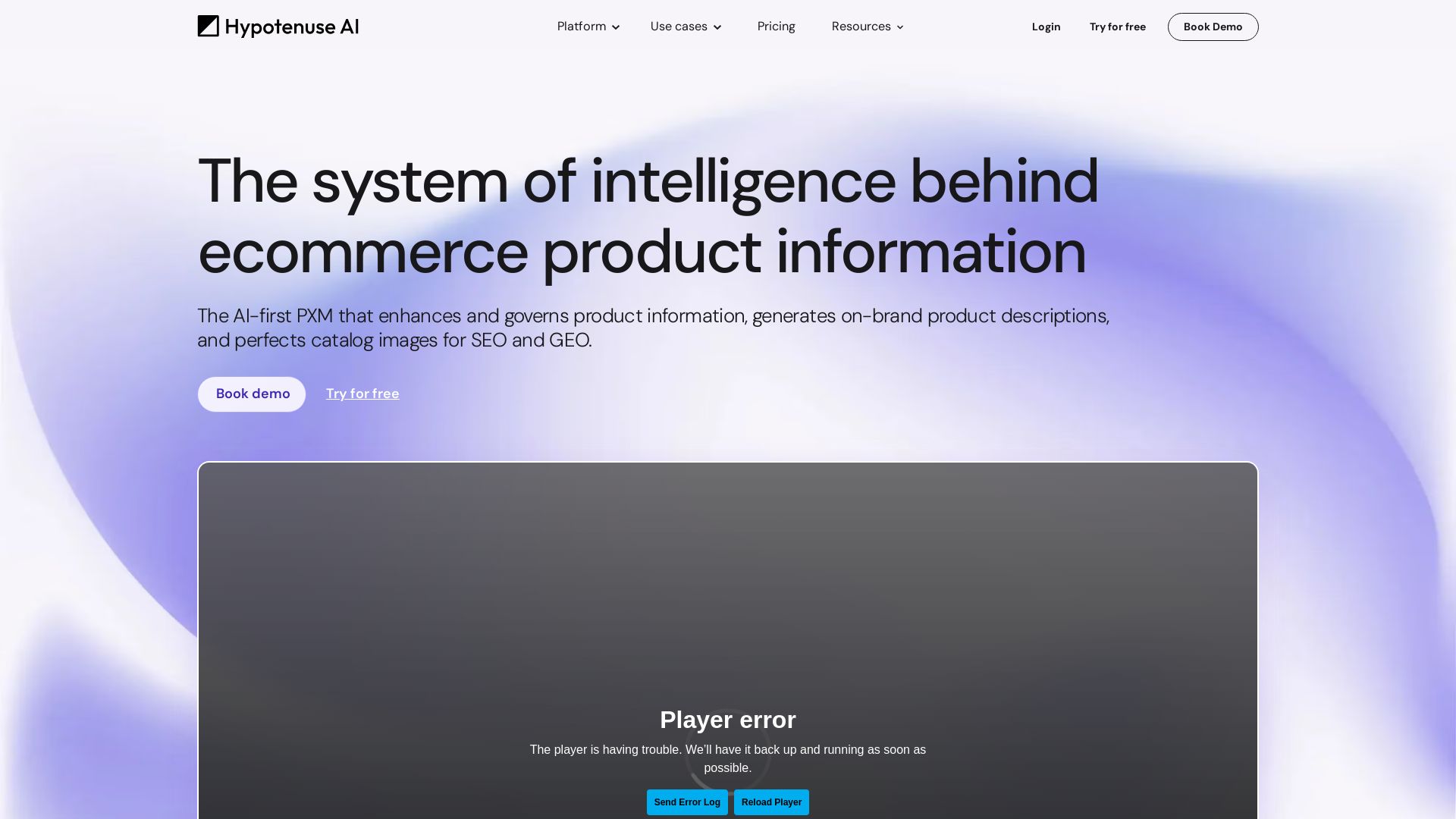
Hypotenuse AI
Enhance product data, generate SEO-optimized descriptions, and perfect images with AI. Trusted by global brands. Try free.

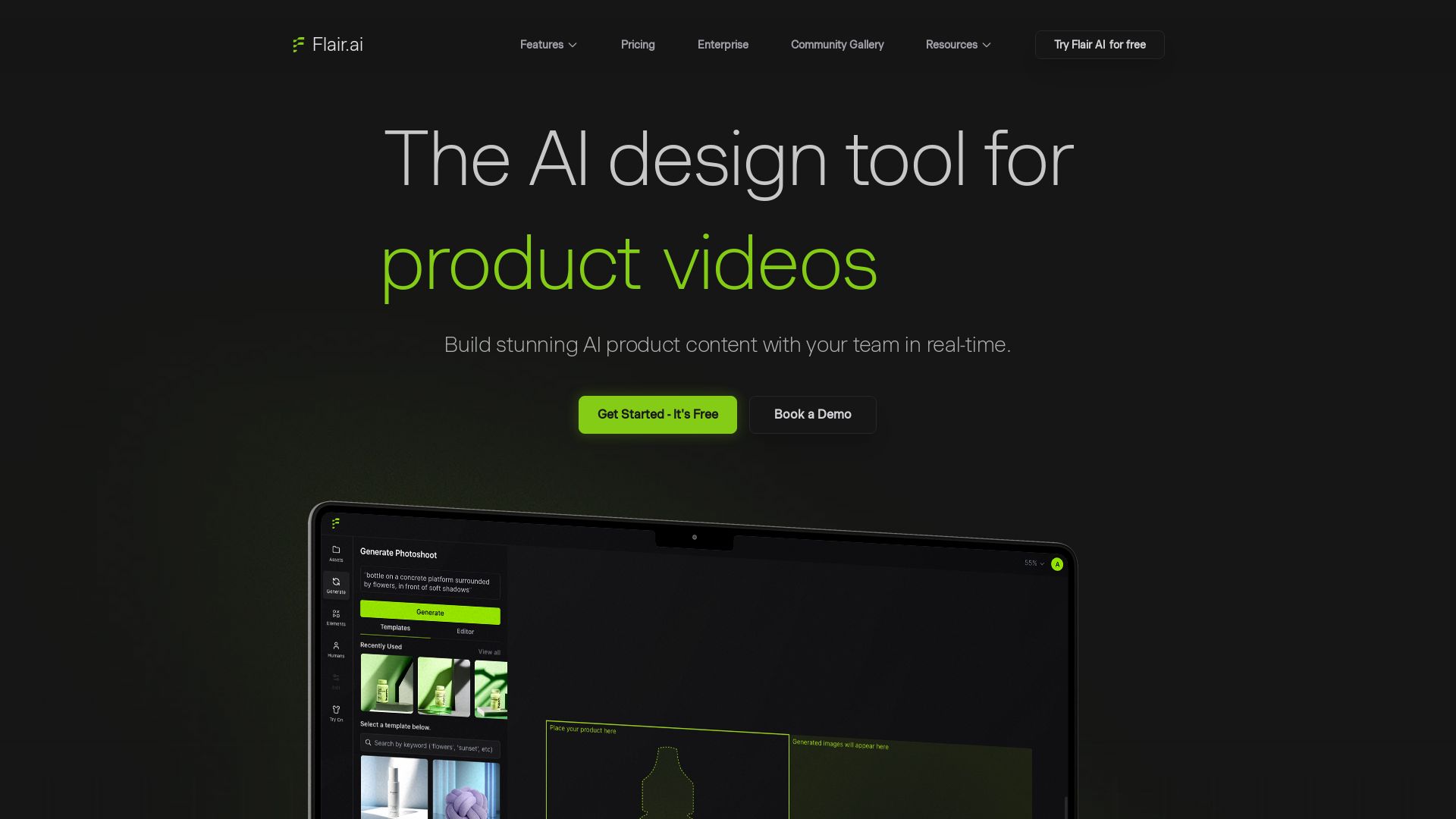
Flair.ai
Create stunning AI product content with on-model photography, videos, ads, and 3D scenes. Used by brands of all sizes. Get started free!

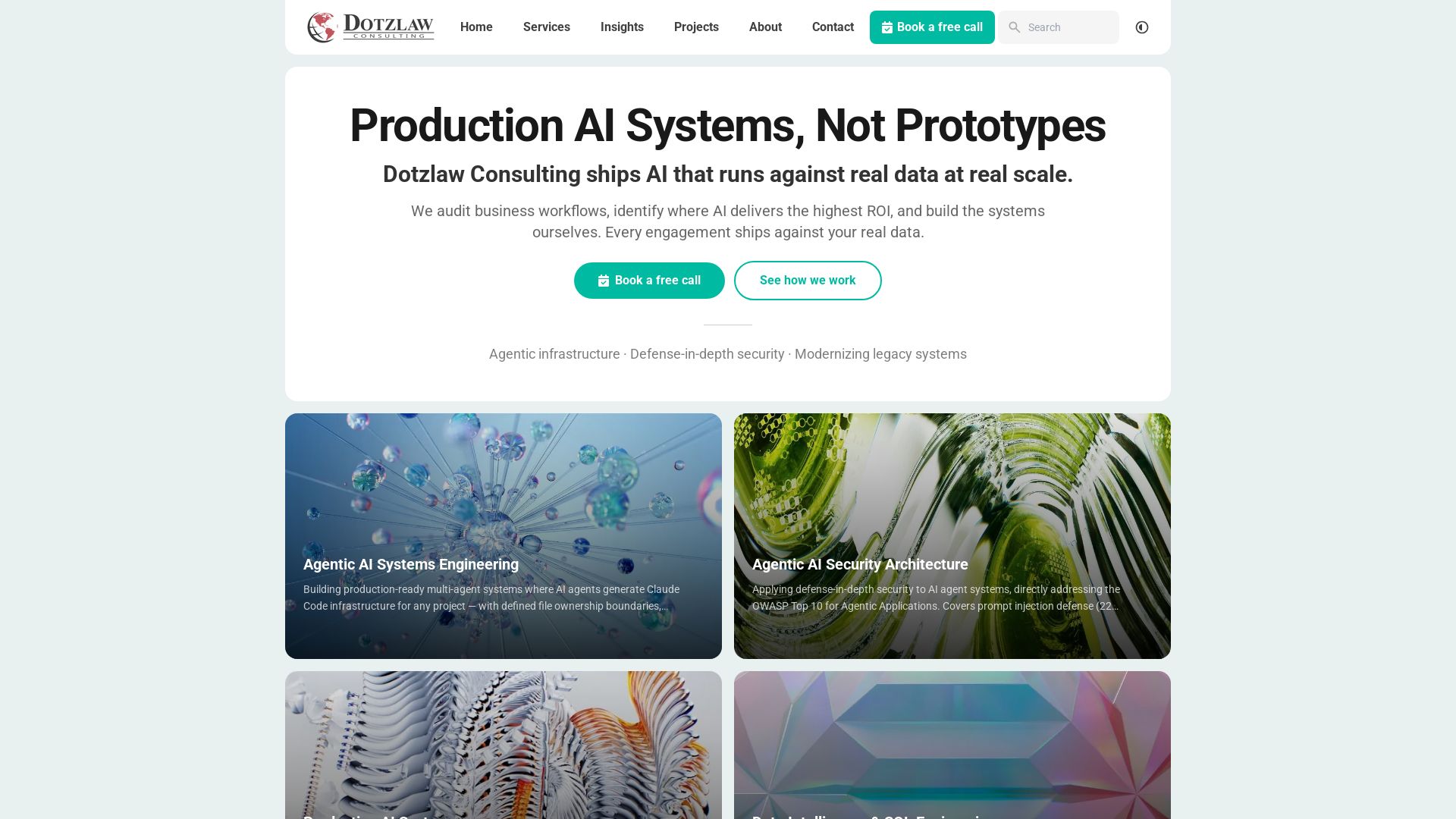
Dotzlaw Consulting
We build production-ready AI systems, multi-agent workflows, and secure architectures. Real data, real scale. Expert SQL & data intelligence.

Axify
Get clear visibility into AI usage, cost, and impact across your engineering teams. Flat fee, no per-seat pricing. Start free trial.

Educative
Master AI, system design, and coding interviews with interactive, text-based courses. Learn by building with real-time AI feedback. Trusted by 3M+ developers.

SpeedMVPs
Launch production-ready AI MVPs in 2-3 weeks. Fixed pricing, full code ownership, direct developer access. 18+ AI products shipped globally. Book a free call.

ℹ️ Curation Disclosure: The overview and features of MagicSchool were synthesized using AI and fact-checked by our curation team to ensure accuracy.
