
AI PPT Maker
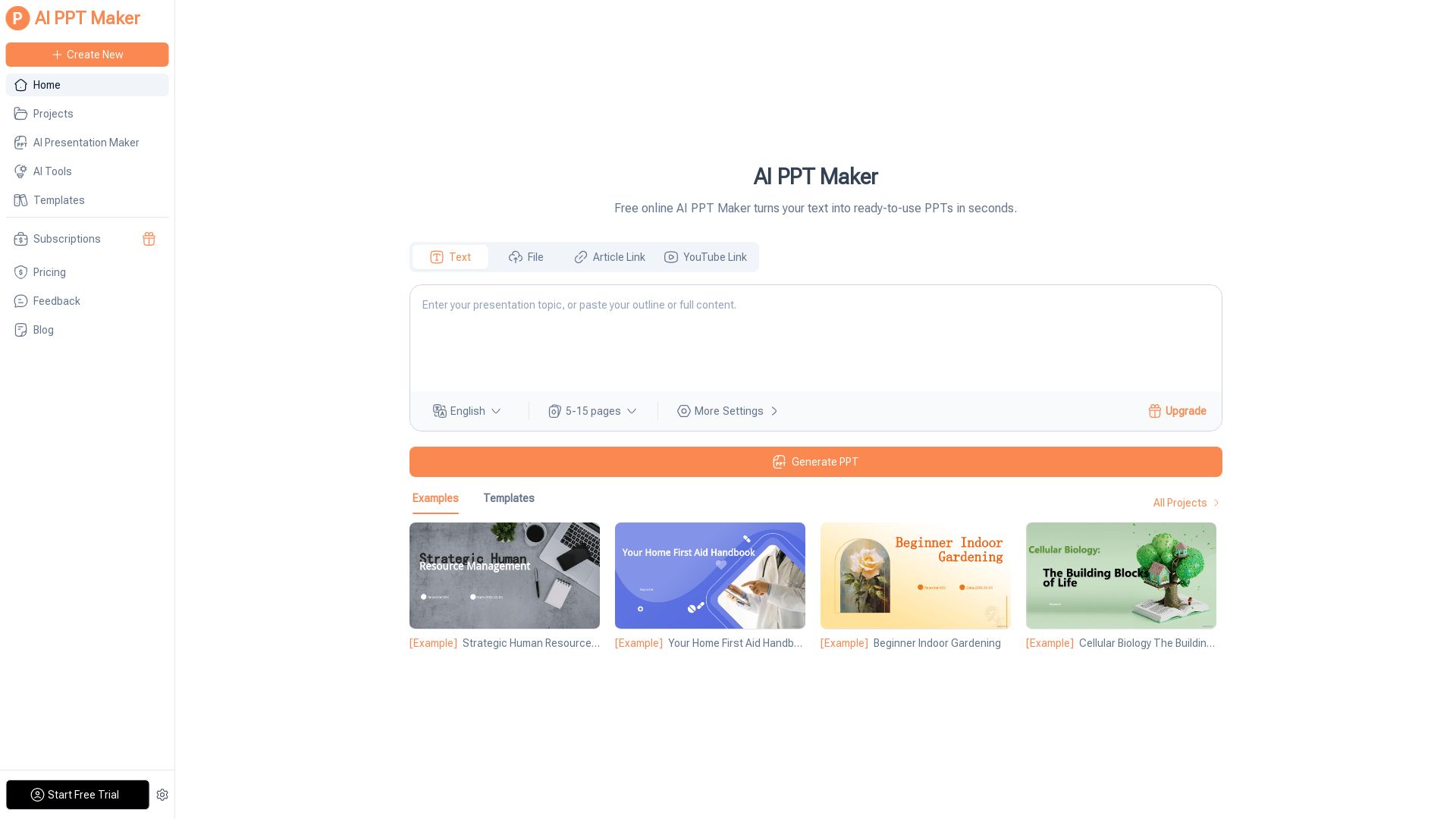
Turn text, PDFs, videos into stunning PPTs in seconds. Free AI-powered tool with templates, customization, and instant download. Try now!

Editor's Verdict
Key Takeaways
- AI-Powered Presentation Generation
- Multiple Input Formats
- Free & Online
- 1000+ Premium Templates
In-Depth Review: What is AI PPT Maker?
AI PPT Maker is a lightning-fast, free online tool that transforms your content into professional PowerPoint presentations in seconds. Powered by ChatGPT and DeepSeek, it supports text, PDFs, YouTube links, audio, and more. Choose from 1000+ templates, customize styles and branding, then download or share instantly. Perfect for business meetings, educational lessons, pitch decks, and personal projects. Create your presentation effortlessly and focus on delivering impactful ideas.
Core Features
AI-Powered Presentation Generation
Generate professional PowerPoint presentations in seconds from any text, document, or media using advanced AI models like ChatGPT and DeepSeek.
Multiple Input Formats
Easily convert text, PDFs (up to 50MB), YouTube videos, audio files, and other media (up to 100MB) into structured slide decks.
Free & Online
No software installation needed; access AI PPT Maker directly online and start creating presentations for free.
1000+ Premium Templates
Browse a vast collection of free, professionally designed templates in 10 colors, 7 styles, 9 categories, and 12 languages to match your needs.
Edit, Download & Share
Edit generated slides online, download as PPTx, PDF, or image formats, and share or present directly from the platform.
No Watermark
Export presentations without any watermark on paid plans, ensuring a clean, professional look for your final products.
Customization & Branding
Upload your own PowerPoint files, adjust templates, and add your brand logo to create personalized presentation decks.
Fast Generation Speed
Produce a complete presentation with over 20 slides in just 20 seconds, drastically reducing the time spent on manual slide design.
Pricing
Free
- 15 credits/month ≈ 3 PPTs
- AI Generation
- Maximum AI-generated slides
- Change Template
- Use All PPT Templates
- PPT Template Downloads
- Download Outline
- Export as PPTx/PDF/Image
- No Watermark
- Beautify PPT Style
Pro
- 2500 credits/month ≈ 250 PPTs
- AI Generation
- Maximum AI-generated slides
- Change Template
- Use All PPT Templates
- PPT Template Downloads
- Download Outline
- Export as PPTx/PDF/Image
- No Watermark
- Beautify PPT Style
Basic
- 500 credits/month ≈ 50 PPTs
- AI Generation
- Maximum AI-generated slides
- Change Template
- Use All PPT Templates
- PPT Template Downloads
- Download Outline
- Export as PPTx/PDF/Image
- No Watermark
- Beautify PPT Style
Pros and Cons
Pros
- Lightning-Fast CreationGenerates a full presentation in just 20 seconds, saving users hours of manual work.
- User-Friendly InterfaceSimple 3-step process makes it accessible for users with no design or technical skills.
- Wide Input CompatibilityAccepts text, PDFs, YouTube links, audio, and more, making it versatile for various content sources.
- Rich Template LibraryOffers over 1000 free, professionally designed templates, catering to different styles, colors, and languages.
- AI-Powered AccuracyUtilizes ChatGPT and DeepSeek to ensure the generated content is relevant, structured, and well-organized.
Cons
- Limited Free TierThe free plan only provides 15 credits per month, allowing roughly 3 presentations only.
- Advanced Customization Requires PaymentFeatures like removing watermarks and extensive branding tools are locked behind paid subscriptions.
- Requires Internet ConnectionSince it's an online tool, users need a stable internet connection to generate and edit presentations.
- Potential Need for Manual TweaksWhile AI generates slides, users may still need to adjust content or design to meet specific preferences.
- Large File ConstraintsFile uploads have size limits (50MB for PDFs, 100MB for media), which may not be suitable for very large files.
Use Cases & Recommended Professions
Marketing Manager→ View Toolkit
Needs to create professional presentations quickly for campaigns, client pitches, and internal updates.
Business Consultant→ View Toolkit
Frequently prepares client proposals and reports; converts complex data into visually appealing slide decks.
High School Teacher→ View Toolkit
Creates engaging lesson plans and educational materials to enhance classroom learning.
Startup Founder→ View Toolkit
Requires investor pitch decks and fundraising materials that look polished and professional.
Project Manager→ View Toolkit
Needs to present project updates, milestones, and team reports in a clear, structured format.
Event Planner→ View Toolkit
Uses AI PPT Maker to turn event ideas and plans into visually engaging presentations for clients and stakeholders.
Frequently Asked Questions
Alternative AI Tools
View Detailed Comparison →
AiPPT
Transform ideas into stunning presentations instantly with AiPPT. Generate slides from text, documents, URLs, or templates. Import from Google Drive. Free and paid plans.

Plus AI
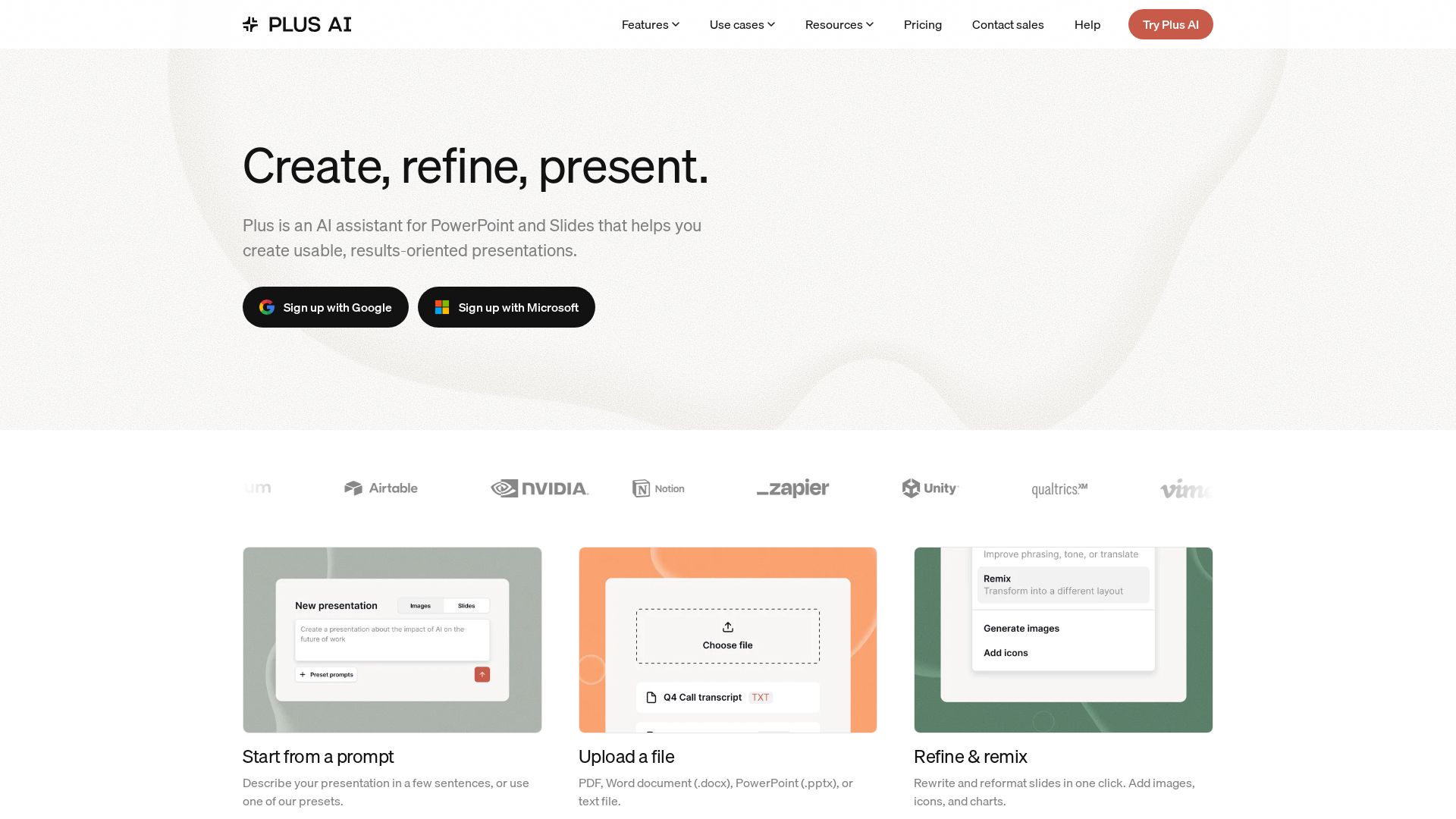
Create beautiful presentations in seconds with Plus AI. Works inside Google Slides and PowerPoint. Generate from prompts, files, or refine existing slides. Includes images, icons, charts. Try free!


SlideSpeak
Turn PDFs, Word docs, and ideas into professional PowerPoint slides in minutes. AI-powered editor, video, and branding. Trusted by 1M+ users.


Prezi
Prezi AI creates studio-quality presentations from your ideas. Describe or upload, get a polished deck in seconds. Refine via chat, export as PPTX or PDF. No design skills needed.


Making AI think and act: my approach to the Hugging Face AI ...
Experienced AI engineer specializing in medical imaging and LLM-powered agents. Built globally deployed radiology AI at AZmed. Now building AI agents at Matrix One.


Section AI
Turn AI investment into workforce transformation with Section. Command center, coaching, and strategic support to drive measurable ROI.


AI SDK AGENTS
The toolkit for AI engineers. Install, copy, or export 125 AI SDK patterns for agents, tool calling, human-in-the-loop, and generative UI. Full source code, own your stack.


SF AI Labs
End-to-end AI services from strategy to launch. Proven delivery framework, expert network in San Francisco. Maximize ROI with custom AI solutions for modern companies.

AI-Flow
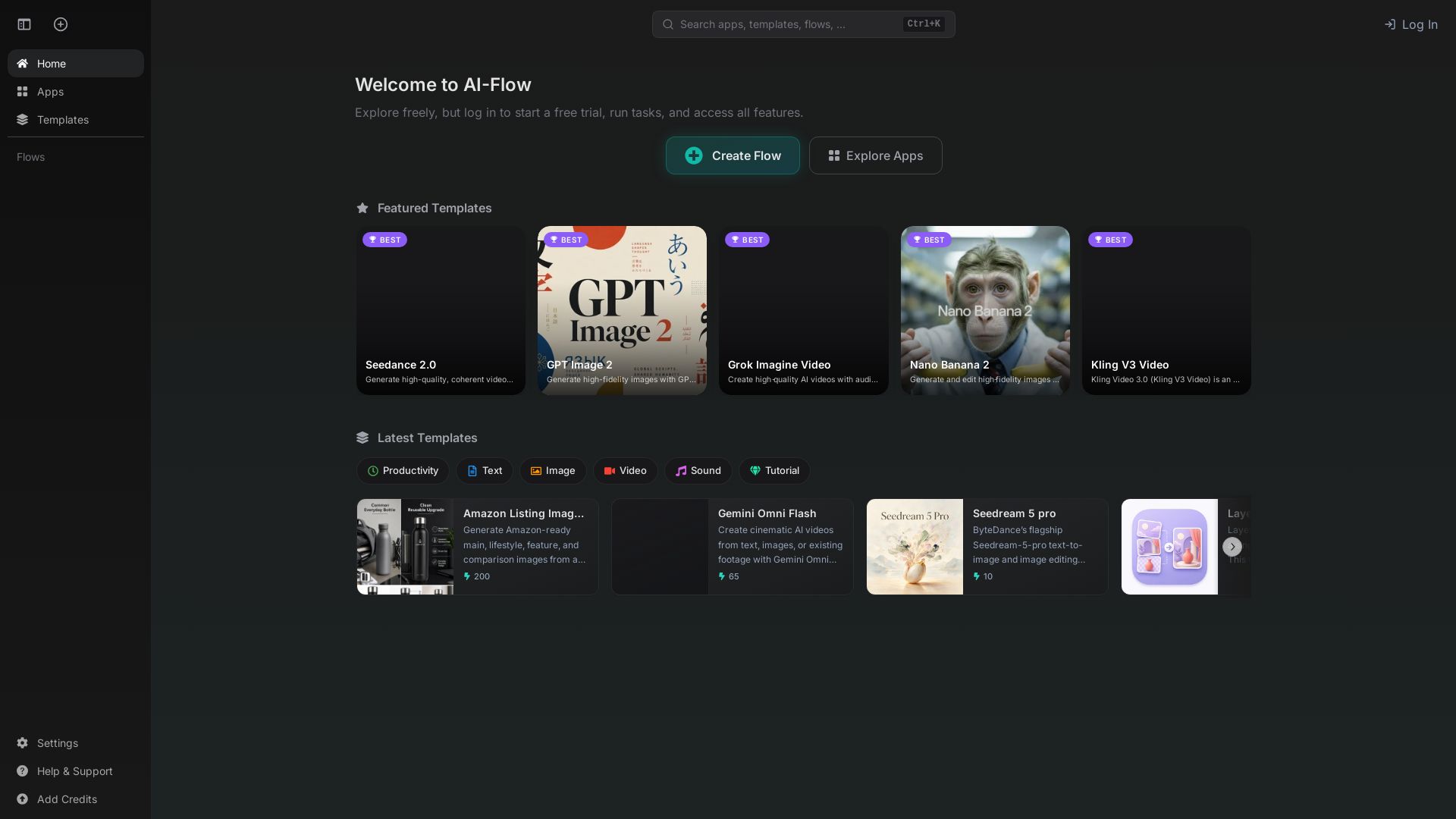
Create powerful AI workflows effortlessly. Explore apps, templates, and flows. Start free trial today!

PopAi
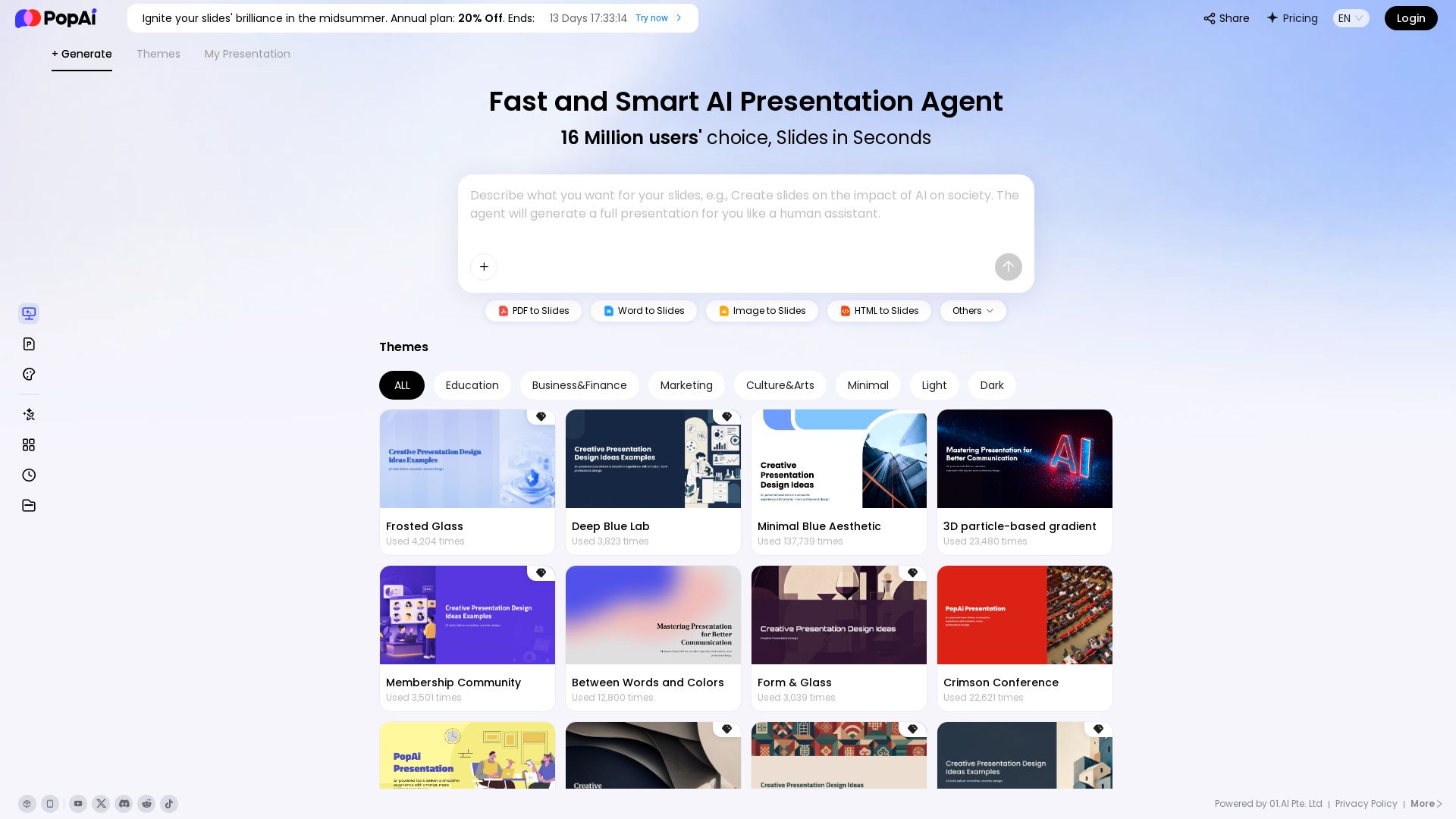
Turn prompts, PDFs, Word docs into professional AI presentations. Fast, smart, and easy. 20% off annual plan. Try now!

Gamma
Create stunning presentations by AI in 3 minutes. Upload files, convert to PPT, access 1000+ templates. Free trial available.

LLeMental
Generate client-ready presentations from your existing PowerPoint templates. Preserve branding, automate content, scale across your team. Free trial.

ℹ️ Curation Disclosure: The overview and features of AI PPT Maker were synthesized using AI and fact-checked by our curation team to ensure accuracy.
