
LLeMental
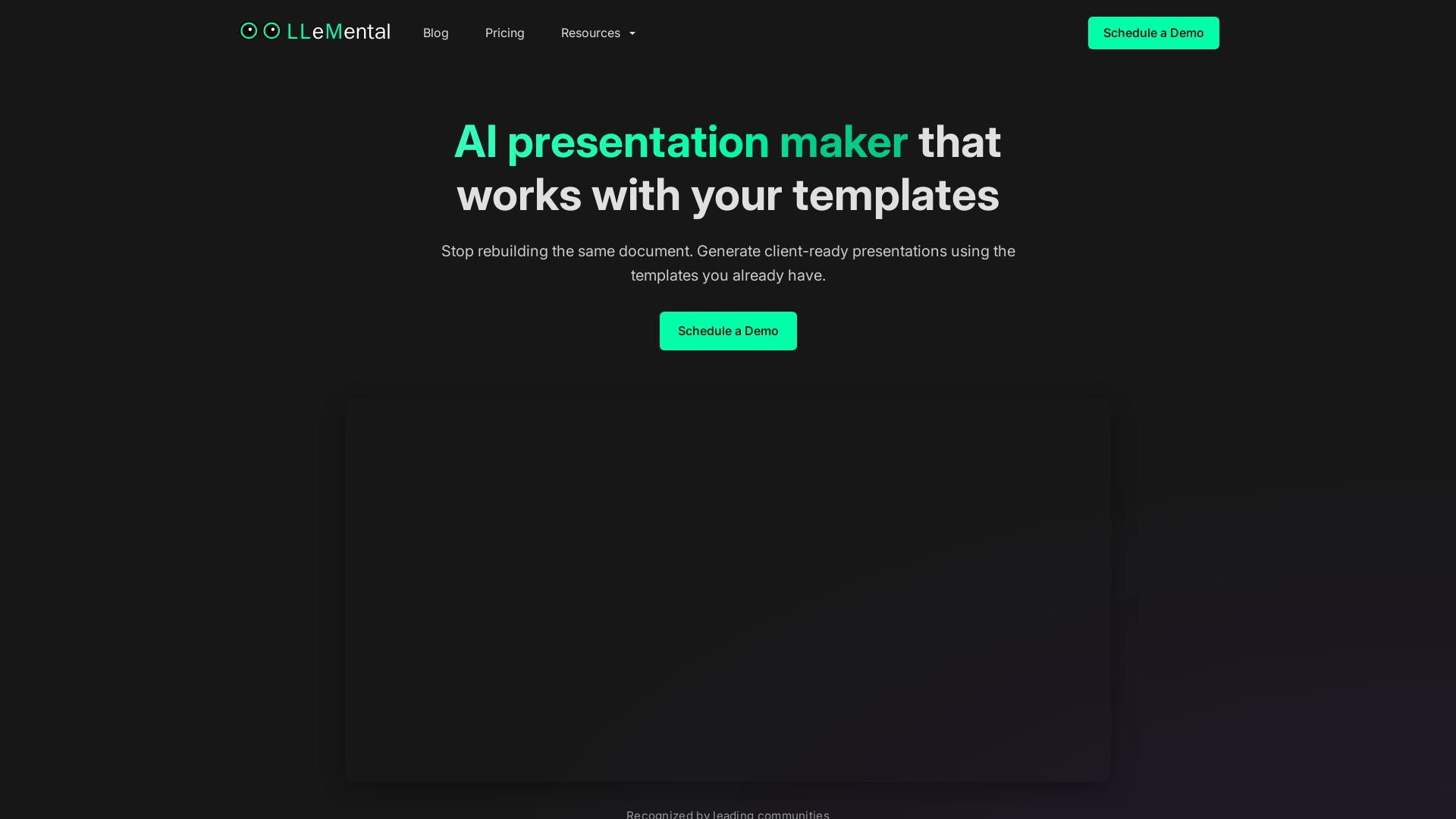
Generate client-ready presentations from your existing PowerPoint templates. Preserve branding, automate content, scale across your team. Free trial.
Editor's Verdict
Key Takeaways
- Work with existing templates
- Create projects per client
- Quick generation from context
- Scale across teams
In-Depth Review: What is LLeMental?
LLeMental is an AI-powered presentation maker that integrates seamlessly with your existing PowerPoint templates. Upload any .pptx file—formatting, branding, and structure stay intact. Create projects for each client or deal, add optional instructions, and generate a complete, formatted presentation in under a minute by uploading supporting context (PDFs, Word docs, notes). Refine sections with AI assistance without regeneration. Share template libraries across your team for consistent, on-brand output. Perfect for recurring workflows like client proposals, reports, investment memos, and strategy presentations. Pricing starts at $20/user/month with a free trial including 50,000 AI credits.
Core Features
Work with existing templates
Upload any PowerPoint (.pptx) file and preserve formatting, branding, and structure exactly. No rebuilding or starting from scratch.
Create projects per client
Create a new project for each client, deal, or deliverable. Add optional instructions to shape tone, structure, and content rules. Each project maintains its own context and version control.
Quick generation from context
Upload supporting context (PDFs, Word docs, notes) and generate a complete, formatted presentation in under a minute. Refine sections with AI assistance without regeneration.
Scale across teams
Shared template library gives the whole team instant access. Every member generates from the same configured templates for consistent, on-brand output.
Automate recurring workflows
Ideal for client proposals, client reports, investment memos, and strategy presentations. Same template, customized content for each project.
Pricing
User
- Free-trial with 50,000 AI credits
- 5 custom template uploads
- 500,000 AI credits per month
- Unlimited document generation
- Standard support options
Plus
- Everything in User
- Unlimited template uploads
- 2,000,000 AI credits per month
- Personalized onboarding
- Priority support available
Business
- Everything in Plus
- Custom usage plans
- Admin tooling and visibility
- Custom integration options
- Dedicated support channels
Pros and Cons
Pros
- Time savingsGenerate presentations in under a minute instead of hours. Template setup averages less than 5 minutes.
- Preserves branding and formattingUploaded PowerPoint templates retain all formatting, branding, and structure exactly as designed.
- Reusable templatesSet up a template once and reuse it forever across projects and clients, ensuring consistency.
- Team scalabilityShared template library enables entire teams to generate on-brand presentations from the same configured templates.
- Accurate content generationUses supporting documents and instructions to generate relevant content, with ability to refine sections.
Cons
- Limited to PowerPoint templatesCurrently only supports .pptx files. Users relying on other presentation tools may need to convert.
- Requires template setupInitial template upload and configuration is needed, which may be a barrier for teams without existing templates.
- Credit-based usageAI credits limit the number of generations per month, which may be restrictive for heavy users on lower plans.
- Dependence on input qualityGenerated content quality depends on the source materials and instructions provided; unclear or poor inputs may yield less useful output.
Use Cases & Recommended Professions
Sales Professional→ View Toolkit
Quickly generate on-brand client proposals from existing templates, customizing content for each prospect.
Management Consultant→ View Toolkit
Automate client reports and strategy presentations, saving hours of manual slide work.
Investment Banker→ View Toolkit
Generate structured investment memos from research and financials, ready for committee review.
Marketing Manager→ View Toolkit
Create consistent client-facing decks and reports with automated content tailored to each campaign.
Account Manager→ View Toolkit
Produce recurring client updates and reports from meeting notes without rebuilding slides.
Business Analyst→ View Toolkit
Turn data and analysis into formatted strategy presentations using pre-defined templates.
Frequently Asked Questions
Alternative AI Tools
View Detailed Comparison →
Presentation Maker AI
Create professional presentations in minutes with our AI presentation maker. Ideal for students, teachers, and businesses. No design skills needed. Try free!


AiPPT
Transform ideas into stunning presentations instantly with AiPPT. Generate slides from text, documents, URLs, or templates. Import from Google Drive. Free and paid plans.


PrometAI
Generate investor-ready business plans in minutes with PrometAI's AI. Trusted by 100,000+ founders. Start for free, no guesswork.


Prezi
Prezi AI creates studio-quality presentations from your ideas. Describe or upload, get a polished deck in seconds. Refine via chat, export as PPTX or PDF. No design skills needed.

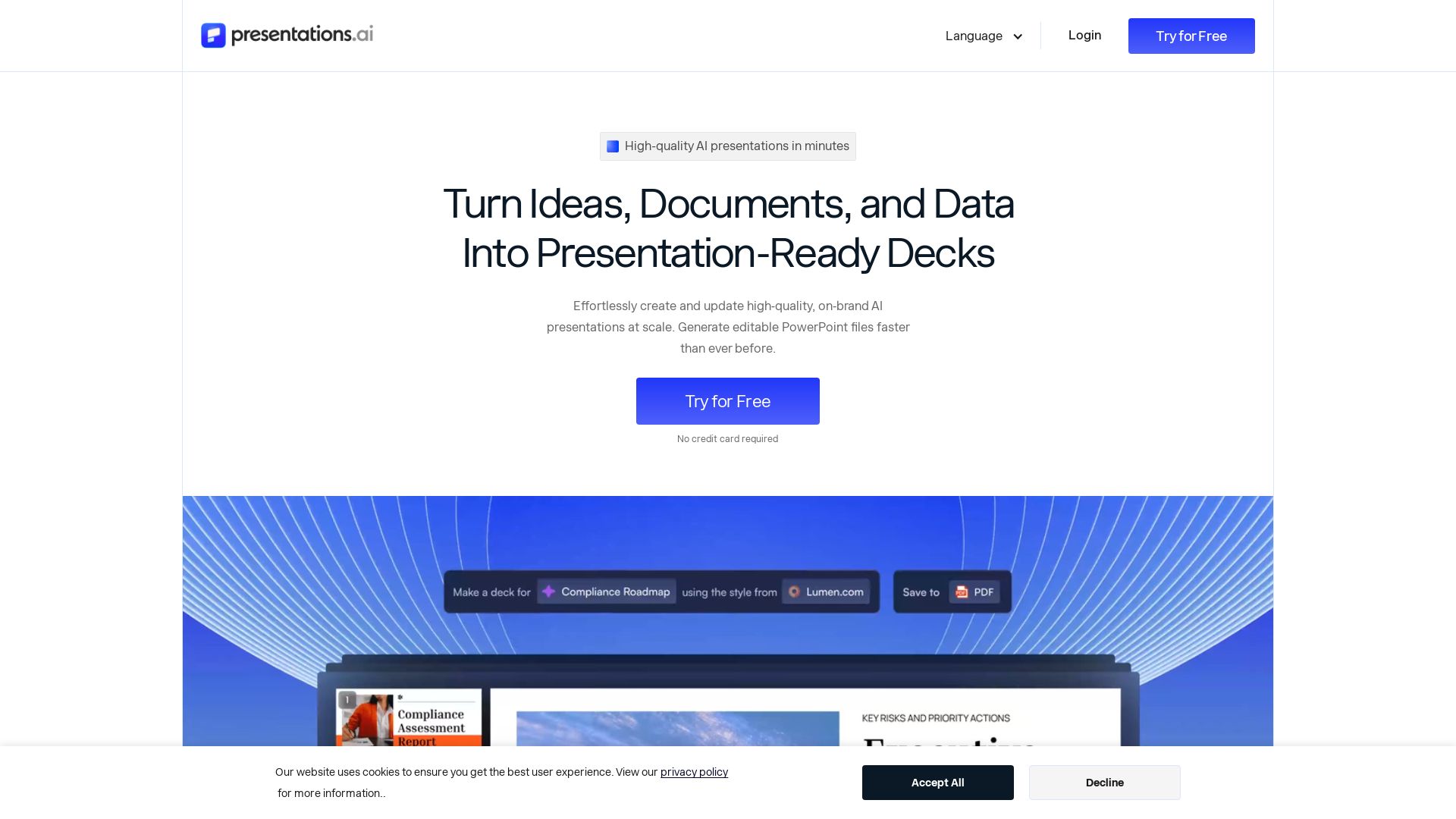
Presentations.AI
Create professional AI presentations in minutes. Turn ideas, documents, or data into editable PowerPoint slides with instant branding. Trusted by 12M+ teams.

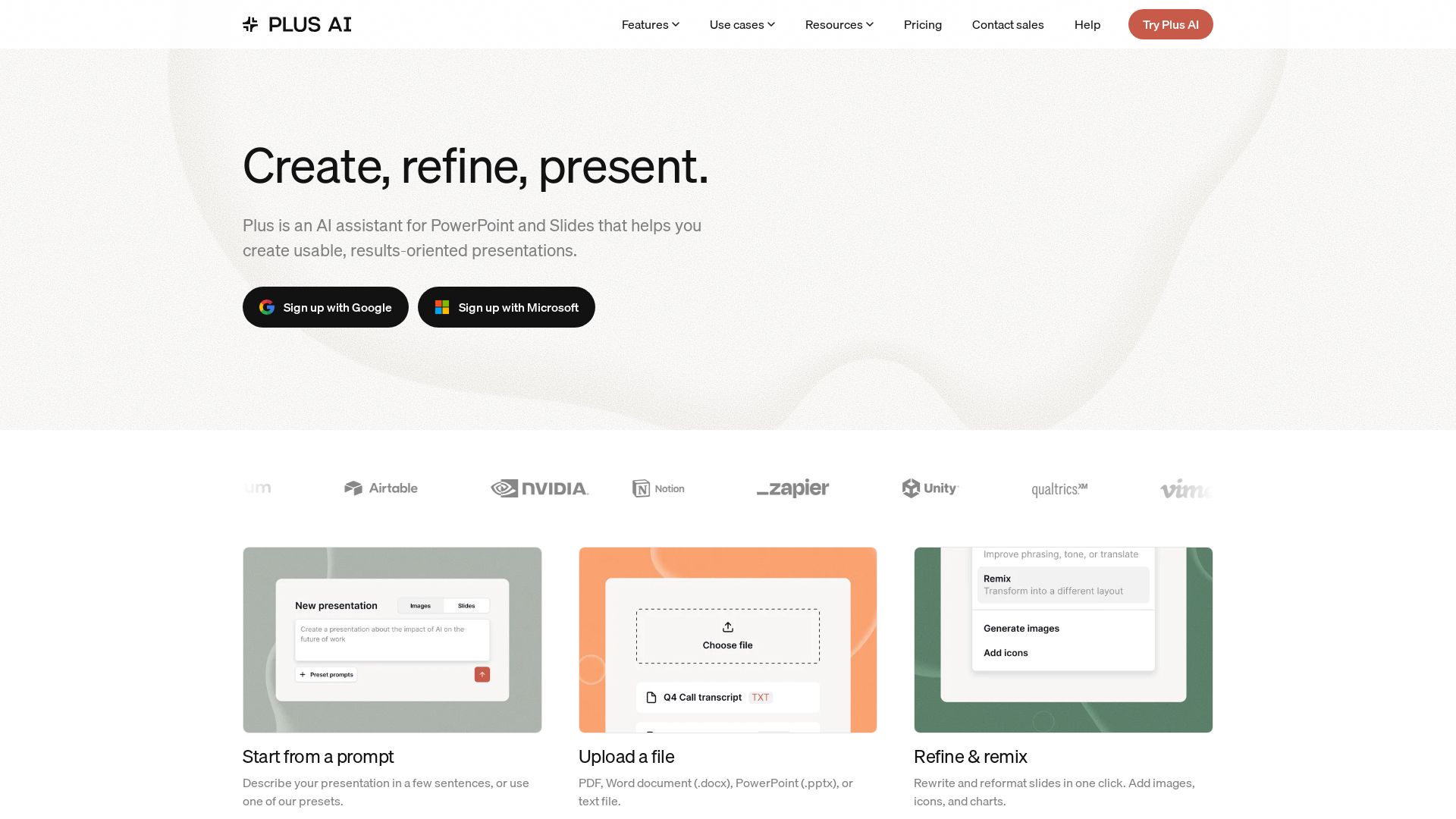
Plus AI
Create beautiful presentations in seconds with Plus AI. Works inside Google Slides and PowerPoint. Generate from prompts, files, or refine existing slides. Includes images, icons, charts. Try free!


SlidesAI
Create beautiful presentations from notes, prompts, or docs with SlidesAI. Works in Google Slides, PowerPoint, ChatGPT & web. Save 85% time.

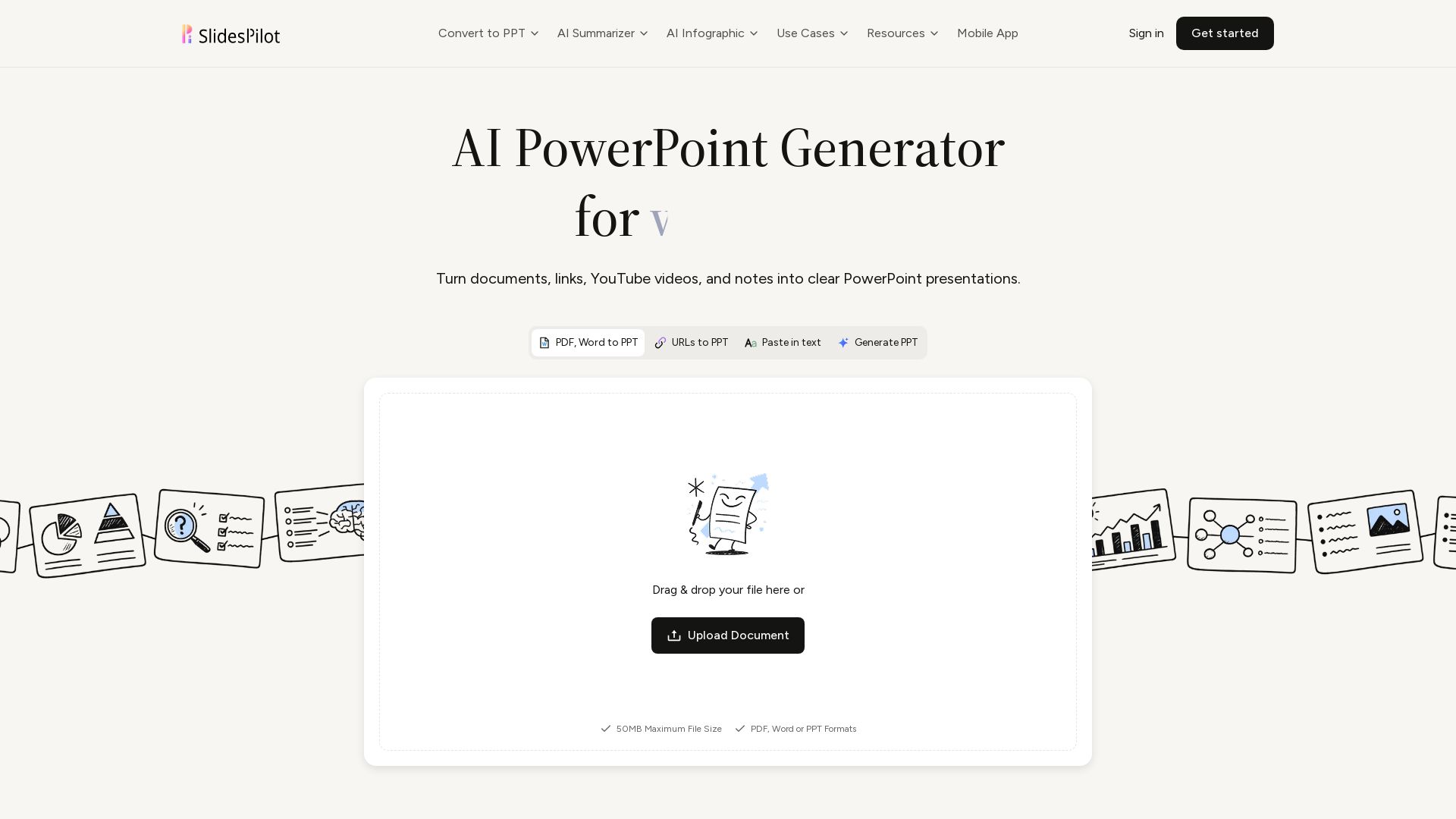
SlidesPilot
Turn PDFs, Word, links, YouTube to editable PPTs. AI analyzes source, builds storyline, designs slides. Free to try.


SlideSpeak
Turn PDFs, Word docs, and ideas into professional PowerPoint slides in minutes. AI-powered editor, video, and branding. Trusted by 1M+ users.

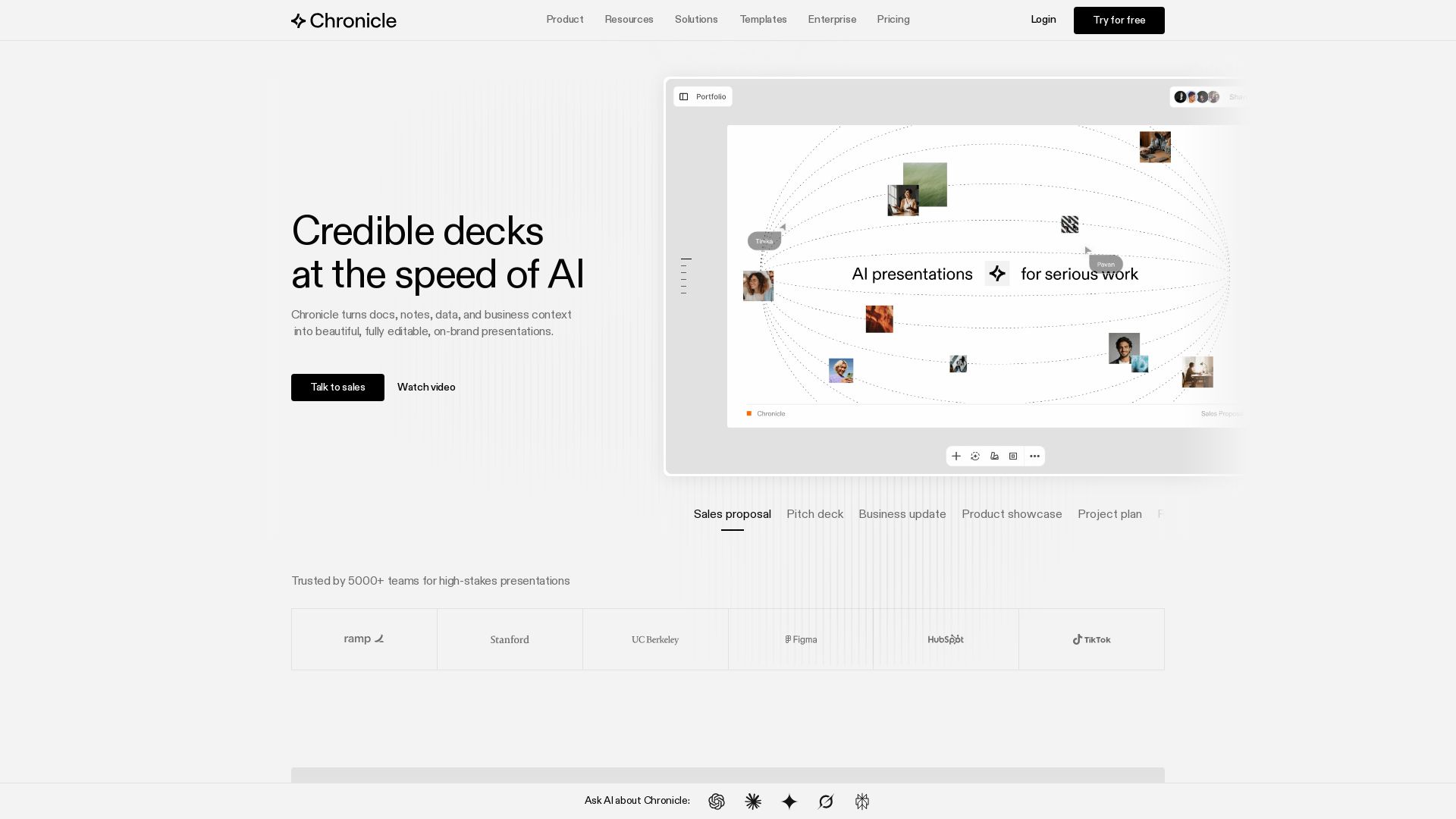
Chronicle
Create stunning presentations with AI. Trusted by 5000+ teams. Generate slides from notes, edit with AI, export to PPT. Built by ex-McKinsey, BCG, Apple experts.

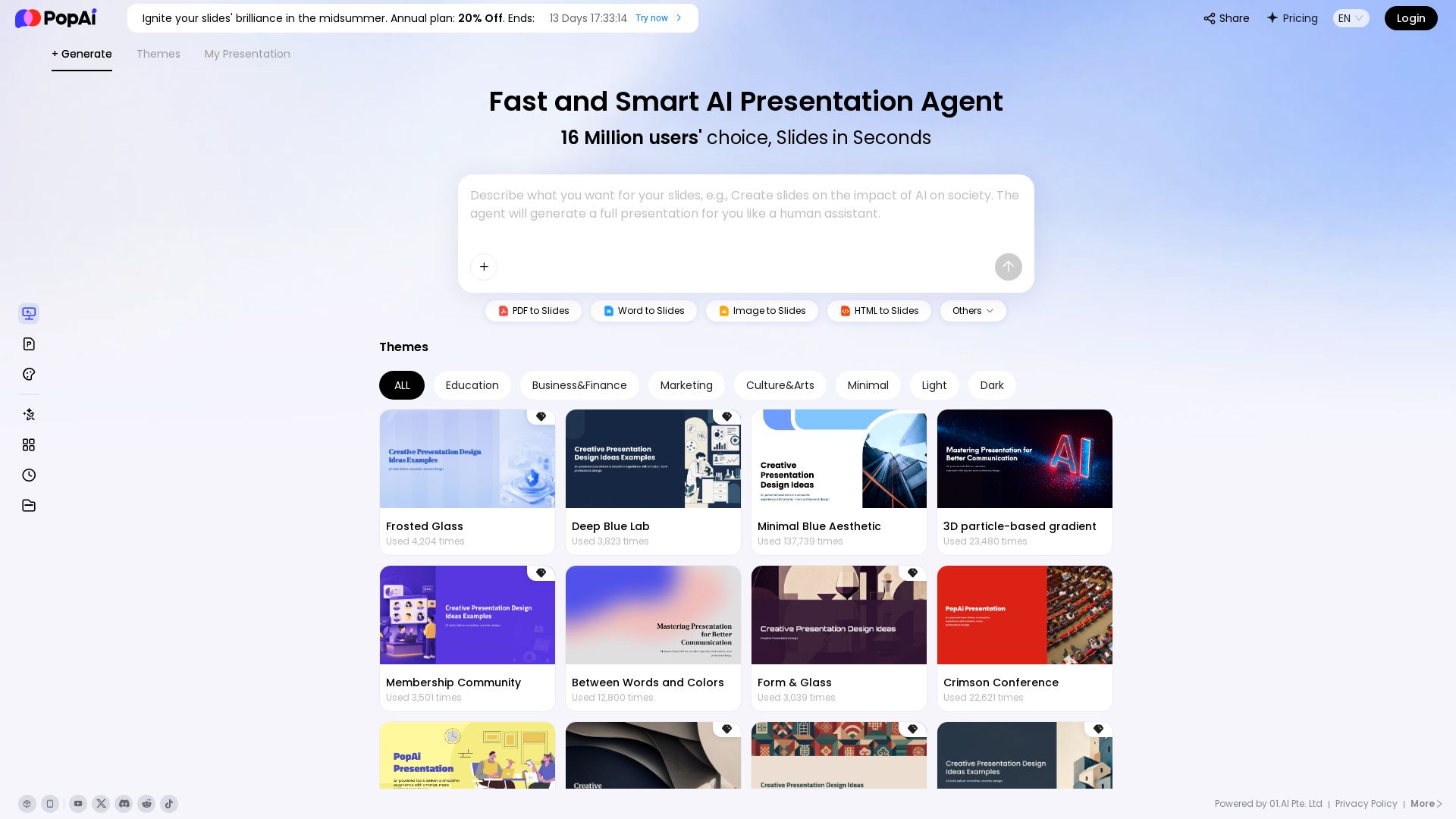
PopAi
Turn prompts, PDFs, Word docs into professional AI presentations. Fast, smart, and easy. 20% off annual plan. Try now!


Figr
Ship better UX faster. Figr builds a living understanding of your product, maps flows, finds edge cases, and generates high-fidelity prototypes from your actual design system.

ℹ️ Curation Disclosure: The overview and features of LLeMental were synthesized using AI and fact-checked by our curation team to ensure accuracy.
