
Chronicle
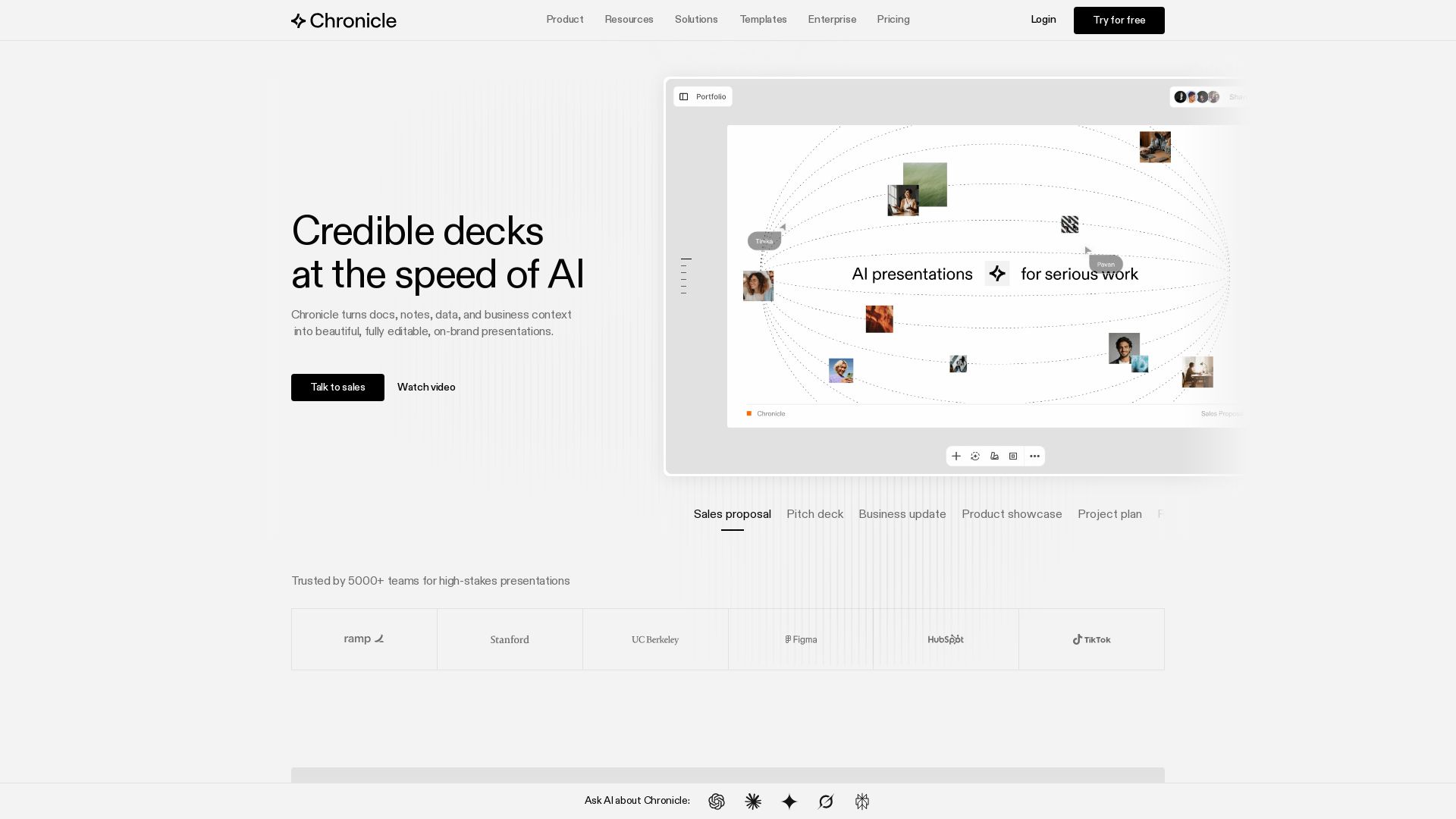
Create stunning presentations with AI. Trusted by 5000+ teams. Generate slides from notes, edit with AI, export to PPT. Built by ex-McKinsey, BCG, Apple experts.

Editor's Verdict
Key Takeaways
- AI-powered slide generation
- Edit with AI (Muse agent)
- Export to multiple formats
- Brand guidelines integration
In-Depth Review: What is Chronicle?
Chronicle is an AI-powered presentation tool that transforms raw ideas into polished, on-brand slides. With features like AI generation from notes, real-time collaboration, brand guidelines, and PPT export, it helps professional teams create high-stakes presentations quickly. Unlike other tools, Chronicle offers a freeform canvas for full customizability and professional design quality, trusted by teams worldwide.
Core Features
AI-powered slide generation
Generate impressive slides from raw notes, outlines, meeting docs, or existing decks using AI.
Edit with AI (Muse agent)
Refine and iterate presentations using AI on a freeform canvas for full customizability.
Export to multiple formats
Export presentations to PPT, PDF, or publish as a website for easy sharing.
Brand guidelines integration
Easily set up brand fonts, colors, and visual rules for consistent slides across teams.
Data visualization with charts
Create charts, graphs, metrics, and tables, and embed 100s of tools.
Real-time collaboration
Collaborate with team members, share templates, and manage permissions.
Enterprise security
Content stays private with enterprise-grade security.
Custom templates
Choose from templates by world-class storytellers or upload your own.
Pricing
Free
- Up to 10 decks
- Professional grade editing tools
- Basic preset themes
- Publish to web
- Export to PDF & socials
- 3 guest editors
Pro
- Everything in Free
- 500 tokens per seat/month
- Unlimited decks
- Larger video upload limit
- Remove Chronicle watermark
- Custom themes
- Shared workspace
- Export to PDF and socials
- Up to 10 guest editors
Plus
- Everything in Pro
- 1000 tokens per seat/month
- Muse agent → make edits with AI
- High quality AI image models
- Save + generate from templates
- Export to PowerPoint
- Unlimited guest editors
Max
- Everything in Plus
- 2000 tokens per user/month
- Advanced custom branding
- Custom fonts
- Priority support
Pros and Cons
Pros
- High design qualityChronicle pairs AI with visual taste and design quality to produce business-ready decks.
- Flexible export optionsExport to PPT, PDF, or publish as a website, allowing for versatile sharing.
- Real-time collaborationTeams can collaborate, share templates, and manage permissions seamlessly.
- Brand consistencyEasily apply brand fonts, colors, and visual rules to maintain consistency.
- AI-powered efficiencyTurn raw notes into polished presentations quickly with AI generation and editing.
Cons
- Token system limits AI usageAI features consume tokens that expire monthly, requiring careful management.
- Free tier has restrictionsFree plan limited to 10 decks and 3 guest editors, with no AI generation.
- No offline modeChronicle is cloud-based, requiring internet access for full functionality.
- Learning curve for advanced featuresNew users may need time to master the freeform canvas and token system.
- Annual billing required for maximum savingsMonthly billing lacks the 20% discount available for annual plans.
Use Cases & Recommended Professions
Sales Professional→ View Toolkit
Create tailored proposals and pitch decks quickly using AI, allowing focus on customers.
Marketing Manager→ View Toolkit
Generate on-brand presentations for business updates, product showcases, and campaigns.
Consultant→ View Toolkit
Produce high-quality decks with professional diagrams and visuals for client engagements.
Product Manager→ View Toolkit
Visualize product roadmaps, project plans, and research reports with ease.
Founder/CEO→ View Toolkit
Create impressive pitch decks and presentations that stand out to investors and stakeholders.
Designer→ View Toolkit
Leverage custom templates and full control over layouts to create visually stunning decks.
Frequently Asked Questions
Alternative AI Tools
View Detailed Comparison →
Figma
Figma is the intelligent, AI-native canvas for designing, prototyping, and building products together. Trusted by 95% of Fortune 500. Explore design and dev tools.


Figr
Ship better UX faster. Figr builds a living understanding of your product, maps flows, finds edge cases, and generates high-fidelity prototypes from your actual design system.


Prezi
Prezi AI creates studio-quality presentations from your ideas. Describe or upload, get a polished deck in seconds. Refine via chat, export as PPTX or PDF. No design skills needed.


AiPPT
Transform ideas into stunning presentations instantly with AiPPT. Generate slides from text, documents, URLs, or templates. Import from Google Drive. Free and paid plans.


Superdesign
Create stunning designs with AI. Iterate quickly using natural language. Export production-ready code. Browse design prompts and styles.


Presentation Maker AI
Create professional presentations in minutes with our AI presentation maker. Ideal for students, teachers, and businesses. No design skills needed. Try free!


SlideSpeak
Turn PDFs, Word docs, and ideas into professional PowerPoint slides in minutes. AI-powered editor, video, and branding. Trusted by 1M+ users.


Making AI think and act: my approach to the Hugging Face AI ...
Experienced AI engineer specializing in medical imaging and LLM-powered agents. Built globally deployed radiology AI at AZmed. Now building AI agents at Matrix One.

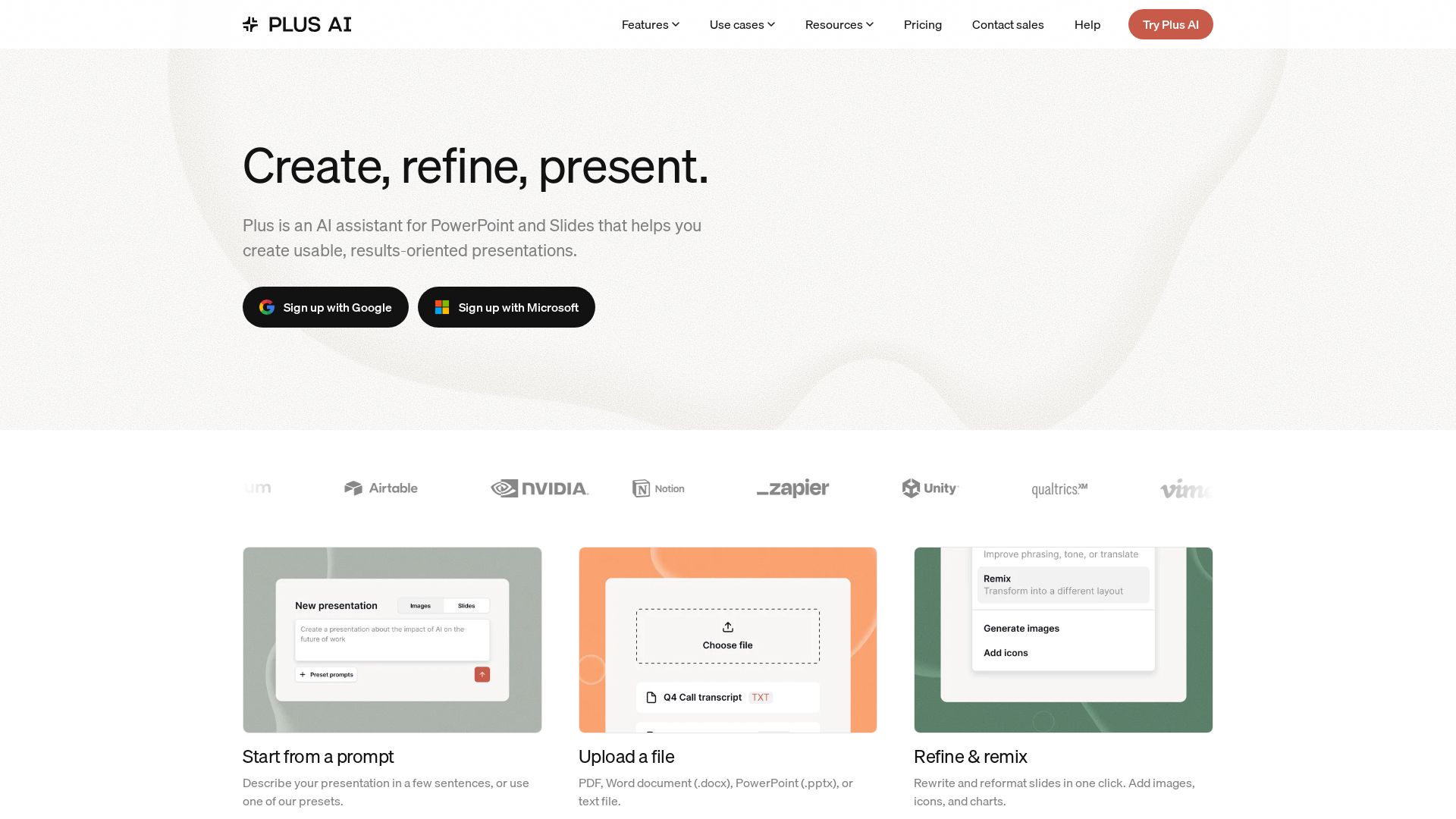
Plus AI
Create beautiful presentations in seconds with Plus AI. Works inside Google Slides and PowerPoint. Generate from prompts, files, or refine existing slides. Includes images, icons, charts. Try free!

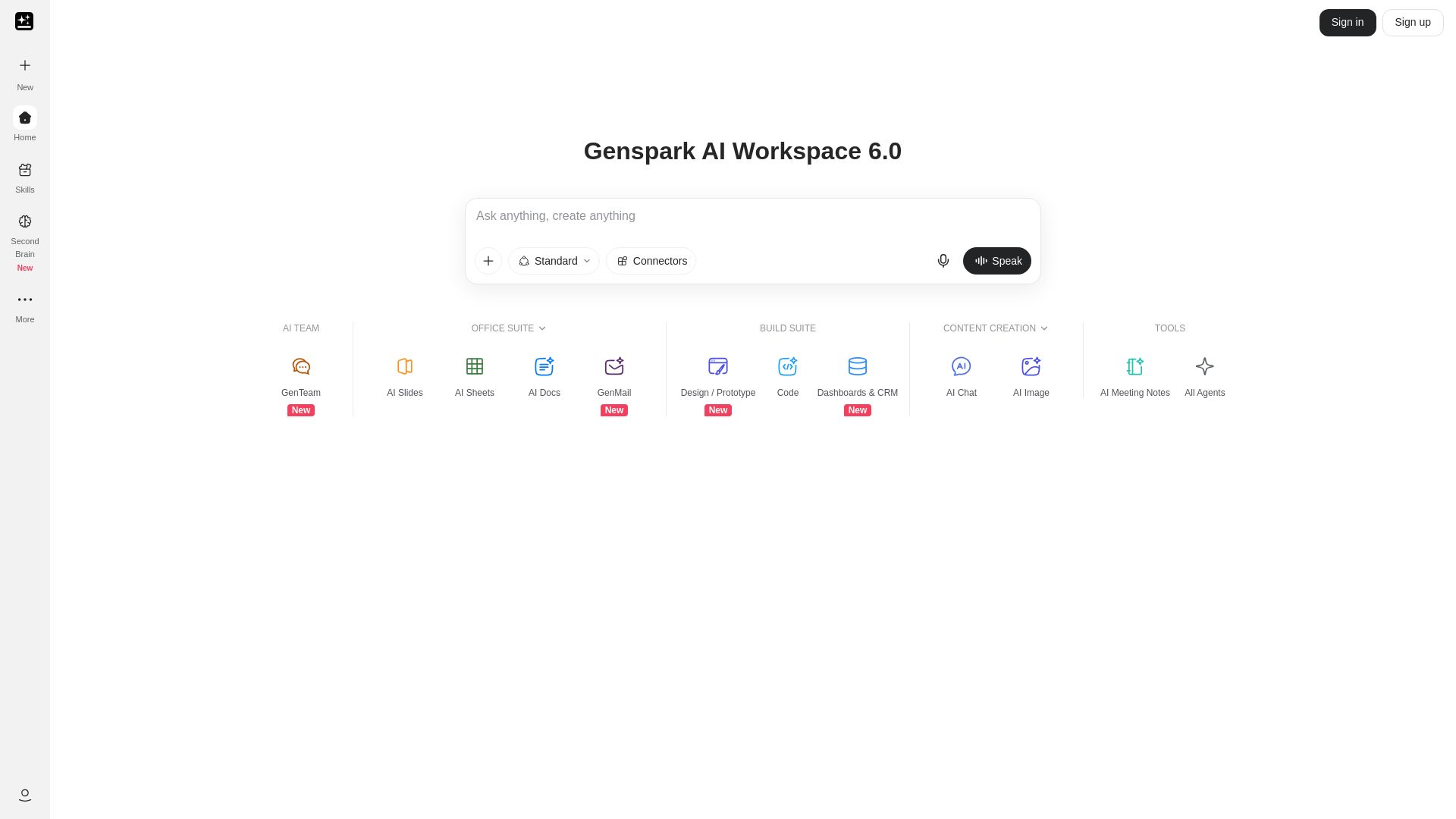
Genspark
Unlock hundreds of AI tools for writing, design, video, business, and more. Your ultimate workspace for creativity and productivity.


Motiff AI
Generate production-ready UI from text, wireframes, or screenshots with Motiff AI. Choose preset styles, export to React/HTML. Fast, consistent design.


Section AI
Turn AI investment into workforce transformation with Section. Command center, coaching, and strategic support to drive measurable ROI.

ℹ️ Curation Disclosure: The overview and features of Chronicle were synthesized using AI and fact-checked by our curation team to ensure accuracy.
