
Plus AI
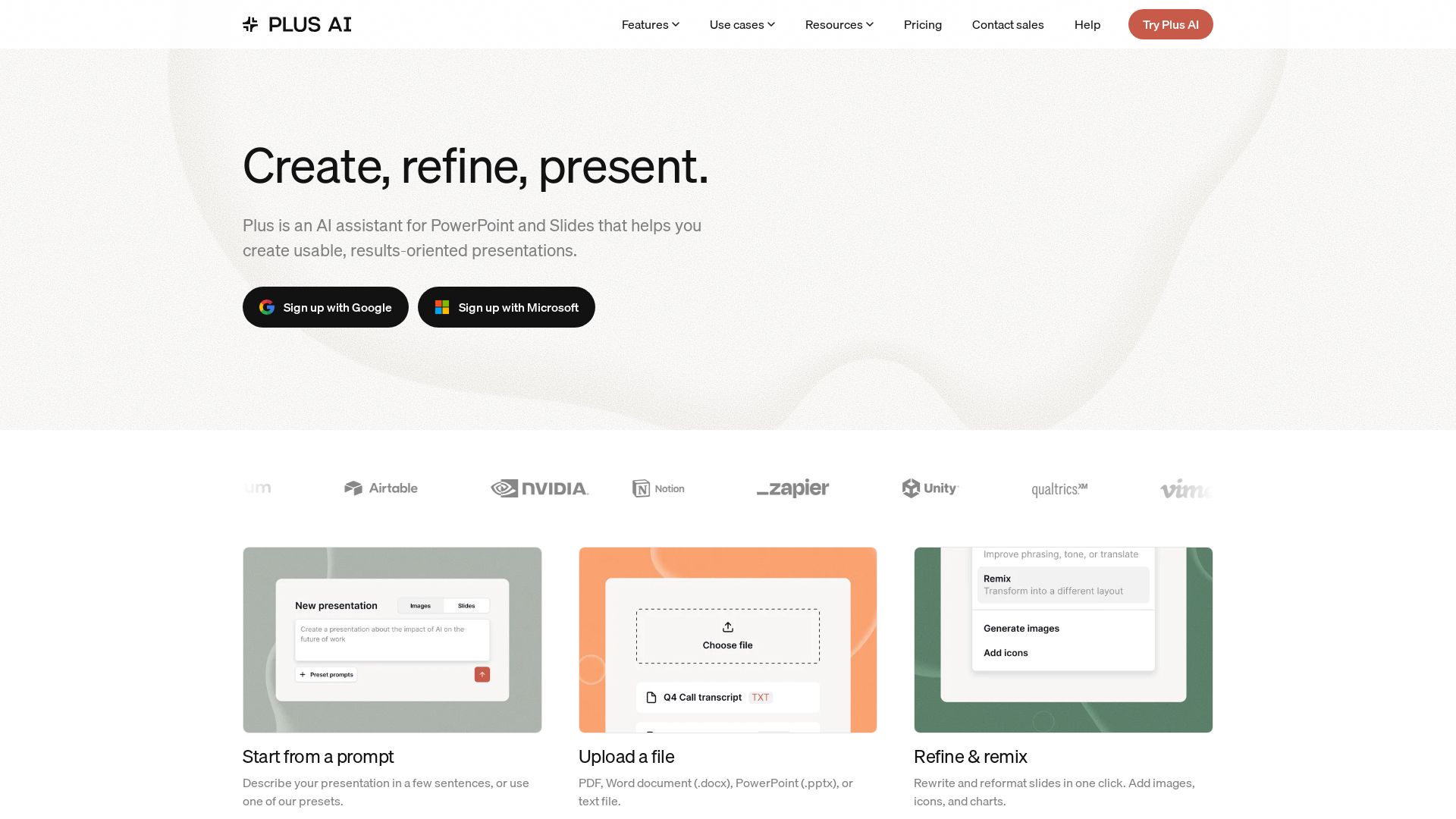
Create beautiful presentations in seconds with Plus AI. Works inside Google Slides and PowerPoint. Generate from prompts, files, or refine existing slides. Includes images, icons, charts. Try free!
Editor's Verdict
Key Takeaways
- AI Presentation Creation
- Slide Editing & Refinement
- Integration with PowerPoint & Google Slides
- Custom Instructions & Presets
In-Depth Review: What is Plus AI?
Plus AI is an AI-powered assistant for PowerPoint and Google Slides that helps you create usable, results-oriented presentations. It works directly inside these platforms, allowing you to generate entire decks from a prompt, upload files (PDF, Word, PPTX), or refine and remix existing slides. With features like image generation, icon insertion, charts, custom templates, and team branding, Plus AI streamlines the entire presentation creation process. It supports multiple languages and offers a free trial.
Core Features
AI Presentation Creation
Generate entire presentations from a prompt, document upload, or text file. Start from scratch or use presets.
Slide Editing & Refinement
Rewrite, reformat, and remix slides with AI. Add images, icons, charts, and tables effortlessly.
Integration with PowerPoint & Google Slides
Works directly inside PowerPoint and Google Slides, so you can create and edit without switching apps.
Custom Instructions & Presets
Save important context and frequently used prompts for consistent, on-brand presentations.
Multilingual Support
Read, write, and translate presentations in nearly any language.
Image & Icon Generation
Generate images with style presets, and auto-add professional icons to slides.
Charts & Tables
Turn data into visual insights with fully editable charts and tables.
Designer Templates
Handcrafted, AI-enabled templates designed by professionals, fully customizable.
Team Branding & Collaboration
Import custom templates, add logo/fonts/colors, and share presets and custom instructions across the team.
Enterprise Features
Advanced templates, asset libraries, SSO, user management, and white-glove onboarding for large organizations.
Pricing
Basic
- AI presentations in Google Slides and PowerPoint
- 1,500 AI credits per month
- Insert single slides
- Rewrite and remix slides with AI
Pro
- Everything in Basic
- 3,000 AI credits per month
- Document uploads (PDF, docx, txt)
- 100K+ character prompts
- Generate AI images
- Unlimited team members
Team
- Everything in Pro
- 6,000 AI credits per month
- Customize branding (logo, colors, fonts)
- Use advanced AI image models
- Save presets and custom AI instructions
- Team-wide custom branding and templates
- Shared preset library
Max
- Everything in Team
- Unlimited AI credits
- Priority email support
Enterprise
- Advanced templates (unlimited slides, case studies, diagrams)
- Asset libraries (resource slides, pre-approved images/icons)
- Works within PowerPoint and Google Slides
- SSO, user management, white-glove onboarding
Pros and Cons
Pros
- Seamless IntegrationWorks directly inside PowerPoint and Google Slides, no learning curve for users of these platforms.
- Time SavingsGenerate entire presentations from prompts or documents in minutes, reducing manual slide creation.
- AI-Powered RefinementRewrite, remix, and reformat slides with AI, ensuring polished and professional output.
- Custom BrandingTeam and higher plans allow importing custom templates, logos, fonts, and colors for consistent branding.
- Multilingual & Visual CapabilitiesSupports multiple languages and includes built-in image generation, icons, and chart creation.
Cons
- Credit LimitationsLower plans have monthly AI credit caps (e.g., 1,500 credits for Basic), which may limit heavy usage.
- AI DependencyOutput quality depends on AI model; complex or highly customized designs may still require manual tweaking.
- Pricing for Advanced FeaturesAdvanced branding and higher credit limits require Team or Max plans, which are more expensive.
- Free Trial LimitationsFree trial only provides 1,000 credits and expires after 7 days, which may not be enough for full evaluation.
- Requires InternetAs an AI-powered tool, it requires an internet connection to generate and refine slides.
Use Cases & Recommended Professions
Sales Representative→ View Toolkit
Need to quickly create persuasive pitch decks and client presentations, often on tight deadlines.
Marketing Manager→ View Toolkit
Require consistent, on-brand campaign presentations and reports, with easy collaboration across teams.
Business Consultant→ View Toolkit
Frequently produce client proposals, market analyses, and strategy decks that must be polished and professional.
University Professor→ View Toolkit
Create lecture slides and educational materials efficiently, with support for multiple languages and visual aids.
Project Manager→ View Toolkit
Need to present project updates, timelines, and status reports clearly and quickly.
Graphic Designer→ View Toolkit
May use the AI to generate initial layouts and visuals, then customize further for client branding.
Frequently Asked Questions
Alternative AI Tools
View Detailed Comparison →
Figr
Ship better UX faster. Figr builds a living understanding of your product, maps flows, finds edge cases, and generates high-fidelity prototypes from your actual design system.


Prezi
Prezi AI creates studio-quality presentations from your ideas. Describe or upload, get a polished deck in seconds. Refine via chat, export as PPTX or PDF. No design skills needed.


SlideSpeak
Turn PDFs, Word docs, and ideas into professional PowerPoint slides in minutes. AI-powered editor, video, and branding. Trusted by 1M+ users.


Presentation Maker AI
Create professional presentations in minutes with our AI presentation maker. Ideal for students, teachers, and businesses. No design skills needed. Try free!


AiPPT
Transform ideas into stunning presentations instantly with AiPPT. Generate slides from text, documents, URLs, or templates. Import from Google Drive. Free and paid plans.


Superdesign
Create stunning designs with AI. Iterate quickly using natural language. Export production-ready code. Browse design prompts and styles.

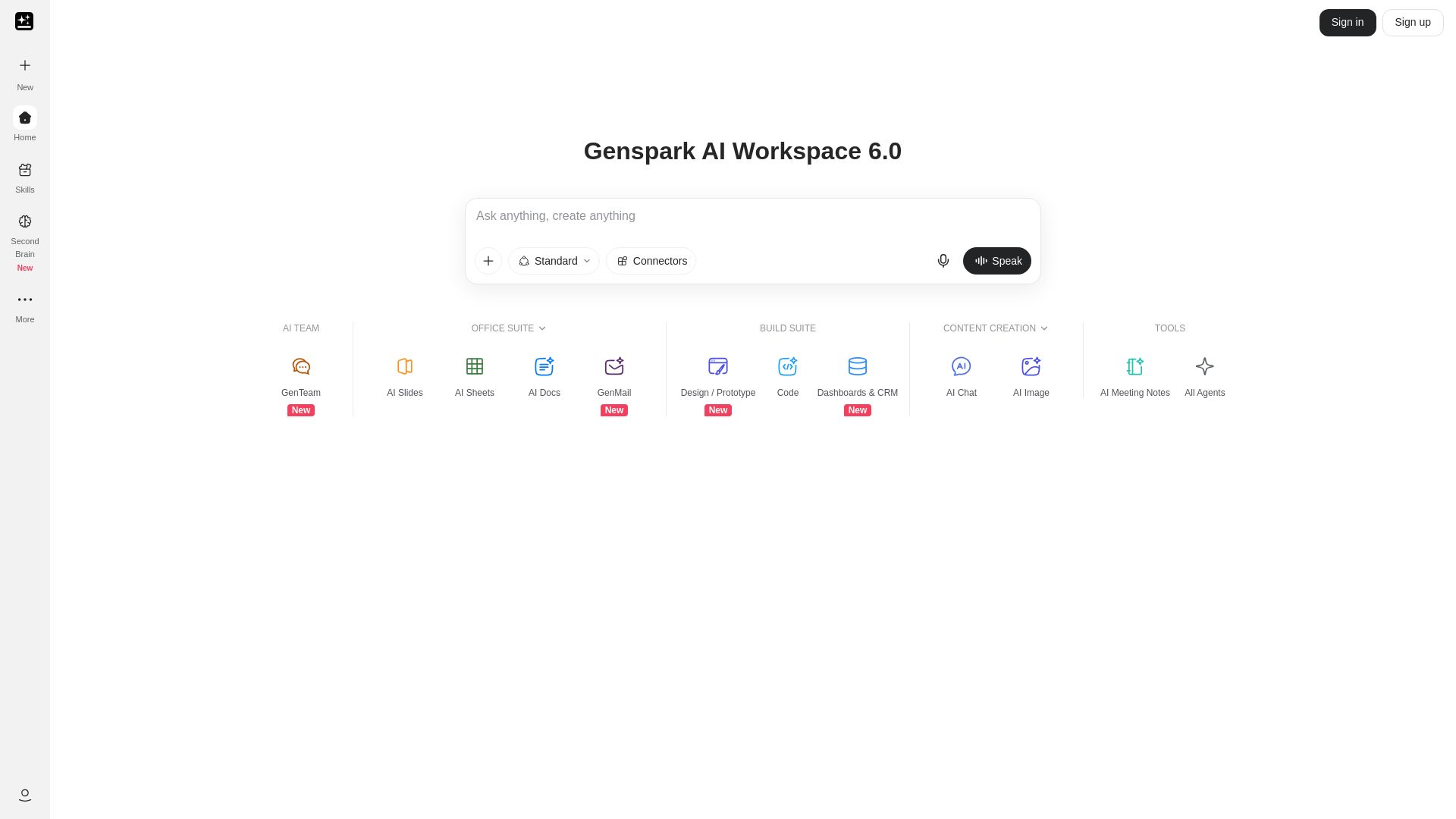
Genspark
Unlock hundreds of AI tools for writing, design, video, business, and more. Your ultimate workspace for creativity and productivity.


Figma
Figma is the intelligent, AI-native canvas for designing, prototyping, and building products together. Trusted by 95% of Fortune 500. Explore design and dev tools.


Section AI
Turn AI investment into workforce transformation with Section. Command center, coaching, and strategic support to drive measurable ROI.


SF AI Labs
End-to-end AI services from strategy to launch. Proven delivery framework, expert network in San Francisco. Maximize ROI with custom AI solutions for modern companies.


SlidesAI
Create beautiful presentations from notes, prompts, or docs with SlidesAI. Works in Google Slides, PowerPoint, ChatGPT & web. Save 85% time.

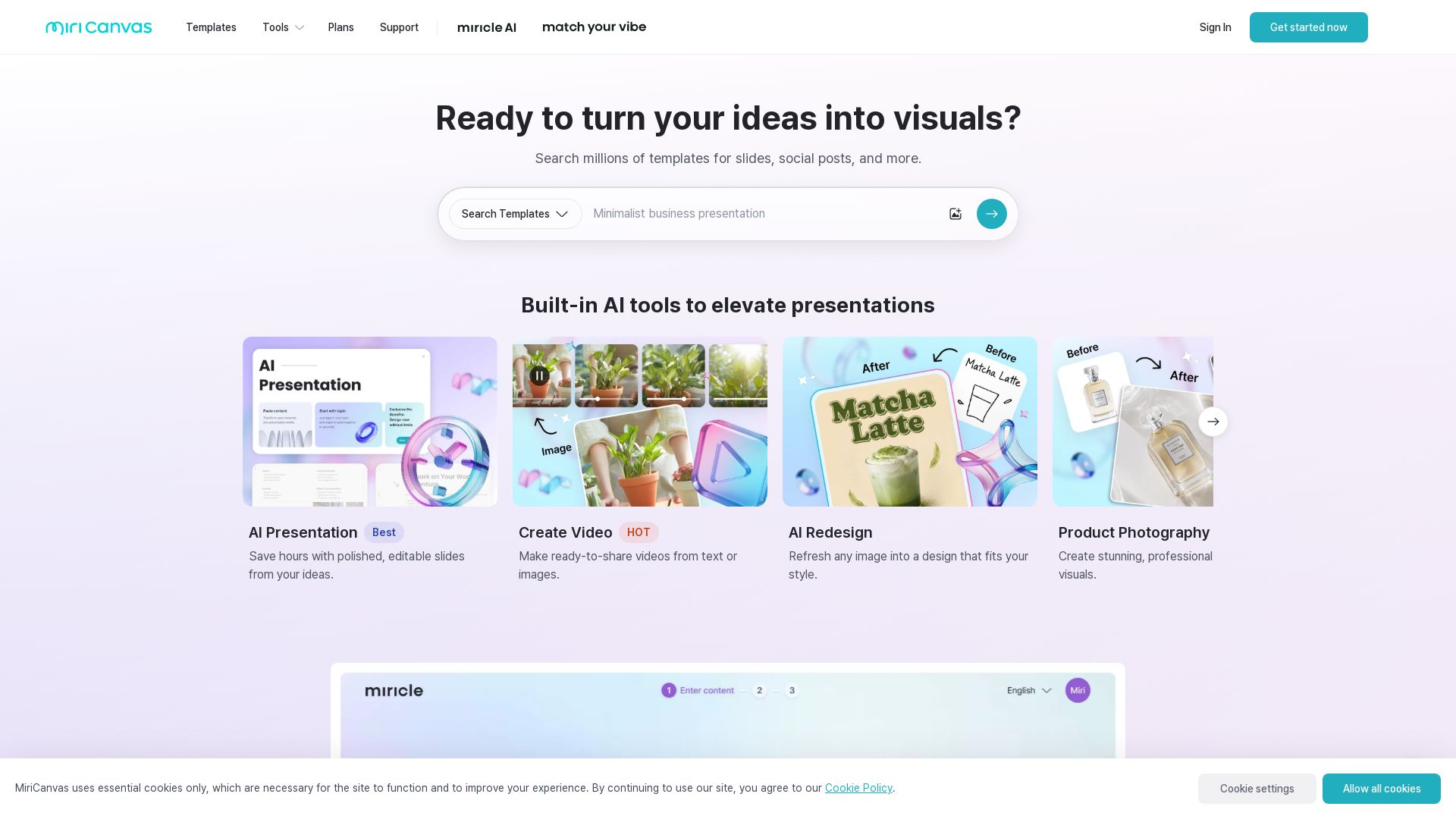
MiriCanvas
Create stunning presentations, videos, and social graphics with MiriCanvas AI. Over 530K templates, 10M+ elements. Try free!

ℹ️ Curation Disclosure: The overview and features of Plus AI were synthesized using AI and fact-checked by our curation team to ensure accuracy.
