
Genspark
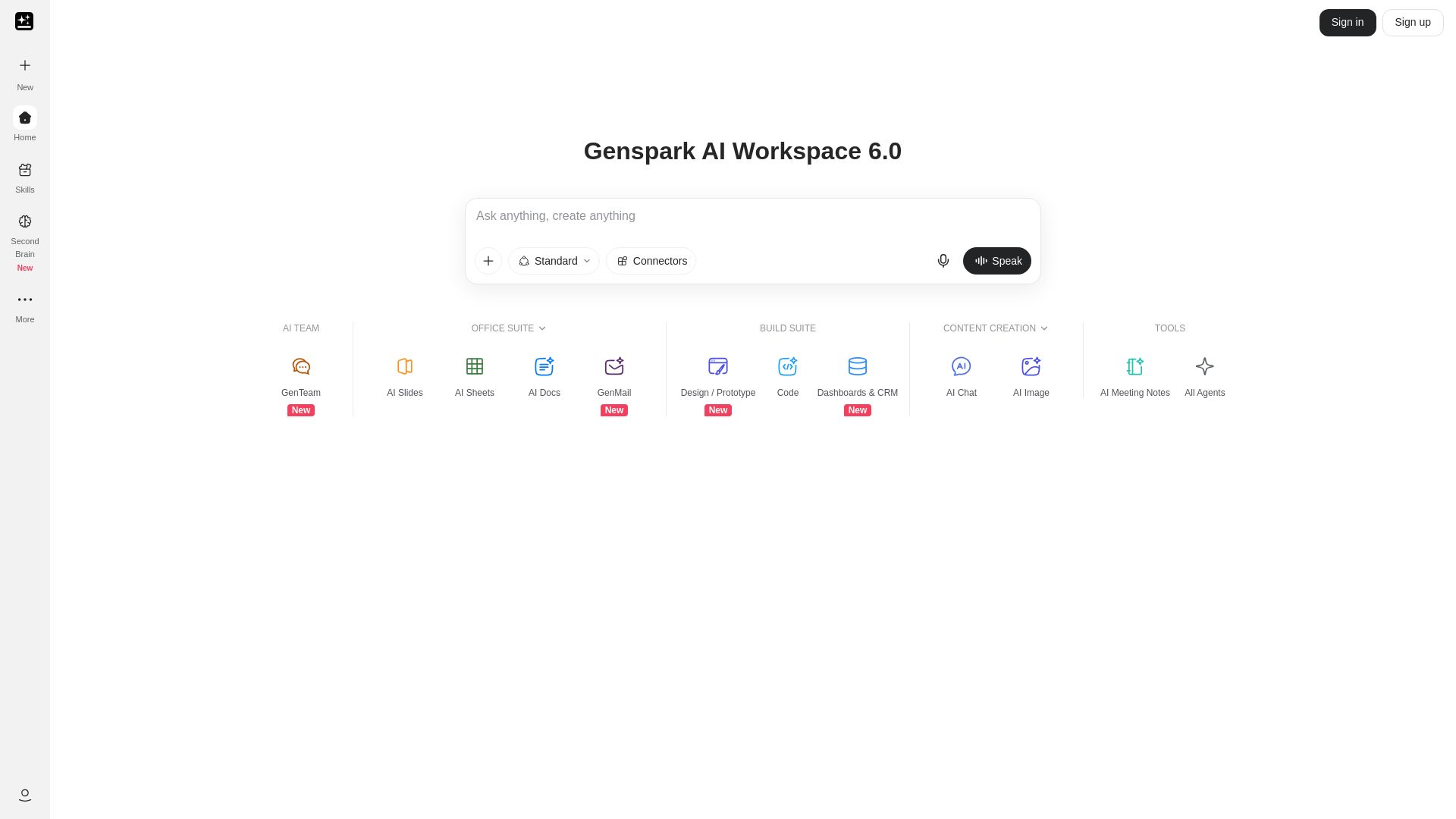
Unlock hundreds of AI tools for writing, design, video, business, and more. Your ultimate workspace for creativity and productivity.

Editor's Verdict
Key Takeaways
- All-in-One AI Workspace
- AI Content Generation
- AI Image and Design Tools
- AI Audio & Video Processing
In-Depth Review: What is Genspark?
Genspark AI Workspace 6.0 is a comprehensive platform offering over 100 AI-powered tools across categories like writing, design, audio/video, business, and productivity. From AI image generators to resume builders, it integrates cutting-edge models like GPT Image 2, Claude Sonnet 5, and Grok 4.5. Ideal for creators, professionals, and teams seeking a unified AI workspace to streamline workflows and boost efficiency. Download the app or use via web to access features like AI Chat, Voice Cloning, and PDF Summarizer. Available in multiple languages globally.
Core Features
All-in-One AI Workspace
Access a comprehensive suite of AI tools for writing, design, audio, video, and productivity in one place.
AI Content Generation
Generate documents, stories, cover letters, lesson plans, contracts, and more with AI assistance.
AI Image and Design Tools
Create images, avatars, headshots, room designs, coloring pages, and generate UI from Figma.
AI Audio & Video Processing
Transcribe audio, summarize videos, generate music, clone voices, and convert text to speech.
Business & Productivity Boosters
Build business plans, apps, websites, presentations, charts, and invoices using AI.
Global Language Support
Regional portals for Korea, Japan, Brazil, France, Italy, and Spanish-speaking markets.
Pricing
Free
- Limited AI generations per day
- Basic tools access
- Community support
Pro
- Unlimited AI generations
- All premium tools
- Priority support
- No watermarks
Business
- Team collaboration
- API access
- Custom branding
- Dedicated account manager
Pros and Cons
Pros
- Comprehensive ToolsetCovers writing, design, audio, video, and productivity, reducing the need for multiple subscriptions.
- User-Friendly InterfaceIntuitive workspace with easy navigation and quick access to all tools.
- Global AccessibilityAvailable in multiple languages and regions, catering to a diverse user base.
- Regular UpdatesFrequent addition of new tools and features, keeping the platform current.
- Free Tier AvailableAllows users to test core features before committing to a paid plan.
Cons
- Limited Free TierFree version has daily usage caps that may restrict heavy users.
- Overwhelming OptionsLarge number of tools can be confusing for new users.
- Subscription CostsPro and Business plans may be expensive for individual users or small teams.
- Dependence on AI QualityOutput quality varies; some tools may require manual refinement.
- Data Privacy ConcernsCloud-based AI processing may raise concerns for sensitive data.
Use Cases & Recommended Professions
Content Writer→ View Toolkit
Needs AI for generating articles, summaries, and cover letters to boost productivity.
Graphic Designer→ View Toolkit
Can leverage AI image generators, avatar tools, and UI generators for rapid prototyping.
Video Editor→ View Toolkit
Benefits from video summarization, transcription, and AI video generation features.
Entrepreneur→ View Toolkit
Uses business plan generators, app builders, and invoice generators to streamline operations.
Marketer→ View Toolkit
Creates social media posts, pitch decks, and email campaigns with AI assistance.
Educator→ View Toolkit
Utilizes lesson plan generators, flashcard makers, and presentation tools for teaching.
Frequently Asked Questions
Alternative AI Tools
View Detailed Comparison →
Figr
Ship better UX faster. Figr builds a living understanding of your product, maps flows, finds edge cases, and generates high-fidelity prototypes from your actual design system.


AIGenerator
Plan, launch, and grow your business with AI. Generate business plans, ads, and content in minutes. Free to start.




Superdesign
Create stunning designs with AI. Iterate quickly using natural language. Export production-ready code. Browse design prompts and styles.


Figma
Figma is the intelligent, AI-native canvas for designing, prototyping, and building products together. Trusted by 95% of Fortune 500. Explore design and dev tools.

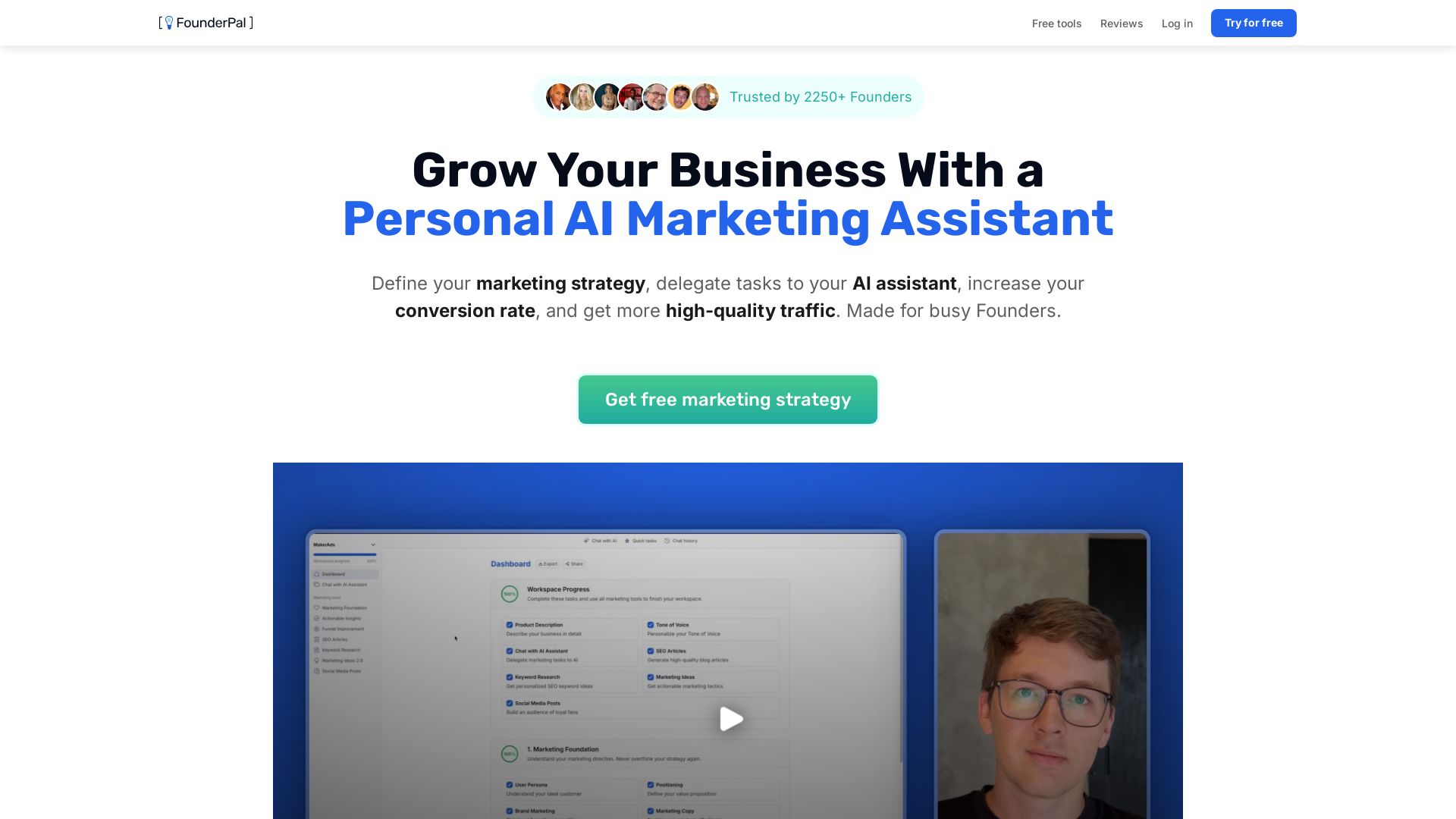
FounderPal
Trusted by 2250+ founders. Get a personal AI marketing assistant to define strategy, delegate tasks, boost conversions. Save 100+ hours/month. Try free.

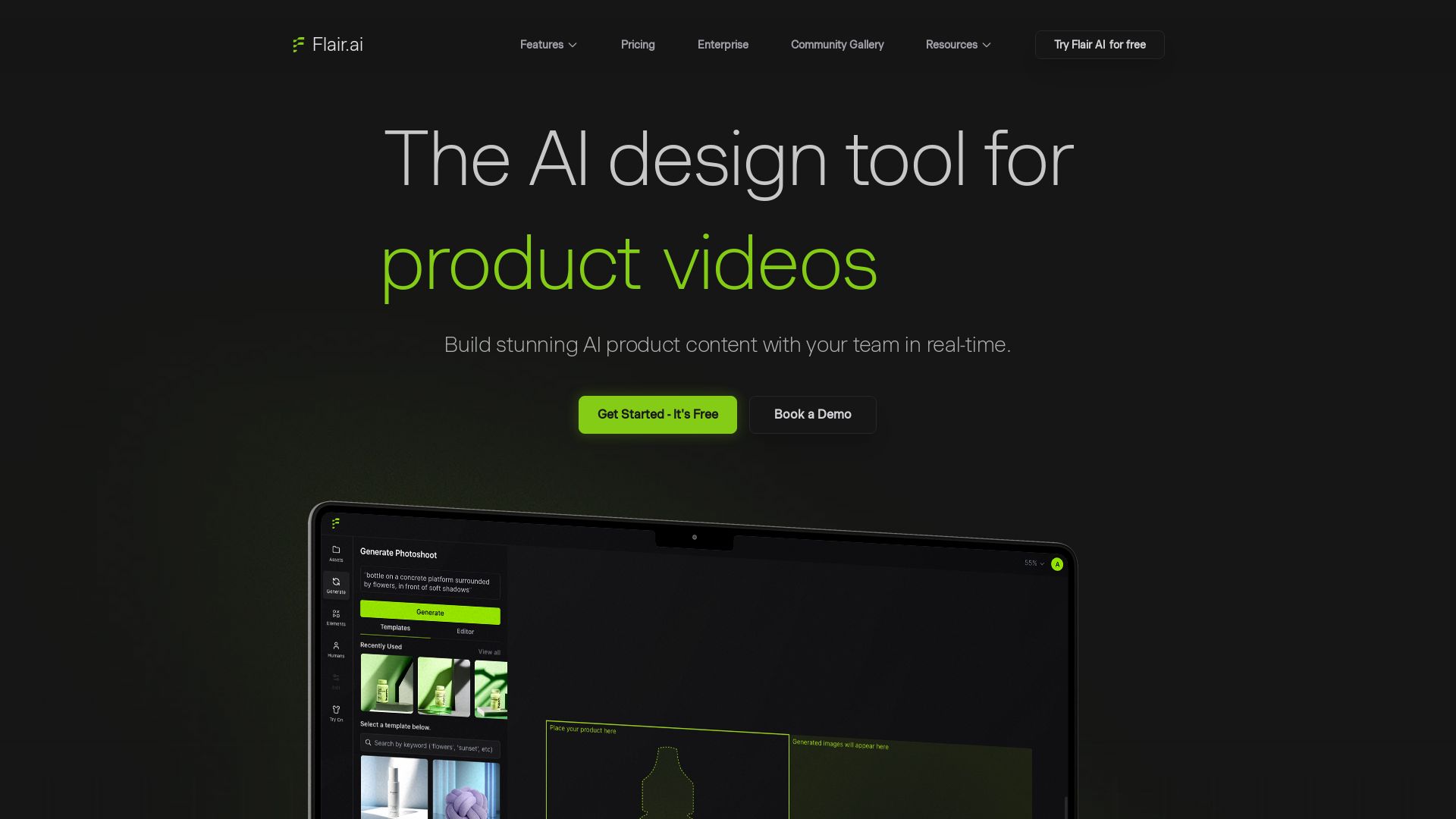
Flair.ai
Create stunning AI product content with on-model photography, videos, ads, and 3D scenes. Used by brands of all sizes. Get started free!


UX Pilot
Ideate, design, and hand-off web apps in seconds with UX Pilot's AI. Generate wireframes, hi-fi designs, and clean code. Trusted by 1M+ users.


Figma Console MCP
Connect AI to Figma for design extraction, token sync, and component creation. Turn your design system into a programmable API.


PrometAI
Generate investor-ready business plans in minutes with PrometAI's AI. Trusted by 100,000+ founders. Start for free, no guesswork.


Marketing Titan
Replace HubSpot, ZoomInfo, Hootsuite & Jasper with 180+ AI agents & Darwin AI. Save $50K+/yr. Start free trial.

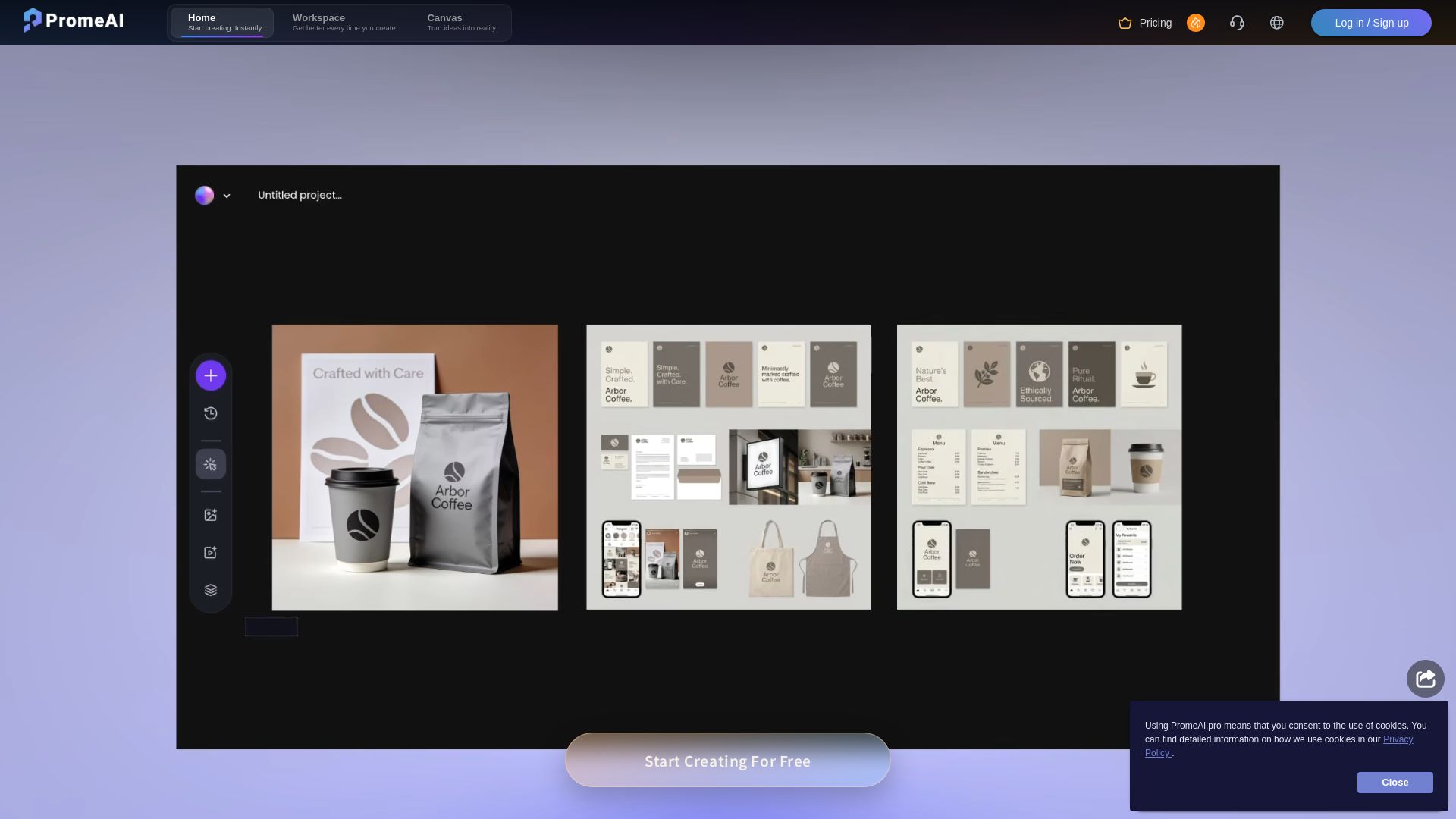
PromeAI
Transform sketches into realistic renders with PromeAI. 42+ AI tools for architecture, interior design, and more. Trusted by 2M+ users.

ℹ️ Curation Disclosure: The overview and features of Genspark were synthesized using AI and fact-checked by our curation team to ensure accuracy.
