
SlidesPilot
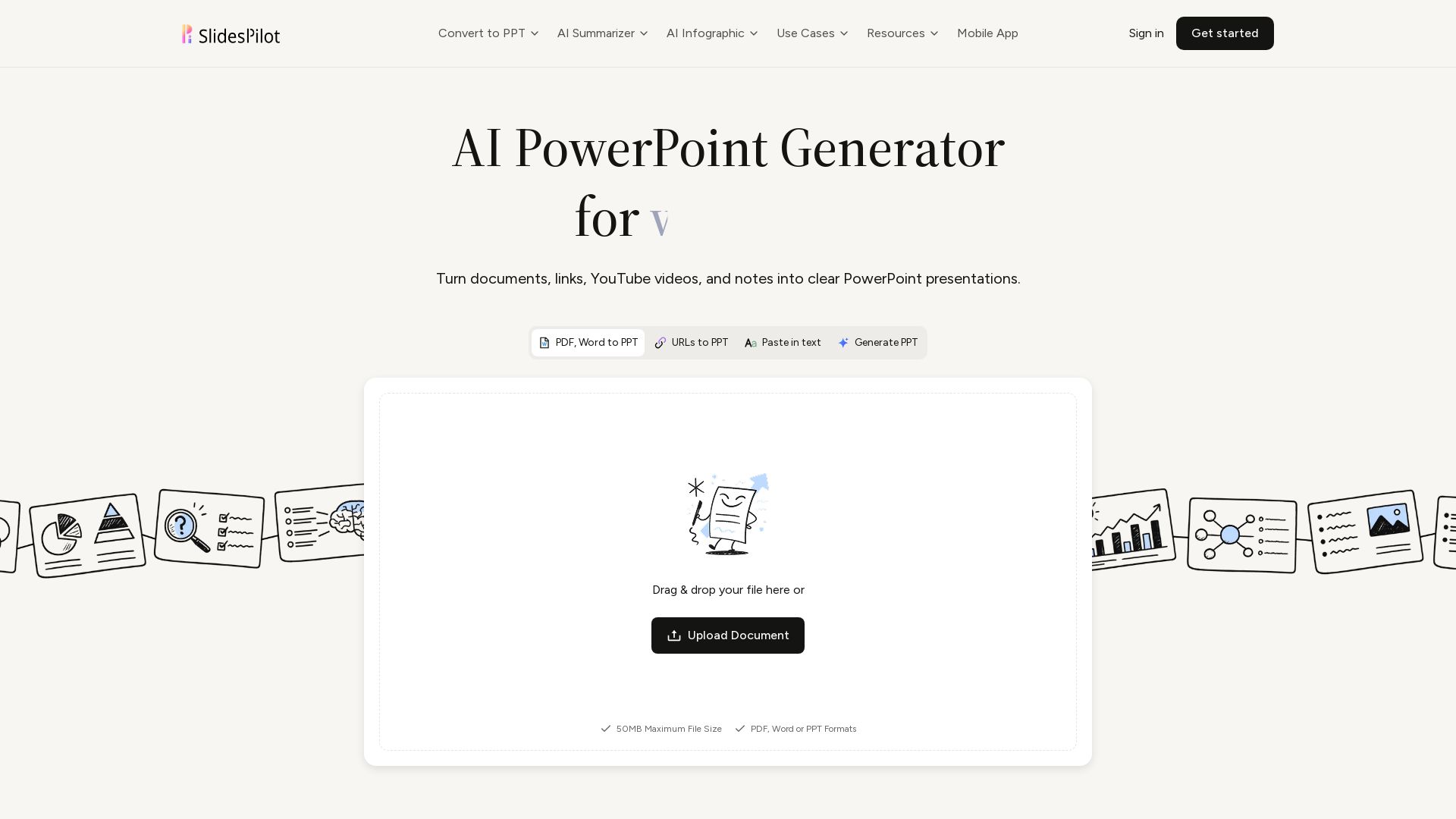
Turn PDFs, Word, links, YouTube to editable PPTs. AI analyzes source, builds storyline, designs slides. Free to try.
Editor's Verdict
Key Takeaways
- Multi-source input
- Source-aware slide structure
- AI-assisted content and design
- Charts, tables, and diagrams
In-Depth Review: What is SlidesPilot?
SlidesPilot is an AI-powered tool that transforms your source materials—PDFs, Word documents, web pages, YouTube videos, or text—into professional, editable PowerPoint presentations. Unlike simple converters, it understands the content, identifies main ideas, organizes a coherent narrative, and designs slides with charts, diagrams, and tables. Ideal for business analysts, lecturers, marketers, and researchers. Export to PPTX, PDF, or PNG. Free credits available.
Core Features
Multi-source input
Generate presentations from PDFs, Word documents, existing PPTX files, web pages, YouTube videos, pasted text, or a topic prompt.
Source-aware slide structure
Identifies central ideas from long-form material and organizes them into a focused outline and logical slide sequence.
AI-assisted content and design
Refine slide content, structure, layout, and design with an AI presentation agent.
Charts, tables, and diagrams
Turn suitable data and relationships into visuals like charts, tables, and diagrams to aid audience understanding.
Themes and brand controls
Apply built-in or custom themes for consistent fonts, colors, backgrounds, and logos throughout the presentation.
PowerPoint export and sharing
Download an editable PPTX, continue in PowerPoint or Google Slides, export to PDF or PNG, or present online.
AI summarizer
Summarize content from PPTs, PDFs, documents, medical reports, and theses using AI.
AI infographic
Create timeline diagrams, mind maps, Venn diagrams, SWOT analysis, and pyramid diagrams.
Pricing
Free
- Free credits after sign-up
- No credit card required to create an account
- Access to PowerPoint generation workflows
Pros and Cons
Pros
- Time-savingTransforms complex source material into a structured draft presentation quickly, reducing manual creation time.
- Logical organizationAutomatically arranges content into a coherent narrative with clear sections, ideal for presentations.
- Multi-format supportAccepts PDFs, Word, PPTX, URLs, YouTube videos, and text, offering flexibility in input.
- Editable exportsDownloads as editable PPTX, allowing further refinement in PowerPoint or Google Slides.
- Built-in visualsGenerates charts, tables, and diagrams where appropriate, enhancing audience comprehension.
Cons
- Dependency on source qualityOutput quality heavily relies on the clarity and structure of the input material; poorly organized sources may yield suboptimal slides.
- Limited free usageFree credits may restrict heavy usage; additional credits require a paid plan.
- Lack of deep customizationAI-generated designs may not fully match specific brand guidelines without manual adjustments.
- Potential for missing nuanceAI may overlook subtle context or complex relationships in specialized fields like medical or legal documents.
- Requires reviewOutput needs human review to ensure accuracy, tone, and alignment with presentation goals.
Use Cases & Recommended Professions
Business Analyst→ View Toolkit
Transforms dense quarterly reports into concise executive presentations, saving time on deciding what leadership needs to see.
University Lecturer→ View Toolkit
Consolidates lecture notes, articles, and documents into a logical slide sequence for class, allowing more time for examples and discussions.
Product Marketing Manager→ View Toolkit
Turns product pages and technical briefs into sales narratives with clear section purposes, ready for team workflow.
Policy Consultant→ View Toolkit
Converts lengthy policy briefs and appendices into focused presentations that retain nuance while making recommendations easier to discuss.
Startup Founder→ View Toolkit
Organizes scattered notes, market research, and business plans into a coherent pitch deck with a strong argument flow.
Research Associate→ View Toolkit
Simplifies manuscripts into conference presentations without flattening findings, providing a clear visual outline.
Frequently Asked Questions
Alternative AI Tools
View Detailed Comparison →
SlidesAI
Create beautiful presentations from notes, prompts, or docs with SlidesAI. Works in Google Slides, PowerPoint, ChatGPT & web. Save 85% time.


AiPPT
Transform ideas into stunning presentations instantly with AiPPT. Generate slides from text, documents, URLs, or templates. Import from Google Drive. Free and paid plans.


Prezi
Prezi AI creates studio-quality presentations from your ideas. Describe or upload, get a polished deck in seconds. Refine via chat, export as PPTX or PDF. No design skills needed.


SlideSpeak
Turn PDFs, Word docs, and ideas into professional PowerPoint slides in minutes. AI-powered editor, video, and branding. Trusted by 1M+ users.


Figr
Ship better UX faster. Figr builds a living understanding of your product, maps flows, finds edge cases, and generates high-fidelity prototypes from your actual design system.

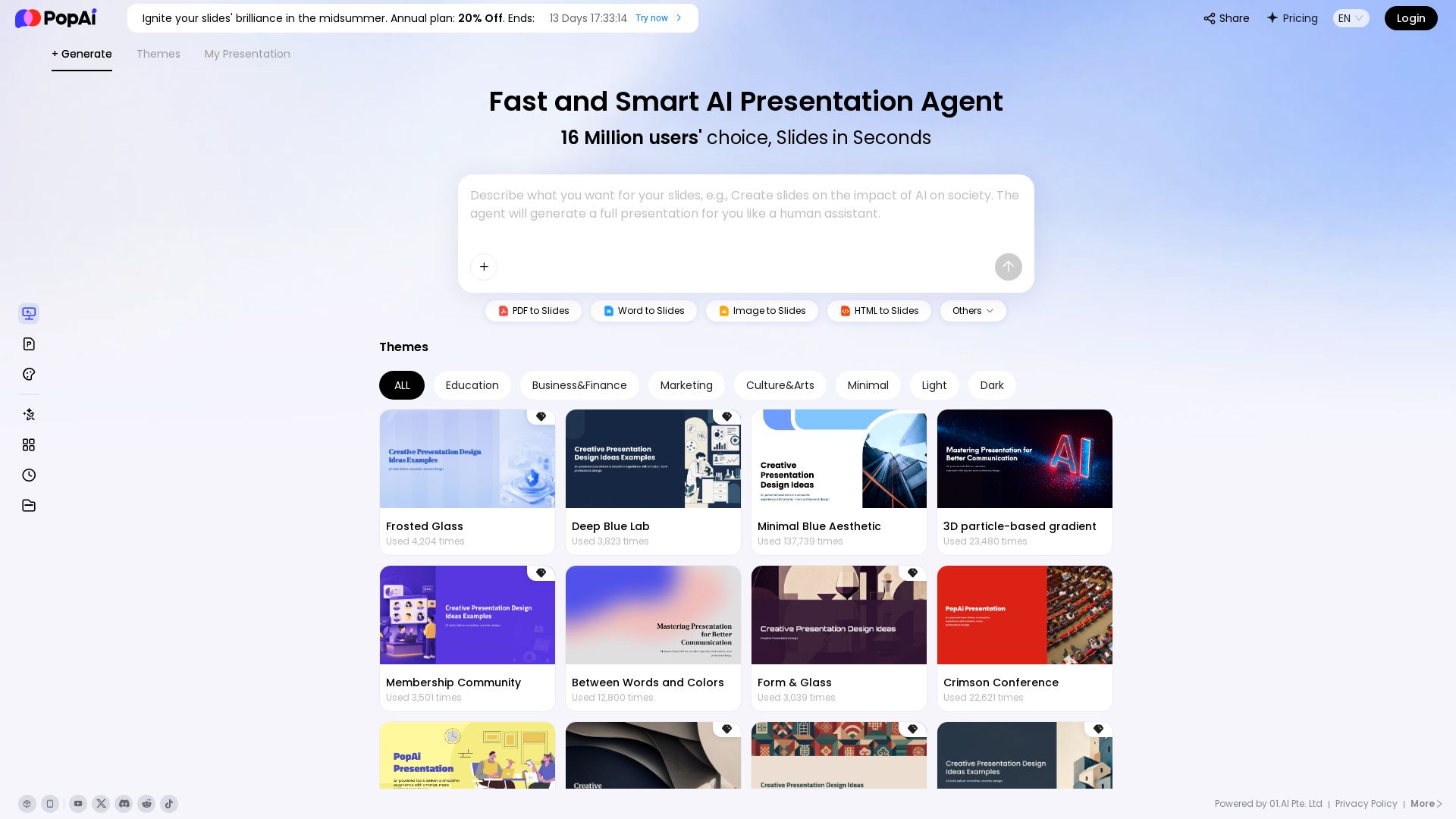
PopAi
Turn prompts, PDFs, Word docs into professional AI presentations. Fast, smart, and easy. 20% off annual plan. Try now!


Presentation Maker AI
Create professional presentations in minutes with our AI presentation maker. Ideal for students, teachers, and businesses. No design skills needed. Try free!

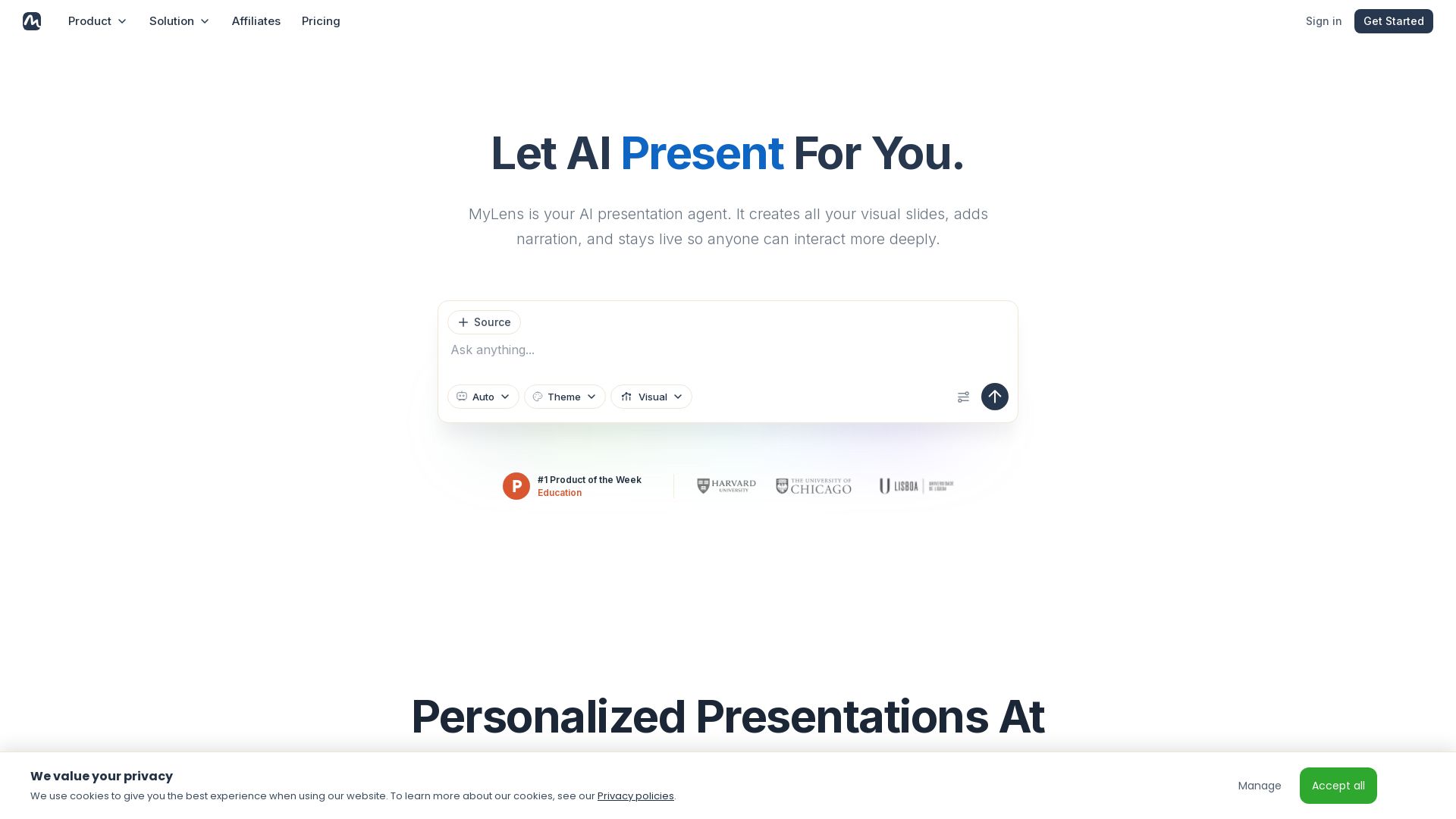
MyLens
Turn documents, links, or ideas into interactive presentations with AI narration. Engage your audience with live, explorable slides. Get started free.

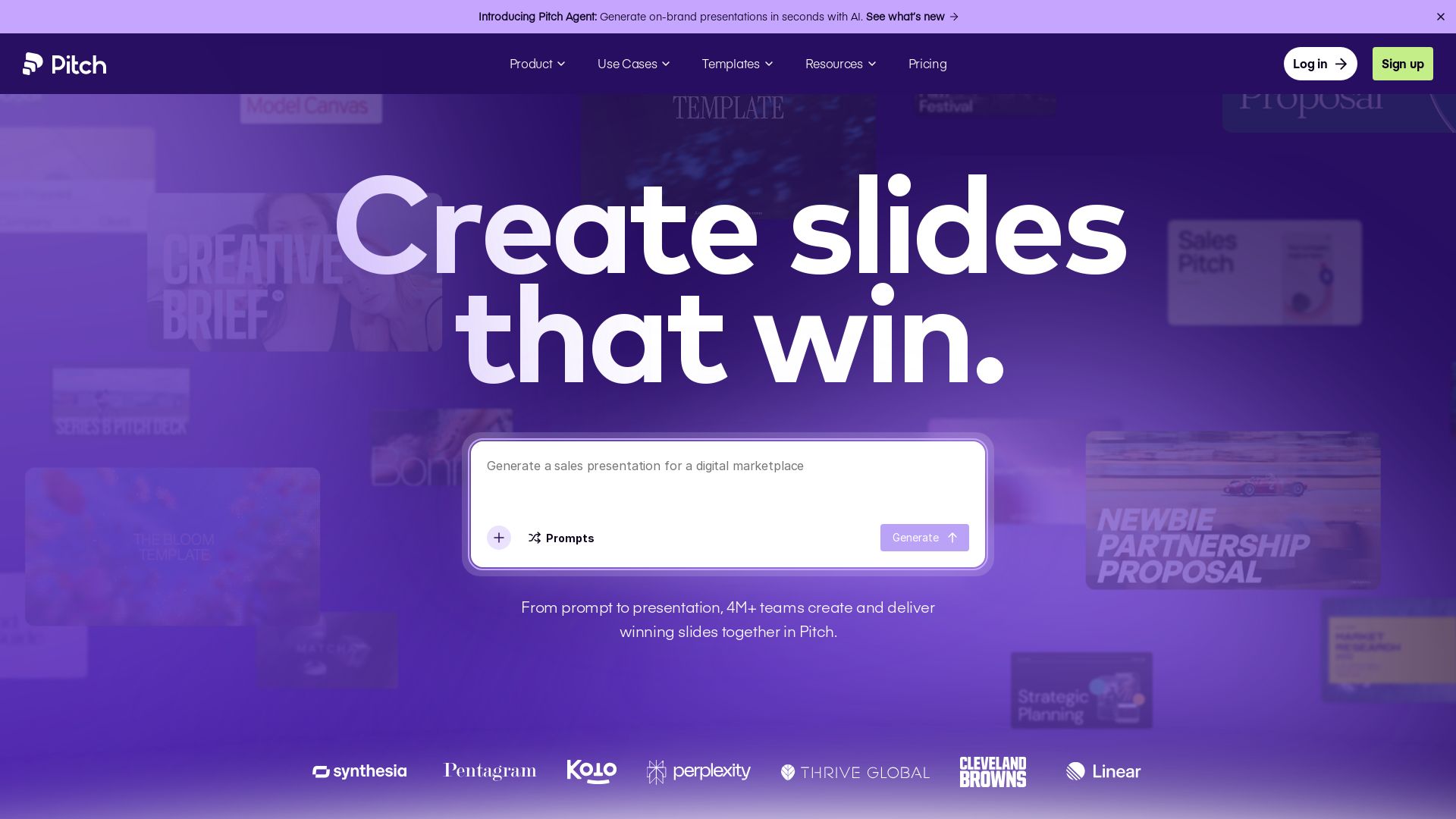
Pitch
Pitch is a presentation workspace where 4M+ teams create stunning slides, collaborate in real time, and track engagement. AI-powered, brand-friendly, and free to start.

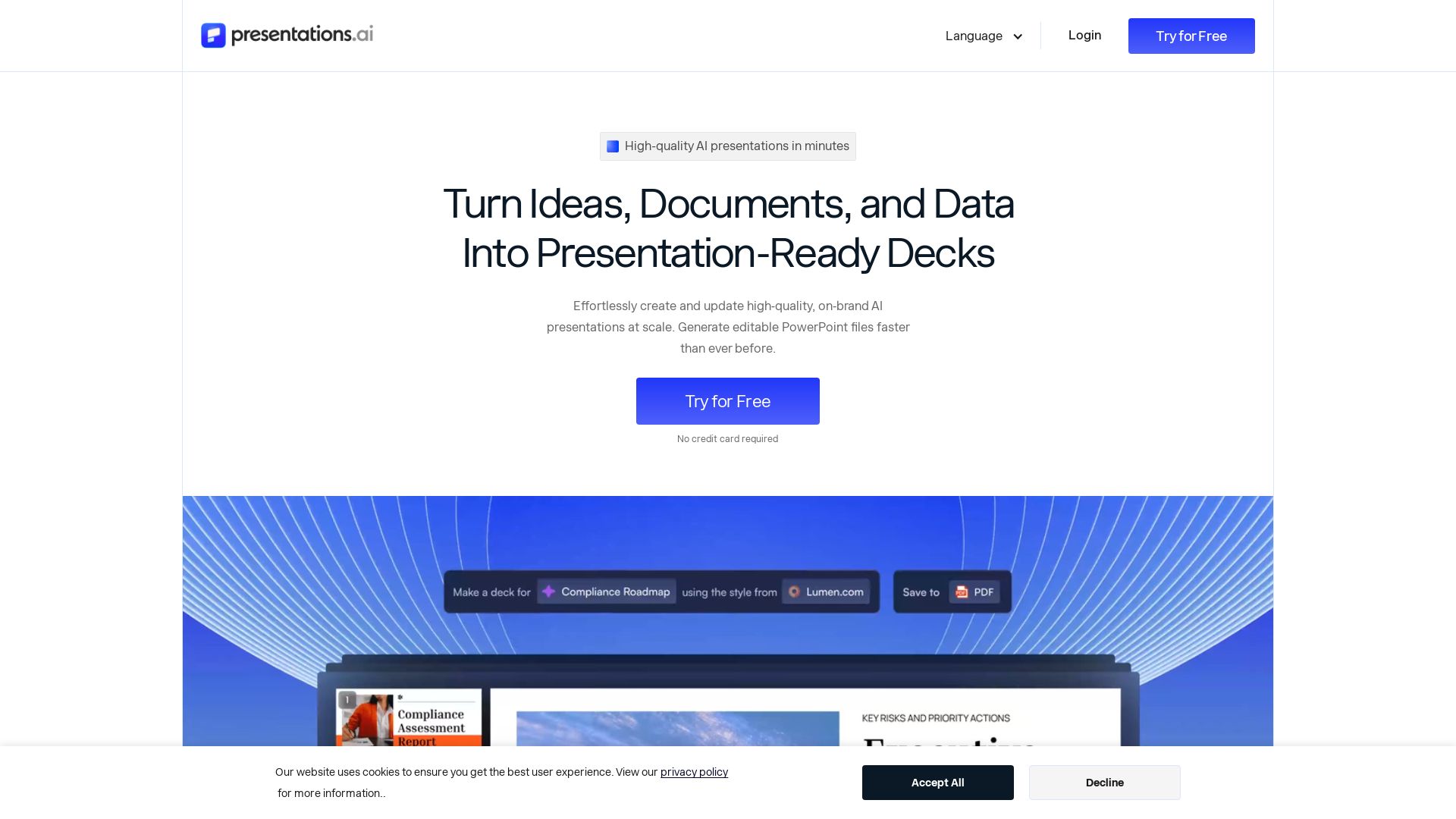
Presentations.AI
Create professional AI presentations in minutes. Turn ideas, documents, or data into editable PowerPoint slides with instant branding. Trusted by 12M+ teams.

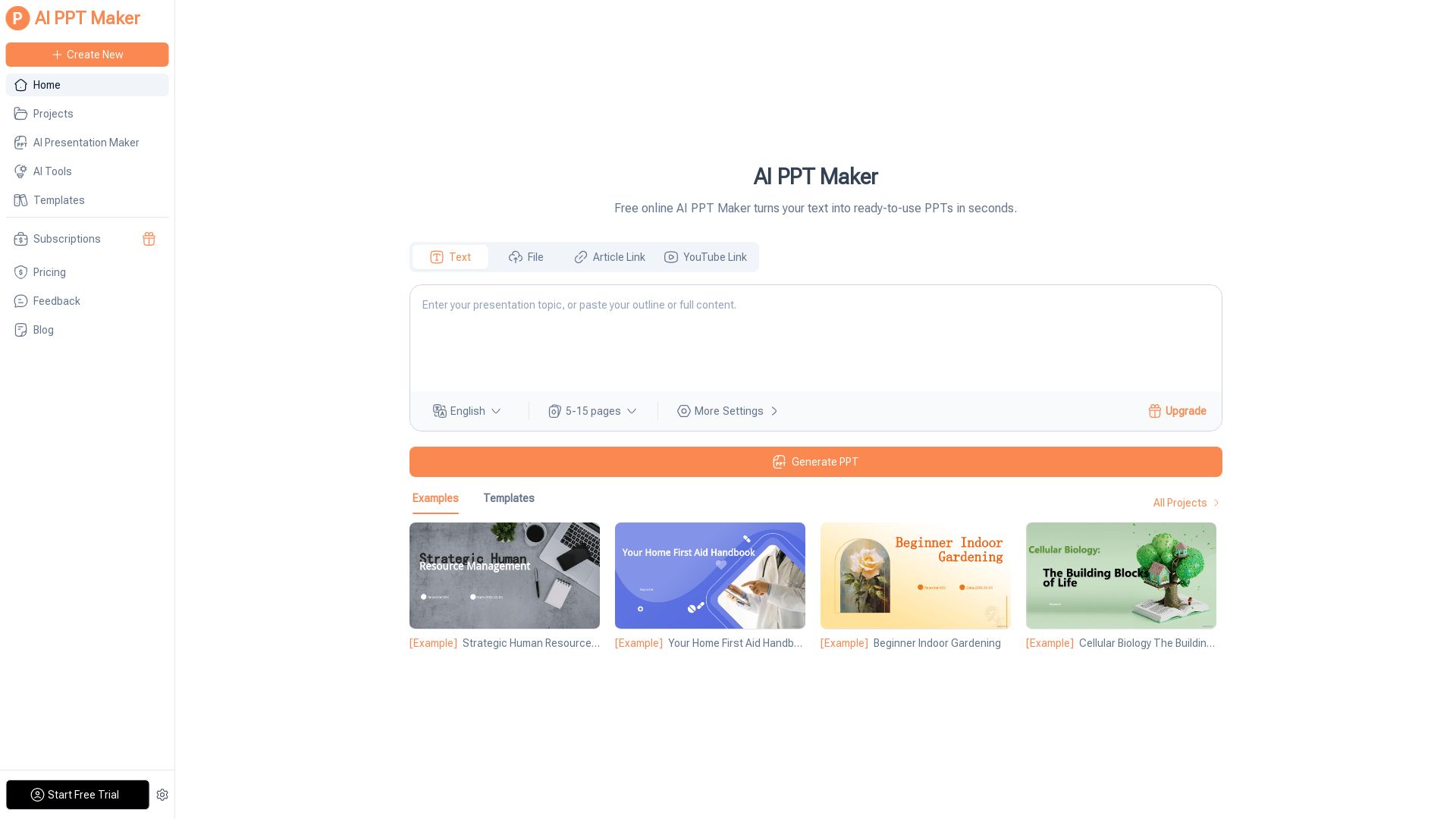
AI PPT Maker
Turn text, PDFs, videos into stunning PPTs in seconds. Free AI-powered tool with templates, customization, and instant download. Try now!

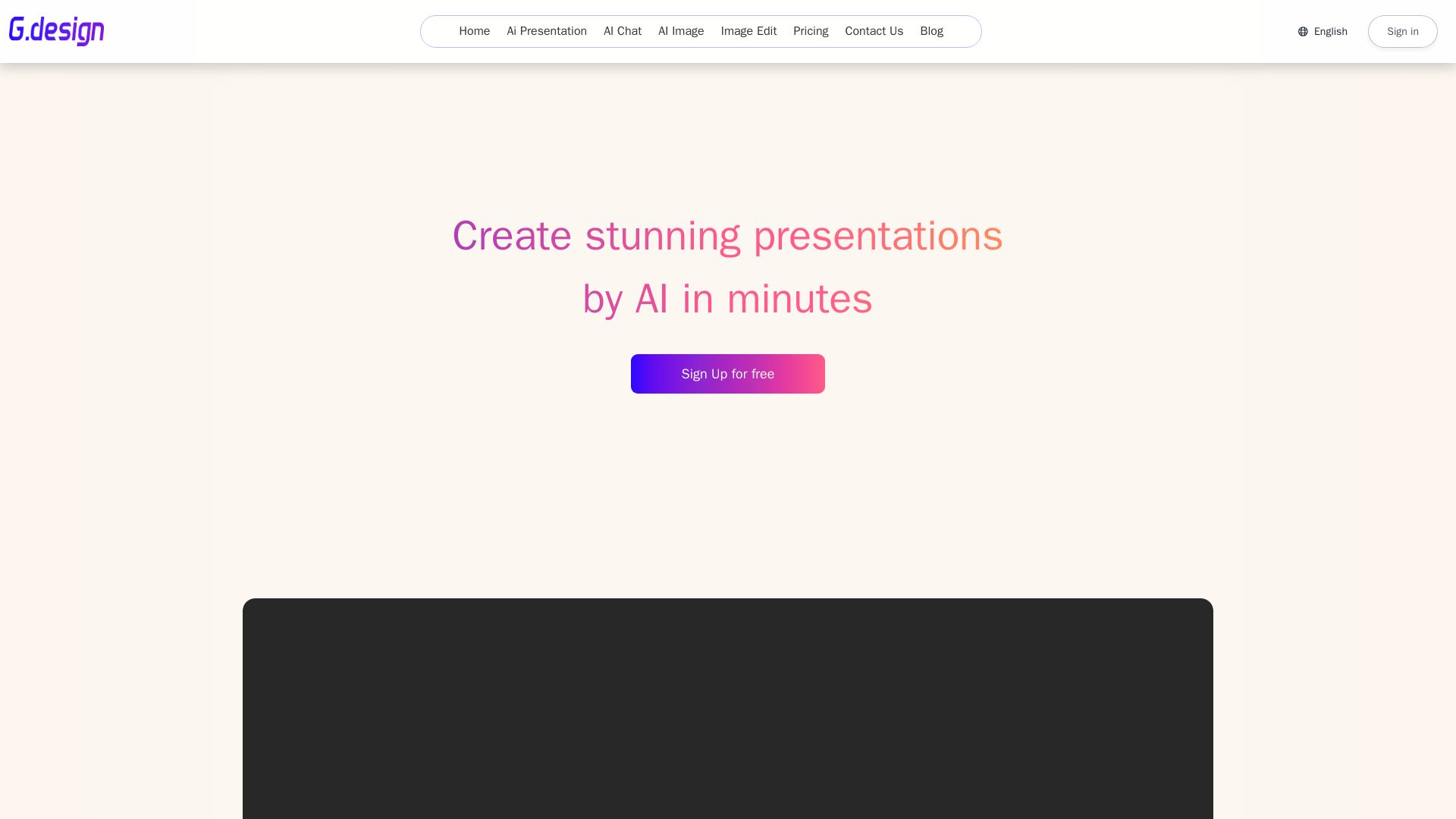
Gamma
Create stunning presentations by AI in 3 minutes. Upload files, convert to PPT, access 1000+ templates. Free trial available.

ℹ️ Curation Disclosure: The overview and features of SlidesPilot were synthesized using AI and fact-checked by our curation team to ensure accuracy.
