
MyLens
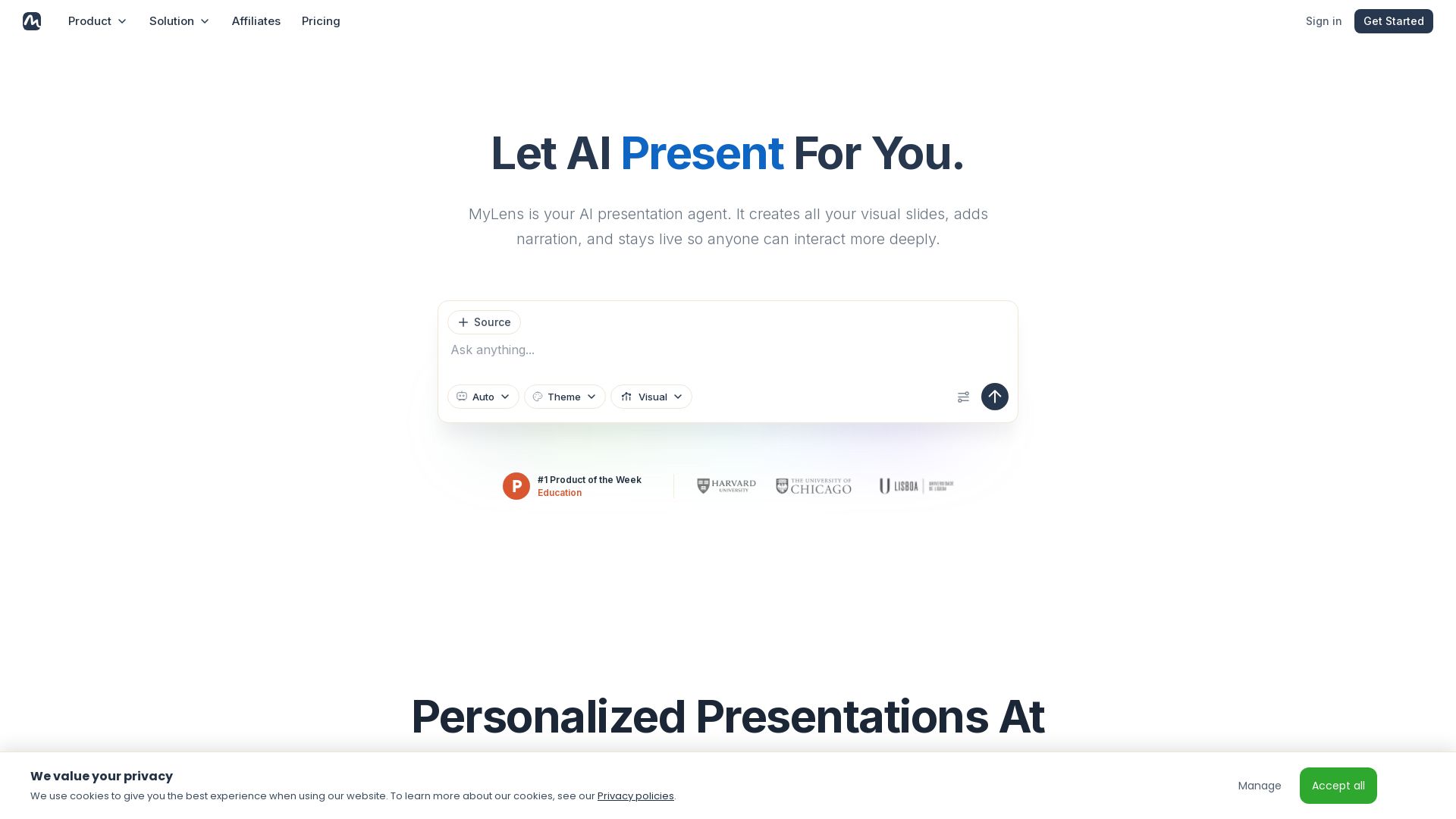
Turn documents, links, or ideas into interactive presentations with AI narration. Engage your audience with live, explorable slides. Get started free.

Editor's Verdict
Key Takeaways
- AI Presentation Generation
- Interactive Slides
- Multiple Source Types
- AI Narration
In-Depth Review: What is MyLens?
MyLens is an AI presentation agent that instantly creates visual, interactive slides from any source—PDFs, videos, data, or ideas. Each slide remains live, allowing audiences to click for explanations, infographics, citations, and quizzes. AI narration presents the story whether you're live or sharing a link. With personalized themes and agents, you can go from source to shareable presentation in seconds. Trusted by educators, consultants, and marketers. Start free.
Core Features
AI Presentation Generation
Creates complete visual slides with narration from any source or idea in seconds.
Interactive Slides
Every slide is clickable for deeper explanations, infographics, citations, and flashcards.
Multiple Source Types
Supports PDFs, long text, Word/PowerPoint, webpages, YouTube, images, spreadsheets, and Google Drive.
AI Narration
Adds clear AI narration that can present live or via a shared link.
Brand Themes
Customizable themes to match your brand, making every slide unmistakably yours.
Editable Presentations
All content remains editable after generation, allowing refinement without starting over.
Safe and Secure
Data is never used for training, never shared, and remains yours.
Chrome Extension
Transform any webpage or YouTube video into a dynamic visualization directly from the browser.
Pricing
Free
- 15 AI Credits / Month
- 1K Source Limit
- 1 Source per Storyboard
- AI Narration
Pro
- 150 AI Credits / Month
- 10K Source Limit
- Multi Sources per Storyboard
- Manual Edit
- Plus features
Premium
- 450 AI Credits / Month
- 30K Source Limit
- Powerful AI Mode
- Brand Kit
- Priority Customer Support
Business
- 2,000 AI Credits / Month
- 100K Source Limit
- Deep Web Search
- Priority Customer Support
- Customer Success Manager
Pros and Cons
Pros
- Rapid Presentation CreationTurns any source into a polished, interactive presentation in seconds, saving hours of manual work.
- Interactive Audience EngagementViewers can click slides for explanations, citations, and quizzes, making presentations more memorable.
- Multiple Input FormatsAccepts PDFs, documents, videos, webpages, and data, providing flexibility for various content types.
- AI Narration for Remote SharingAutomatically adds voiceover so presentations can be shared and understood without the presenter.
- Brand CustomizationThemes and visual choices maintain brand consistency across presentations.
Cons
- Limited Free TierThe free plan offers only 15 AI credits per month and a single source per storyboard, restricting heavy use.
- No Manual Edit in Free PlanFree users cannot manually edit presentations, limiting customization options.
- Yearly Billing for DiscountThe lower monthly price requires annual commitment; monthly billing might be higher.
- Per-Member PricingBusiness teams may find per-member costs increase quickly for larger groups.
- AI LimitationsAI-generated content may occasionally miss nuance or require manual refinement to capture detail.
Use Cases & Recommended Professions
Educator→ View Toolkit
Quickly turn lesson notes or research into interactive, narrated presentations for engaging classroom teaching.
Consultant→ View Toolkit
Transform client data and reports into visual decks that clients can explore, enhancing strategy presentations.
Marketing Director→ View Toolkit
Create brand-consistent, interactive marketing content that captures audience attention and drives engagement.
Analyst→ View Toolkit
Convert complex datasets and spreadsheets into interactive infographics and charts for clearer insights.
Founder/CEO→ View Toolkit
Rapidly produce investor-ready presentations from documents or ideas, with AI narration for remote pitches.
Project Manager→ View Toolkit
Share project updates or plans as interactive, narrated presentations that team members can explore on their own.
Frequently Asked Questions
Alternative AI Tools
View Detailed Comparison →
Prezi
Prezi AI creates studio-quality presentations from your ideas. Describe or upload, get a polished deck in seconds. Refine via chat, export as PPTX or PDF. No design skills needed.


SlideSpeak
Turn PDFs, Word docs, and ideas into professional PowerPoint slides in minutes. AI-powered editor, video, and branding. Trusted by 1M+ users.


Section AI
Turn AI investment into workforce transformation with Section. Command center, coaching, and strategic support to drive measurable ROI.


Making AI think and act: my approach to the Hugging Face AI ...
Experienced AI engineer specializing in medical imaging and LLM-powered agents. Built globally deployed radiology AI at AZmed. Now building AI agents at Matrix One.

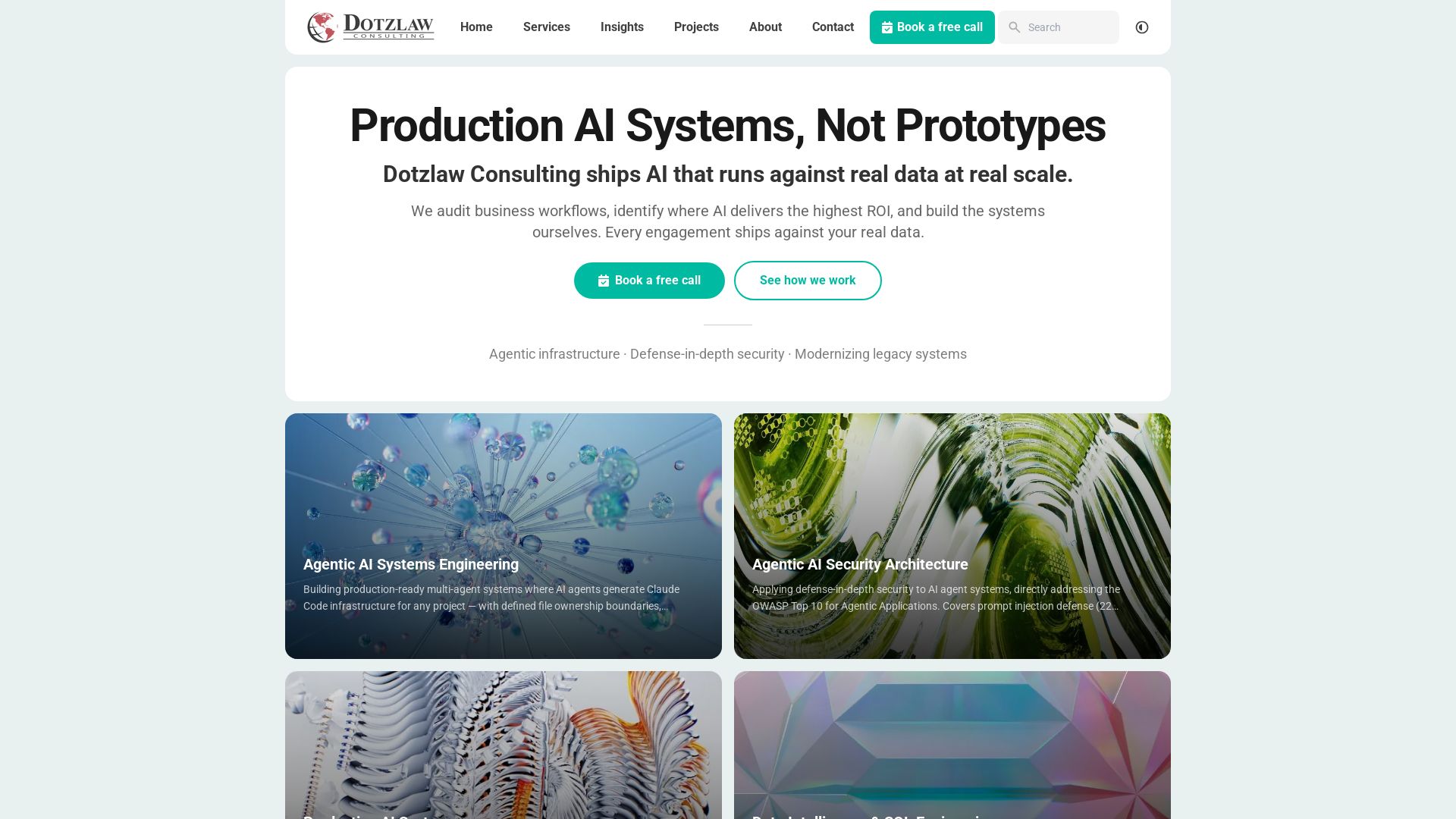
Dotzlaw Consulting
We build production-ready AI systems, multi-agent workflows, and secure architectures. Real data, real scale. Expert SQL & data intelligence.


SF AI Labs
End-to-end AI services from strategy to launch. Proven delivery framework, expert network in San Francisco. Maximize ROI with custom AI solutions for modern companies.


AiPPT
Transform ideas into stunning presentations instantly with AiPPT. Generate slides from text, documents, URLs, or templates. Import from Google Drive. Free and paid plans.

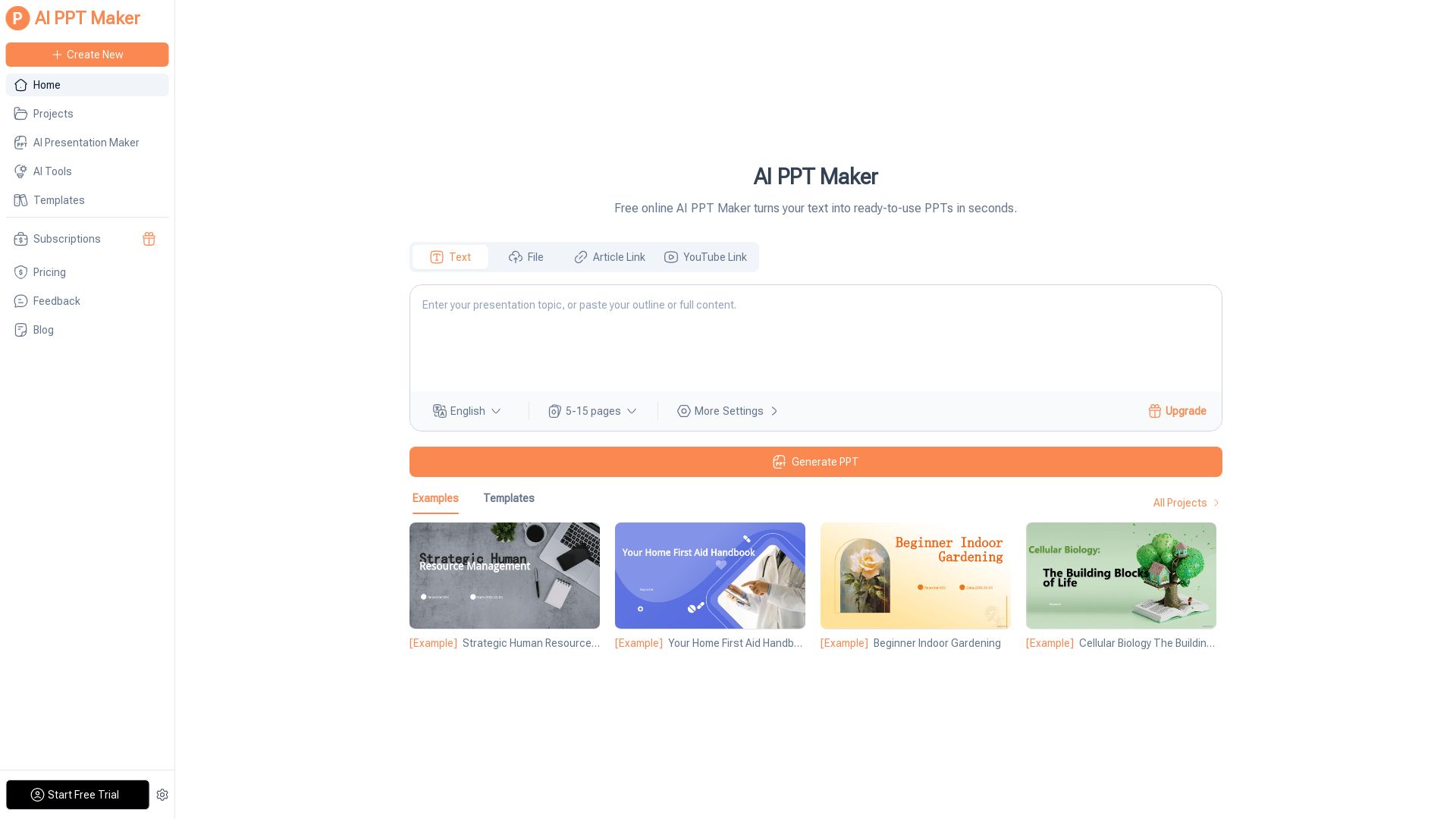
AI PPT Maker
Turn text, PDFs, videos into stunning PPTs in seconds. Free AI-powered tool with templates, customization, and instant download. Try now!


Scuti AI
We specialize in generative AI, AI-OCR, RAG, and offshore development. Combining Vietnam's speed with Japan's quality to automate tasks and boost business.

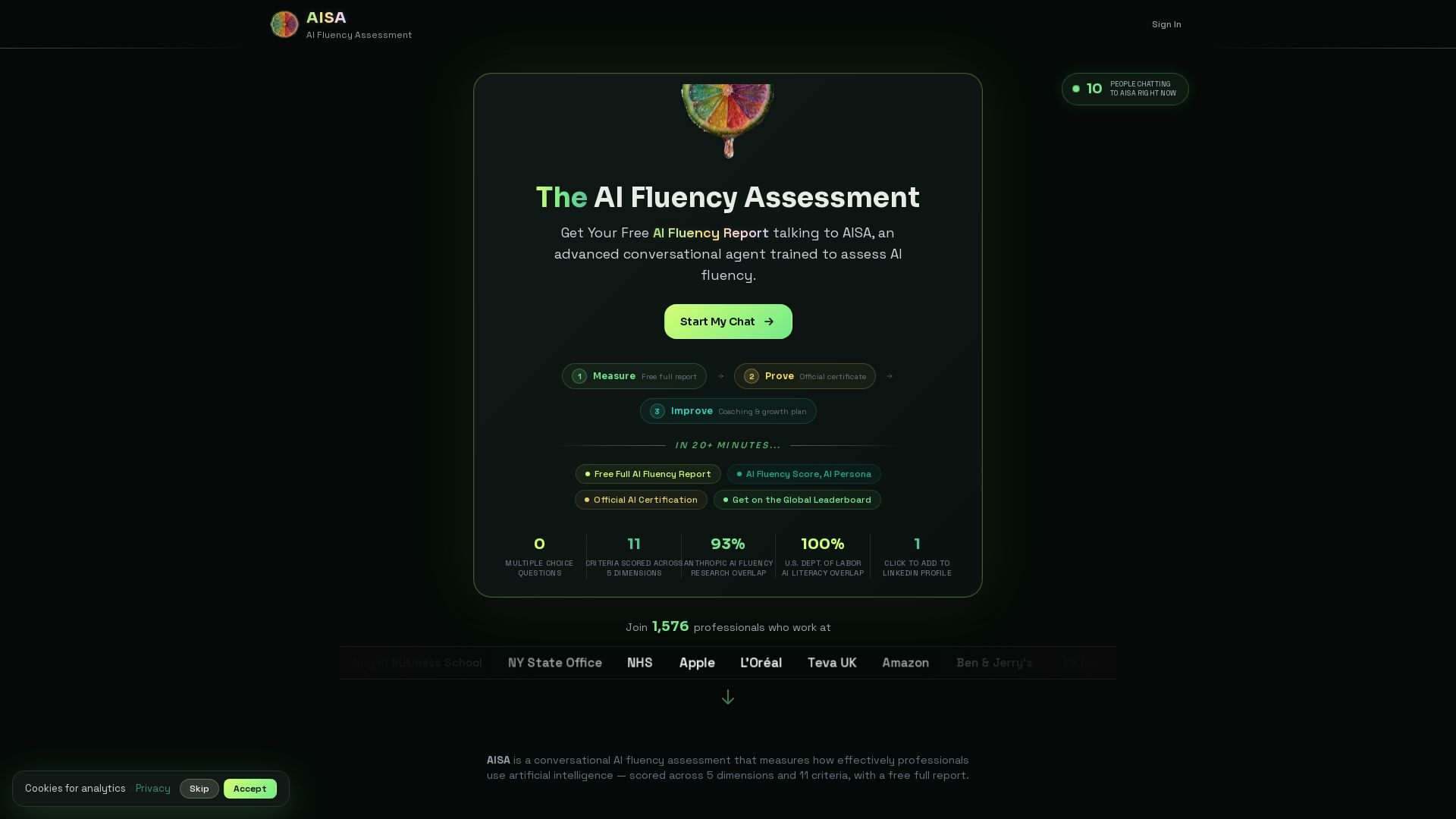

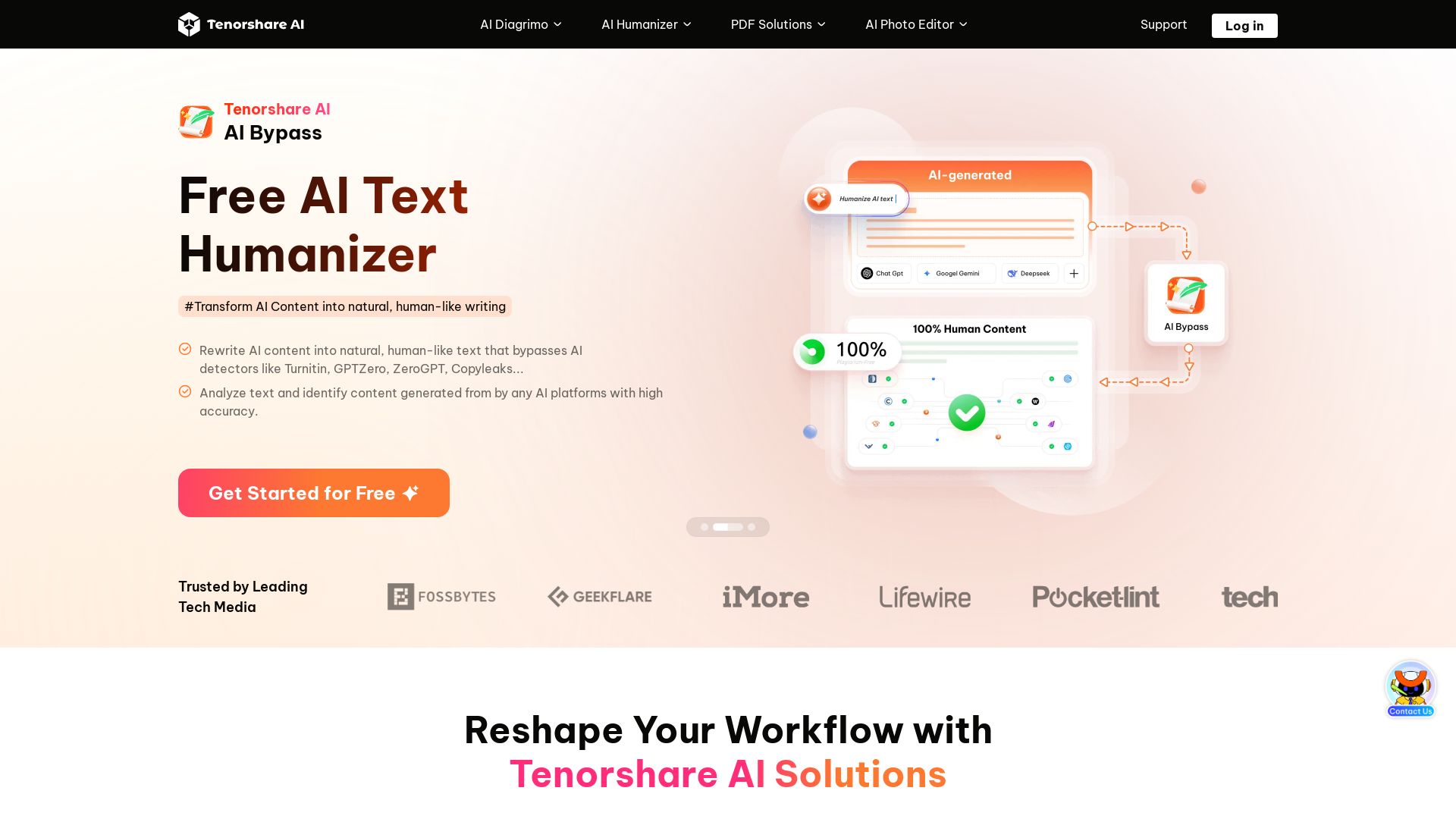
Tenorshare AI
Transform text into diagrams, humanize AI content, edit PDFs, and create presentations with Tenorshare's free AI-powered tools. Trusted by millions.


AI SDK AGENTS
The toolkit for AI engineers. Install, copy, or export 125 AI SDK patterns for agents, tool calling, human-in-the-loop, and generative UI. Full source code, own your stack.

ℹ️ Curation Disclosure: The overview and features of MyLens were synthesized using AI and fact-checked by our curation team to ensure accuracy.
