
Tenorshare AI
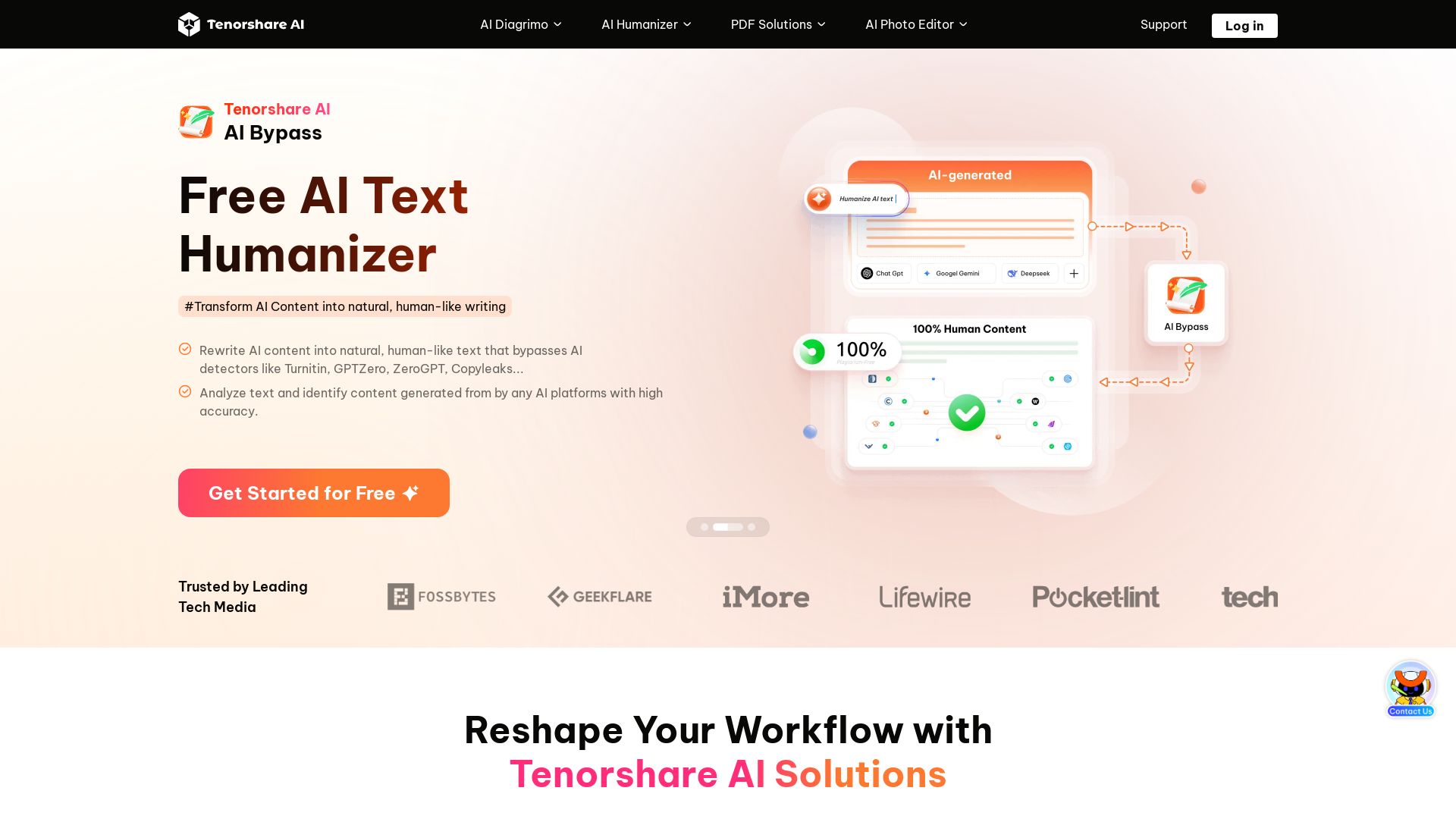
Transform text into diagrams, humanize AI content, edit PDFs, and create presentations with Tenorshare's free AI-powered tools. Trusted by millions.

Editor's Verdict
Key Takeaways
- AI Text-to-Visuals
- AI Humanizer
- Free PDF Editor
- ChatPDF
In-Depth Review: What is Tenorshare AI?
Tenorshare AI offers a suite of free AI-powered tools to boost productivity. Diagrimo turns text into stunning flowcharts and infographics. AI Bypass humanizes AI text to bypass detectors. PDNob Online provides free PDF editing, signing, and OCR. AI Slides generates professional presentations from a topic. Trusted by over 150 countries, all tools prioritize security with encryption and no third-party access.
Core Features
AI Text-to-Visuals
Transform text into flowcharts, diagrams, infographics, and customize styles to match brand and presentation tone.
AI Humanizer
Rewrite AI content into natural, human-like text that bypasses AI detectors such as Turnitin and GPTZero.
Free PDF Editor
100% free PDF tools including OCR, sign, batch convert, compress, merge, split, and more, with fast processing.
ChatPDF
Chat with any PDF to instantly summarize, extract key insights, and enhance productivity.
AI Writer
Generate text for social media, websites, blogs, cover letters, taglines, and more, overcoming writer's block.
AI Presentation Maker
Create professional slides in minutes by simply providing a topic, with AI-generated design and suggestions.
Security & Privacy
No tracking, end-to-end encryption, and no third-party access to ensure data security and privacy.
Pricing
Free
- AI Text-to-Visuals (Diagrimo)
- AI Humanizer (Bypass)
- PDF Editor (PDNob Online) with OCR, sign, batch convert, compress, merge, split
- ChatPDF
- AI Writer
- AI Slides
- End-to-end encryption
- No tracking
Pros and Cons
Pros
- Completely Free Core ToolsMany features like PDF editing, AI humanizer, and diagram generator are available at no cost.
- Accurate OCR & Batch ProcessingOCR accurately extracts text from scanned documents, even handwritten notes, and batch processing handles multiple files quickly.
- Bypasses AI DetectorsAI Bypass rewrites content to be undetectable by Turnitin, GPTZero, and others, preserving originality.
- User-Friendly & FastTools are designed for quick results with minimal learning curve, as highlighted by user testimonials.
- Strong Security & PrivacyData is protected with no tracking, end-to-end encryption, and no third-party access, compliant with SOC, GDPR, and more.
Cons
- Limited Advanced Features on Free TierSome advanced features or higher usage limits may require a paid subscription, though not explicitly listed.
- No Offline ModeAll tools are online-based, requiring an internet connection to use.
Use Cases & Recommended Professions
Contract Manager→ View Toolkit
Use PDF sign and editing features to quickly handle contracts and legal documents.
Research Analyst→ View Toolkit
Utilize OCR and ChatPDF to extract and summarize data from scanned documents and PDFs.
Freelance Graphic Designer→ View Toolkit
Merge, compress, and edit PDFs for client deliverables; create visuals with Diagrimo.
Project Manager→ View Toolkit
Efficiently split, merge, and compress PDFs for project documentation and reports.
Social Media Manager→ View Toolkit
Generate AI-written content and create infographics or diagrams for social media posts.
Technical Writer→ View Toolkit
Use AI Bypass to humanize AI-generated technical content and avoid AI detection.
Frequently Asked Questions
Alternative AI Tools
View Detailed Comparison →
SlidesAI
Create beautiful presentations from notes, prompts, or docs with SlidesAI. Works in Google Slides, PowerPoint, ChatGPT & web. Save 85% time.


Prezi
Prezi AI creates studio-quality presentations from your ideas. Describe or upload, get a polished deck in seconds. Refine via chat, export as PPTX or PDF. No design skills needed.


SlideSpeak
Turn PDFs, Word docs, and ideas into professional PowerPoint slides in minutes. AI-powered editor, video, and branding. Trusted by 1M+ users.


AiPPT
Transform ideas into stunning presentations instantly with AiPPT. Generate slides from text, documents, URLs, or templates. Import from Google Drive. Free and paid plans.


Figr
Ship better UX faster. Figr builds a living understanding of your product, maps flows, finds edge cases, and generates high-fidelity prototypes from your actual design system.

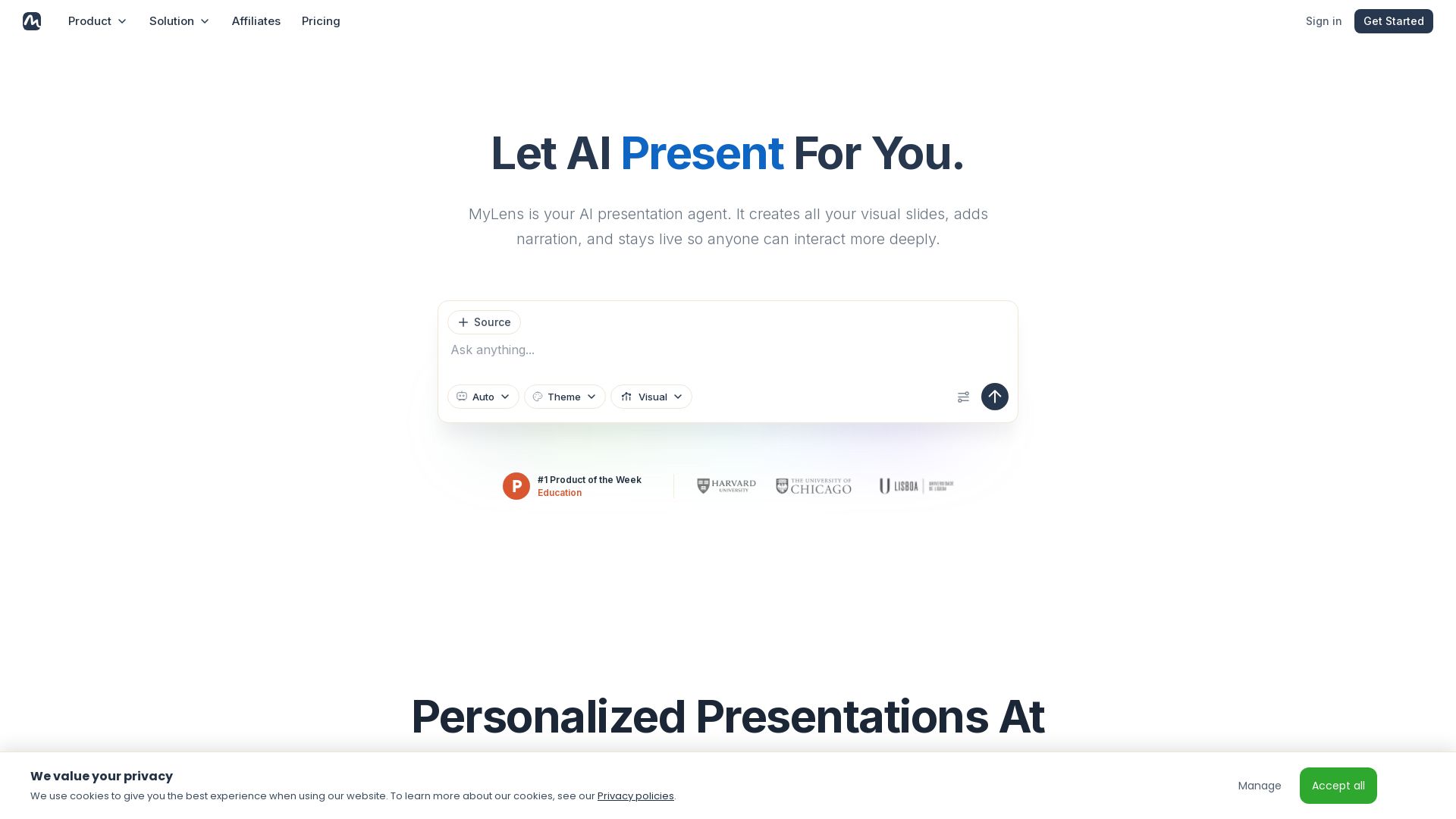
MyLens
Turn documents, links, or ideas into interactive presentations with AI narration. Engage your audience with live, explorable slides. Get started free.


Presentation Maker AI
Create professional presentations in minutes with our AI presentation maker. Ideal for students, teachers, and businesses. No design skills needed. Try free!

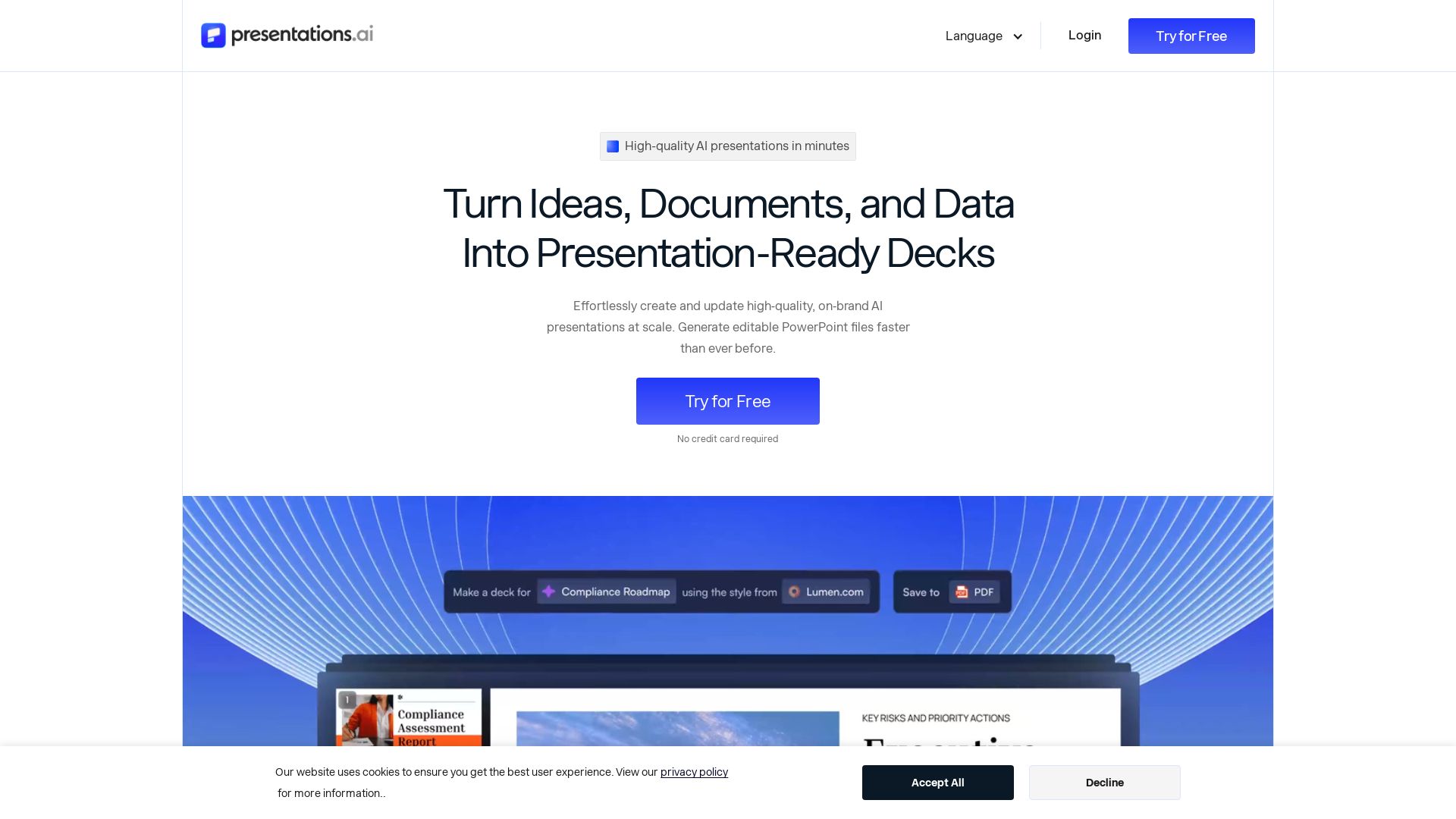
Presentations.AI
Create professional AI presentations in minutes. Turn ideas, documents, or data into editable PowerPoint slides with instant branding. Trusted by 12M+ teams.

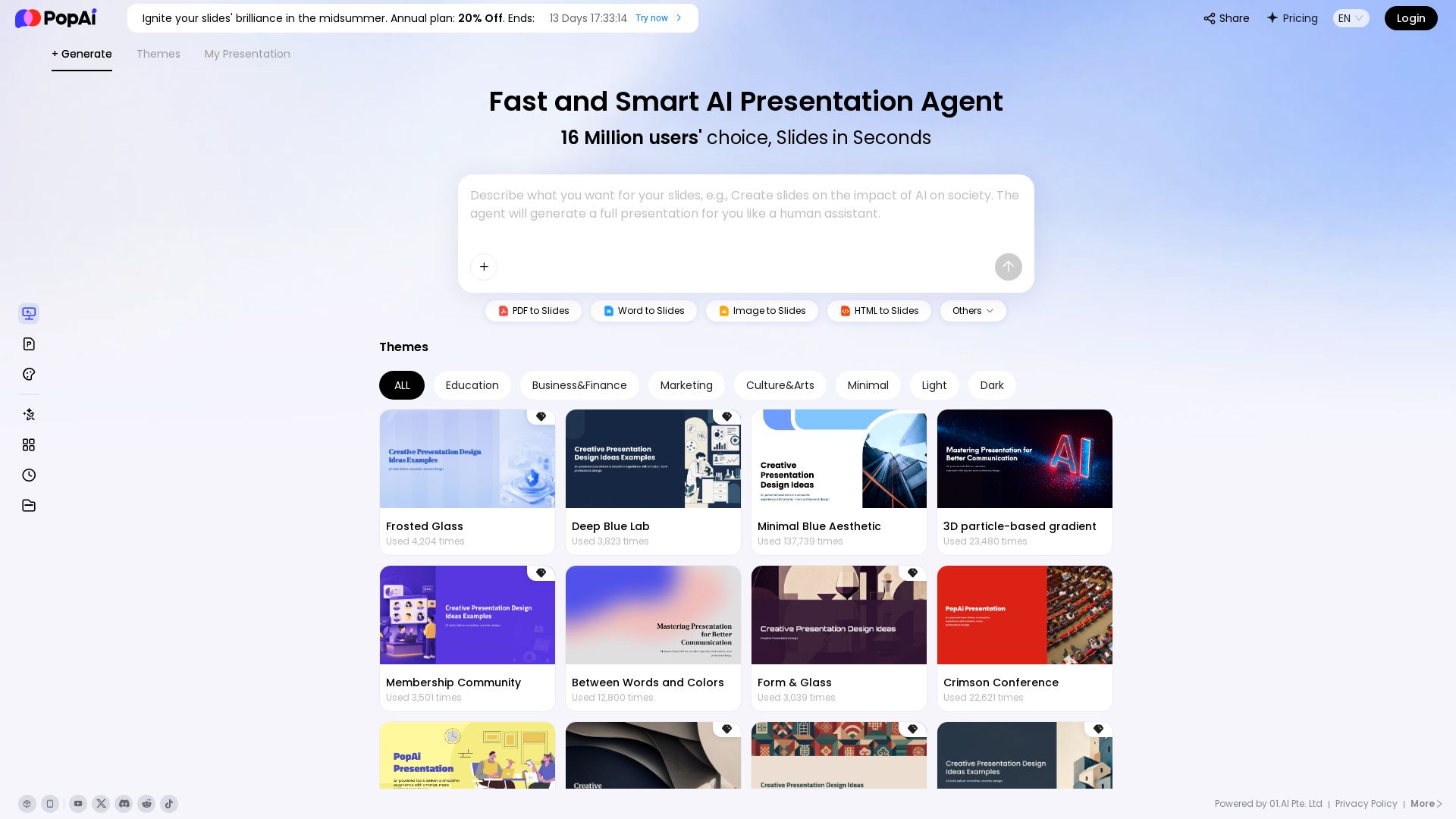
PopAi
Turn prompts, PDFs, Word docs into professional AI presentations. Fast, smart, and easy. 20% off annual plan. Try now!

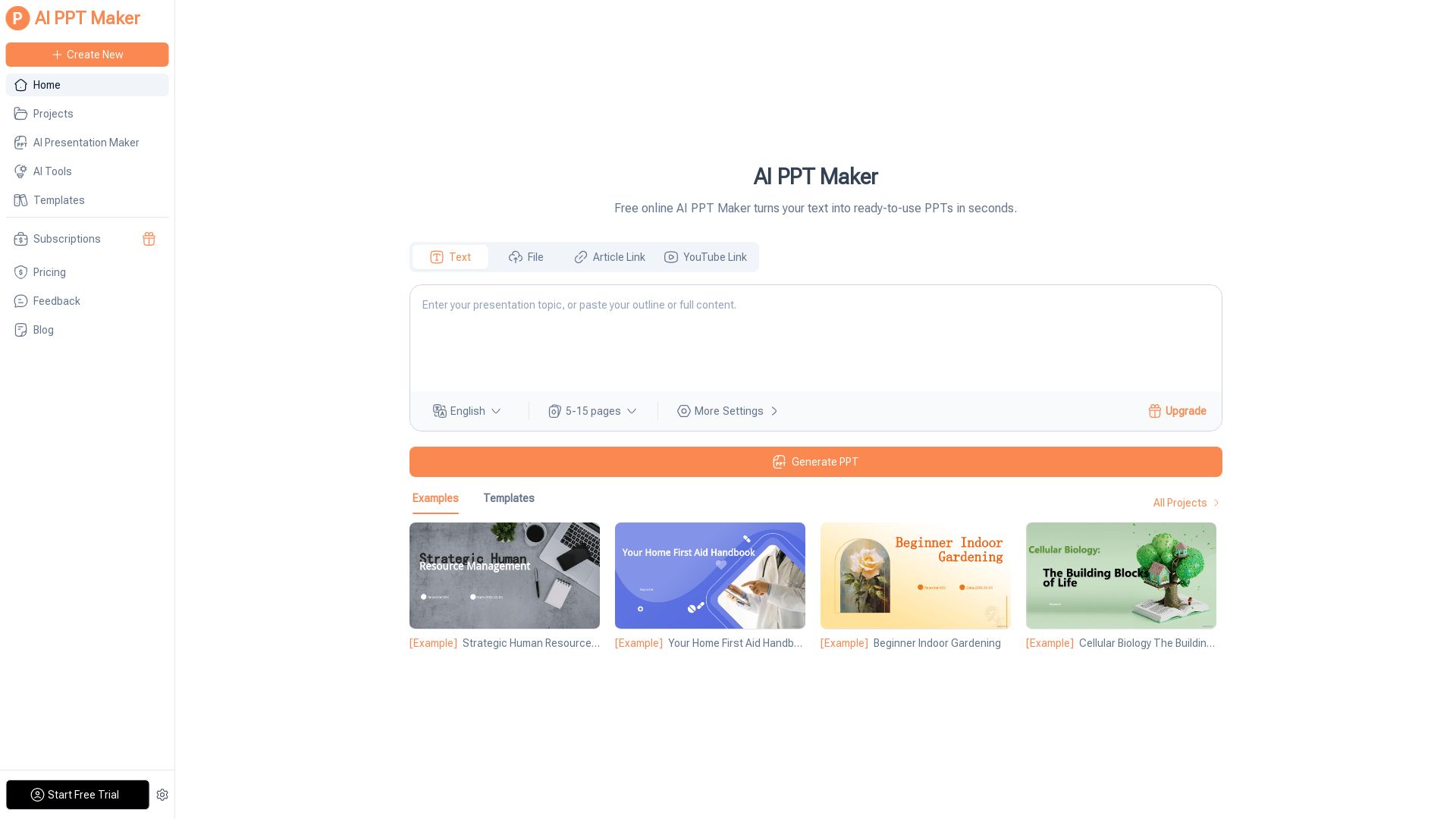
AI PPT Maker
Turn text, PDFs, videos into stunning PPTs in seconds. Free AI-powered tool with templates, customization, and instant download. Try now!

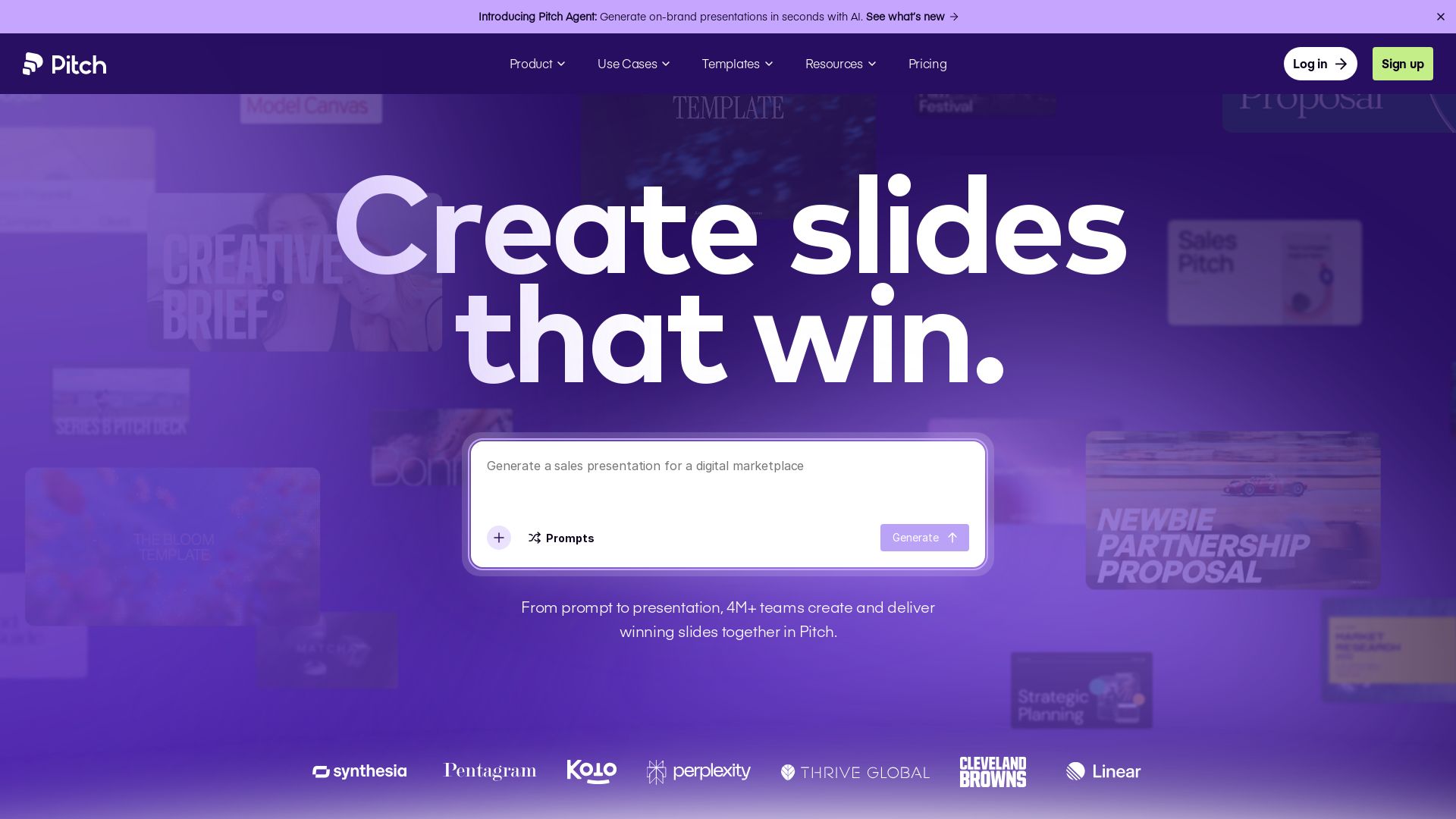
Pitch
Pitch is a presentation workspace where 4M+ teams create stunning slides, collaborate in real time, and track engagement. AI-powered, brand-friendly, and free to start.

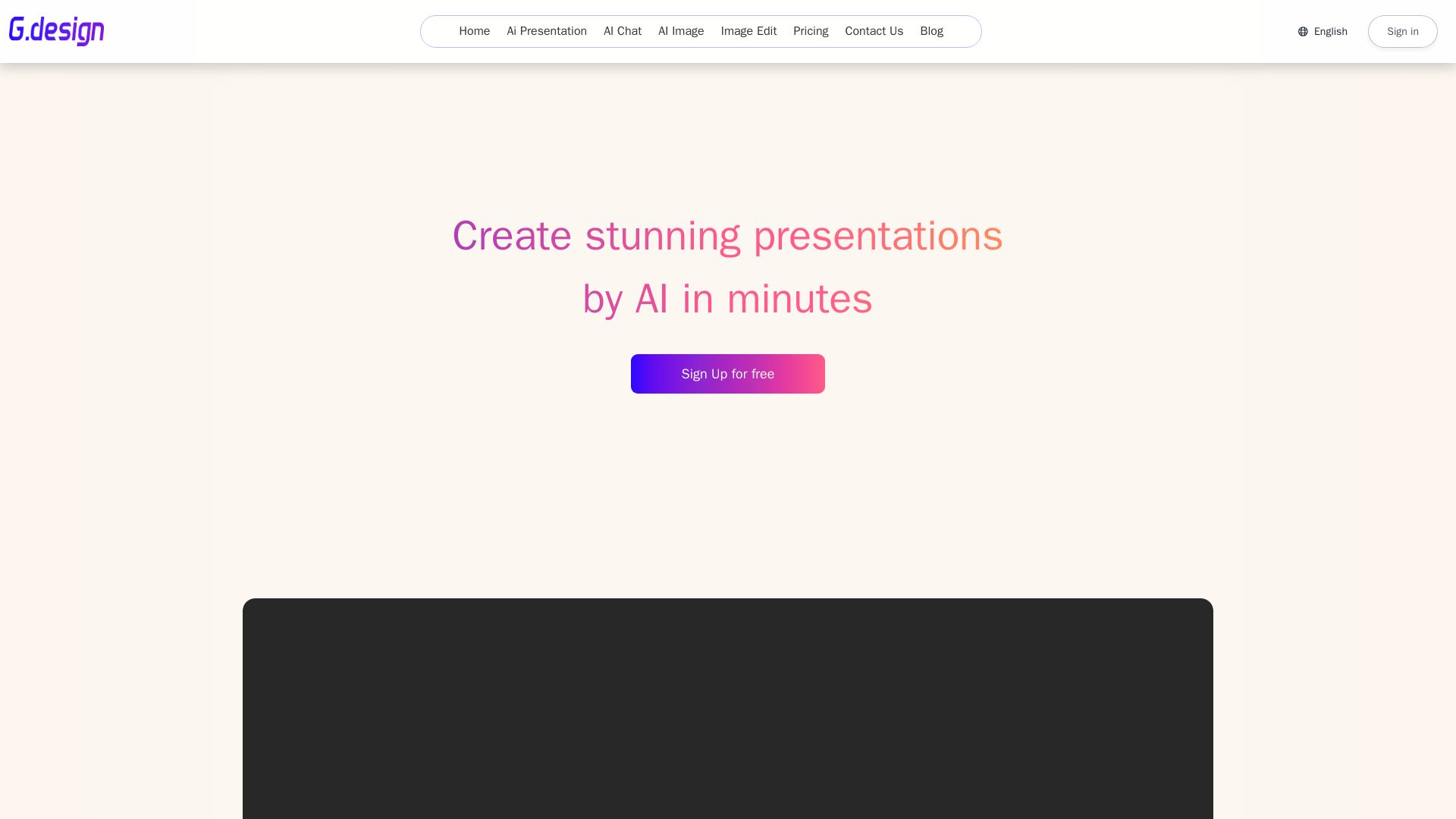
Gamma
Create stunning presentations by AI in 3 minutes. Upload files, convert to PPT, access 1000+ templates. Free trial available.

ℹ️ Curation Disclosure: The overview and features of Tenorshare AI were synthesized using AI and fact-checked by our curation team to ensure accuracy.
