
Presentations.AI
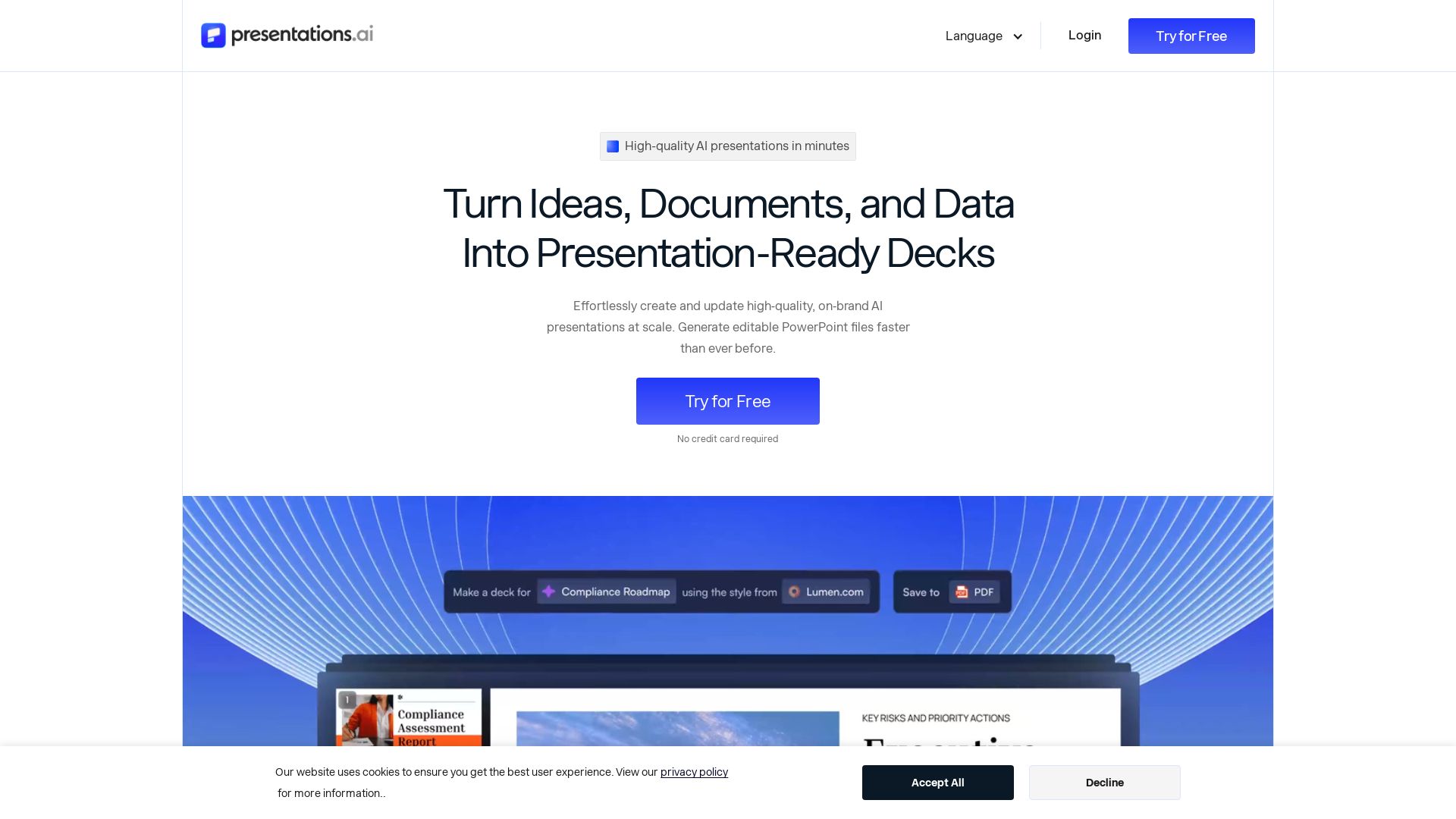
Create professional AI presentations in minutes. Turn ideas, documents, or data into editable PowerPoint slides with instant branding. Trusted by 12M+ teams.

Editor's Verdict
Key Takeaways
- AI Presentation Maker
- AI Slide Creator
- AI Pitch Deck Generator
- ChatGPT for Presentations
In-Depth Review: What is Presentations.AI?
Presentations.AI is an AI presentation platform that transforms text, PDFs, URLs, and data into decision-ready slide decks. It automatically applies your brand, generates structured content, and exports natively to PowerPoint. Features include AI Presentation Maker, Slide Creator, Pitch Deck Generator, data-connected Refresh for live updates, and API for scaling personalized decks. Ideal for sales, marketing, product, and leadership teams. Try free, no credit card required.
Core Features
AI Presentation Maker
End-to-end tool to build a full deck from scratch using a prompt, document, or URL. Automates structure, flow, and design.
AI Slide Creator
Slide-by-slide creator with AI drafting each slide, allowing drag, drop, and manual refinement.
AI Pitch Deck Generator
Pitch-focused version pre-loaded with investor-expected slide order (problem, solution, market, traction, ask).
ChatGPT for Presentations
Bridge for ChatGPT users to paste prompts or conversations and get a finished, on-brand deck.
Presentation Templates
Library of 100+ full-deck templates for specific use cases like sales, board meetings, and product launches.
Slide Templates
Collection of single-slide layouts for specific gaps like timeline, comparison, or team slide.
Brand Sync
Proprietary feature that pulls logo, fonts, and colors automatically from your website URL for instant branding.
Data-Driven Refresh
AI that updates presentations from a master template using live data from Salesforce, HubSpot, Google Sheets, and 50+ other sources.
Scale Generation via API
Generate hundreds of personalized presentations from a single source of truth using REST API, webhooks, or Zapier/Make.
Native PowerPoint Export
Download fully editable .pptx files that open in PowerPoint or Google Slides with no formatting issues.
Pricing
Starter
- 100 credits
- Starter AI model and agent
- Up to 20 slides
Pro
- 5,000 credits (annual)
- Advanced AI features
- High-quality PowerPoint Export
- Presentation tracking & analytics
- Brand customization
- Up to 10 guests
- Custom brand colors and fonts
- 10 MB brand assets storage
- 1 brand voice (coming soon)
Gold
- 50,000 credits (annual)
- Frontier AI models and agents
- All Pro features
- Advanced brand customization
- Shared knowledge base
- Unlimited guests
- Unlimited brand assets storage
- Unlimited brand voices (coming soon)
Pros and Cons
Pros
- Saves TimeCreates professional presentations in minutes, eliminating hours of manual design and formatting.
- Easy BrandingAutomatically applies your brand colors, fonts, and logo using Brand Sync from your website URL.
- Data IntegrationConnects to live data sources to keep presentations up-to-date without manual updates.
- Versatile InputsAccepts text, PDFs, Word docs, URLs, Google Docs, Excel files, and even ChatGPT conversations.
- ScalableGenerates hundreds of personalized decks via API, suitable for sales proposals and client reports at scale.
Cons
- Credit-Based SystemUsage is limited by credits; higher-tier plans or frequent use can become costly.
- AI LimitationsAI may sometimes generate content that lacks nuance or requires significant editing for specific contexts.
- Learning CurveNew users may need time to understand features like Refresh and API integration.
- Design ControlWhile branding is automated, granular design control (e.g., exact element positioning) may be limited compared to manual tools.
- Annual Billing RequiredPro and Gold plans are billed annually, which may be a commitment for some users.
Use Cases & Recommended Professions
Founders→ View Toolkit
Quickly create investor pitch decks and business presentations without design expertise.
Sales Professionals→ View Toolkit
Generate personalized proposals and data-driven decks for prospects instantly.
Marketers→ View Toolkit
Produce on-brand presentations for campaigns, product launches, and client meetings efficiently.
Product Managers→ View Toolkit
Turn product specs and data into clear presentations for stakeholders and teams.
Consultants→ View Toolkit
Build professional client reports and recommendations with up-to-date data integration.
Customer Success Managers→ View Toolkit
Create tailored presentations for client onboarding, reviews, and renewal discussions.
Frequently Asked Questions
Alternative AI Tools
View Detailed Comparison →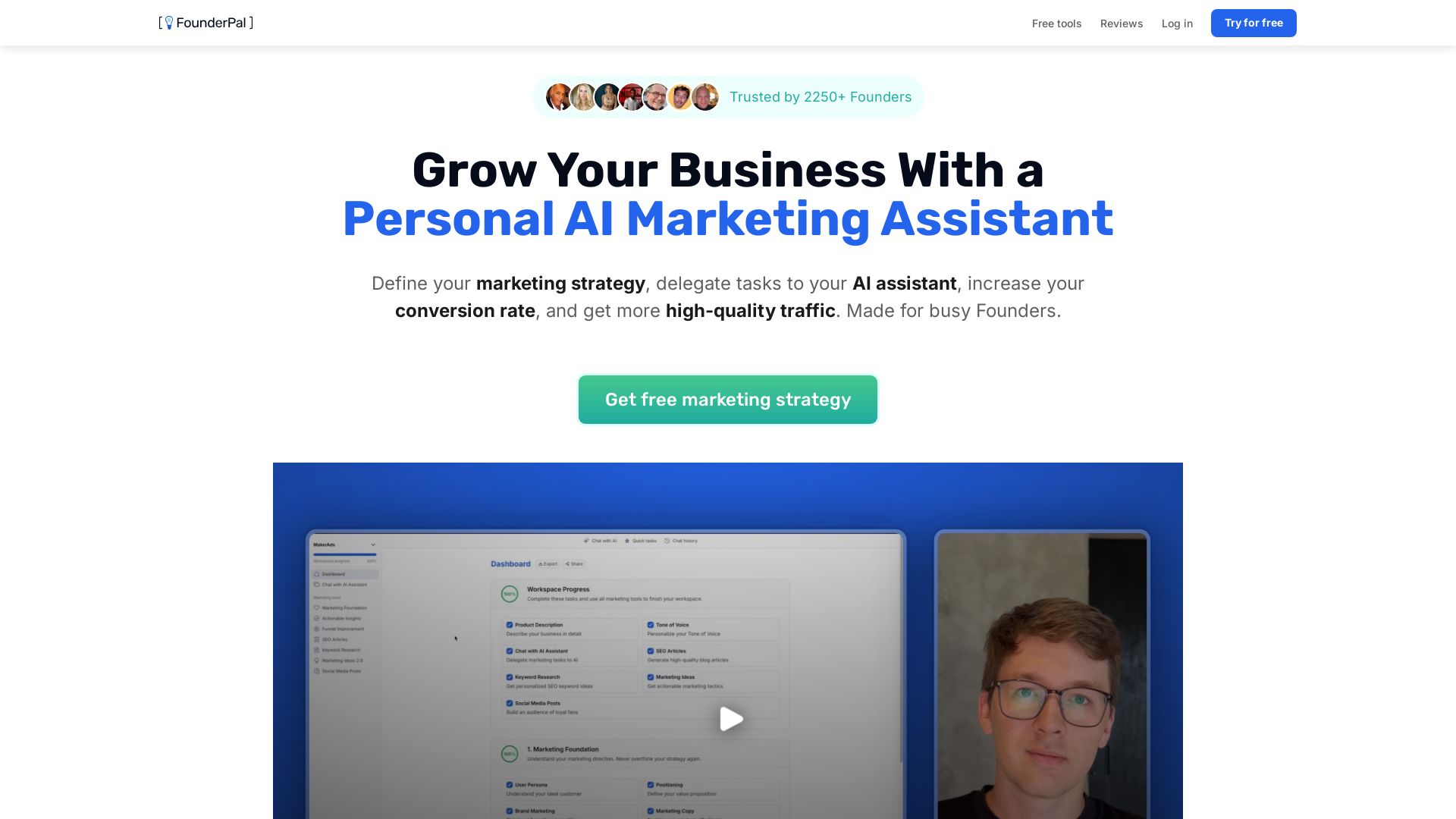
FounderPal
Trusted by 2250+ founders. Get a personal AI marketing assistant to define strategy, delegate tasks, boost conversions. Save 100+ hours/month. Try free.


AIGenerator
Plan, launch, and grow your business with AI. Generate business plans, ads, and content in minutes. Free to start.


Marketing Titan
Replace HubSpot, ZoomInfo, Hootsuite & Jasper with 180+ AI agents & Darwin AI. Save $50K+/yr. Start free trial.


Presentation Maker AI
Create professional presentations in minutes with our AI presentation maker. Ideal for students, teachers, and businesses. No design skills needed. Try free!

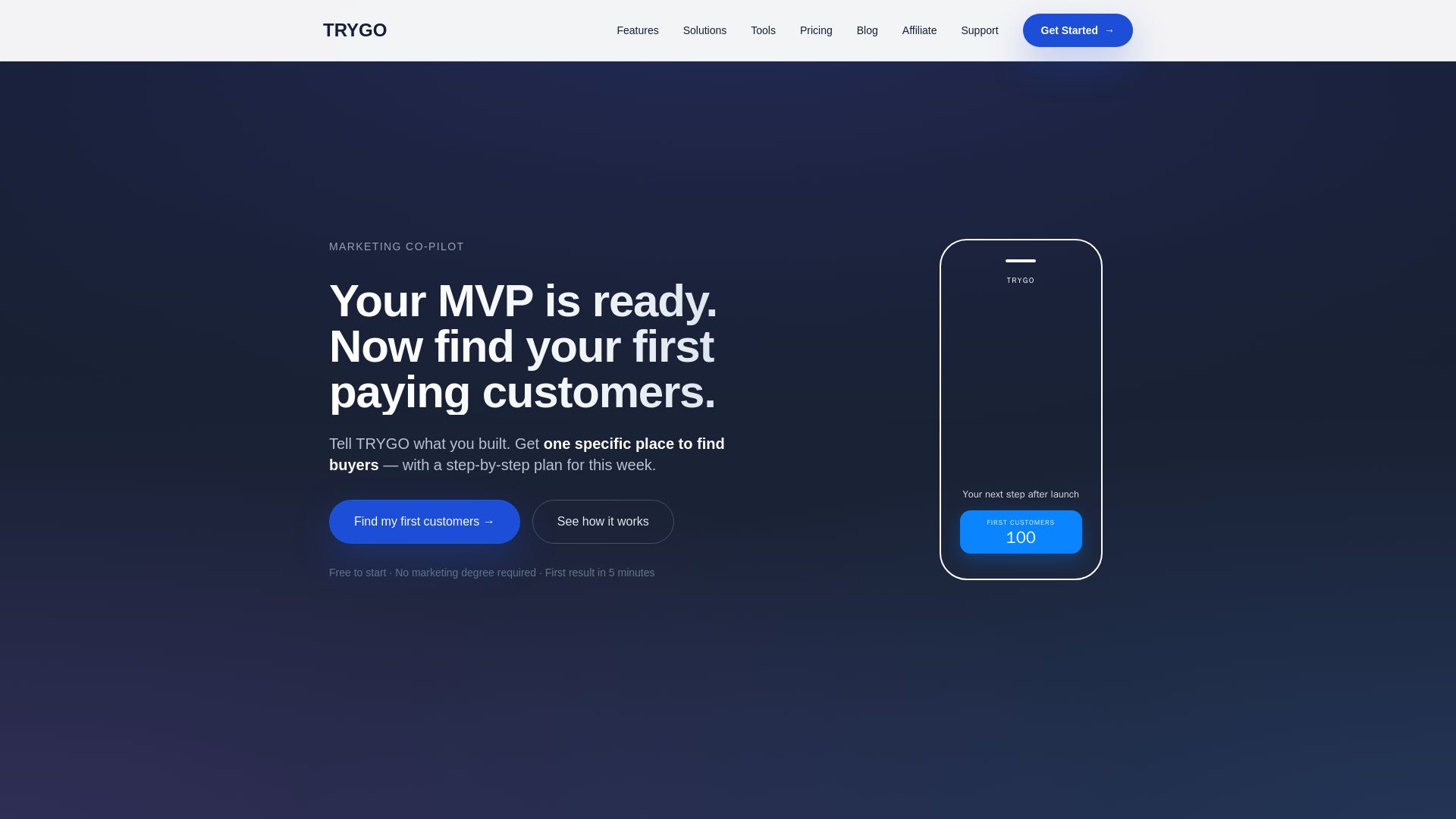
TRYGO
Find your first paying customers with AI-driven marketing strategy, channel recommendations, and GTM plans. Free to start.


Marketing Mary
Unify research, creation, publishing & optimization with one AI Co-Pilot. Works in your existing stack. Join 500+ leaders on the waitlist.

PrometAI
Generate investor-ready business plans in minutes with PrometAI's AI. Trusted by 100,000+ founders. Start for free, no guesswork.

Neil Patel
Get a free SEO + AI visibility audit. Global ad agency helping businesses succeed with digital marketing, SEO, content, and innovative tools.

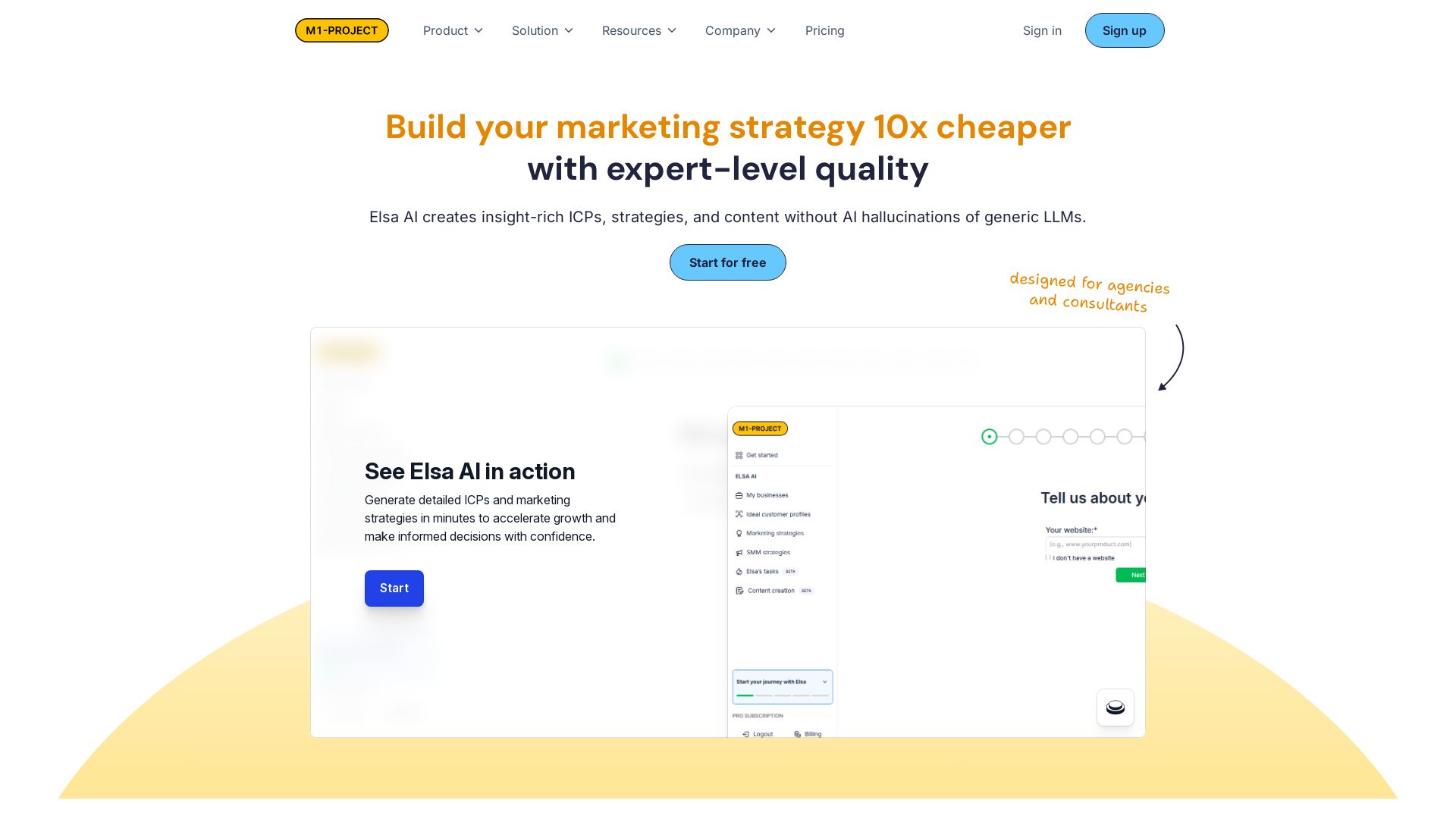
Elsa AI
Create insight-rich ICPs, marketing strategies, and content 10x cheaper than generic LLMs. Trusted by agencies and consultants. Start for free.

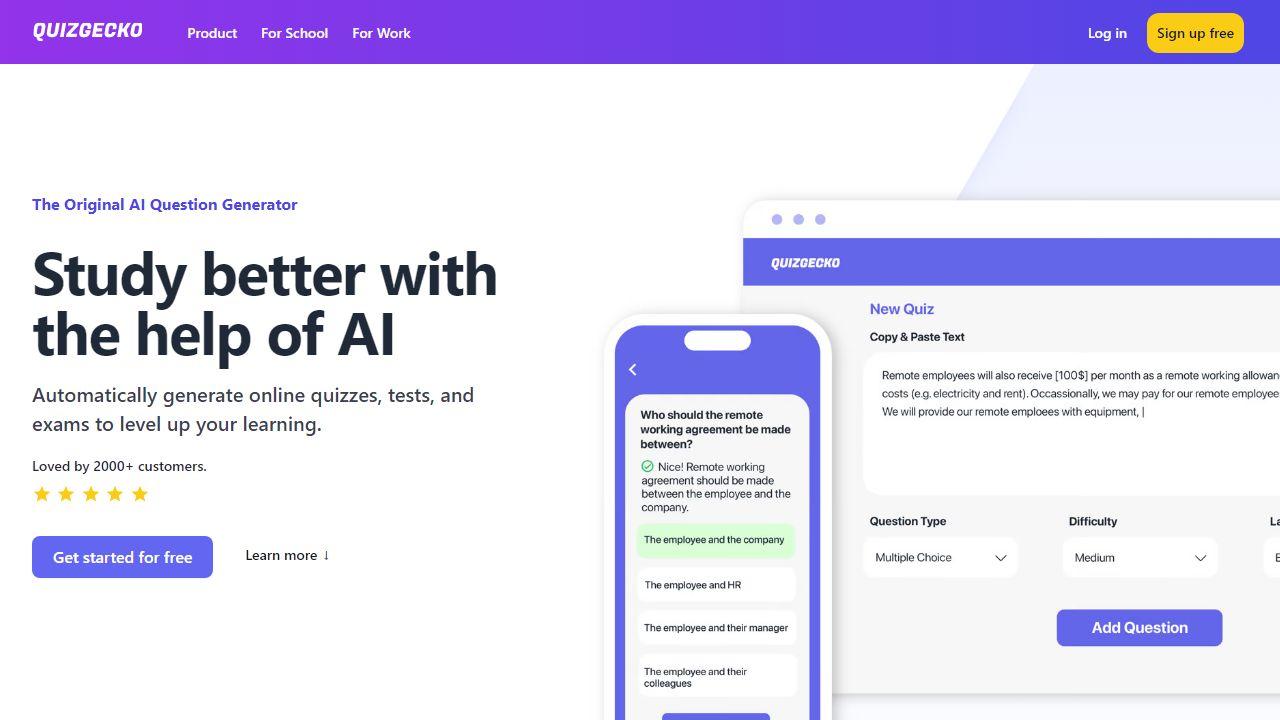
Presenti
Turn text, Word, PDF, Markdown & mindmaps into stunning slides in minutes. AI-powered design. 60% off Pro plan – only $8/month. Start free.

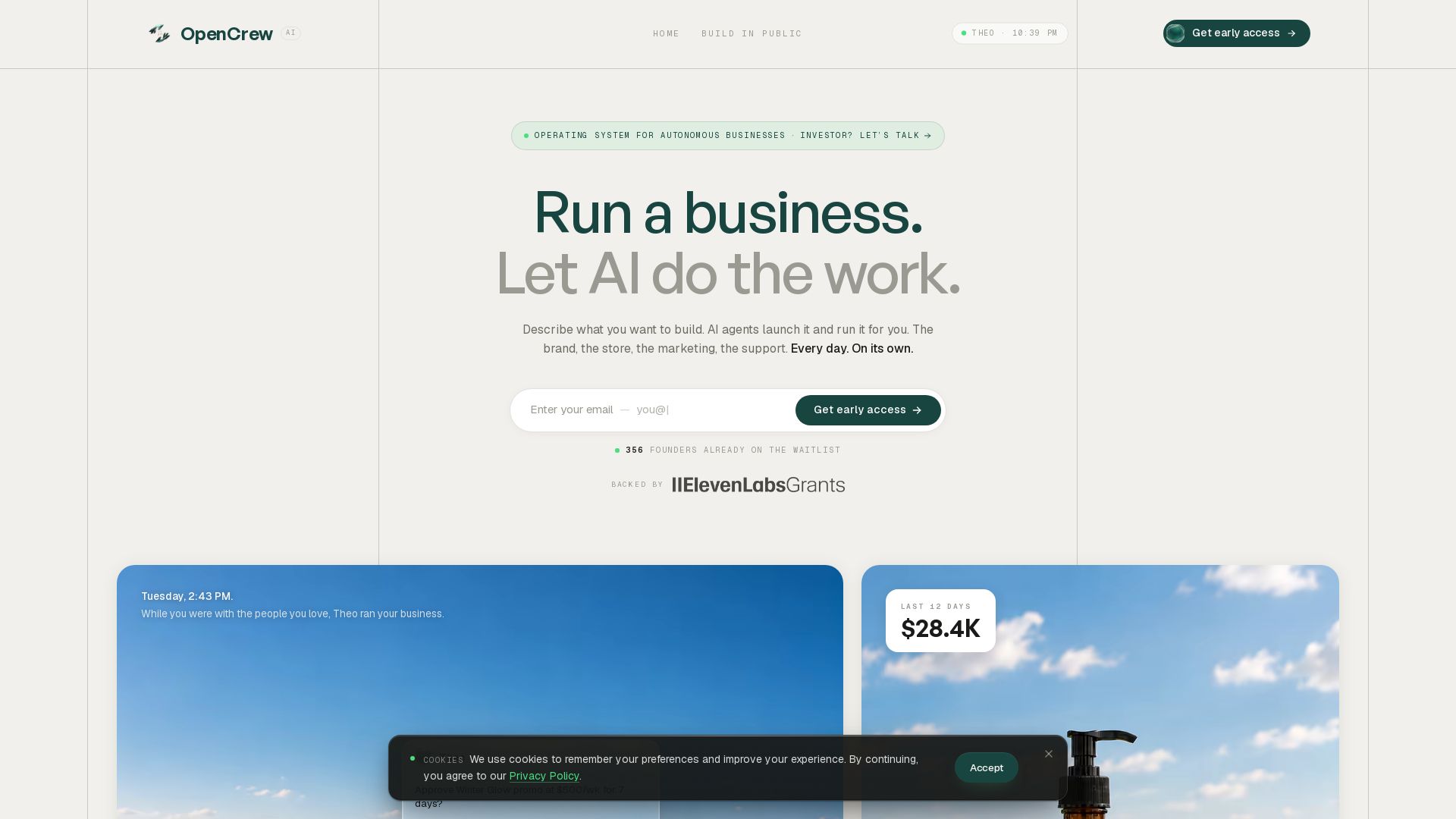
OpenCrew AI
Describe your idea. AI agents launch your brand, store, marketing, and support. You make key decisions. Join 356 founders on waitlist.


SlideSpeak
Turn PDFs, Word docs, and ideas into professional PowerPoint slides in minutes. AI-powered editor, video, and branding. Trusted by 1M+ users.

ℹ️ Curation Disclosure: The overview and features of Presentations.AI were synthesized using AI and fact-checked by our curation team to ensure accuracy.