
Moda
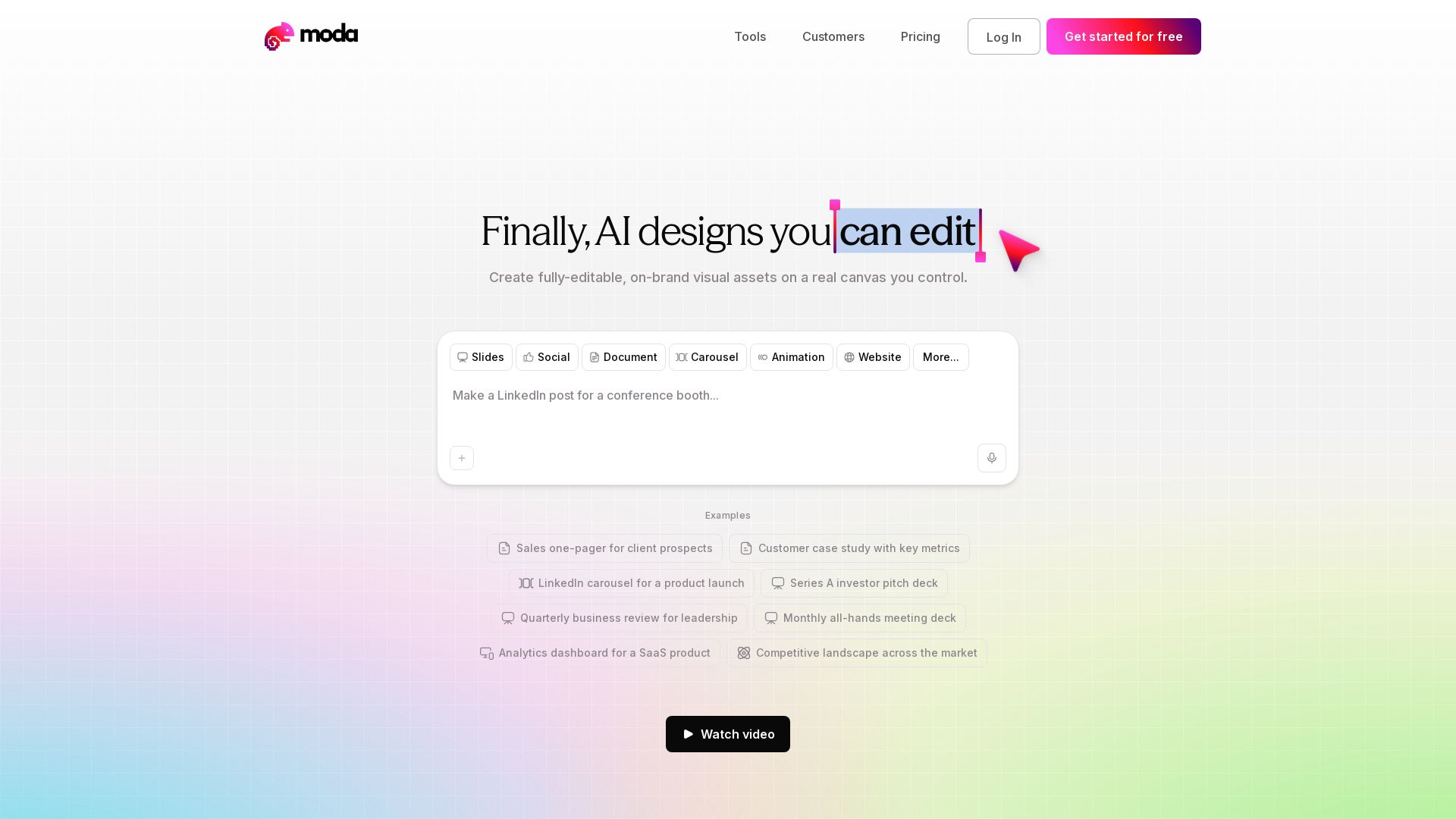
Create fully-editable, on-brand visual assets with AI. Slides, social posts, documents, and more. Save time, cut costs, and drive leads.
Editor's Verdict
Key Takeaways
- AI-Powered Design
- Slide Deck Designer
- Social Posts & Motion Graphics
- Real-Time Collaboration
In-Depth Review: What is Moda?
Moda is an AI-powered design platform that lets you create stunning, fully-editable visual assets on a real canvas. Unlike other AI tools, you retain full control over every element. Perfect for slides, social media posts, documents, carousels, animations, and websites. Trusted by thousands of teams, Moda saves time and money compared to agencies, while ensuring brand consistency. With features like on-brand templates, intuitive editing, and AI assistance, you can produce Fortune-500-ready assets in minutes. Start for free and transform your go-to-market content.
Core Features
AI-Powered Design
Create fully-editable, on-brand visual assets on a real canvas with AI assistance, ensuring professional quality and control.
Slide Deck Designer
Design and customize slide decks with custom themes, layouts, and AI-generated content for presentations.
Social Posts & Motion Graphics
Generate social media graphics, carousels, and animated visuals optimized for various platforms.
Real-Time Collaboration
Work simultaneously with team members on the same design project, enabling efficient teamwork.
API & MCP Integration
Integrate Moda's AI design capabilities into your workflow via API or MCP for automated asset generation.
Charts & Visualizations
Easily create data-driven charts and visualizations to include in documents and presentations.
Pricing
Free
- 1,500 AI credits / seat / month
- Up to 10 members
- Standard & Lite design models
- Customize designs to your brand
- Slide deck designer & custom themes
- Social posts & motion graphics
- Charts & visualizations
- UI designer
- Real-time collaboration
- API & MCP (up to 3 concurrent tasks)
- Deep research (beta - request access)
- Community support
Pro
- 6,000 AI credits / month
- Everything in Free, plus:
- Unlimited members
- API & MCP (up to 10 concurrent tasks)
- Pro design model
- Pool credits across teammates
- Email support
Ultra
- 20,000 AI credits / month
- Everything in Pro, plus:
- Organizations & teams
- Shared team workspaces
- API & MCP (up to 15 concurrent tasks)
- Unlimited brand kits
- SSO / SAML authentication
- Priority support
Pros and Cons
Pros
- Saves TimeAI-powered design reduces creation time from days to hours or minutes, as noted by users.
- Fully Editable & On-BrandAssets are editable on a real canvas with full control, ensuring alignment with brand guidelines.
- User-FriendlyEasier than alternatives like Canva, Gamma, or Nano Banana, with intuitive interface for non-designers.
- Versatile OutputsSupports slides, social posts, documents, carousels, animations, websites, and more.
- Collaboration FeaturesReal-time collaboration and shared workspaces enable team efficiency.
Cons
- AI Credit LimitationsFree tier has limited credits (1,500/seat/month), which may restrict heavy usage.
- Learning Curve for Complex FeaturesAdvanced features like API integration and custom themes may require initial learning.
- No Offline ModeRequires internet connection as it is a web-based application.
- Limited Free Plan MembersFree plan is capped at 10 members, which may not suit larger teams.
- Credits Do Not Roll OverUnused monthly credits are forfeited, potentially leading to waste.
Use Cases & Recommended Professions
Chief of Staff→ View Toolkit
Need to quickly create branded internal and external documents, presentations, and assets for leadership.
Salesperson→ View Toolkit
Use to generate professional one-pagers, case studies, and proposals that drive leads.
Marketing Manager→ View Toolkit
Design social media posts, carousels, and ad creatives efficiently for campaigns.
CEO / Founder→ View Toolkit
Create investor pitch decks, all-hands decks, and business reviews with polished visuals.
Mortgage Broker→ View Toolkit
Produce beautiful Instagram carousels and client-facing materials quickly.
Growth Director→ View Toolkit
Design analytics dashboards and competitive landscape visuals for strategic reports.
Frequently Asked Questions
Alternative AI Tools
View Detailed Comparison →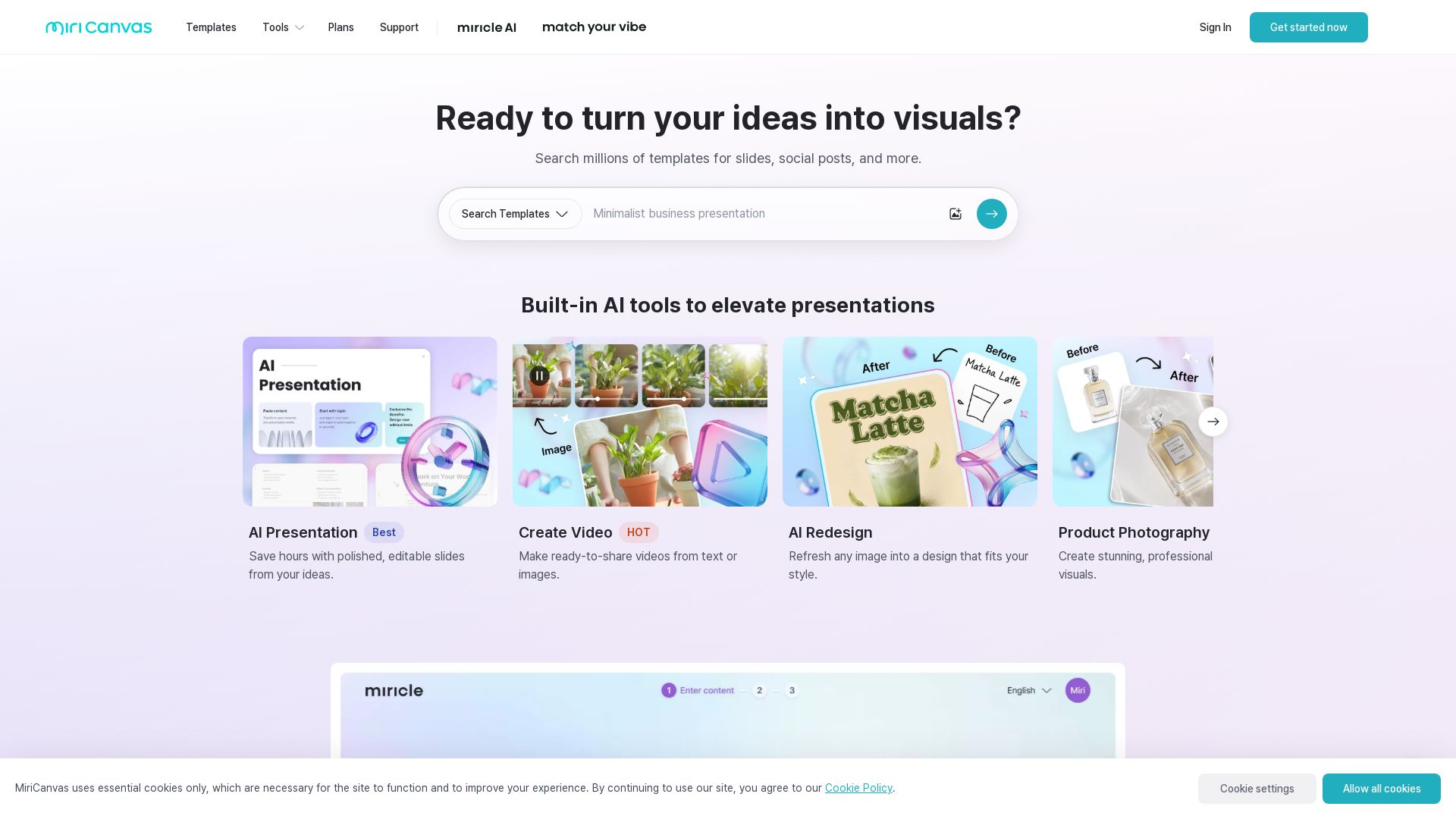
MiriCanvas
Create stunning presentations, videos, and social graphics with MiriCanvas AI. Over 530K templates, 10M+ elements. Try free!


Prezi
Prezi AI creates studio-quality presentations from your ideas. Describe or upload, get a polished deck in seconds. Refine via chat, export as PPTX or PDF. No design skills needed.


Figma
Figma is the intelligent, AI-native canvas for designing, prototyping, and building products together. Trusted by 95% of Fortune 500. Explore design and dev tools.


Superdesign
Create stunning designs with AI. Iterate quickly using natural language. Export production-ready code. Browse design prompts and styles.


Presentation Maker AI
Create professional presentations in minutes with our AI presentation maker. Ideal for students, teachers, and businesses. No design skills needed. Try free!


Figma Console MCP
Connect AI to Figma for design extraction, token sync, and component creation. Turn your design system into a programmable API.


SlidesAI
Create beautiful presentations from notes, prompts, or docs with SlidesAI. Works in Google Slides, PowerPoint, ChatGPT & web. Save 85% time.


SlideSpeak
Turn PDFs, Word docs, and ideas into professional PowerPoint slides in minutes. AI-powered editor, video, and branding. Trusted by 1M+ users.


UX Pilot
Ideate, design, and hand-off web apps in seconds with UX Pilot's AI. Generate wireframes, hi-fi designs, and clean code. Trusted by 1M+ users.


AIDesigner
Create premium UI, logos, brand kits, and more with AIDesigner. No design experience needed. Free to try, no credit card required. Join 15,000+ users.

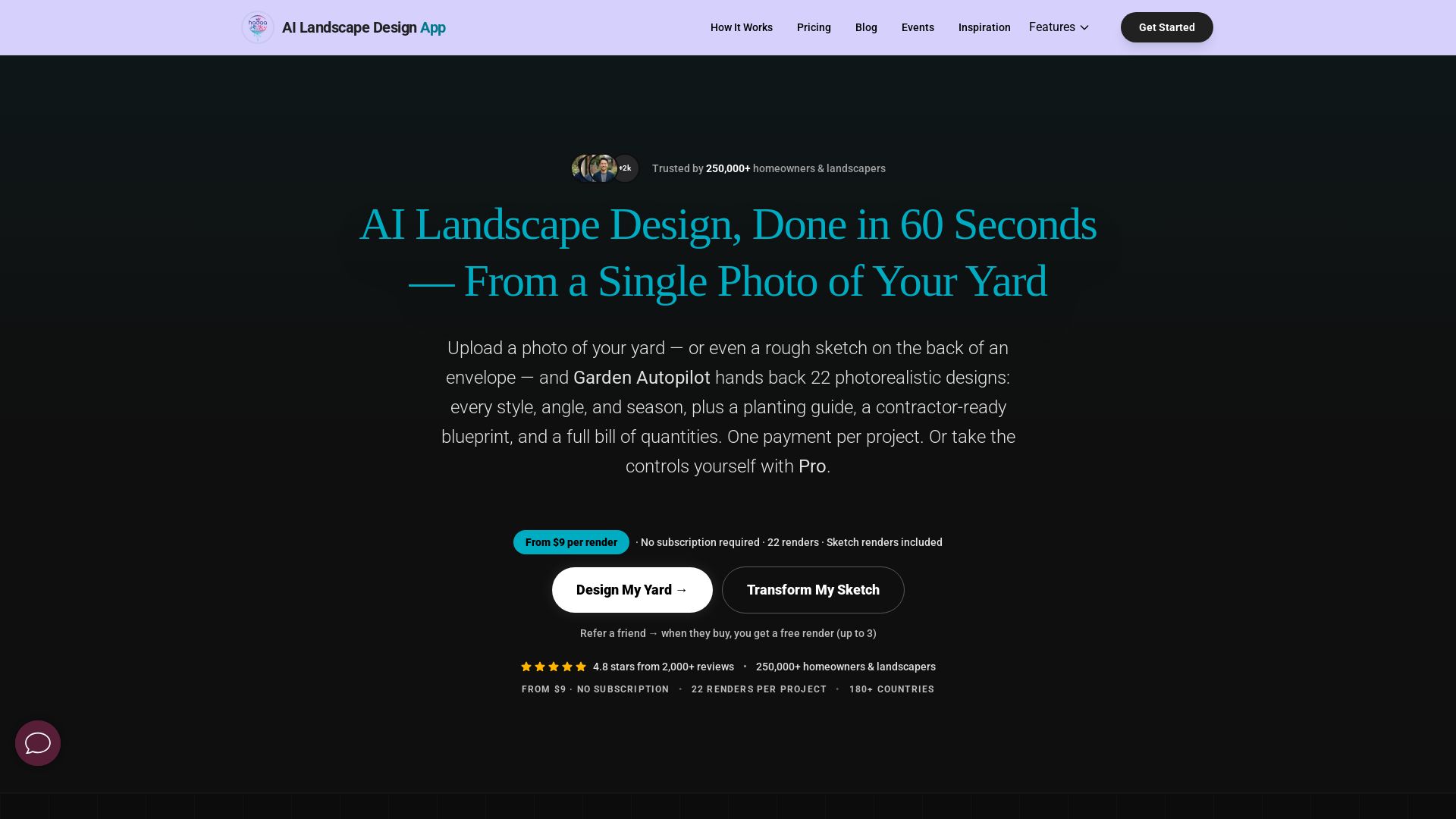
AI Garden Design vs Hadaa: Features & Pricing (2026)
Upload a photo or sketch, get 22 photorealistic designs, planting guide, blueprint & BOQ. Pay per project, no subscription.

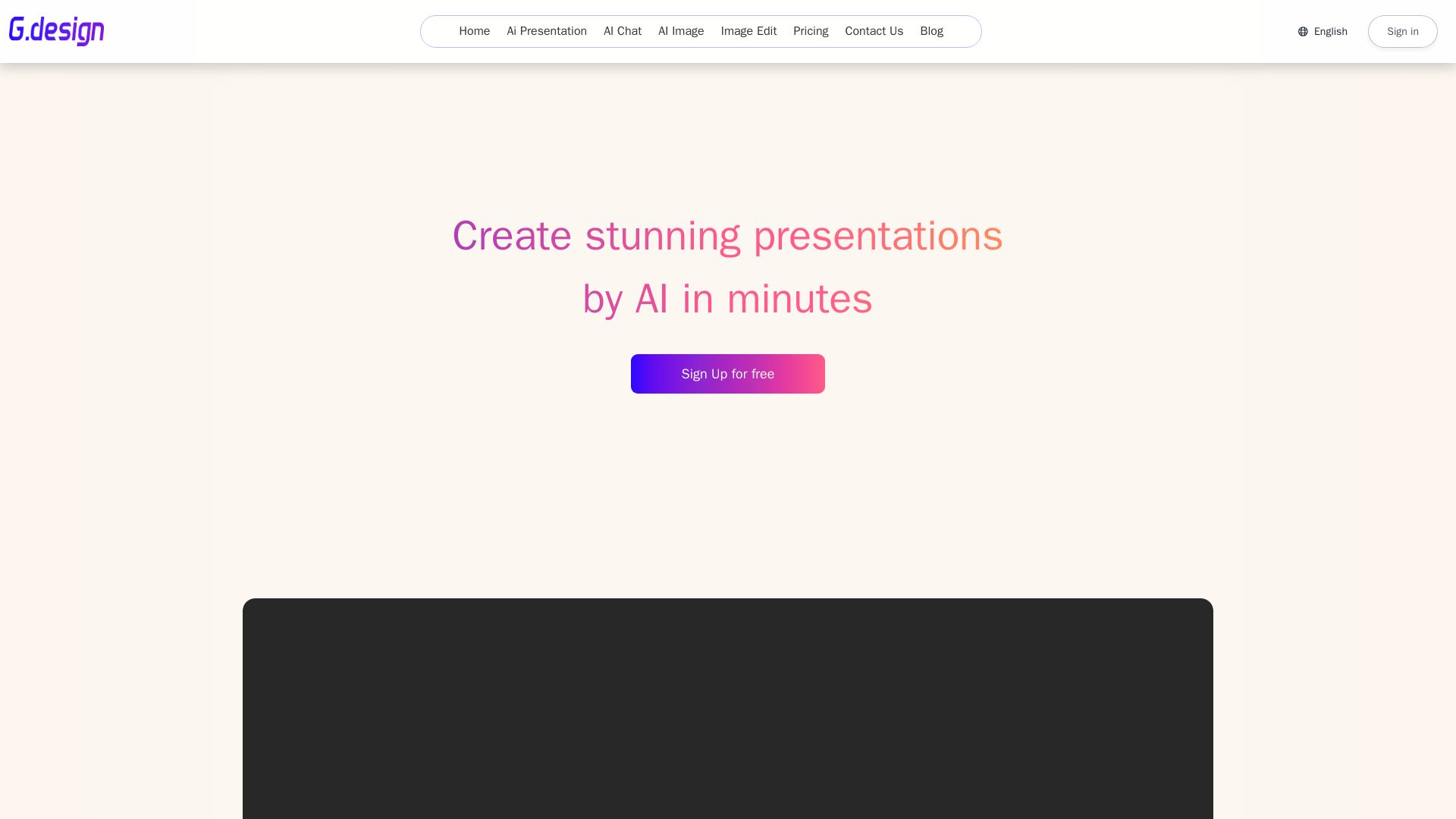
Gamma
Create stunning presentations by AI in 3 minutes. Upload files, convert to PPT, access 1000+ templates. Free trial available.

ℹ️ Curation Disclosure: The overview and features of Moda were synthesized using AI and fact-checked by our curation team to ensure accuracy.
