
Fotor
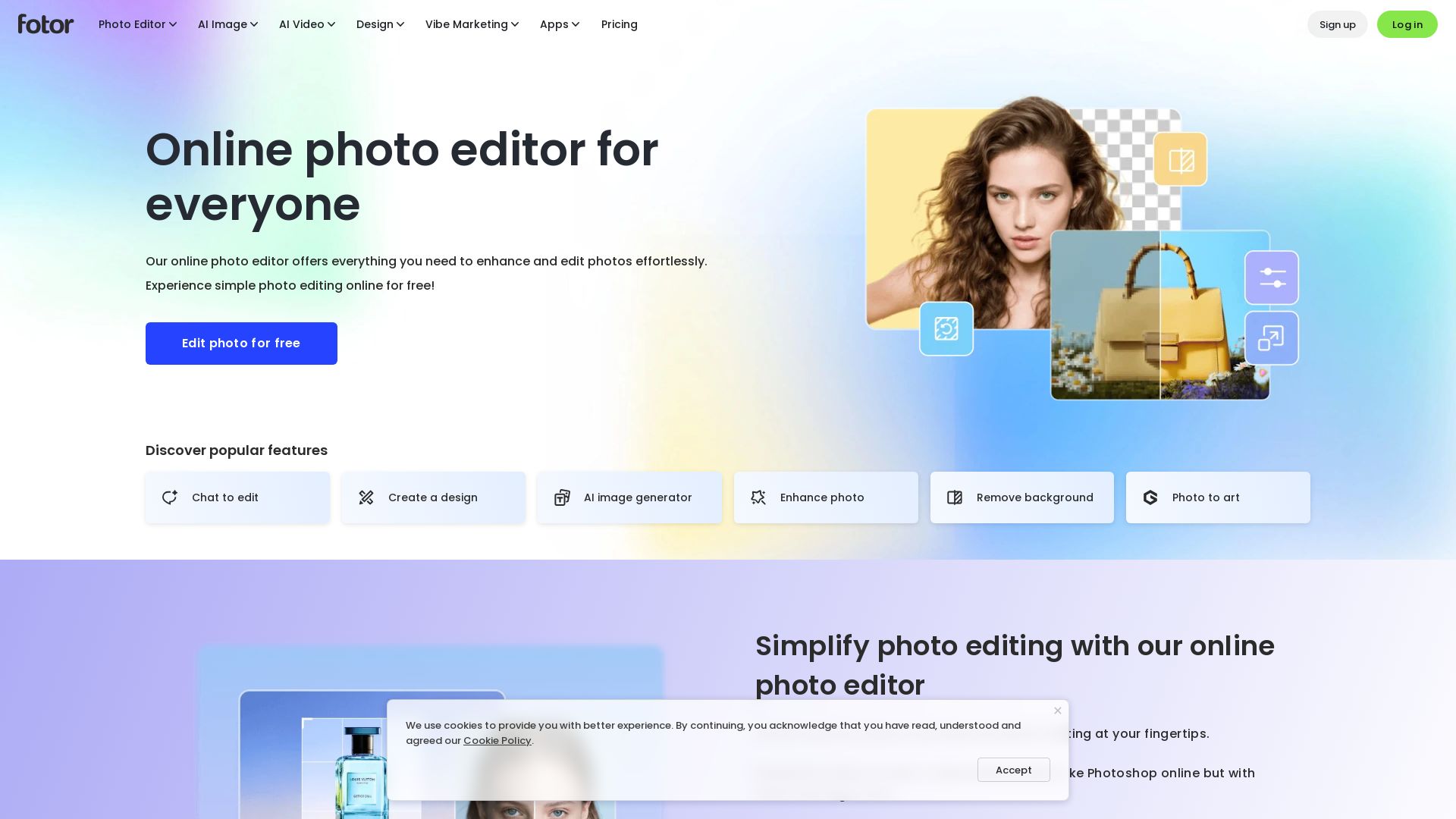
Edit photos online for free with Fotor's AI-powered tools: enhance, remove background, generate images, and more. Easy-to-use photo editor for everyone.



Editor's Verdict
Key Takeaways
- AI Photo Enhancer
- AI Background Remover
- AI Object Remover
- Text to Image
In-Depth Review: What is Fotor?
Fotor is a powerful and easy-to-use online photo editor that combines traditional editing tools with advanced AI features. Enhance photo quality, remove backgrounds, erase unwanted objects, generate art from text, and create collages—all for free. With a sleek interface and batch editing, Fotor makes professional photo editing accessible to everyone, anywhere on any device.
Core Features
AI Photo Enhancer
Improve photo quality in one click with automatic lighting adjustment, unblurring, and detail enhancement.
AI Background Remover
Remove image backgrounds in 3 seconds and replace with new ones seamlessly.
AI Object Remover
Remove unwanted objects, photobombers, text, or stamps from photos without leaving a trace.
Text to Image
Generate stunning AI art from text descriptions, including realistic photos, logos, 3D characters, and digital illustrations.
AI Replace
Add or replace objects in photos with a text prompt; AI blends new elements seamlessly into the image.
AI Expand
Extend photos beyond their borders using AI outpainting to create seamless expansions for different aspect ratios or more visual content.
AI Avatar
Transform selfies into a variety of AI avatars, from professional headshots to creative profile pictures.
Photo Filters and Effects
Apply diverse filters and effects, including vintage, black & white, sepia, bokeh blur, and AI-powered cartoon, anime, or sketch transformations.
Batch Photo Editing
Edit multiple photos at once with batch editing tools to save time and increase productivity.
Photo Collage
Combine multiple photos into customizable collages using templates, layouts, and grids.
Millions of Presets
Access an extensive library of hi-res stock photos, stickers, icons, backgrounds, and stylish fonts.
Simple and Powerful Editing
Robust photo editing tools for basic adjustments and advanced retouching, with an easy-to-learn interface.
Pricing
Fotor Basic
- Limited Free credits
- 1 concurrent generation
- 2 chats with AI Agent
- 1 AI Agent task
- Basic editing tools
- Basic templates & collage
- Limited effects, fonts, elements
- 30-Day Creation Storage Duration
- 512MB Cloud Storage & Device Sync
- Watermarked JPG, PNG & PDF Exports
Fotor Pro
- Credits per month (amount unspecified)
- 10 concurrent generations
- 1,000 chats with AI Agent
- 2 AI Agent tasks
- 100+ Editing Tools
- 20+ AI Portrait Retouch
- 100,000+ Templates & Assets
- 1,000+ Premium Effects & Fonts
- Exclusive AI Model Access
- Unlock Exclusive Custom, AI, and Voice Styles
- Unlimited Creation Storage Duration
- 2GB Cloud Storage & Device Sync
- HD & Transparent PNG, Watermark-Free
Fotor Pro+
- Credits per month (amount unspecified)
- 30 concurrent generations
- 2,000 chats with AI Agent
- 5 AI Agent tasks
- 100+ Editing Tools
- 20+ AI Portrait Retouch
- Exclusive AI Batch Edit: BG Remover & Replacement
- Multiple Brand Kits
- AI slides generation
- 100,000+ Templates & Assets
- 1,000+ Premium Effects & Fonts
- Exclusive AI Model Access
- Unlock Exclusive Custom, AI, and Voice Styles
- Unlimited Creation Storage Duration
- 100GB Cloud Storage & Device Sync
- HD & Transparent PNG, Watermark-Free
Pros and Cons
Pros
- Easy to UseThe interface is sleek and intuitive, making photo editing accessible even for non-tech-savvy users.
- Time-Saving AI ToolsAI-powered features like background removal, object removal, and photo enhancement drastically reduce editing time.
- Professional ResultsUsers can achieve high-quality, professional-grade edits without prior experience or expensive software.
- Comprehensive Feature SetFrom basic adjustments to advanced AI generation, the platform offers a wide range of tools for various needs.
- Cross-Platform AvailabilityAvailable on web, iOS, Android, Windows, and Mac, allowing seamless editing anywhere.
Cons
- Free Plan WatermarksThe free plan exports watermarked images, which may be a limitation for professional use.
- Limited Cloud Storage on Free PlanThe free plan includes only 512MB of cloud storage, which may be insufficient for heavy users.
- Credit System ComplexityPaid plans use a credit system that can be confusing, and exact prices are not transparently listed on the page.
- No Offline ModeThe photo editor primarily operates online, requiring an internet connection for most features.
- Learning Curve for Advanced FeaturesWhile basic editing is simple, some advanced AI tools may require experimentation to master.
Use Cases & Recommended Professions
Content Creator→ View Toolkit
Needs to quickly edit and enhance photos for social media, blogs, and marketing materials without extensive design skills.
Entrepreneur→ View Toolkit
Requires time-efficient photo editing for business branding, product images, and online presence.
Blogger→ View Toolkit
Relies on customizable templates, stock photos, and easy editing to create visually appealing blog posts.
Photographer→ View Toolkit
Can use AI enhancer, background remover, and batch editing to streamline workflow and edit portfolios.
Social Media Manager→ View Toolkit
Needs to produce consistent, high-quality visuals across platforms with features like AI avatars, filters, and collage.
Graphic Designer→ View Toolkit
Leverages AI tools for rapid prototyping, object replacement, and expanding creative possibilities.
Frequently Asked Questions
Alternative AI Tools
View Detailed Comparison →
Pixlr
Edit, generate, and design with Pixlr's free AI photo editor. Transform photos, create images from text, and more – all in your browser. No download needed.


Superdesign
Create stunning designs with AI. Iterate quickly using natural language. Export production-ready code. Browse design prompts and styles.

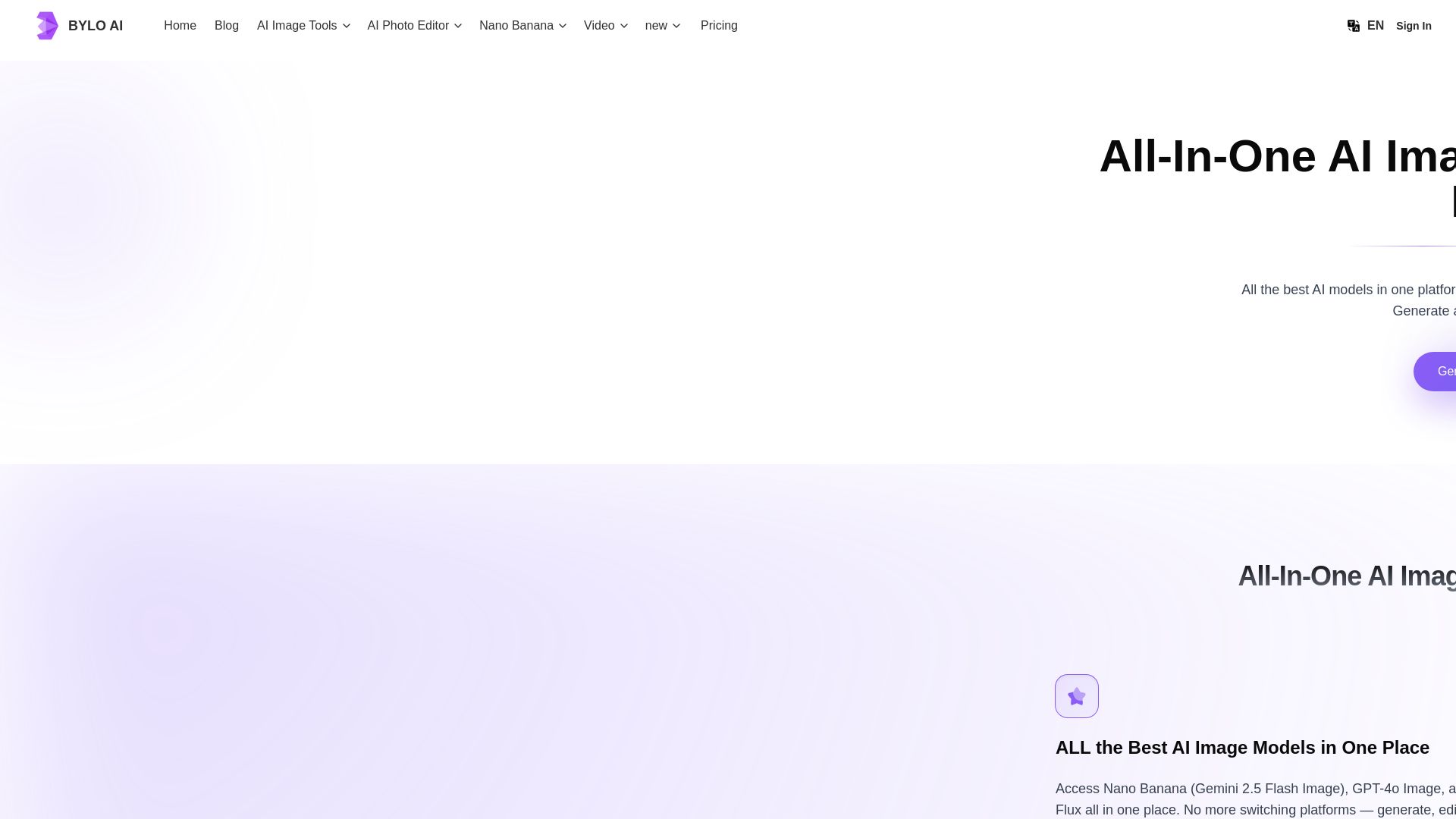
Bylo AI
Generate stunning images with GPT-4o, Gemini Nano Banana, Flux AI. Edit photos, apply Ghibli style, remove backgrounds. Free online tool.


Figma Console MCP
Connect AI to Figma for design extraction, token sync, and component creation. Turn your design system into a programmable API.

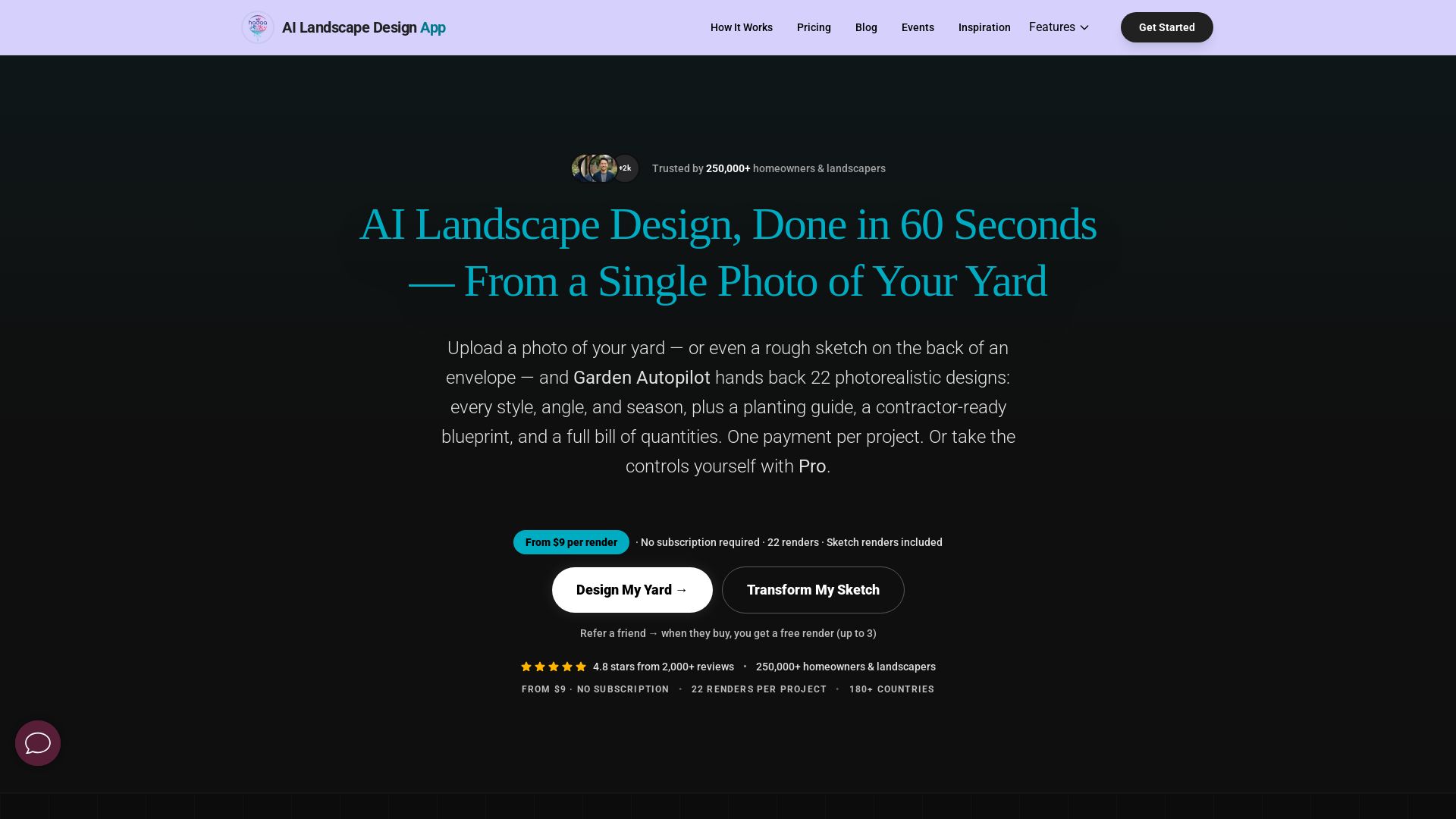
AI Garden Design vs Hadaa: Features & Pricing (2026)
Upload a photo or sketch, get 22 photorealistic designs, planting guide, blueprint & BOQ. Pay per project, no subscription.


UX Pilot
Ideate, design, and hand-off web apps in seconds with UX Pilot's AI. Generate wireframes, hi-fi designs, and clean code. Trusted by 1M+ users.

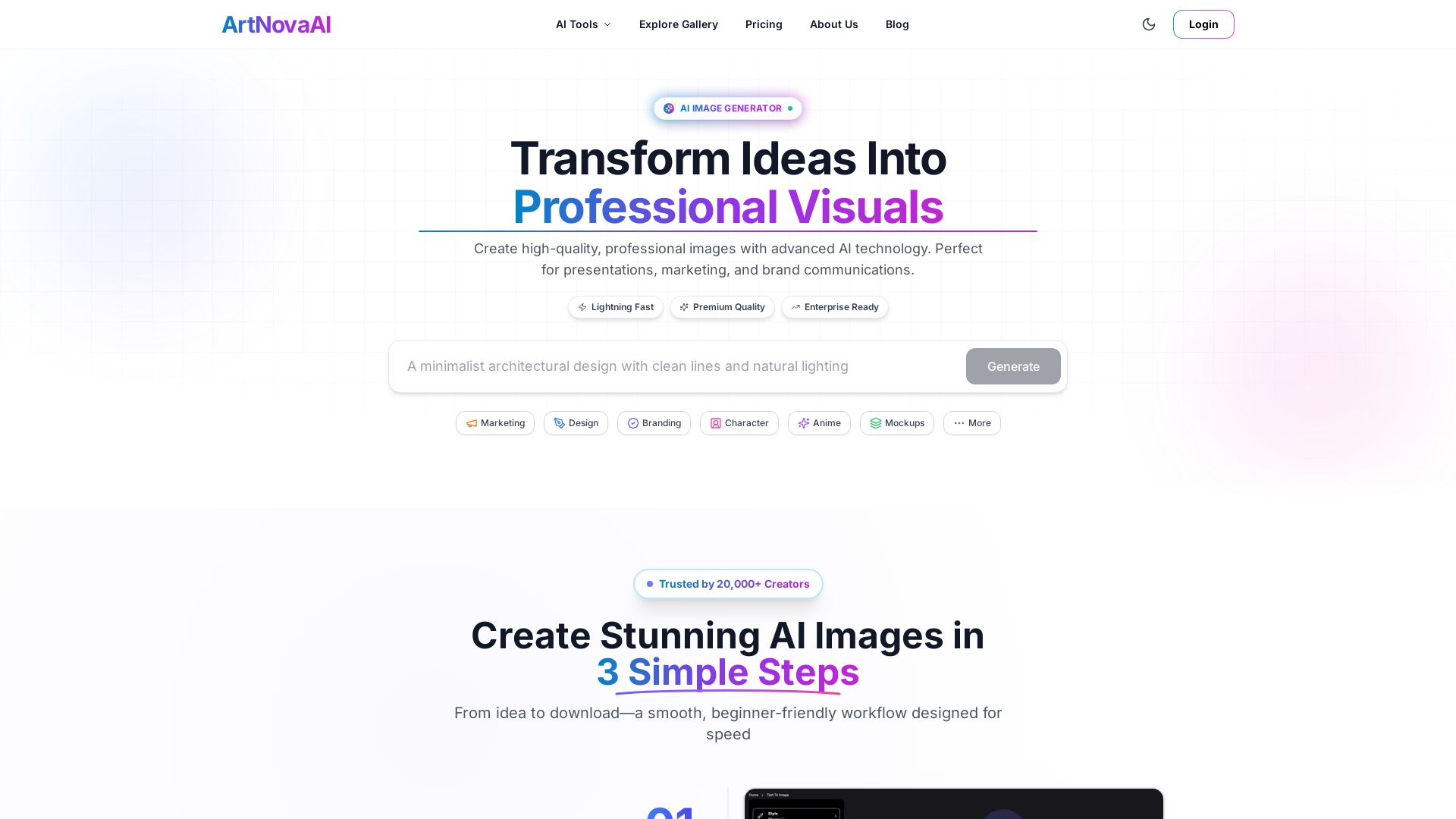
ArtNovaAI
Create high-quality AI images in seconds with full commercial rights. No Discord needed. Text to image, editing, upscaling. Trusted by 20,000+ creators.

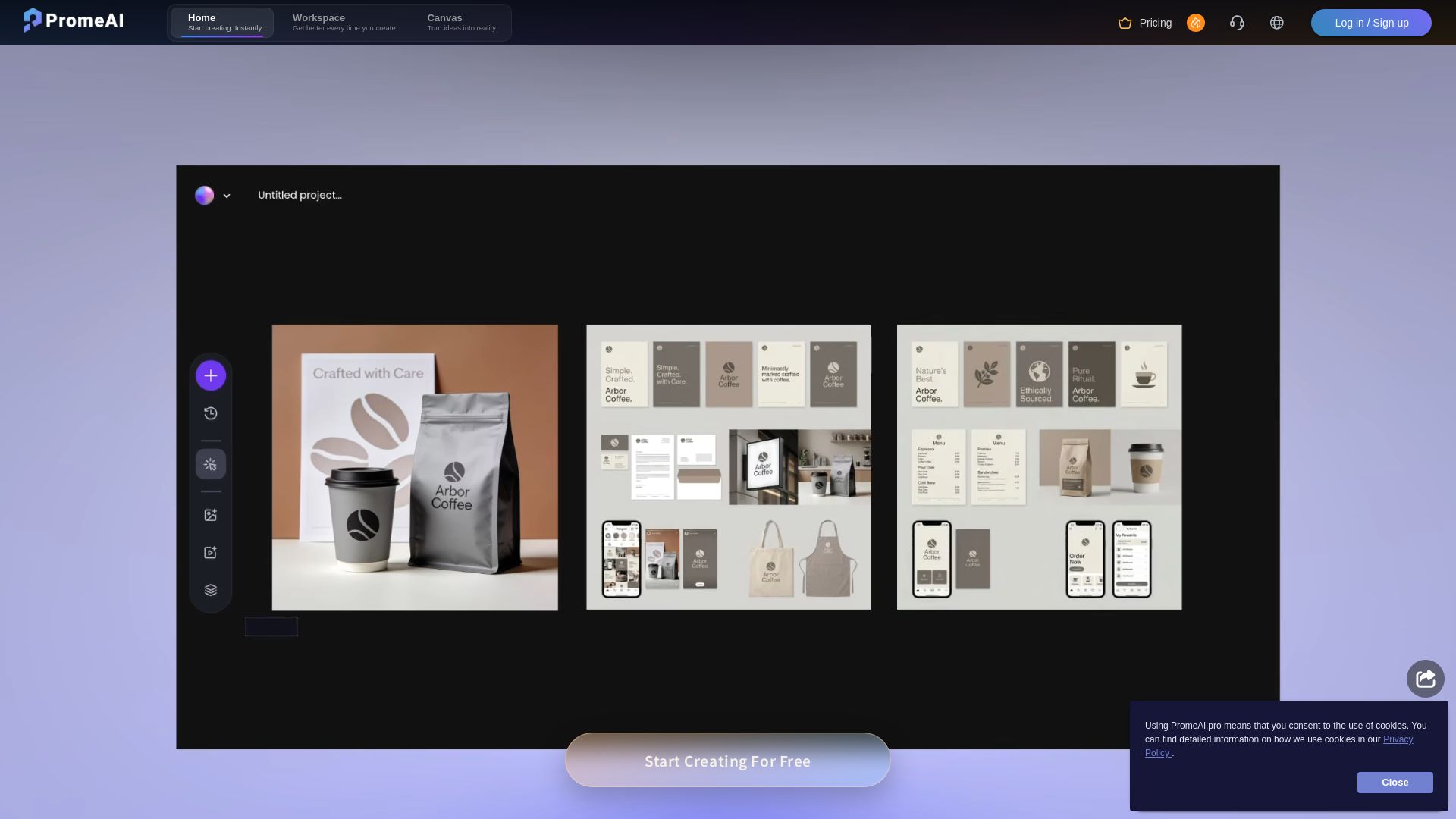
PromeAI
Transform sketches into realistic renders with PromeAI. 42+ AI tools for architecture, interior design, and more. Trusted by 2M+ users.


AIDesigner
Create premium UI, logos, brand kits, and more with AIDesigner. No design experience needed. Free to try, no credit card required. Join 15,000+ users.

PhotoGrid
Transform photos and videos with AI. Remove backgrounds, upscale, create collages, and generate AI videos. Free online tool with 20,000+ templates.

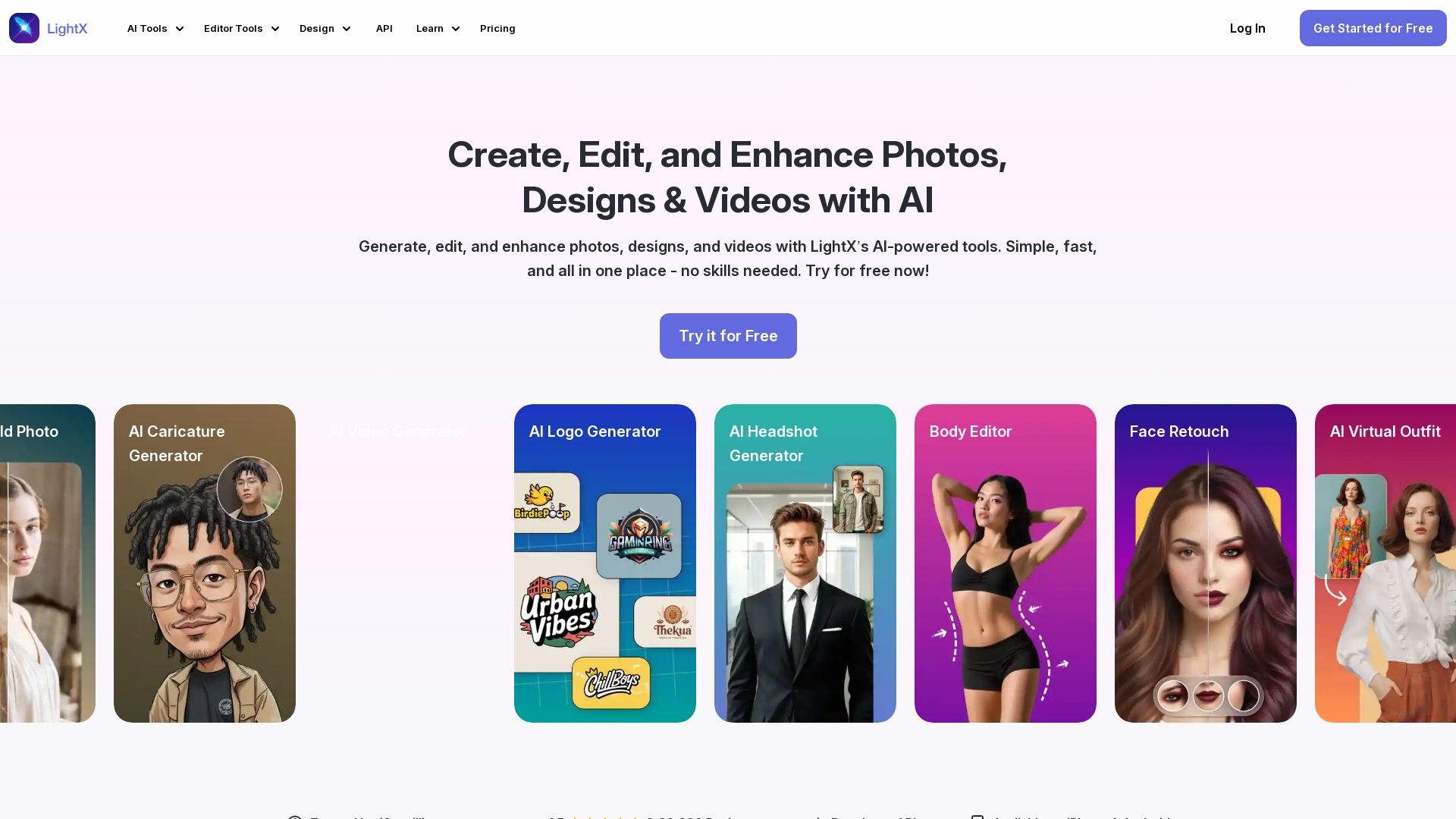
LightX
Edit photos, design logos, and create videos with LightX's AI-powered tools. 80+ free online tools for headshots, retouching, background removal, and more.


Icons8
Millions of icons, illustrations, photos, 3D models, music. AI tools: face swap, upscaler, background remover, human generator. Free Mac/Windows apps.

ℹ️ Curation Disclosure: The overview and features of Fotor were synthesized using AI and fact-checked by our curation team to ensure accuracy.