
AskCodi
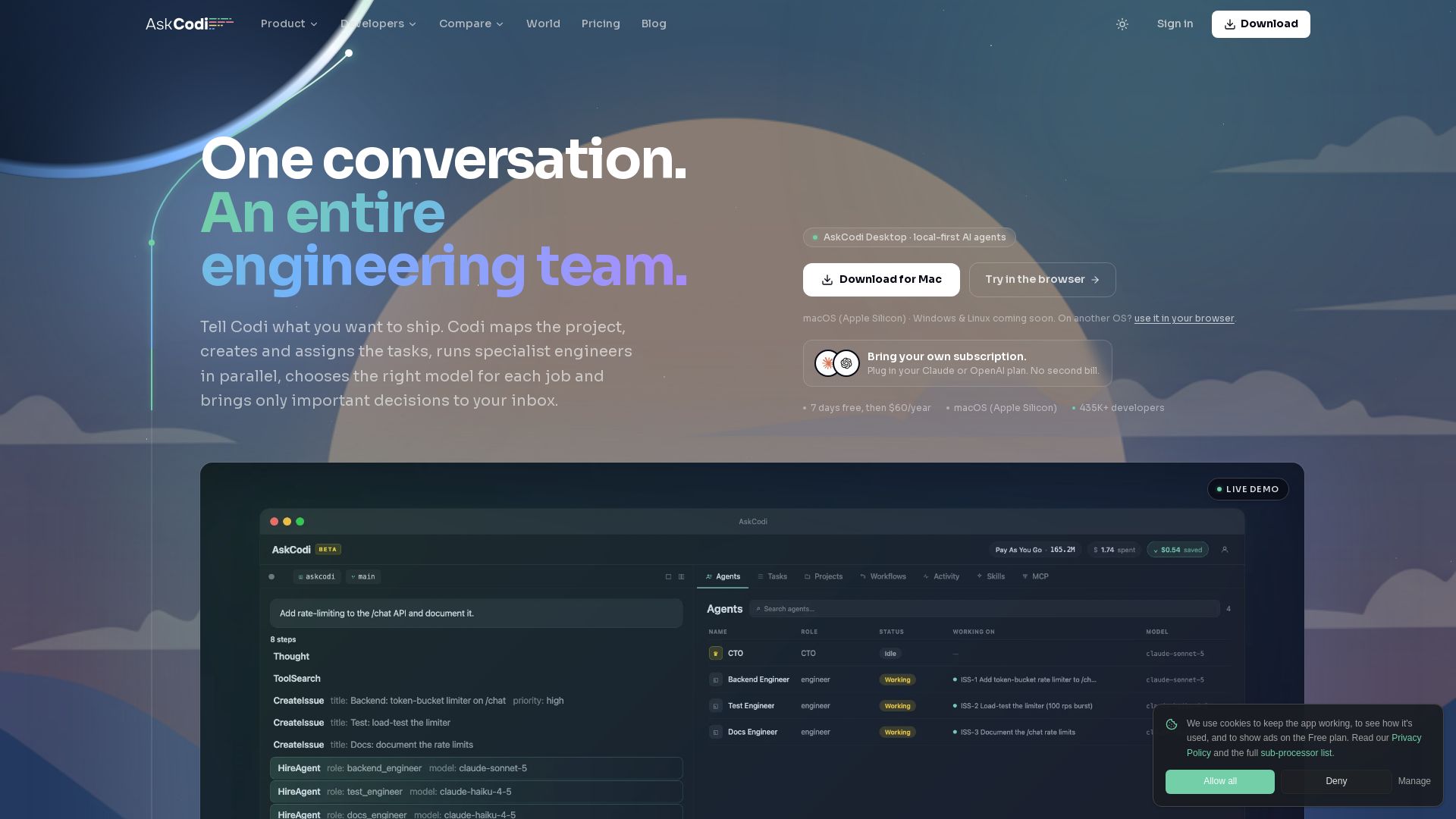
Orchestrate AI coding agents on your machine. Talk to Codi, manage tasks, approvals, and parallel agents from one inbox.
Editor's Verdict
Key Takeaways
- AI Coding Agent Orchestration
- Parallel Agents and Projects
- Project Map and Task Creation
- Approval Inbox
In-Depth Review: What is AskCodi?
Codi is a desktop app that orchestrates multiple AI coding agents to work on your projects. You describe the outcome, answer key decisions in a single inbox, and Codi handles planning, task allocation, execution, and review. It runs locally, supports 50+ models, and coordinates parallel agents across isolated worktrees, keeping you in control without terminal juggling.
Core Features
AI Coding Agent Orchestration
Codi plans work, creates tasks, hires specialist agents, coordinates approvals, and reviews results automatically.
Parallel Agents and Projects
Run multiple AI agents across different projects simultaneously from a single command center.
Project Map and Task Creation
Codi scans your repository to build a living map of features, gaps, tasks, and bugs, ready to run.
Approval Inbox
A centralized inbox for important decisions; one reply reaches the exact agent and task.
Smart Model Routing
Assigns the optimal AI model for each task (e.g., deep reasoning for architecture, efficient models for tests) to balance cost and performance.
Local Git Worktrees
Uses isolated git worktrees for each task to enable parallel development without merge conflicts.
Pricing
Desktop App Plan
- Codi orchestration
- Parallel agents and projects
- Project map and task creation
- Approval inbox
- Smart model routing
- Local git worktrees
Pros and Cons
Pros
- Centralized Command CenterManage all AI agents, projects, and decisions from one app without switching terminals.
- Parallel ExecutionMultiple agents work concurrently on different tasks, speeding up development.
- Cost-Efficient Model UsageSmart routing assigns cheaper models for simple tasks and reserves expensive reasoning for complex decisions.
- Automated Project MappingCodi automatically creates a feature map and task list from your codebase, reducing manual planning.
- Local ExecutionRuns on your machine, keeping code and context secure and private.
Cons
- Mac-Only at LaunchCurrently only available for macOS; Windows and Linux support not yet announced.
- Requires Local SetupNeeds installation and configuration of git worktrees and model API keys.
- Learning CurveOrchestration paradigm may take time to understand and adopt effectively.
- Limited to Coding TasksOptimized for software development, not suitable for general-purpose AI assistance.
- Pricing May Deter HobbyistsAlthough $60/year is low, it may still be a barrier for casual or non-professional developers.
Use Cases & Recommended Professions
Software Engineer→ View Toolkit
Delegate coding tasks to AI agents and focus on architecture and design decisions.
Tech Lead→ View Toolkit
Manage multiple AI agents across project features and review outcomes from one inbox.
QA Engineer→ View Toolkit
Automate test generation and execution using specialized test agents.
Frontend Developer→ View Toolkit
Implement UI components quickly with agents optimized for frontend tasks.
Backend Developer→ View Toolkit
Build APIs and data layers with parallel backend agents and intelligent routing.
DevOps Engineer→ View Toolkit
Integrate AI orchestration into CI/CD pipelines for automated code review and deployment.
Frequently Asked Questions
Alternative AI Tools
View Detailed Comparison →
Figr
Ship better UX faster. Figr builds a living understanding of your product, maps flows, finds edge cases, and generates high-fidelity prototypes from your actual design system.

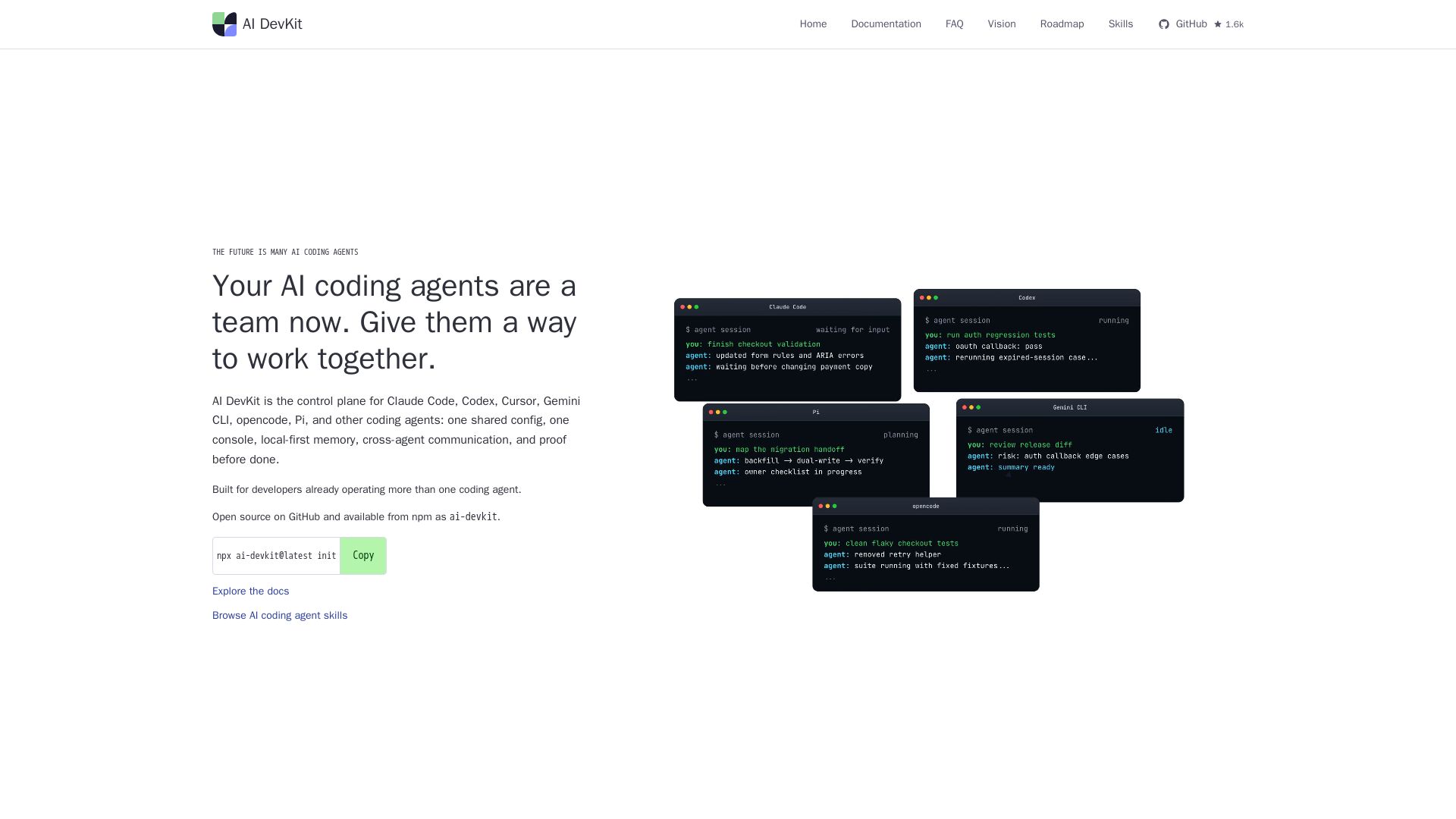
AI DevKit
One shared config, console, memory, and verification for Claude Code, Codex, Cursor & more. Local-first, open source.

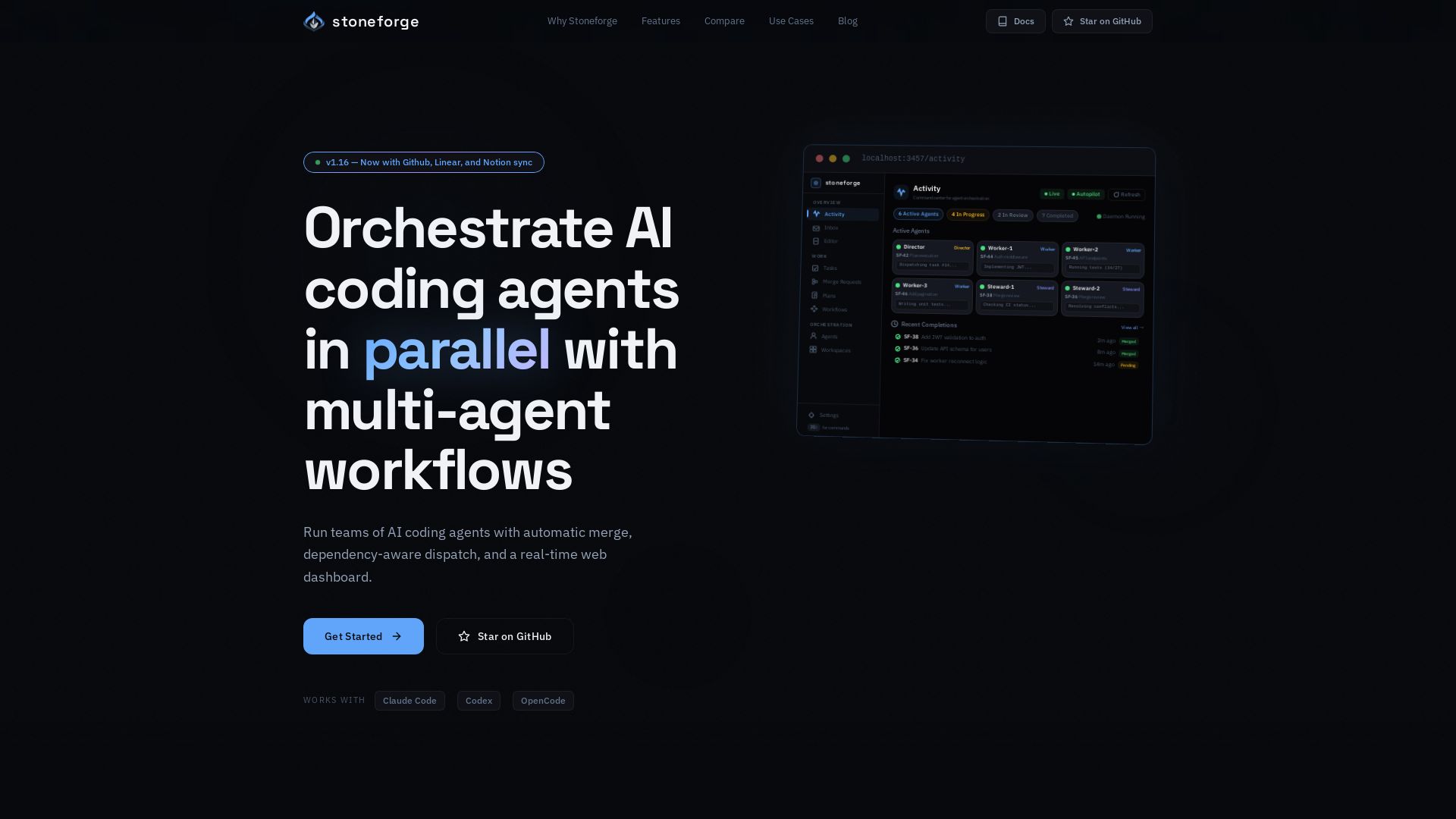
Stoneforge
Open-source platform to run teams of AI coding agents with auto-merge, dependency dispatch, and real-time dashboard. No merge conflicts, no duplicated work.

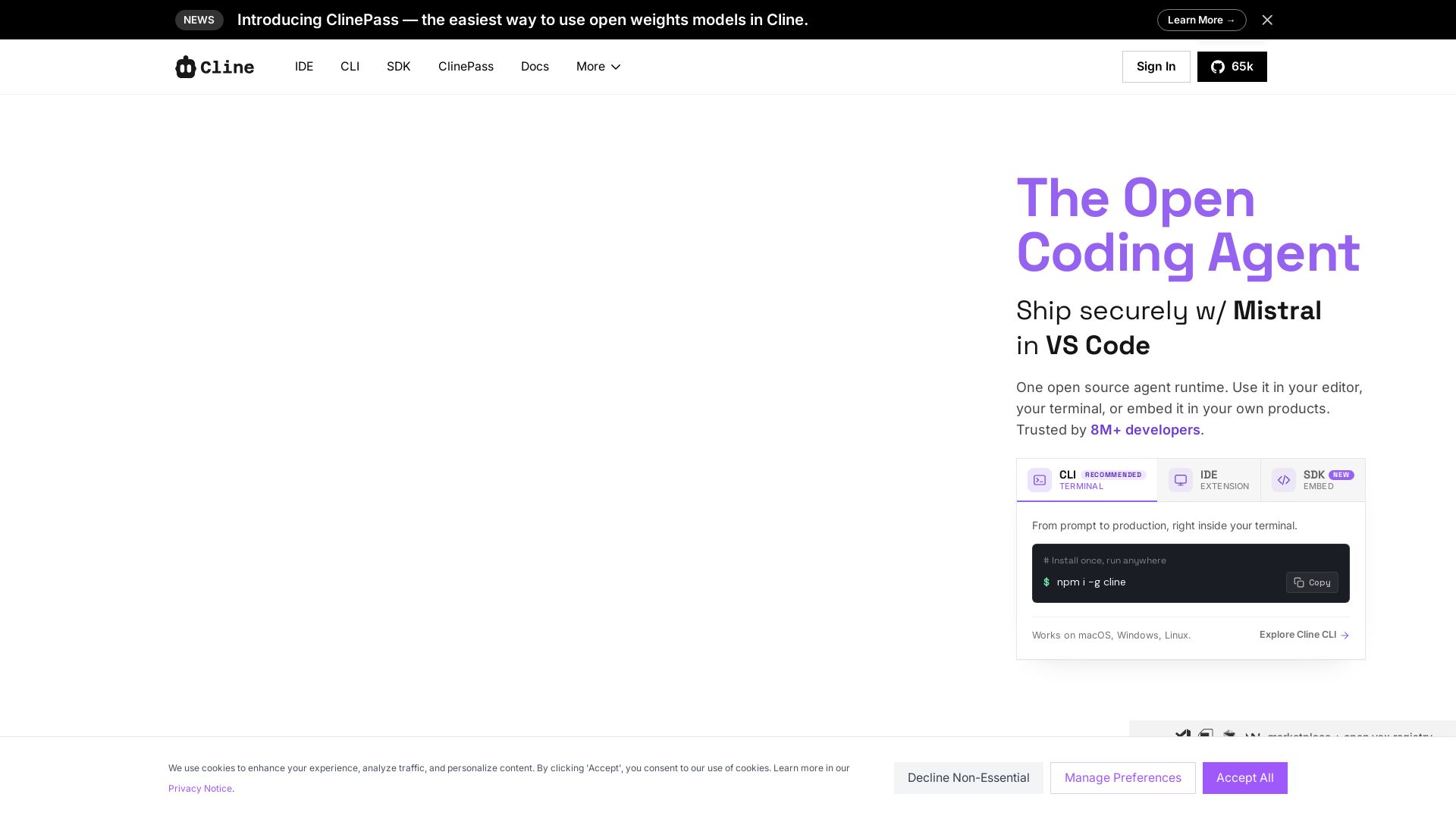
Cline
Cline is the open source AI coding agent that helps you ship secure code with Claude in VS Code, terminal, and more. Plan, act, and automate across your workflow.

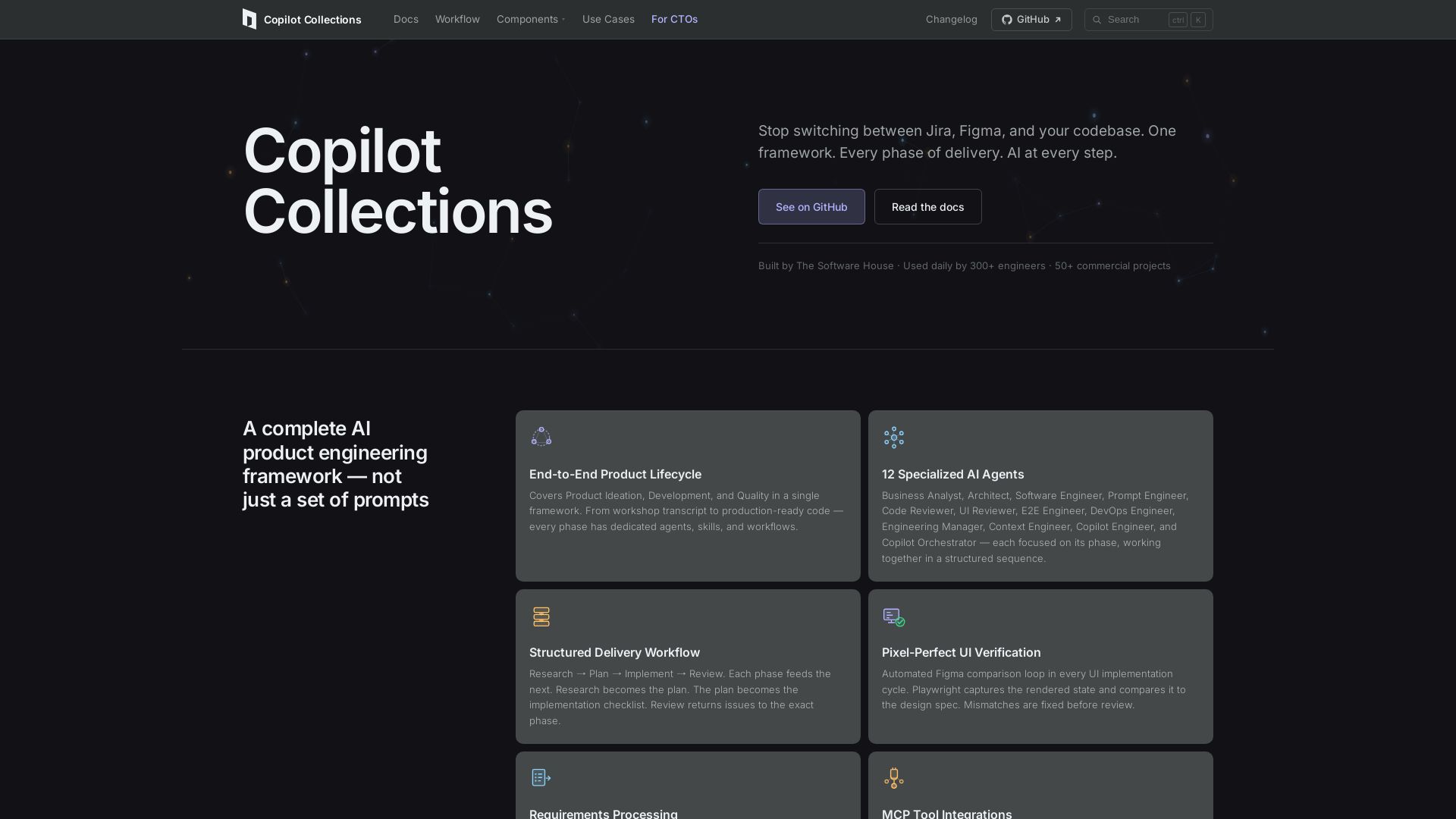
Copilot Collections
Turn ideas into production code with 12 AI agents, MCP integrations, and pixel-perfect UI verification. Used by 300+ engineers. Reduce lead time by 30%.

Hatchet
Build and scale reliable AI agents, background tasks, and mission-critical workflows with automatic retries, real-time monitoring, and durable execution.

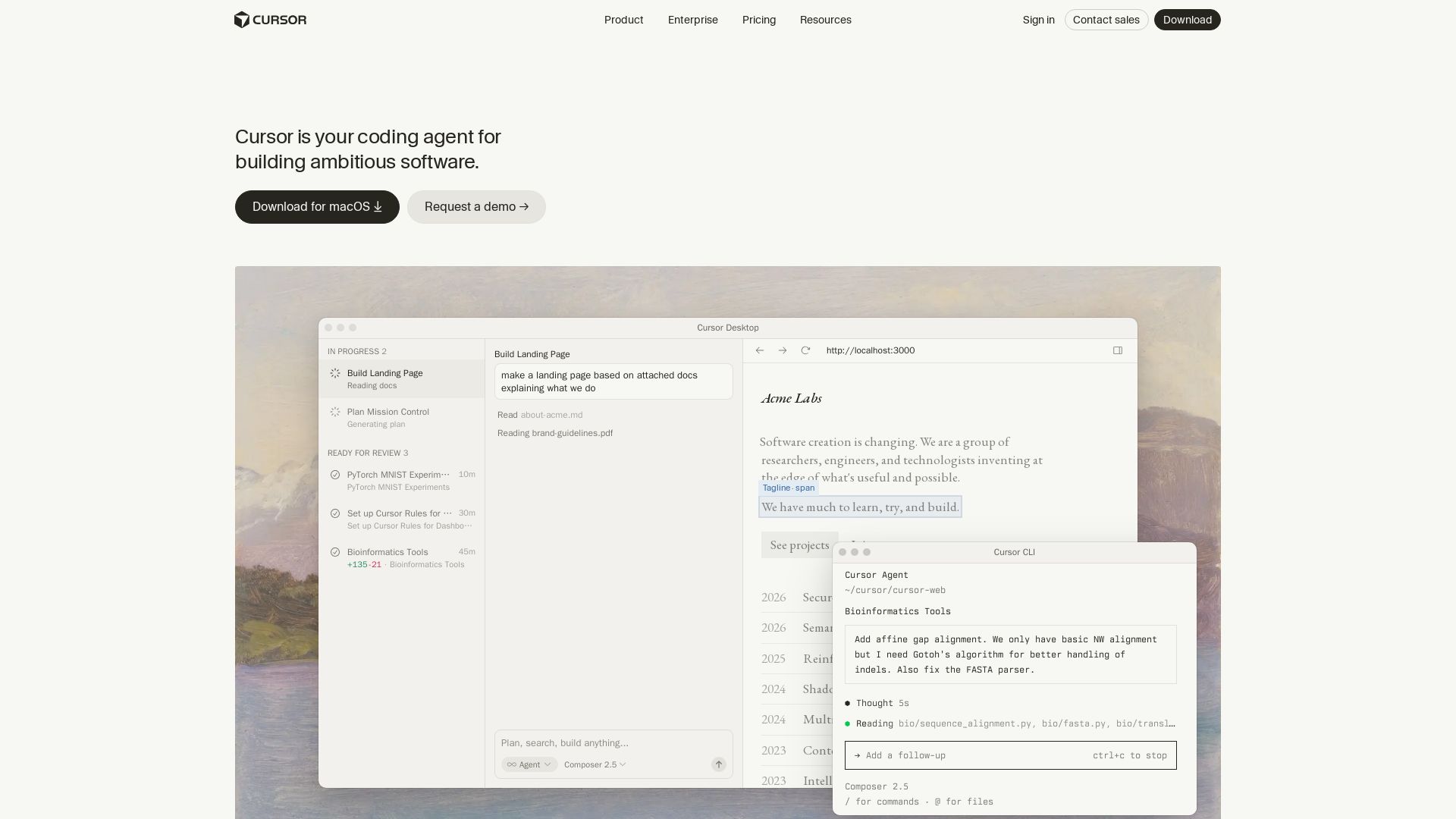
Cursor
Cursor is the AI coding agent that helps you build software faster with autonomous agents, IDE integration, and team collaboration. Trusted by top companies.

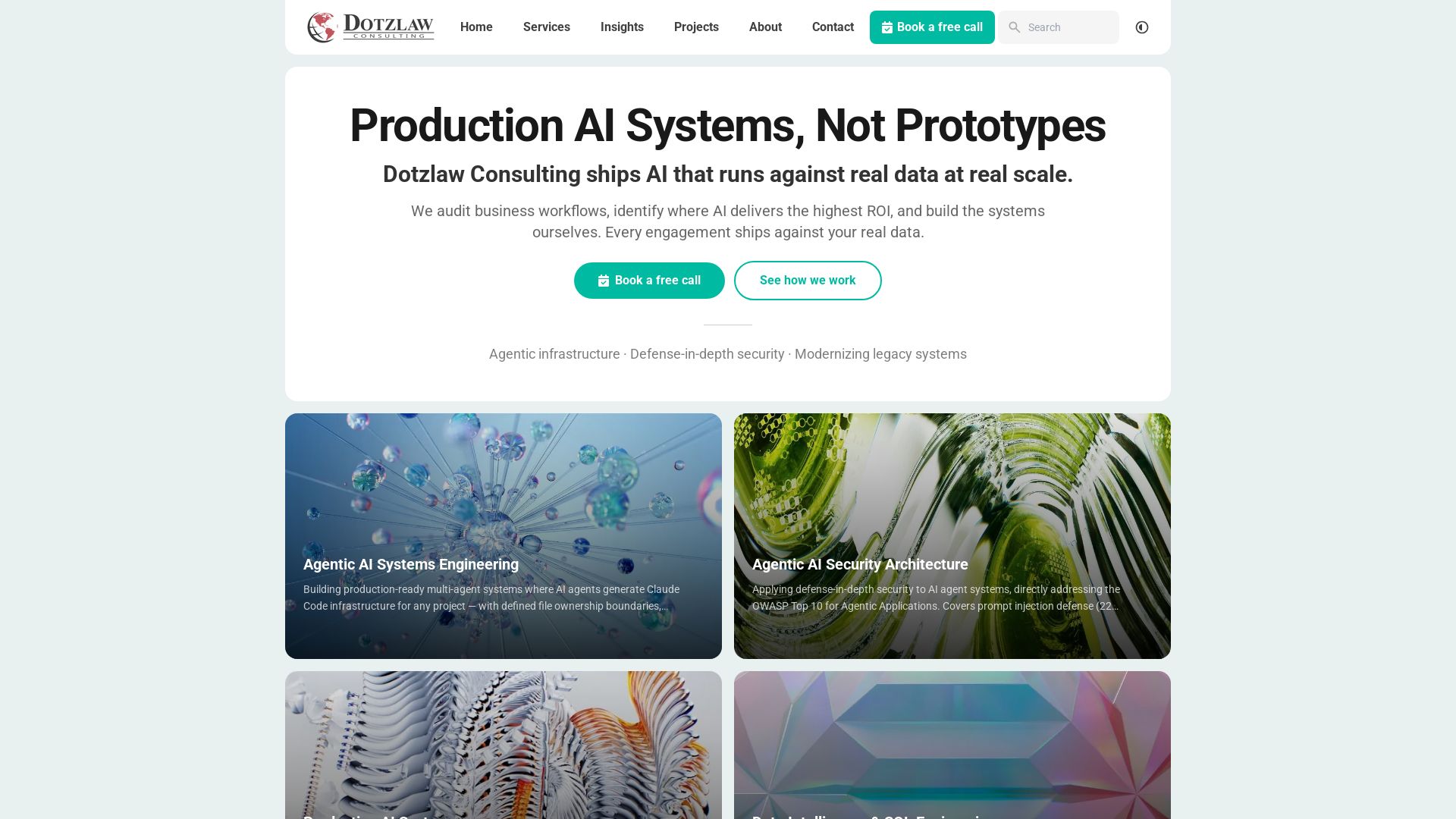
Dotzlaw Consulting
We build production-ready AI systems, multi-agent workflows, and secure architectures. Real data, real scale. Expert SQL & data intelligence.

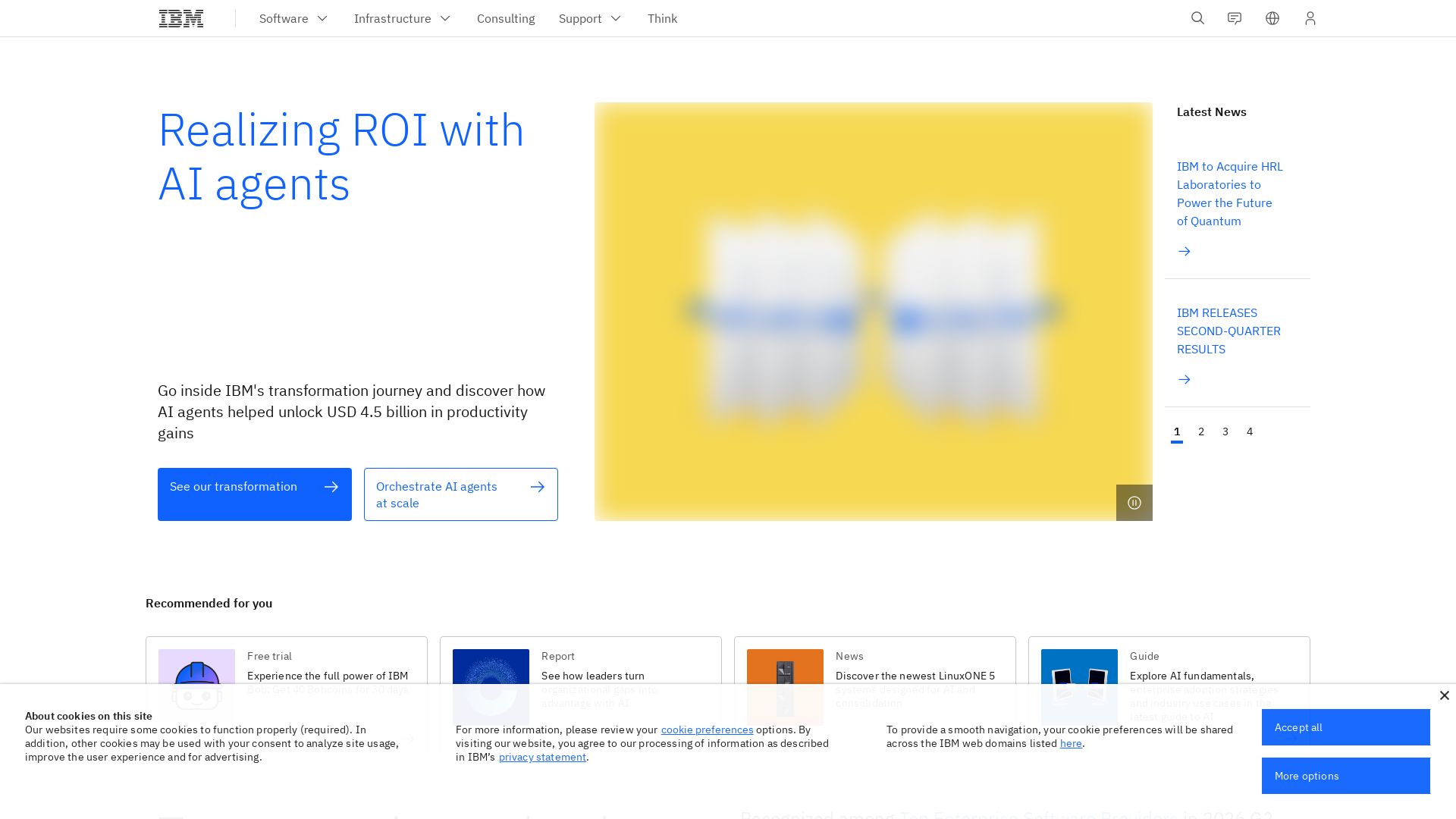
IBM
Discover how IBM's AI agents transformed operations, delivering $4.5 billion in productivity. Explore IBM Bob, watsonx Orchestrate, and more.

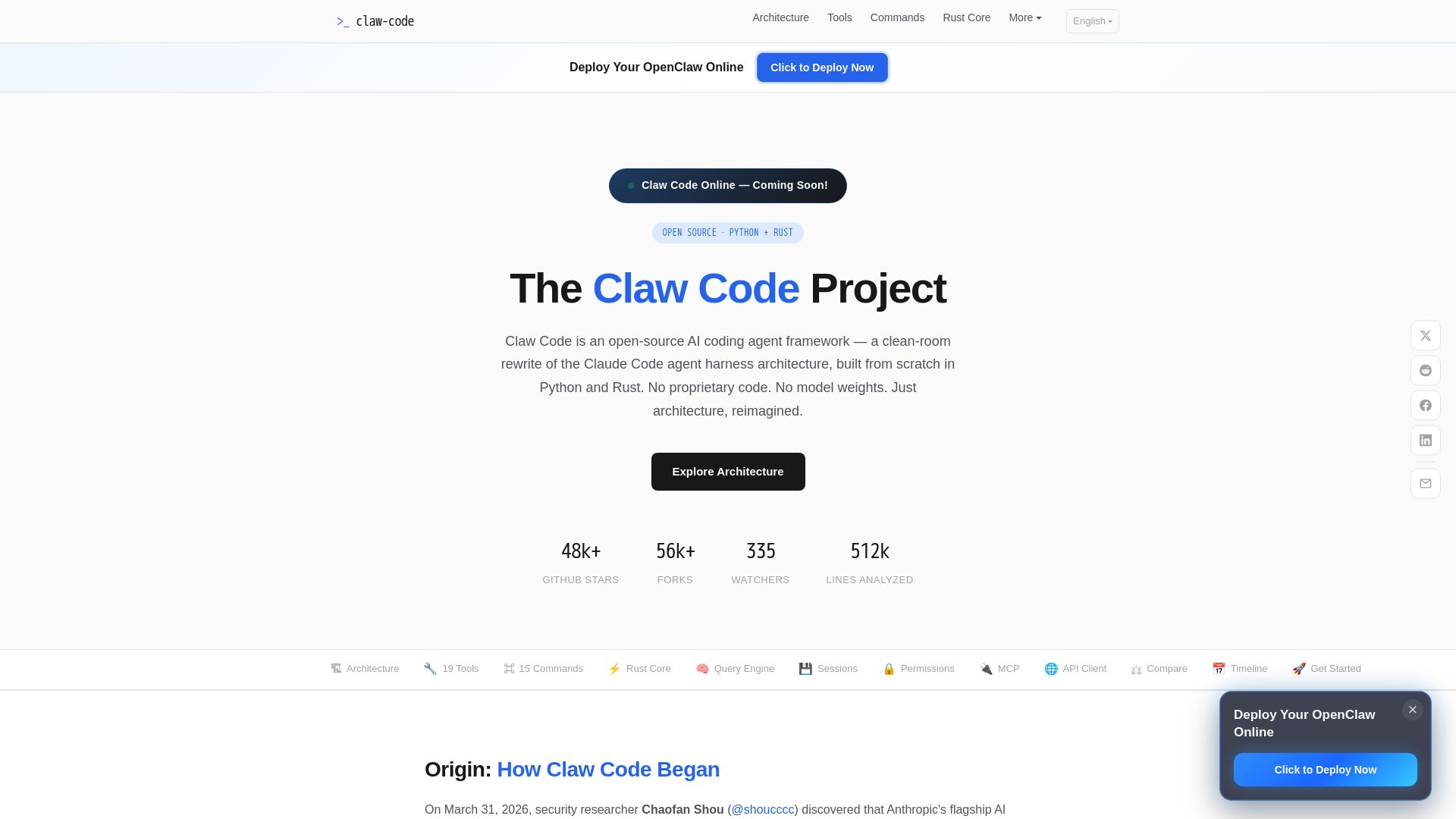
Claw Code
Clean-room Python & Rust rewrite of Claude Code architecture. 19 tools, multi-agent orchestration, MCP support. Free & open-source.

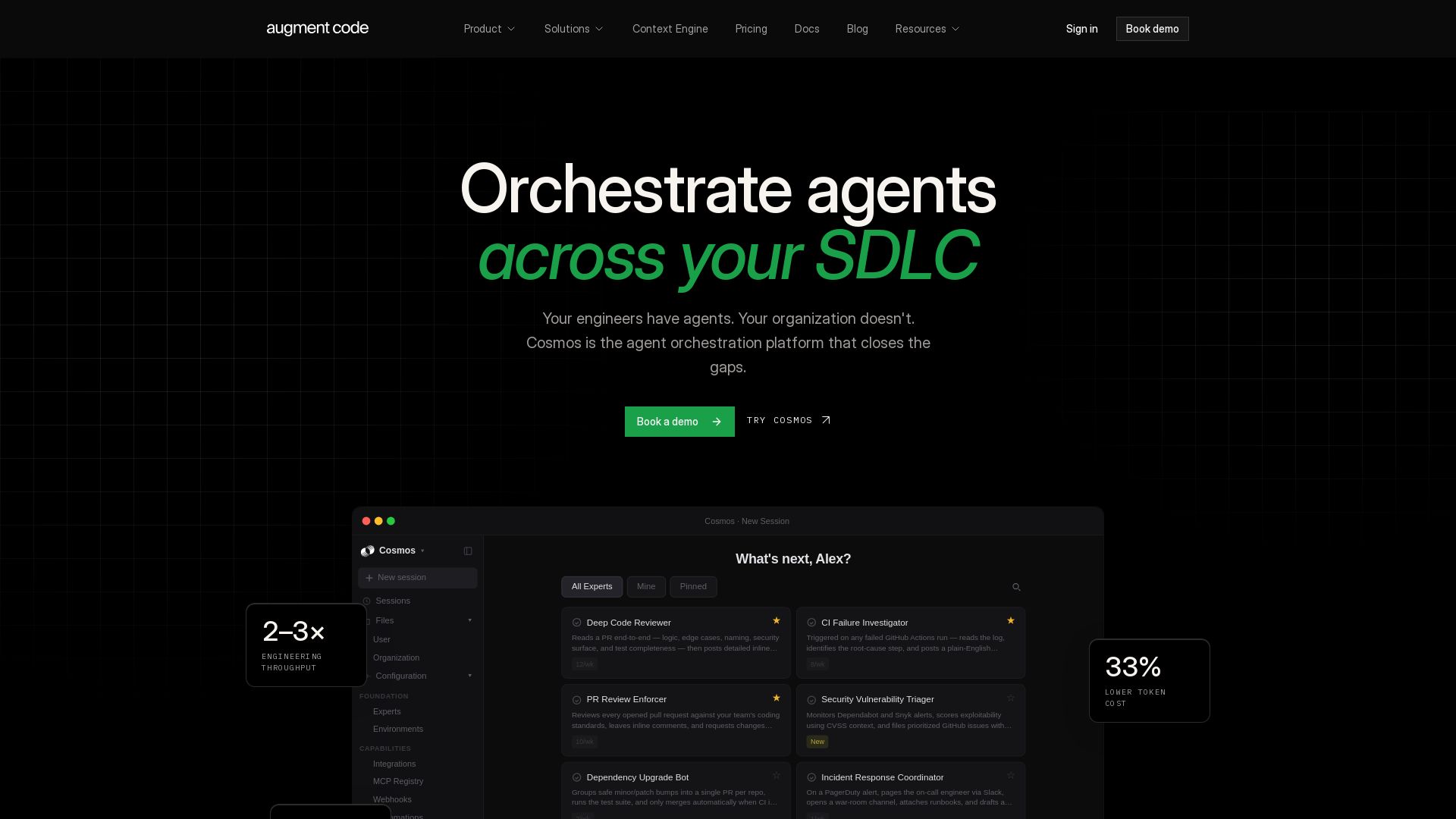
Augment Code
Orchestrate AI agents across your SDLC. Boost engineering throughput 2-3x, cut token costs 33%, and accelerate delivery. Trusted by enterprises.

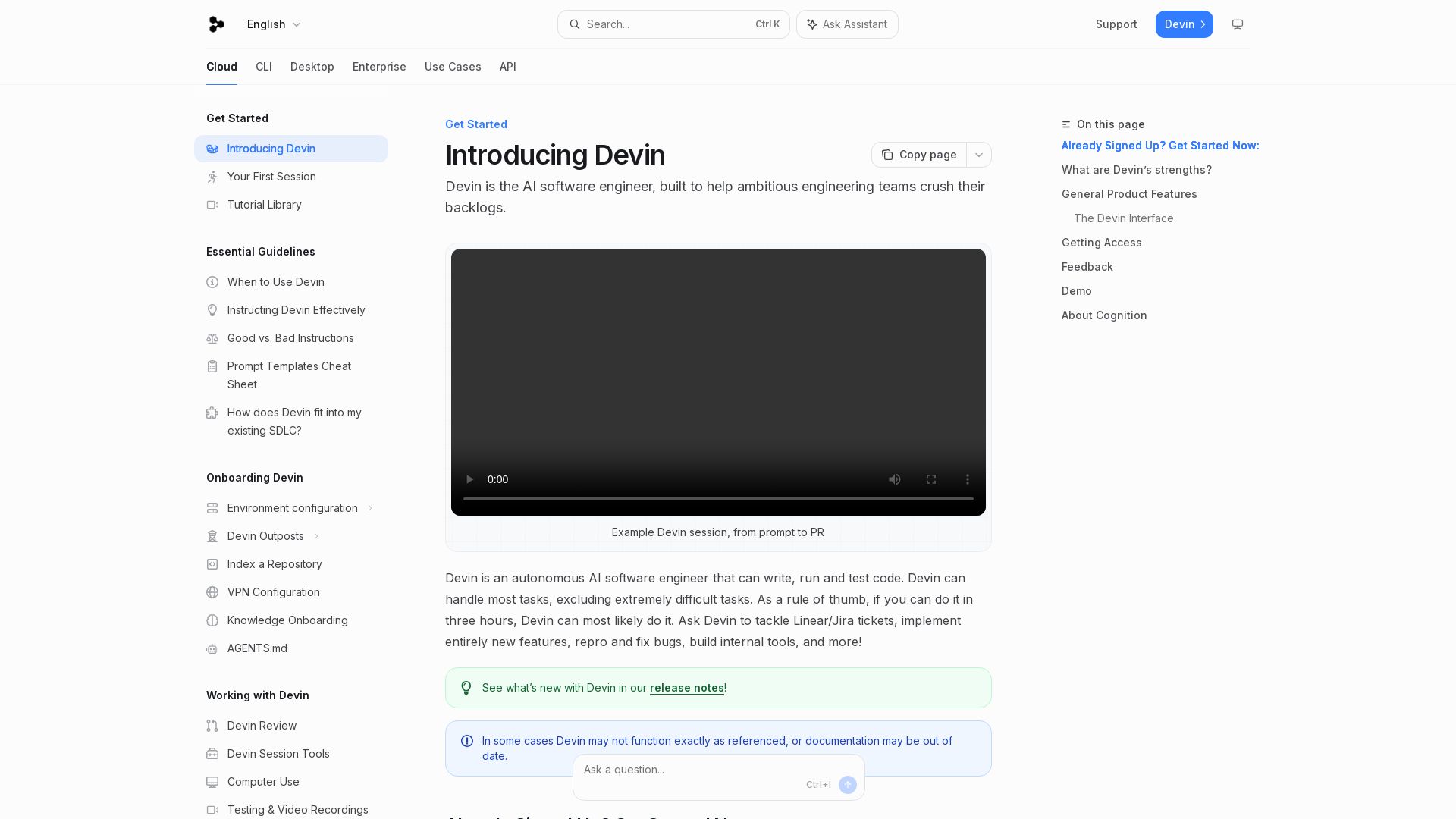
Devin
Devin is an autonomous AI software engineer that writes, runs, and tests code. Automate coding tasks, fix bugs, and crush backlogs.

ℹ️ Curation Disclosure: The overview and features of AskCodi were synthesized using AI and fact-checked by our curation team to ensure accuracy.
