
Acode
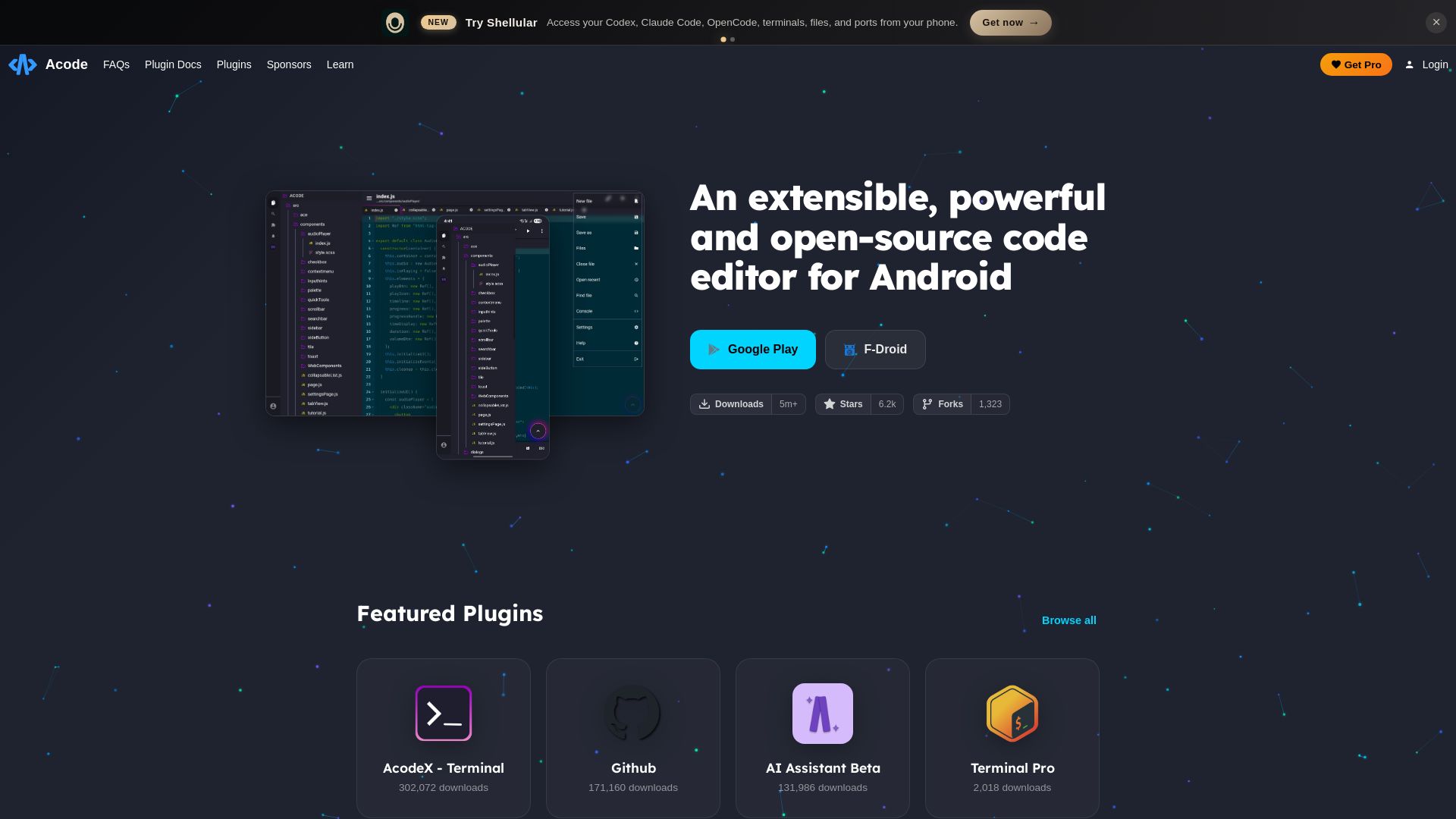
Acode is a powerful, extensible, open-source code editor for Android. Build anything, anywhere with plugins, terminal, and AI assistant. Download now!
Editor's Verdict
Key Takeaways
- Extensible via Plugins
- Open Source
- Terminal Integration
- AI Assistant
In-Depth Review: What is Acode?
Acode is a feature-rich, open-source code editor designed for Android, offering a powerful and extensible platform for developers on the go. With over 5 million downloads and a strong community of contributors, Acode supports a wide range of programming languages and includes integrated plugins like a terminal emulator (AcodeX - Terminal), an AI Assistant (beta), and more. The editor is highly customizable, allowing users to tailor their environment with themes, plugins, and settings. Backed by sponsors and built by Foxbiz Software, Acode aims to provide a desktop-quality coding experience on mobile devices. Whether you're editing scripts, building apps, or learning to code, Acode is the ultimate tool for productivity and creativity. Download from Google Play, F-Droid, or GitHub to start coding anywhere.
Core Features
Extensible via Plugins
Enhance functionality with a wide range of plugins including terminal, AI assistant, and more.
Open Source
Fully open-source code editor, allowing community contributions and transparency.
Terminal Integration
Built-in terminal and plugin for command-line operations directly on mobile.
AI Assistant
AI-powered code assistance to boost productivity.
Mobile Code Editing
Powerful code editing capabilities optimized for Android devices.
Pros and Cons
Pros
- Free and Open SourceAcode is completely free to use and open source, enabling community contributions and transparency.
- Extensive Plugin EcosystemSupports a variety of plugins like terminal, AI assistant, and GitHub integration for enhanced functionality.
- Lightweight and FastOptimized for mobile performance, providing a smooth coding experience even on low-end devices.
- Active CommunityBacked by a strong community with over 5 million downloads and 6.2k GitHub stars.
- Mobile-OptimizedDesigned specifically for Android, with features like file management and port forwarding.
Cons
- Android ExclusiveCurrently only available on Android, limiting cross-platform use.
- Screen LimitationsMobile screen size may hinder complex project management and debugging.
- Beta FeaturesSome plugins like AI Assistant are in beta, which may cause instability.
- Not a Desktop ReplacementMay lack advanced features found in full-fledged desktop IDEs.
Use Cases & Recommended Professions
Software Developer→ View Toolkit
Enables coding on the go, with terminal and AI assistance for quick fixes and development.
Web Developer→ View Toolkit
Edit HTML, CSS, and JavaScript files directly on mobile, with live preview support.
Student→ View Toolkit
Learn programming anytime, anywhere with a lightweight editor and educational plugins.
DevOps Engineer→ View Toolkit
Manage servers and run commands via built-in terminal, even from a mobile device.
Hobbyist Coder→ View Toolkit
Perfect for small projects, note-taking, and coding experiments on mobile.
Technical Writer→ View Toolkit
Write and preview markdown or code snippets with syntax highlighting.
Frequently Asked Questions
Alternative AI Tools
View Detailed Comparison →
OpenCode
OpenCode is a free, open-source AI coding assistant supporting multiple providers (OpenAI, Anthropic, local models) with CLI/TUI, custom tools, and privacy-centric local execution.


Continue
Create, share, and use custom AI code agents with Continue. Features agent, chat, edit modes, and autocomplete for VS Code and JetBrains.

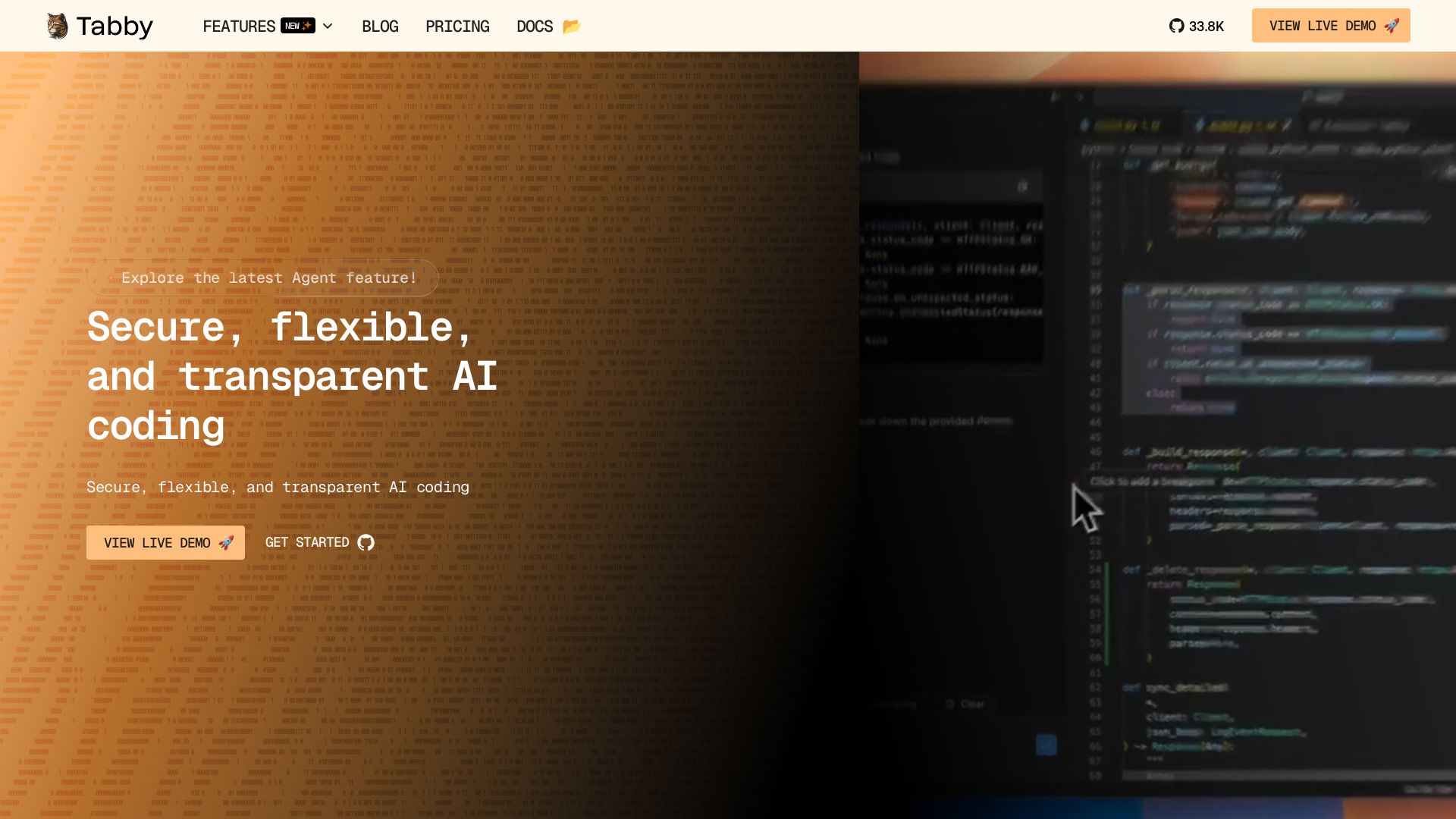
Tabby
Self-hosted, secure AI coding assistant with code completion, answer engine, and inline chat. Private and flexible.

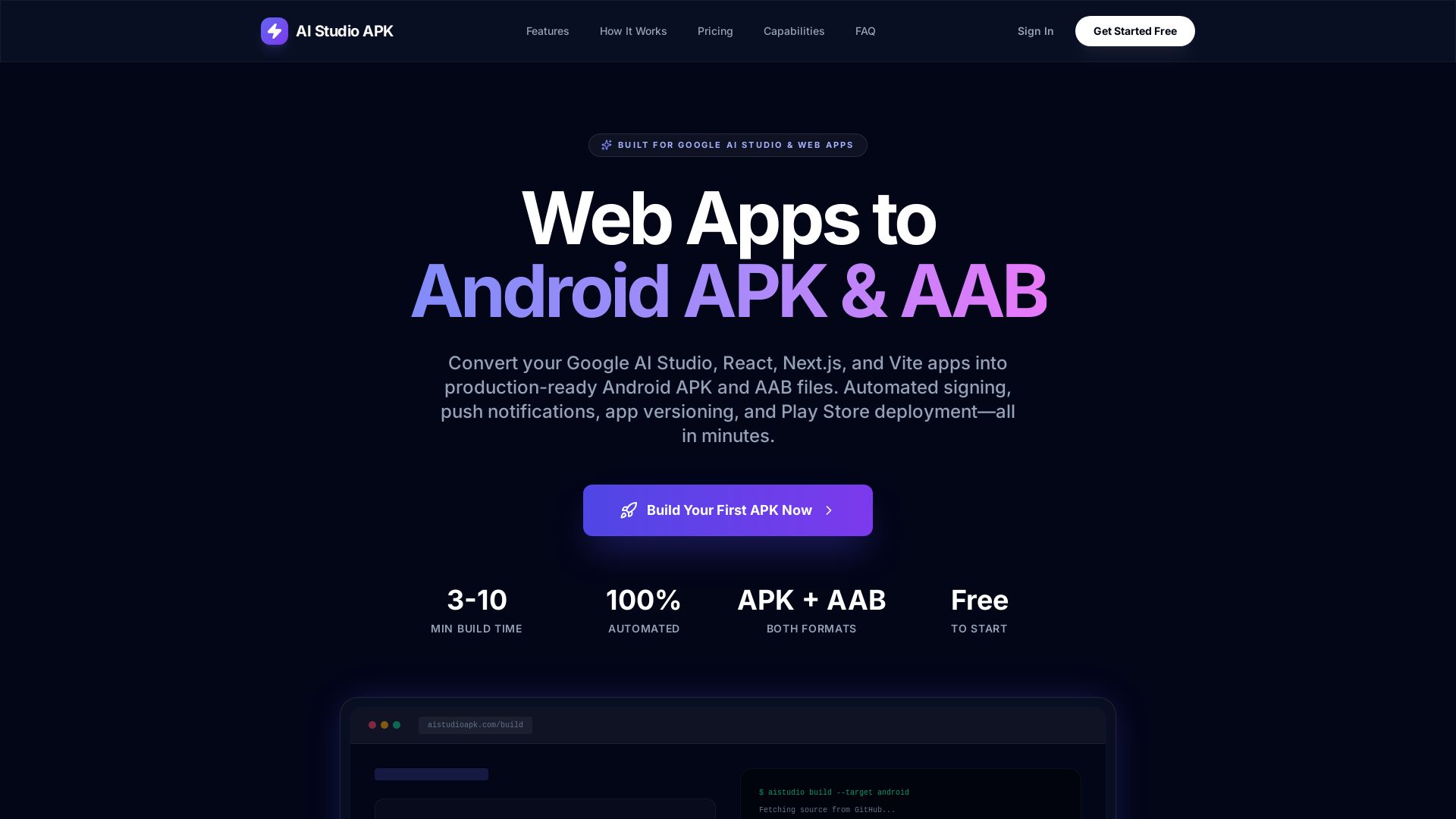
AI Studio APK
Turn your Google AI Studio, React, Next.js, or Vite app into a production-ready Android APK or AAB in minutes. Automated signing, push notifications, and Play Store deployment – no Android Studio needed.

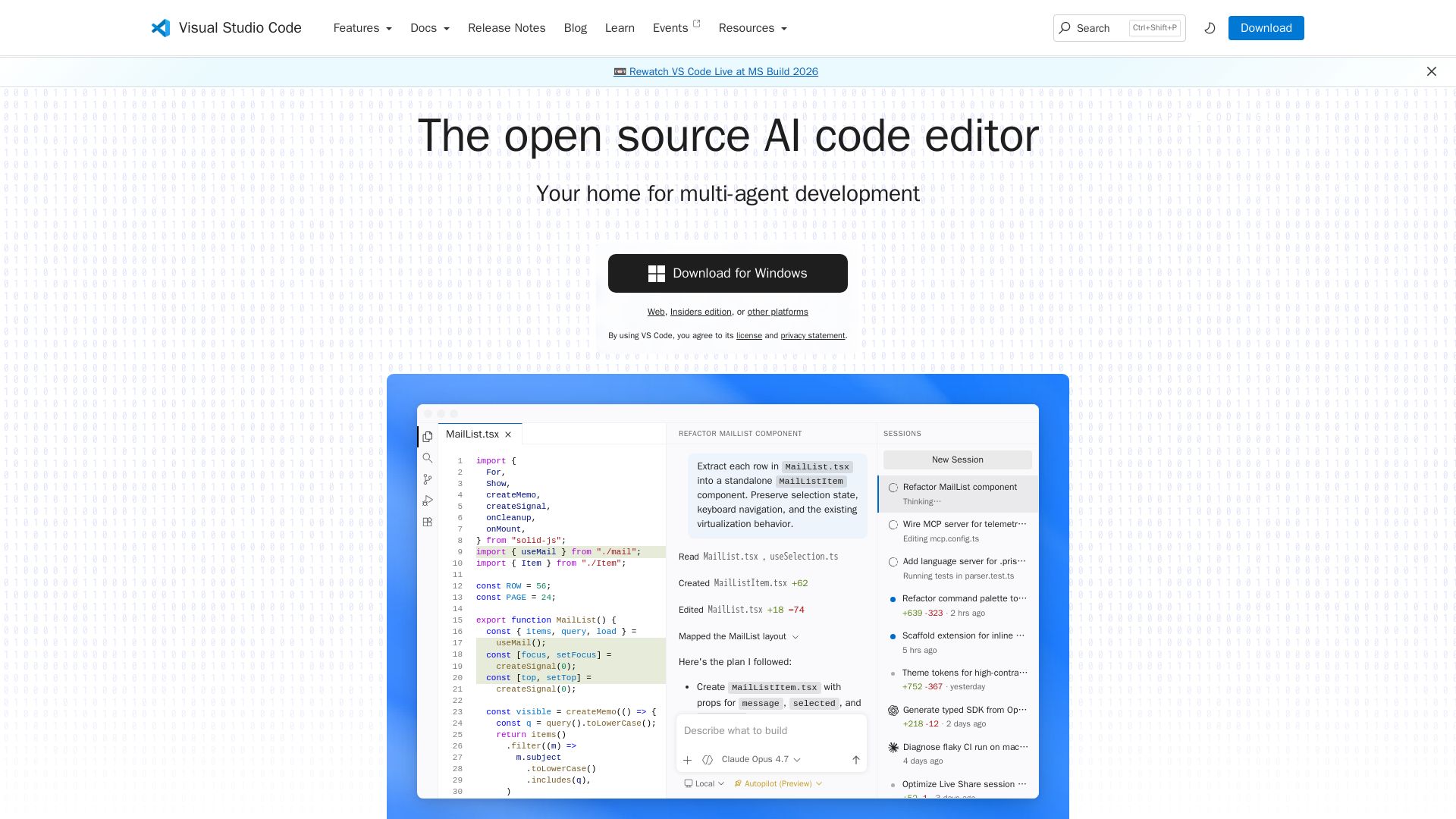
Visual Studio Code
Write, debug, and collaborate with AI agents. Built-in Git, extensions, and seamless cloud integration. The free, open-source editor loved by millions.


Continue
Continue, the pioneering open-source coding agent, has been acquired by Cursor. Our mission to amplify developers continues. Explore FAQs and more.

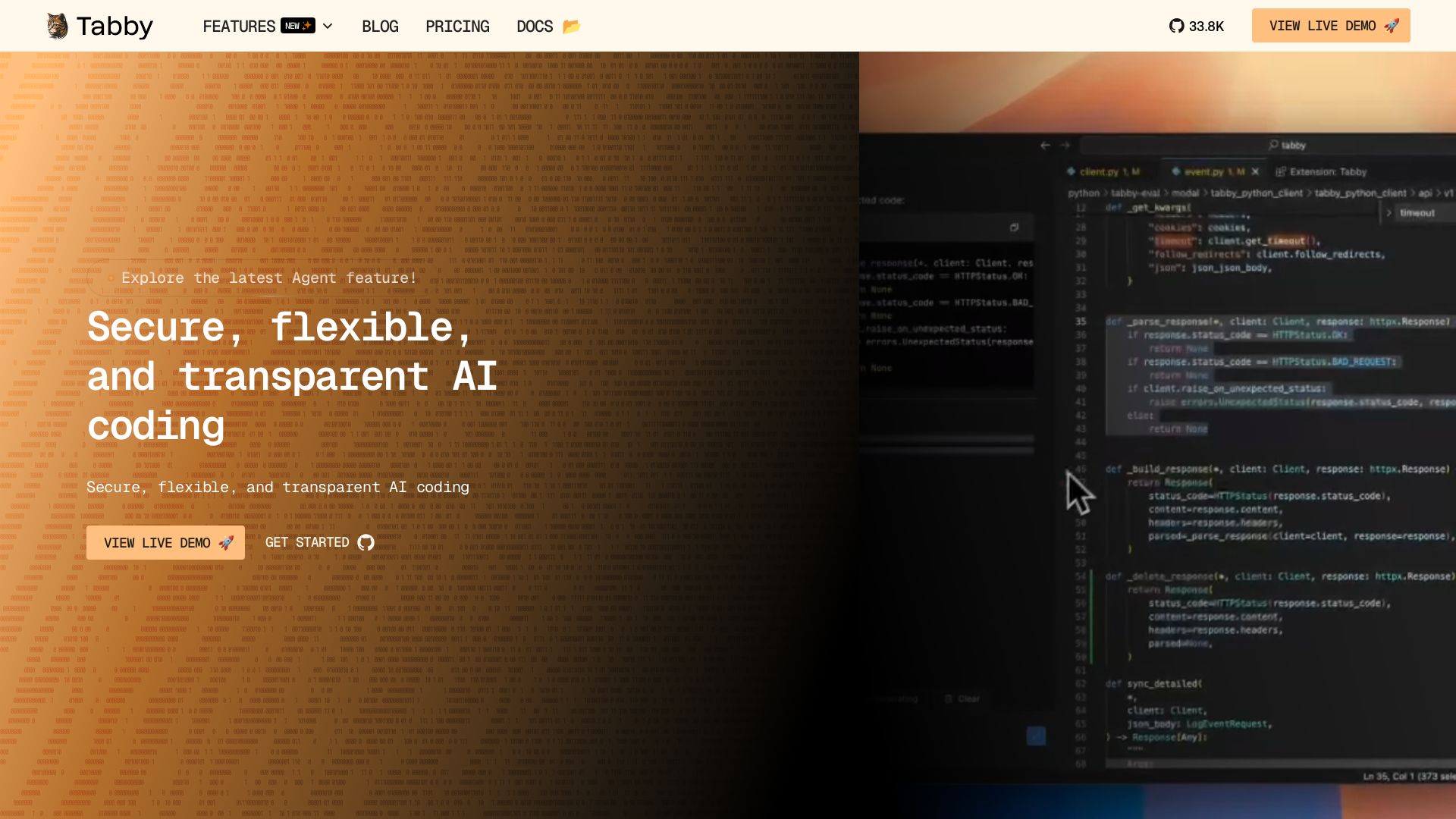
Tabby
Accelerate coding with Tabby's AI-powered code completion, answer engine, and inline chat. Self-hosted, secure, and flexible. Supports VS Code, Neovim, IntelliJ, and more.

OpenCode
OpenCode is an open-source, terminal-native AI coding assistant supporting Claude, GPT-4, Gemini, and local models. Boost productivity with agent mode and seamless CLI integration.

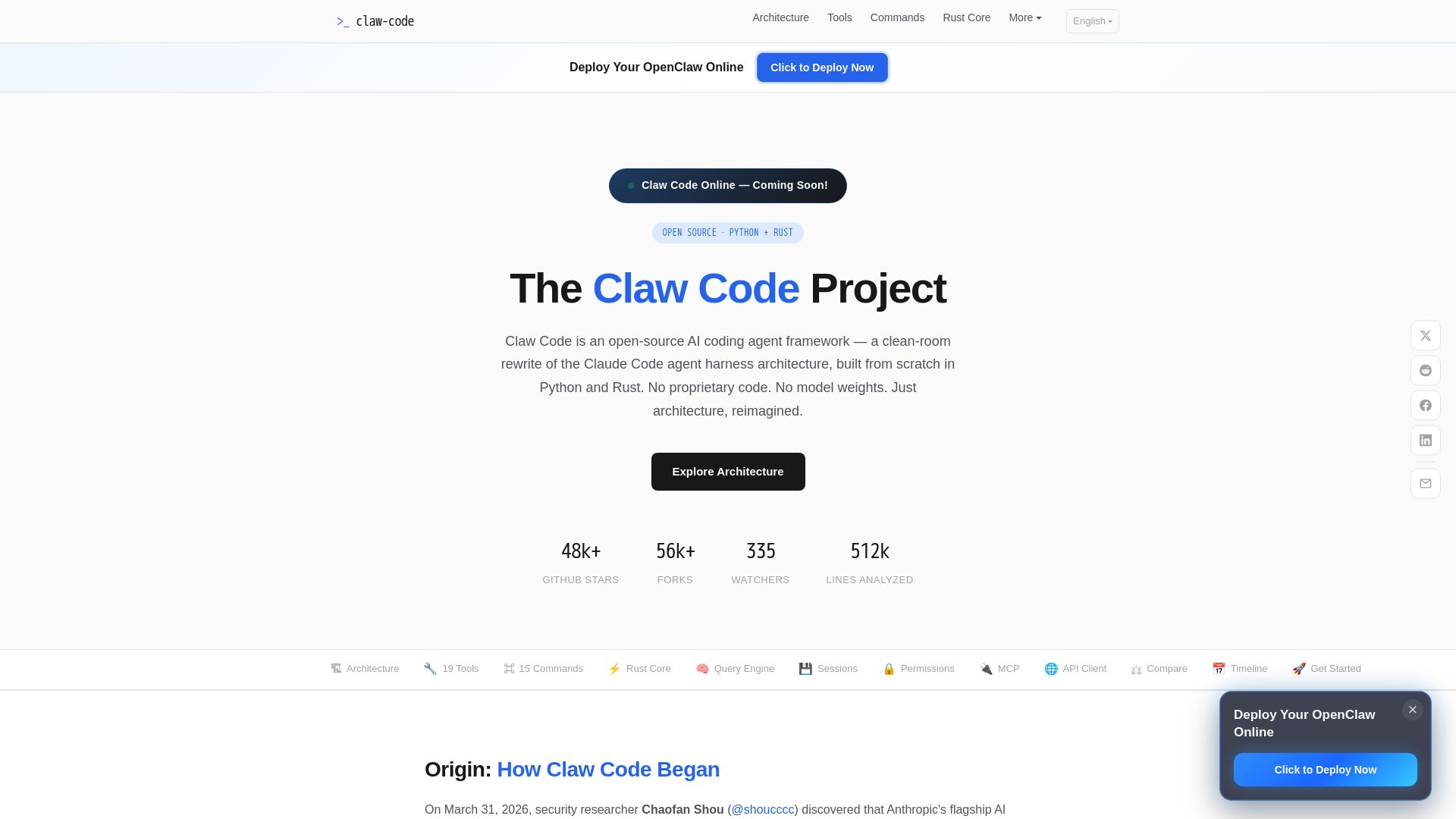
Claw Code
Clean-room Python & Rust rewrite of Claude Code architecture. 19 tools, multi-agent orchestration, MCP support. Free & open-source.


Kilo
Free AI coding tool with 500+ models at cost. Open source, no lock-in. Works in VS Code, JetBrains, CLI, and cloud. Trusted by 3M+ developers.


Cline
Cline is the open source AI coding agent that helps you ship secure code with Claude in VS Code, terminal, and more. Plan, act, and automate across your workflow.

OpenCode
OpenCode: open source AI coding agent for terminal, IDE, or desktop. Free models, any provider, privacy-first. 160K+ GitHub stars.

ℹ️ Curation Disclosure: The overview and features of Acode were synthesized using AI and fact-checked by our curation team to ensure accuracy.
