
Visual Studio Code
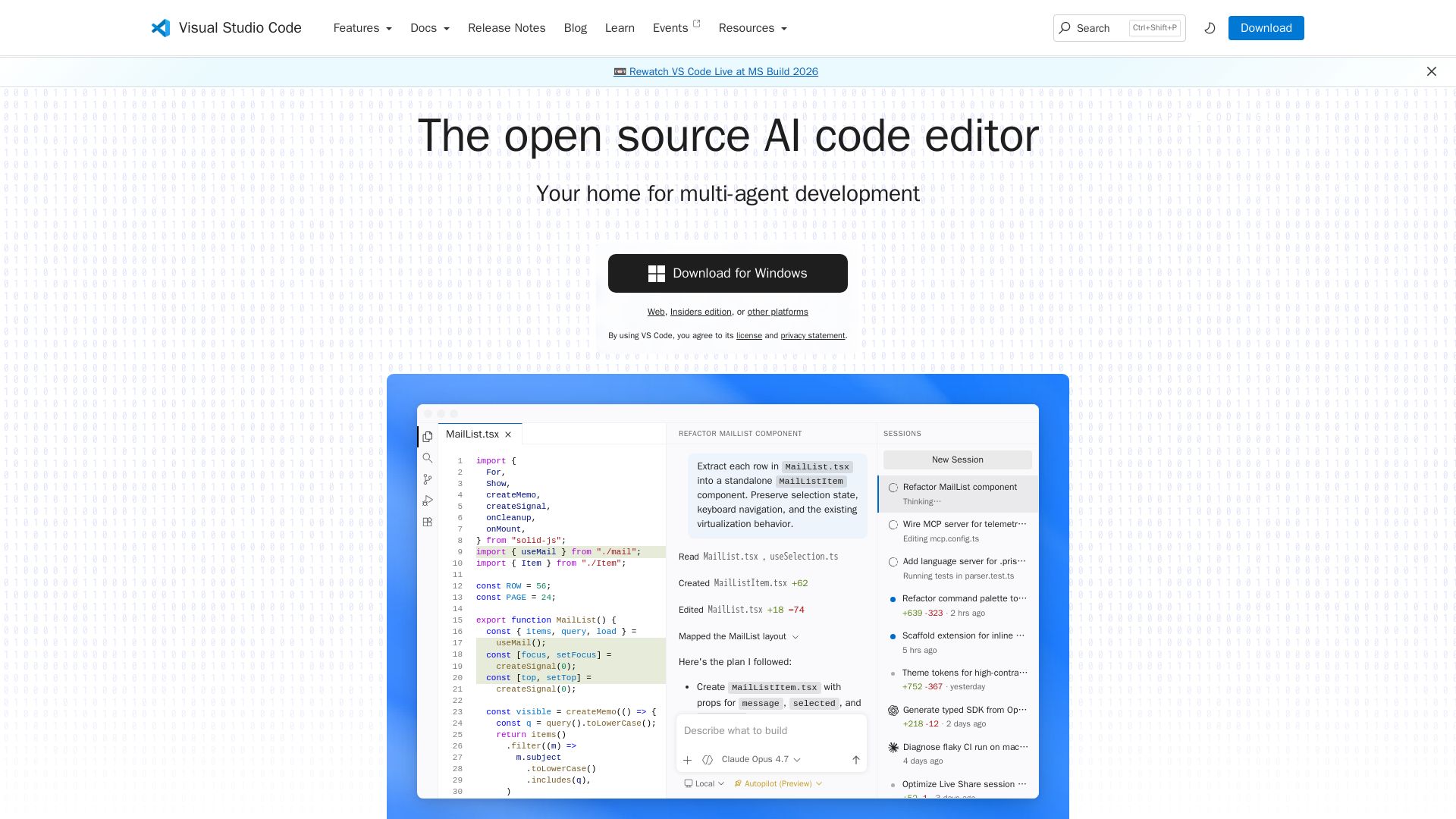
Write, debug, and collaborate with AI agents. Built-in Git, extensions, and seamless cloud integration. The free, open-source editor loved by millions.
Editor's Verdict
Key Takeaways
- Multi-agent development
- AI-powered code suggestions
- Extensible marketplace
- Customizable UI
In-Depth Review: What is Visual Studio Code?
Visual Studio Code is a free, open-source code editor reimagined for the AI era. It combines a world-class editing experience with intelligent agents that can plan, code, and iterate autonomously. With built-in support for hundreds of languages, rich extensions, and seamless cloud integration, VS Code adapts to your workflow from local development to production.
Core Features
Multi-agent development
Hand off tasks to AI agents that autonomously plan, make code changes, run commands, and iterate until the job is done.
AI-powered code suggestions
Inline suggestions and intelligent completions to boost coding productivity.
Extensible marketplace
Over 80,000 extensions available for languages, tools, and workflows.
Customizable UI
Color themes, settings sync, and profiles to tailor the editor to your style.
Integrated terminal
Use your favorite shell (zsh, pwsh, git bash) directly inside the editor.
Built-in version control
Git support out-of-the-box with extensions for other providers.
Web and remote support
Code anywhere with VS Code for the Web, GitHub Codespaces, or remote containers.
Accessibility
Optimized for screen readers, high contrast themes, and keyboard-only navigation.
Pricing
Free
- AI agents
- Code editor
- Extensions marketplace
- Integrated terminal
- Version control
- Web support
Pros and Cons
Pros
- Open sourceFree and open source code editor with a large community.
- AI agent integrationBuilt-in support for multi-agent development, boosting productivity.
- Highly extensibleOver 80,000 extensions for languages, tools, and workflows.
- Cross-platformWorks on Windows, macOS, Linux, and in the browser.
- Rich feature setIntegrated terminal, debugger, version control, and more.
Cons
- Learning curve for agentsNew users may need time to understand how to effectively use AI agents.
- Resource usageCan be memory-intensive when running many extensions or AI agents.
- Extension overloadToo many extensions can slow down the editor and cause conflicts.
- TelemetryBy default collects usage data; some users may prefer opt-out.
- Limited out-of-the-box language supportSome languages require installing additional extensions.
Use Cases & Recommended Professions
Software Developer→ View Toolkit
Write, debug, and manage code with AI assistance and a rich editor.
Data Scientist→ View Toolkit
Analyze data and build models using Python, R, and Jupyter notebooks.
Web Developer→ View Toolkit
Build websites and web apps with built-in HTML, CSS, and JavaScript support.
DevOps Engineer→ View Toolkit
Manage infrastructure as code, containers, and CI/CD pipelines.
Mobile Developer→ View Toolkit
Develop mobile apps using extensions for Flutter, React Native, etc.
Technical Writer→ View Toolkit
Write documentation with markdown preview and version control integration.
Frequently Asked Questions
Alternative AI Tools
View Detailed Comparison →
SF AI Labs
End-to-end AI services from strategy to launch. Proven delivery framework, expert network in San Francisco. Maximize ROI with custom AI solutions for modern companies.

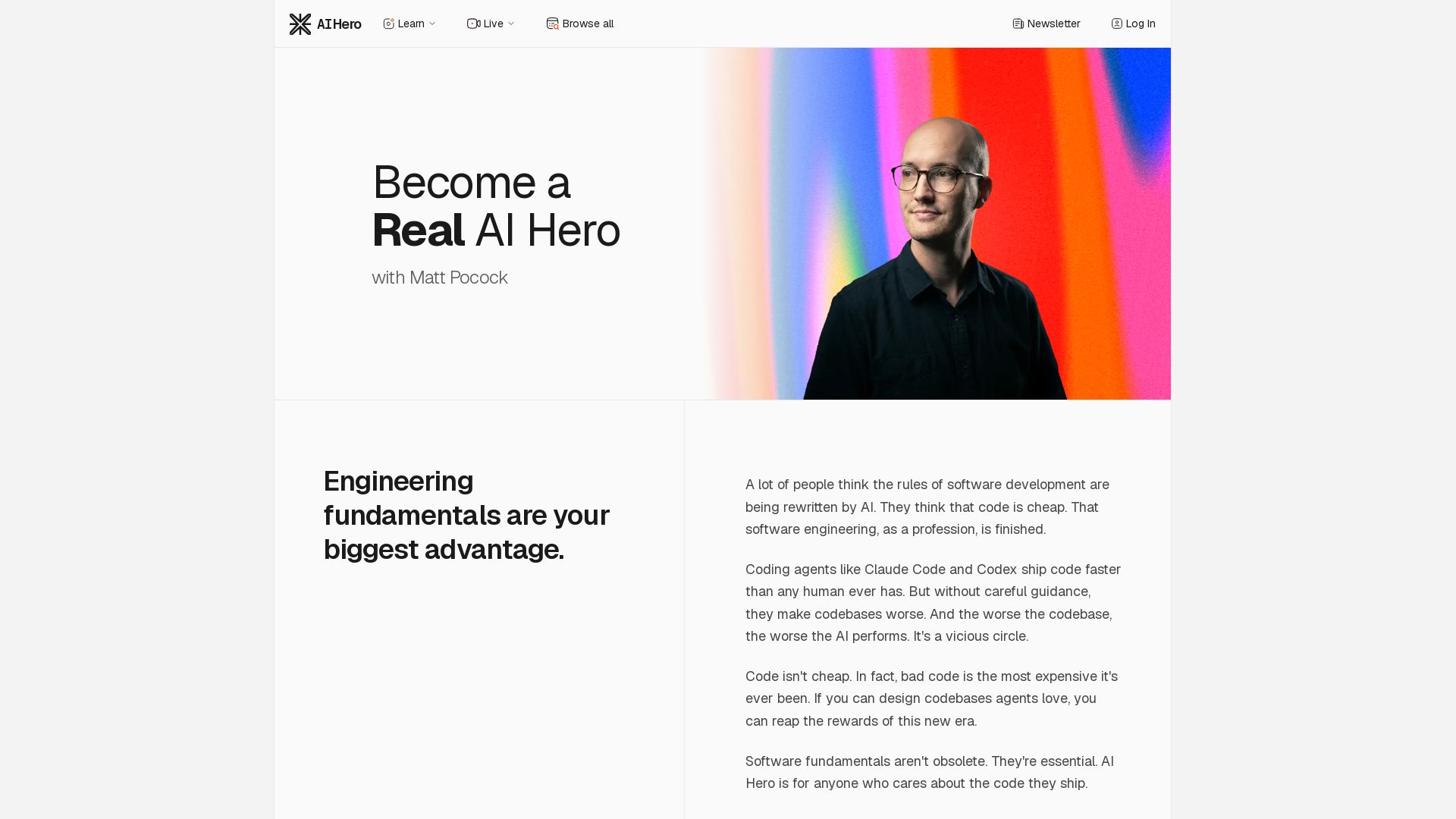
AI Hero
Master AI-assisted coding with proven engineering fundamentals. Learn to make codebases agents love, control AI output quality, and build real skills. Join 70k+ developers.


AI SDK AGENTS
The toolkit for AI engineers. Install, copy, or export 125 AI SDK patterns for agents, tool calling, human-in-the-loop, and generative UI. Full source code, own your stack.


ProductCrafters
Get a free 2-week trial sprint for your AI product. Working prototype in 30 days, production-ready in 90. No contract, no credit card. Test your dev team risk-free.


Faros
Trace every AI dollar to outcomes. Improve engineering productivity, measure AI impact, and provide context for AI agents. Trusted by top teams.


Making AI think and act: my approach to the Hugging Face AI ...
Experienced AI engineer specializing in medical imaging and LLM-powered agents. Built globally deployed radiology AI at AZmed. Now building AI agents at Matrix One.


Scuti AI
We specialize in generative AI, AI-OCR, RAG, and offshore development. Combining Vietnam's speed with Japan's quality to automate tasks and boost business.


AI App Development Cost in 2026 | Pricing Breakdown and Key Factors
Build AI-powered digital products from idea to scale. 10+ years, 700+ products. Strategy, design, engineering, AI integration. Book free strategy call.

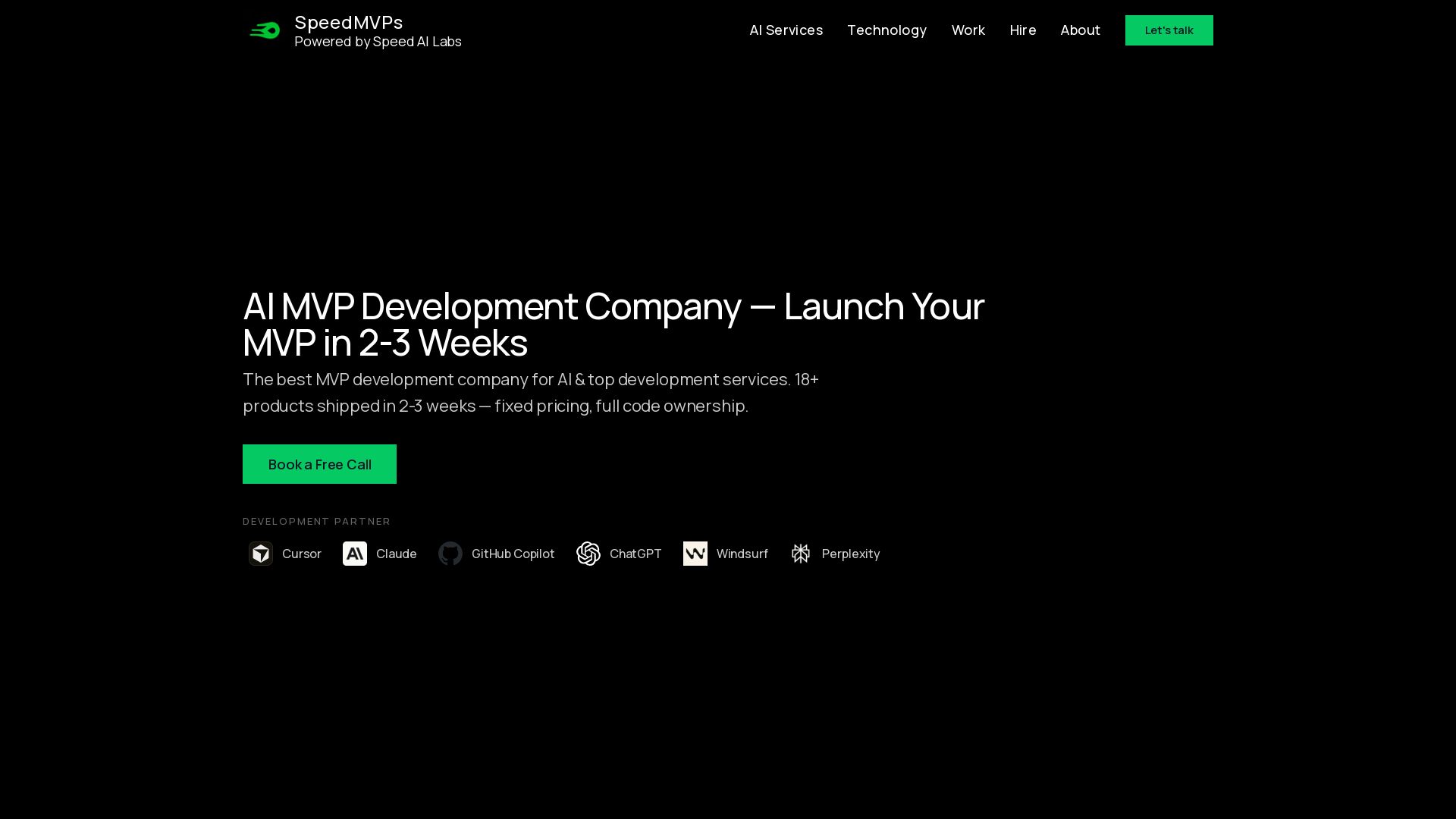
SpeedMVPs
Launch production-ready AI MVPs in 2-3 weeks. Fixed pricing, full code ownership, direct developer access. 18+ AI products shipped globally. Book a free call.

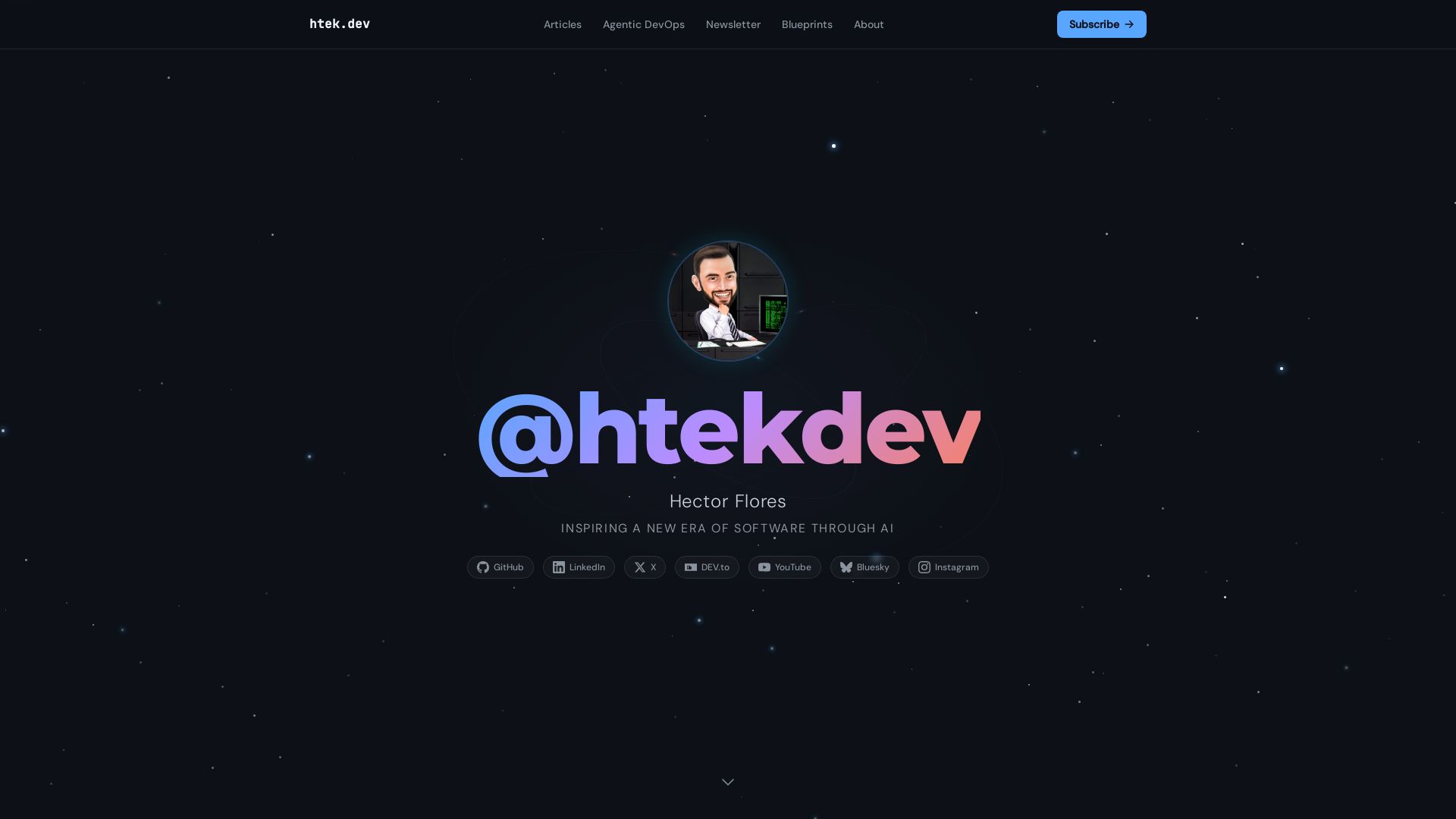
I Turned My Android Phone Into an MCP Server
Practical insights on agentic DevOps, AI workflows, and building with GitHub Copilot. Learn from software engineer Hector Flores.

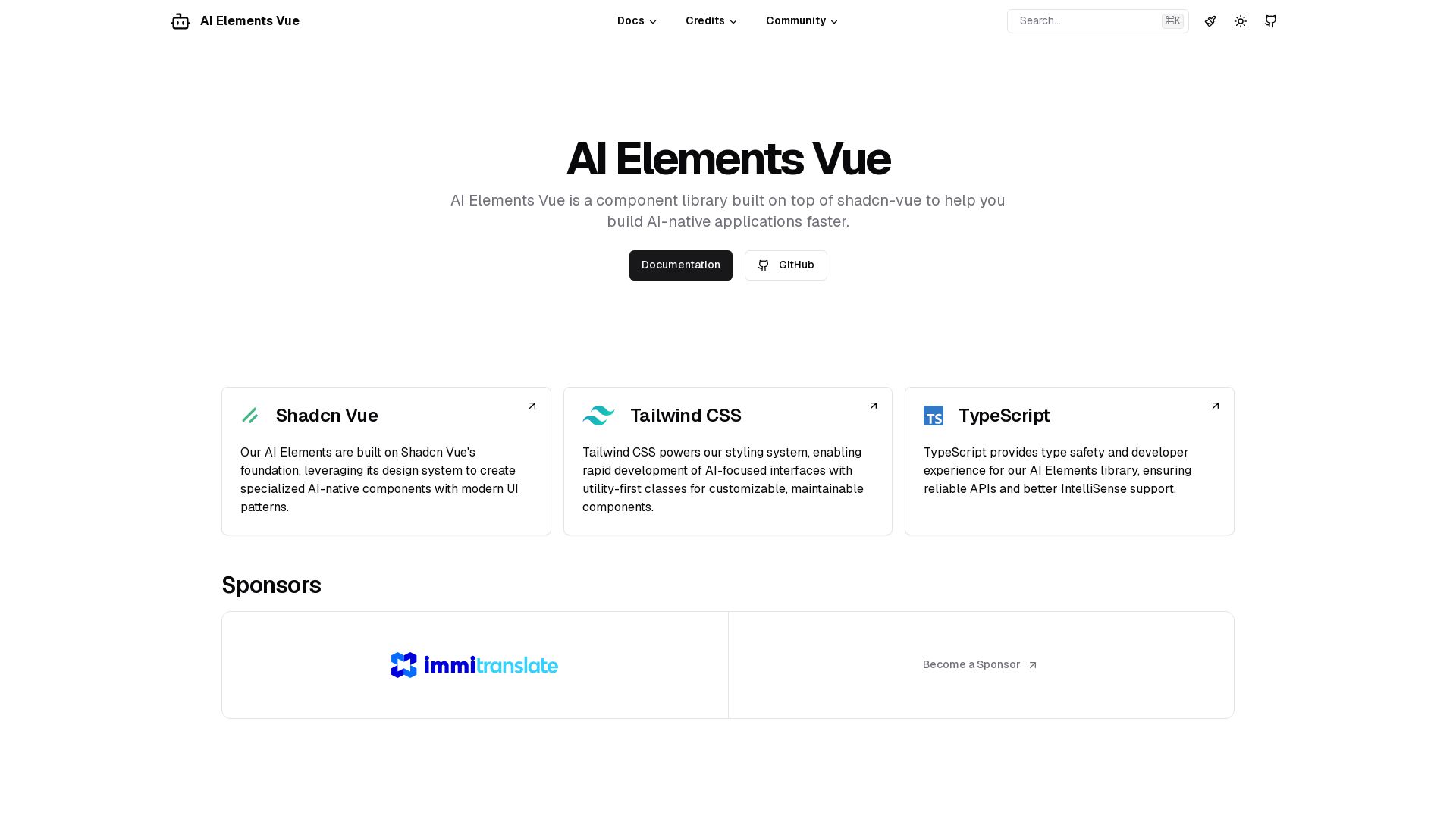
AI Elements Vue
Build AI-native apps faster with AI Elements Vue: a component library on shadcn-vue with Tailwind CSS & TypeScript. Pre-built AI components.

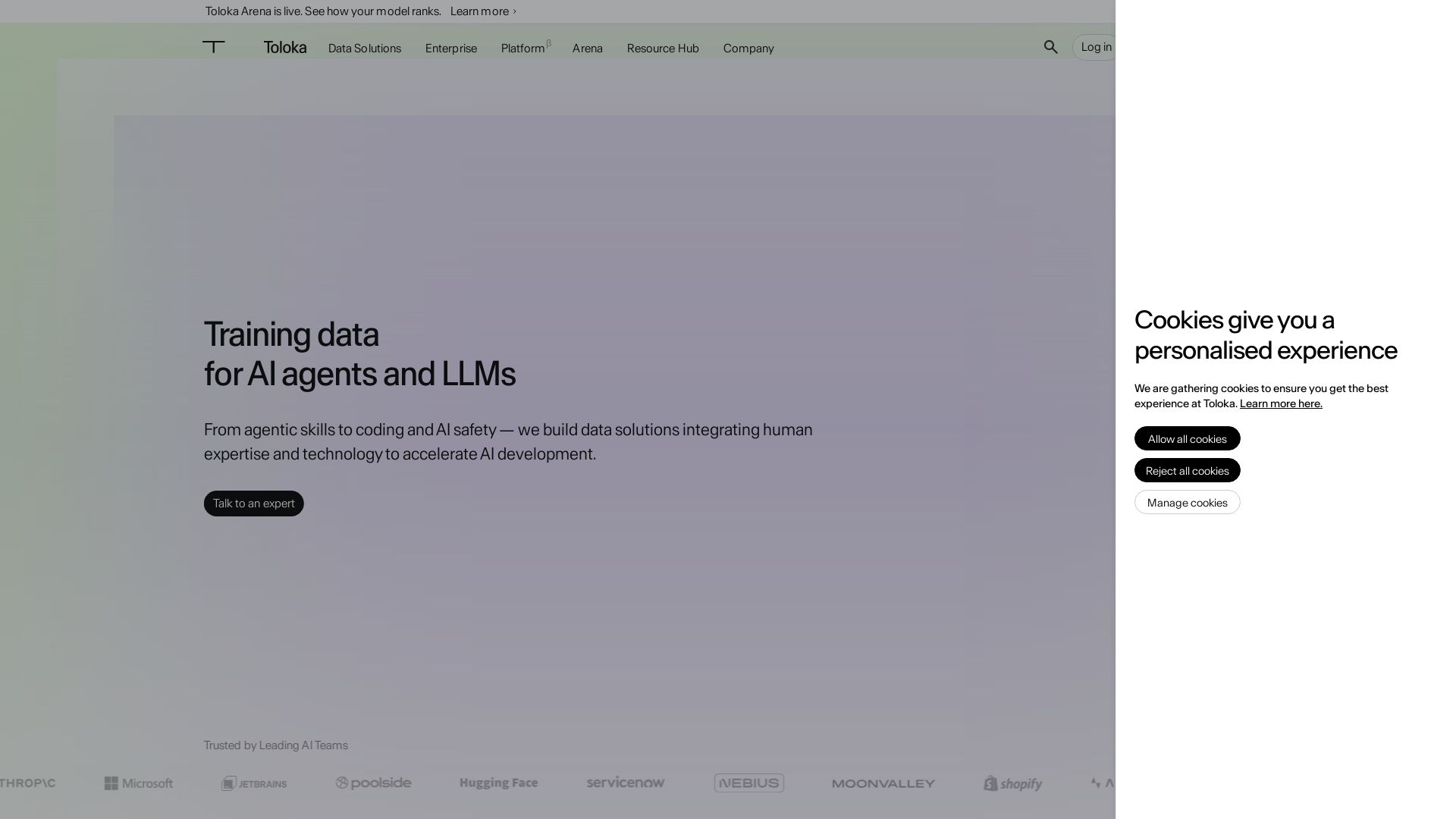
Toloka
High-quality training data for AI agents, LLMs, and coding assistants. Trusted by leading AI teams. 90+ domains, expert network.

ℹ️ Curation Disclosure: The overview and features of Visual Studio Code were synthesized using AI and fact-checked by our curation team to ensure accuracy.
