
AI Studio APK
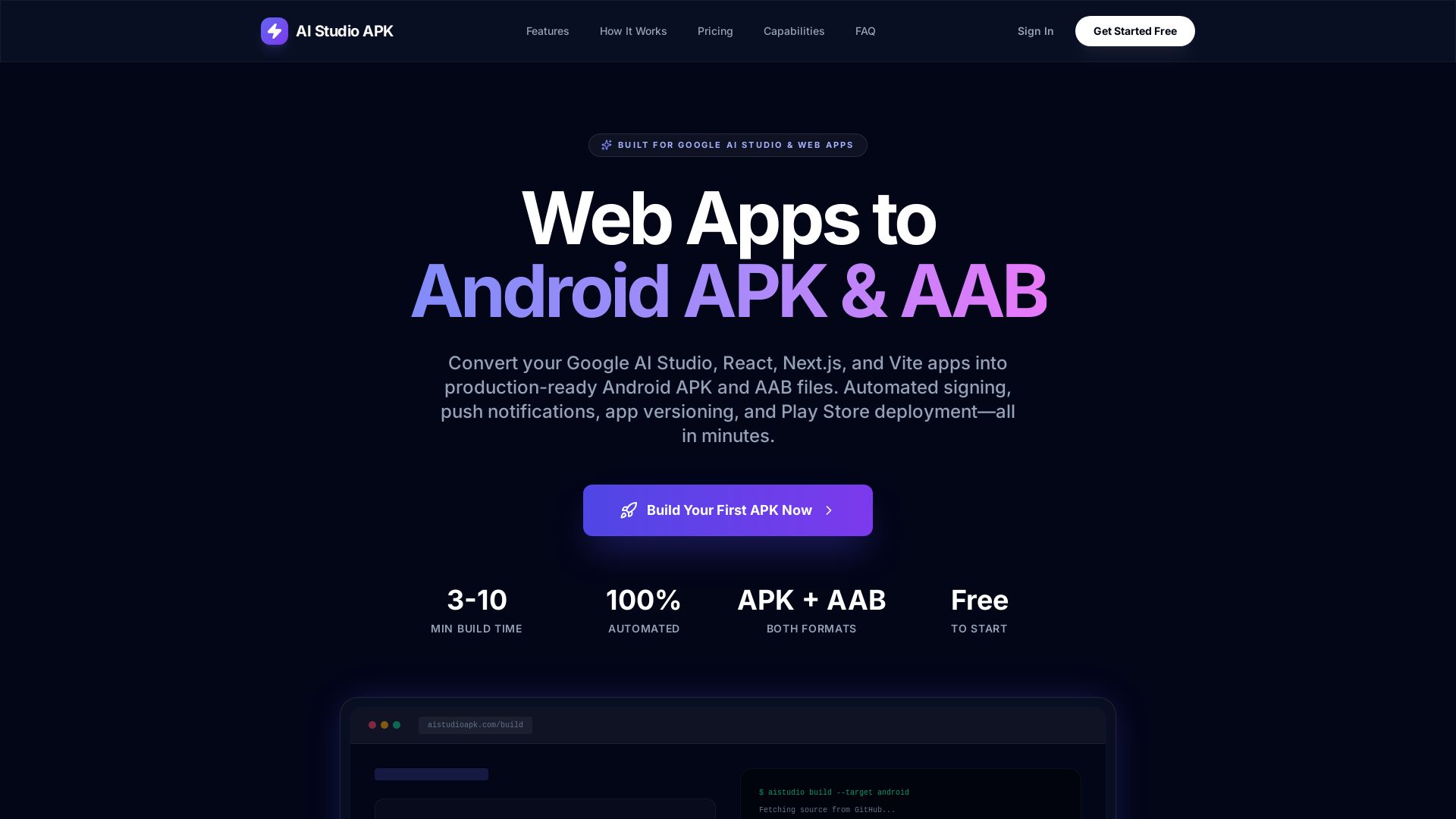
Turn your Google AI Studio, React, Next.js, or Vite app into a production-ready Android APK or AAB in minutes. Automated signing, push notifications, and Play Store deployment – no Android Studio needed.
Editor's Verdict
Key Takeaways
- APK & AAB Output
- GitHub Integration
- Automated Signing
- Push Notifications
In-Depth Review: What is AI Studio APK?
AI Studio APK is the fastest way to convert your web applications into fully functional Android apps. Simply connect your GitHub repository or upload a ZIP file, and our automated pipeline handles everything: dependency installation, Capacitor native bridge injection, Firebase & FCM configuration, APK/AAB signing, and version management. In 3–10 minutes, you get a signed, production-ready binary for direct installation or Play Store submission. With built-in push notifications, native device capabilities, and automatic signing, developers can ship Android apps without writing a single line of Android code. Perfect for Google AI Studio projects, rapid prototyping, and team distribution.
Core Features
APK & AAB Output
Build both APK files for direct installation and AAB (Android App Bundle) for optimized Play Store distribution.
GitHub Integration
Connect via GitHub App OAuth for secure access to public and private repositories.
Automated Signing
Upload keys and release certificates are generated and stored automatically. Every build is signed and Play Store ready.
Push Notifications
Built-in Firebase Cloud Messaging setup. Send topic-based, device-targeted, or broadcast notifications directly from your dashboard.
App Management
Organize builds as named apps with version history, release notes, and build counts.
Real-time Build Logs
Watch every step of compilation live with step-by-step progress tracking and error diagnostics.
Native Mobile Bridge
Capacitor plugins for camera, geolocation, filesystem, and more are automatically injected.
Firebase Auth Support
Google Sign-In detection and configuration, with google-services.json upload and SHA-1 fingerprint generation.
Granular Permissions
Configure Android permissions per build: camera, microphone, location, storage, contacts, vibrate, wake lock, and more.
Build Configuration
Multiple branch support, ZIP file upload, environment variable injection, custom app icons, and production/development build modes.
Pricing
FREE
- 5 successful build credits (one-time)
- Failed builds don't count
PRO
- 30 successful builds per month
- Best for regular app updates
- Failed builds don't count
PREMIUM
- 100 successful builds per month
- Ideal for teams and high volume
- Failed builds don't count
Pros and Cons
Pros
- Quick Build TimeConvert your web app to Android APK/AAB in 3-10 minutes, saving hours of manual setup.
- No Android Knowledge RequiredHandles Gradle, signing, native bridges, and Play Store configuration automatically.
- Play Store ReadyBoth APK and AAB are automatically signed and production-configured for direct Play Store submission.
- Private Repo SupportSecure GitHub App OAuth integration allows building from private repositories without exposing credentials.
- Push Notifications Built InFCM is injected automatically; send notifications from dashboard without backend code.
Cons
- Limited Free TierFree plan only includes 5 one-time build credits, which may not suffice for regular development.
- Monthly Cost for More BuildsPro and Premium plans require a monthly subscription for higher build quotas.
- Framework DependencyOnly supports React, Next.js, and Vite applications, limiting users of other frameworks.
- Requires Code UploadSource code must be provided via GitHub or ZIP upload, which may be a concern for some users.
- Platform Lock-inUsing the platform for builds and app management may create dependency on their service.
Use Cases & Recommended Professions
Web Developer→ View Toolkit
Easily convert web apps built with React, Next.js, or Vite into Android apps without learning native development.
Google AI Studio User→ View Toolkit
Export AI Studio-generated projects directly to Android APK/AAB for mobile deployment.
Mobile App Developer→ View Toolkit
Rapidly prototype Android apps and manage versioning, build logs, and Play Store distribution from a single platform.
Startup Founder→ View Toolkit
Quickly ship an Android MVP from existing web code, reducing time-to-market and development costs.
Product Manager→ View Toolkit
Generate test APKs for stakeholder demos and client feedback without involving the engineering team.
Freelance Developer→ View Toolkit
Build and deliver Android apps for clients using their web codebase, with push notifications and Firebase integration.
Frequently Asked Questions
Alternative AI Tools
View Detailed Comparison →
Figr
Ship better UX faster. Figr builds a living understanding of your product, maps flows, finds edge cases, and generates high-fidelity prototypes from your actual design system.


ProductCrafters
Get a free 2-week trial sprint for your AI product. Working prototype in 30 days, production-ready in 90. No contract, no credit card. Test your dev team risk-free.

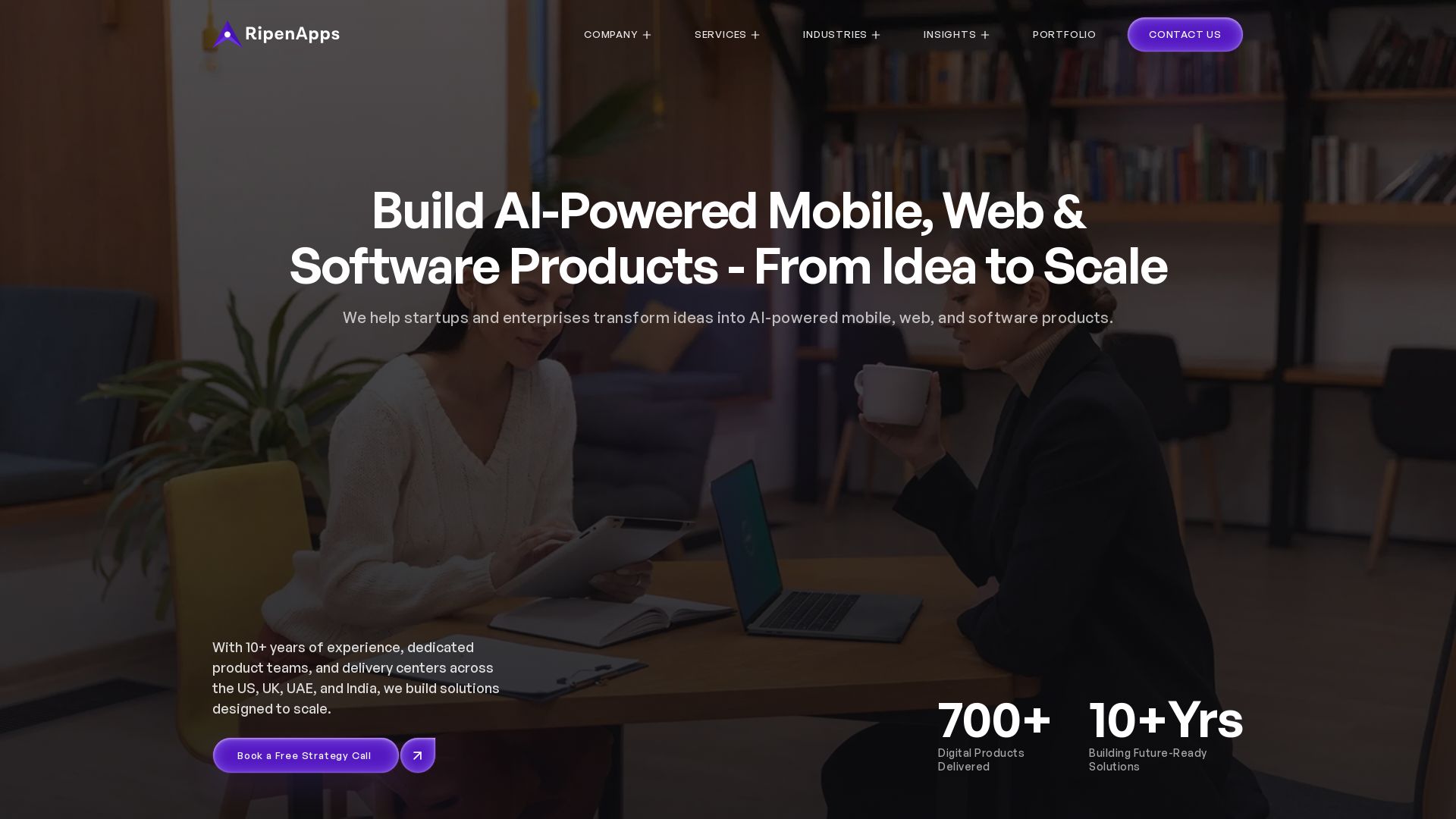
AI App Development Cost in 2026 | Pricing Breakdown and Key Factors
Build AI-powered digital products from idea to scale. 10+ years, 700+ products. Strategy, design, engineering, AI integration. Book free strategy call.

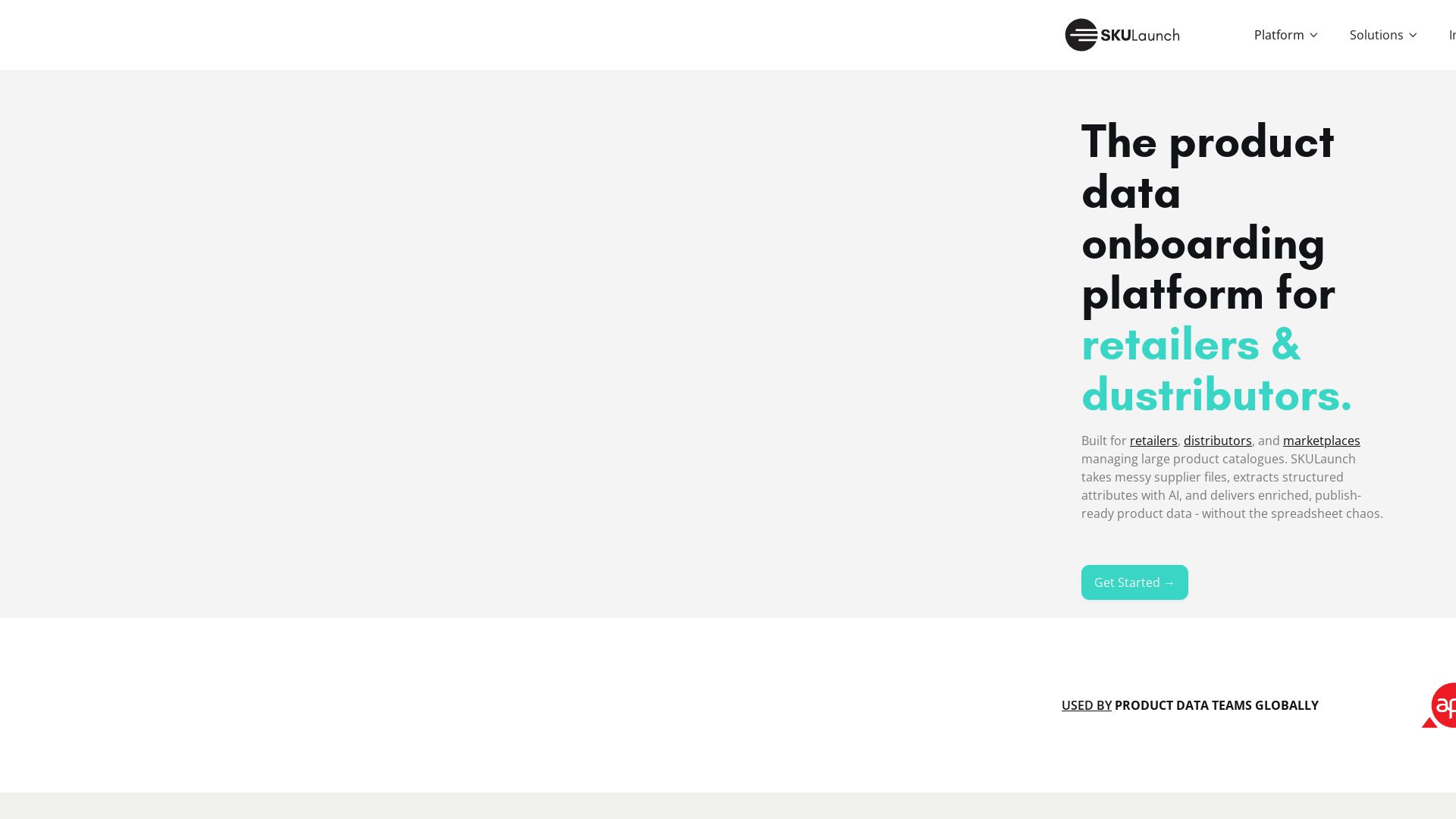
SKULaunch
Automate supplier data onboarding, AI extracts attributes, enrich product catalogs, and publish ready data. From messy files to filterable search.

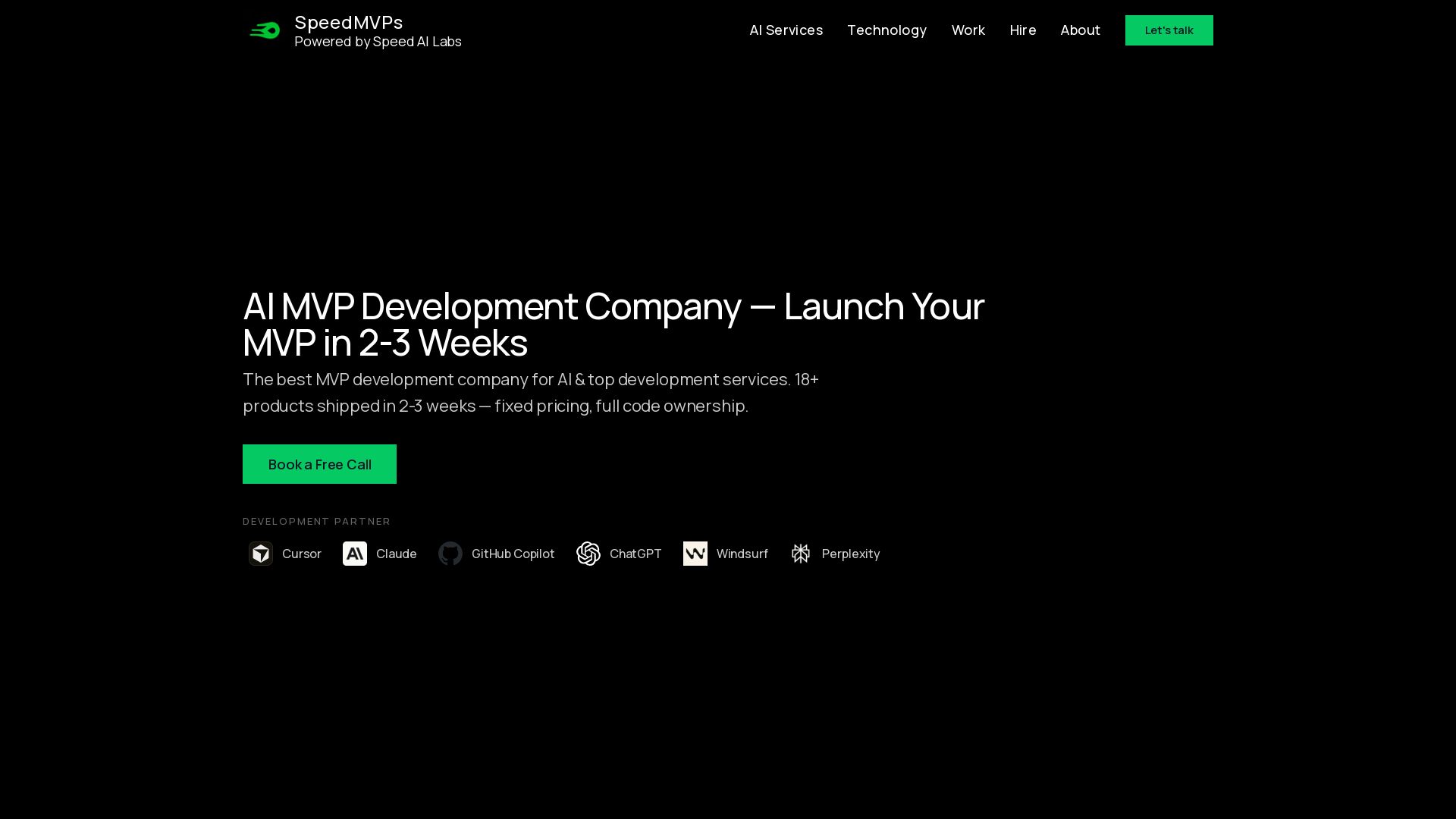
SpeedMVPs
Launch production-ready AI MVPs in 2-3 weeks. Fixed pricing, full code ownership, direct developer access. 18+ AI products shipped globally. Book a free call.

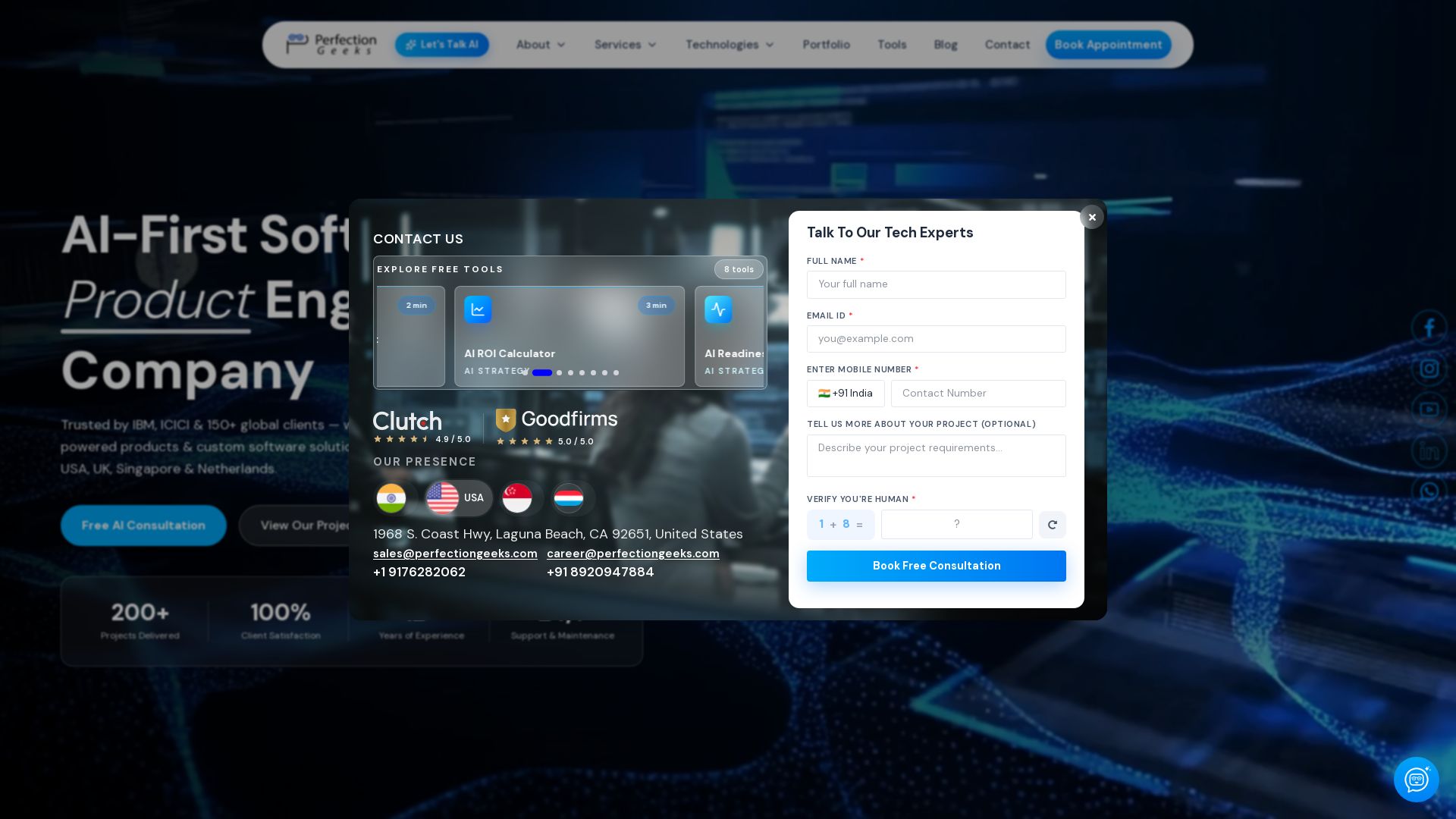
PerfectionGeeks Technologies
Trusted by IBM, ICICI & 150+ clients. Build mobile apps, web platforms, AI products & custom software. Serving USA, UK, Singapore, Netherlands.

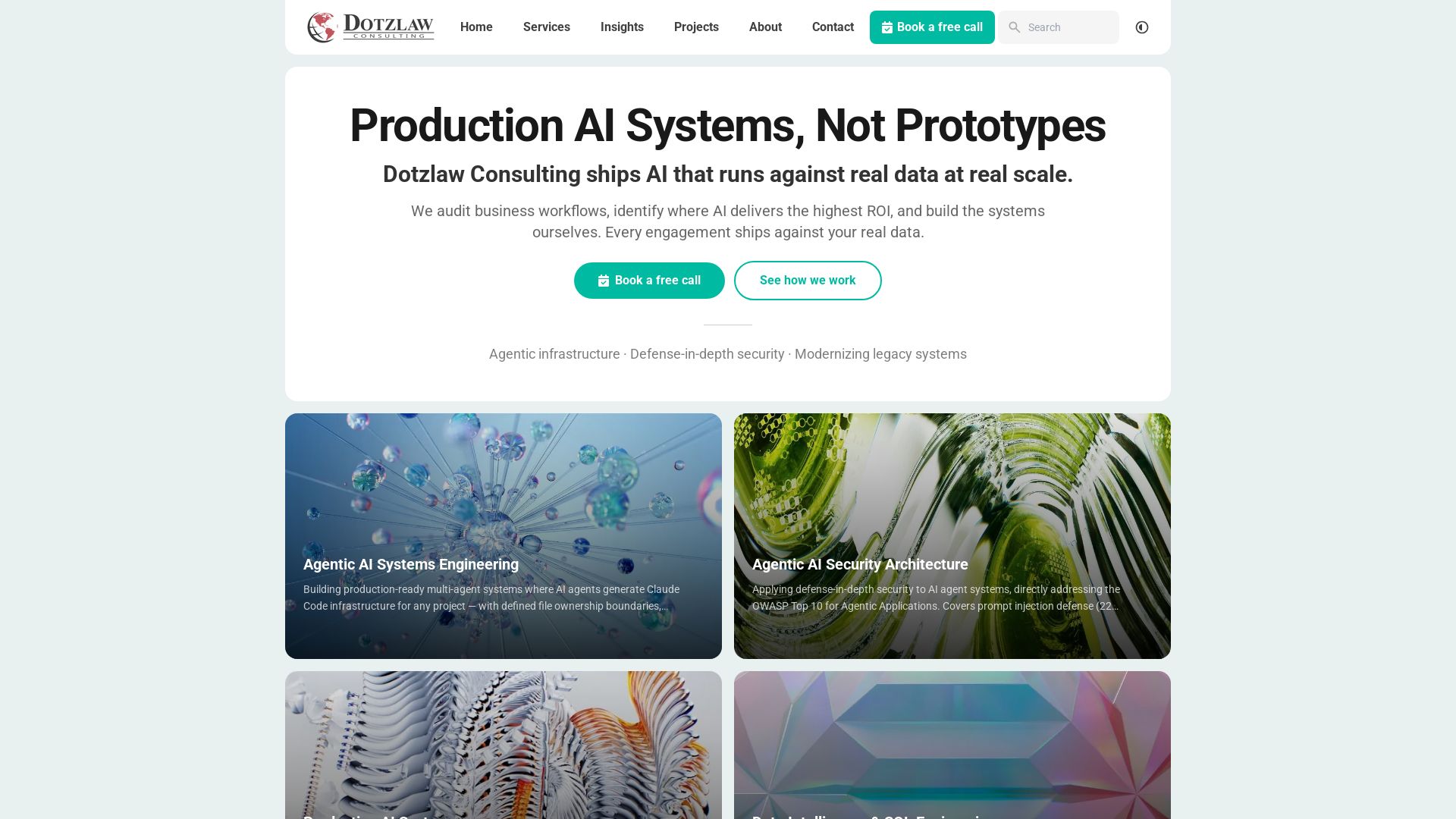
Dotzlaw Consulting
We build production-ready AI systems, multi-agent workflows, and secure architectures. Real data, real scale. Expert SQL & data intelligence.

Axify
Get clear visibility into AI usage, cost, and impact across your engineering teams. Flat fee, no per-seat pricing. Start free trial.

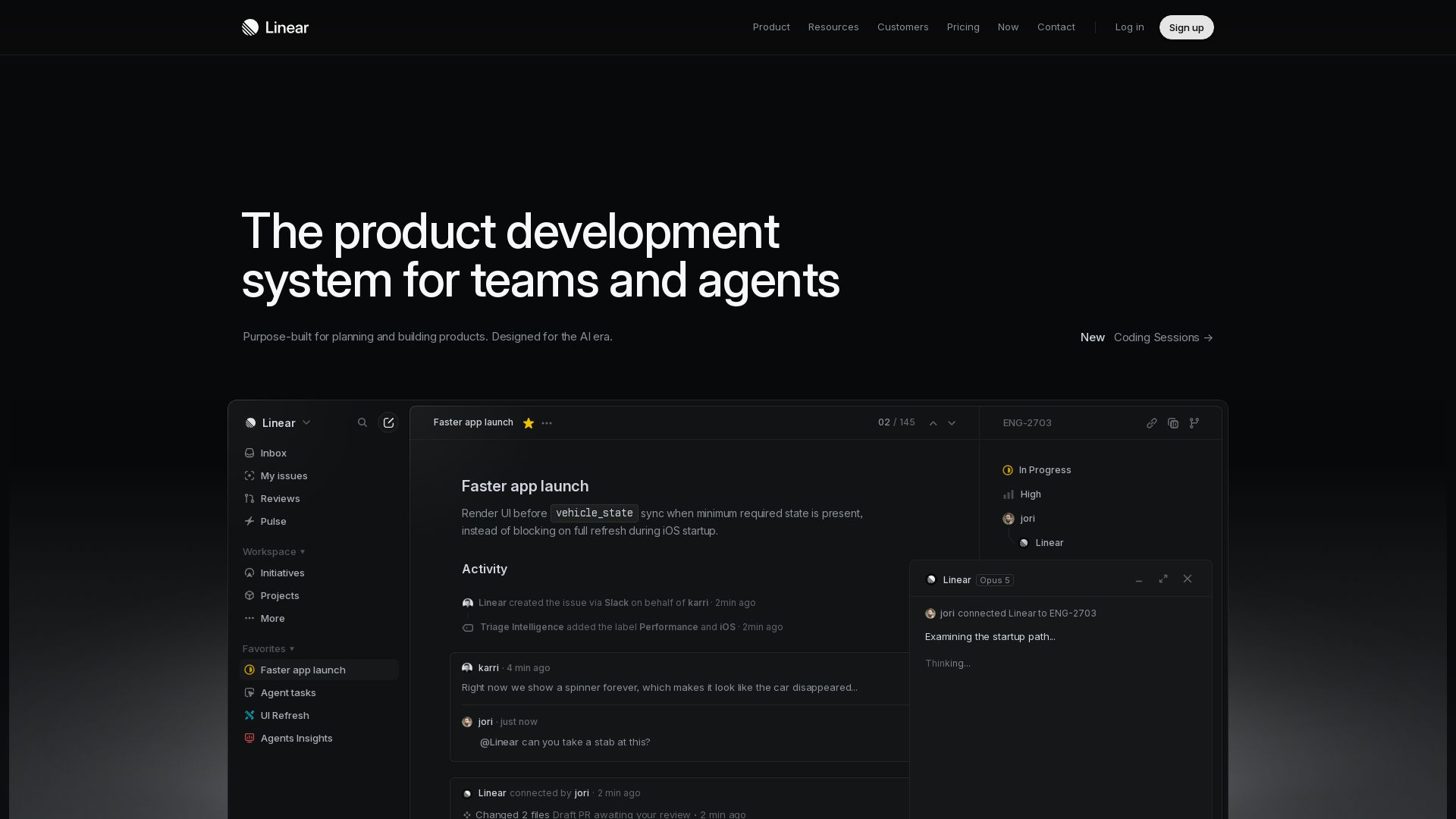
Linear
Purpose-built for modern teams with AI workflows. Plan, build, and ship faster with agents. Trusted by OpenAI, Ramp, and 37,000+ teams.

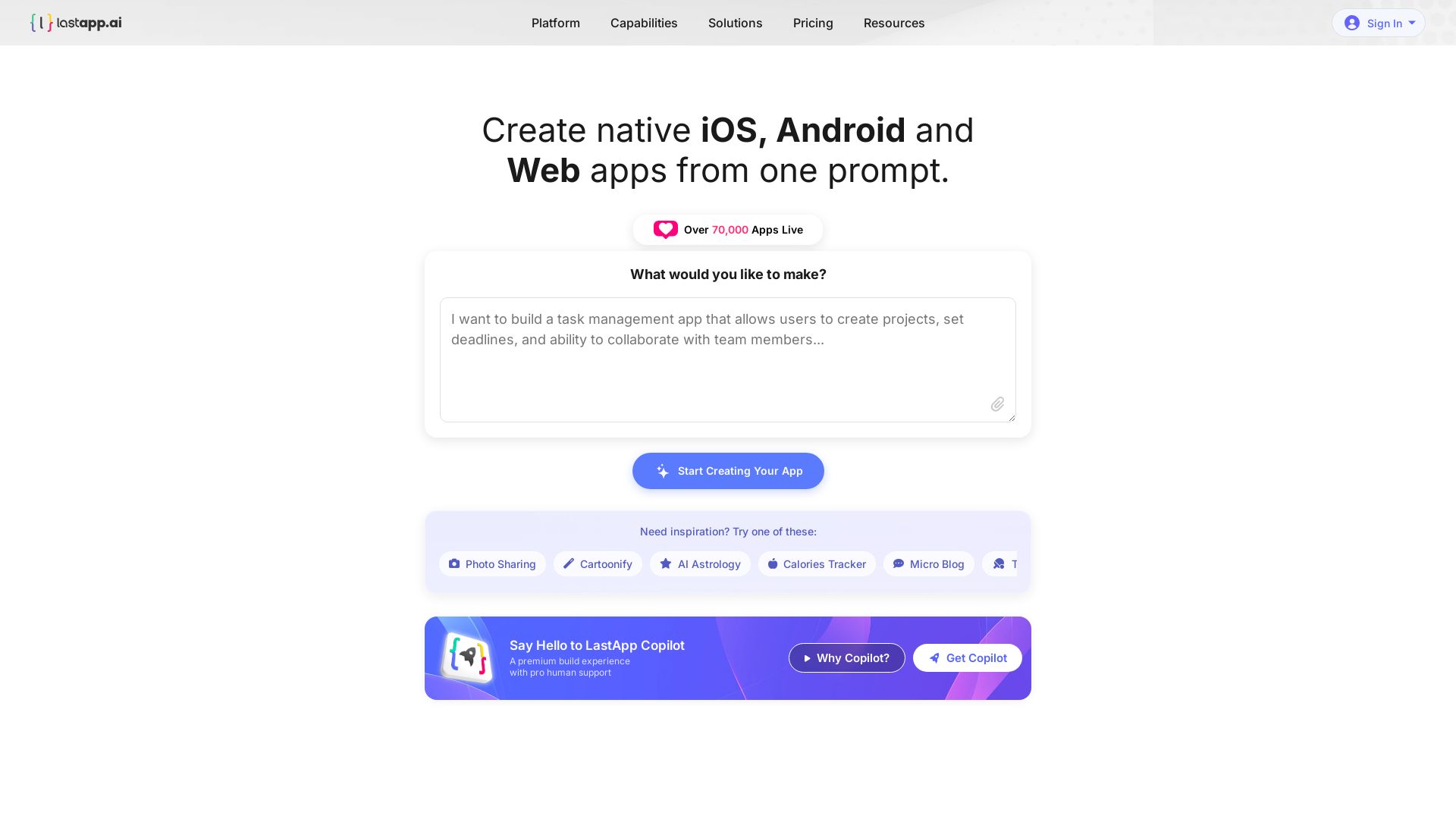
LastApp.AI
Build native iOS, Android, and Web apps instantly from a single prompt. Over 70,000 apps live. Try AI Copilot with pro support.

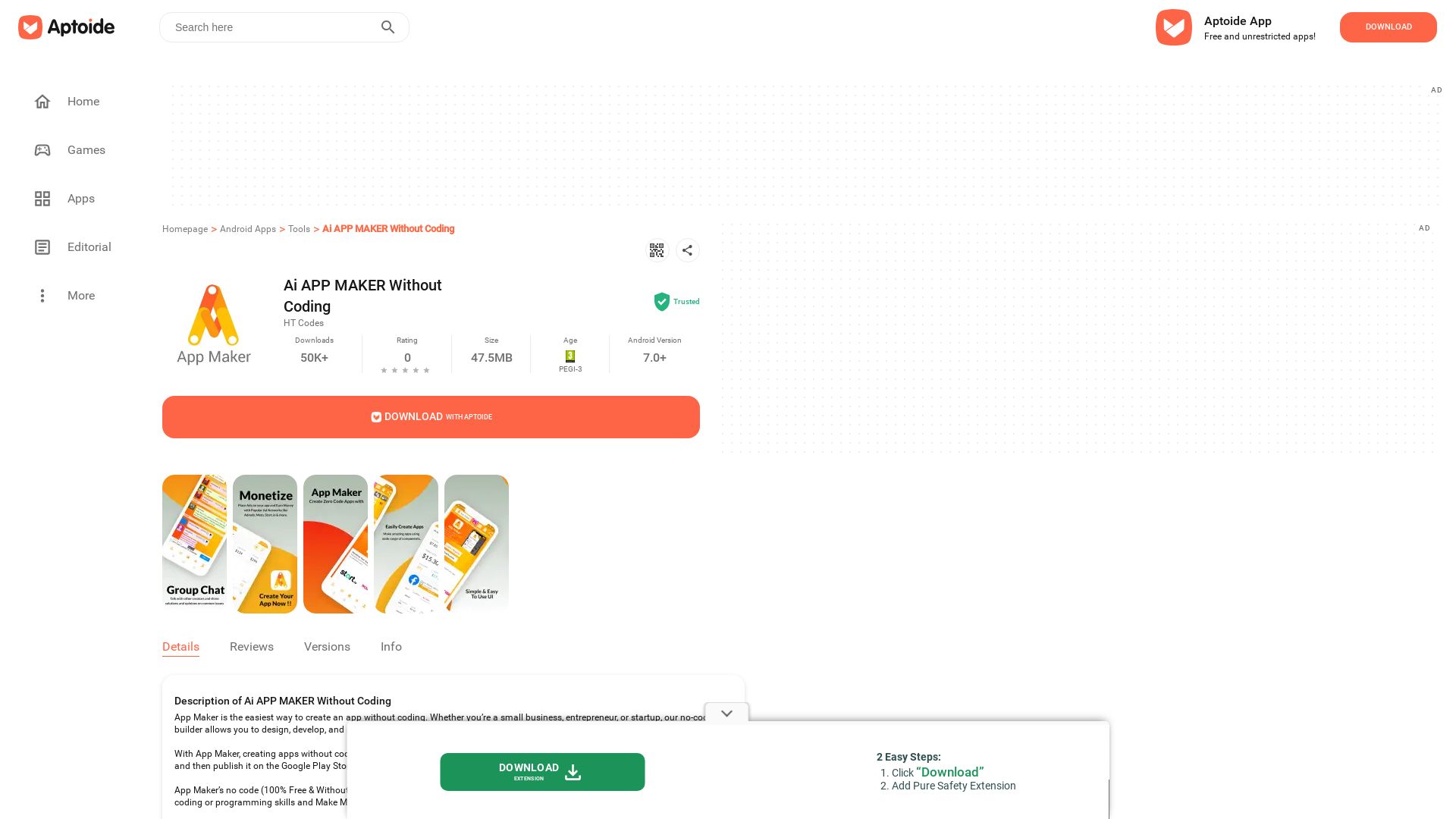
Ai APP MAKER Without Coding
Download thousands of free Android apps and games on Aptoide. Enjoy cashback rewards, no restrictions, and discover new content daily.
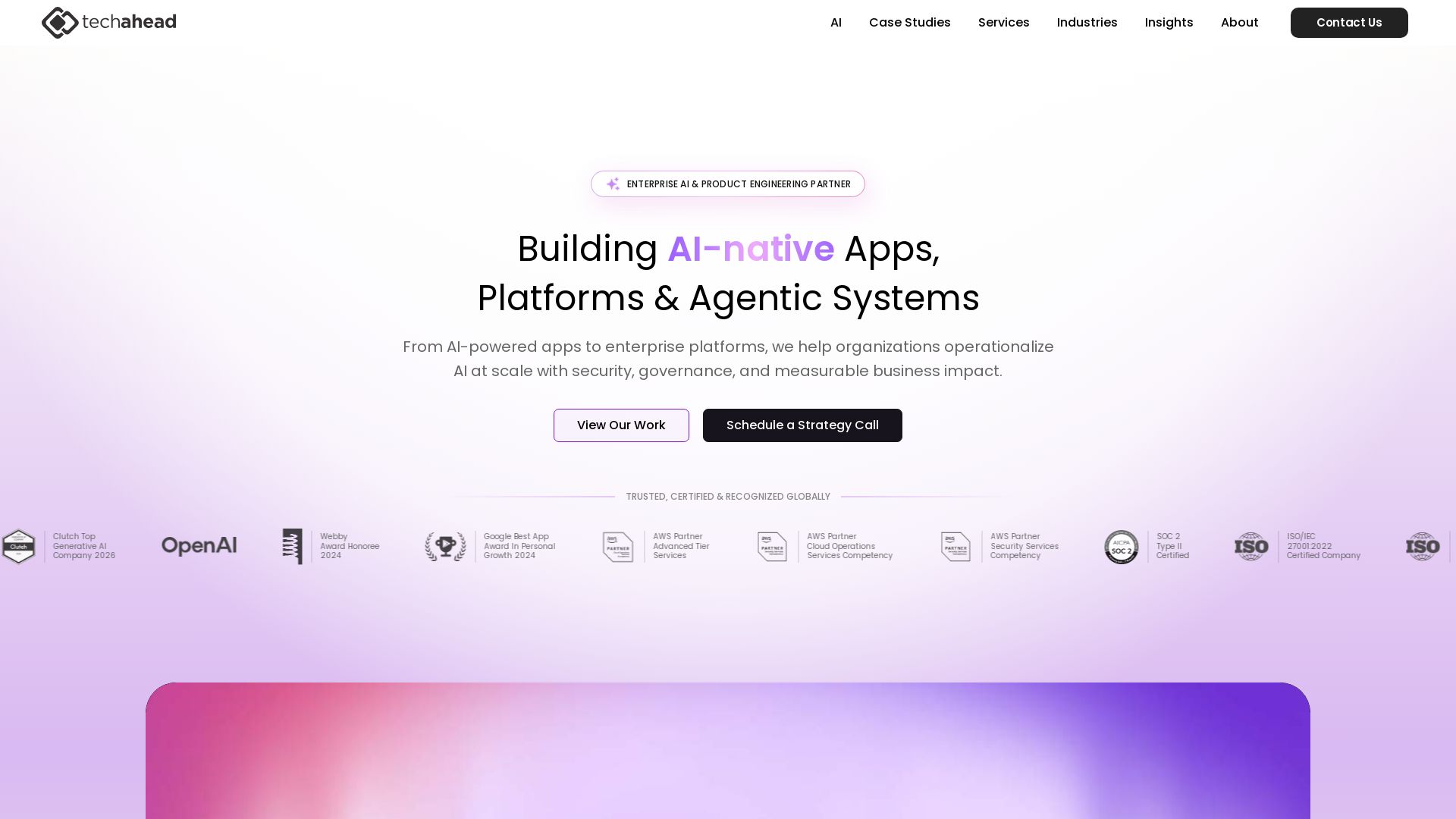
Hybrid RAG Architecture: Definition, Benefits and Use Cases
Build AI-native apps, platforms & agentic systems at scale. Trusted by 1200+ global brands. Certified, secure, production-grade AI.

ℹ️ Curation Disclosure: The overview and features of AI Studio APK were synthesized using AI and fact-checked by our curation team to ensure accuracy.
