
Wegic
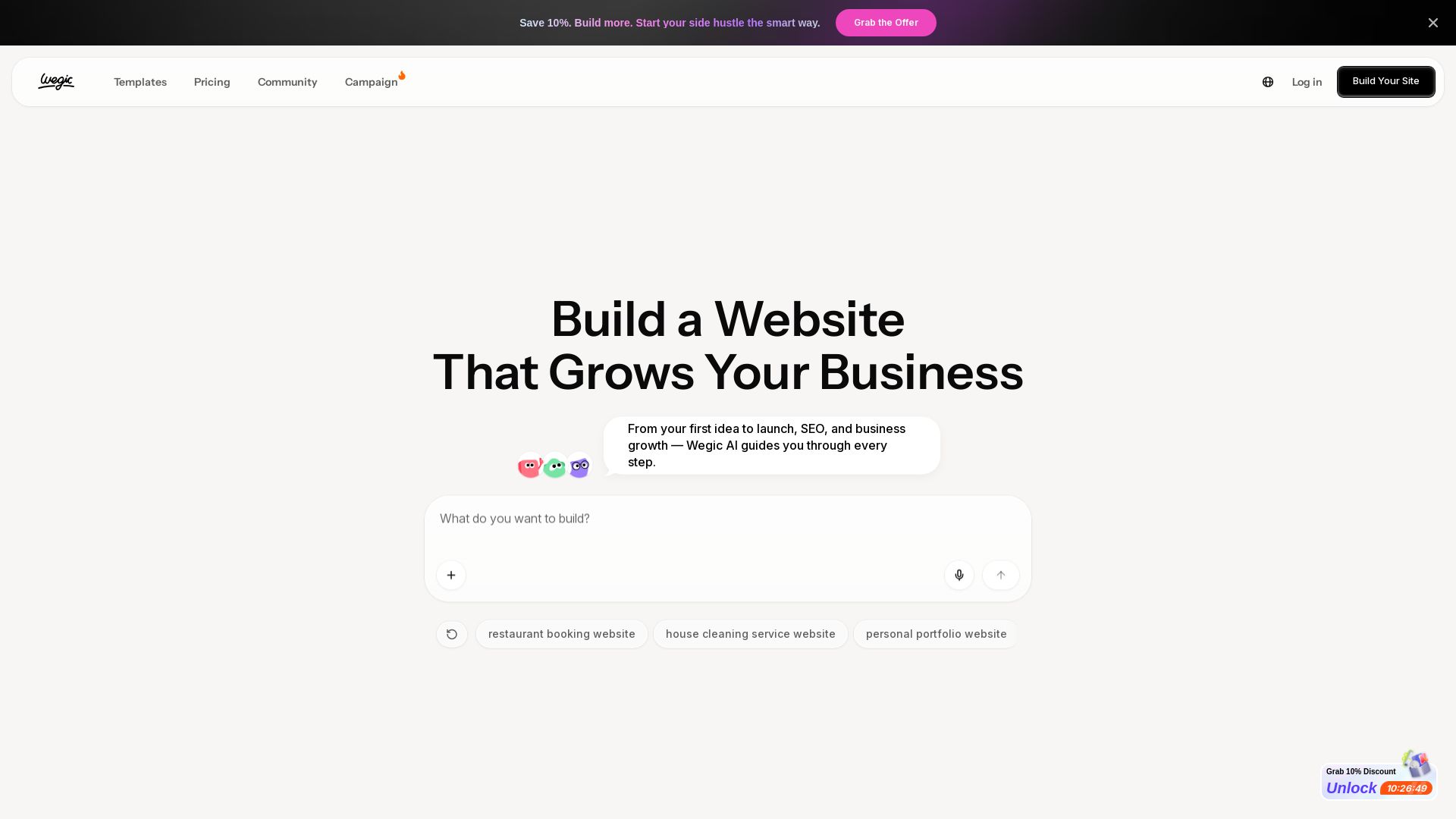
Create professional websites with AI. Chat to build, edit easily, and go live in a click. No coding needed. Perfect for businesses, portfolios, and stores.



Editor's Verdict
Key Takeaways
- AI Copilot
- Chat to Build
- No Coding Required
- One-Click Publishing
In-Depth Review: What is Wegic?
Wegic is an AI-powered website builder that lets you create stunning websites by simply chatting. No coding or design skills required. Just describe your needs, and Wegic acts as your designer, developer, and manager — from template selection to one-click publishing and automatic updates. Build sites for businesses, portfolios, online stores, or anything else. Start for free and grow your online presence effortlessly.
Core Features
AI Copilot
Guides you every step, always knowing what to do next.
Chat to Build
Just describe your needs and ideas, and Wegic builds a website in seconds.
No Coding Required
Create visually stunning websites without any technical skills or hiring developers.
One-Click Publishing
Go live instantly with a single click.
Diverse Templates
Hundreds of templates for online stores, services, portfolios, and more.
Gamified Progress Tracking
Create immersive learning hubs with gamified progress tracking.
Pros and Cons
Pros
- Easy to UseNo coding or technical skills required; AI guides the entire process.
- Fast Website CreationBuild a complete website in seconds just by chatting with AI.
- Cost-EffectiveEliminates the need to hire agencies or developers, saving time and money.
- Versatile TemplatesWide range of templates tailored for different industries and goals.
- Community SupportActive community and help center for assistance.
Cons
- Limited CustomizationAI-generated designs may not fully match unique brand requirements.
- Dependency on AIRelies heavily on AI suggestions, which may not always be optimal.
- Potential Learning CurveNew users might need time to understand AI interactions.
- Unclear PricingNo explicit pricing plans listed on the page, creating uncertainty.
- Limited IntegrationsMay lack advanced integrations compared to traditional website builders.
Use Cases & Recommended Professions
Small Business Owner→ View Toolkit
Easily create a professional website to promote products or services without technical expertise.
Freelancer→ View Toolkit
Build a portfolio website quickly to showcase work and attract clients.
Entrepreneur→ View Toolkit
Launch a side hustle website efficiently to start a new venture.
Blogger→ View Toolkit
Create a personalized blog with custom design and no coding.
Agency Owner→ View Toolkit
Design polished agency websites for clients without outsourcing.
Online Store Owner→ View Toolkit
Set up an e-commerce website optimized for conversions and sales.
Frequently Asked Questions
Alternative AI Tools
View Detailed Comparison →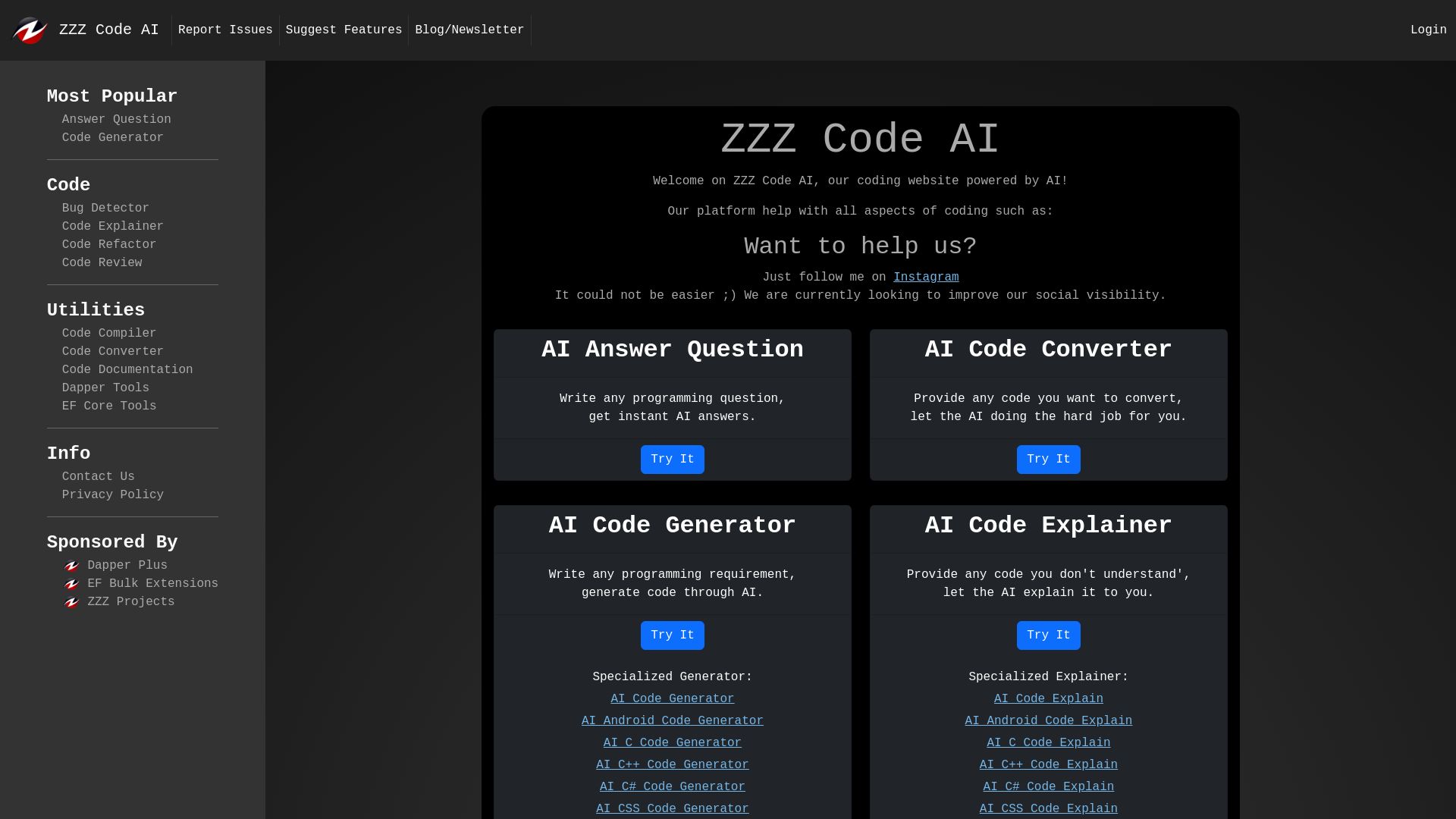
zzzcode.ai
AI-powered platform for code generation, conversion, explanation, debugging, refactoring, and more. Supports multiple languages. Boost productivity.


Continue
Create, share, and use custom AI code agents with Continue. Features agent, chat, edit modes, and autocomplete for VS Code and JetBrains.

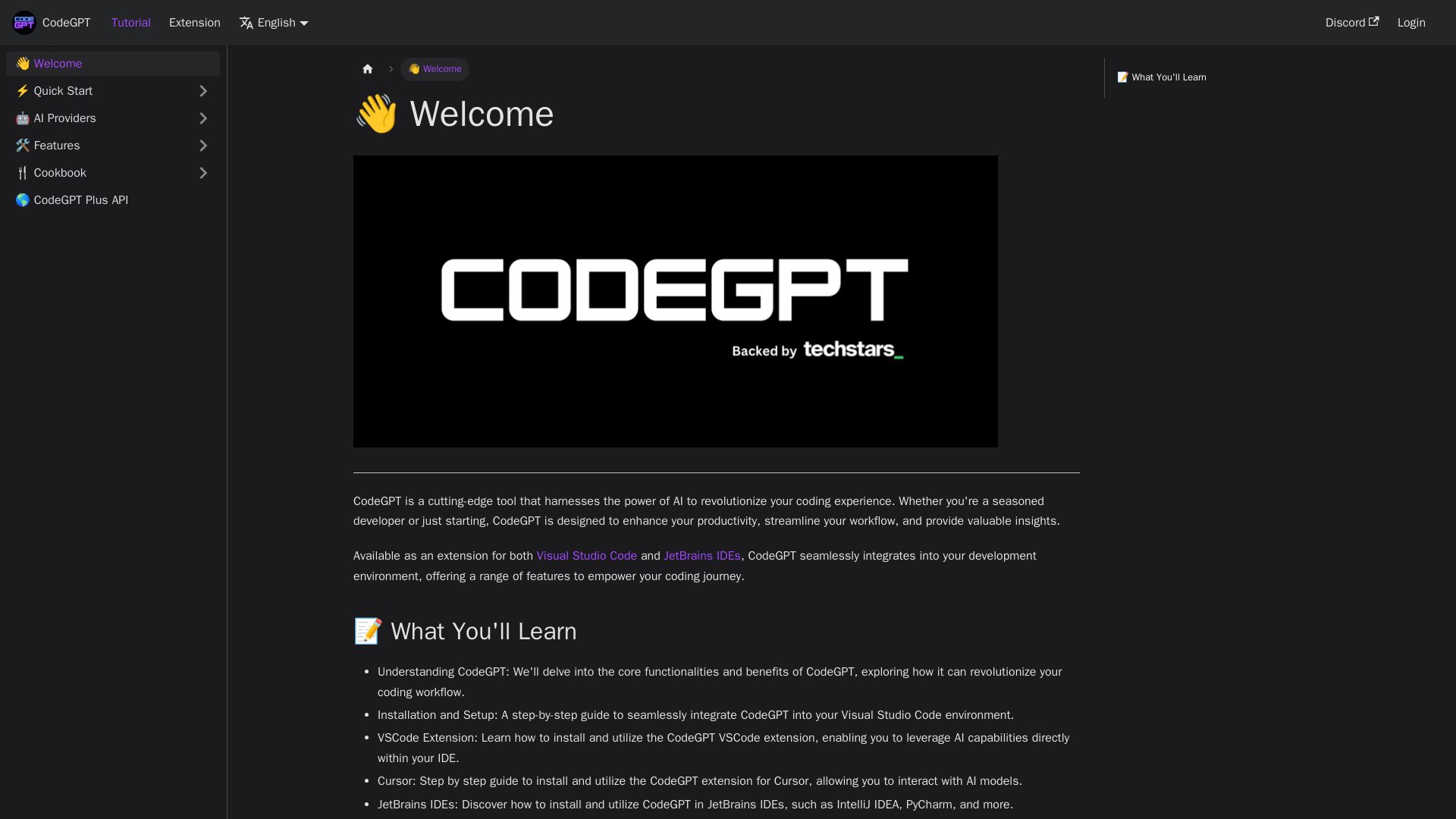
CodeGPT
Supercharge your coding with CodeGPT. AI-driven code generation, debugging, and agents. Seamlessly integrates with VS Code and JetBrains IDEs.

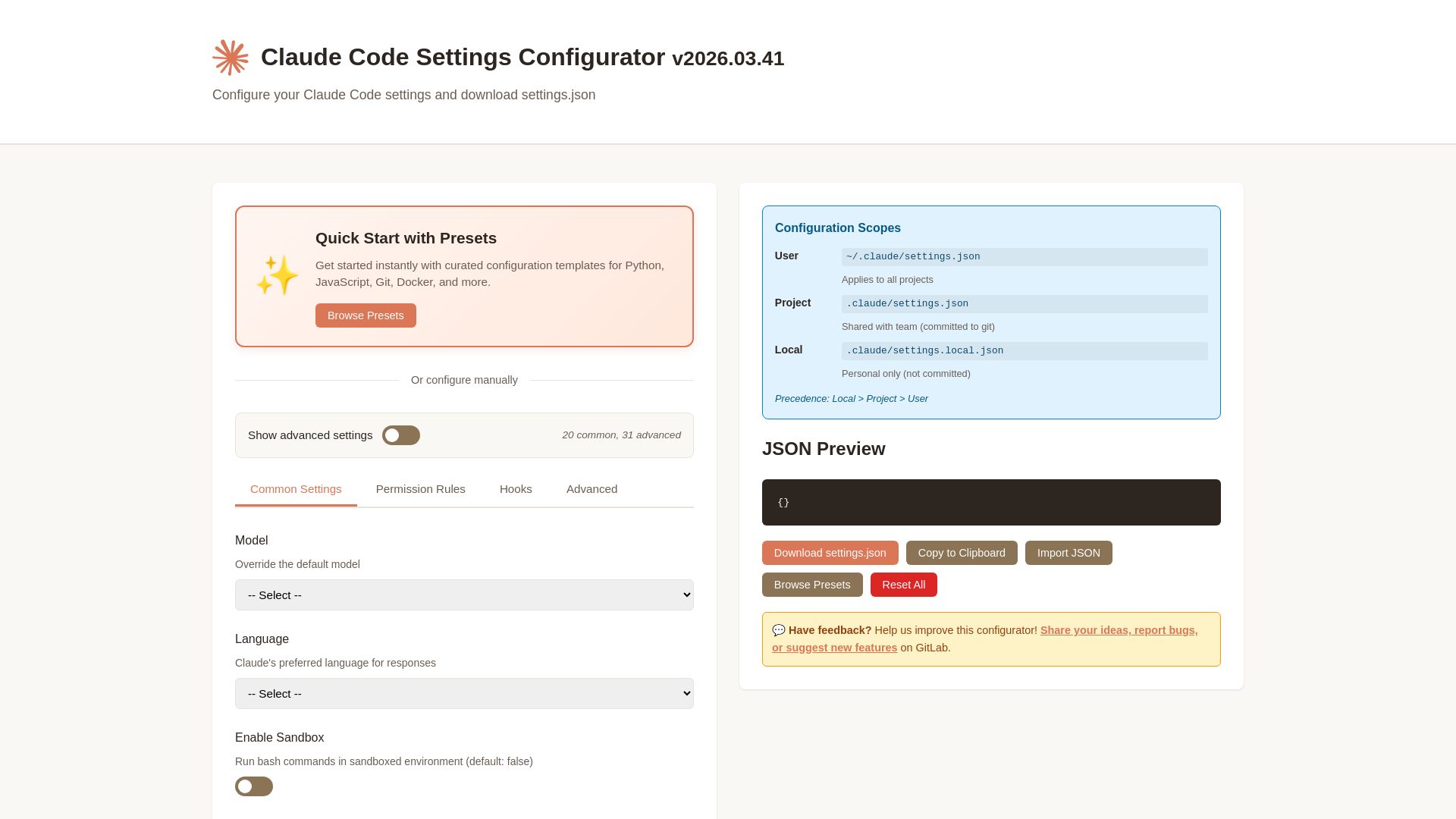
Claude Code Settings Configurator
Easily configure Claude Code settings with presets, permissions, hooks, and more. Download your custom settings.json file.

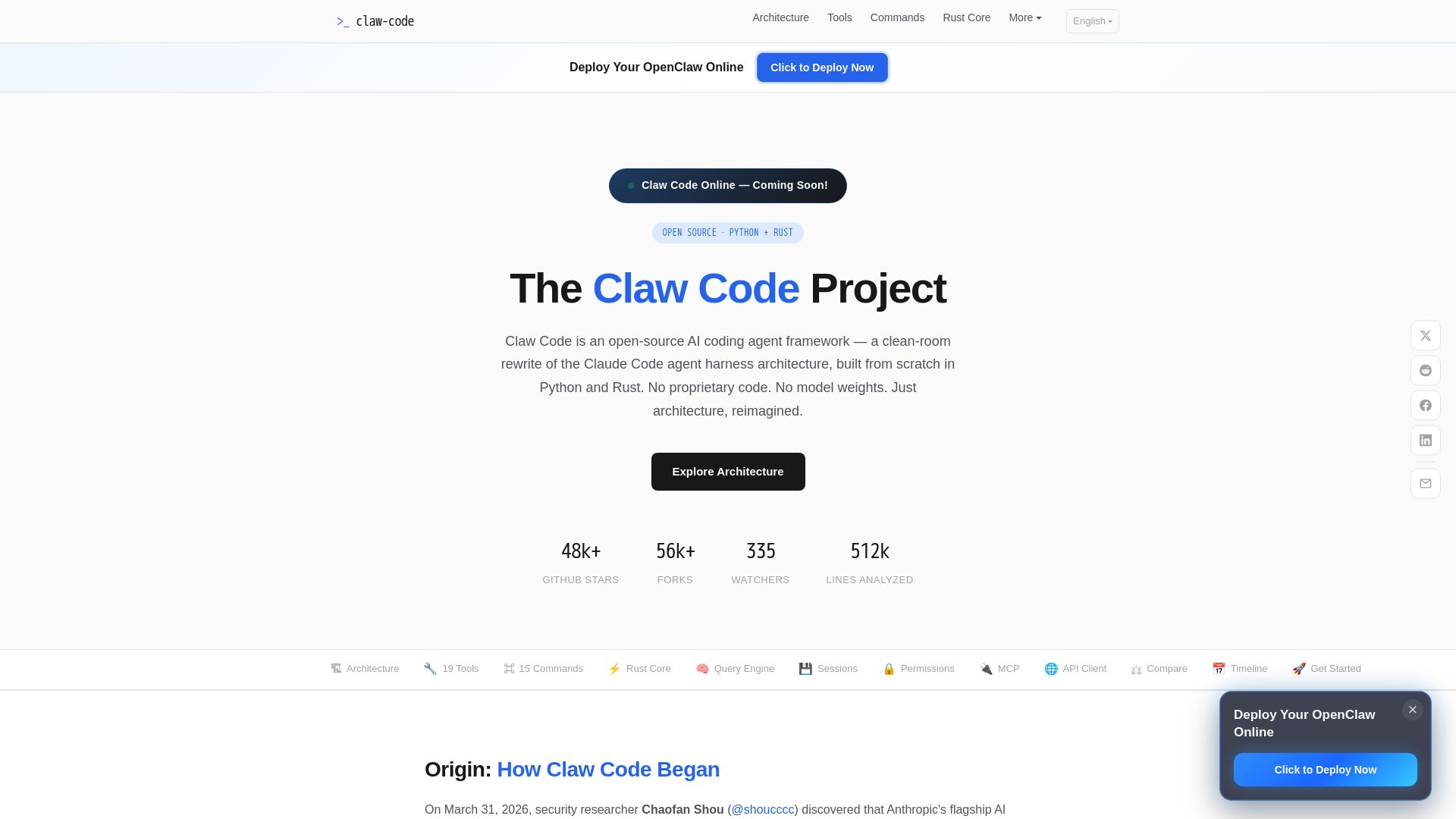
Claw Code
Clean-room Python & Rust rewrite of Claude Code architecture. 19 tools, multi-agent orchestration, MCP support. Free & open-source.

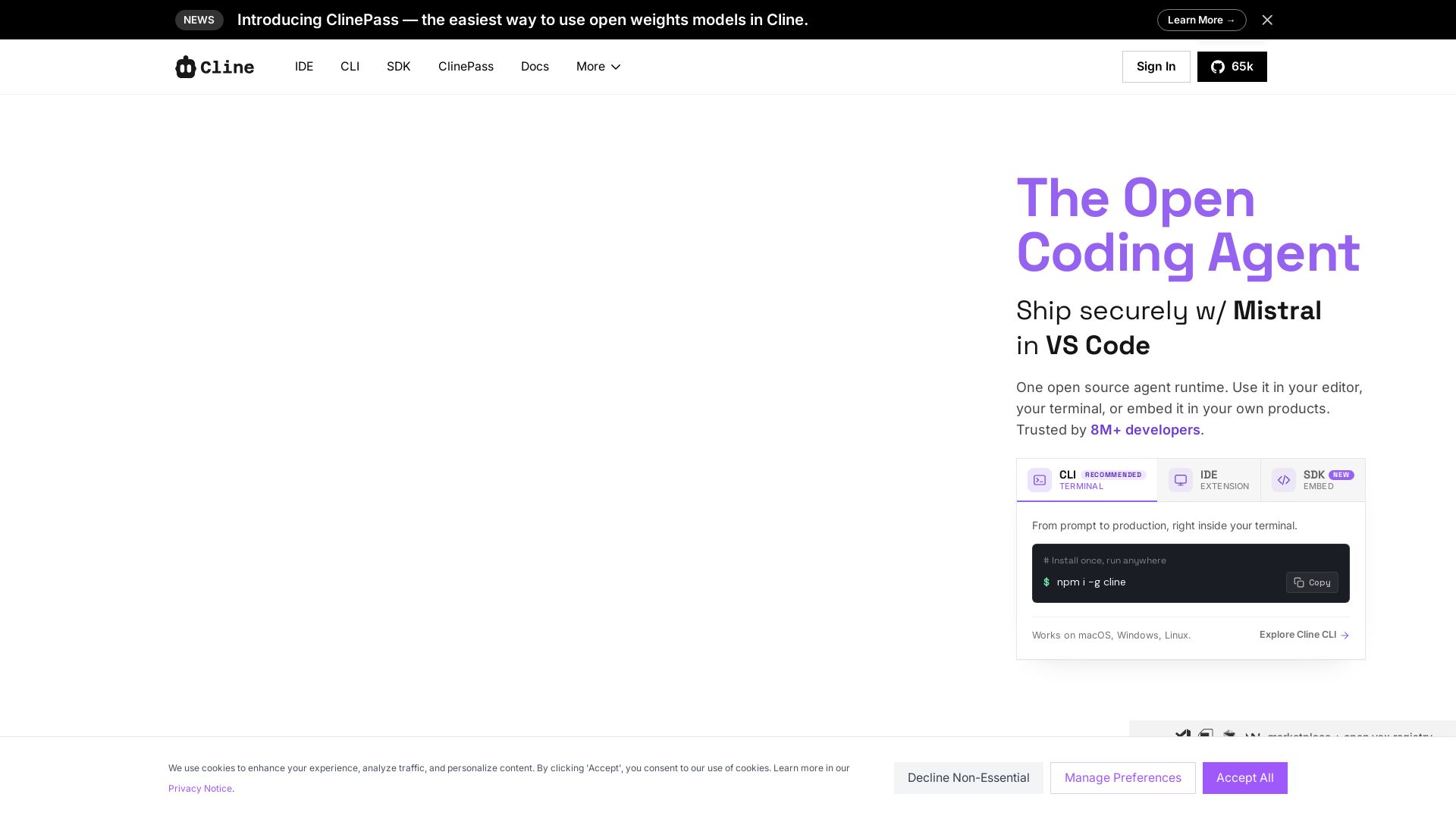
Cline
Cline is the open source AI coding agent that helps you ship secure code with Claude in VS Code, terminal, and more. Plan, act, and automate across your workflow.

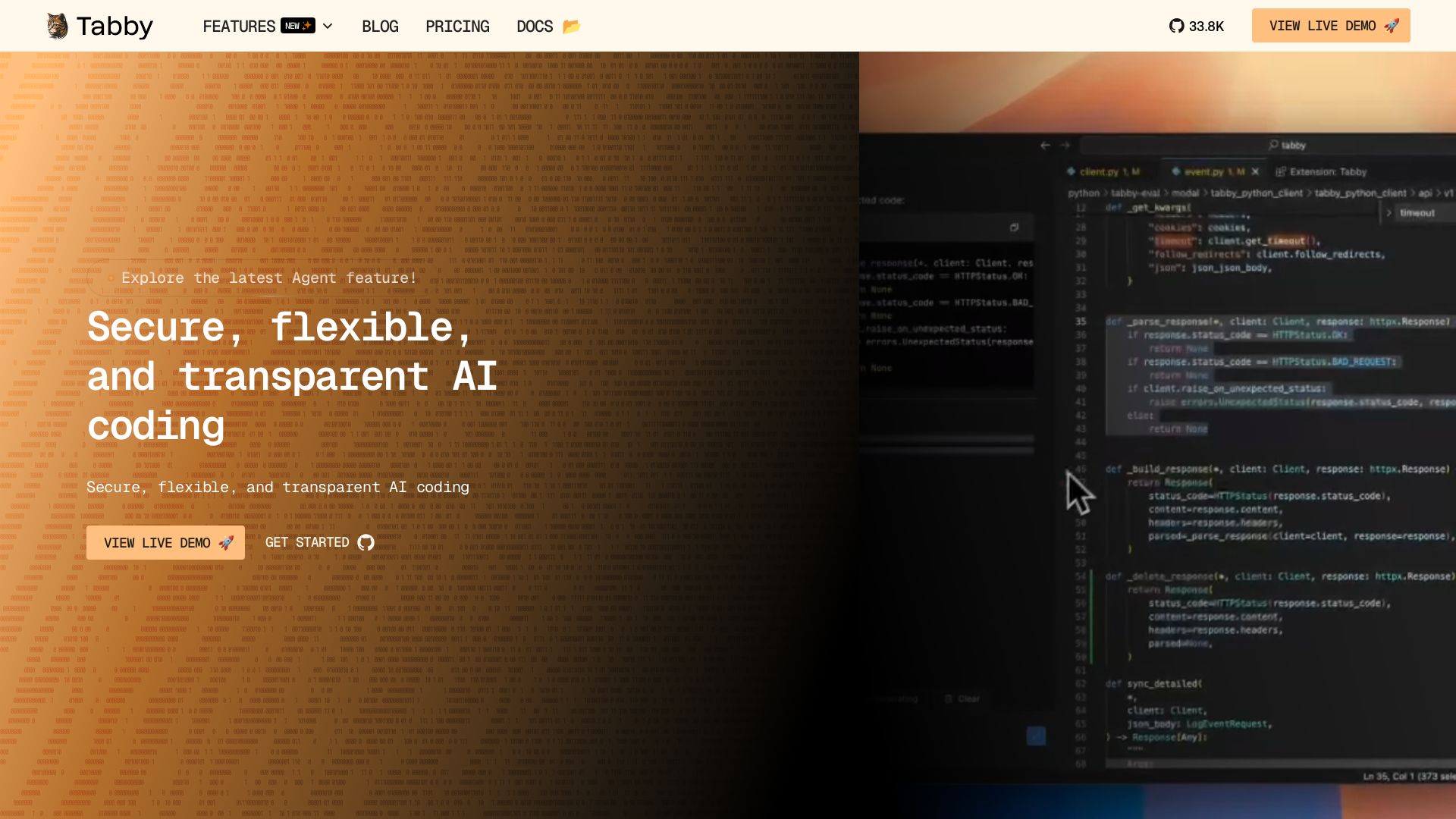
Tabby
Accelerate coding with Tabby's AI-powered code completion, answer engine, and inline chat. Self-hosted, secure, and flexible. Supports VS Code, Neovim, IntelliJ, and more.

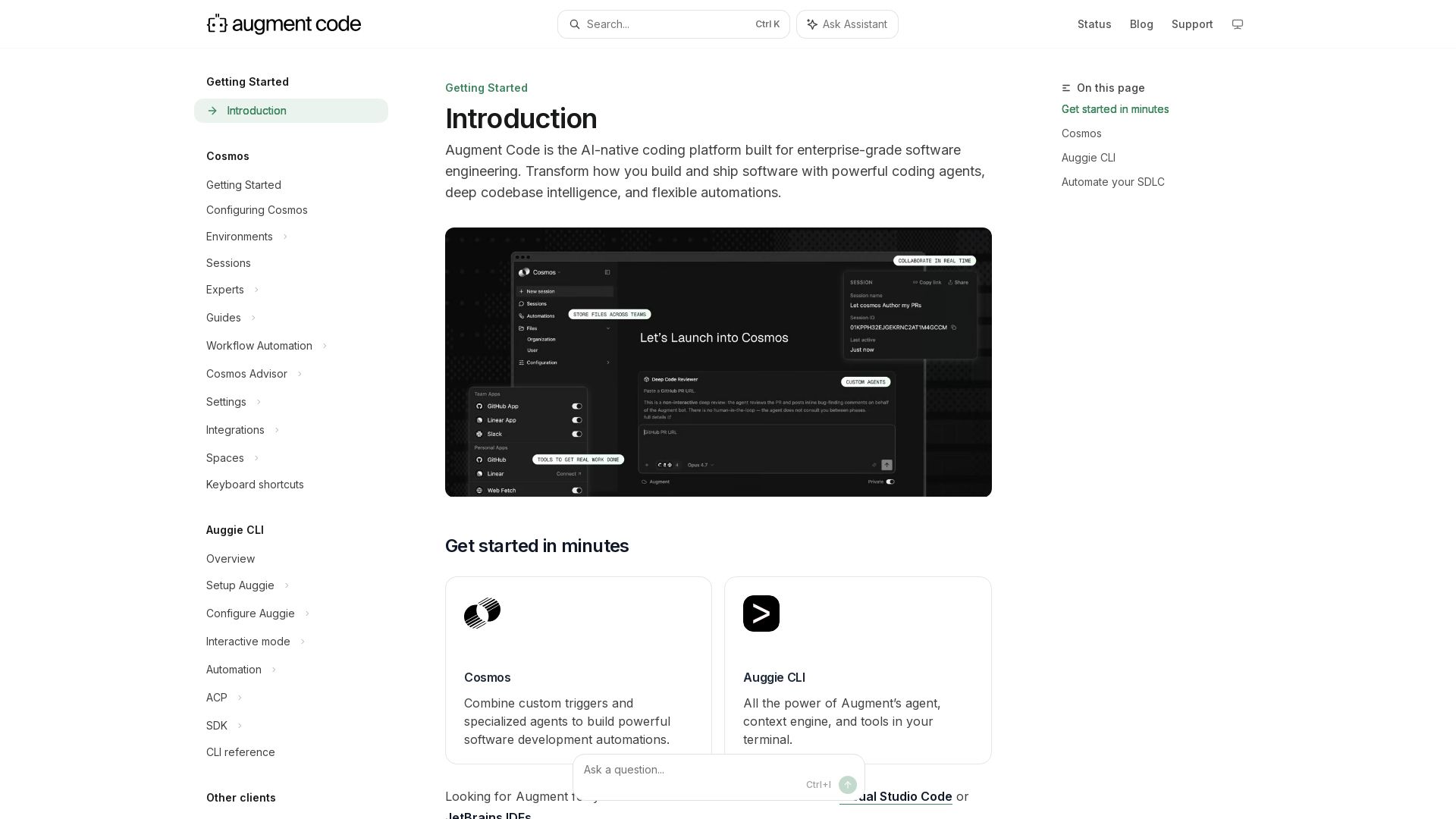
Augment
Build and ship software faster with Augment Code's AI agents, deep codebase intelligence, and automations. Get started with Cosmos, Auggie CLI, and IDE integrations.

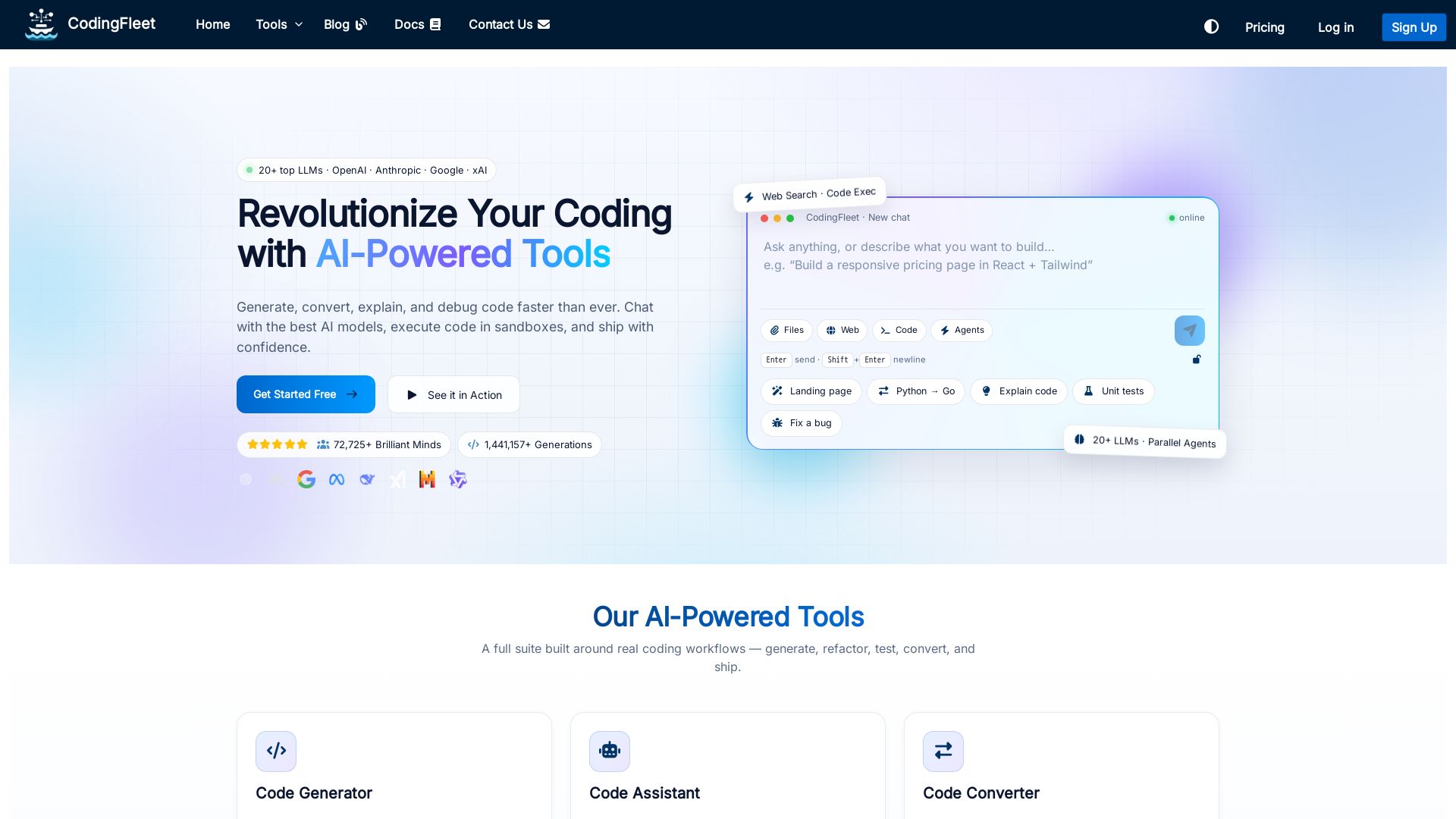
CodingFleet
Revolutionize coding with AI: generate, convert, explain, and debug code. Chat with top LLMs, execute in sandboxes, and ship faster. Free tools available.

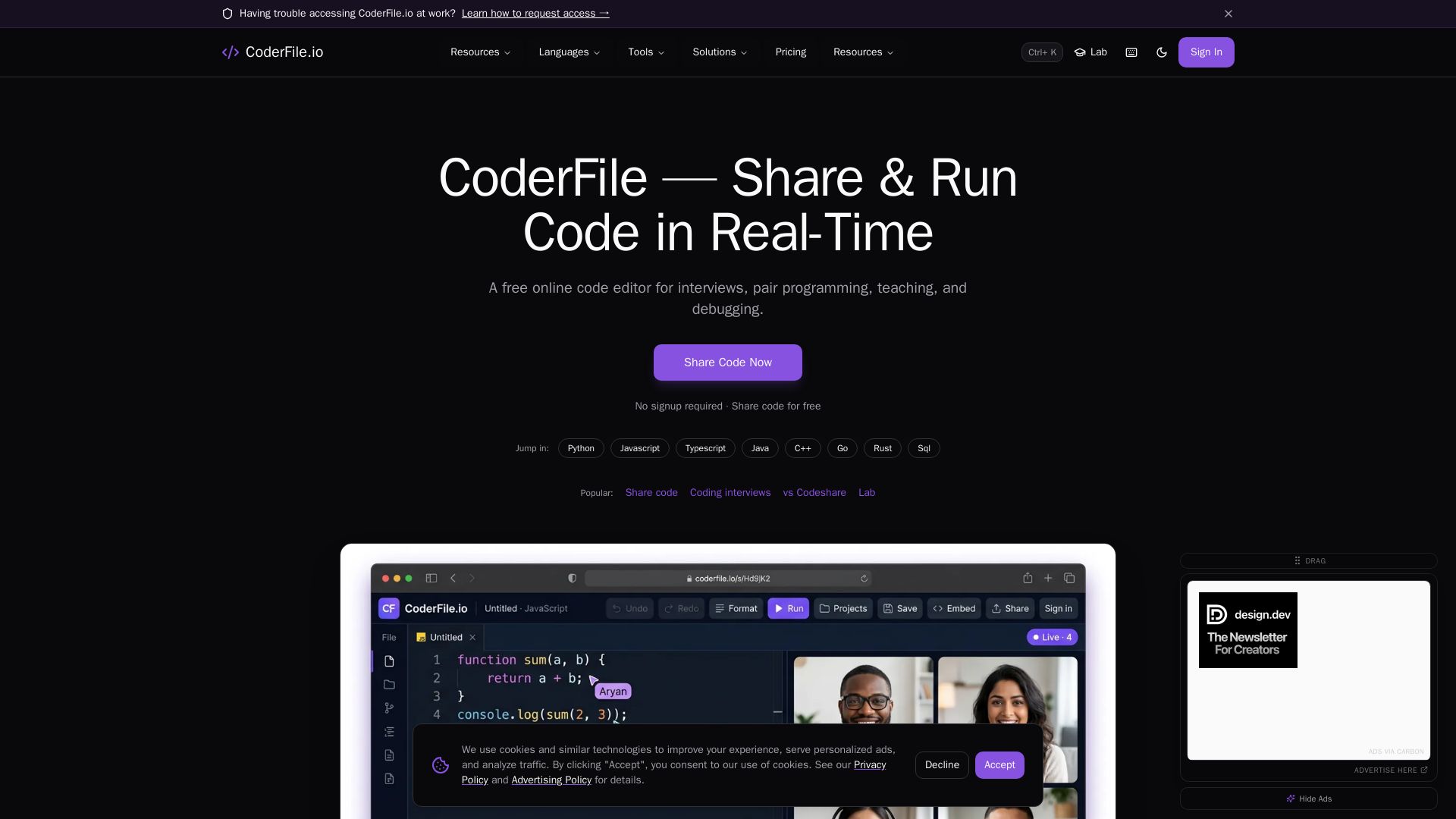
CoderFile
Free online code editor for live pair programming, technical interviews, teaching, and debugging with 120+ languages, AI assistance, and video calls.

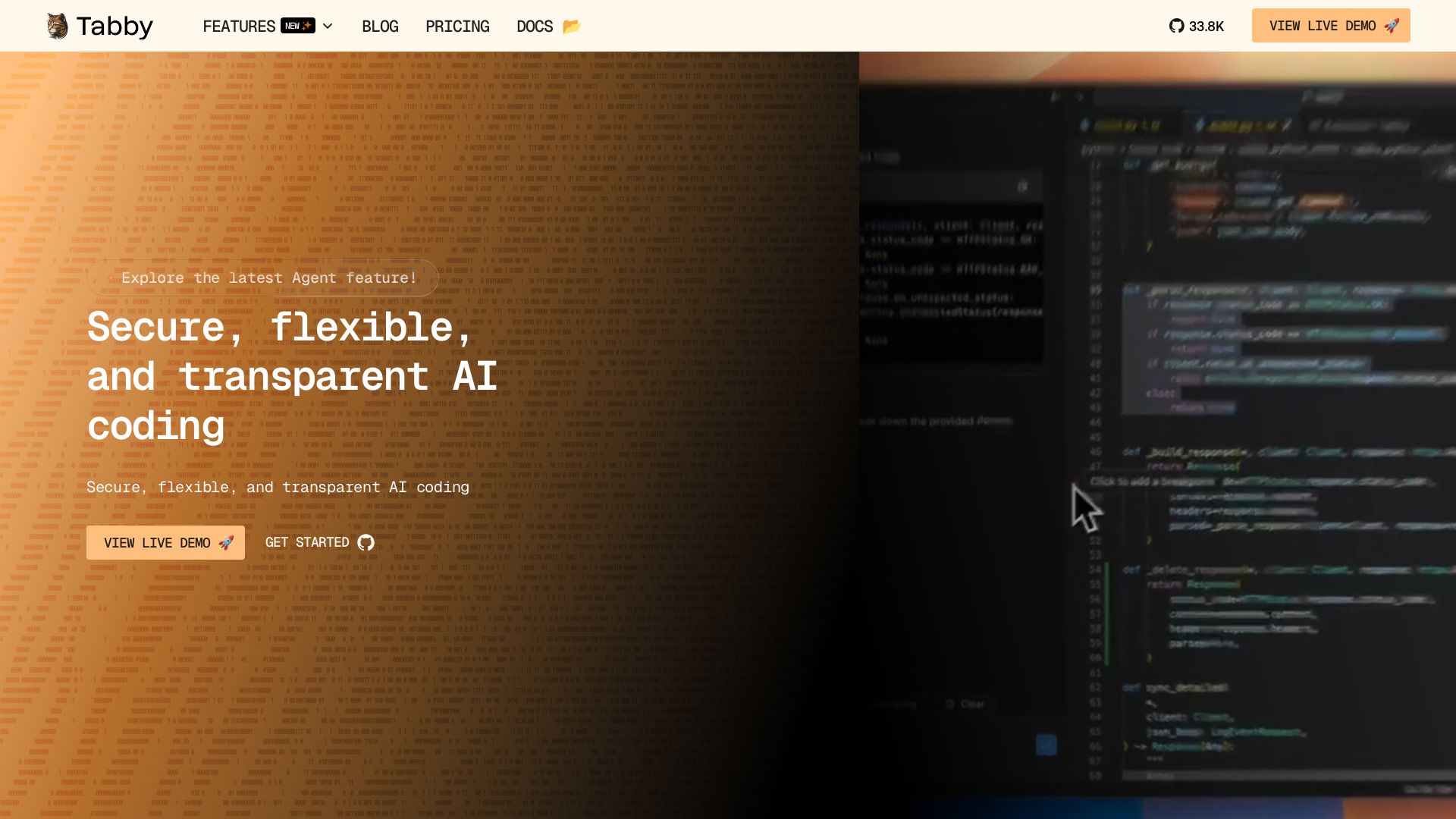
Tabby
Self-hosted, secure AI coding assistant with code completion, answer engine, and inline chat. Private and flexible.

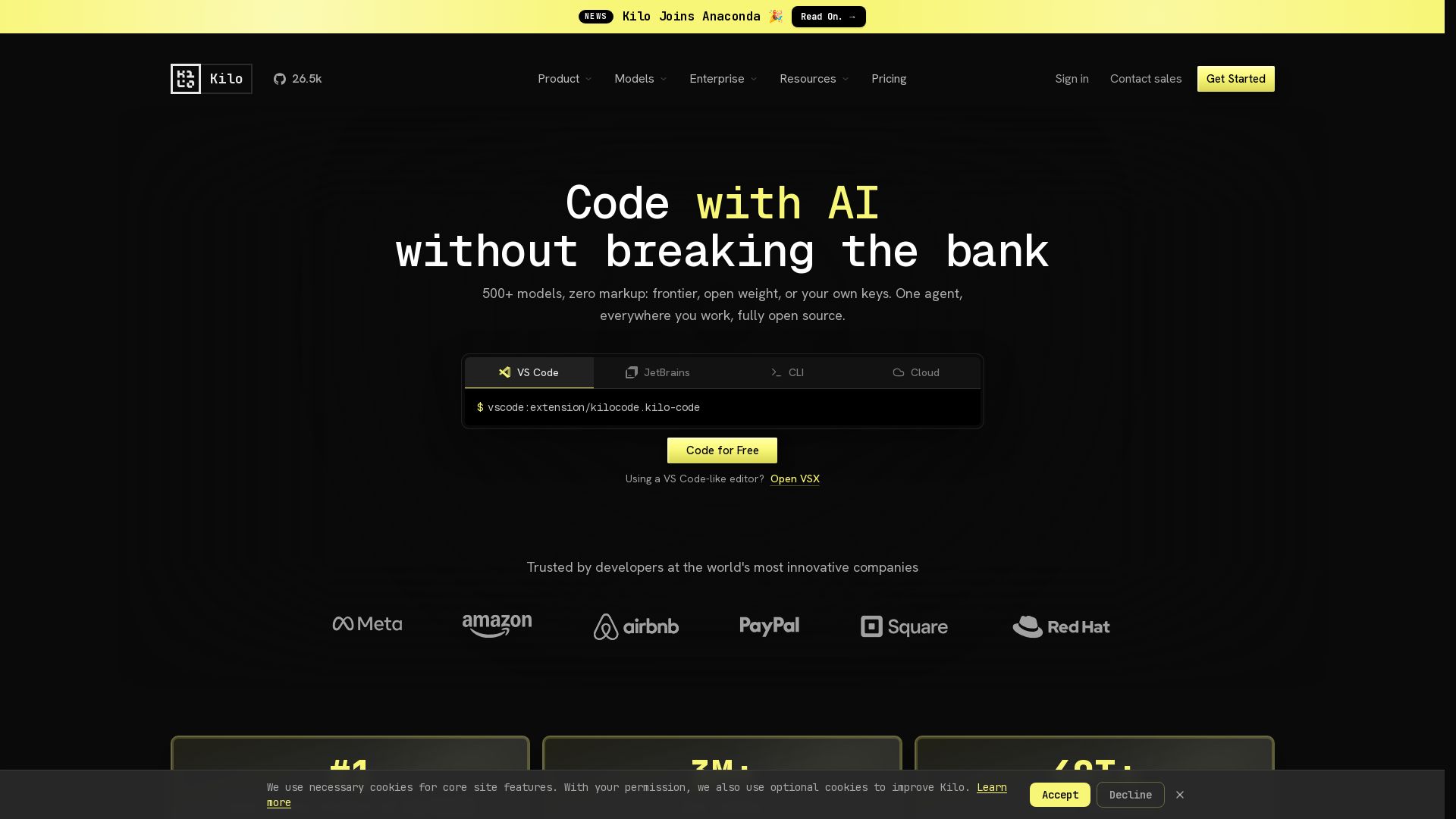
Kilo
Free AI coding tool with 500+ models at cost. Open source, no lock-in. Works in VS Code, JetBrains, CLI, and cloud. Trusted by 3M+ developers.

ℹ️ Curation Disclosure: The overview and features of Wegic were synthesized using AI and fact-checked by our curation team to ensure accuracy.