
CoderFile
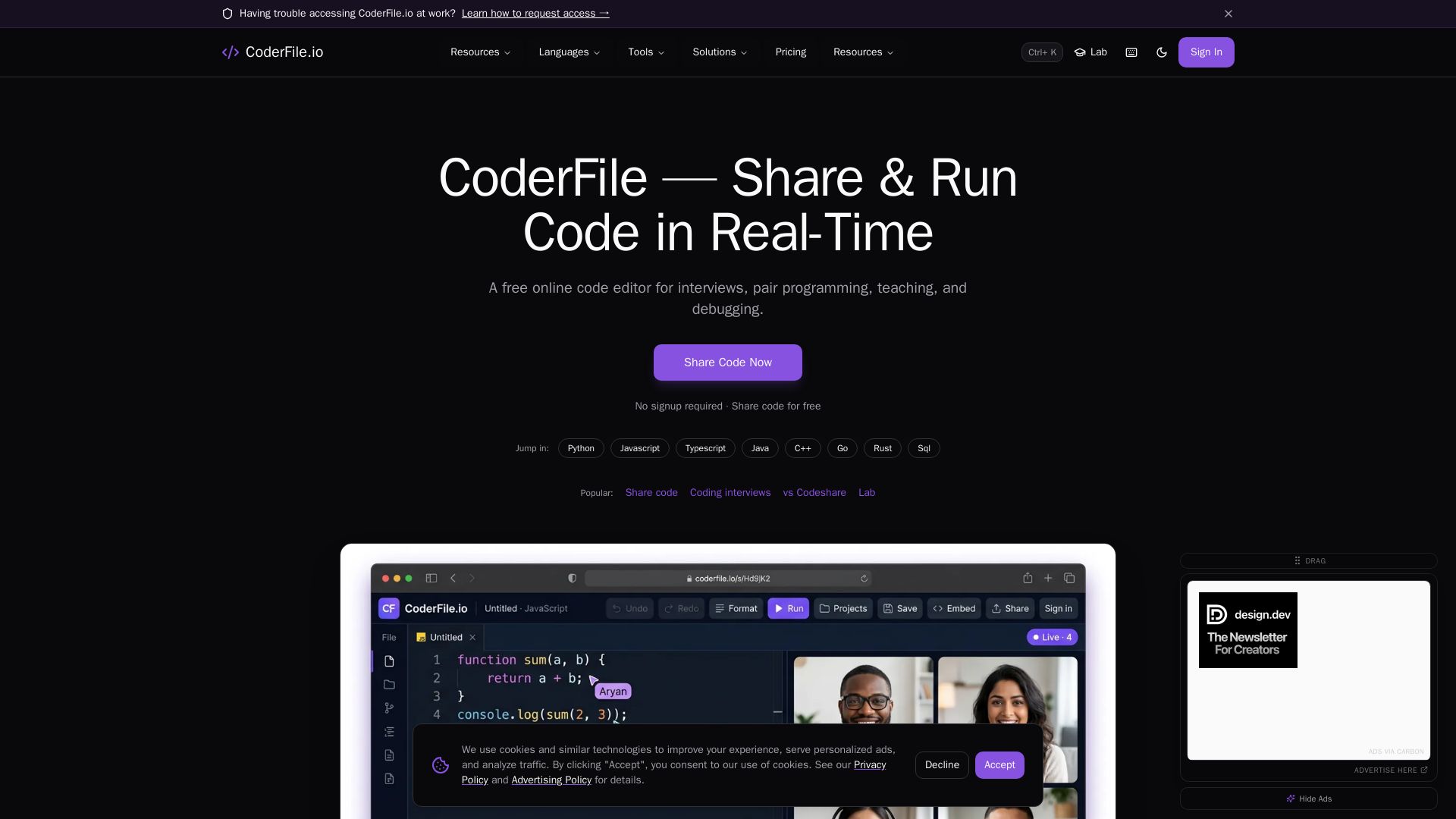
Free online code editor for live pair programming, technical interviews, teaching, and debugging with 120+ languages, AI assistance, and video calls.
Editor's Verdict
Key Takeaways
- Secure Code Sharing
- Real-Time Collaboration
- Syntax Highlighting
- Code Execution
In-Depth Review: What is CoderFile?
CoderFile.io offers a secure, real-time collaborative coding environment for developers, educators, and teams. With built-in video conferencing, AI-powered suggestions, code execution, and syntax highlighting for 120+ languages, it simplifies remote interviews, pair programming, and teaching. Just share a link to start coding together instantly — no signup required.
Core Features
Secure Code Sharing
Enterprise-grade TLS 1.3 encryption, passcode protection, and auto-expiring links for secure code sharing.
Real-Time Collaboration
Multi-user editing with live cursors, instant sync, and integrated video/audio conferencing and chat.
Syntax Highlighting
Professional syntax highlighting for 120+ languages powered by Monaco Editor, with smart auto-completion and formatting.
Code Execution
Run JavaScript, Python, TypeScript, HTML/CSS and 23+ languages instantly in the browser.
CoderFile Lab
Guided coding lessons with an AI mentor and auto-graded exercises for Python, Web, and JavaScript.
Audio/Video Conferencing
Built-in HD video/audio calls and screen sharing for up to 10 participants.
GitHub Integration
Push and pull code directly from GitHub repositories with seamless version control.
AI-Powered Assistance
Get intelligent code suggestions, explanations, and optimizations powered by AI.
Pricing
Free
- No signup required
- Share code for free
- Real-time collaboration
- Code execution
- Syntax highlighting
- CoderFile Lab (3 beginner courses)
- Audio/Video conferencing up to 10 participants
- Bank-level encryption
Pros and Cons
Pros
- Completely FreeAll core features are available at no cost, with no signup required to get started.
- Real-Time CollaborationMultiple users can edit code simultaneously with live cursors, instant sync, and integrated communication tools.
- Wide Language SupportSupports 120+ programming languages with professional syntax highlighting and 23+ executable languages.
- Enterprise-Grade SecurityTLS 1.3 encryption, passcode protection, and auto-expiring links ensure secure code sharing.
- All-in-One SolutionCombines code editor, collaboration, video conferencing, and AI assistance in a single platform.
Cons
- Limited Advanced FeaturesNo explicit premium plans or advanced features like custom branding or extended storage are mentioned.
- Dependence on InternetAs a web-based tool, requires a stable internet connection for all features.
- No Offline ModeCannot use the editor without an internet connection.
Use Cases & Recommended Professions
Software Engineer→ View Toolkit
For pair programming, code reviews, and debugging with colleagues in real-time.
Hiring Manager→ View Toolkit
To conduct remote technical interviews with live coding, video, and screen sharing.
Bootcamp Instructor→ View Toolkit
To teach coding with live demonstrations and run interactive classroom sessions.
University Professor→ View Toolkit
For teaching computer science courses with real-time code collaboration and instant feedback.
Open-Source Maintainer→ View Toolkit
To collaborate with contributors on code snippets and projects in real-time.
Independent Developer→ View Toolkit
For quick prototyping, sharing code snippets, and getting feedback from peers.
Frequently Asked Questions
Alternative AI Tools
View Detailed Comparison →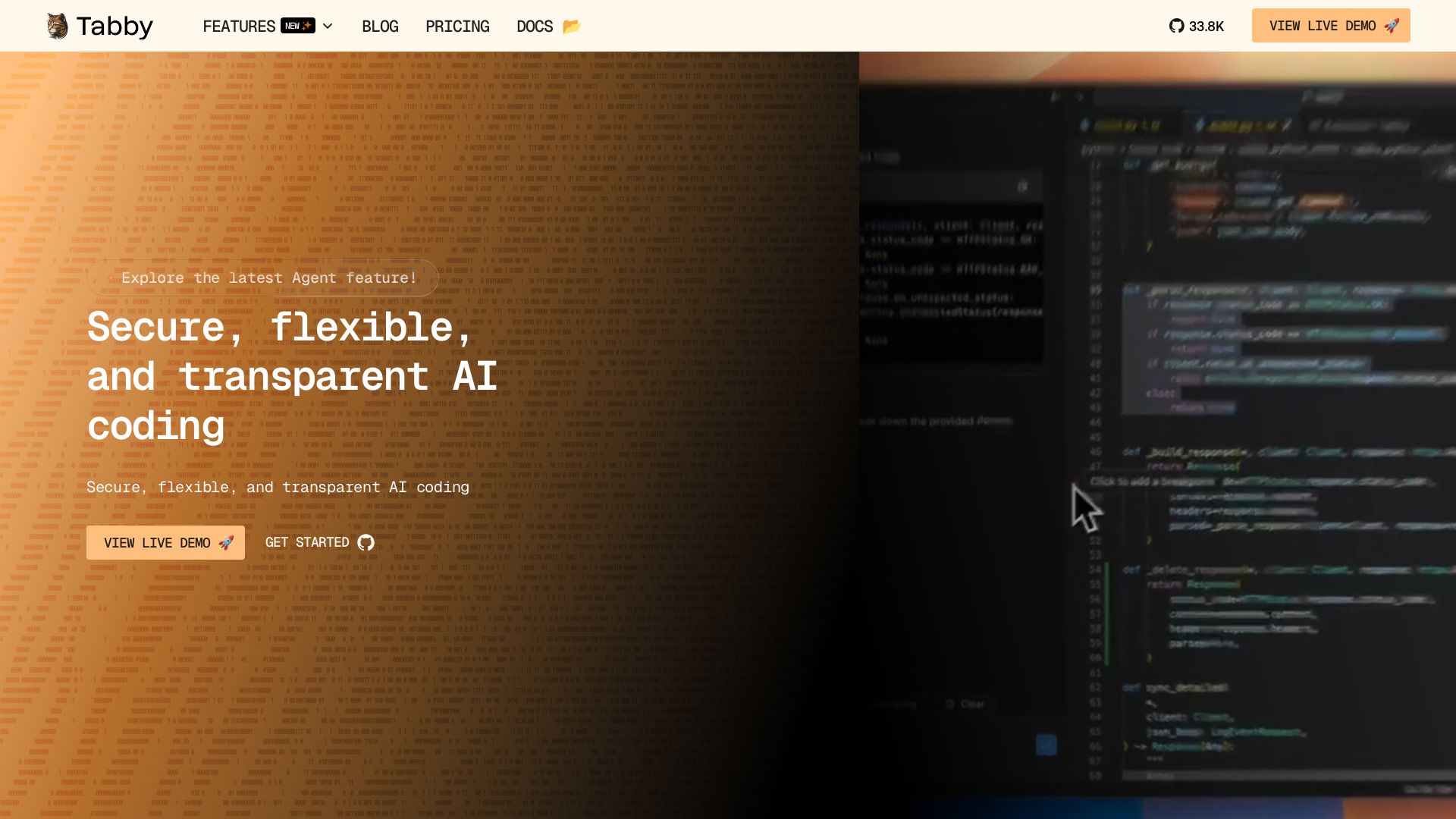
Tabby
Self-hosted, secure AI coding assistant with code completion, answer engine, and inline chat. Private and flexible.


OpenCode
OpenCode is a free, open-source AI coding assistant supporting multiple providers (OpenAI, Anthropic, local models) with CLI/TUI, custom tools, and privacy-centric local execution.


Continue
Create, share, and use custom AI code agents with Continue. Features agent, chat, edit modes, and autocomplete for VS Code and JetBrains.

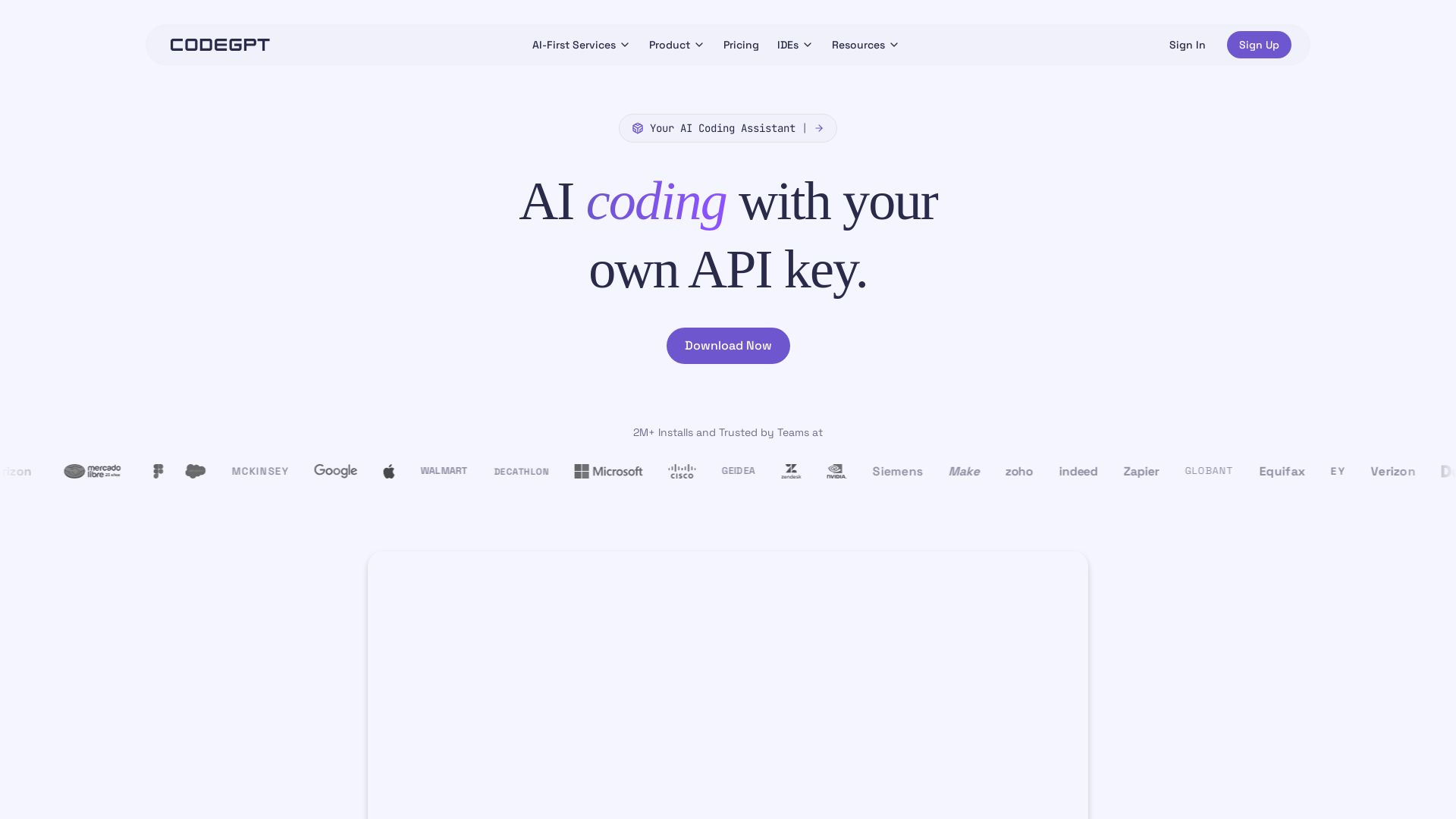
CodeGPT
Bring your own API key for transparent, unlimited AI coding. Supports Claude, Gemini, OpenAI. Privacy-first, no middlemen. Trusted by 2M+ developers.


Kilo
Free AI coding tool with 500+ models at cost. Open source, no lock-in. Works in VS Code, JetBrains, CLI, and cloud. Trusted by 3M+ developers.


Cline
Cline is the open source AI coding agent that helps you ship secure code with Claude in VS Code, terminal, and more. Plan, act, and automate across your workflow.

Tabby
Accelerate coding with Tabby's AI-powered code completion, answer engine, and inline chat. Self-hosted, secure, and flexible. Supports VS Code, Neovim, IntelliJ, and more.

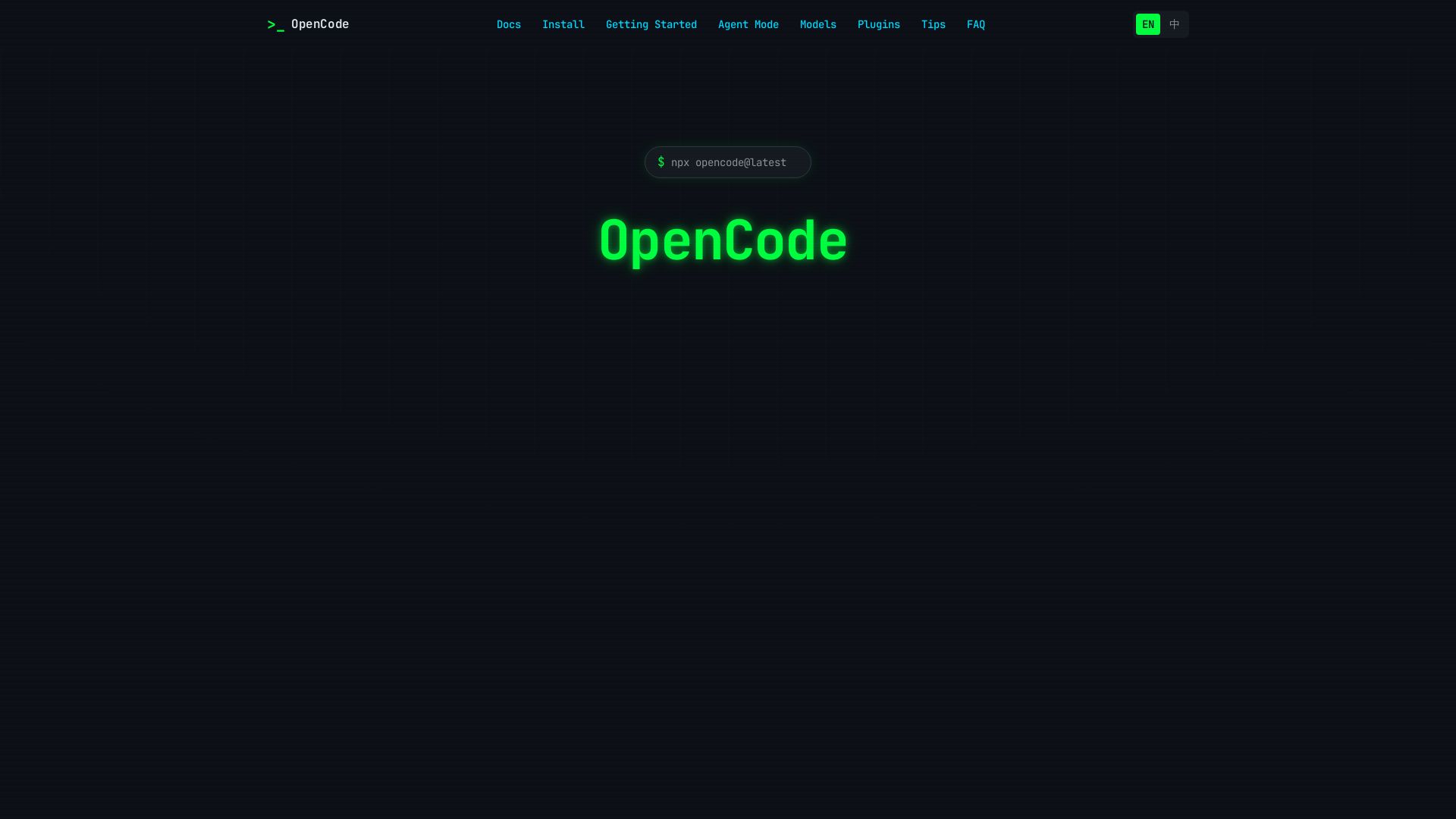
OpenCode
OpenCode is an open-source, terminal-native AI coding assistant supporting Claude, GPT-4, Gemini, and local models. Boost productivity with agent mode and seamless CLI integration.

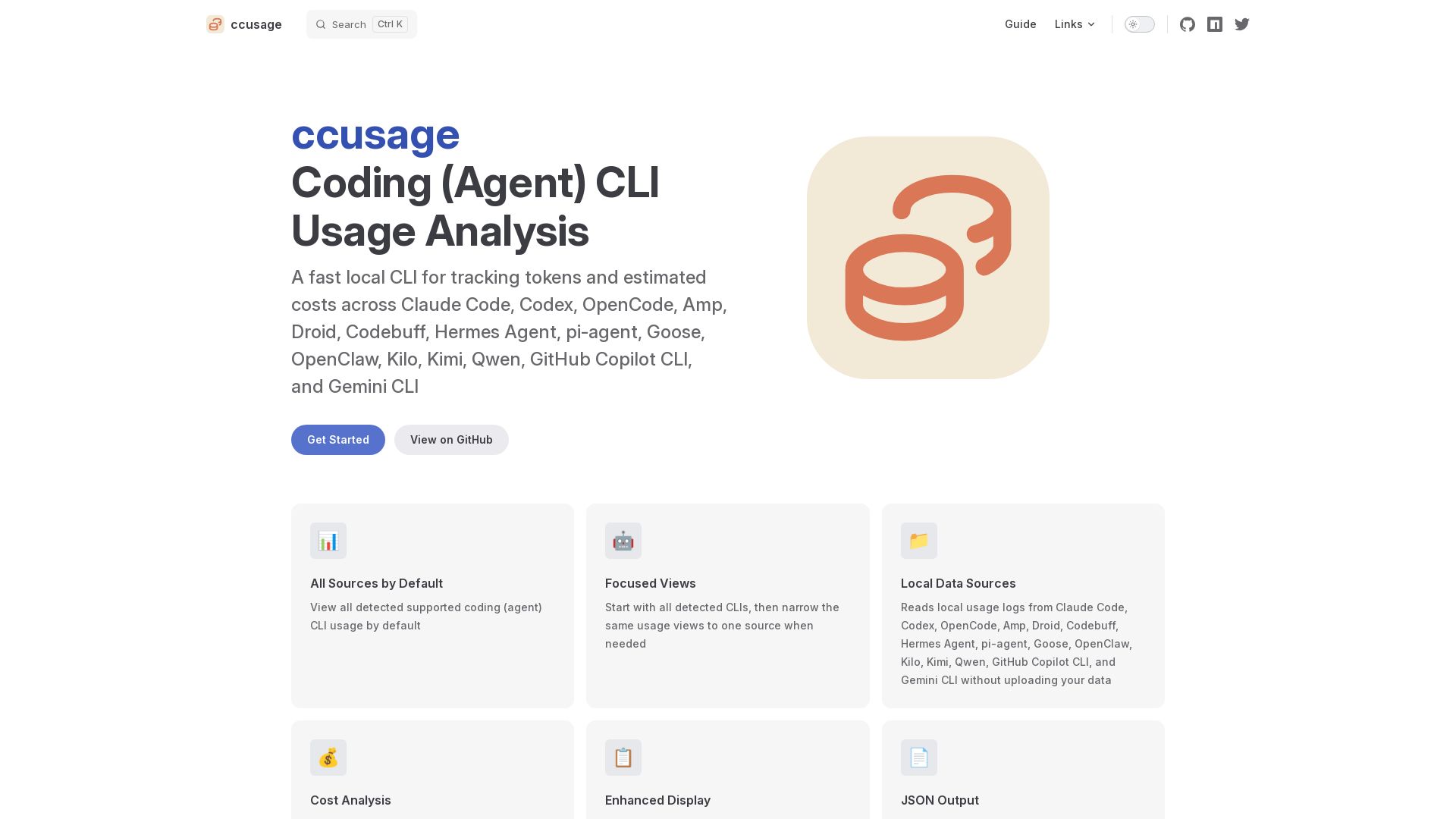
ccusage
Fast local CLI to track tokens and estimated costs across Claude Code, Codex, and 12+ other coding agents. No data upload. Cache support. Offline mode.

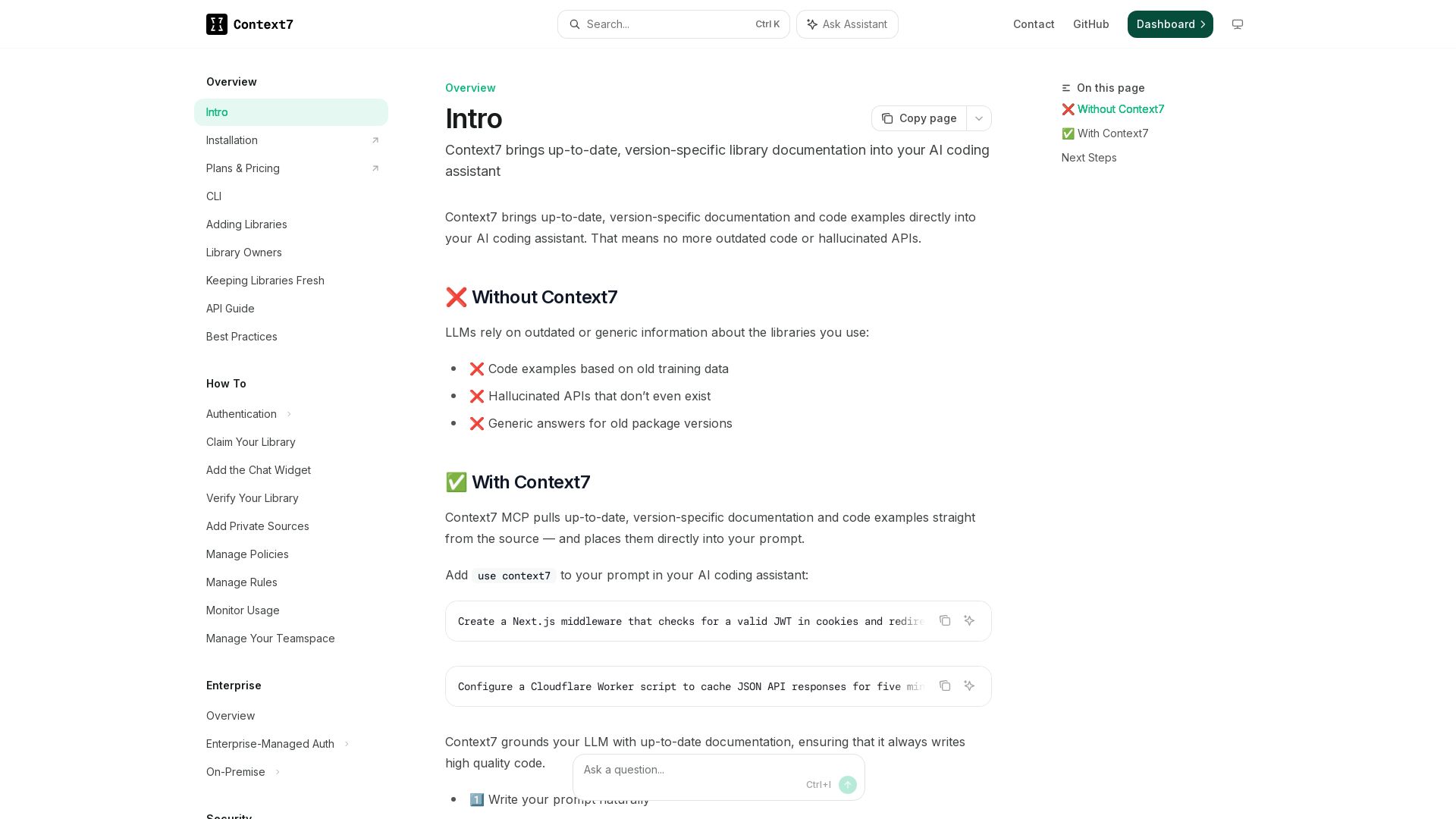
Context7
Get version-specific, current documentation and code examples directly in your AI assistant. No more outdated APIs or hallucinations.


OpenCode
Free self-paced course to master OpenCode, the open-source AI coding agent. Works with 75+ models, automates tasks, helps you build projects.

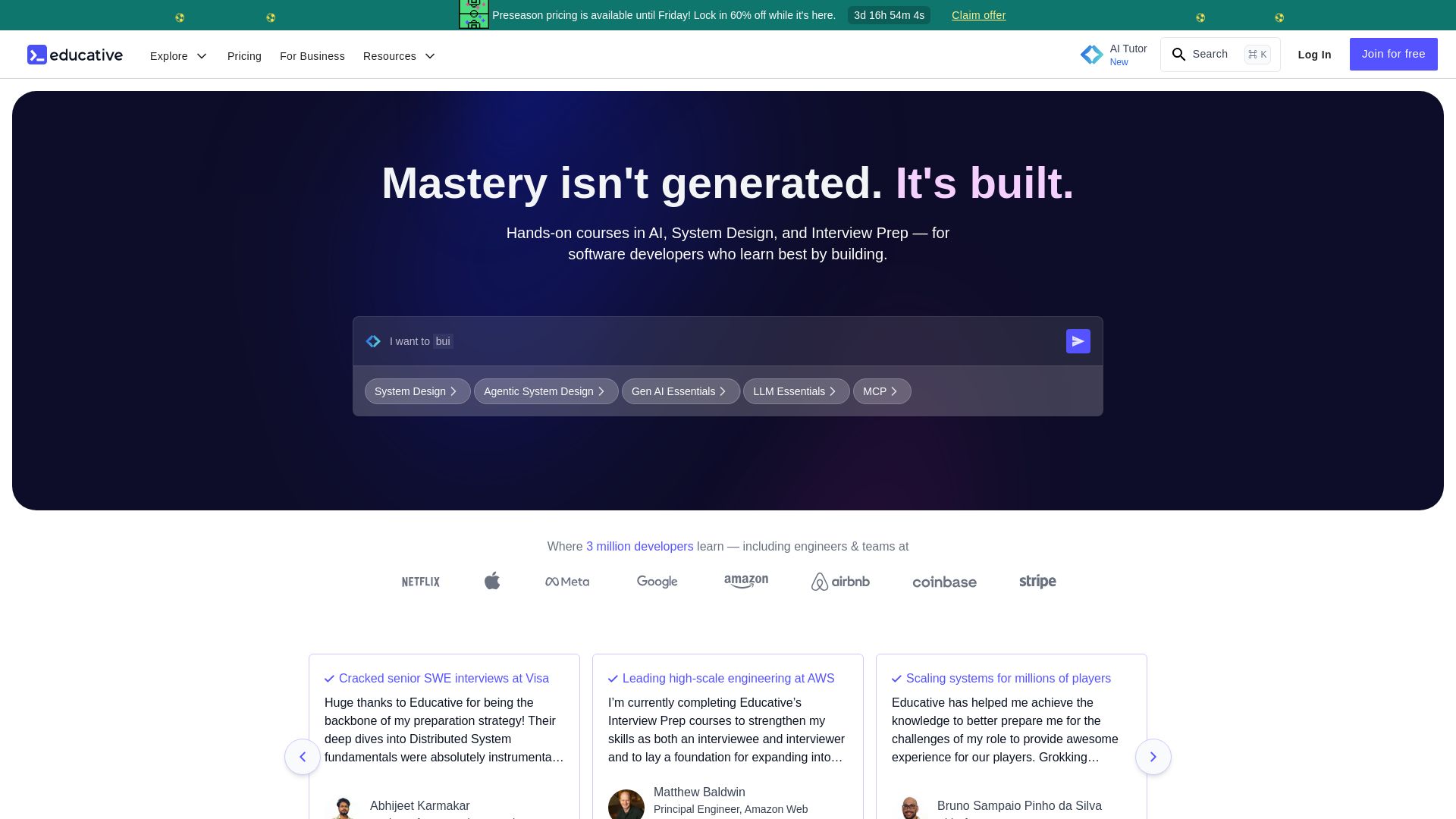
Educative
Master AI, system design, and coding interviews with interactive, text-based courses. Learn by building with real-time AI feedback. Trusted by 3M+ developers.

ℹ️ Curation Disclosure: The overview and features of CoderFile were synthesized using AI and fact-checked by our curation team to ensure accuracy.
