
Claude Code Settings Configurator
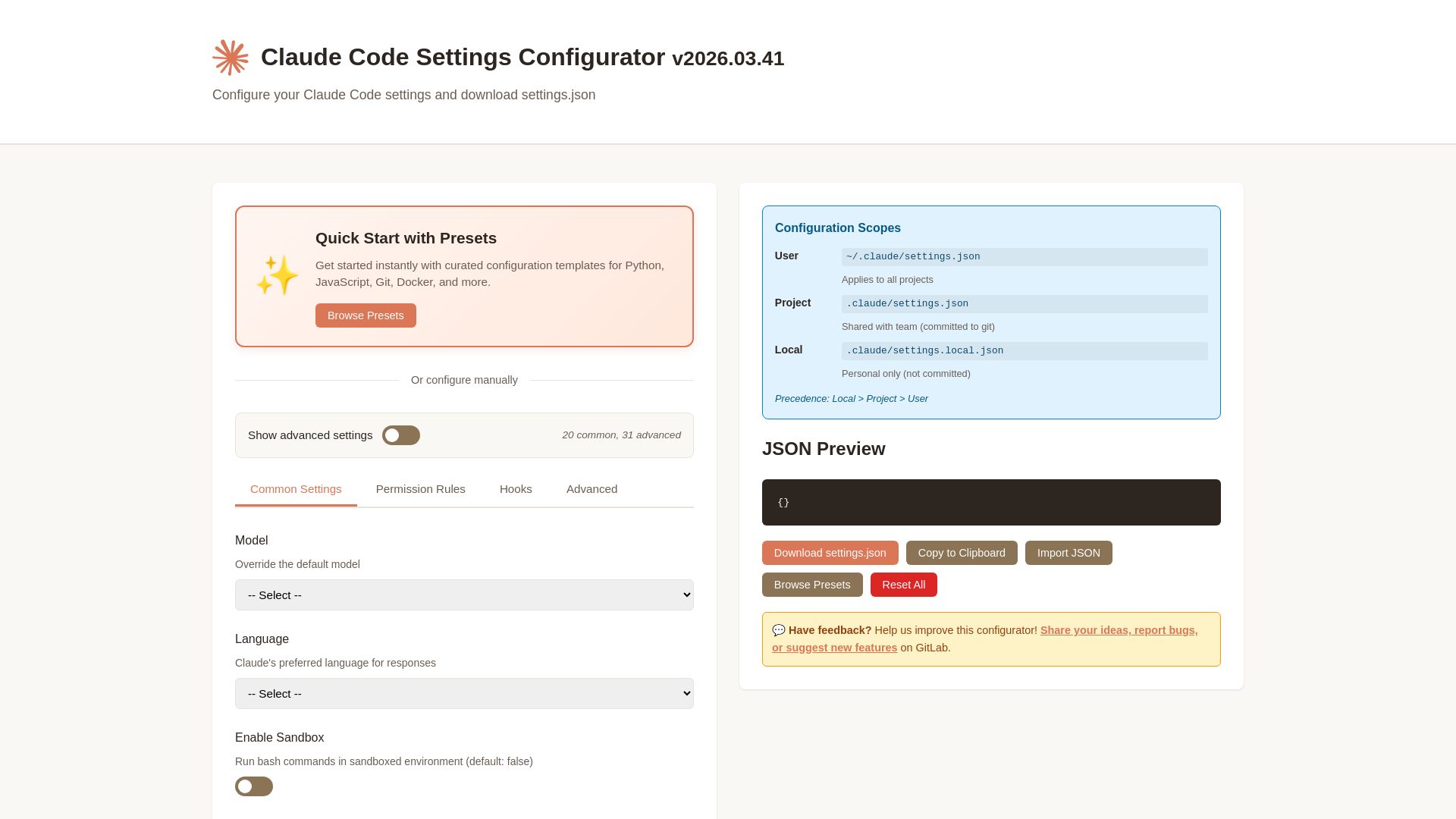
Easily configure Claude Code settings with presets, permissions, hooks, and more. Download your custom settings.json file.
Editor's Verdict
Key Takeaways
- Quick Start Presets
- Model Override
- Language Preference
- Sandbox Mode
In-Depth Review: What is Claude Code Settings Configurator?
The Claude Code Settings Configurator is a web tool that helps developers quickly create and customize settings.json files for Claude Code, Anthropic's terminal-based AI coding assistant. It offers curated presets for Python, JavaScript, Git, Docker, and other stacks, plus manual controls for model selection, language, sandbox, permissions, hooks, and auto-updates. Users can generate, preview, download, or copy the configuration, and import existing JSON. Settings are organized into three scopes: user (global), project (shared via version control), and local (private). The tool aims to streamline setup, improve workflow, and ensure secure operation of Claude Code.
Core Features
Quick Start Presets
Get started instantly with curated configuration templates for Python, JavaScript, Git, Docker, and more.
Model Override
Choose from Claude Sonnet, Opus, Haiku, or custom models to suit different tasks from fast completions to complex reasoning.
Language Preference
Set Claude's preferred language for responses, supporting English, Japanese, Spanish, French, German, Chinese, Portuguese.
Sandbox Mode
Run bash commands in an isolated environment using macOS security or Docker containers for safety.
Permission Rules
Deny-first permission system allows fine-grained control over tool access, preventing destructive operations automatically.
Hooks for Custom Workflows
Run shell commands before or after actions like file edits or commits to integrate formatters, linters, or notifications.
Configuration Scopes
Configure settings at User, Project, and Local levels with clear precedence (Local > Project > User) for flexible sharing.
Auto-Updates Channel
Choose between stable and latest update channels to control when new features are adopted.
Respect .gitignore
Automatically exclude files listed in .gitignore from context to avoid clutter and focus on project files.
Pricing
Free
- Access to all configuration scopes (User, Project, Local)
- All preset templates (Python, JavaScript, Git, Docker, etc.)
- Model selection (Sonnet, Opus, Haiku, Custom)
- Permission rules and hooks
- Sandbox mode
- JSON preview, download, import
Pros and Cons
Pros
- Easy Setup with PresetsPre-built templates for popular tech stacks allow instant configuration without manual writing.
- Flexible Permission ControlDeny-first permission system gives developers peace of mind by allowing only explicitly approved actions.
- Multi-Scope ConfigurationSupport for User, Project, and Local settings enables team sharing while keeping personal overrides private.
- Sandbox SecurityRunning commands in a sandbox prevents accidental damage to the system outside the project directory.
- Customizable Workflow HooksHooks allow integration of external tools like formatters and linters directly into Claude Code's workflow.
Cons
- Limited to Claude CodeThe configurator is specific to Claude Code and not applicable to other AI coding assistants.
- Requires Understanding of SettingsAdvanced settings like permissions and hooks may be overwhelming for new users without prior experience.
- Sandbox LimitationsSandbox mode may restrict access to system tools, databases, or network services needed for some tasks.
- No Built-In Version ControlThe configurator does not provide version tracking for settings changes across different projects.
- Dependency on Preset QualityPresets may not cover all use cases, requiring manual tuning for non-standard project setups.
Use Cases & Recommended Professions
Software Engineer→ View Toolkit
Needs to configure Claude Code for efficient code generation, editing, and debugging in various languages.
DevOps Engineer→ View Toolkit
Uses Claude Code to automate infrastructure scripts, manage deployments, and enforce security policies via permissions.
Data Scientist→ View Toolkit
Requires Claude Code for data pipeline scripting, model integration, and collaborative coding in Python/R.
Frontend Developer→ View Toolkit
Configures Claude Code to assist with JavaScript/TypeScript, React, and styling tasks with preset templates.
Technical Writer→ View Toolkit
Needs Claude Code to generate documentation, review code samples, and maintain consistent formatting across projects.
QA Engineer→ View Toolkit
Uses Claude Code to write test scripts, analyze test failures, and integrate with CI pipelines using hooks.
Frequently Asked Questions
Alternative AI Tools
View Detailed Comparison →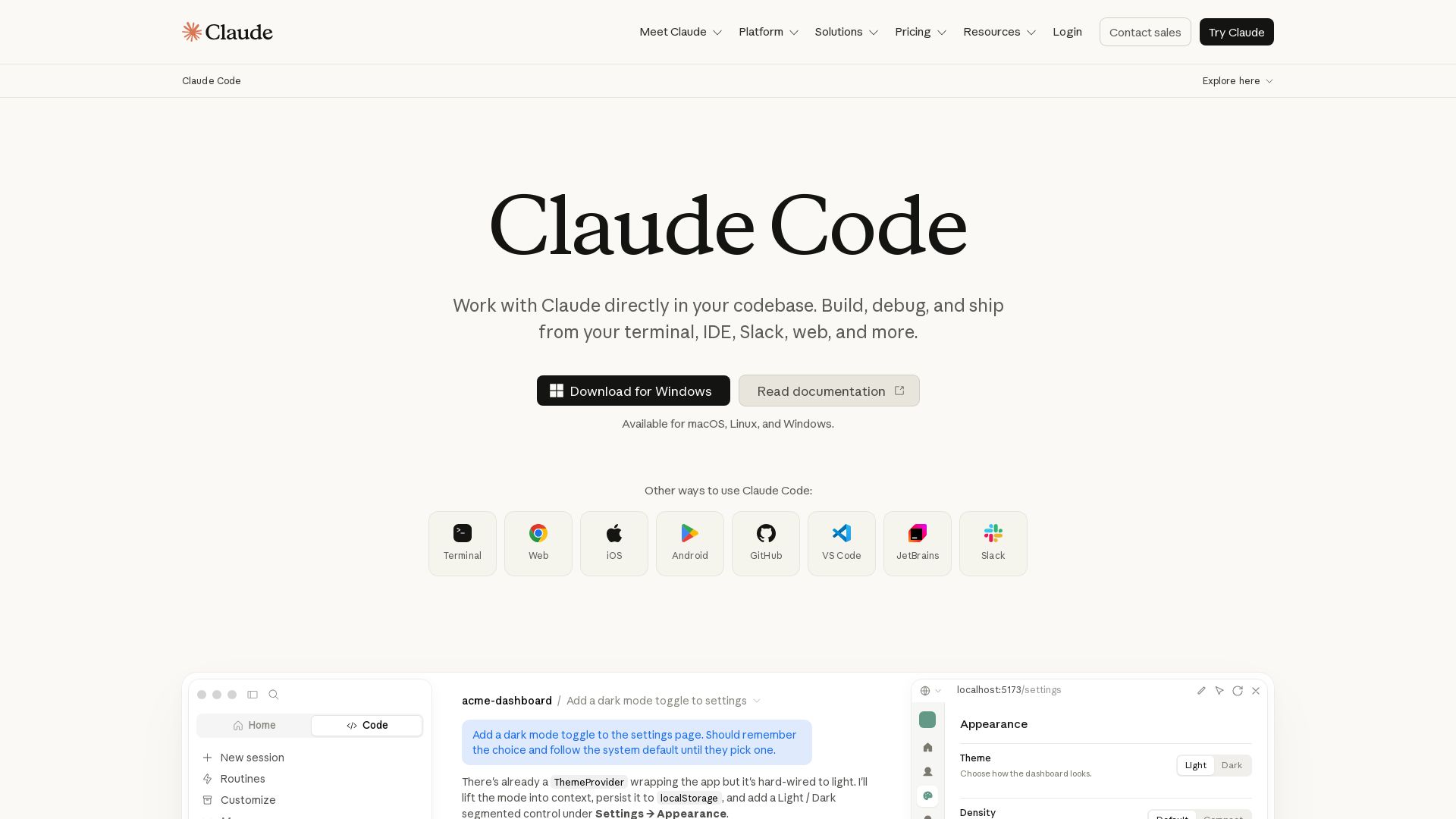
Claude Code
Build, debug, and ship faster with Claude Code. Works in terminal, VS Code, JetBrains, Slack, and more. AI-powered codebase understanding and multi-file editing.

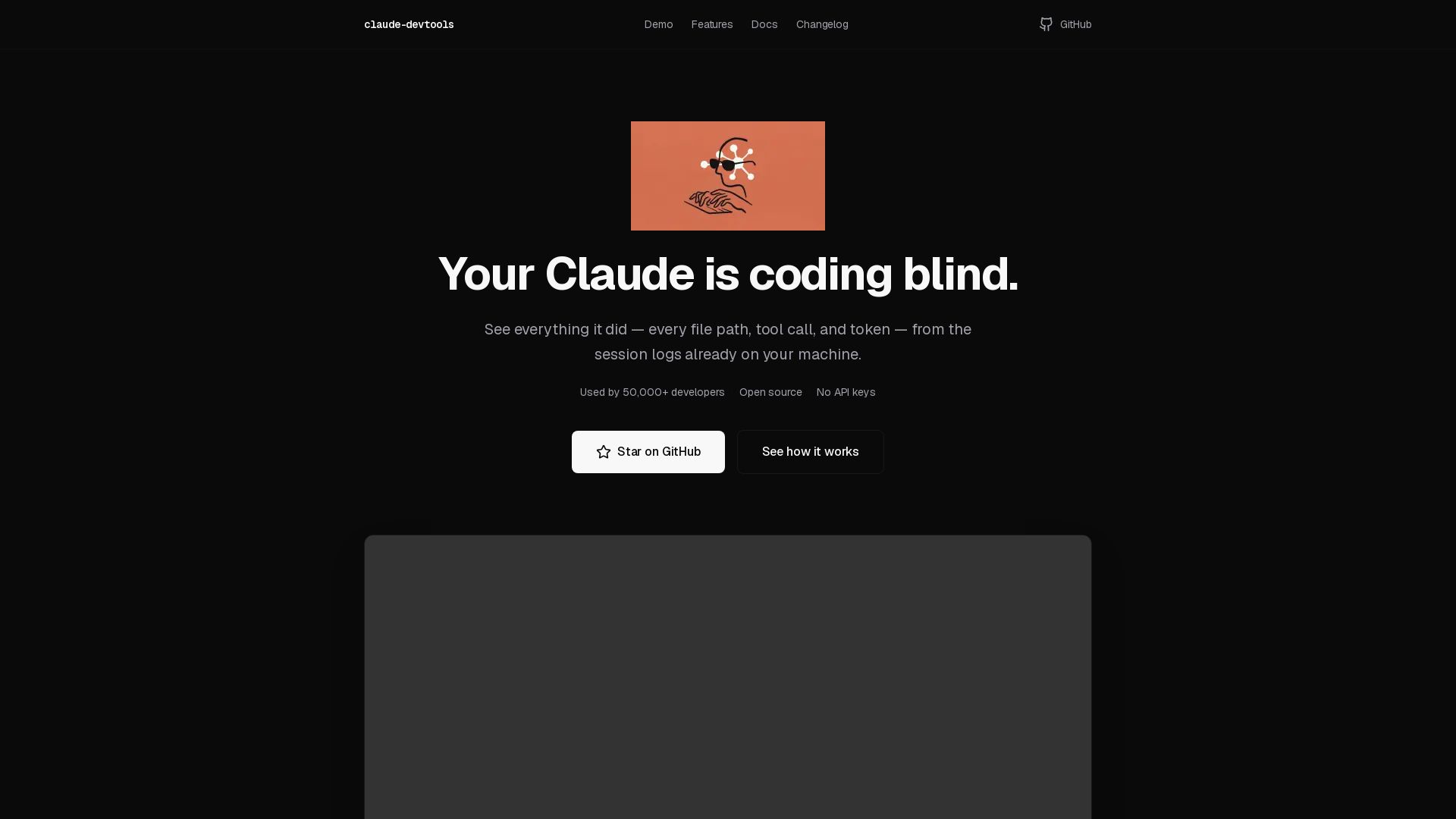
claude-devtools
Open-source tool to view hidden details from Claude Code sessions: thinking steps, tool calls, context window, subagent trees. No API keys needed. Works with logs already on your machine.

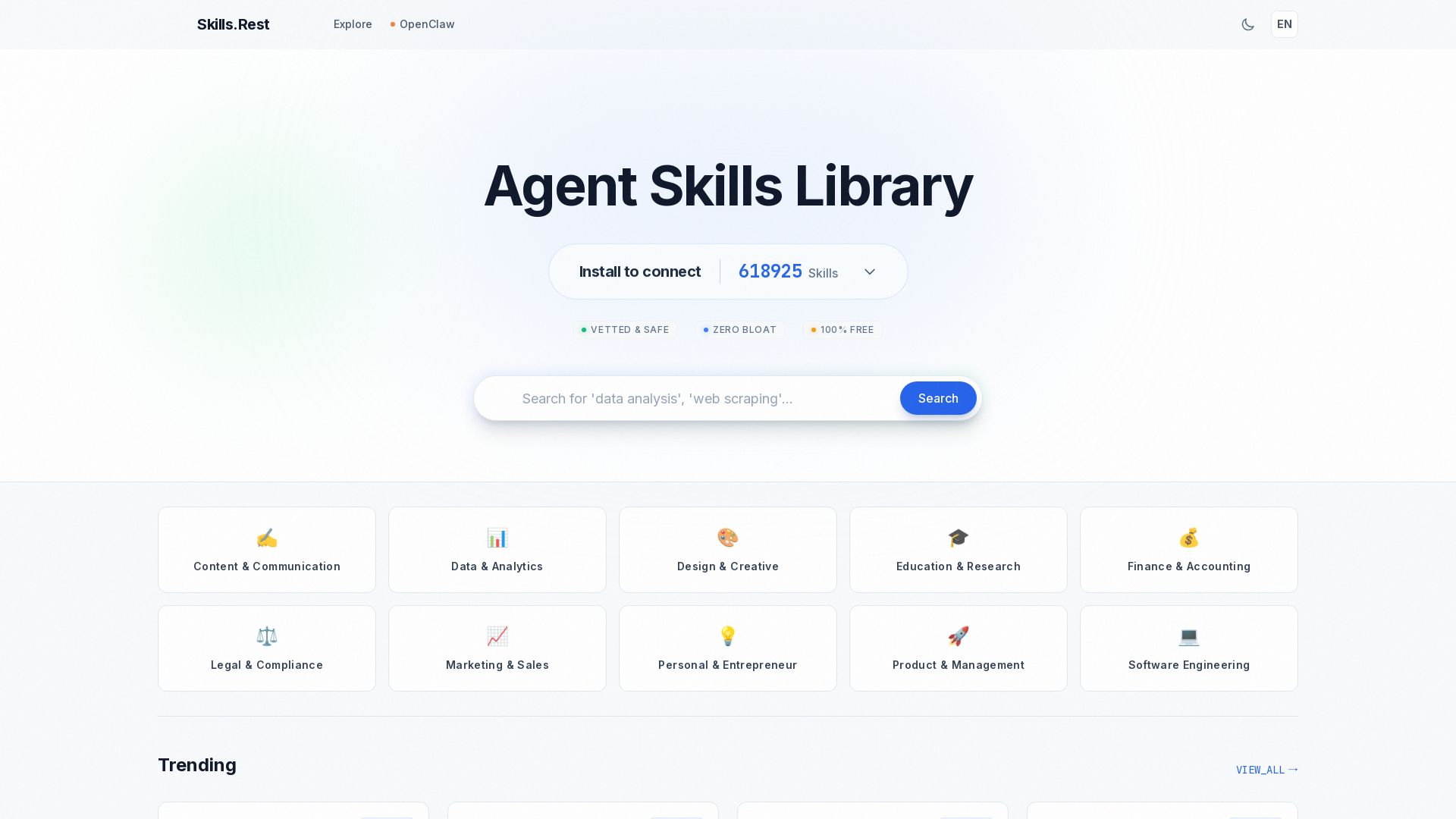
Skills.rest
Discover a curated library of free, safe, and zero-bloat AI agent skills. Install instantly via PowerShell and enhance your Claude Code workflows.

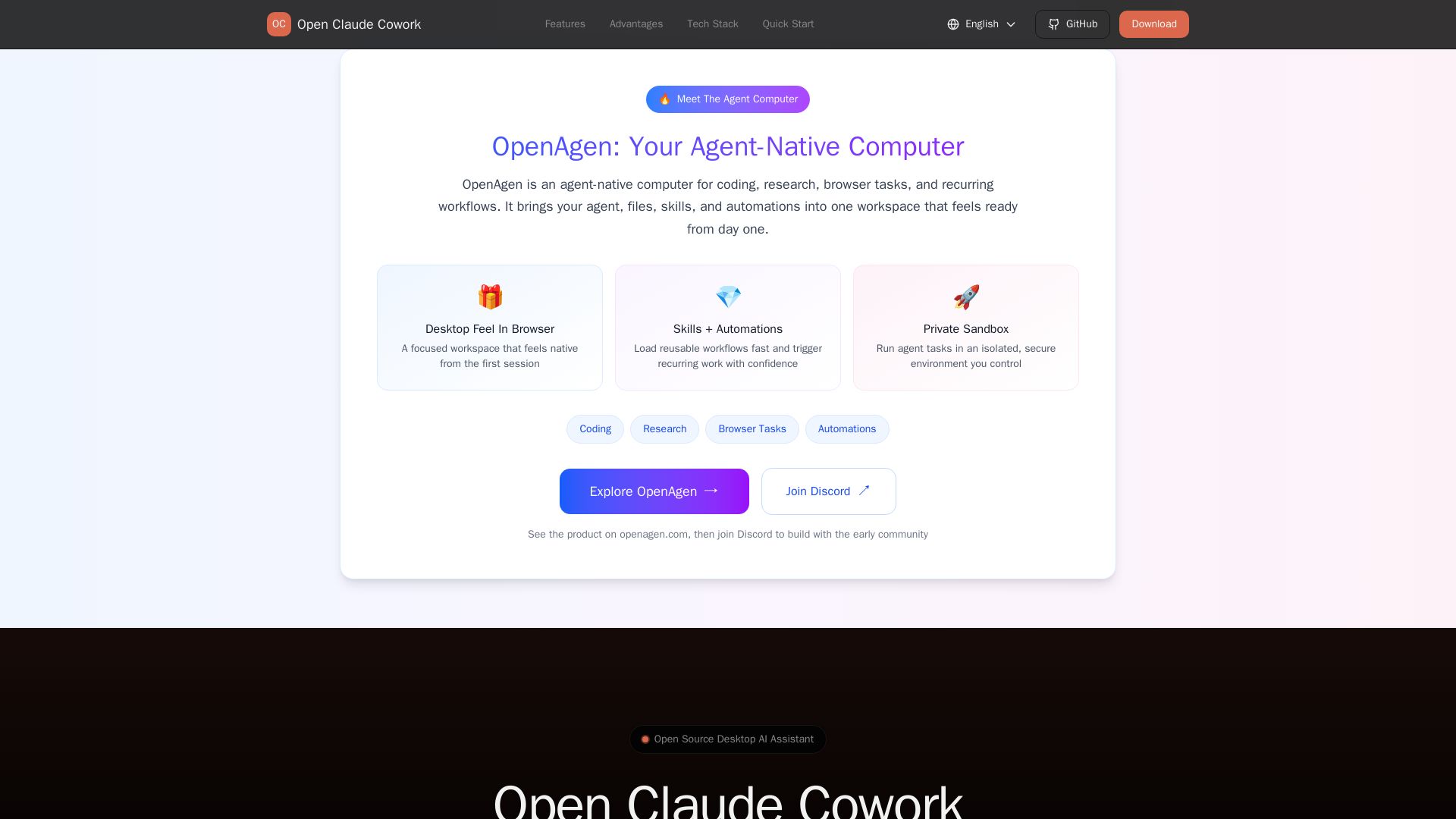
Open Claude Cowork
Bring Claude Code to desktop with visual AI collaboration. Open source assistant for coding, research, browser tasks. Supports Chinese LLMs, session management, and tool control.

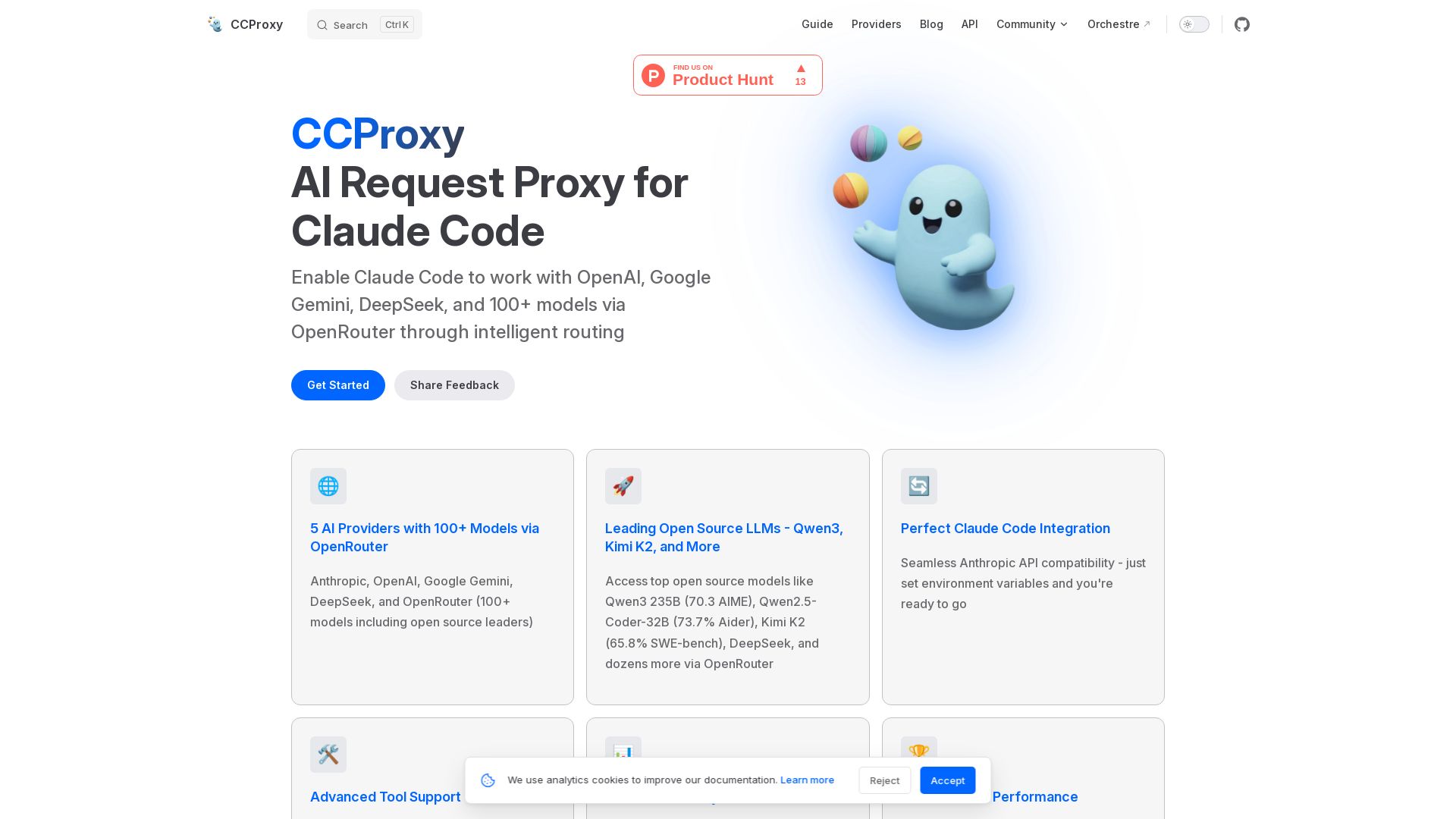
CCProxy
CCProxy enables Claude Code to access OpenAI, Google Gemini, DeepSeek, and 100+ models via OpenRouter with intelligent routing and simple setup.

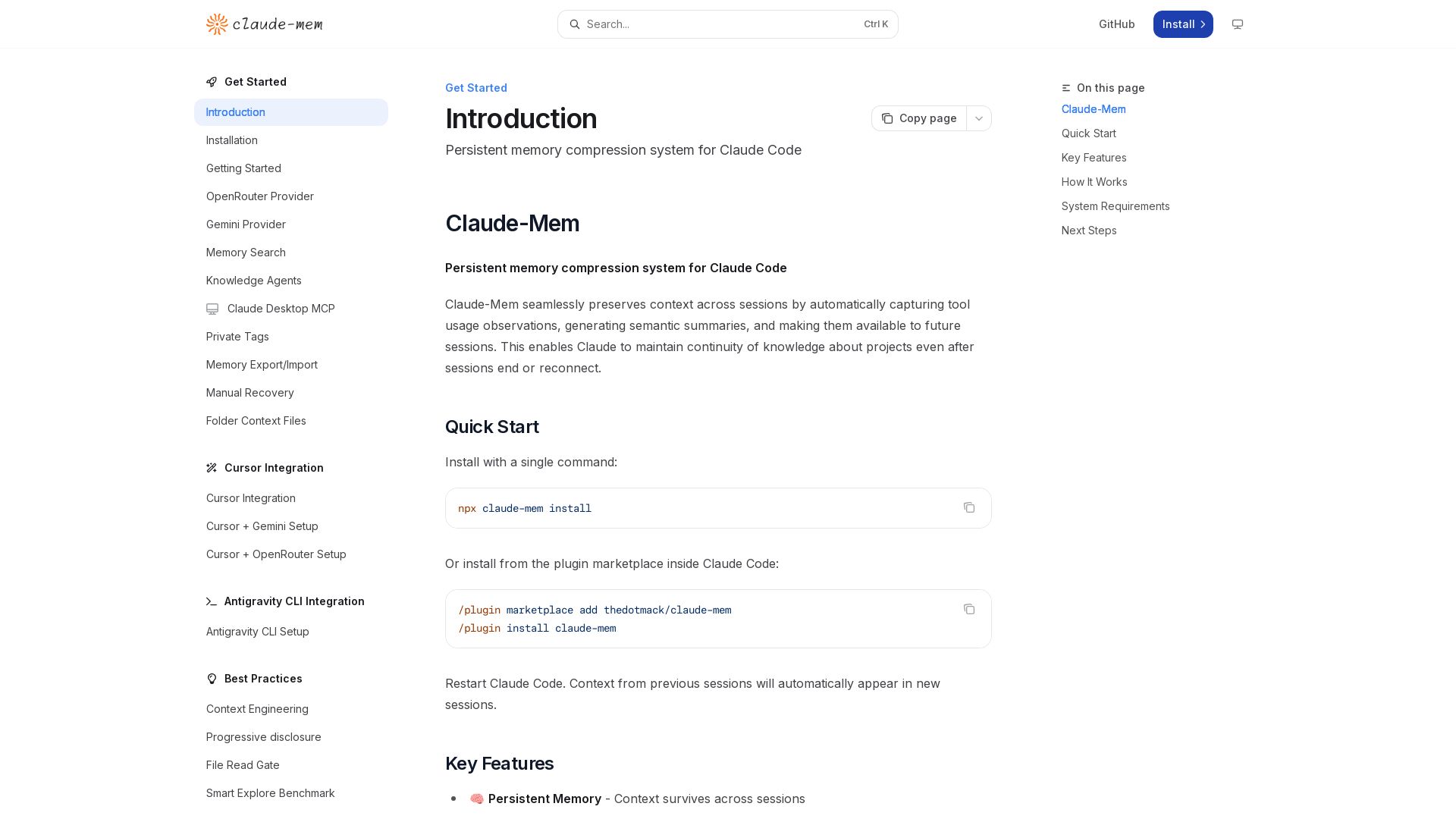
Claude-Mem
Seamlessly preserve context across sessions with automatic observation capture, semantic summaries, and multilingual support. Boost your Claude Code productivity.


ClaudeWorld
Explore ClaudeWorld: learn to build and manage AI agents with Claude Code. Tutorials, guides, maps, and open source tools for developers.

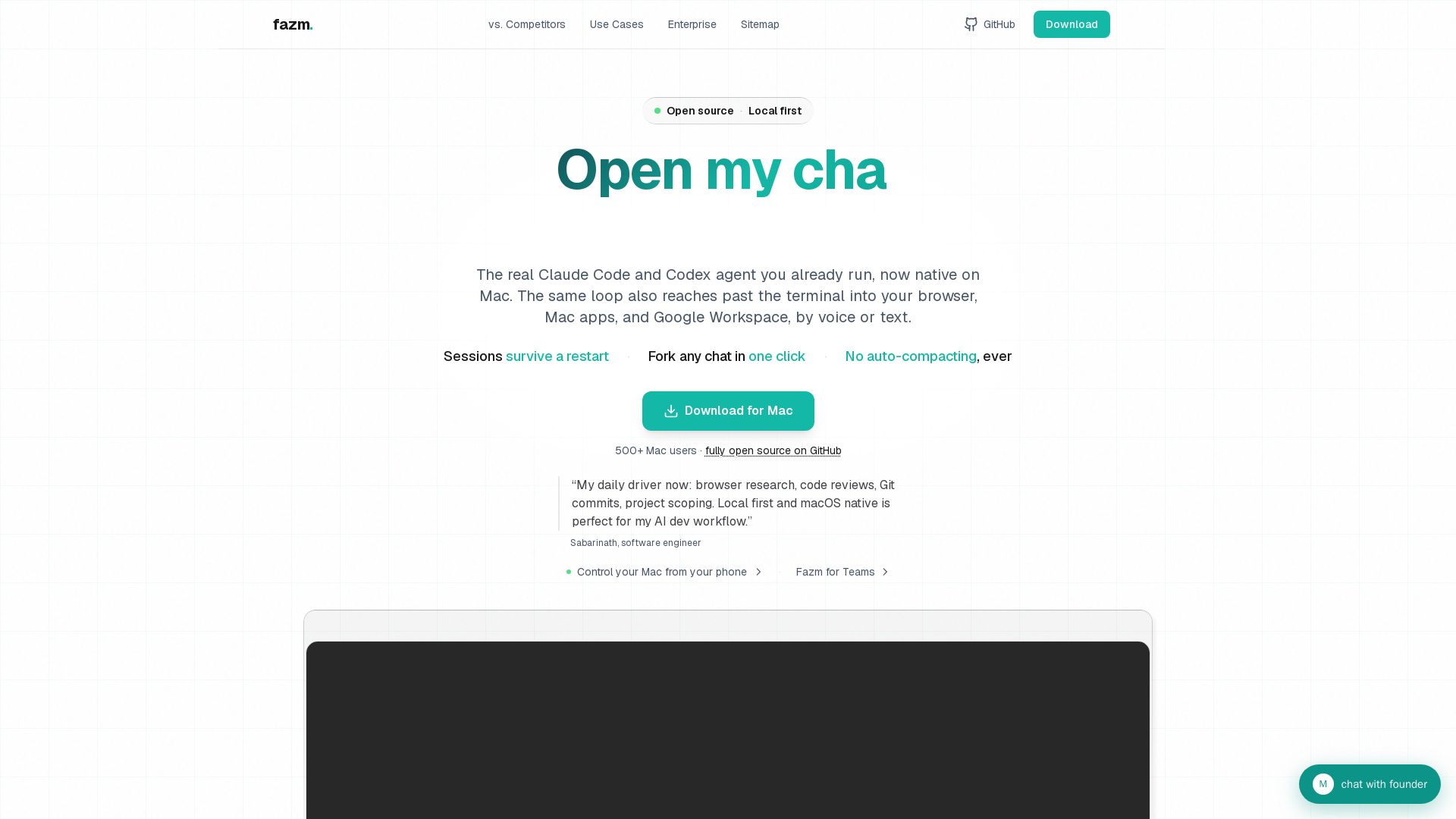
Fazm
Native Mac app wrapping Claude Code, Codex & Gemini CLI agents. Persistent sessions, one-click fork, no compacting, push-to-talk, 40 parallel chats. Open source.

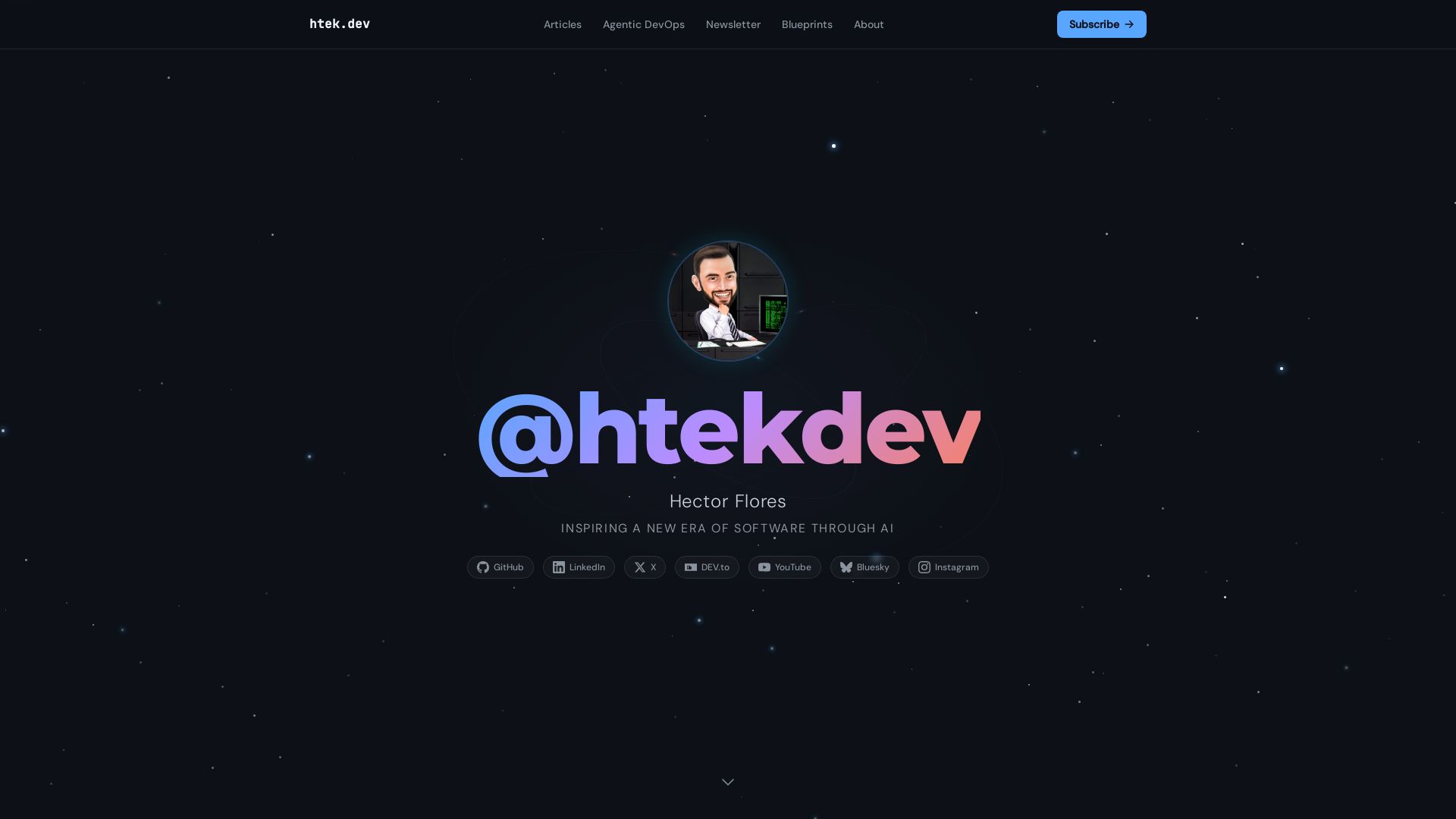
I Turned My Android Phone Into an MCP Server
Practical insights on agentic DevOps, AI workflows, and building with GitHub Copilot. Learn from software engineer Hector Flores.

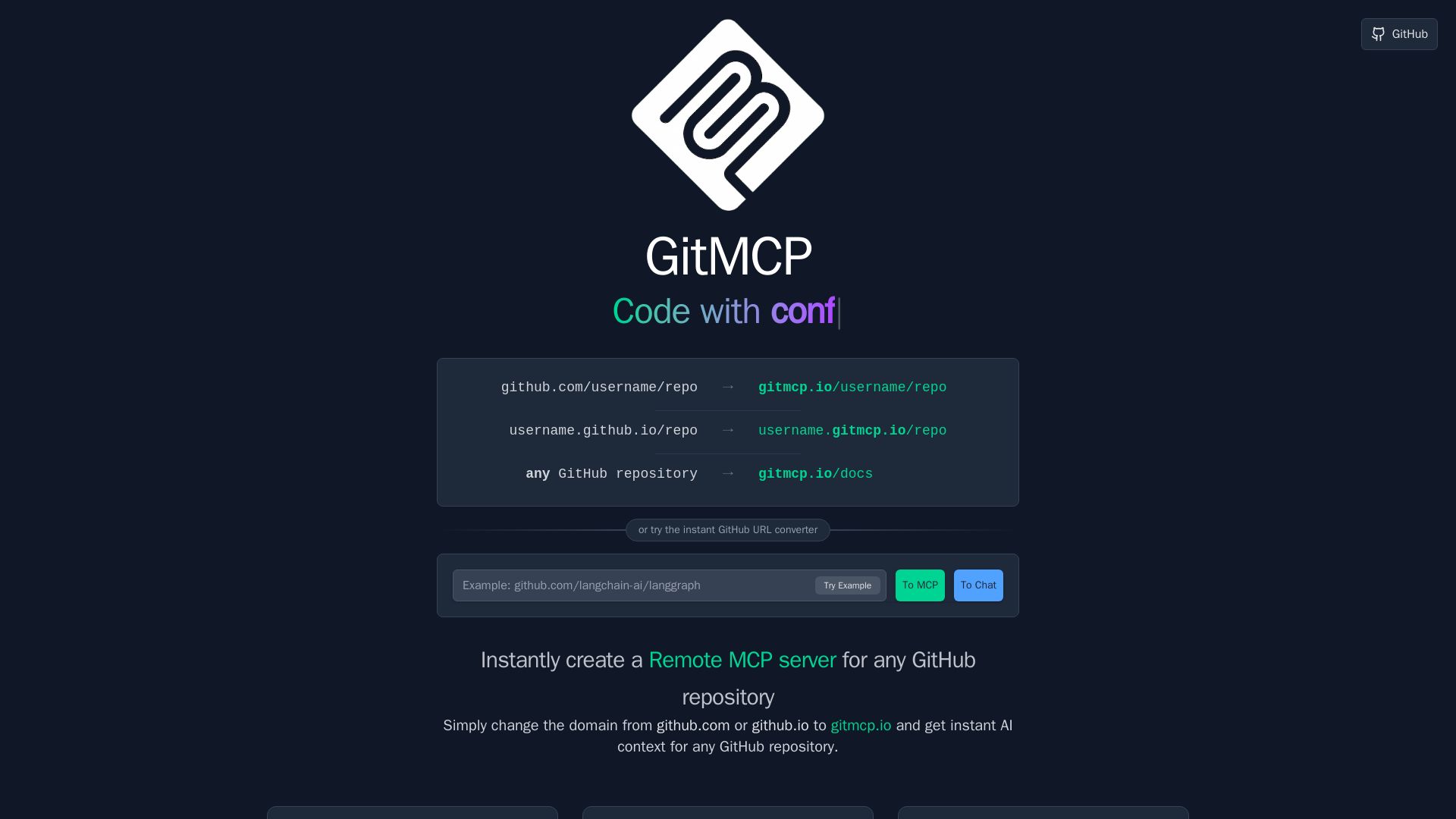
GitMCP
Instantly create a Remote MCP server for any GitHub repository. Replace github.com with gitmcp.io to give AI assistants deep code context for accurate coding help.

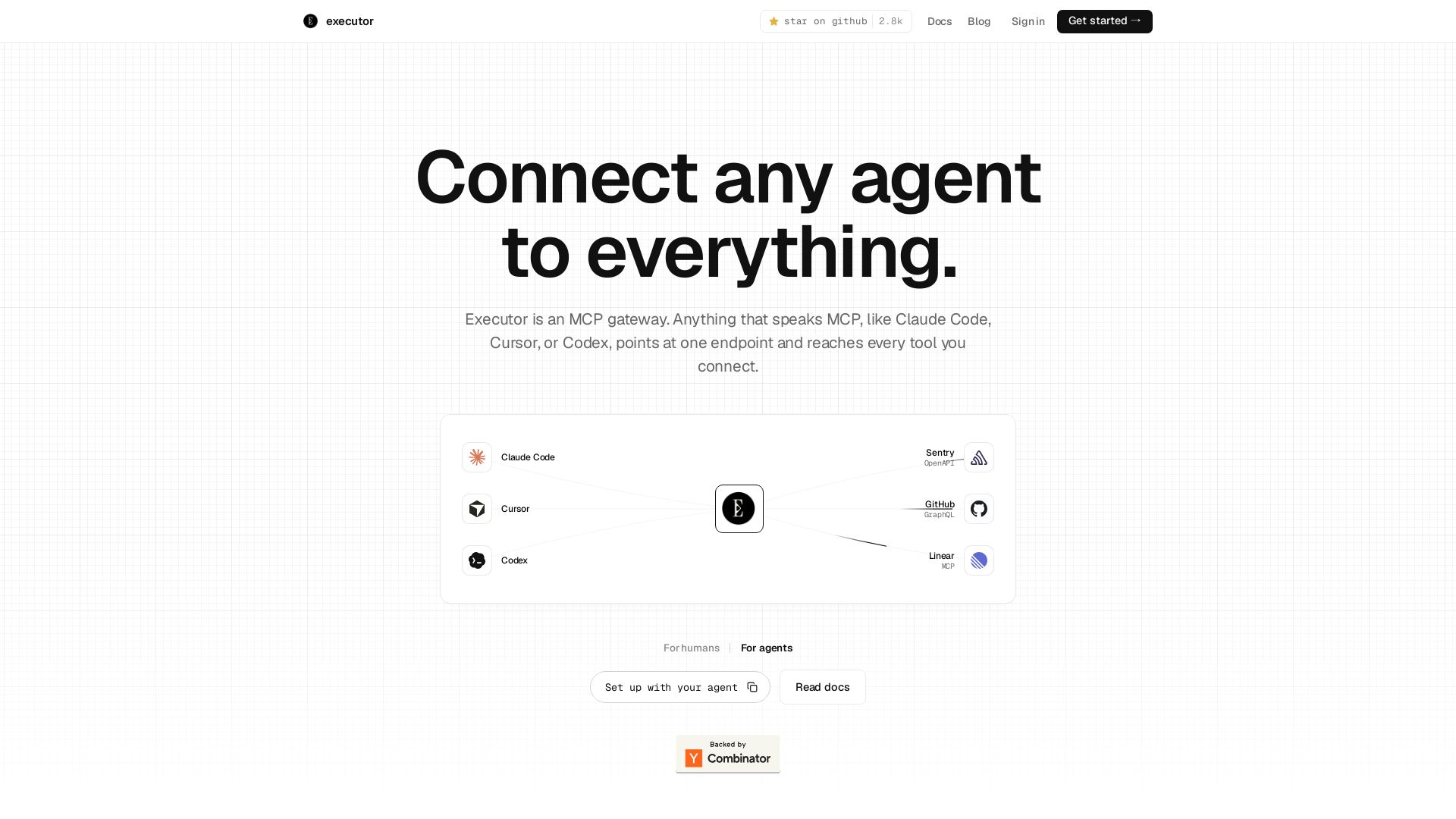
Executor
Executor is an MCP gateway for AI agents like Claude Code and Cursor. Connect thousands of tools through one endpoint with context efficiency, sandbox security, and team features.

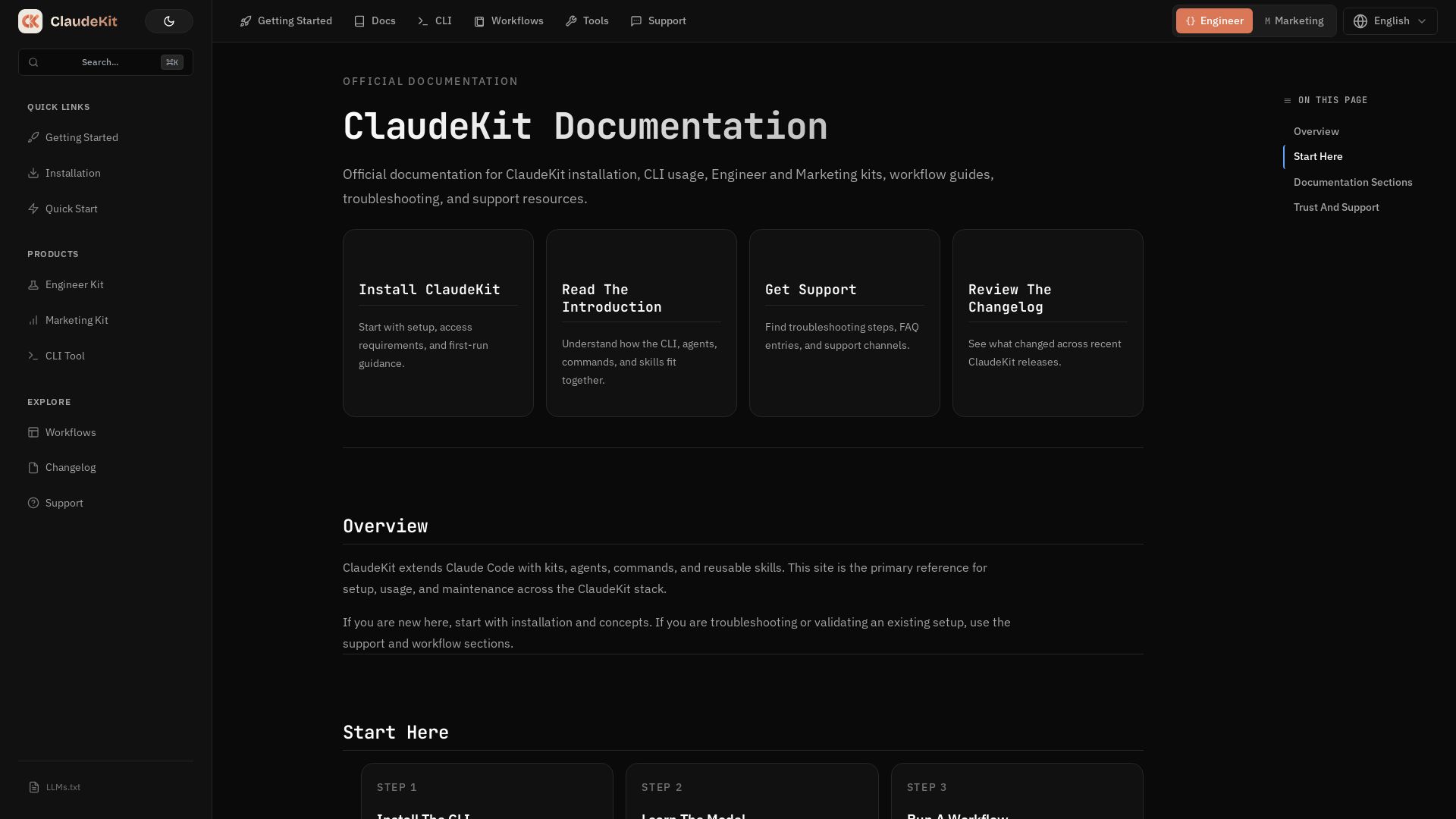
ClaudeKit
Official documentation for ClaudeKit: install CLI, use Engineer/Marketing kits, run workflows, and get support. Supercharge Claude Code.

ℹ️ Curation Disclosure: The overview and features of Claude Code Settings Configurator were synthesized using AI and fact-checked by our curation team to ensure accuracy.
