
CCProxy
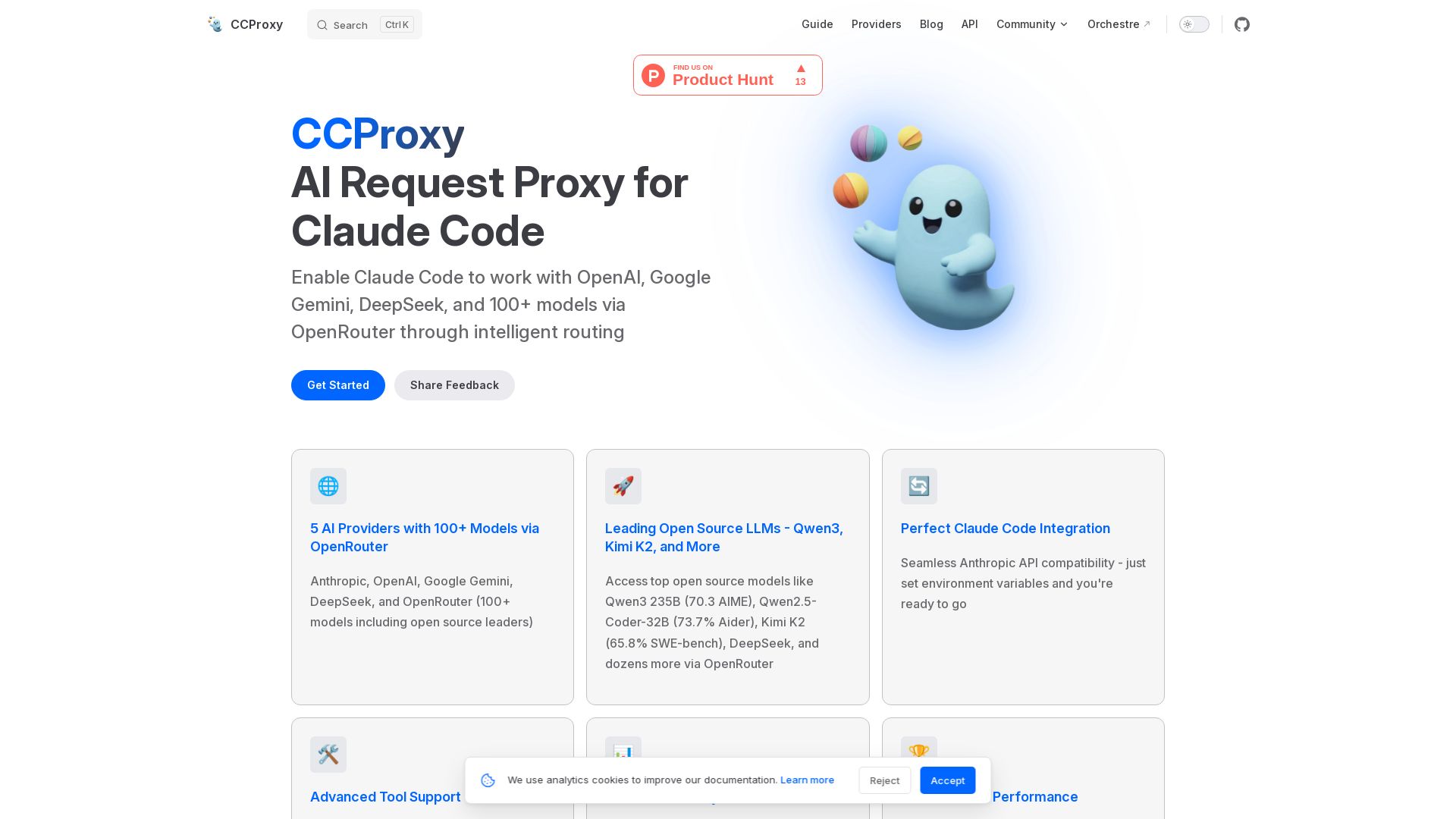
CCProxy enables Claude Code to access OpenAI, Google Gemini, DeepSeek, and 100+ models via OpenRouter with intelligent routing and simple setup.
Editor's Verdict
Key Takeaways
- Multi-Provider Support
- Seamless Claude Code Integration
- Advanced Tool Support
- Production Ready
In-Depth Review: What is CCProxy?
CCProxy is a translation proxy that transforms Claude Code into a universal AI development tool. By converting standard OpenAI-compatible requests to each provider's format, it unlocks access to top AI providers including Anthropic, OpenAI, Google Gemini, DeepSeek, and 100+ open-source models via OpenRouter. Features include intelligent routing, streaming responses, function calling support, health monitoring, and Docker deployment. Perfect for developers seeking cost-effective, multi-provider AI access without changing their Claude Code workflow.
Core Features
Multi-Provider Support
Connect to 5 AI providers (Anthropic, OpenAI, Google Gemini, DeepSeek, OpenRouter) with 100+ models, including open source leaders like Qwen3 and Kimi K2.
Seamless Claude Code Integration
Drop-in replacement for Anthropic API – just set environment variables to use any provider with Claude Code.
Advanced Tool Support
Full function calling and tool use across all providers with intelligent format conversion for compatible clients.
Production Ready
Built-in health monitoring, logging, and Docker deployment for enterprise-grade reliability and scalability.
Best-in-Class Performance
Optimized for speed with intelligent caching and connection pooling to minimize latency.
Open Source Models Access
Access top open source models like Qwen3 235B, Qwen2.5-Coder-32B, Kimi K2, and more via OpenRouter at lower cost.
One-Click Installation
Single curl command to install and start using CCProxy with minimal configuration.
Pros and Cons
Pros
- Broad Provider SupportAccess 100+ models from 5 providers, including cutting-edge open source LLMs, all through a single proxy interface.
- Easy Integration with Claude CodeSwitch between providers with zero code changes – just set environment variables to point to CCProxy.
- Cost-EffectiveUse cheaper open source models via OpenRouter to reduce API costs while maintaining high reasoning quality.
- Production Ready FeaturesIncludes health monitoring, logging, Docker support, and API key management for enterprise deployments.
- Fast and OptimizedIntelligent caching and connection pooling ensures low-latency responses even with multiple concurrent requests.
Cons
- Dependency on Provider API CompatibilitySome provider-specific features (e.g., Gemini vision) may not work without function calling support from the client.
- Requires Claude CodeCCProxy is designed specifically for Claude Code; not a general-purpose proxy for other AI tools without modification.
- No New Capabilities AddedCCProxy is a pass-through translator; it does not enhance Claude Code's abilities beyond API translation.
- Limited Documentation on Advanced RoutingComplex routing rules may require deeper understanding of configuration and model names.
Use Cases & Recommended Professions
Software Engineer→ View Toolkit
Use CCProxy to access diverse AI models for code generation, debugging, and automated testing, reducing costs and improving productivity.
AI/ML Engineer→ View Toolkit
Quickly test and compare different LLMs (open source and commercial) for research or production deployment via a single proxy.
DevOps Engineer→ View Toolkit
Deploy CCProxy in Docker containers with built-in monitoring and logging to integrate AI into CI/CD pipelines.
Tech Lead / Architect→ View Toolkit
Leverage multi-provider routing to optimize cost and performance for team AI usage while maintaining security and standardization.
Data Scientist→ View Toolkit
Experiment with various models for data analysis, natural language processing, and documentation without managing multiple API keys.
Indie Developer / Founder→ View Toolkit
Ship MVPs faster by using affordable open source models through CCProxy, combined with Orchestre for production-ready code.
Frequently Asked Questions
Alternative AI Tools
View Detailed Comparison →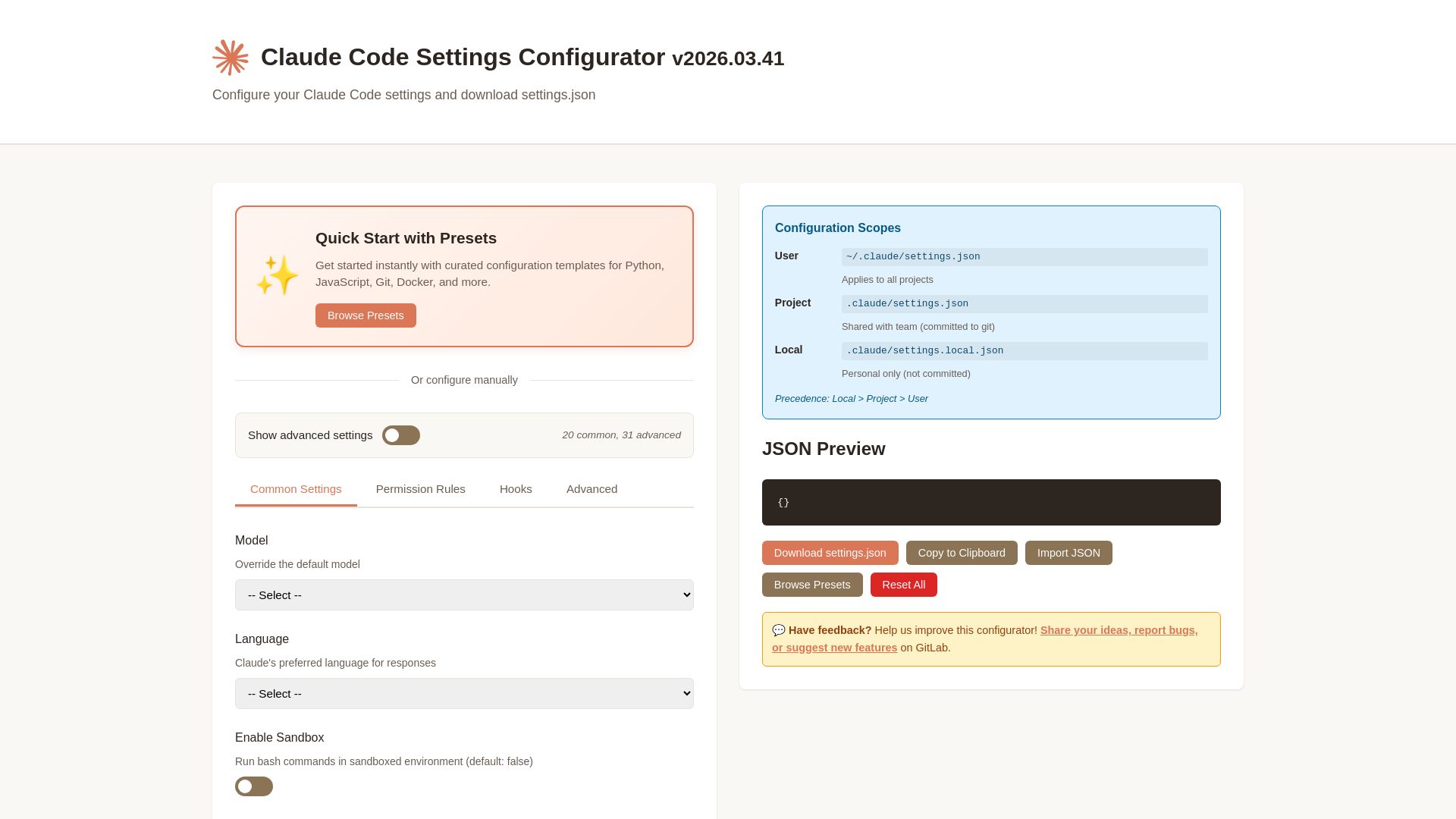
Claude Code Settings Configurator
Easily configure Claude Code settings with presets, permissions, hooks, and more. Download your custom settings.json file.


OpenCode
OpenCode is a free, open-source AI coding assistant supporting multiple providers (OpenAI, Anthropic, local models) with CLI/TUI, custom tools, and privacy-centric local execution.

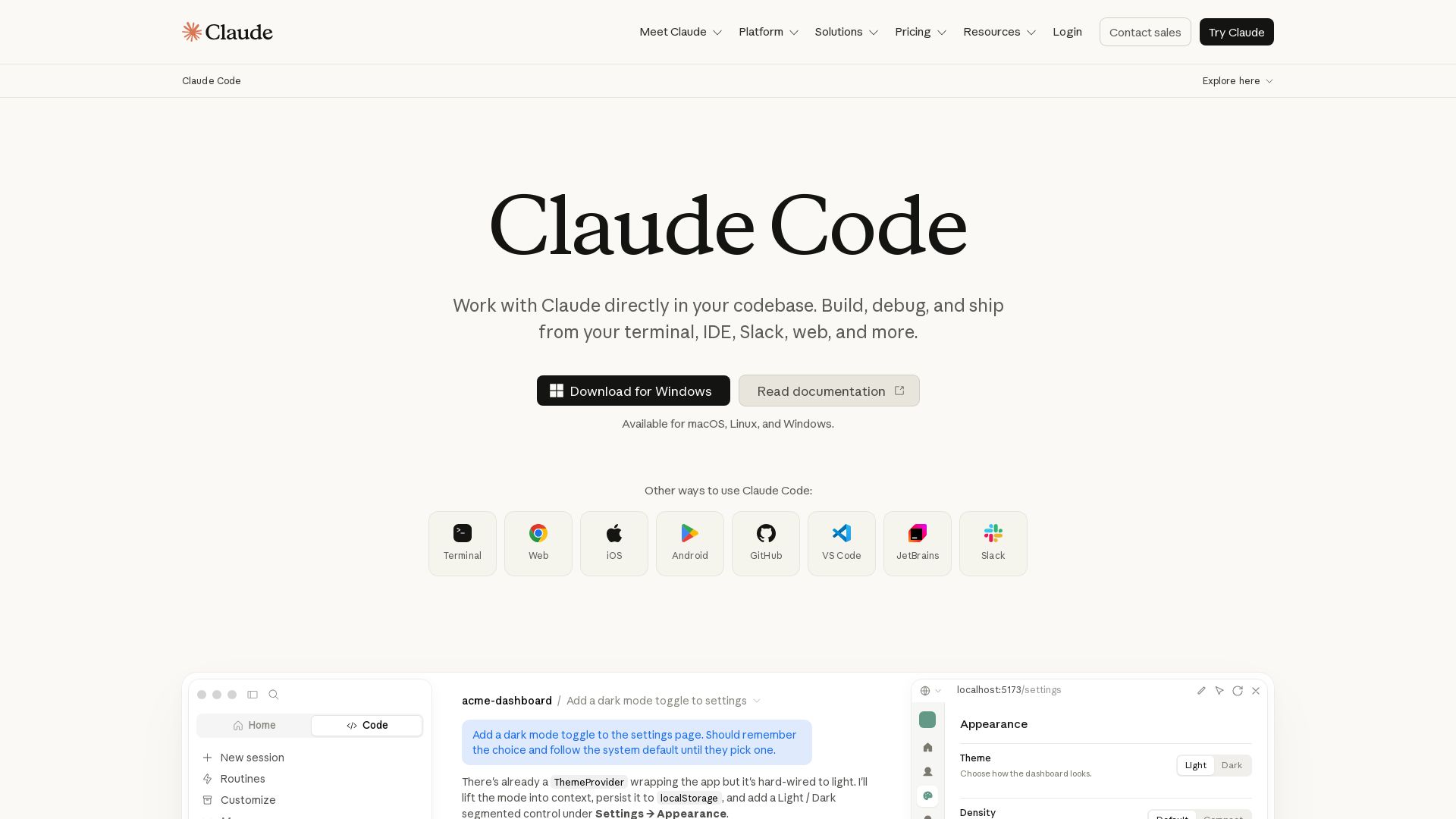
Claude Code
Build, debug, and ship faster with Claude Code. Works in terminal, VS Code, JetBrains, Slack, and more. AI-powered codebase understanding and multi-file editing.


Continue
Create, share, and use custom AI code agents with Continue. Features agent, chat, edit modes, and autocomplete for VS Code and JetBrains.

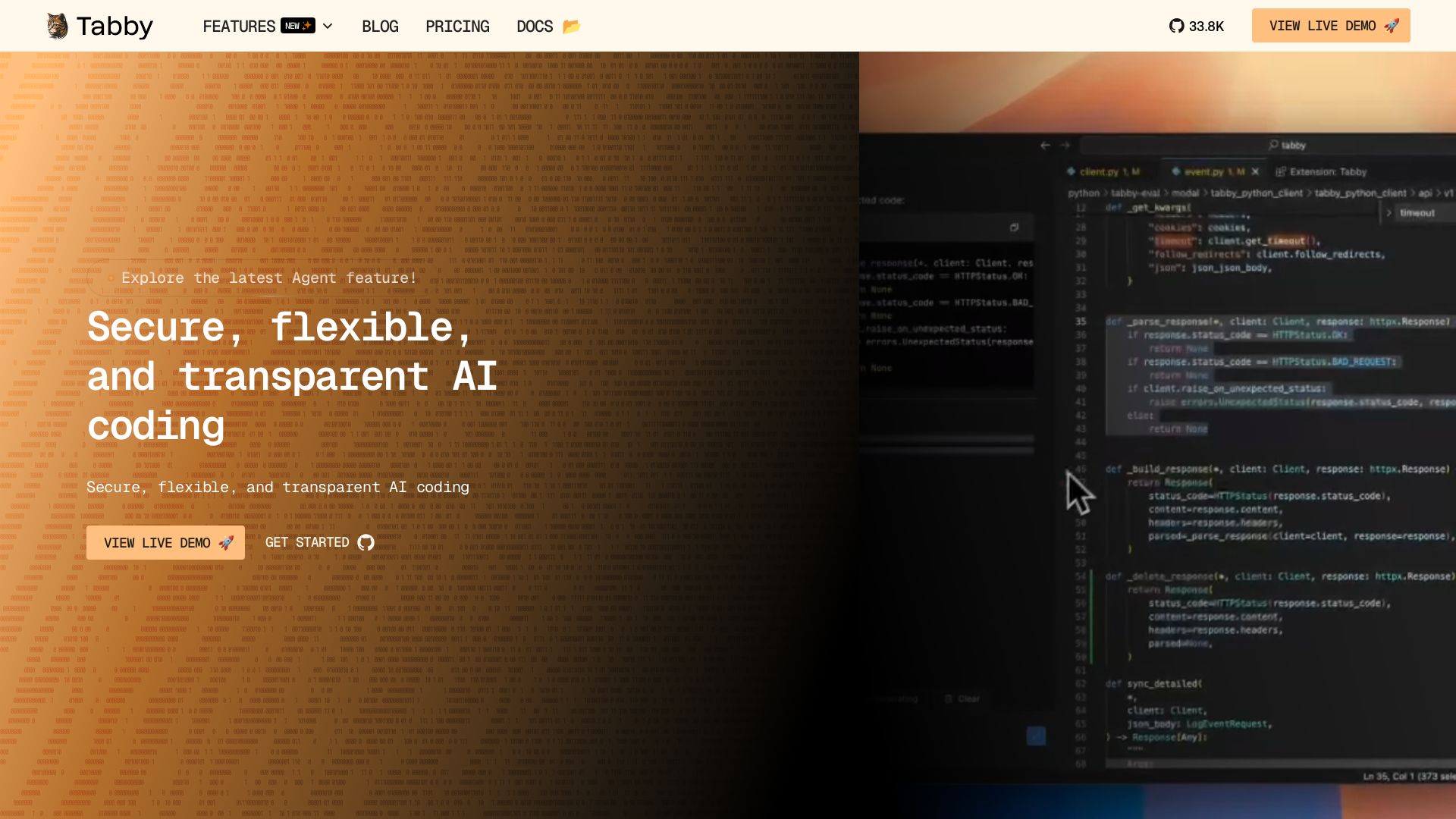
Tabby
Accelerate coding with Tabby's AI-powered code completion, answer engine, and inline chat. Self-hosted, secure, and flexible. Supports VS Code, Neovim, IntelliJ, and more.

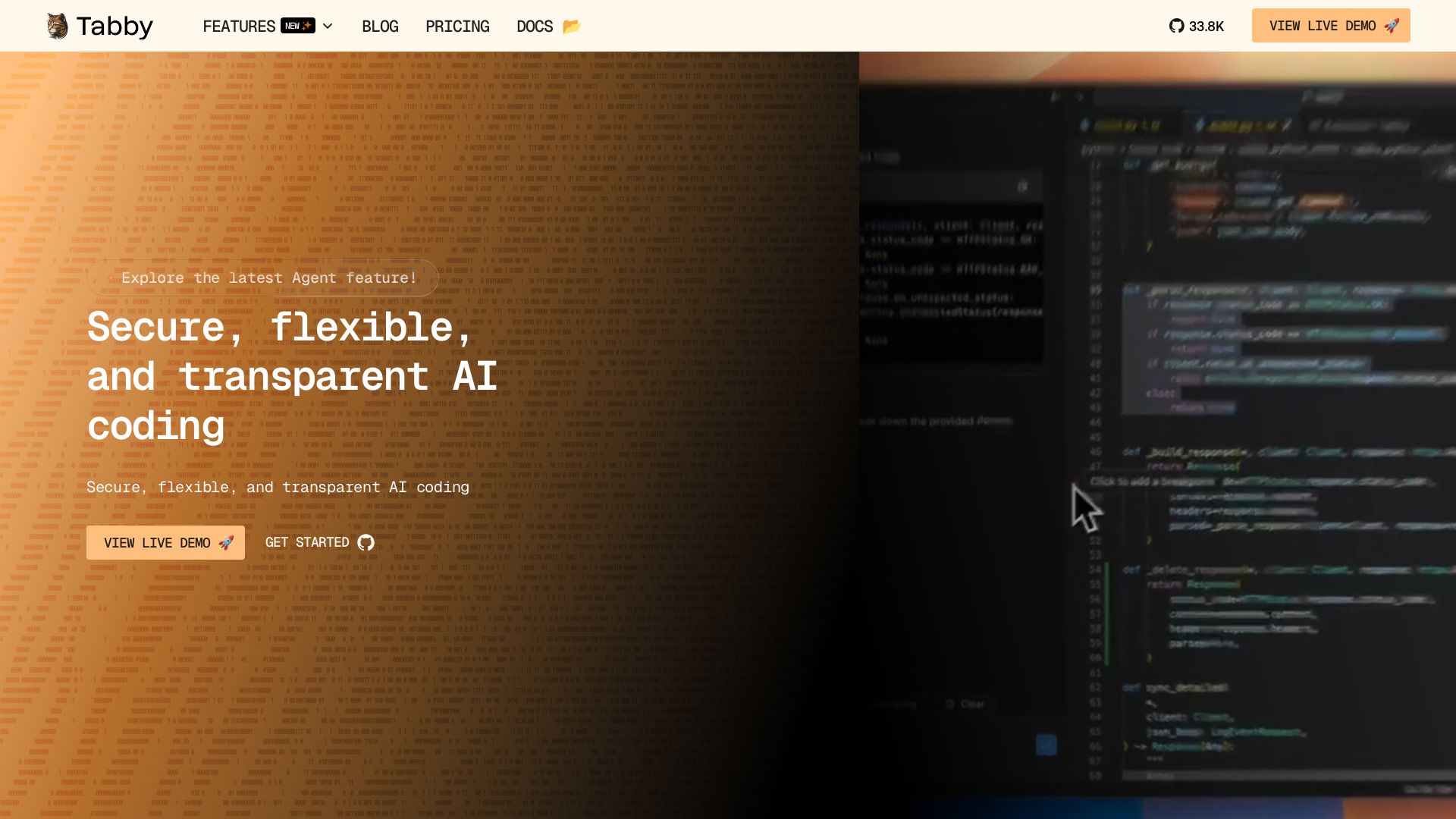
Tabby
Self-hosted, secure AI coding assistant with code completion, answer engine, and inline chat. Private and flexible.

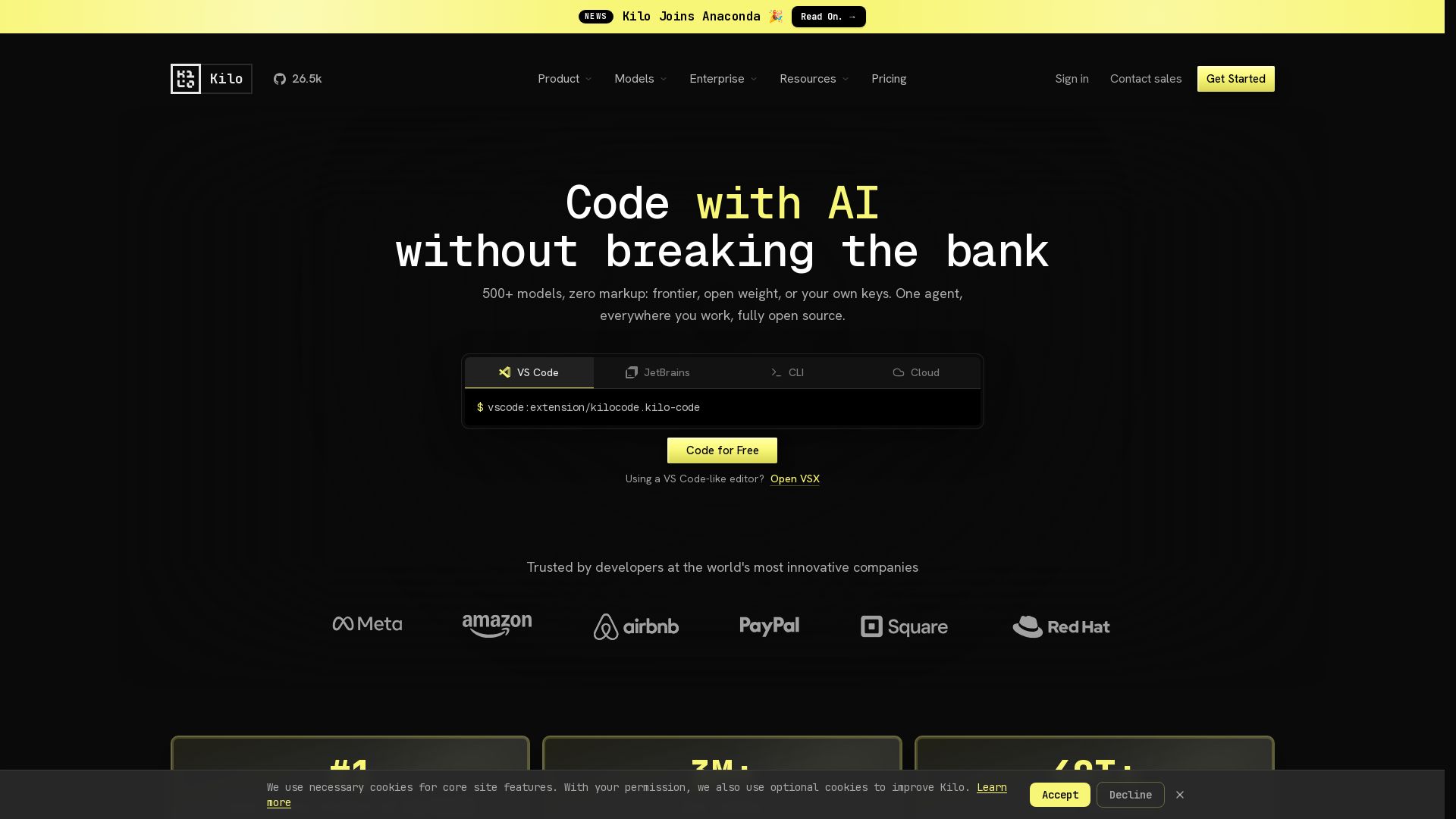
Kilo
Free AI coding tool with 500+ models at cost. Open source, no lock-in. Works in VS Code, JetBrains, CLI, and cloud. Trusted by 3M+ developers.


Continue
Continue, the pioneering open-source coding agent, has been acquired by Cursor. Our mission to amplify developers continues. Explore FAQs and more.

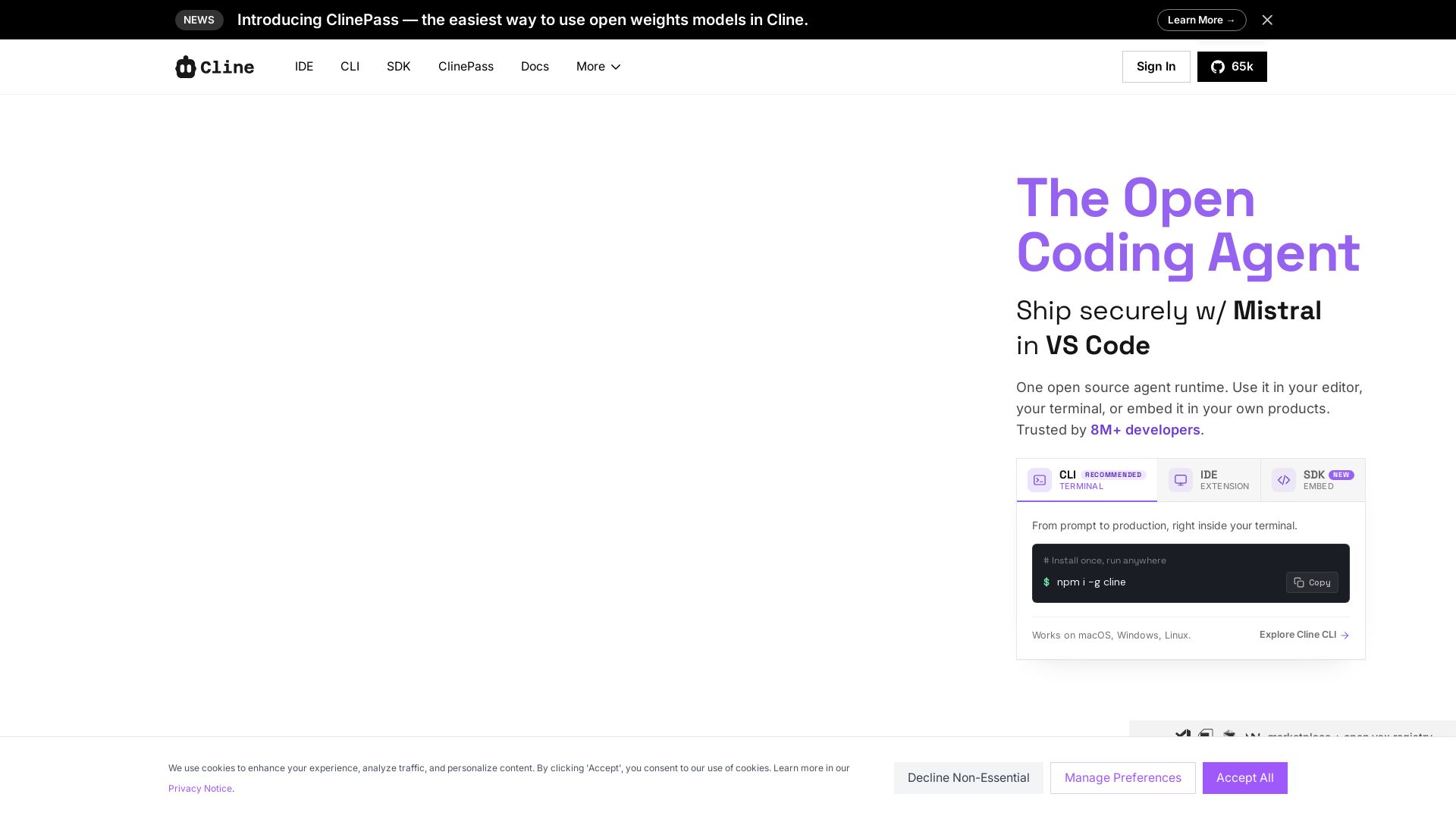
Cline
Cline is the open source AI coding agent that helps you ship secure code with Claude in VS Code, terminal, and more. Plan, act, and automate across your workflow.


claude-devtools
Open-source tool to view hidden details from Claude Code sessions: thinking steps, tool calls, context window, subagent trees. No API keys needed. Works with logs already on your machine.

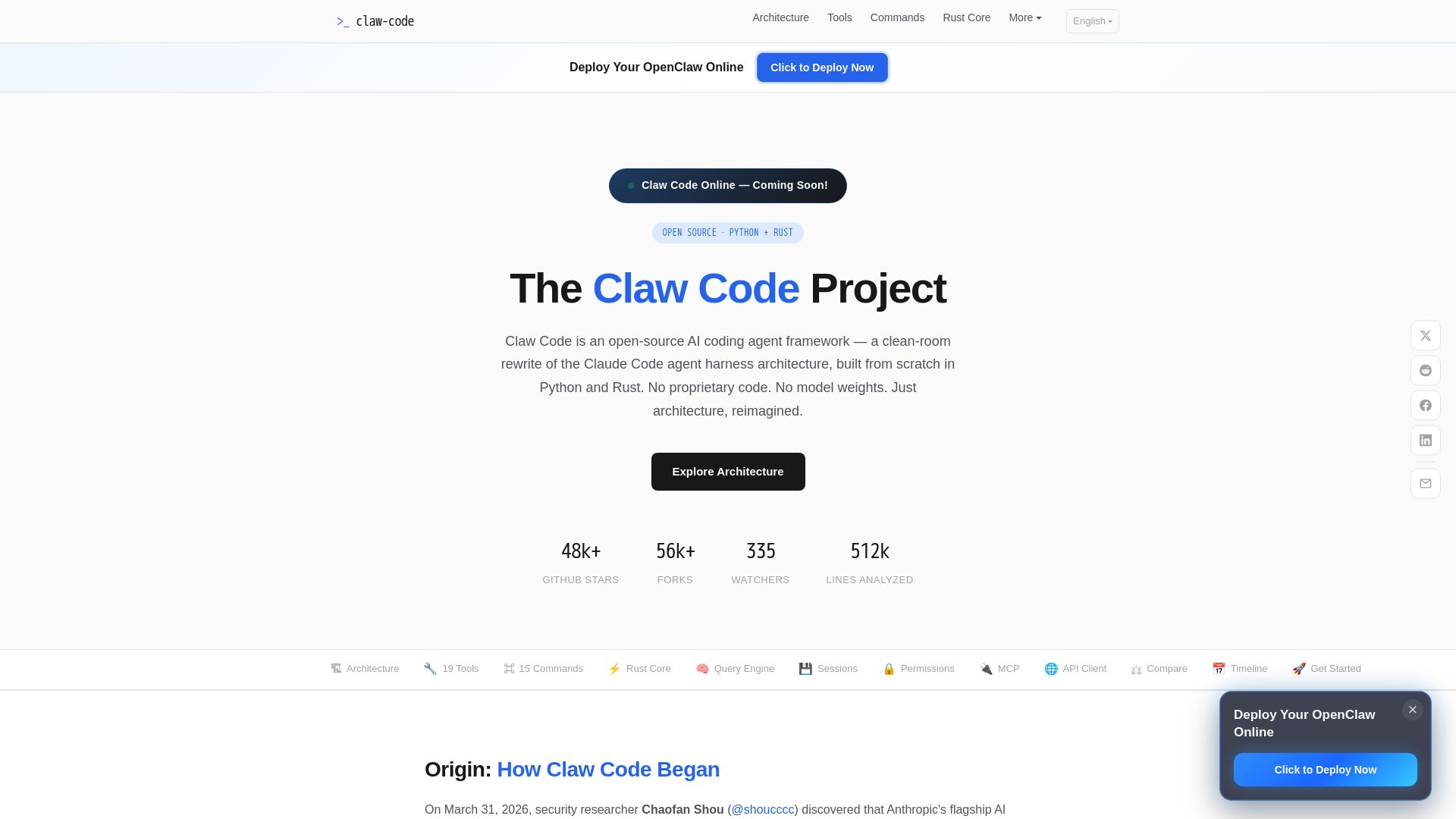
Claw Code
Clean-room Python & Rust rewrite of Claude Code architecture. 19 tools, multi-agent orchestration, MCP support. Free & open-source.


ClaudeWorld
Explore ClaudeWorld: learn to build and manage AI agents with Claude Code. Tutorials, guides, maps, and open source tools for developers.

ℹ️ Curation Disclosure: The overview and features of CCProxy were synthesized using AI and fact-checked by our curation team to ensure accuracy.
