
claude-devtools
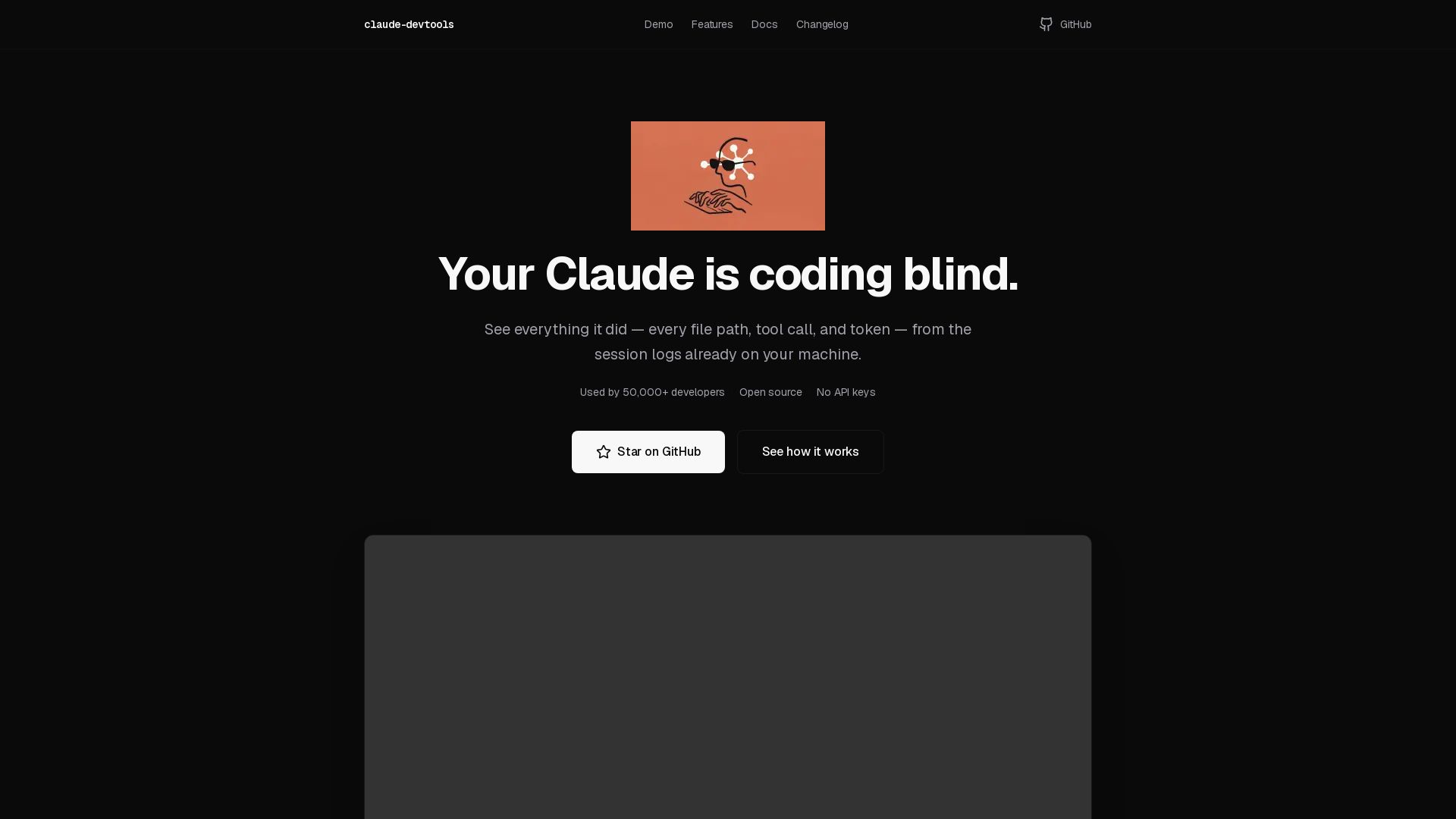
Open-source tool to view hidden details from Claude Code sessions: thinking steps, tool calls, context window, subagent trees. No API keys needed. Works with logs already on your machine.
Editor's Verdict
Key Takeaways
- Context Reconstruction
- Copy & Paste Without Terminal Pain
- Tool Call Inspector
- Project Memory
In-Depth Review: What is claude-devtools?
Claude DevTools restores the visibility that Claude Code's terminal output hides. Since version 2.1.20, detailed session logs were replaced with opaque summaries. This tool reads the raw session files from ~/.claude/ on your machine and presents them in a clean, interactive interface. It reveals thinking steps, exact tool inputs and outputs, subagent activity trees, context window breakdowns, file paths with diffs, and team coordination details. Features include a tool call inspector with syntax highlighting, project memory viewer, notification triggers, SSH remote session inspection, cross-session command palette search, and multi-pane layout for comparing sessions. It's open source under MIT, requires no login or API keys, and makes zero outbound calls.
Core Features
Context Reconstruction
Per-turn token attribution across 7 categories including CLAUDE.md, skill activations, @-mentioned files, tool I/O, thinking, team overhead, and user text. Visualizes context fill, compression, and refill over time.
Copy & Paste Without Terminal Pain
Renders every message, tool call, and output as real selectable text. One-click copy for code blocks, file paths, or entire responses. Works consistently on macOS, Linux, and Windows.
Tool Call Inspector
Syntax-highlighted Read calls, inline Edit diffs, Bash output, and full subagent execution trees. Expands every collapsed summary like 'Read 3 files' into detailed views.
Project Memory
Opens per-project Claude memory from ~/.claude/projects/<project>/memory/ in a dedicated pane with layer list, full markdown rendering, search, and launcher for external editors.
Team & Subagent Trees
Isolated execution trees per agent showing tool traces, token metrics, duration, and cost. Nested agents render as recursive trees for clear visibility.
Notification Triggers
System notifications for .env file access, tool errors, and high token usage. Supports regex triggers on sensitive paths, token thresholds, and color filtering.
SSH Remote Sessions
Inspect sessions on remote machines over SSH using ~/.ssh/config, agent forwarding, and key auth. Instantly switch between local and remote views.
Command Palette
Cmd+K opens cross-session search with context snippets and highlighted keywords. Navigate directly to any message.
Multi-Pane Layout
Open multiple sessions side-by-side with drag-and-drop tabs between panes, split views, and parallel session comparison.
Pricing
Open Source Free Edition
- All features included
- No login required
- No API keys needed
- Zero outbound calls
- Open source MIT license
Pros and Cons
Pros
- Full Visibility into Claude SessionsRestores detailed visibility that Claude Code removed, showing thinking steps, tool I/O, subagent activity, and more.
- Free and Open SourceMIT licensed with no cost, login, or API keys. Zero outbound calls ensure privacy.
- Works Offline with Existing LogsReads local session logs from ~/.claude/ without modifying Claude Code or requiring internet.
- Cross-Platform SupportAvailable on macOS, Windows, and Linux via native installers and Docker.
- Developer-Friendly FeaturesIncludes command palette, multi-pane layout, SSH remote sessions, and notification triggers for efficient debugging.
Cons
- Only Works with Claude Code LogsRequires sessions recorded by Claude Code; not applicable to other AI tools.
- Limited to Local Logs by DefaultWithout SSH configuration, only inspects sessions on the local machine.
Use Cases & Recommended Professions
Software Developer→ View Toolkit
Uses Claude Code for coding assistance and needs to review detailed session logs to understand AI decisions and debug outputs.
AI/ML Engineer→ View Toolkit
Relies on Claude Code for model interaction and requires full transparency into token usage, reasoning steps, and tool calls to optimize prompts.
DevOps Engineer→ View Toolkit
Manages automated workflows with Claude Code and needs to inspect subagent activities, SSH sessions, and error triggers for reliability.
Technical Writer→ View Toolkit
Documents Claude Code interactions and needs clear copy-paste functionality and context reconstruction for accurate reporting.
QA Engineer→ View Toolkit
Tests Claude Code behavior and requires detailed tool call I/O and notification triggers to identify anomalies.
Engineering Manager→ View Toolkit
Oversees teams using Claude Code and needs visibility into team coordination, memory usage, and subagent costs for resource planning.
Frequently Asked Questions
Alternative AI Tools
View Detailed Comparison →
CircleCI
Trusted by Google & Okta. CircleCI enables AI-speed CI/CD with 5x fewer tokens, 30x more efficiency. Ship confident releases 24/7.

Zeabur
Zeabur is an AI-powered DevOps platform that automates infrastructure, deploys any code, and offers servers, AI Hub, domains, email, and templates with predictable pricing.

Educative
Master AI, system design, and coding interviews with interactive, text-based courses. Learn by building with real-time AI feedback. Trusted by 3M+ developers.

DO OK
End-to-end software development company delivering custom solutions that create measurable value. Services: Mobile, Web, IoT, AI, Product Dev. Trusted by 150+ clients.


DEV.co
End-to-end custom software development: web, mobile, SaaS, AI. Top 1% engineers, 12+ years, 390+ projects. You own 100% of code. Get in touch.

DX
Optimize developer productivity, measure AI impact, and improve software health with DX, the platform designed by researchers.

Sonar
Sonar's AC/DC framework provides zero-trust code verification for AI agents. Guide, verify, solve. Trusted by 7M+ developers, 75% Fortune 100.

I Turned My Android Phone Into an MCP Server
Practical insights on agentic DevOps, AI workflows, and building with GitHub Copilot. Learn from software engineer Hector Flores.

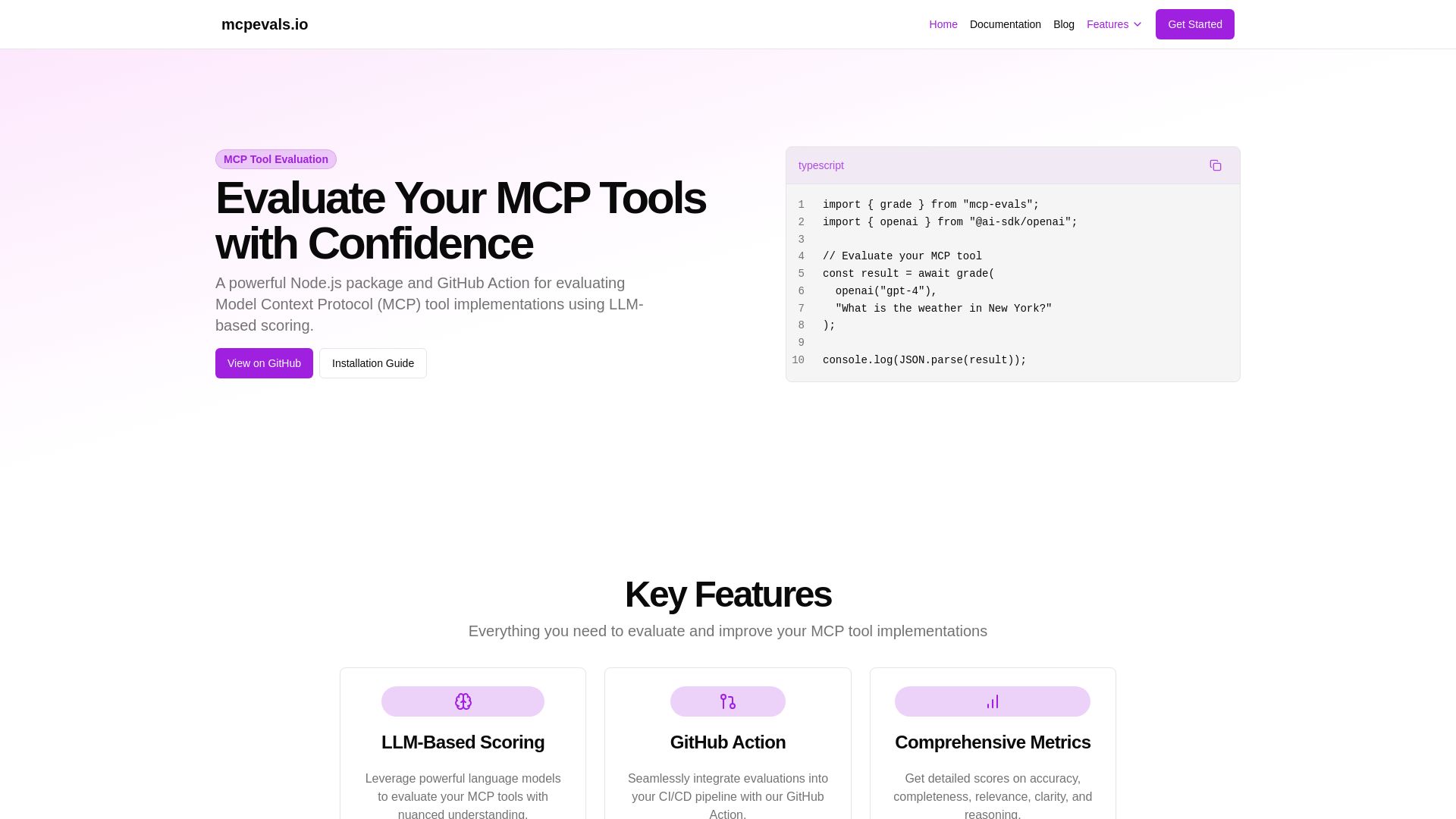
MCP Evals
A powerful Node.js package and GitHub Action for evaluating Model Context Protocol tool implementations using AI scoring. Get accurate metrics & feedback.

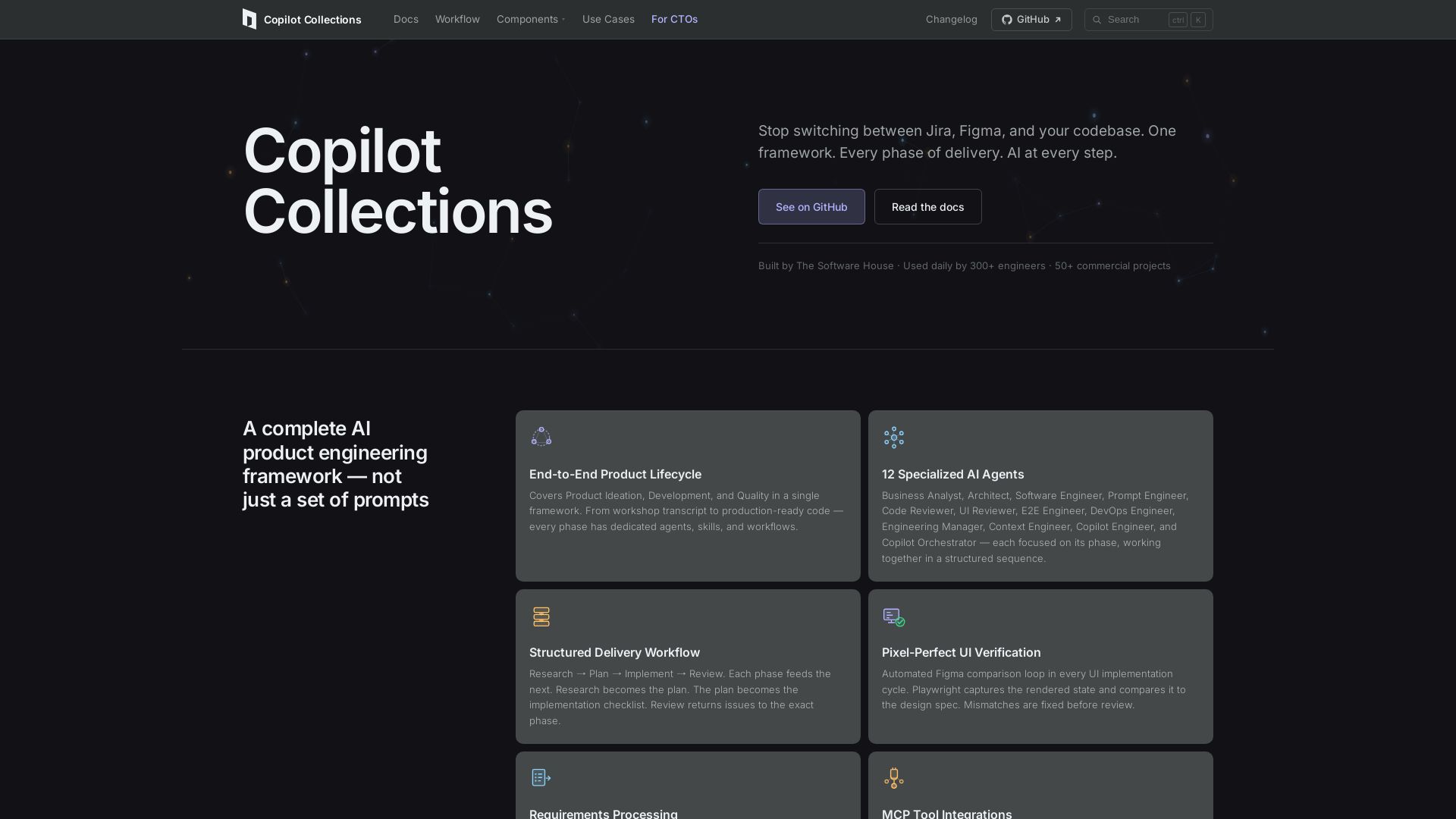
Copilot Collections
Turn ideas into production code with 12 AI agents, MCP integrations, and pixel-perfect UI verification. Used by 300+ engineers. Reduce lead time by 30%.

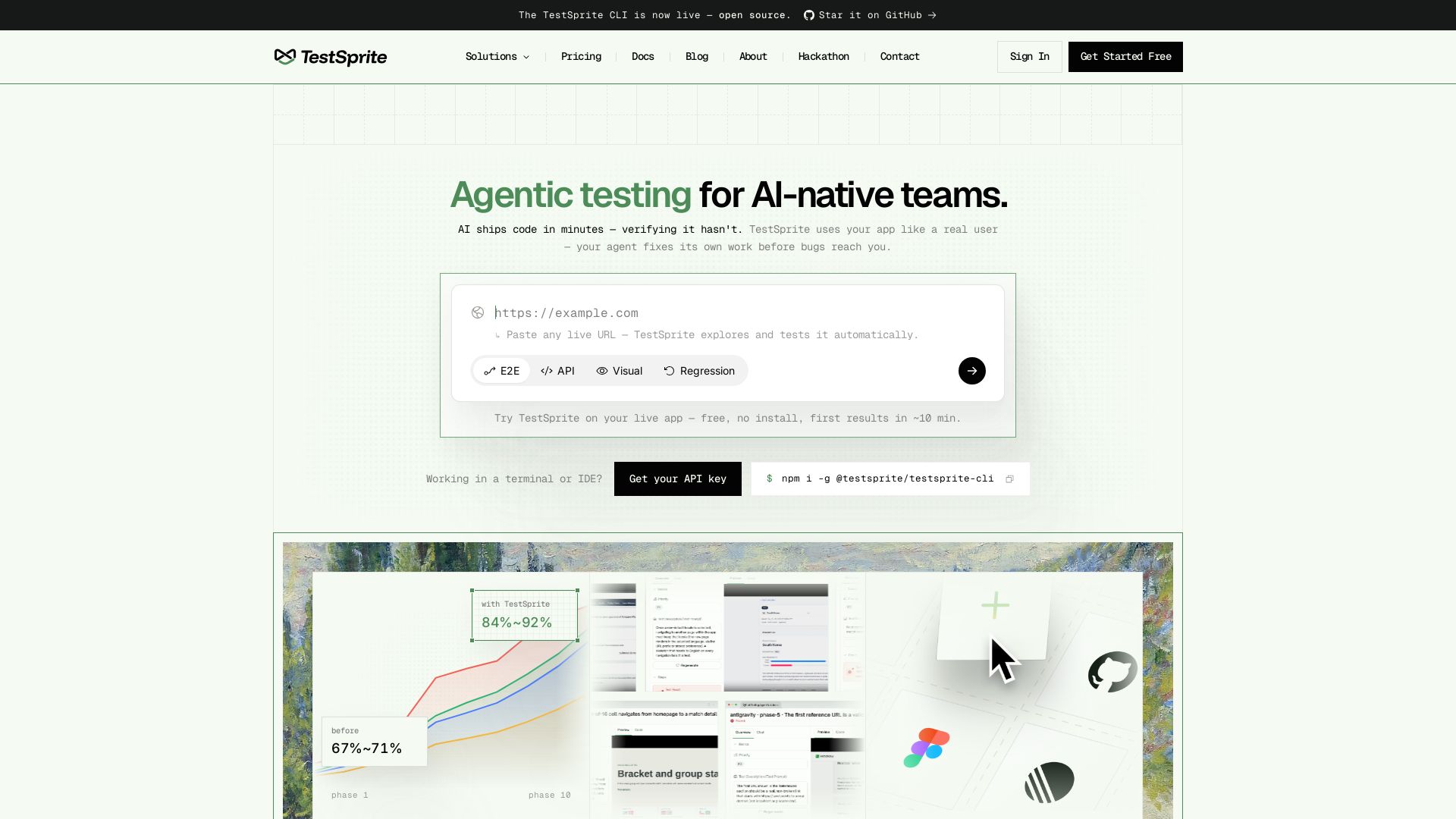
TestSprite
Automatically verify your live app with real browser/API tests. Your AI coding agent fixes its own work. Reduce regressions from ~25% to ~8%. Get started free.

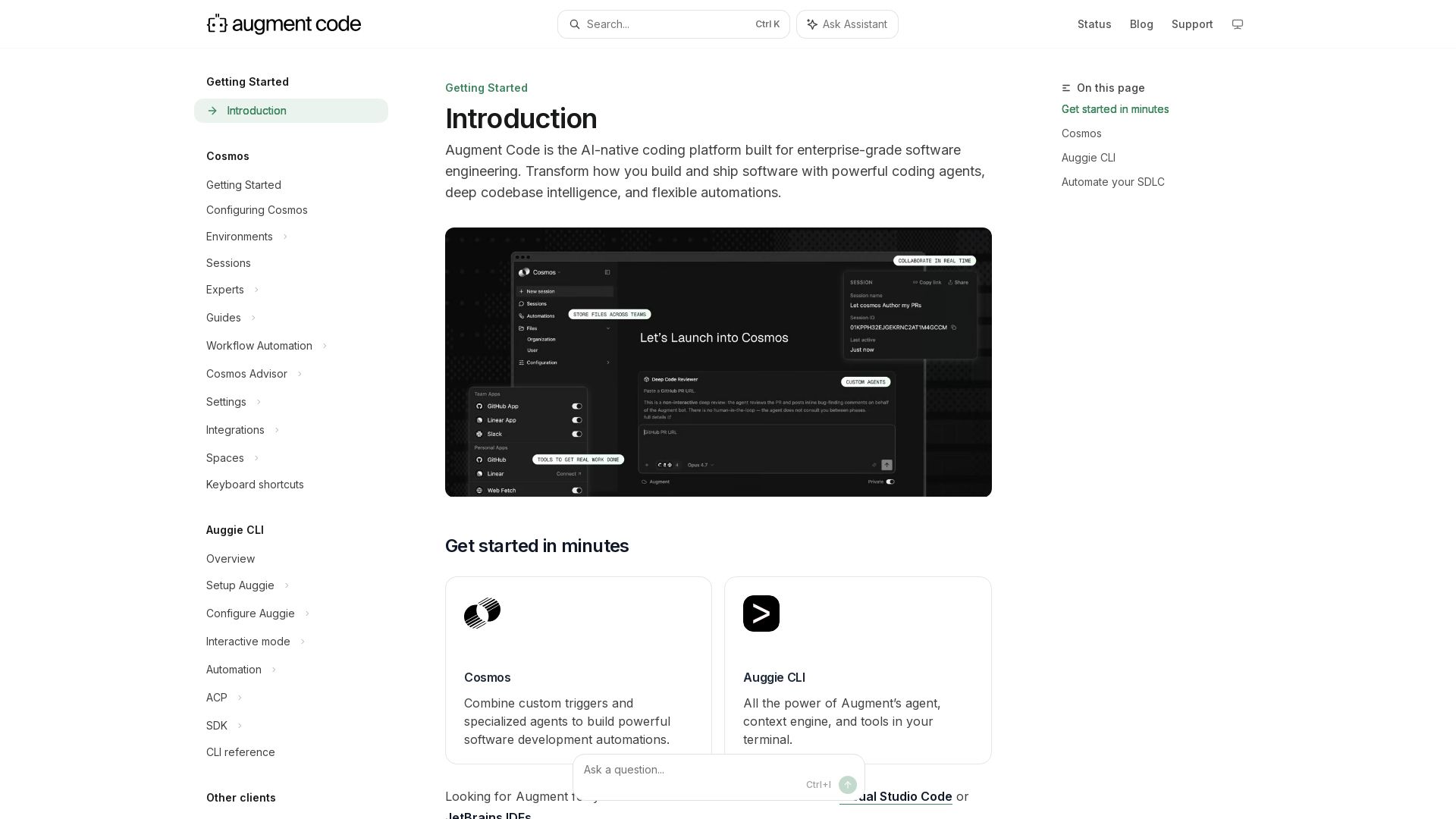
Augment
Build and ship software faster with Augment Code's AI agents, deep codebase intelligence, and automations. Get started with Cosmos, Auggie CLI, and IDE integrations.

ℹ️ Curation Disclosure: The overview and features of claude-devtools were synthesized using AI and fact-checked by our curation team to ensure accuracy.
