
TestSprite
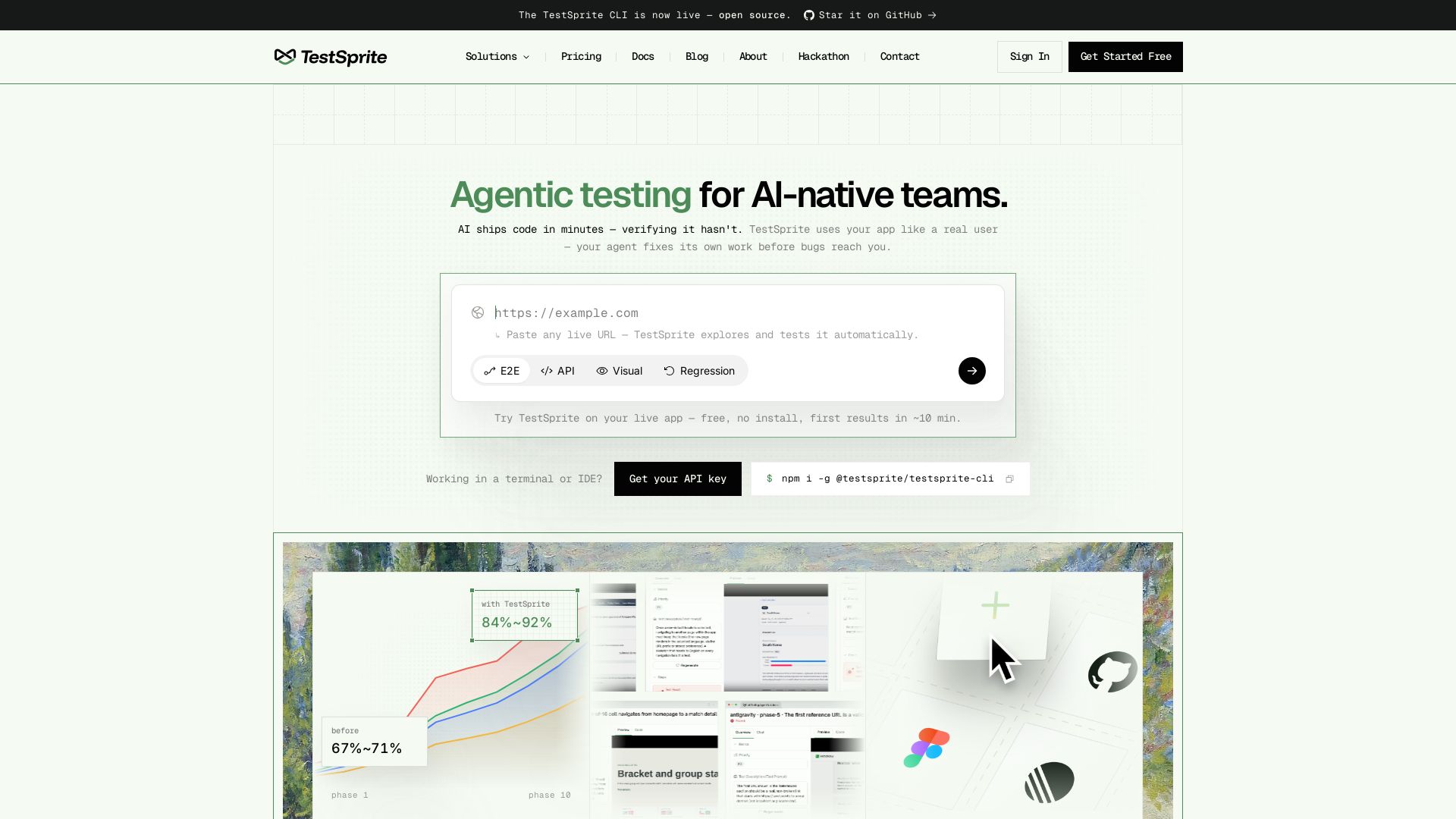
Automatically verify your live app with real browser/API tests. Your AI coding agent fixes its own work. Reduce regressions from ~25% to ~8%. Get started free.
Editor's Verdict
Key Takeaways
- Agentic Testing
- Multi-type Testing
- CLI for Agents
- Failure Bundle
In-Depth Review: What is TestSprite?
TestSprite is an open-source CLI and platform that provides a complete QA loop for AI-native development teams. It automatically explores your live web application, runs end-to-end, API, and visual tests using real browsers and APIs—no mocks. When a test fails, TestSprite returns a single failure bundle including screenshots, DOM snapshots, root-cause analysis, and a recommended fix. Your coding agent (Claude Code, Cursor, Codex, etc.) reads the bundle, fixes the code, and reruns. Coverage compounds every phase, cutting regressions from ~25% to ~8% and increasing requirements met from 42% to 92%. Integrates with CLI, MCP server, CI, and a no-code web app.
Core Features
Agentic Testing
AI-powered testing that uses your app like a real user, automatically verifying features and catching bugs before they reach production.
Multi-type Testing
Supports E2E, API, Visual, and Regression testing from a single platform, covering both frontend and backend.
CLI for Agents
An open-source CLI tool that gives coding agents a real QA loop, returning failure bundles with screenshots, DOM snapshots, root-cause hypotheses, and fixes.
Failure Bundle
When a test fails, TestSprite returns a self-consistent bundle including the failing step, screenshots, DOM snapshot, test source, root-cause analysis, and a recommended fix.
Auto-Heal
Automatically repairs tests when the UI drifts, reducing maintenance overhead.
Scheduled Re-verification
Run tests on a schedule to catch regressions 24/7, ensuring continuous reliability.
MCP / IDE Integration
Integrates with Claude Code, Cursor, Codex, and other coding agents via MCP server, living where your agents already work.
No-Code Web App
A web interface for QA teams to paste a URL, watch agents explore in a live preview grid, replay sessions as video, and organize test lists.
Real-User Simulation
TestSprite drives a real browser or hits live APIs, never relying on mocks, so it catches issues that static analysis misses.
Pricing
Free
- 150 credits per month
- 1 Test List
- GPT-5.4 Mini (or similar) AI model
- Basic testing features
- Automatic frontend & backend workflows
- Command-line interface (CLI)
- Community support
Starter
- 400 credits per month
- 5 Test Lists
- 5 Test Schedules
- Claude Sonnet 4.6 (or similar) AI model
- Basic testing features
- Automatic frontend & backend workflows
- Command-line interface (CLI)
- Advanced testing features
- Enhanced test generation for accuracy and coverage
- Custom configurations
- Backend integration test chains
- Auto-healing rerun
- Test file uploads — 75 MB total per project
- Faster, more efficient test execution
- Scalable solutions for large projects
- IDE plugin via MCP (Claude Code, Codex)
- GitHub Action / CI integration
- Test scheduling
- Priority support
Standard
- 1600 credits per month
- Unlimited Test Lists
- Unlimited Test Schedules
- GPT-5.5 (or similar) AI model
- Claude Opus 4.7 (or similar) AI model
- Proprietary TestSprite Model
- Basic testing features
- Automatic frontend & backend workflows
- Command-line interface (CLI)
- Advanced testing features
- Enhanced test generation for accuracy and coverage
- Custom configurations
- Backend integration test chains
- Auto-healing rerun
- Test file uploads — 300 MB total per project
- Faster, more efficient test execution
- Scalable solutions for large projects
- IDE plugin via MCP (Claude Code, Codex)
- GitHub Action / CI integration
- Test scheduling
- Priority support
Enterprise
- Custom credits per month
- Unlimited Test Lists
- Unlimited Test Schedules
- Custom AI model training
- GPT-5.5 (or similar) AI model
- Claude Opus 4.7 (or similar) AI model
- Proprietary TestSprite Model
- Basic testing features
- Automatic frontend & backend workflows
- Command-line interface (CLI)
- Advanced testing features
- Enhanced test generation for accuracy and coverage
- Custom configurations
- Backend integration test chains
- Auto-healing rerun
- Test file uploads — custom limit
- Faster, more efficient test execution
- Scalable solutions for large projects
- IDE plugin via MCP (Claude Code, Codex)
- GitHub Action / CI integration
- Test scheduling
- Exclusive dedicated support
Pros and Cons
Pros
- Real-User SimulationTests the live app like a real user, catching issues that mocks and static analysis miss.
- Comprehensive Failure BundlesProvides actionable diagnostics including screenshots, DOM snapshots, root-cause analysis, and suggested fixes, enabling agents to self-correct.
- Auto-Healing TestsAutomatically repairs tests when the UI changes, reducing maintenance overhead for teams.
- Seamless Integration with Coding AgentsWorks with Claude Code, Cursor, Codex, and other agents via CLI and MCP, fitting naturally into agent workflows.
- Significant Quality ImprovementCustomers report improving correctness from ~67% to ~92% and catching regressions that would otherwise slip into production.
Cons
- Cloud-DependentTestSprite runs tests in the cloud, requiring a stable internet connection and may not be suitable for air-gapped environments.
- Credit-Based PricingThe free tier is limited to 150 credits per month, and paid plans can become costly for teams with high testing demands.
- Not Exhaustive CoverageWhile comprehensive, the tool may not cover every edge case, especially mobile-only gestures or very specific UI interactions, as noted in user projects.
- Setup Complexity for Non-Agent UsersFor teams not using AI coding agents, the CLI and MCP focus may require additional learning to integrate into traditional workflows.
- Limited Offline CapabilitiesThe tool is primarily designed for live apps and cloud execution; local development testing may require workarounds.
Use Cases & Recommended Professions
QA Engineer→ View Toolkit
Automates end-to-end, API, and visual testing without writing scripts, and gets detailed failure bundles to quickly resolve issues.
Software Developer→ View Toolkit
Verifies code changes immediately with TestSprite, reducing the time spent on manual testing and catching regressions early.
AI/ML Engineer→ View Toolkit
Ensures AI coding agents produce correct code by providing a verification loop that the agent can act on autonomously.
DevOps Engineer→ View Toolkit
Integrates TestSprite into CI/CD pipelines as a quality gate, catching failures before deployment.
Product Manager→ View Toolkit
Monitors product quality through scheduled runs and live previews, ensuring shipped features meet requirements.
Startup Founder→ View Toolkit
Ships with confidence by using TestSprite to automatically verify the product, even with limited QA resources.
Frequently Asked Questions
Alternative AI Tools
View Detailed Comparison →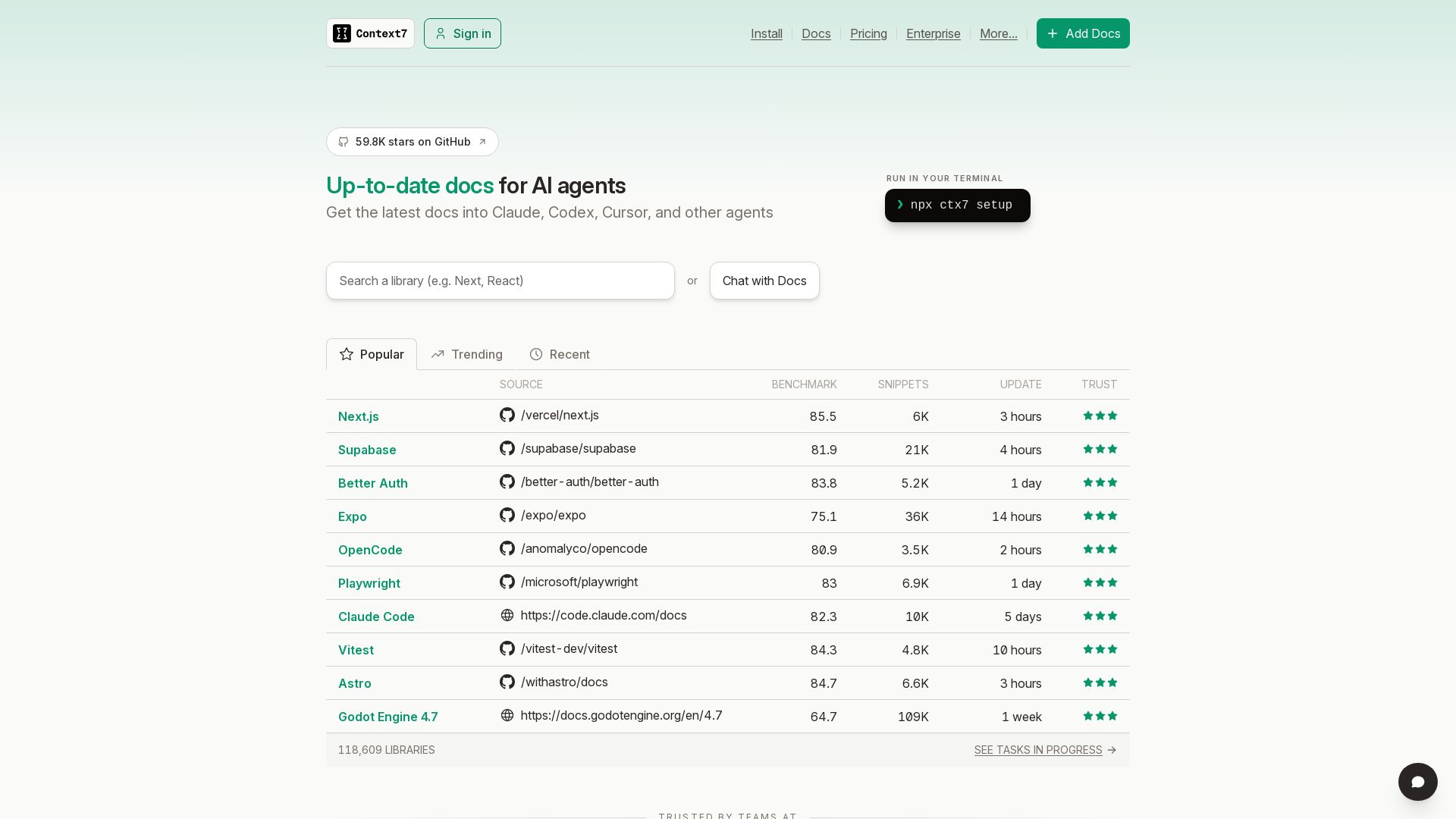
Context7
Get the latest docs into Claude, Codex, Cursor, and other AI agents. Run npx ctx7 setup to start. Trusted by teams.

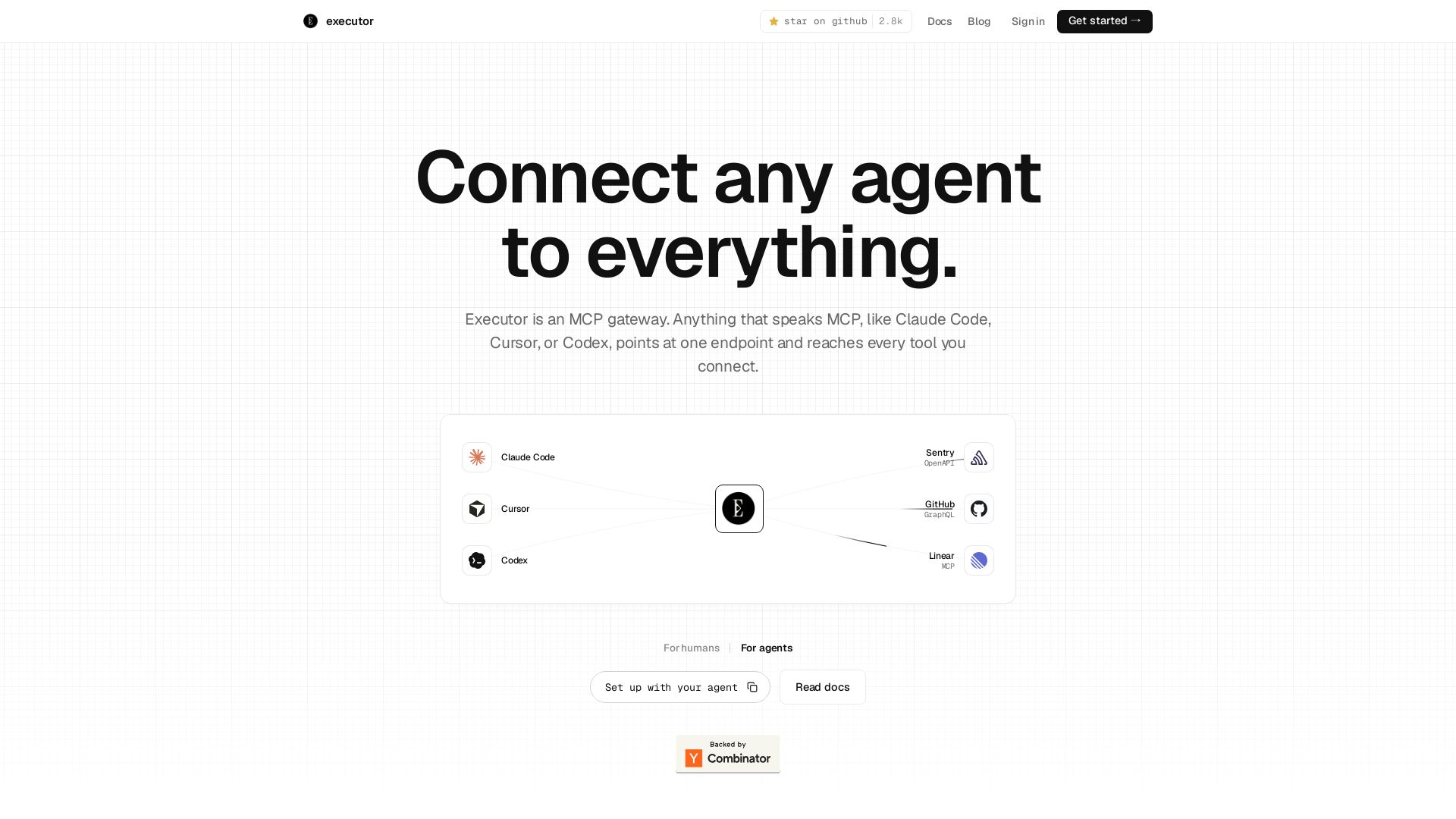
Executor
Executor is an MCP gateway for AI agents like Claude Code and Cursor. Connect thousands of tools through one endpoint with context efficiency, sandbox security, and team features.

Toloka
High-quality training data for AI agents, LLMs, and coding assistants. Trusted by leading AI teams. 90+ domains, expert network.

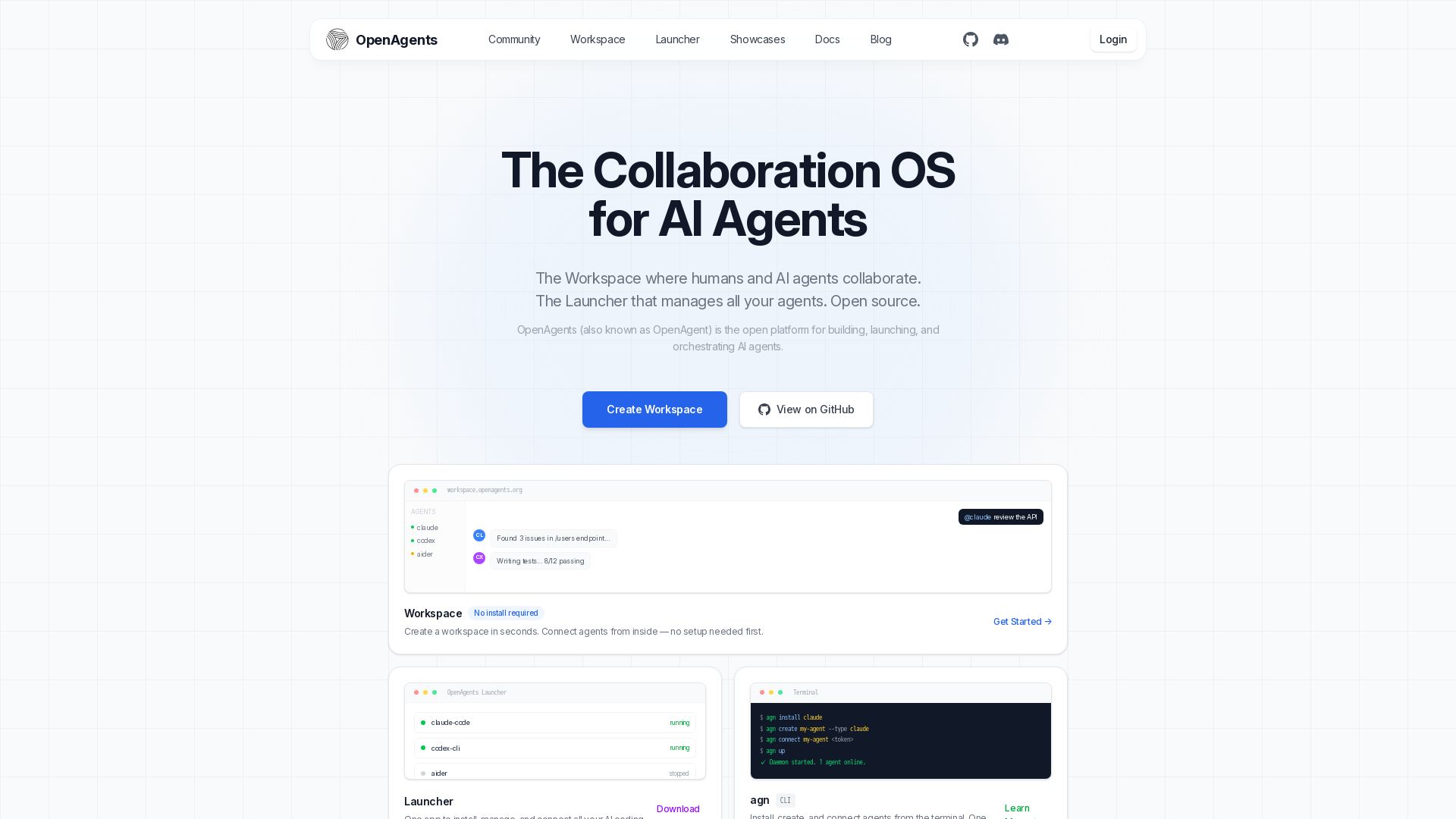
OpenAgents
Open-source AI agent platform: Collaborate with agents in a shared workspace. Manage Claude, Codex, Aider & more with the Launcher. Free, MIT license.


StackOne
Connect AI agents to 450+ enterprise apps with secure, token-optimized integrations. Deploy in minutes.

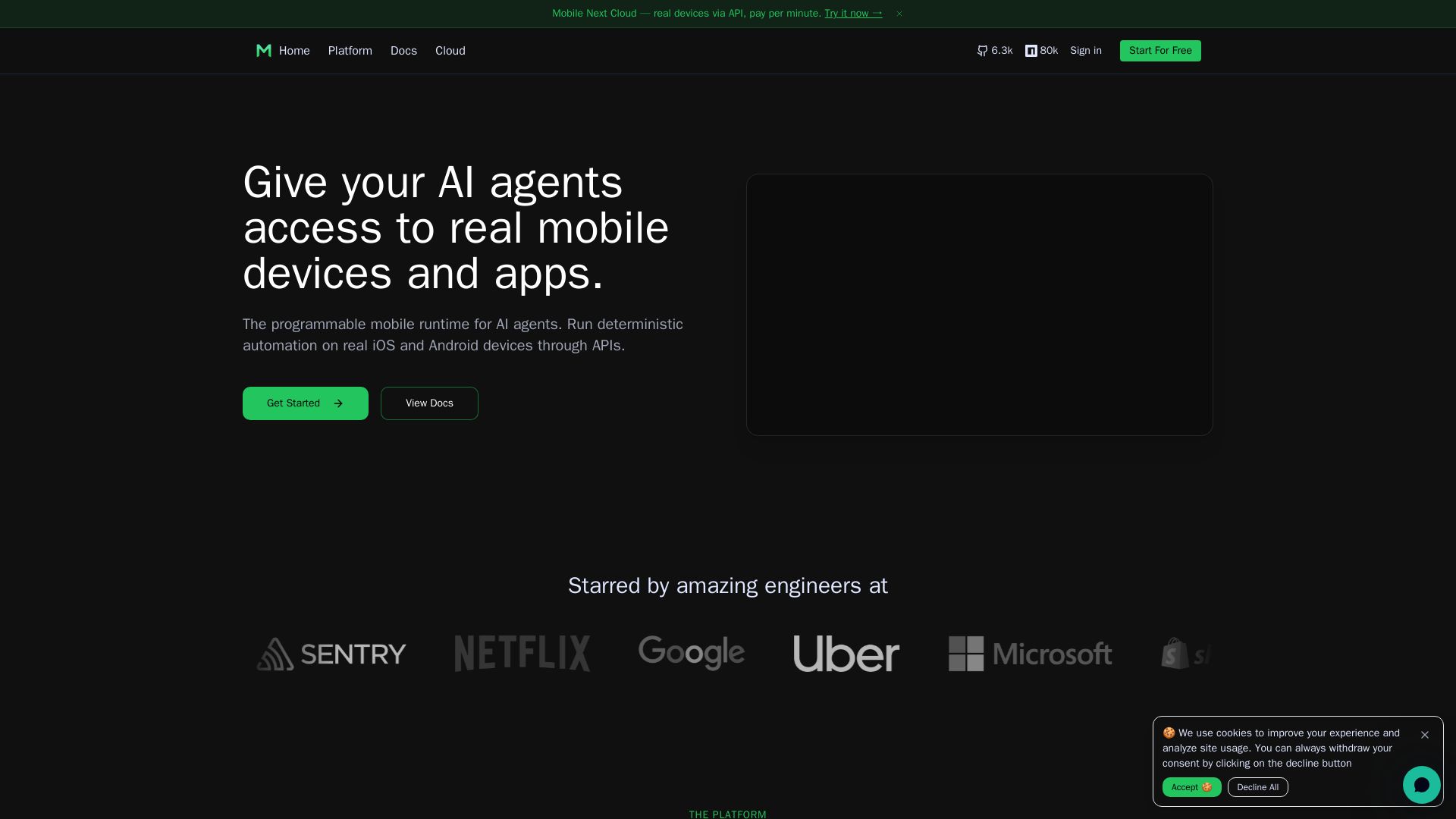
Mobile Next
Give your AI agents hands-on control of real iOS & Android devices via API. Pay per minute. Deterministic automation, agentic QA, and MCP integration.

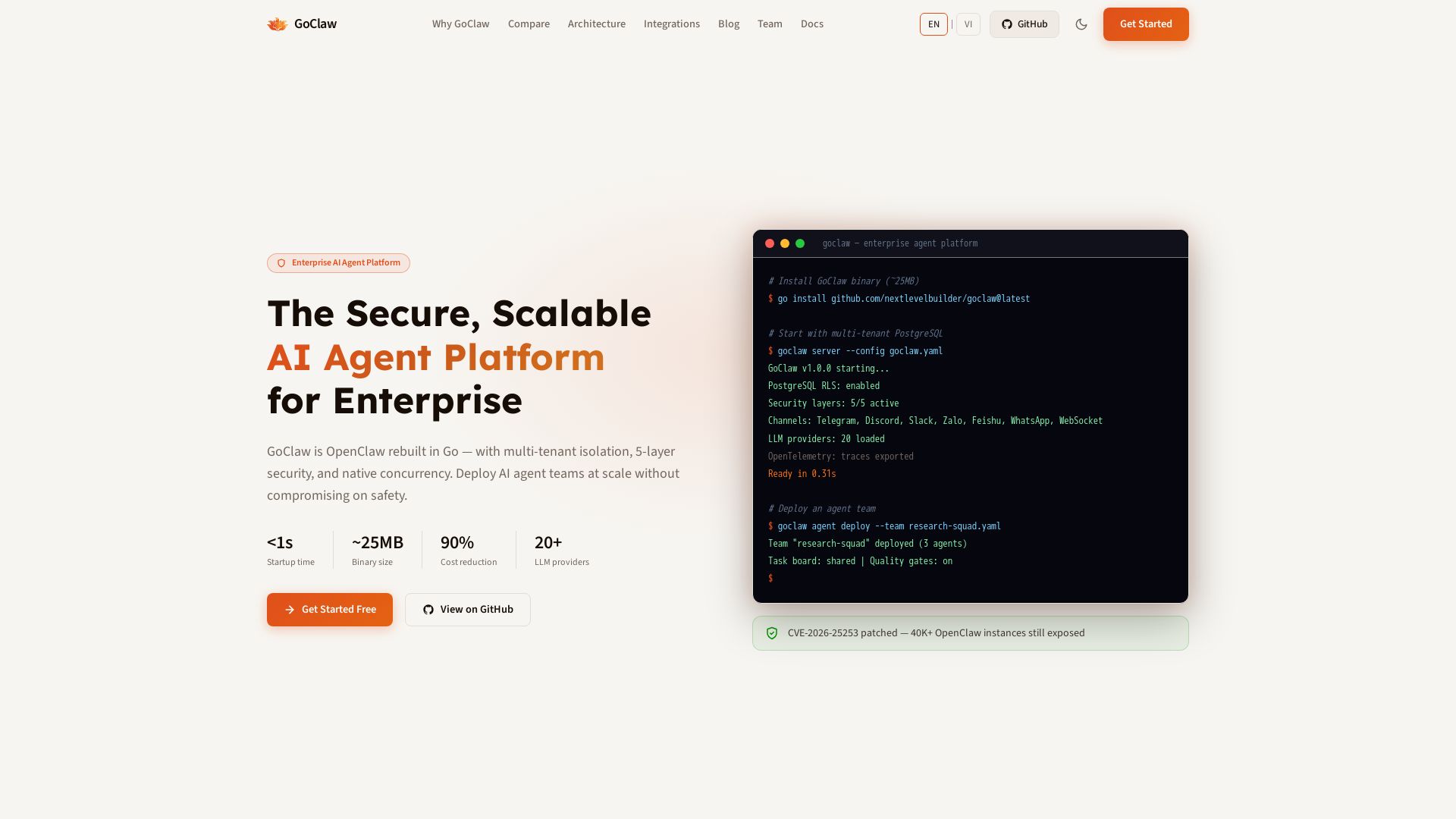
GoClaw
Deploy AI agent teams at scale with multi-tenant isolation, 5-layer security, and 90% cost reduction. Fast startup, ~25MB binary, 20+ LLMs.

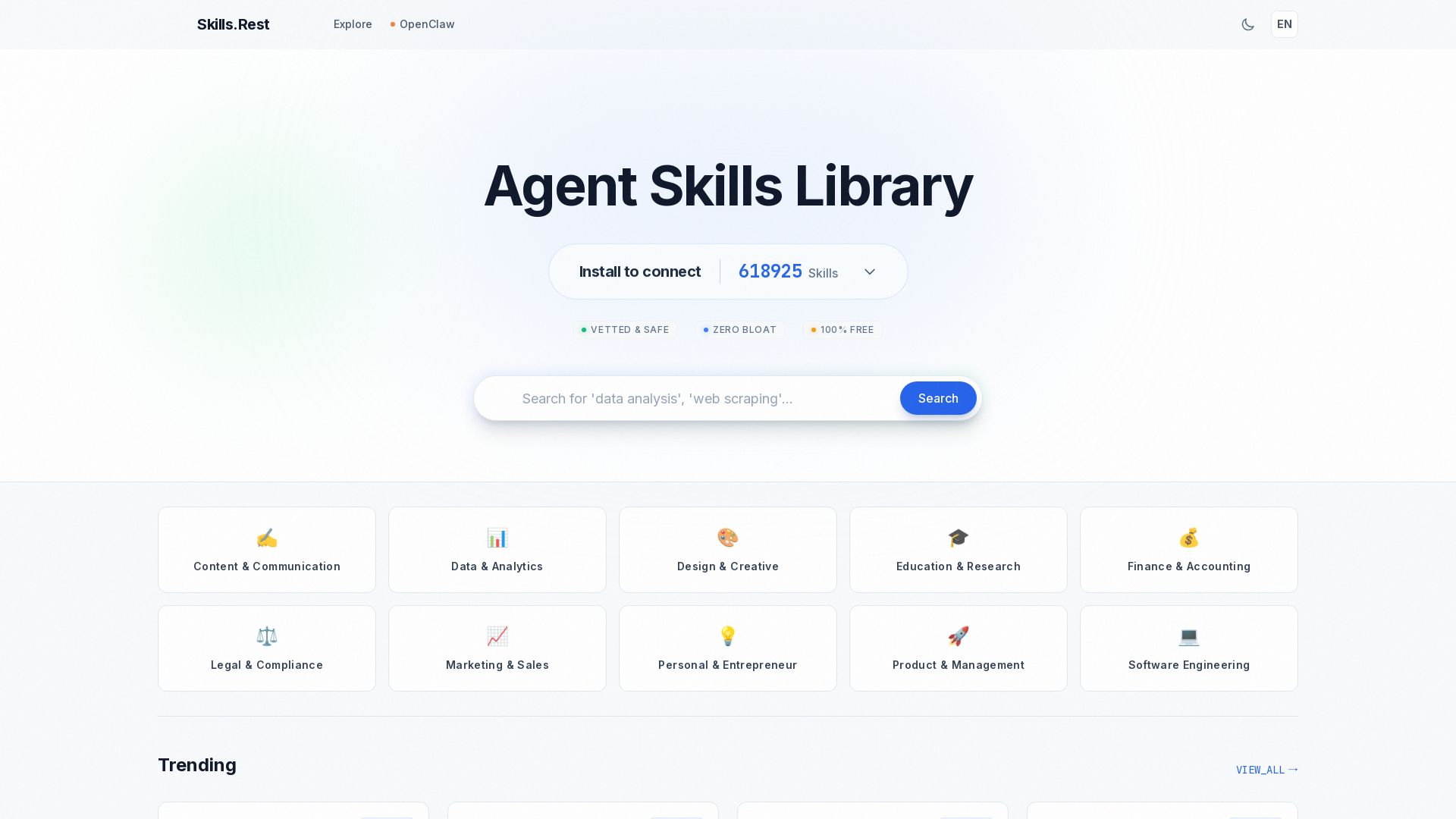
Skills.rest
Discover a curated library of free, safe, and zero-bloat AI agent skills. Install instantly via PowerShell and enhance your Claude Code workflows.

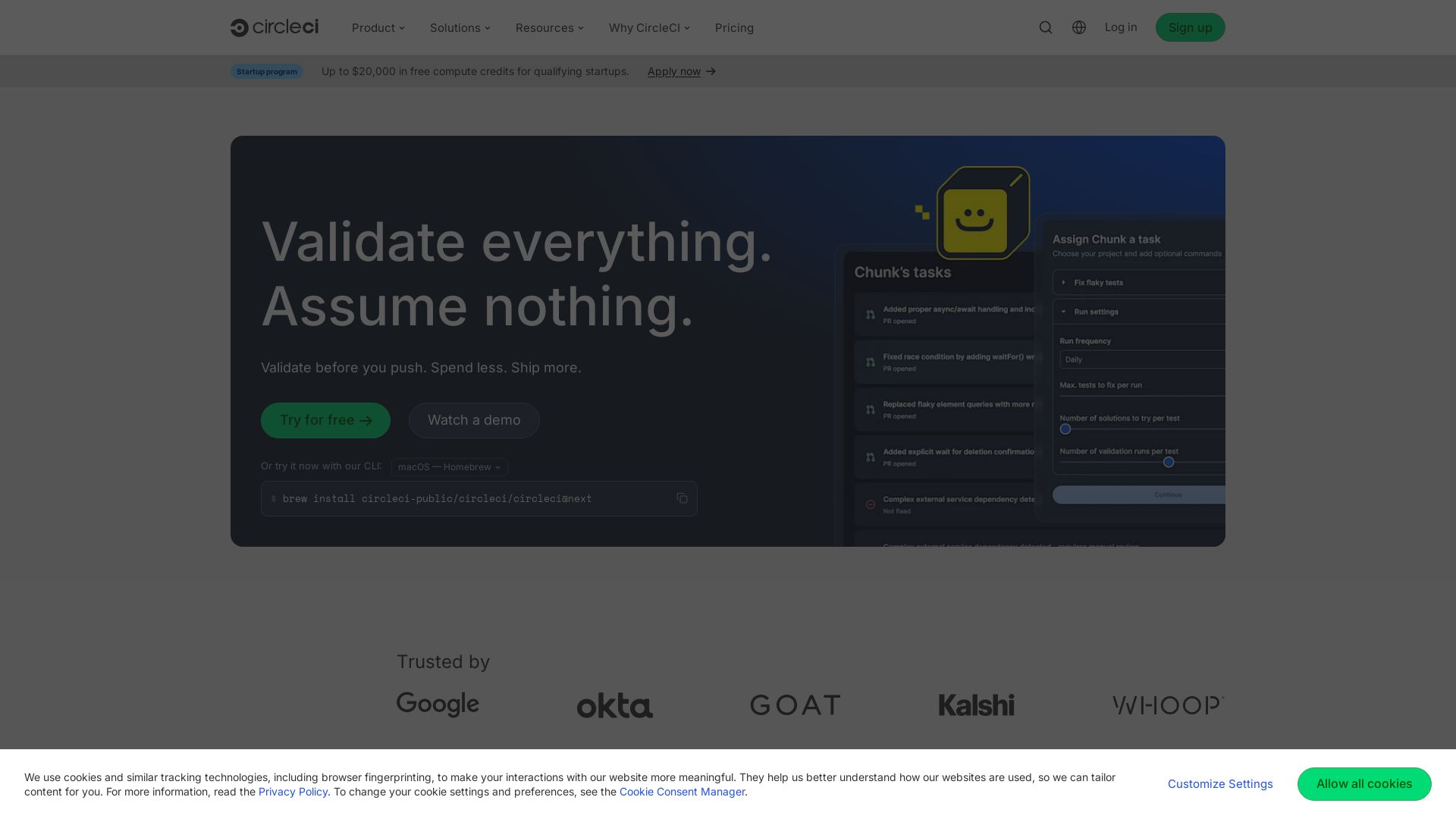
CircleCI
Trusted by Google & Okta. CircleCI enables AI-speed CI/CD with 5x fewer tokens, 30x more efficiency. Ship confident releases 24/7.

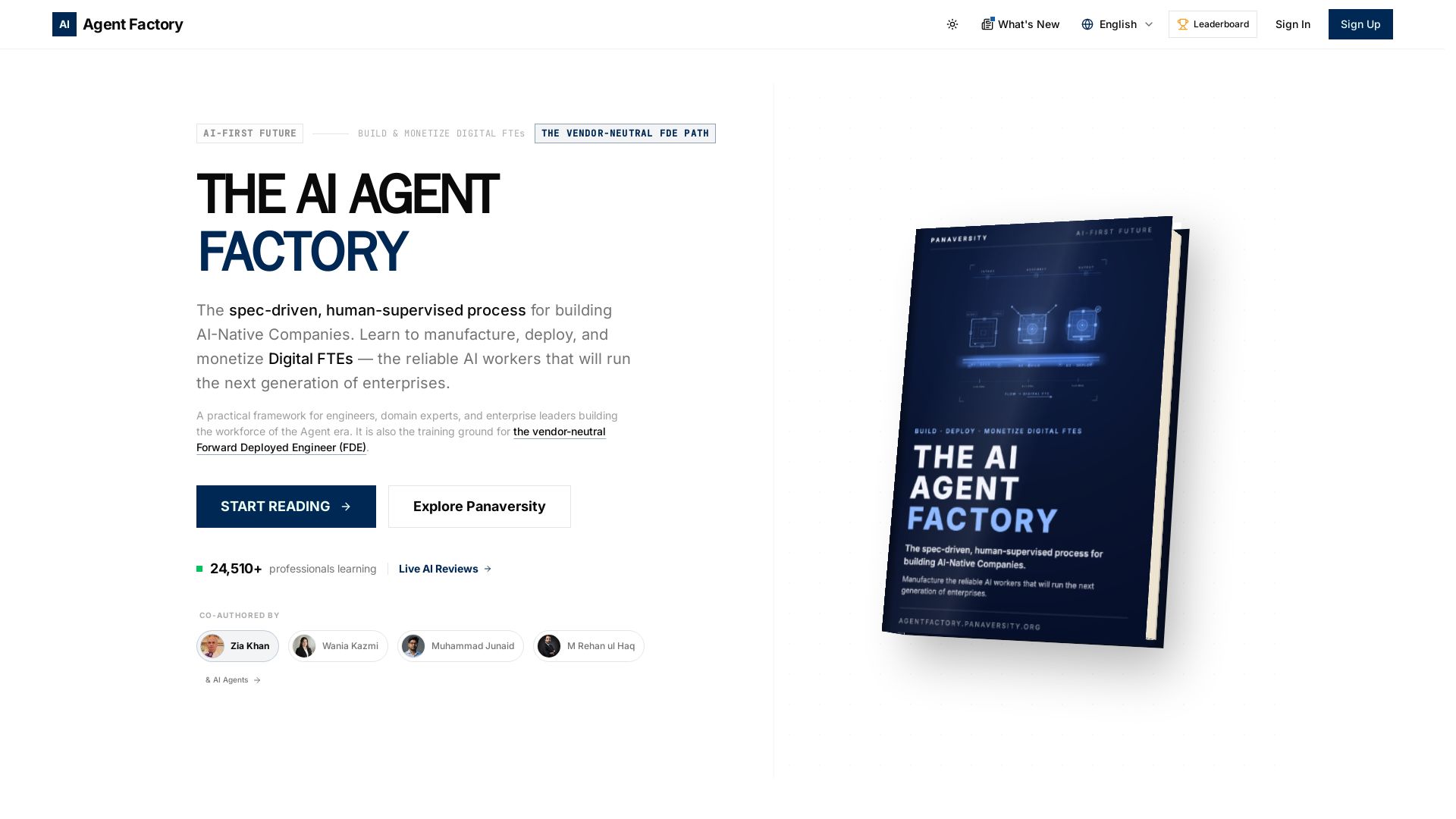
AI Agent Factory
Learn to manufacture, deploy, and monetize AI workers that work 24/7. Spec-driven framework for engineers and domain experts.

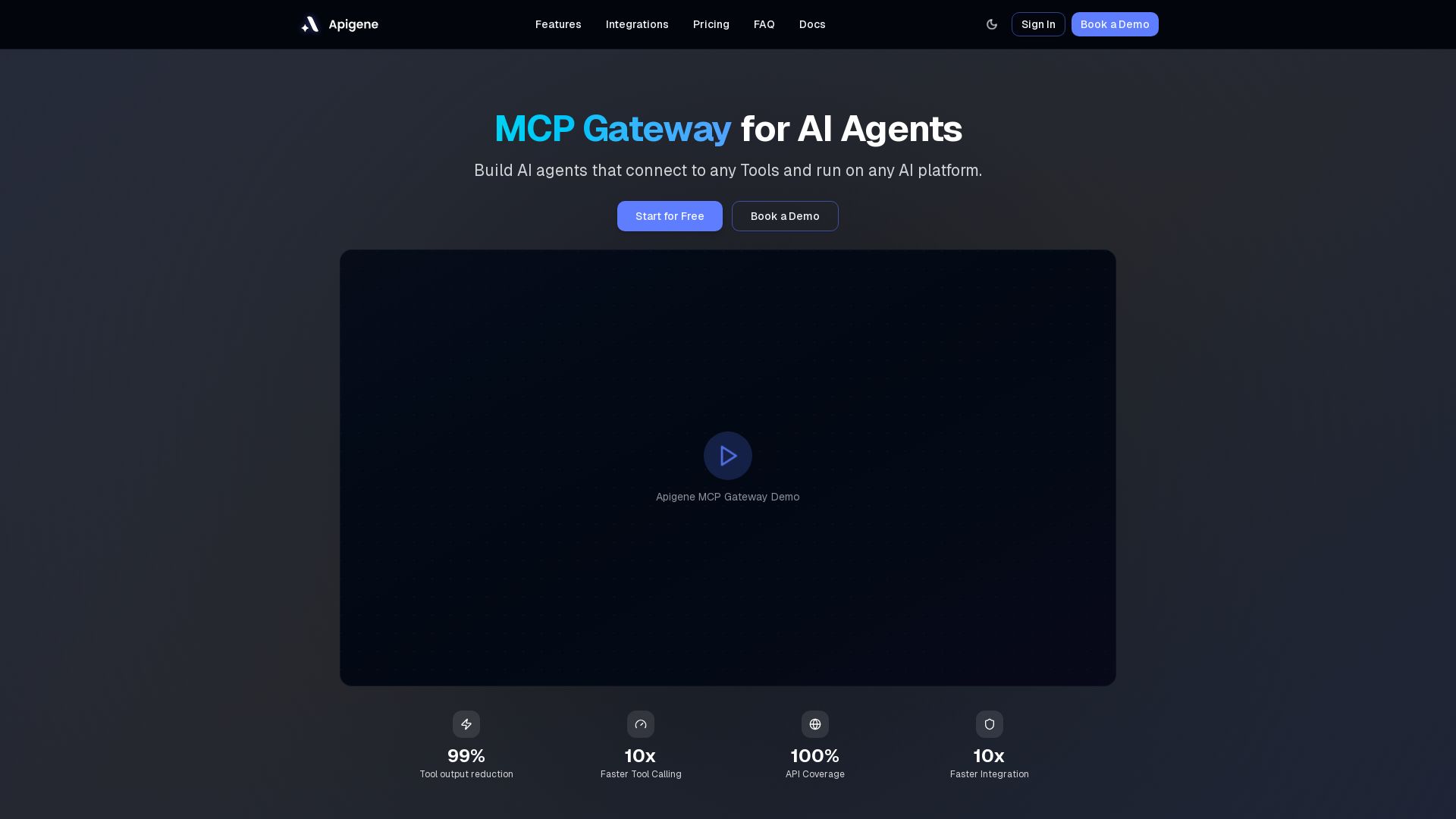
Apigene MCP Gateway
Build AI agents that connect to any API or MCP server. Reduce tool call costs by 99%, deploy on any platform. No-code builder, centralized governance.

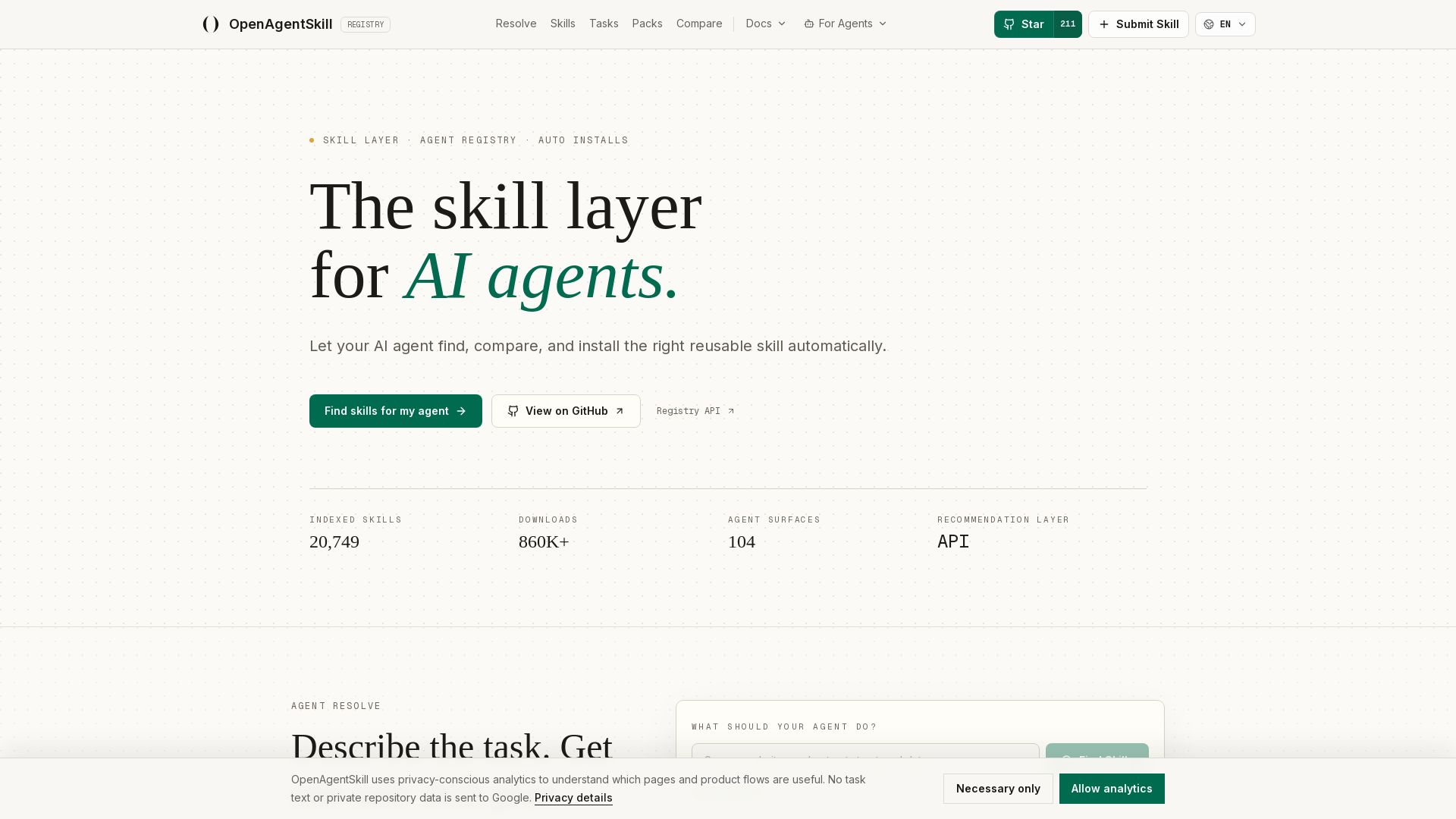
OpenAgentSkill
Discover, compare, and install safe, reusable skills for AI agents like Codex, Claude Code, and Cursor. Registry with trust signals.

ℹ️ Curation Disclosure: The overview and features of TestSprite were synthesized using AI and fact-checked by our curation team to ensure accuracy.
