
Context7
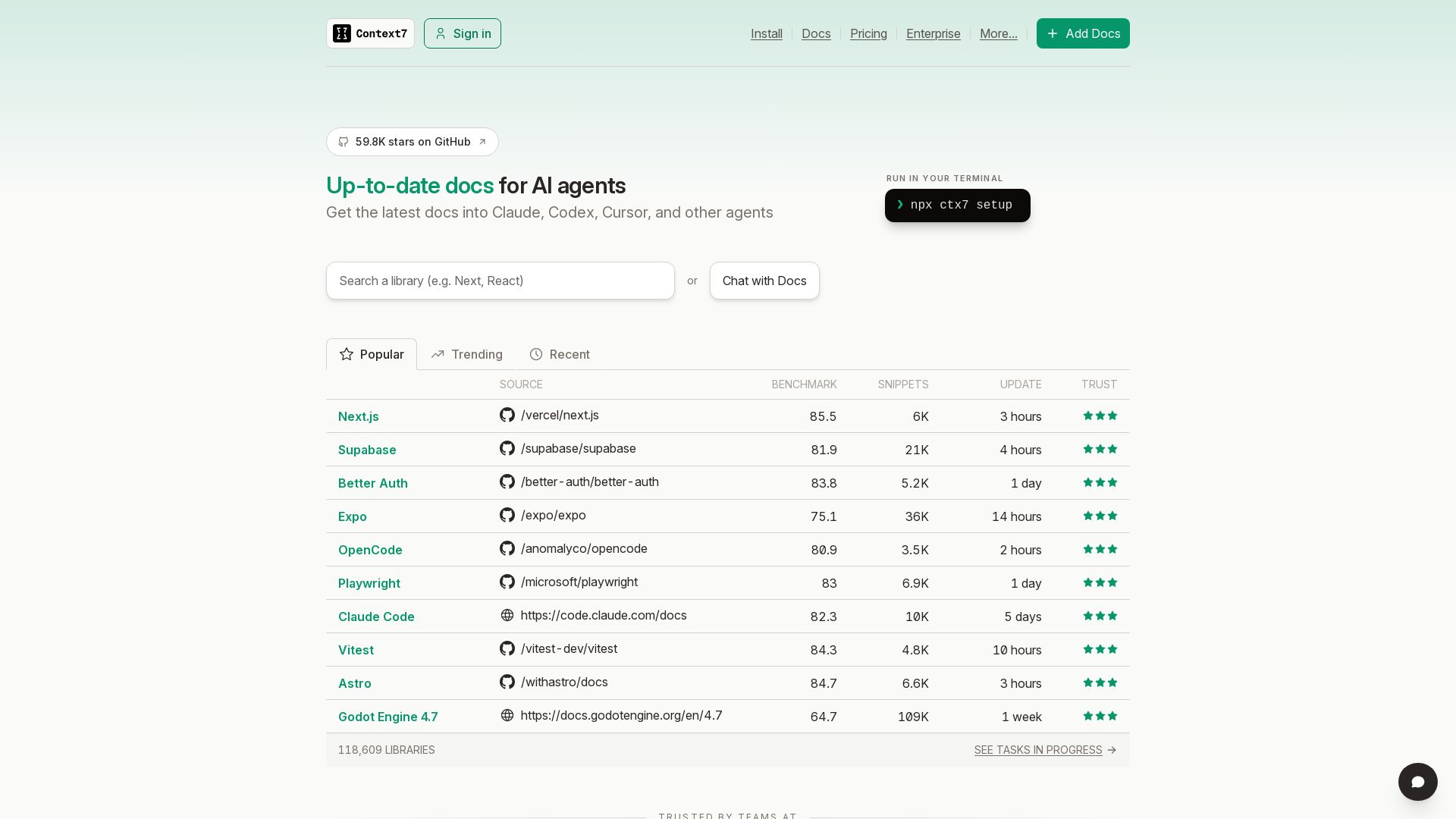
Get the latest docs into Claude, Codex, Cursor, and other AI agents. Run npx ctx7 setup to start. Trusted by teams.
Editor's Verdict
Key Takeaways
- Up-to-date documentation for AI agents
- Chat with Docs
- Add Custom Docs
- Public Repositories
In-Depth Review: What is Context7?
Context7 provides the most recent documentation directly into your AI agents like Claude, Codex, and Cursor. With a simple terminal command 'npx ctx7 setup', you can instantly access up-to-date docs. Stay current with popular, trending, and recent sources. Trusted by teams at Upstash, Context7 ensures your AI agents have the latest information.
Core Features
Up-to-date documentation for AI agents
Context7 provides the latest documentation for libraries and frameworks directly to AI agents like Claude, Codex, and Cursor, ensuring they have current information.
Chat with Docs
Interact with documentation via a chat interface to quickly find answers and code snippets.
Add Custom Docs
Users can add their own documentation sources to tailor the information available to their AI agents.
Public Repositories
Access documentation from public repositories to get code snippets and benchmarks.
Private Repositories
Securely parse and index private repositories for documentation, available on Pro and Enterprise plans.
Team Collaboration
Collaborate with team members on documentation projects with shared access and permissions.
Access Control
Manage who can view and edit documentation with role-based access control.
OAuth 2.0
Secure authentication using OAuth 2.0 for integration with other services.
SOC-2 Compliance
Enterprise-grade security with SOC-2 compliance for data protection.
SSO (SAML/OIDC)
Single sign-on support for streamlined authentication across the organization.
Self-Hosted Deployment
Deploy Context7 on-premises for full control over data and infrastructure.
Pricing
Free
- Public Repositories
- Access Control
- OAuth 2.0
- 1,000 API calls per month
- Community Support
Pro
- Private Repositories
- Team Collaboration
- Unlimited API Calls
- 5,000 API calls per seat per month
- Private repo parsing ($25 per 1M tokens)
- Email Support
Enterprise
- SOC-2 Compliance
- SSO (SAML/OIDC)
- Self-Hosted (On-Premise)
- Dedicated Support
- Up to 5,000 members per teamspace
- Up to 100 teamspaces
- Volume-based pricing
Pros and Cons
Pros
- Up-to-date documentationEnsures AI agents always have the latest docs, reducing errors from outdated information.
- Easy setupQuick installation via npx ctx7 setup, no complex configuration required.
- Security and privacyOnly documentation queries are sent; code and sensitive data remain with the user's LLM provider.
- Flexible plansFree tier available for individuals, with scalable Pro and Enterprise plans for teams.
- Integrates with popular AI agentsWorks with Claude, Codex, Cursor, and others, making it widely compatible.
Cons
- Limited free planOnly 1,000 API calls per month, after which users are blocked (with daily bonus calls).
- Private repos only in paid plansPrivate repository support requires a Pro or Enterprise subscription.
- Additional API calls cost extraPro users are billed $10 per 1,000 additional calls beyond the included 5,000 per seat.
- No SOC-2 or SSO in lower plansEnterprise features like SOC-2 compliance and SSO are only available in the Enterprise plan.
- Dependence on external AI agentsContext7's value is tied to the AI agents it integrates with; if those agents are unavailable, it may be less useful.
Use Cases & Recommended Professions
Software Engineer→ View Toolkit
Needs up-to-date documentation for libraries and frameworks to write correct code and integrate with AI-assisted coding tools.
Data Scientist→ View Toolkit
Requires current docs for machine learning libraries to build accurate models using AI agents.
Technical Writer→ View Toolkit
Can use Context7 to keep documentation accessible and up-to-date for internal teams using AI agents.
DevOps Engineer→ View Toolkit
Benefits from automated documentation fetching for infrastructure tools, ensuring AI agents have the latest configs.
AI Researcher→ View Toolkit
Needs reliable documentation for experimental libraries and frameworks to train and run models effectively.
QA Engineer→ View Toolkit
Can leverage AI agents with fresh documentation to generate test cases and validate software behavior.
Frequently Asked Questions
Alternative AI Tools
View Detailed Comparison →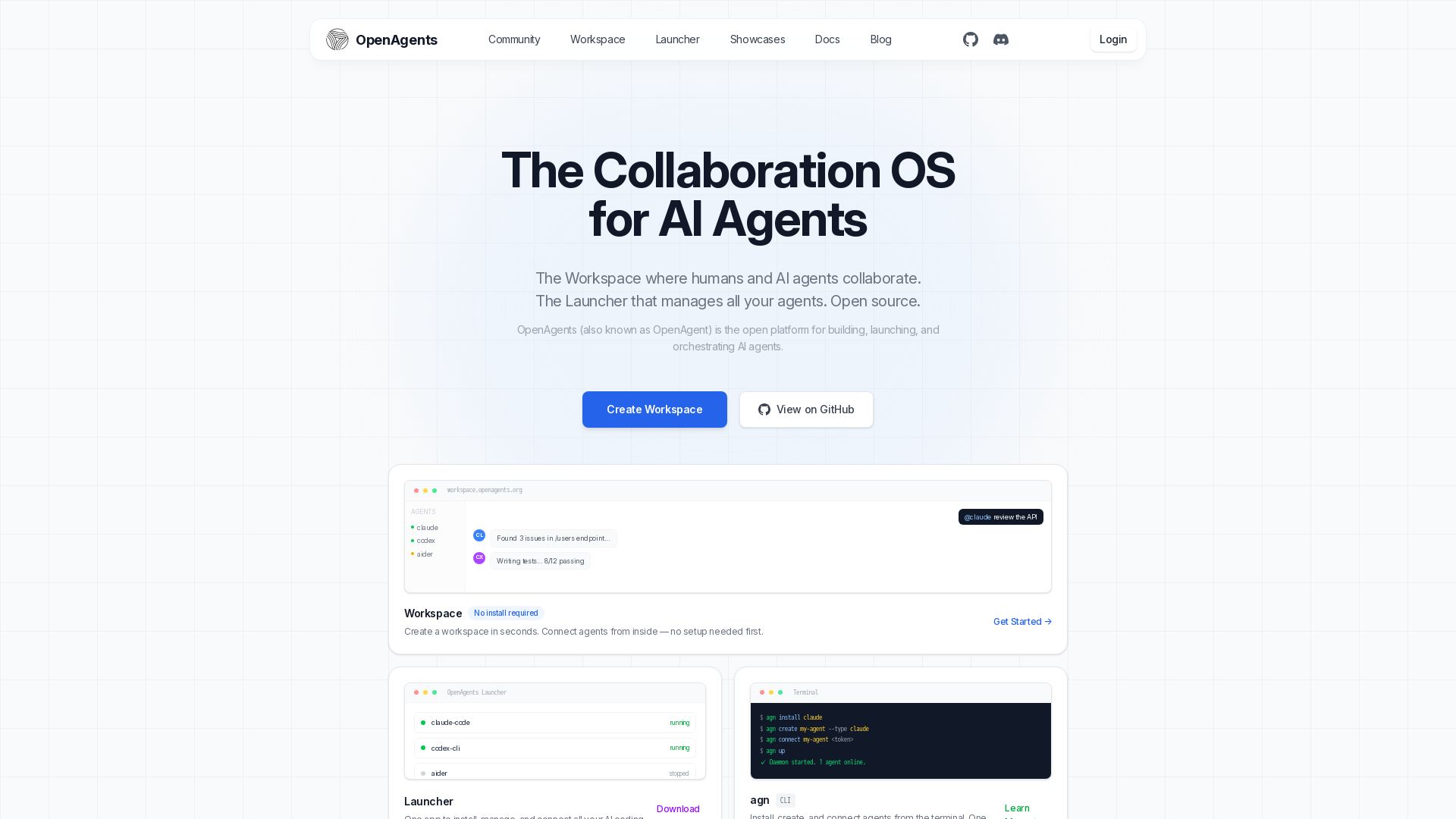
OpenAgents
Open-source AI agent platform: Collaborate with agents in a shared workspace. Manage Claude, Codex, Aider & more with the Launcher. Free, MIT license.

Context7
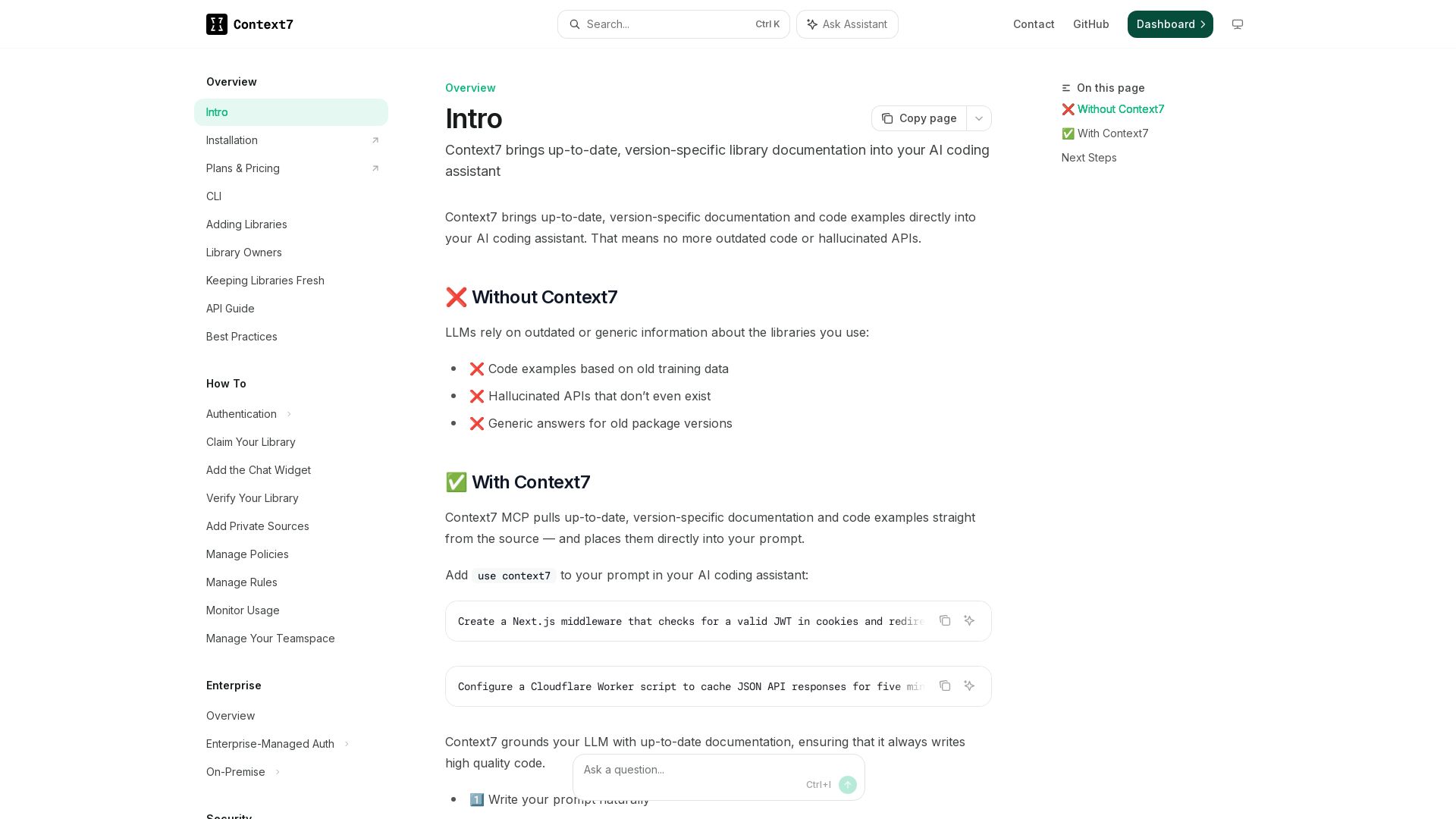
Get version-specific, current documentation and code examples directly in your AI assistant. No more outdated APIs or hallucinations.

Executor
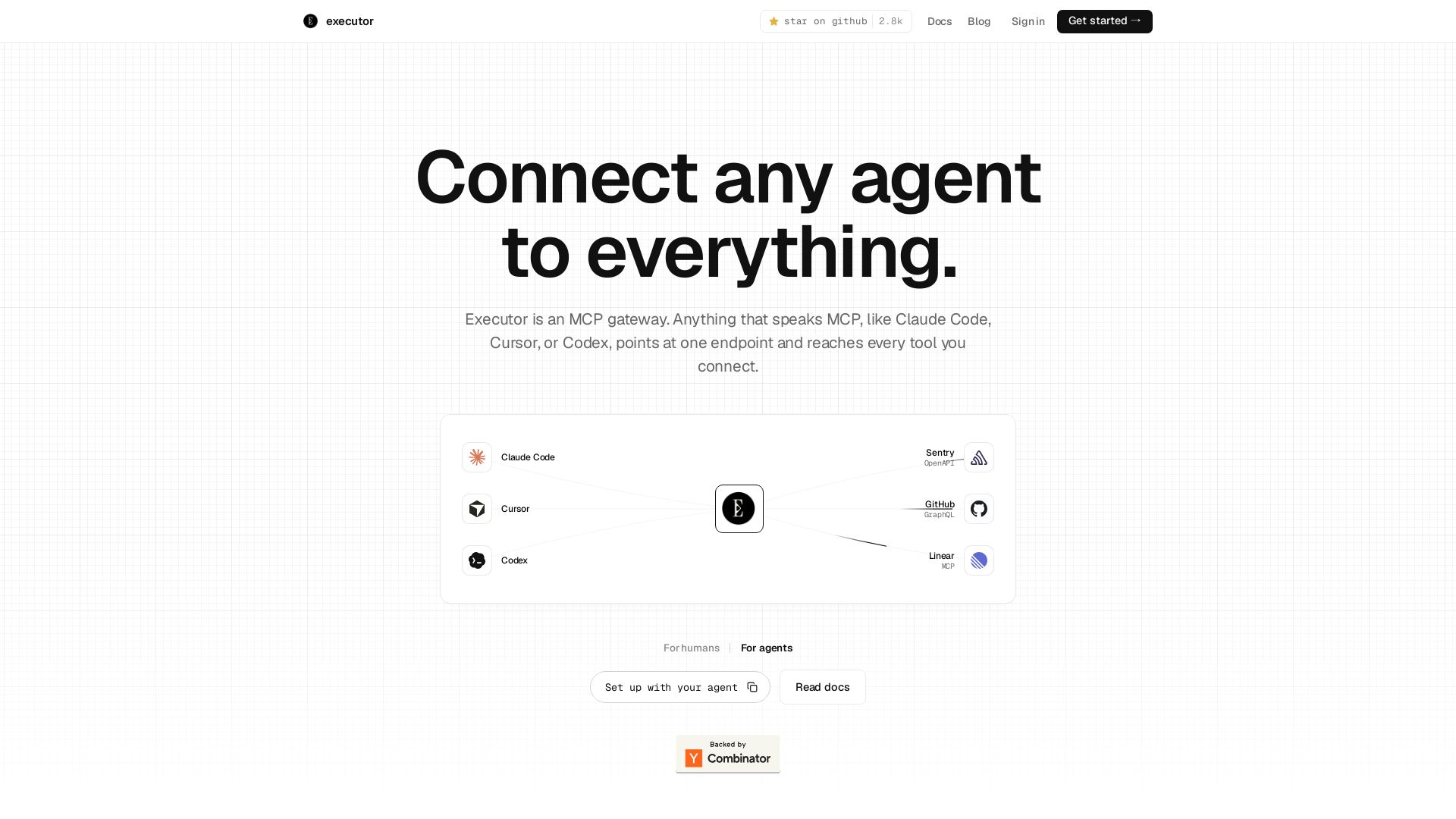
Executor is an MCP gateway for AI agents like Claude Code and Cursor. Connect thousands of tools through one endpoint with context efficiency, sandbox security, and team features.

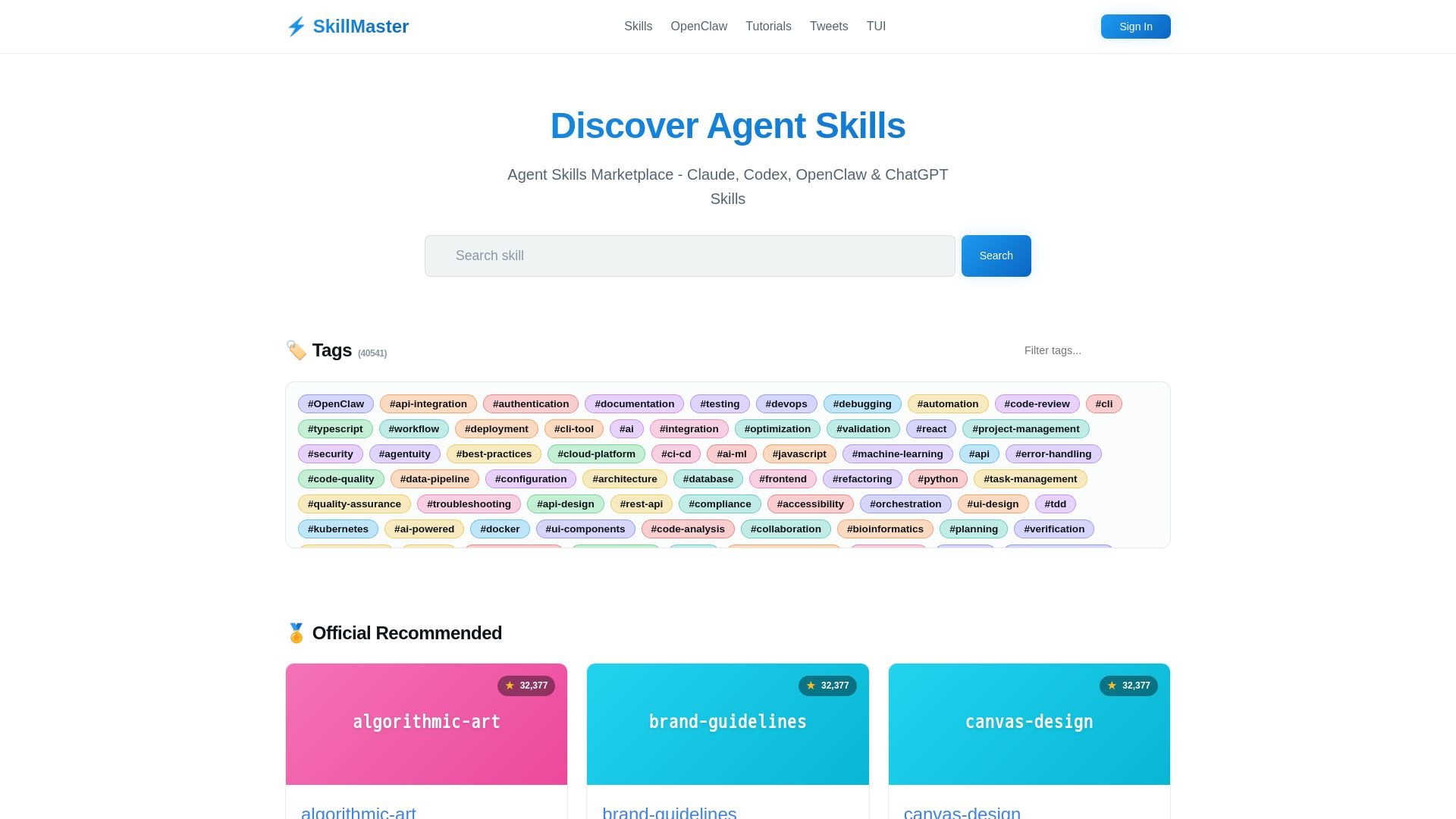
SkillMaster
Discover thousands of curated agent skills for Claude, Codex, ChatGPT & more. Build, share, and automate with SkillMaster.


Nutrient
Run your highest-stakes document workflows on a platform that delivers replayable output, clear exceptions, and full audit trails. Trusted by Red Bull, IBM, and more.


Continue
Create, share, and use custom AI code agents with Continue. Features agent, chat, edit modes, and autocomplete for VS Code and JetBrains.

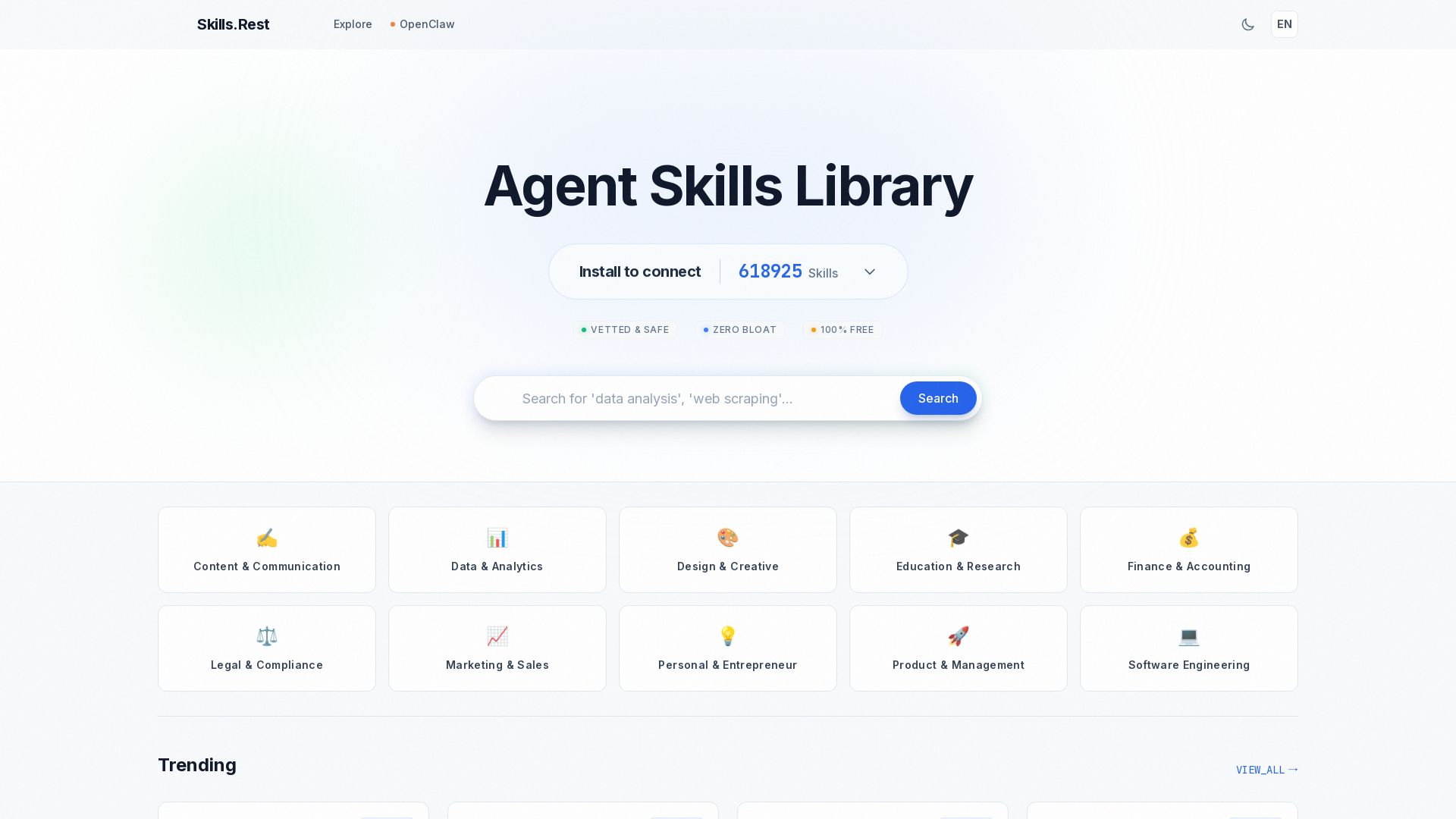
Skills.rest
Discover a curated library of free, safe, and zero-bloat AI agent skills. Install instantly via PowerShell and enhance your Claude Code workflows.

OpenCode
OpenCode is an open-source, terminal-native AI coding assistant supporting Claude, GPT-4, Gemini, and local models. Boost productivity with agent mode and seamless CLI integration.

Toloka
High-quality training data for AI agents, LLMs, and coding assistants. Trusted by leading AI teams. 90+ domains, expert network.

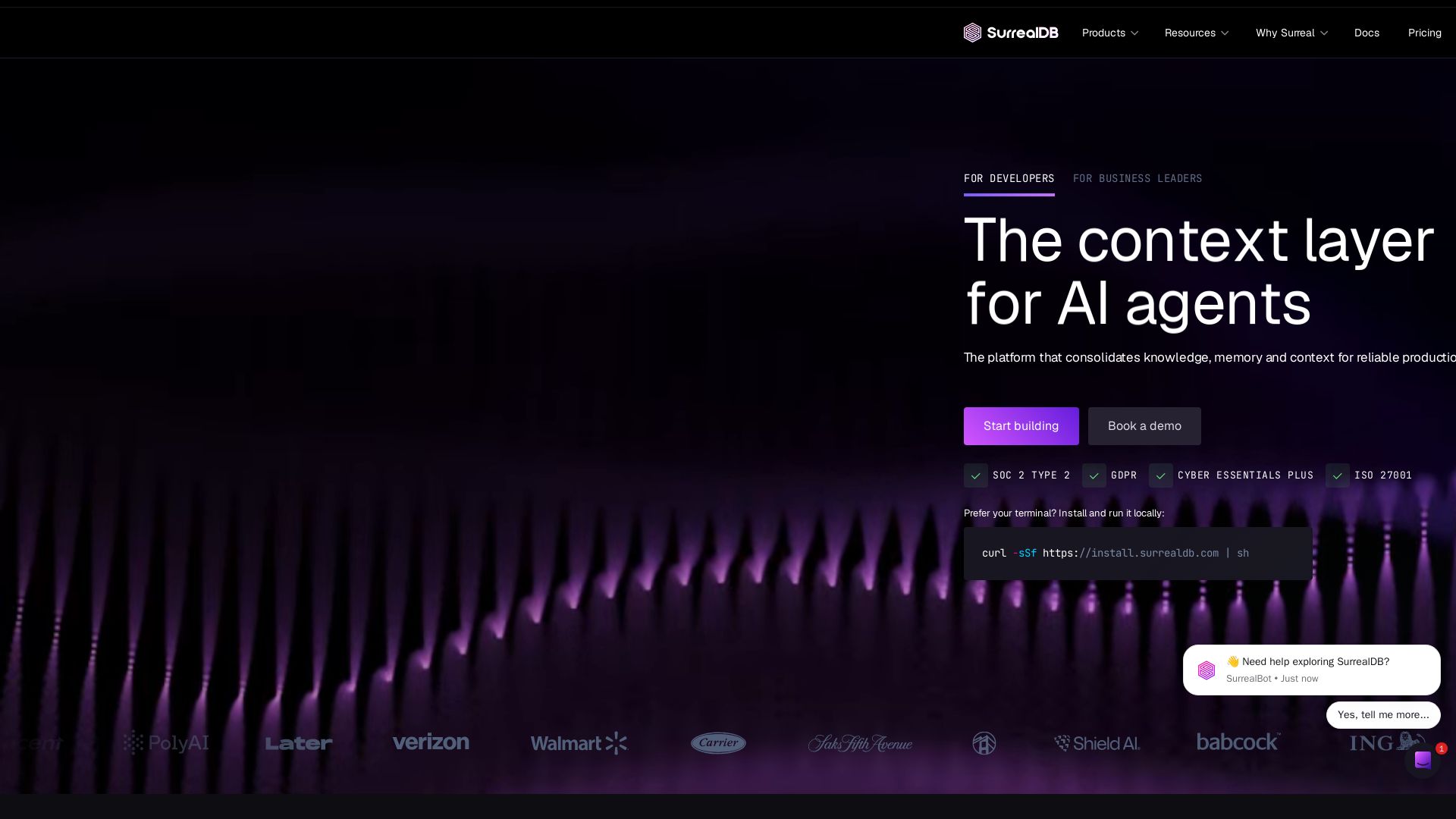
SurrealDB
Build production-scale AI agents with SurrealDB's unified platform for knowledge, memory, and context. Documents, graphs, vectors, time-series in one query. SOC 2, GDPR compliant.


OpenCode
OpenCode is a free, open-source AI coding assistant supporting multiple providers (OpenAI, Anthropic, local models) with CLI/TUI, custom tools, and privacy-centric local execution.

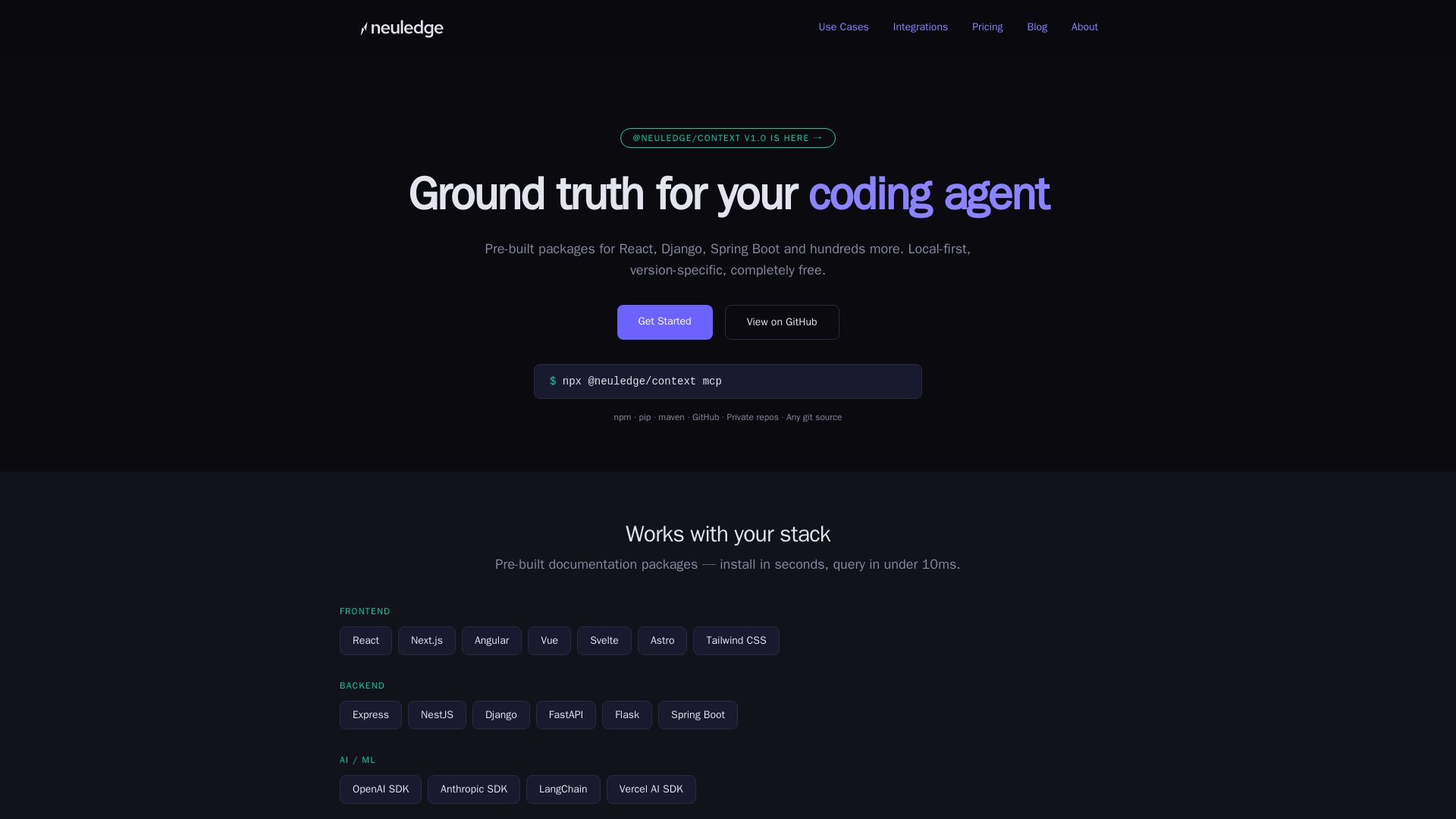
Neuledge
Pre-built documentation packages for React, Django, and more. Local-first, version-pinned, free. Give your AI assistant accurate docs instantly.

ℹ️ Curation Disclosure: The overview and features of Context7 were synthesized using AI and fact-checked by our curation team to ensure accuracy.
