
Neuledge
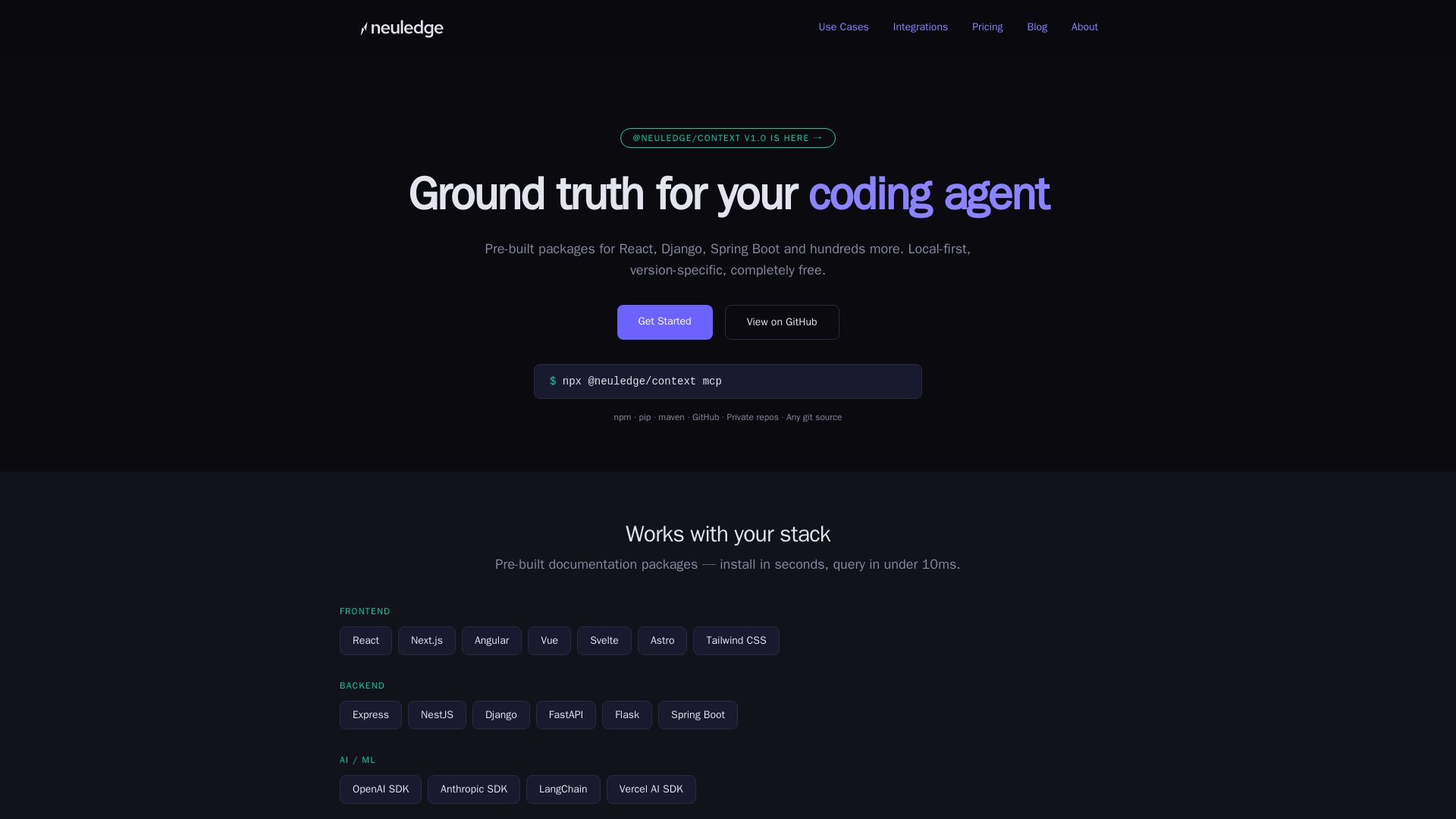
Pre-built documentation packages for React, Django, and more. Local-first, version-pinned, free. Give your AI assistant accurate docs instantly.
Editor's Verdict
Key Takeaways
- Pre-built Documentation Packages
- Local-First Architecture
- Version Pinning
- MCP Native
In-Depth Review: What is Neuledge?
Neuledge Context provides pre-built, version-specific documentation packages for popular frameworks and libraries. Run entirely local with sub-10ms query via MCP, enabling AI coding assistants to access accurate, up-to-date docs without cloud dependency. Open source, free, and private.
Core Features
Pre-built Documentation Packages
Hundreds of pre-built packages for popular frameworks like React, Django, Spring Boot, and more. Install in seconds with a single command.
Local-First Architecture
Everything runs on your machine with no cloud calls, no rate limits, and full offline support. Documentation is indexed into a portable SQLite file.
Version Pinning
Get documentation for the exact library version in your project, not the latest or what was in training data.
MCP Native
Works seamlessly with Claude, Cursor, VS Code Copilot, and any MCP-compatible client. Zero custom integration required.
Private & Secure
No cloud service sees your queries or project structure. Index proprietary docs without sending them to a third party.
Open Source (Apache 2.0)
Fully open source under Apache 2.0 license. Inspect the code, audit the pipeline, and contribute without vendor lock-in.
Sub-10ms Query Speed
Full-text search via FTS5 delivers query results in under 10ms, ensuring fast responses for AI assistants.
No Sign-Up or API Keys
No accounts, no sign-up, no API keys required. Install and run immediately.
Pricing
Free
- All features included (Context and Graph)
- Unlimited queries – no rate limits
- No per-seat fees – free for entire team
- No cloud dependency – 100% local
- No API keys required
- Community support via GitHub
- Apache 2.0 license – commercial use allowed
Pros and Cons
Pros
- Completely FreeNo usage limits, no hidden costs, no freemium model. Both Context and Graph are free forever under Apache 2.0.
- Local-First and PrivateAll data and queries stay on your machine. No cloud processing, ensuring full privacy and offline capability.
- Fast and AccurateSub-10ms query latency and version-pinned docs reduce hallucinations and outdated API references.
- Wide Framework SupportPre-built packages for React, Next.js, Django, Spring Boot, LangChain, and hundreds more, with easy custom Git integration.
- Open Source and ExtensibleApache 2.0 licensed, no vendor lock-in, and can be used in CI/CD pipelines or internal tools.
Cons
- Requires MCP-Compatible ClientWorks only with AI assistants that support the Model Context Protocol (e.g., Claude, Cursor, VS Code Copilot). Not compatible with all tools.
- Relatively New EcosystemThe library of pre-built packages may not cover every obscure library, though custom Git repos can be used.
- Community Support OnlyNo dedicated paid support tier is available yet; only community support via GitHub is offered at this time.
- Requires Local SetupInstallation and running the MCP server locally may be a barrier for some non-technical users.
- Focused on DocumentationThe tool is specifically for documentation indexing; it does not provide live code execution or other AI agent capabilities.
Use Cases & Recommended Professions
Software Engineer→ View Toolkit
Gains instant, accurate access to framework and library documentation while coding, reducing context switching and hallucinations.
AI/ML Developer→ View Toolkit
Provides AI assistants with precise API references for SDKs like OpenAI, Anthropic, LangChain, and Vercel AI for reliable agent behavior.
DevOps Engineer→ View Toolkit
Integrates documentation into CI/CD pipelines for automated code review, doc validation, or migration scripts.
Technical Lead→ View Toolkit
Ensures team-wide consistency by shipping pre-built documentation packages that give every developer's AI assistant the same accurate knowledge base.
Data Engineer→ View Toolkit
Uses Graph product to give AI agents structured access to live data sources (prices, inventory, statuses) for reliable data querying.
Onboarding Specialist→ View Toolkit
Speeds up new hire ramp-up by providing pre-indexed documentation that works offline and is pinned to project-specific library versions.
Frequently Asked Questions
Alternative AI Tools
View Detailed Comparison →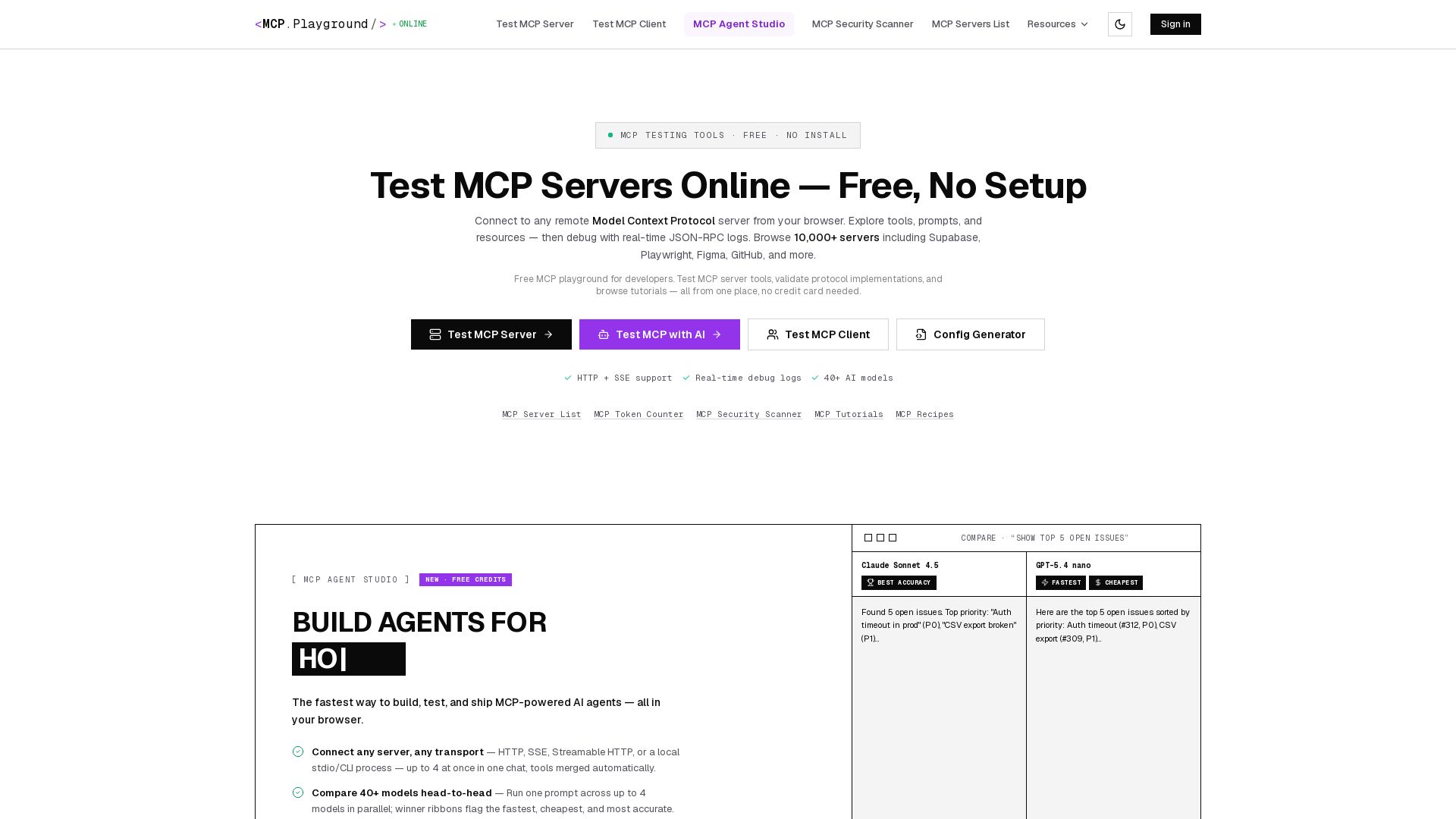
MCP Playground Online
Free browser-based MCP testing tool. Connect to any server, browse tools, execute commands, and view live JSON-RPC logs. No install required.

mcp-glimpse
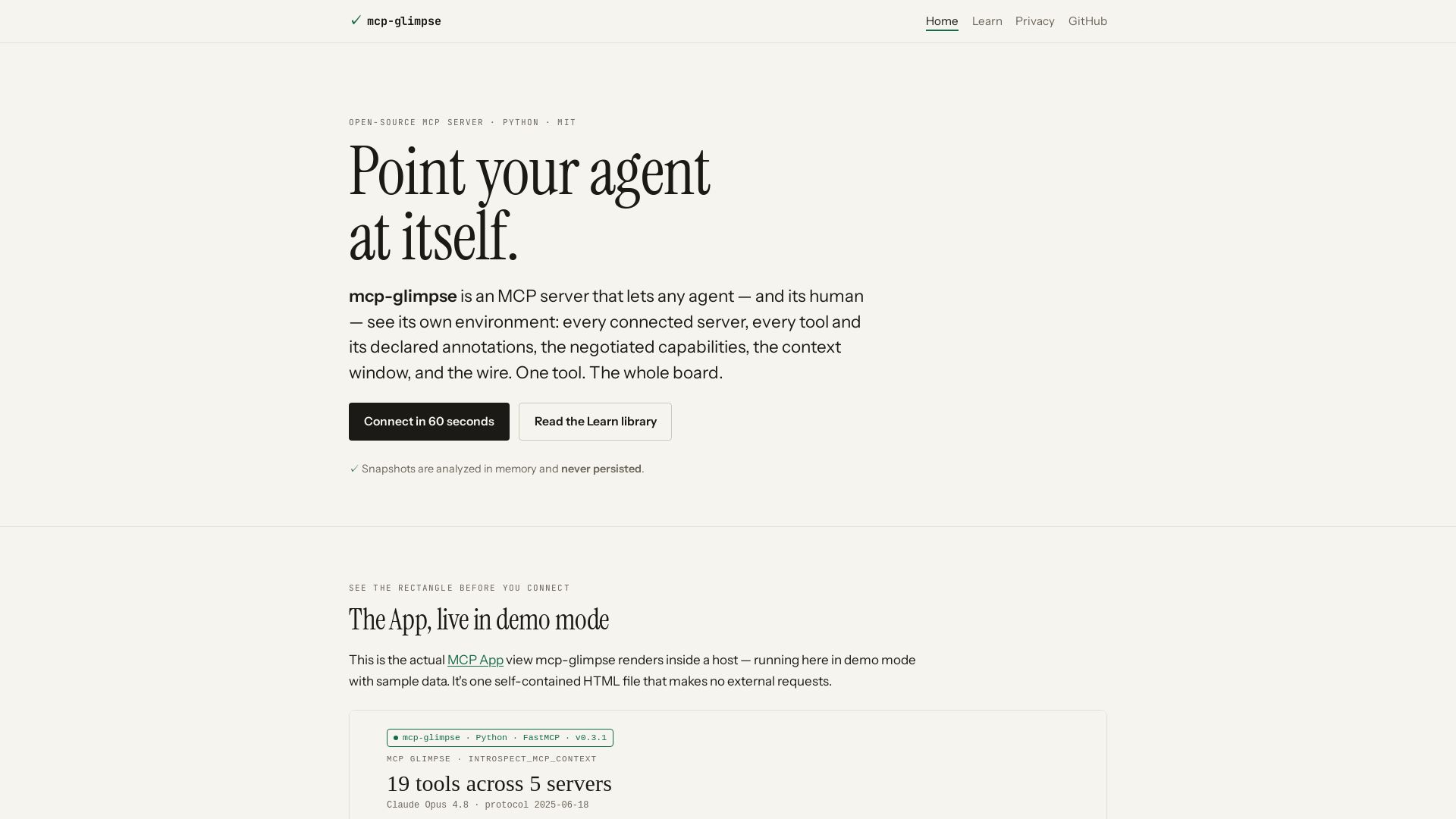
Open-source MCP server that lets agents and humans introspect every tool, capability, and context. Privacy-first, no persistence.

Context7
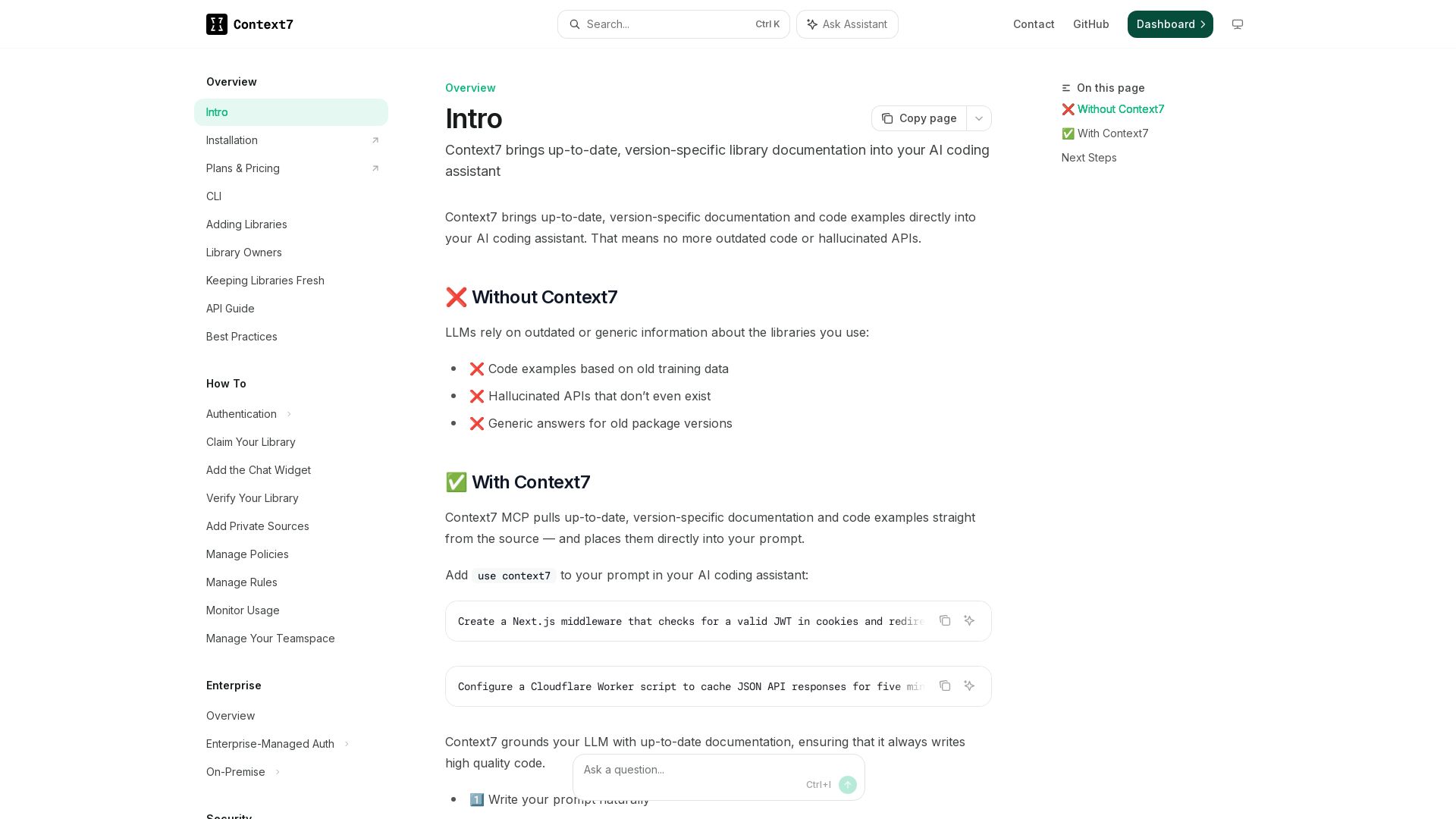
Get version-specific, current documentation and code examples directly in your AI assistant. No more outdated APIs or hallucinations.

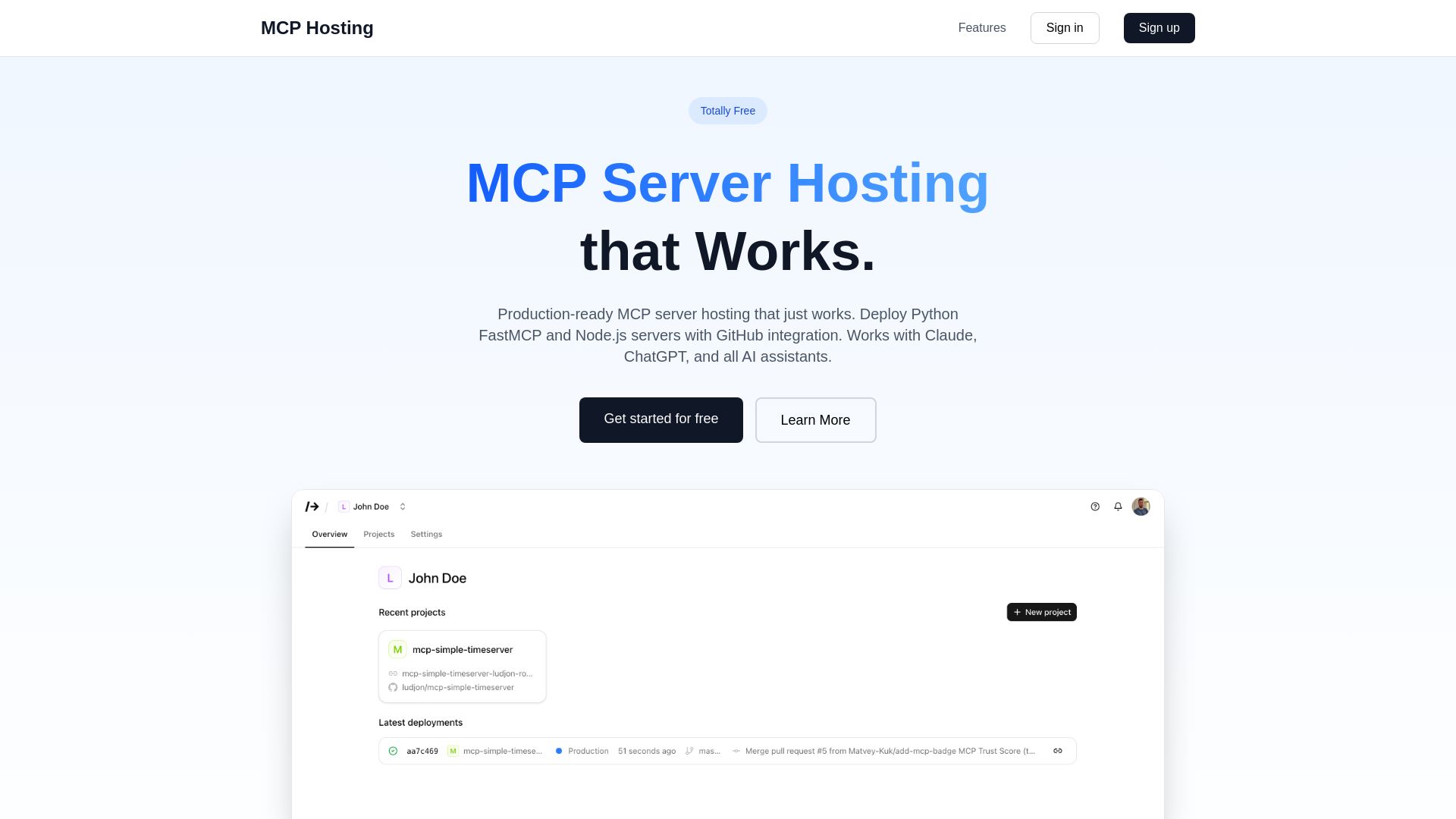
MCP Hosting
Production-ready MCP server hosting with GitHub integration. Deploy Python FastMCP & Node.js servers instantly. Free tier available. Works with Claude, ChatGPT, and all AI assistants.

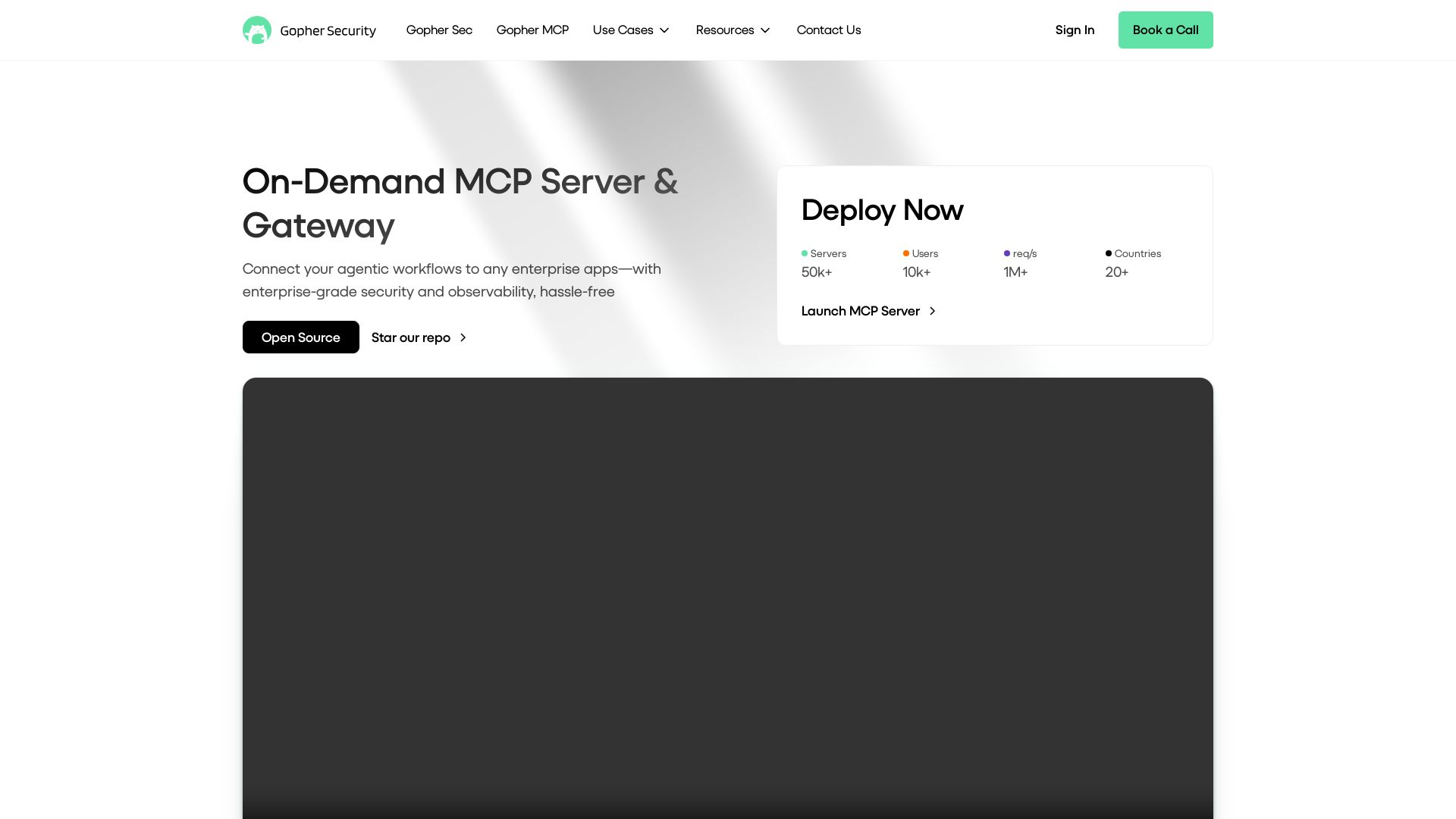
Gopher-MCP
Deploy secure MCP servers in minutes with 4D security: deep inspection, zero-trust access, granular policies, and post-quantum encryption.

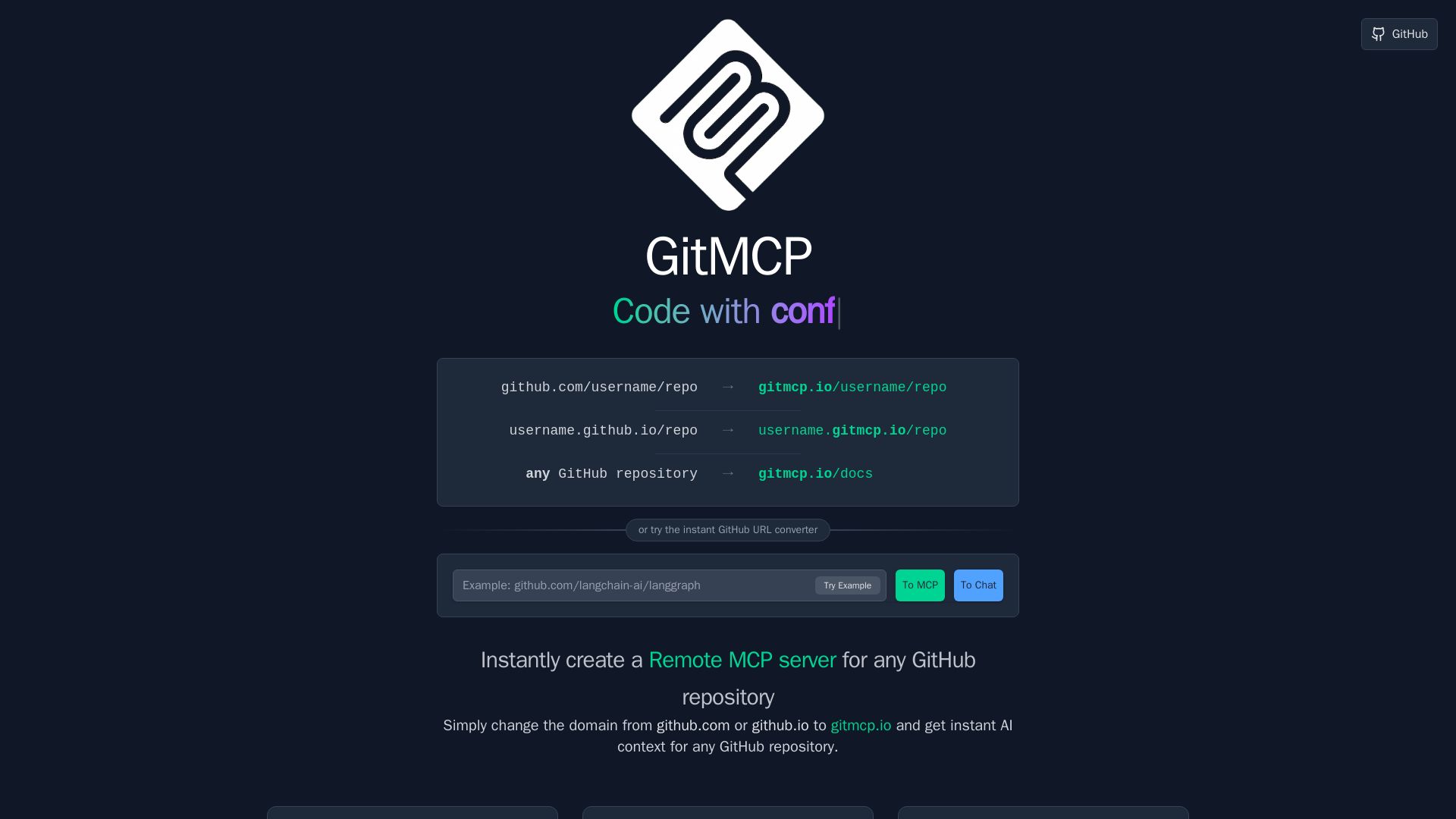
GitMCP
Instantly create a Remote MCP server for any GitHub repository. Replace github.com with gitmcp.io to give AI assistants deep code context for accurate coding help.


OpenCode
OpenCode is a free, open-source AI coding assistant supporting multiple providers (OpenAI, Anthropic, local models) with CLI/TUI, custom tools, and privacy-centric local execution.

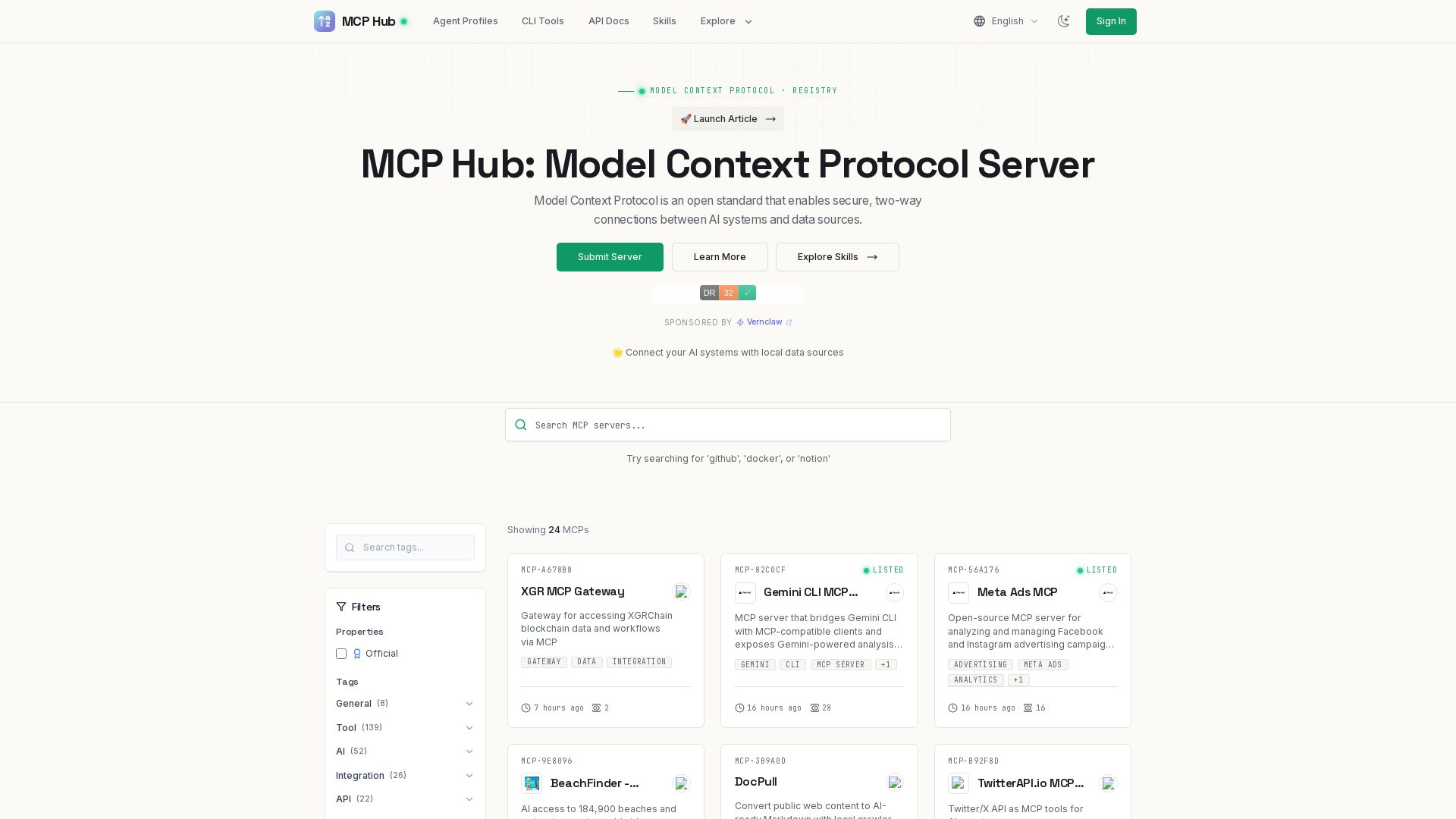
MCP Hub
Explore hundreds of MCP servers for secure AI-data connections. Find tools for GitHub, Docker, Notion, and more. Submit your own MCP implementation.

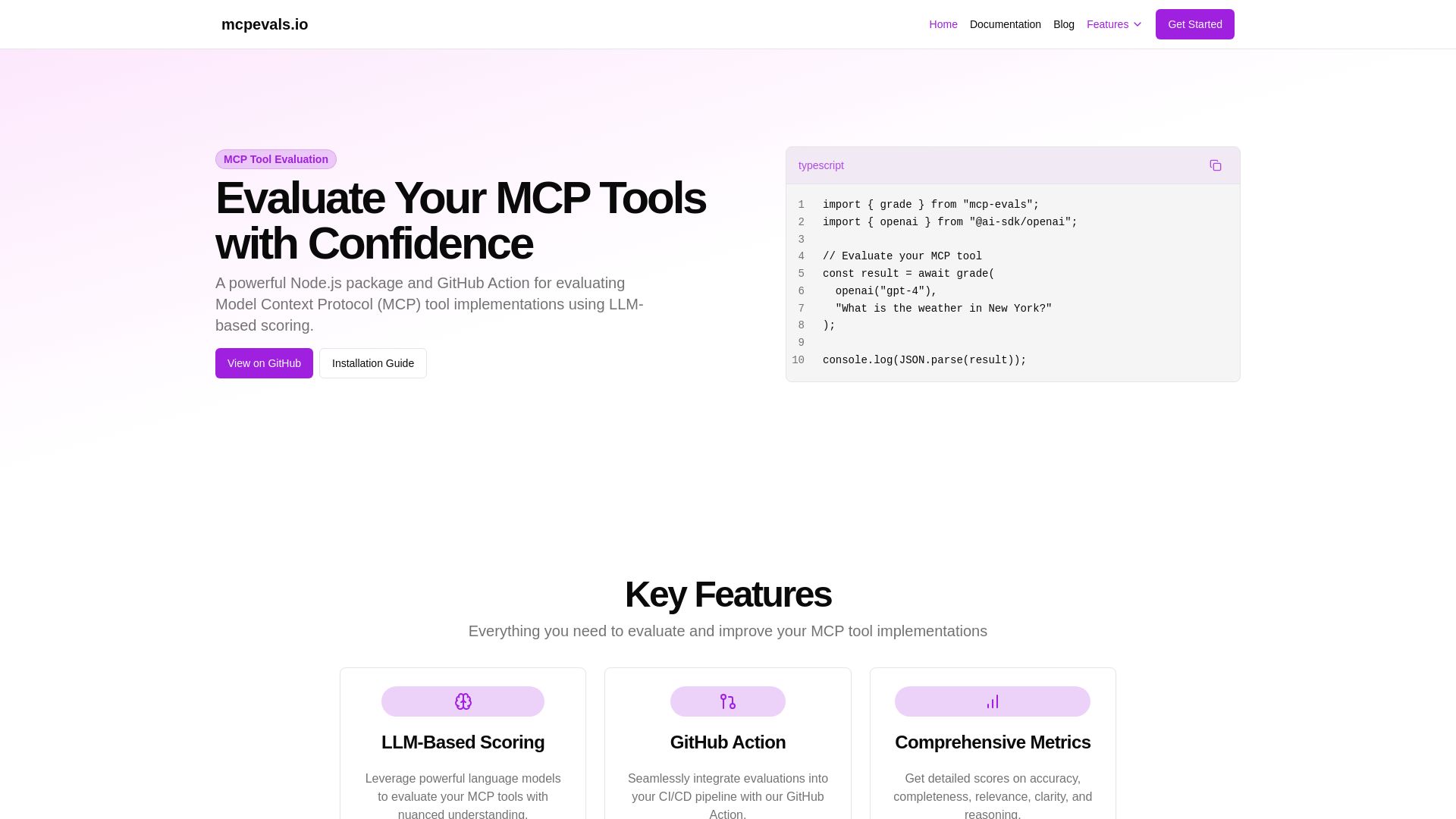
MCP Evals
A powerful Node.js package and GitHub Action for evaluating Model Context Protocol tool implementations using AI scoring. Get accurate metrics & feedback.

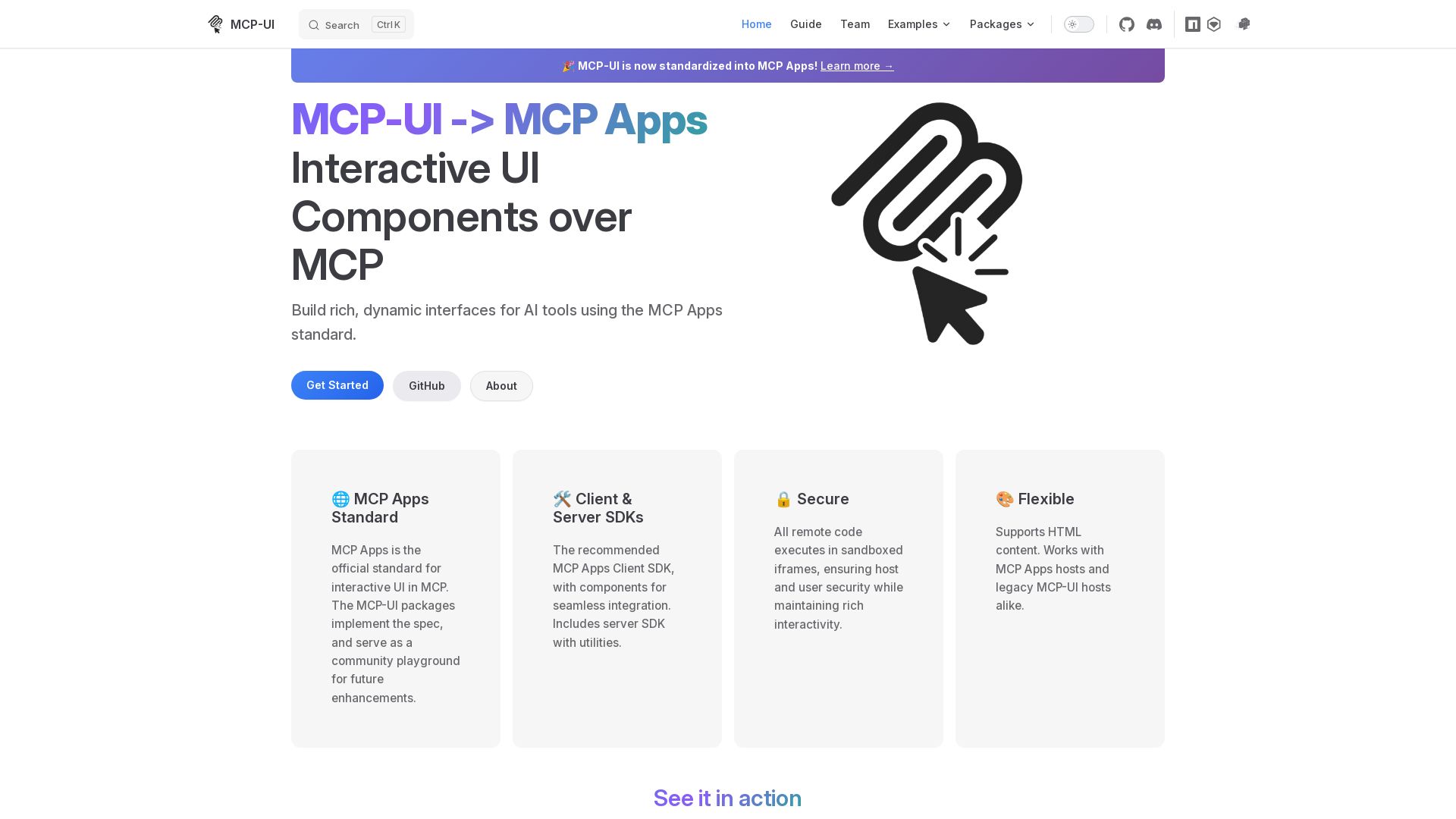
MCP-UI
Build rich, dynamic interfaces for AI tools with MCP Apps. Secure sandboxed execution, HTML support, client & server SDKs.

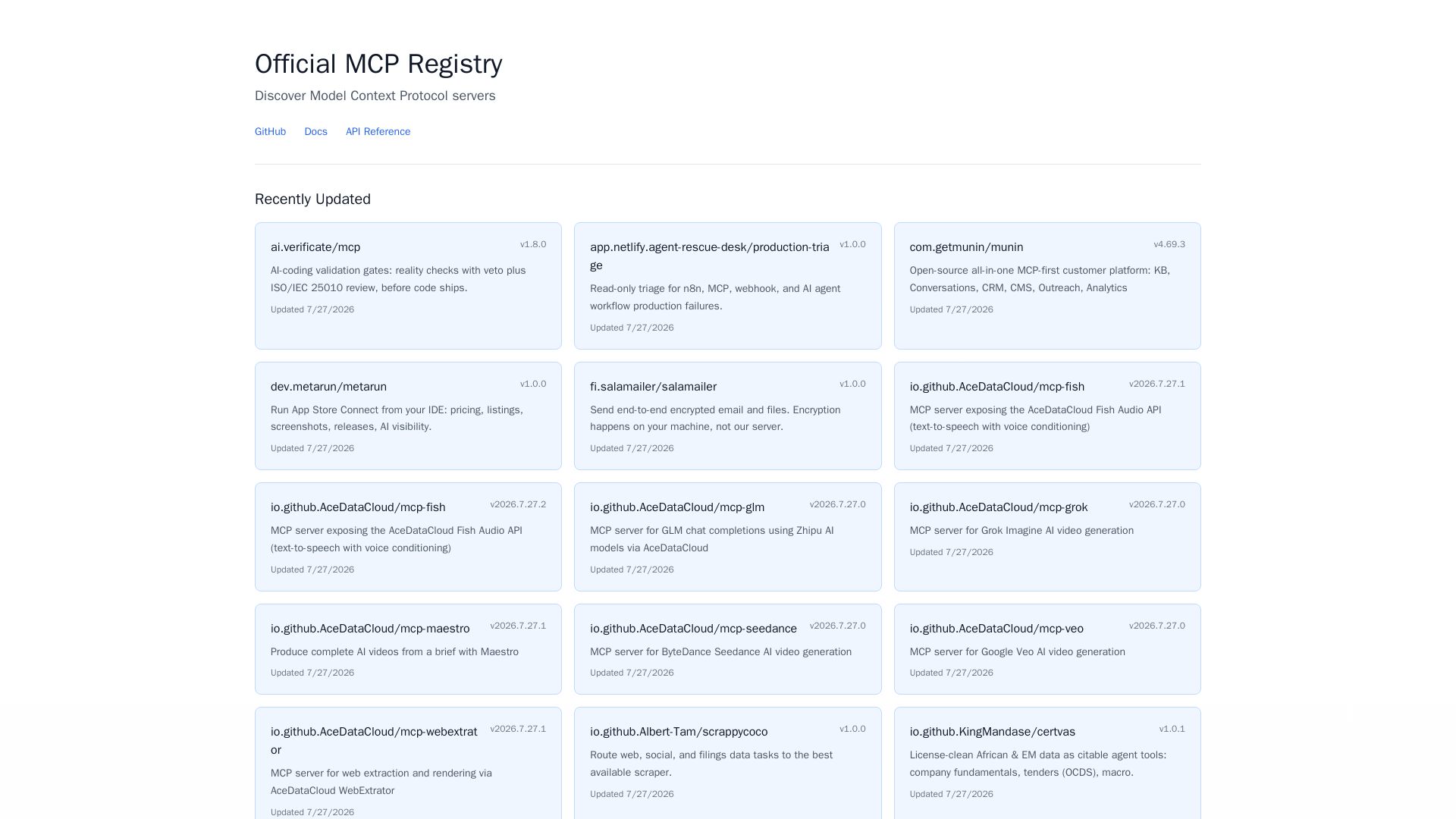
MCP Registry
Explore the official directory of MCP servers for AI integration, data processing, automation, and more. Find vetted servers with descriptions and updates.
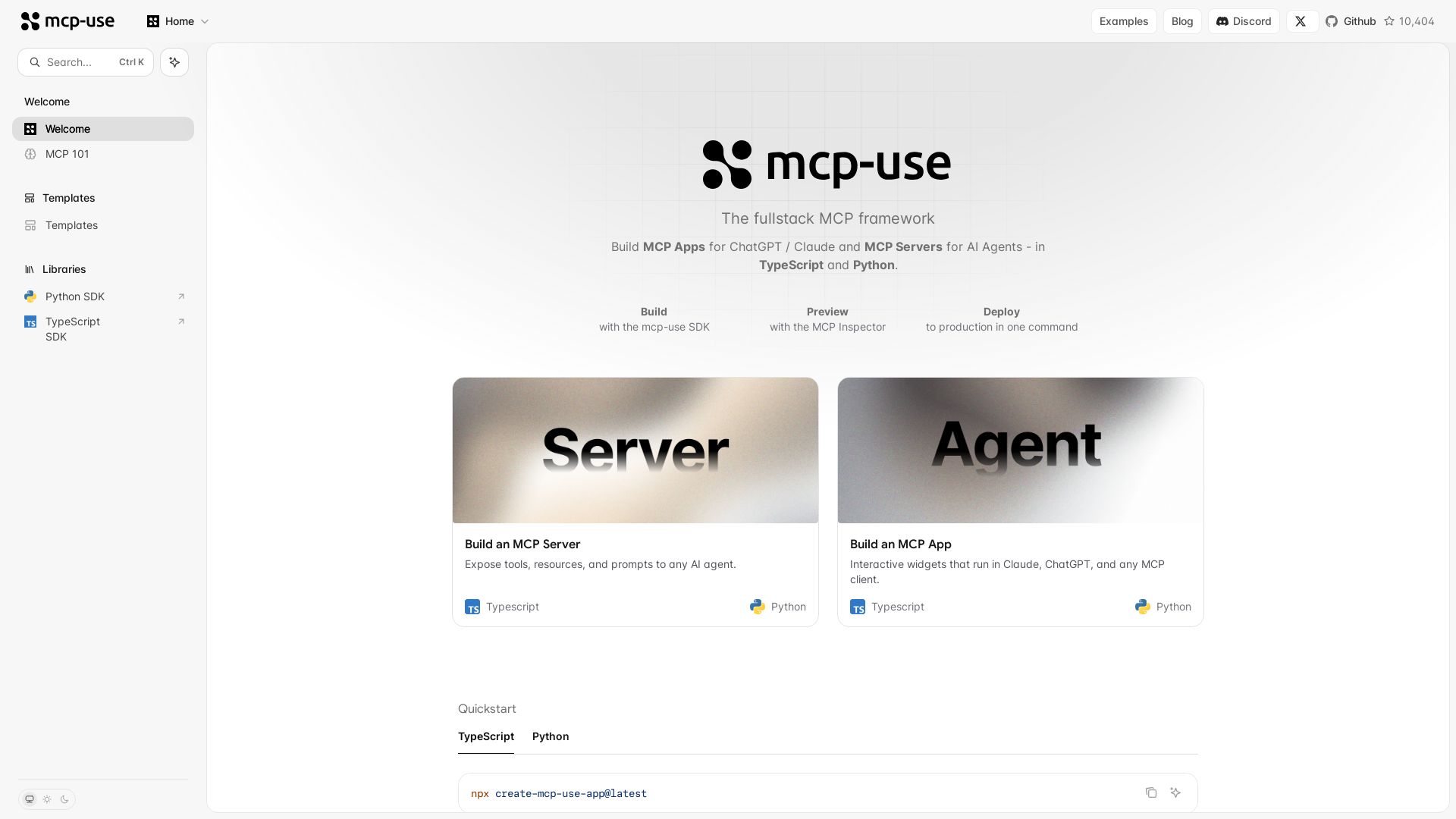
mcp-use
Build MCP apps for ChatGPT/Claude and MCP servers for AI agents. TypeScript & Python. Deploy in one command.

ℹ️ Curation Disclosure: The overview and features of Neuledge were synthesized using AI and fact-checked by our curation team to ensure accuracy.
