
Nutrient
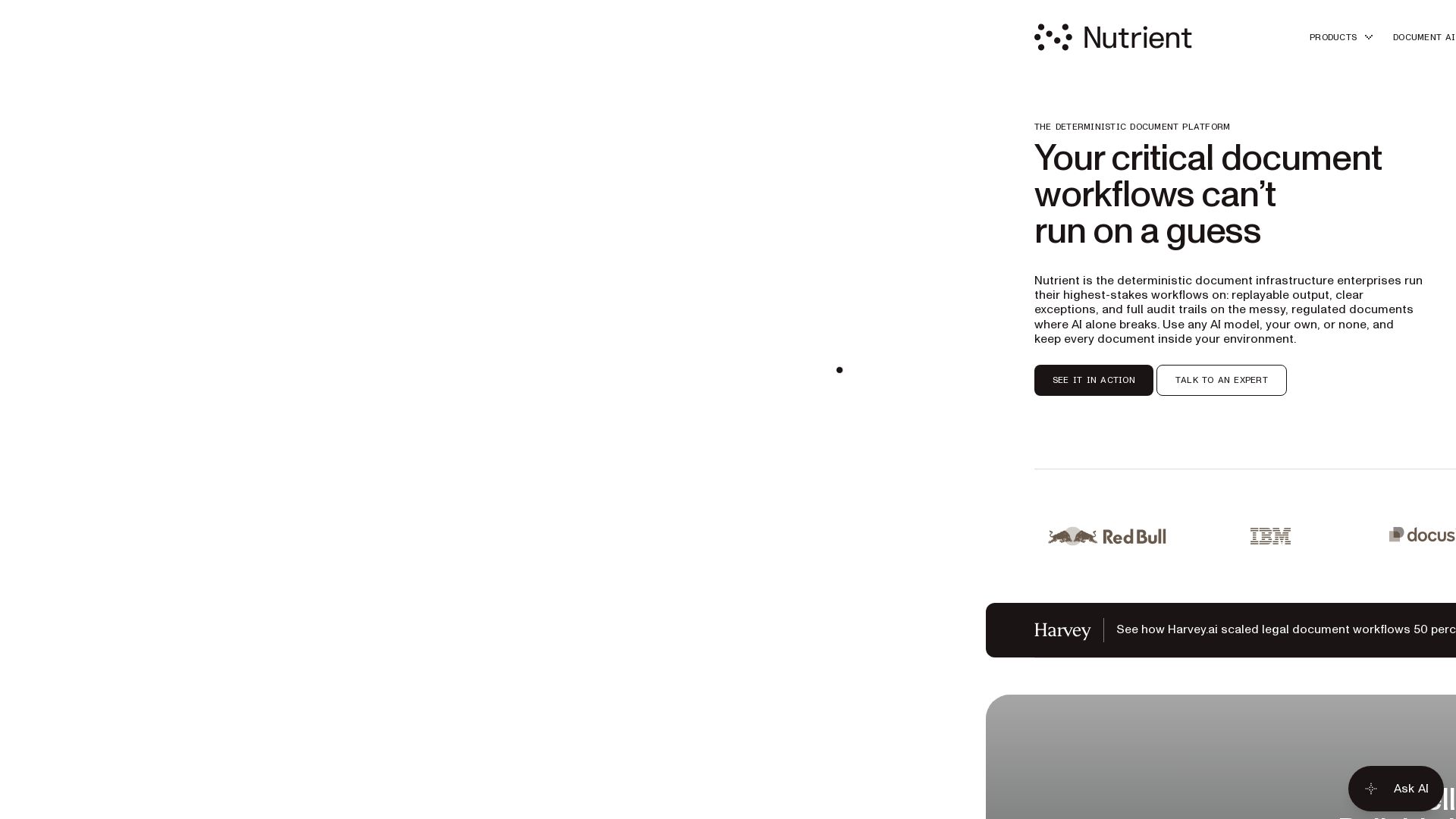
Run your highest-stakes document workflows on a platform that delivers replayable output, clear exceptions, and full audit trails. Trusted by Red Bull, IBM, and more.

Editor's Verdict
Key Takeaways
- Deterministic Document Platform
- Data Extraction with Audit Trail
- Reliability at Scale
- Rendering Fidelity
In-Depth Review: What is Nutrient?
Nutrient is the deterministic document infrastructure for enterprises that can't afford guesswork. Unlike AI-only solutions that break on messy, regulated documents, Nutrient provides replayable output, clear exceptions, and full audit trails. It handles the hard 25% of documents—scanned, handwritten, or malformed—with pixel-perfect rendering, genuine compliance (PDF/UA, PDF/A), and forensic redaction. Teams can use any AI model, their own, or none, while keeping data inside their environment. Nutrient powers over 1 billion document interactions yearly for 15% of the Global 500, including Red Bull, IBM, and DocuSign. Start with SDKs, cloud APIs, or no-code workflow automation.
Core Features
Deterministic Document Platform
Provides replayable output, clear exceptions, and full audit trails for high-stakes document workflows, ensuring reliability where AI alone fails.
Data Extraction with Audit Trail
Extracts structured data with per-field confidence and an audit trail, returning identical results every run, unlike AI that returns confident wrong values.
Reliability at Scale
Handles millions of documents per day deterministically, with identical, auditable output on every document, avoiding exceptions and output drift.
Rendering Fidelity
Renders documents pixel-accurately using the same engine as Chrome, handling malformed files, scans, CAD drawings, and thousand-page documents.
Compliance and Accessibility
Produces genuinely compliant PDF/UA and PDF/A, not just auto-tagged, ensuring audit-ready and accessible documents for regulated work.
Conversion with Fidelity
Preserves fonts, layout, and pagination exactly when converting Office to PDF, ensuring consistent appearance across all devices.
Forensic Redaction
Permanently removes underlying data and metadata with an audit trail, ensuring sensitive information cannot be recovered.
SDKs for Embedding
Cross-platform SDKs (Web, iOS, Android, Flutter, React Native, etc.) to embed viewing, editing, signing, and redaction directly into apps.
Cloud APIs
Serverless APIs for document processing (OCR, conversion, extraction) with zero infrastructure overhead and SOC 2 compliance.
Workflow Automation
No-code platform to automate document-heavy workflows with conditional routing, approvals, and audit trails, cutting process costs by 60-90%.
Enterprise Integrations
Native integrations with Microsoft 365, Salesforce, and ServiceNow for seamless document management within existing systems.
AI-Native Architecture
Embedded AI across the platform for document understanding, summarization, data extraction, and agent-ready workflows without external integrations.
Pricing
Free Trial
- Try Nutrient SDKs, Cloud APIs, or Workflow Automation with limited usage
Enterprise
- Full platform access
- Self-hosted or air-gapped deployment
- Dedicated support
- Custom SLAs
- SOC 2 Type 2 compliance
- Volume discounts
Pros and Cons
Pros
- Deterministic OutputGuarantees identical, auditable results every run, eliminating guesswork in high-stakes workflows.
- Comprehensive PlatformCovers the entire document lifecycle—extraction, conversion, review, redaction, signing, and automation—all in one platform.
- Enterprise-Grade SecuritySOC 2 Type 2 audited, with encryption, access controls, and flexible deployment (cloud, self-hosted, air-gapped).
- Proven at ScaleTrusted by 15% of Global 500 companies, processing over 1 billion document interactions annually.
- AI-Native and Agent-ReadyEmbedded AI capabilities and MCP server support allow seamless integration with any AI model for intelligent automation.
Cons
- Pricing Not TransparentNo public pricing; requires contacting sales, which may be a barrier for small teams or individuals.
- Complex Setup for Small Use CasesDesigned for enterprise-scale workflows; may be over-engineered for simple document needs.
- Learning CurveExtensive feature set and integration options may require time to master, especially for non-technical users.
Use Cases & Recommended Professions
Software Developer→ View Toolkit
Needs to embed document viewing, editing, and signing into applications without building from scratch.
IT Administrator→ View Toolkit
Requires secure, governed document infrastructure that integrates with existing enterprise systems and meets compliance standards.
Operations Leader→ View Toolkit
Seeks to automate document-heavy approval workflows to reduce manual overhead and increase visibility.
Compliance Manager→ View Toolkit
Needs auditable document processing, forensic redaction, and PDF/UA compliance for regulated industries.
Product Manager→ View Toolkit
Wants to accelerate time-to-market for document-centric features in SaaS platforms.
Data Scientist / AI Engineer→ View Toolkit
Requires reliable document data extraction and structured output to train or integrate AI models.
Frequently Asked Questions
Alternative AI Tools
View Detailed Comparison →
Cequence AI Gateway
Safely connect AI agents to business apps with enterprise-grade security, OAuth 2.1, and MCP. Unlock agentic AI productivity.


PrometAI
Generate investor-ready business plans in minutes with PrometAI's AI. Trusted by 100,000+ founders. Start for free, no guesswork.


Figr
Ship better UX faster. Figr builds a living understanding of your product, maps flows, finds edge cases, and generates high-fidelity prototypes from your actual design system.

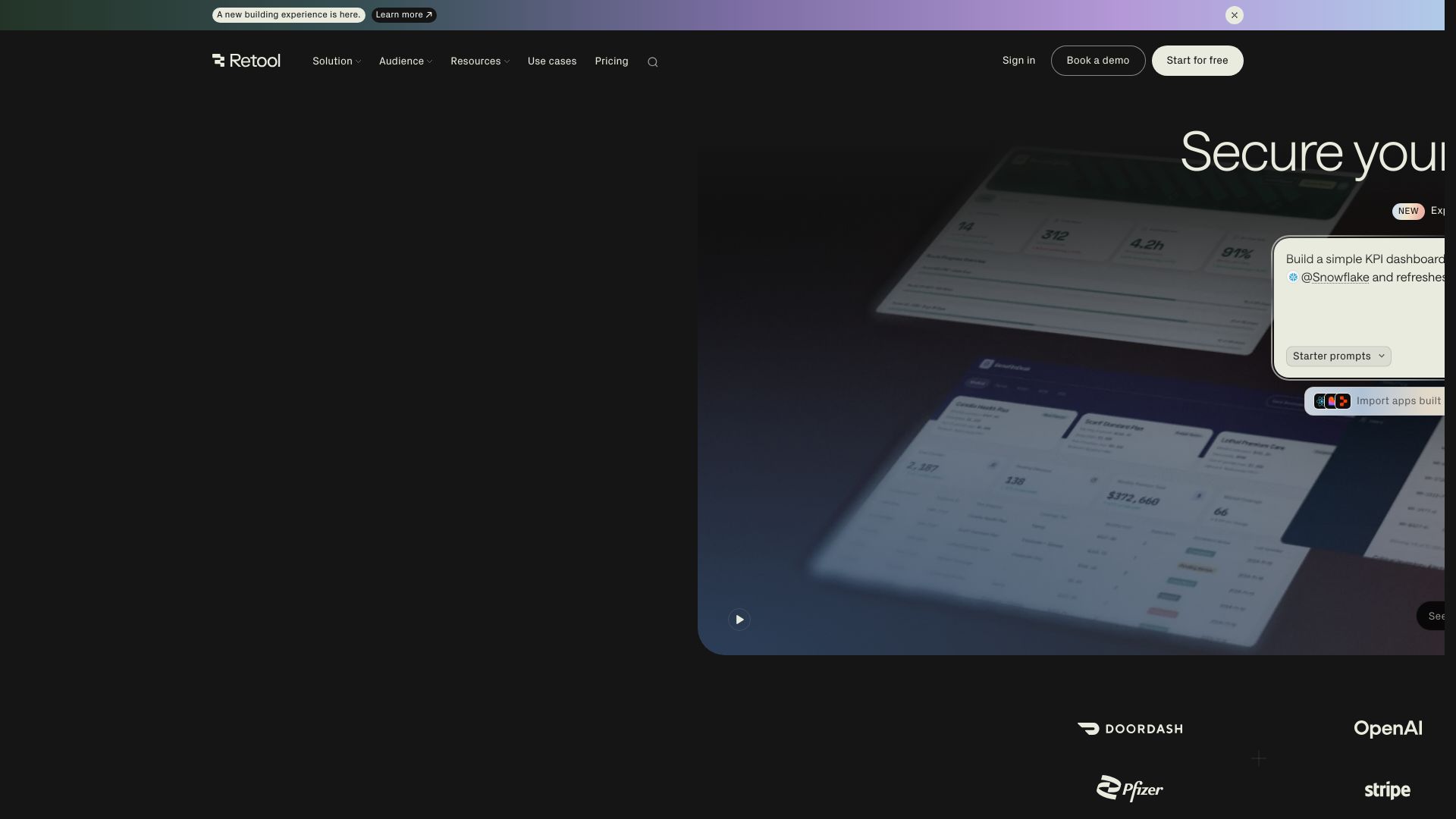
Retool
Build powerful, secure apps on your data with Retool's AI-powered app builder. Connect to any data source, deploy with governance, and scale across your enterprise.

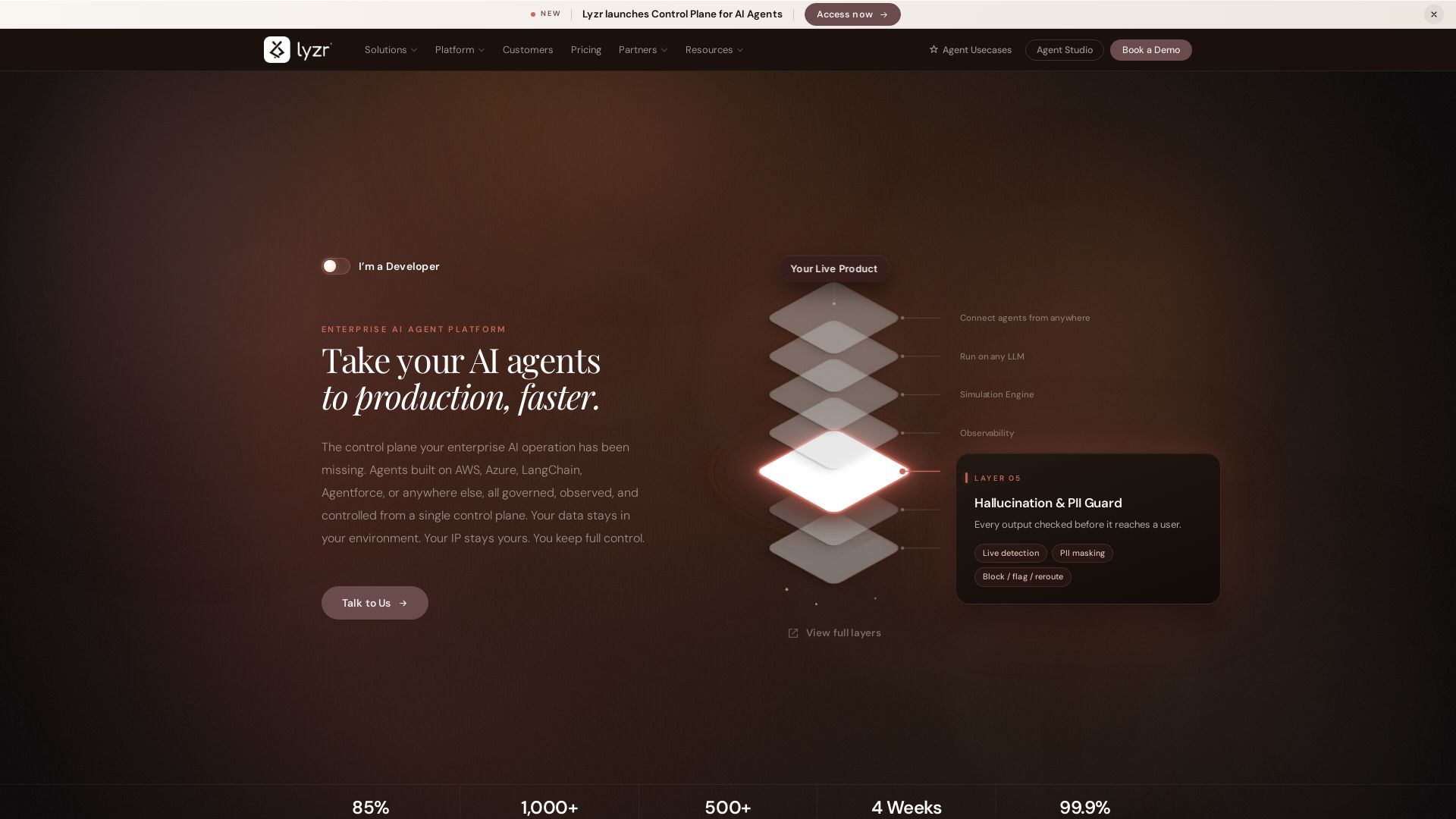
Lyzr
Ship AI agents to production faster with Lyzr's unified control plane. Connect any framework, swap LLMs, simulate, observe, and govern. Trusted by enterprises.

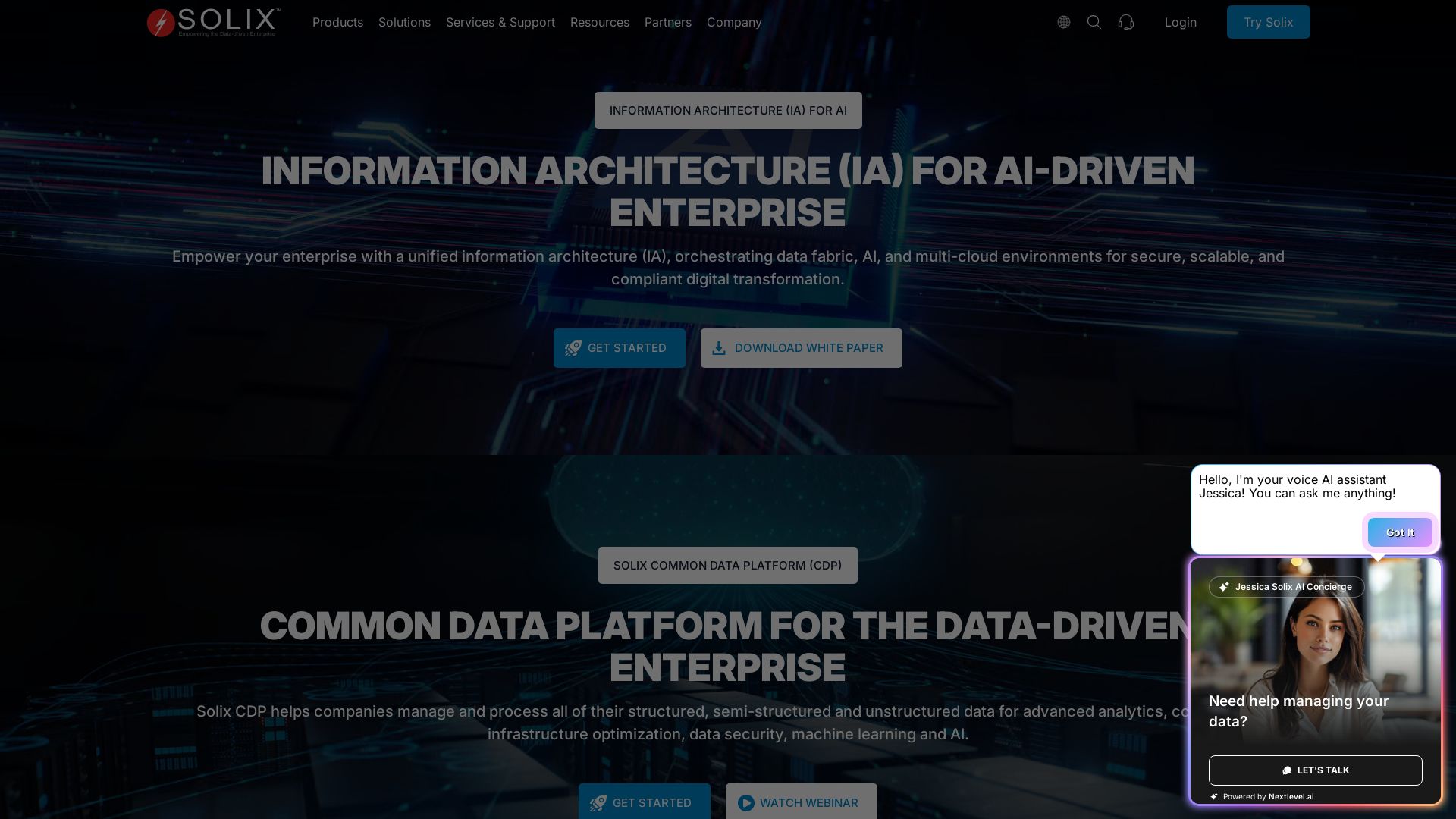
Solix Technologies
Empower your enterprise with Solix Common Data Platform (CDP) for secure, scalable data management, AI readiness, and compliance across multi-cloud environments.


Arcade
Arcade handles OAuth, enforces security policies, and provides 7,500+ agent-optimized tools for AI agents in production.

K2view
Deliver governed business data and context to test, run, and improve AI, operational, and analytical systems with K2view's entity-based data products.

Hybrid RAG Architecture: Definition, Benefits and Use Cases
Build AI-native apps, platforms & agentic systems at scale. Trusted by 1200+ global brands. Certified, secure, production-grade AI.

Natoma
Connect AI agents to enterprise data and tools with security and governance. Deploy MCP servers, enforce policies, and scale AI adoption across your organization.


ProductCrafters
Get a free 2-week trial sprint for your AI product. Working prototype in 30 days, production-ready in 90. No contract, no credit card. Test your dev team risk-free.

Superblocks
Empower business teams to build production-grade AI apps in your AWS private cloud. IT controls integrations, permissions, and auditing. Secure enterprise vibe coding.

ℹ️ Curation Disclosure: The overview and features of Nutrient were synthesized using AI and fact-checked by our curation team to ensure accuracy.
