
Fazm
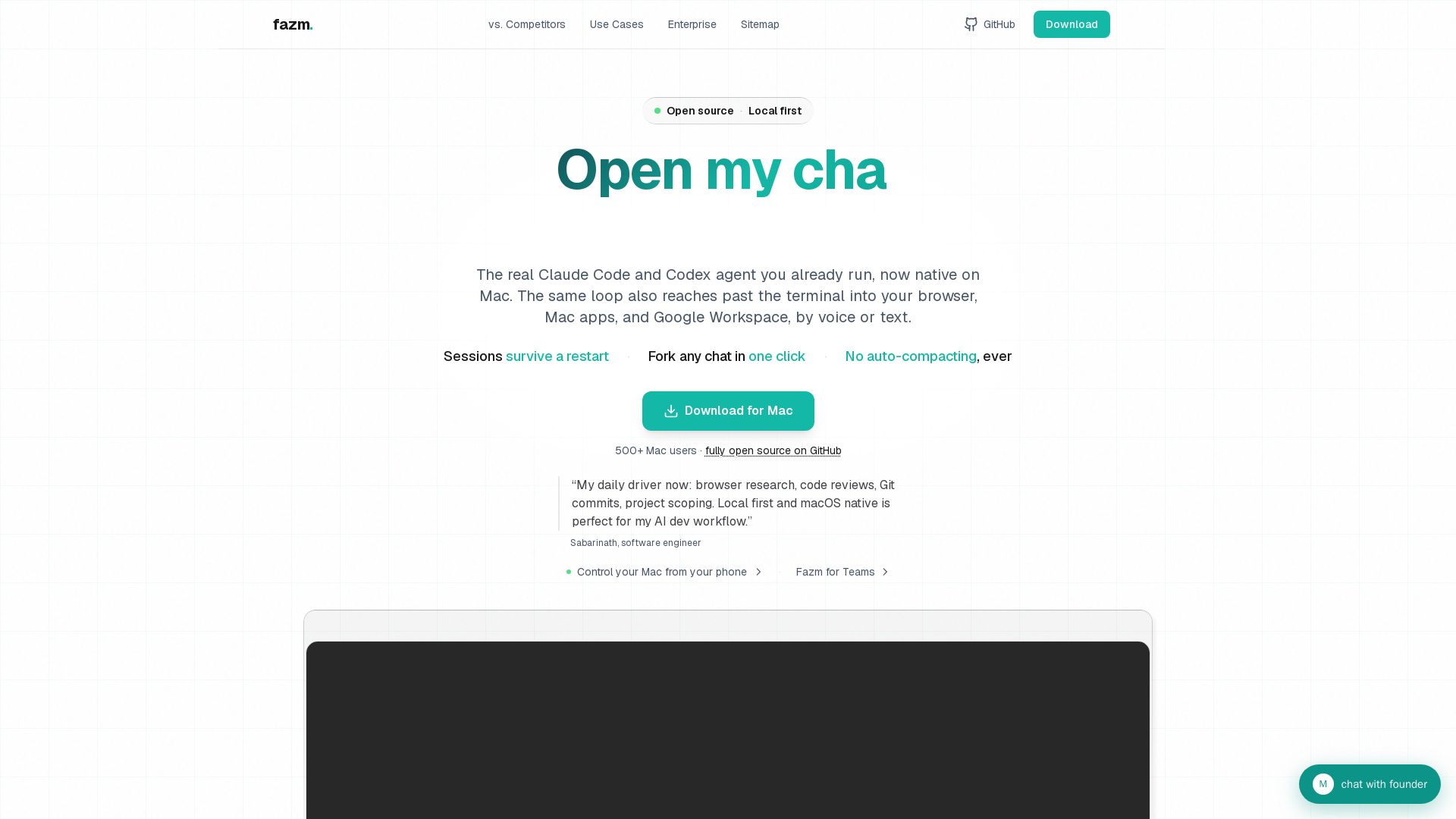
Native Mac app wrapping Claude Code, Codex & Gemini CLI agents. Persistent sessions, one-click fork, no compacting, push-to-talk, 40 parallel chats. Open source.
Editor's Verdict
Key Takeaways
- Persistence across restarts
- One-click forking
- No auto-compacting
- 40 parallel chat windows
In-Depth Review: What is Fazm?
Fazm is a native Mac app that wraps the real Claude Code, Codex, and Gemini CLI agents into a polished UI. Sessions survive restarts, chats fork with one click, and long conversations are never auto-compacted. Run up to 40 parallel windows, switch models mid-session, and use built-in push-to-talk voice input. Extend the agent beyond the terminal to control your browser, native Mac apps, and phone via QR code. Bring your own Claude Pro or Max account. Fully open source.
Core Features
Persistence across restarts
Sessions survive Mac restarts with full conversation history intact, no resume command needed.
One-click forking
Fork any chat into a new window with full prior context, keeping the original untouched for parallel exploration.
No auto-compacting
Full chat history stays live in context for the window's lifetime; no silent summarization or loss of detail.
40 parallel chat windows
Run up to 40 independent agents simultaneously, each with its own context, model, and workspace.
Mid-session model switching
Switch between Claude, GPT, and Gemini models without leaving the chat; same context, different brains.
Push-to-talk voice input
Hold Left Control to talk, release to send transcript directly to the chat; no separate app or clipboard needed.
Browser and native Mac control
Agent can drive Chrome (DOM, cookies, forms) and native Mac apps (Finder, Mail, Slack) via accessibility APIs.
Multi-provider support
Supports Claude Code, Codex, and Gemini CLI agents in one unified UI with per-chat provider selection.
Open source
Fully open source application available on GitHub; users can inspect, modify, and contribute.
Pricing
Fazm
- Persistent sessions across restarts
- One-click forking
- No auto-compacting
- Up to 40 parallel chat windows
- Mid-session model switching
- Push-to-talk voice input
- Browser and native Mac control
- Multi-provider support (Claude, Codex, Gemini)
- MCP server support
- Phone remote via chat.fazm.ai
Pros and Cons
Pros
- Persistent sessionsSessions survive Mac restarts with full history, eliminating lost work from crashes or reboots.
- Easy forkingFork any chat into a new window with one click, preserving context for parallel experimentation.
- No context lossLong conversations are never auto-compacted; all turns remain visible and usable by the agent.
- Multi-model flexibilitySwitch between Claude, GPT, and Gemini mid-chat to leverage different strengths without starting over.
- Integrated voice and app controlBuilt-in push-to-talk and ability to control browser and native Mac apps reduce context switching.
Cons
- Mac-onlyFazm is a native Mac app and does not support Windows or Linux.
- Requires separate agent subscriptionsYou must bring your own Claude Pro/Max, OpenAI, or Google account to use the underlying agents.
- Limited to CLI agent loopsThe app wraps CLI agents and may not offer the full feature set of dedicated IDE integrations.
- Still in early stagesAs an open-source project, it may have fewer features and less polish than commercial alternatives.
- Dependence on external APIsFunctionality relies on third-party agent APIs which may have rate limits or downtime.
Use Cases & Recommended Professions
Software Engineer→ View Toolkit
Uses AI agents daily for coding tasks; benefits from persistent sessions, forking, and multi-model switching to boost productivity.
DevOps Engineer→ View Toolkit
Manages infrastructure and CI/CD; uses parallel chats and persistent sessions for monitoring, debugging, and automation scripts.
Product Manager→ View Toolkit
Drafts specs, emails, and postmortems; benefits from voice input and native app control for quick task execution.
Data Scientist→ View Toolkit
Runs exploratory analysis and model tuning; leverages forking to compare approaches and context retention for complex workflows.
Technical Writer→ View Toolkit
Creates documentation and changelogs; uses push-to-talk and parallel chats to draft and review content efficiently.
QA Engineer→ View Toolkit
Writes and executes test cases; benefits from persistent sessions to maintain test history and forking to explore edge cases.
Frequently Asked Questions
Alternative AI Tools
View Detailed Comparison →
Expo AI Chatbot
Build AI chatbot apps for iOS, Android & web with Expo SDK 54, AI SDK 5, voice, long-term memory, and more. Open-source codebase.

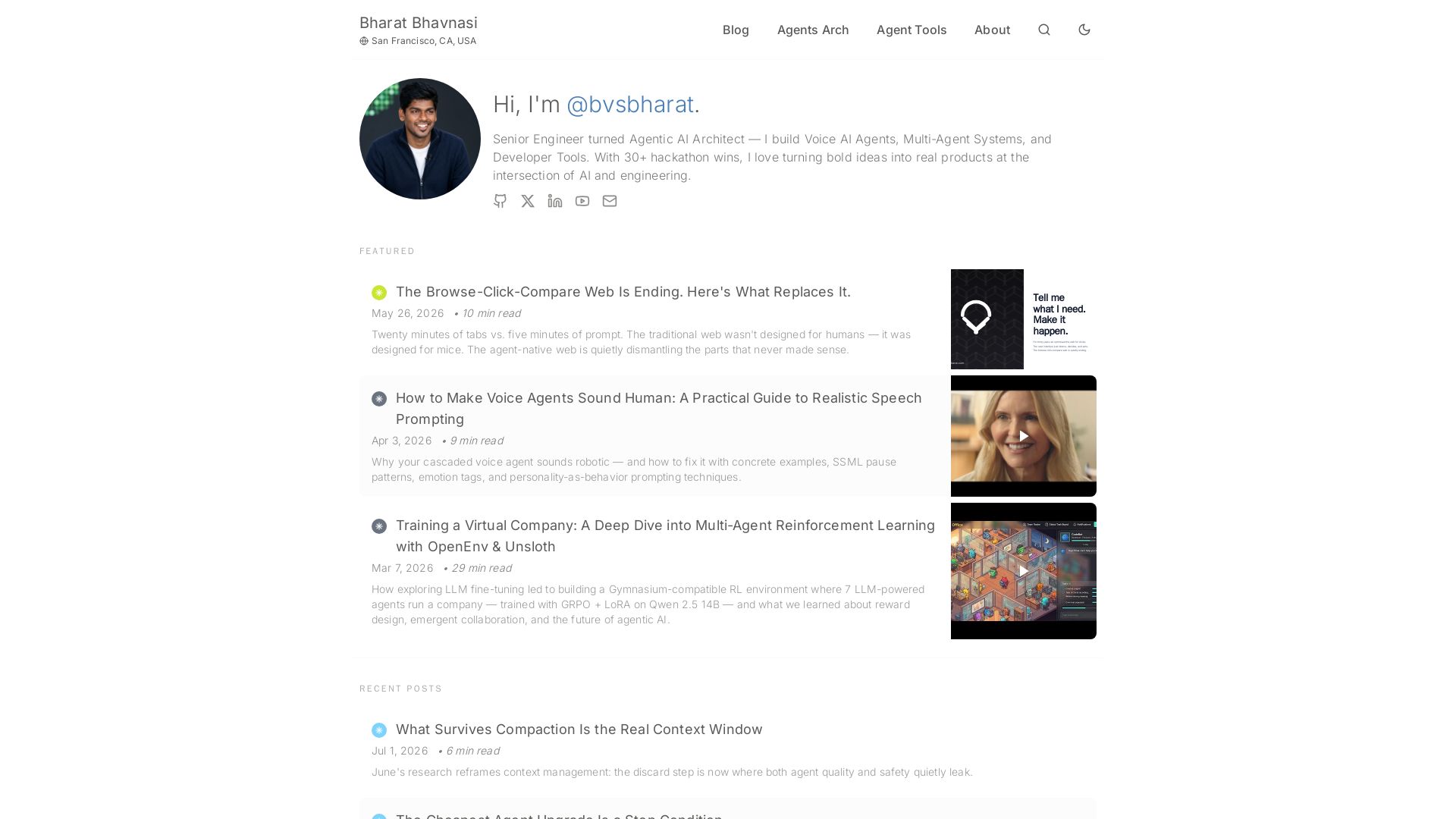
I Tested Every Major Open-Source AI Agent SDK So You Don't ...
Explore insights on Voice AI Agents, Multi-Agent Systems, and Developer Tools from a 30+ hackathon winner. Practical guides and cutting-edge research.

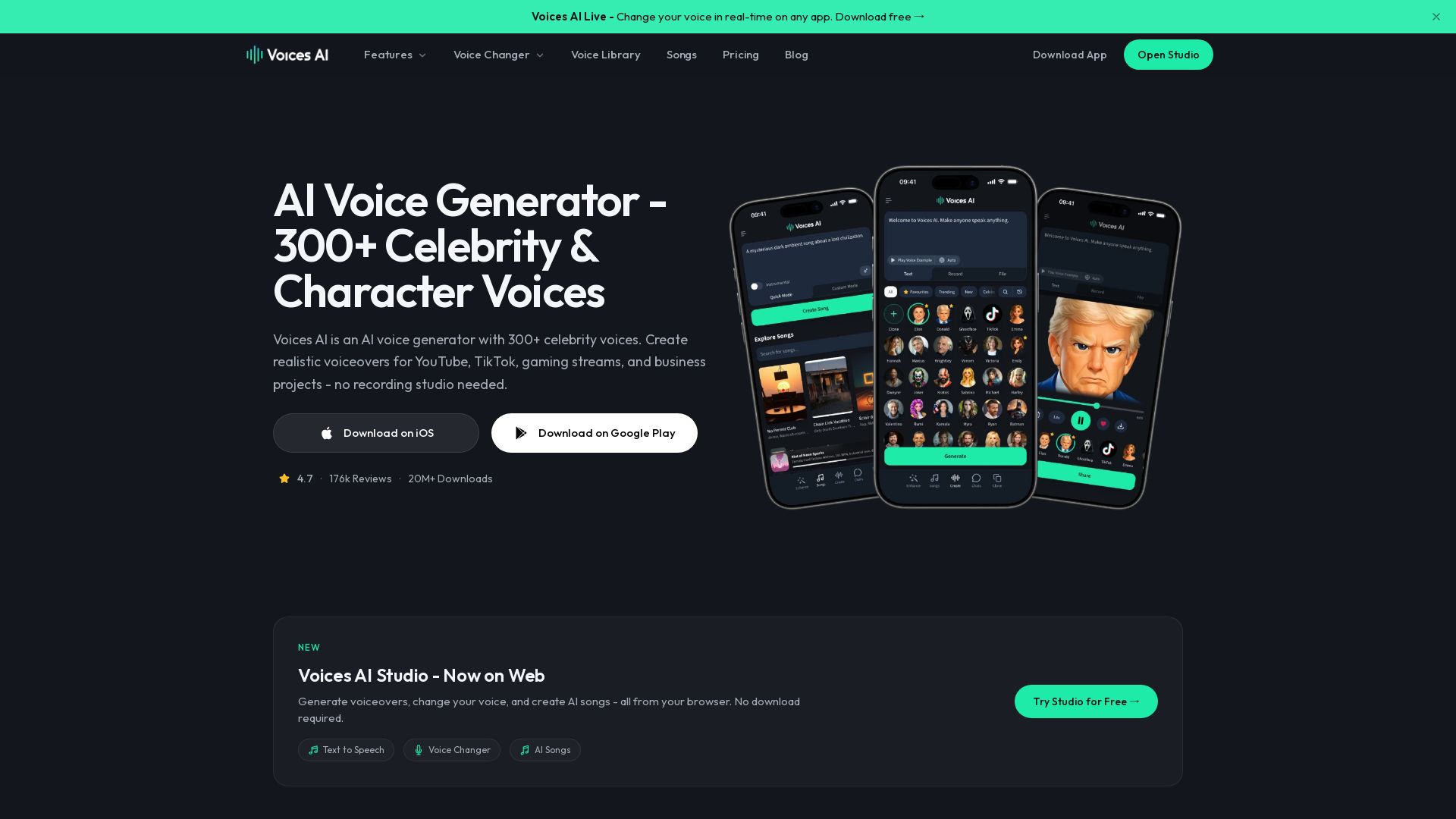
Voices AI
Change your voice in real-time or generate realistic voiceovers with 300+ celebrity voices. Perfect for YouTube, TikTok, gaming, and business. Download free!


Making AI think and act: my approach to the Hugging Face AI ...
Experienced AI engineer specializing in medical imaging and LLM-powered agents. Built globally deployed radiology AI at AZmed. Now building AI agents at Matrix One.

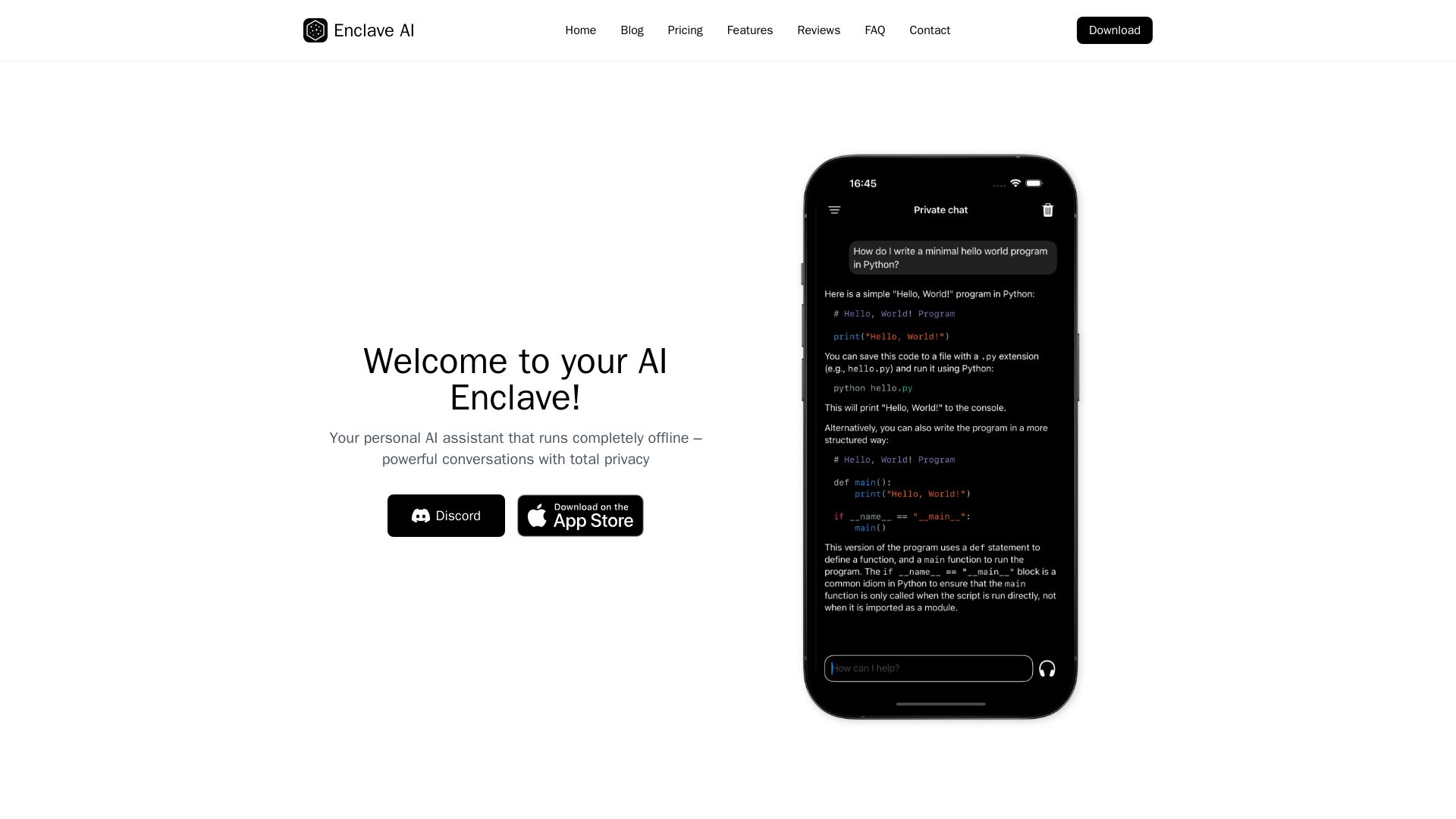
Enclave AI
Private offline AI assistant for iPhone & Mac. Voice chat, document support, custom AI. No cloud needed.


AI SDK AGENTS
The toolkit for AI engineers. Install, copy, or export 125 AI SDK patterns for agents, tool calling, human-in-the-loop, and generative UI. Full source code, own your stack.

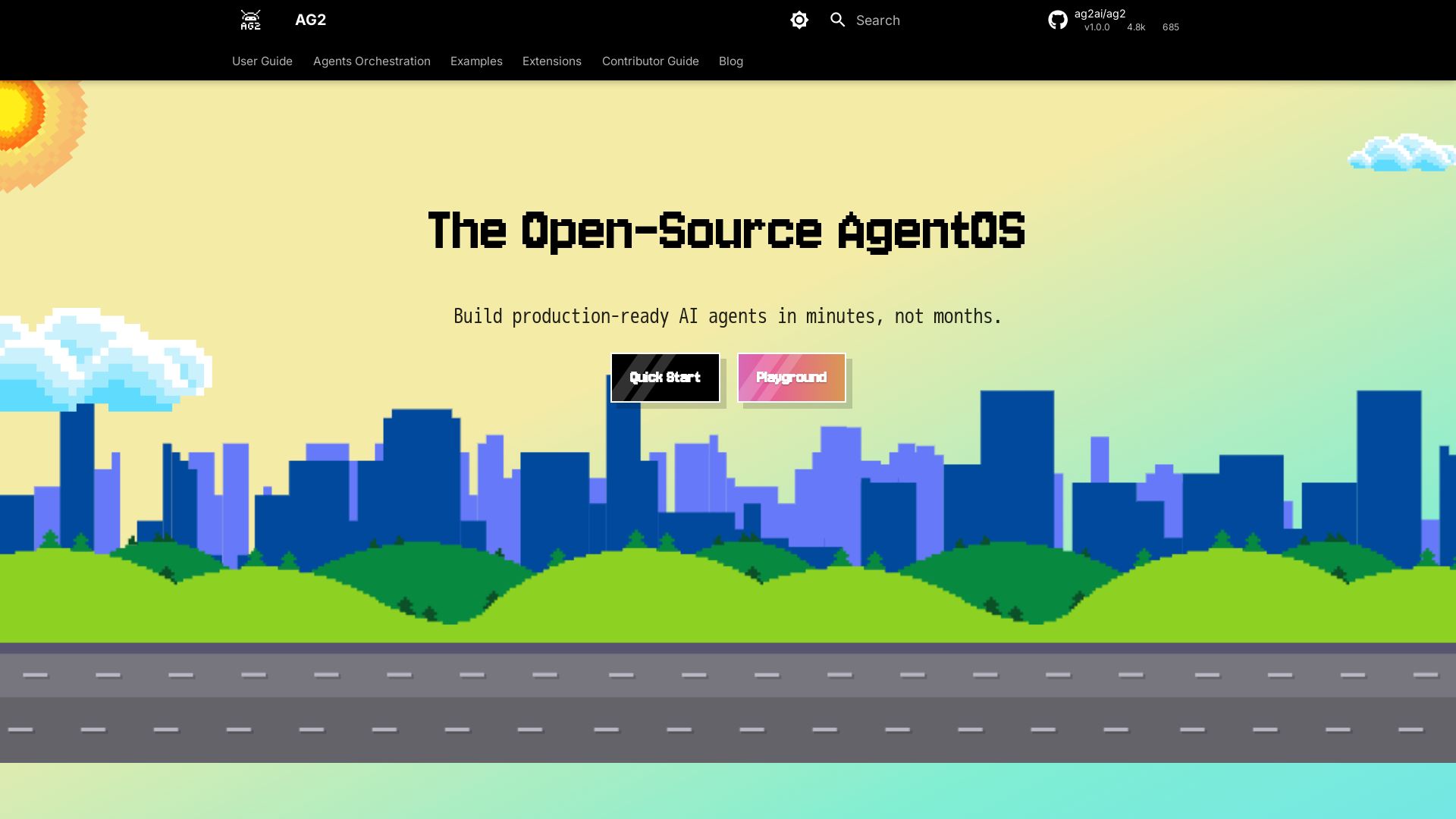
AG2
Build production-ready AI agents in minutes with AG2. Simple syntax, built-in patterns, human-AI collaboration. Open-source multi-agent framework.

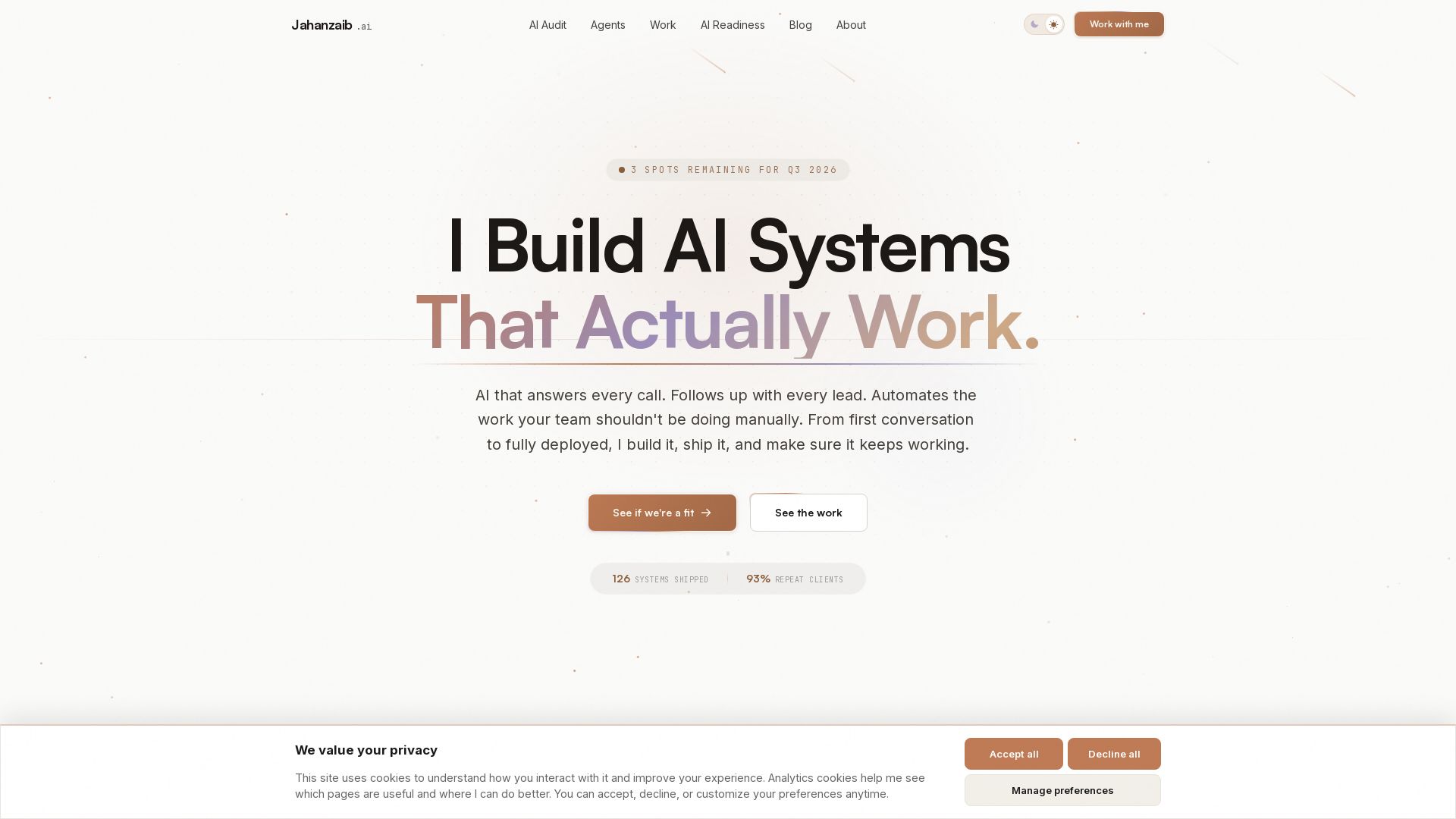
Pydantic AI Tutorial: Type-Safe Agents in Production
Production-ready AI voice agents, automation, and chatbots. 126 systems shipped. 21-day live guarantee. Book a free AI audit.


Altered
AI voice changer for real-time calls and content creation. Morph your voice, clone voices, and clean audio with Altered Studio and Real-Time Pro.

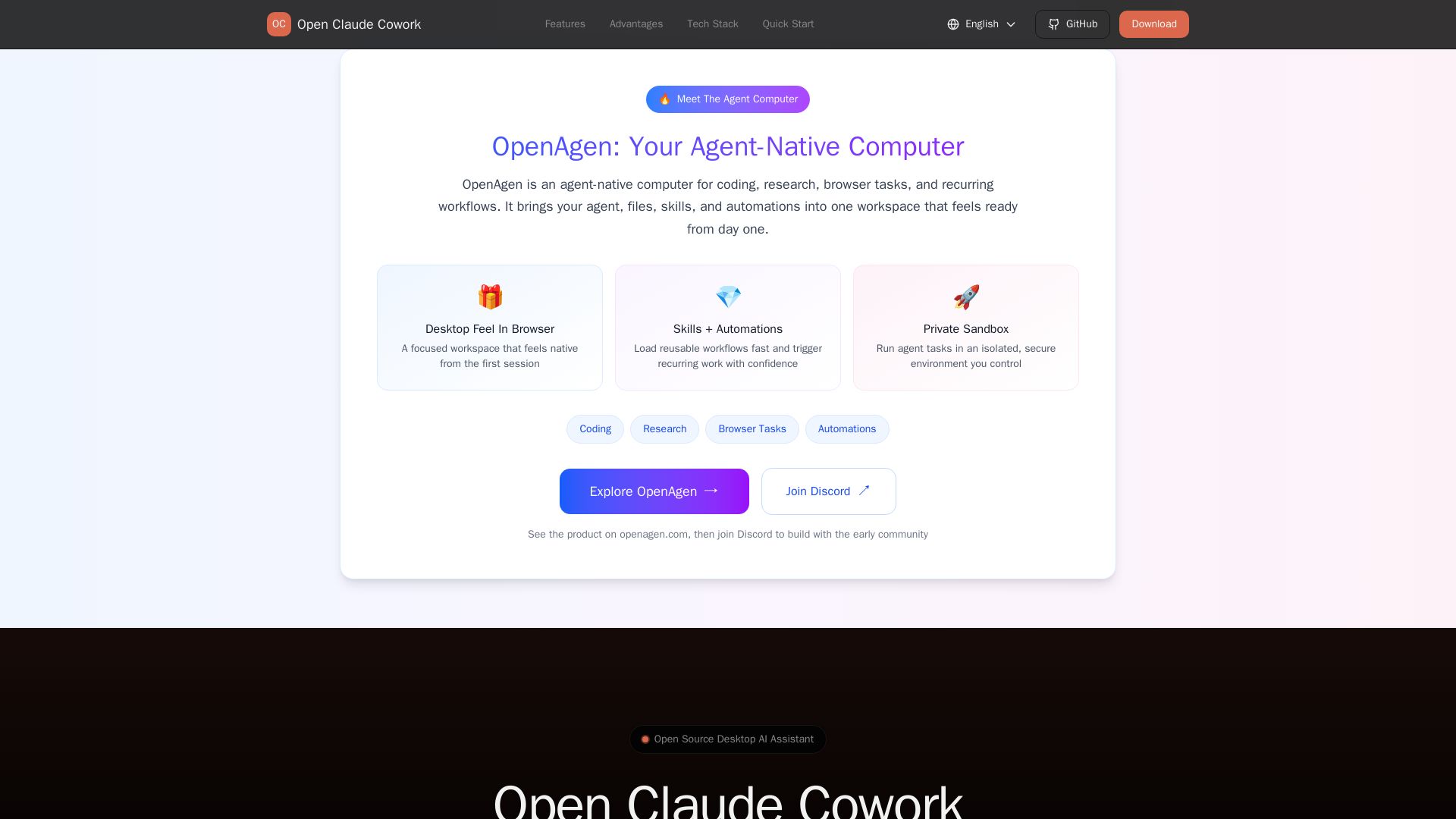
Open Claude Cowork
Bring Claude Code to desktop with visual AI collaboration. Open source assistant for coding, research, browser tasks. Supports Chinese LLMs, session management, and tool control.

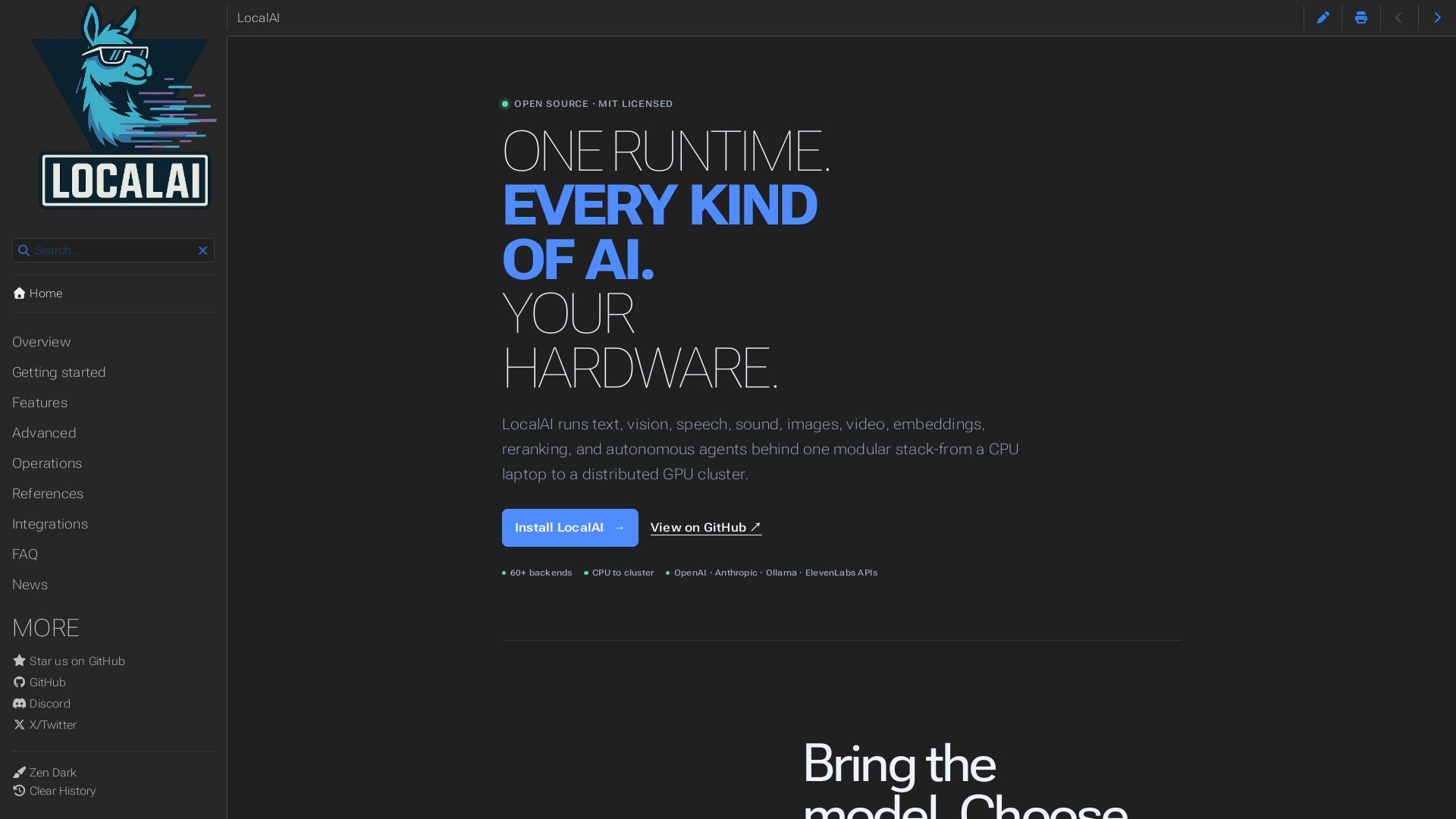
LocalAI
Open-source AI runtime running text, vision, speech, images, video on CPU to GPU. Build agents, realtime voice, and keep data private. MIT licensed.


ProductCrafters
Get a free 2-week trial sprint for your AI product. Working prototype in 30 days, production-ready in 90. No contract, no credit card. Test your dev team risk-free.

ℹ️ Curation Disclosure: The overview and features of Fazm were synthesized using AI and fact-checked by our curation team to ensure accuracy.
