
Edraw.AI
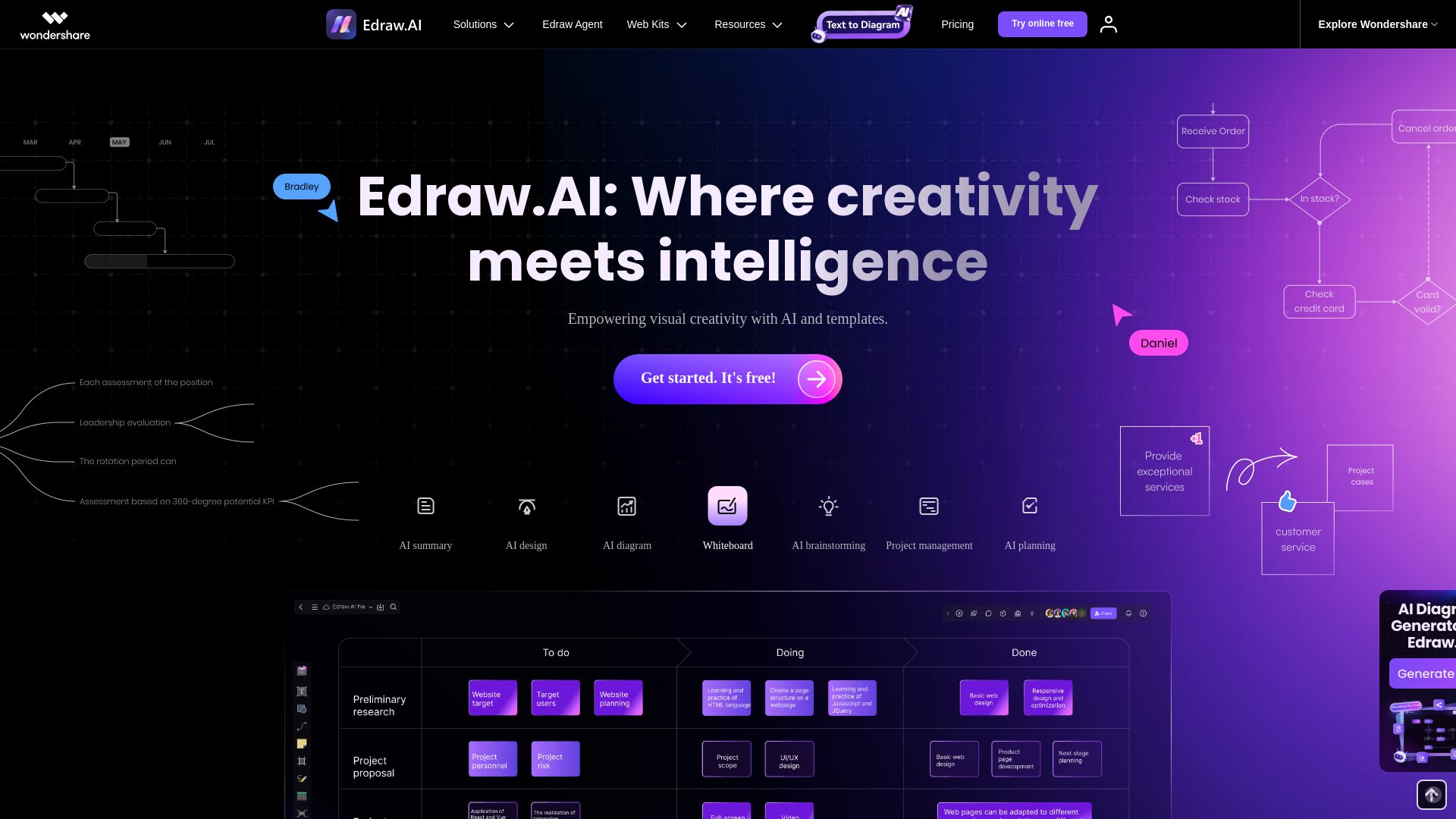
Create diagrams, mind maps, and more with AI. Collaborate in real time. Trusted by 30M+ users. Free to start.



Editor's Verdict
Key Takeaways
- AI Diagram Generation
- Real-Time Collaboration
- Vast Template Library
- Cross-Platform Access
In-Depth Review: What is Edraw.AI?
Edraw.AI is an all-in-one online visual collaboration platform that leverages AI to help teams generate diagrams, flowcharts, mind maps, and presentations instantly. With features like AI brainstorming, project management, and real-time collaboration, it simplifies complex workflows. Backed by 700+ templates and 26,000 symbols, it serves IT, marketing, engineering, education, and more. Your data is secured with 256-bit SSL encryption. Join 30 million users worldwide.
Core Features
AI Diagram Generation
Generate various types of diagrams, charts, and mind maps instantly using AI prompts.
Real-Time Collaboration
Work together with team members on the same canvas simultaneously with comments and brainstorming.
Vast Template Library
Access 700+ professionally designed templates and 26,000 symbols to kickstart projects.
Cross-Platform Access
Edit and save files online from anywhere, anytime, with no download required.
AI Tools Suite
Use AI for brainstorming, planning, summarization, drawing, and content generation.
Data Security
Powered by AWS, follows GDPR standards, and uses 256-bit SSL encryption.
Pricing
Free Plan
- 500 AI Tokens
- Easy drag-and-drop editor
- 100M cloud storage
- Max 2 pages
- Print with default watermark
Pro Plan
- 10,000 AI Tokens
- 1G cloud storage
- Unlimited shapes, themes, pages
- Unlock templates and symbols
- Export/Print with no watermark
- 7-day free trial
- Billed annually at $79
Unlimited Plan
- Unlimited AI Tokens
- 10G cloud storage
- Access to all functions
- Advanced Team Management
- Unlimited Team Numbers
- Unlimited Team Members
- Priority Support
- 7-day free trial
- Billed annually at $99
Pros and Cons
Pros
- AI-Powered EfficiencyGenerate diagrams, charts, and mind maps in seconds with AI, saving time and effort.
- User-Friendly InterfaceClean and intuitive interface with easy navigation, perfect for beginners.
- Rich Template LibraryOver 700 templates and 26,000 symbols provide inspiration and quick start.
- Real-Time CollaborationTeams can work together simultaneously on the same canvas, enhancing productivity.
- Secure and CompliantData is protected with AWS hosting, GDPR compliance, and 256-bit SSL encryption.
Cons
- Limited Free PlanFree plan has only 500 AI tokens and 100MB storage, restricting heavy usage.
- No Desktop AppEdraw.AI is web-based only, which may be inconvenient for offline work.
- Advanced Features PaywalledFeatures like team management and unlimited tokens require higher-tier plans.
- Annual Billing RequiredPro and Unlimited plans are billed annually, not monthly, which may be less flexible.
- Limited IntegrationMay not integrate as deeply with other tools compared to dedicated software.
Use Cases & Recommended Professions
IT Professional→ View Toolkit
Visualize system architecture, network topologies, and flowcharts; collaborate on troubleshooting.
Project Manager→ View Toolkit
Create Gantt charts, timelines, and project plans; facilitate team collaboration.
Researcher→ View Toolkit
Convert complex data into clear diagrams, organize research, and plan projects.
Engineer→ View Toolkit
Develop engineering drawings, process flows, and operational diagrams.
Marketing Professional→ View Toolkit
Brainstorm campaigns, create customer journey maps, and visualize market data.
Educator→ View Toolkit
Engage students with interactive diagrams, mind maps, and collaborative activities.
Frequently Asked Questions
Alternative AI Tools
View Detailed Comparison →
AiPPT
Transform ideas into stunning presentations instantly with AiPPT. Generate slides from text, documents, URLs, or templates. Import from Google Drive. Free and paid plans.


Making AI think and act: my approach to the Hugging Face AI ...
Experienced AI engineer specializing in medical imaging and LLM-powered agents. Built globally deployed radiology AI at AZmed. Now building AI agents at Matrix One.


Prezi
Prezi AI creates studio-quality presentations from your ideas. Describe or upload, get a polished deck in seconds. Refine via chat, export as PPTX or PDF. No design skills needed.

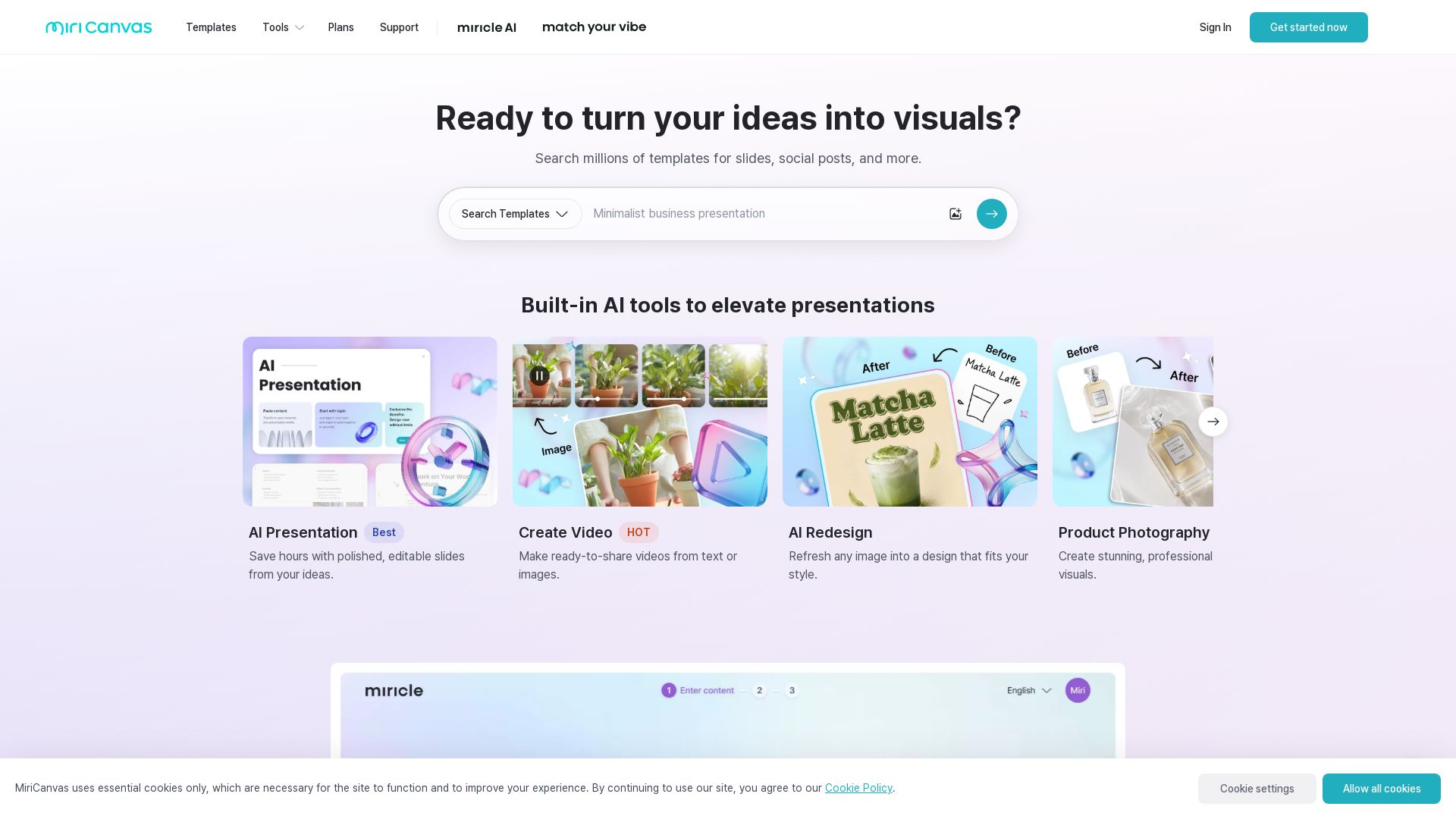
MiriCanvas
Create stunning presentations, videos, and social graphics with MiriCanvas AI. Over 530K templates, 10M+ elements. Try free!


Figma
Figma is the intelligent, AI-native canvas for designing, prototyping, and building products together. Trusted by 95% of Fortune 500. Explore design and dev tools.

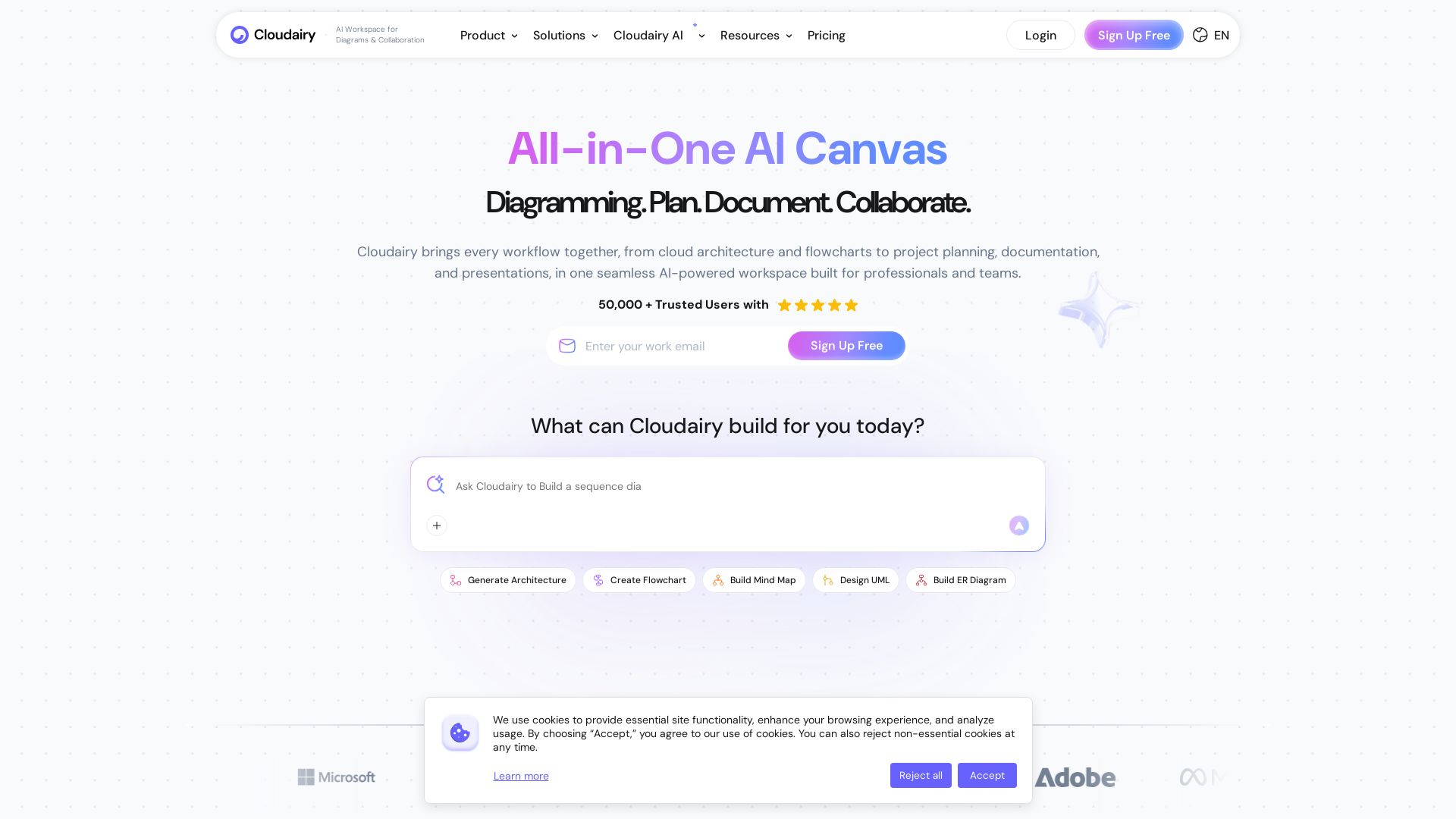
Cloudairy
Create flowcharts, mind maps, cloud architectures & more with AI. All-in-one workspace for diagrams, docs, and project planning. Trusted by 50,000+ professionals.

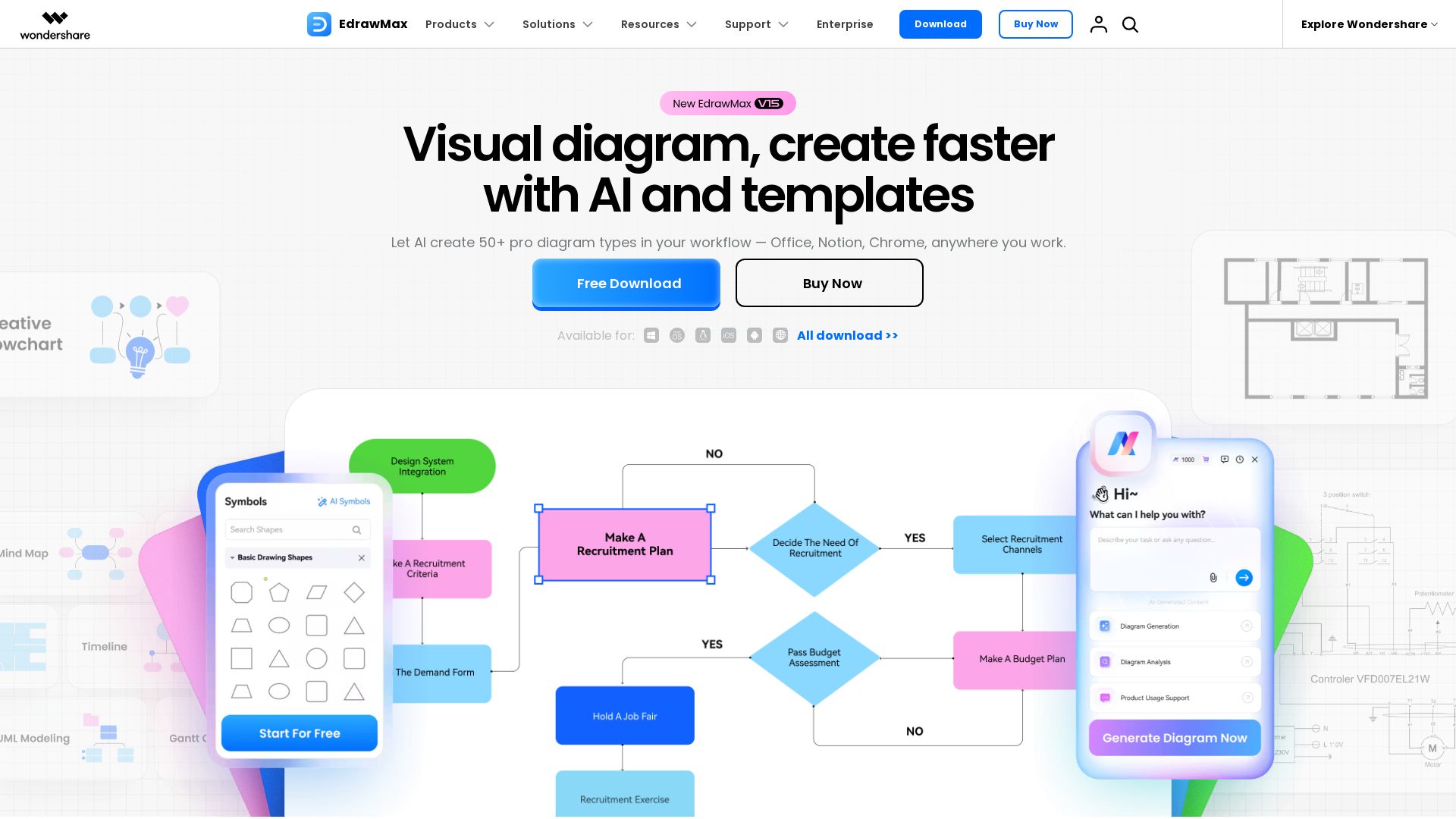
EdrawMax
Create professional diagrams effortlessly with EdrawMax AI. Flowcharts, floor plans, network diagrams, and more. Trusted by 30M+ users. Free download.


Figr
Ship better UX faster. Figr builds a living understanding of your product, maps flows, finds edge cases, and generates high-fidelity prototypes from your actual design system.


SlideSpeak
Turn PDFs, Word docs, and ideas into professional PowerPoint slides in minutes. AI-powered editor, video, and branding. Trusted by 1M+ users.

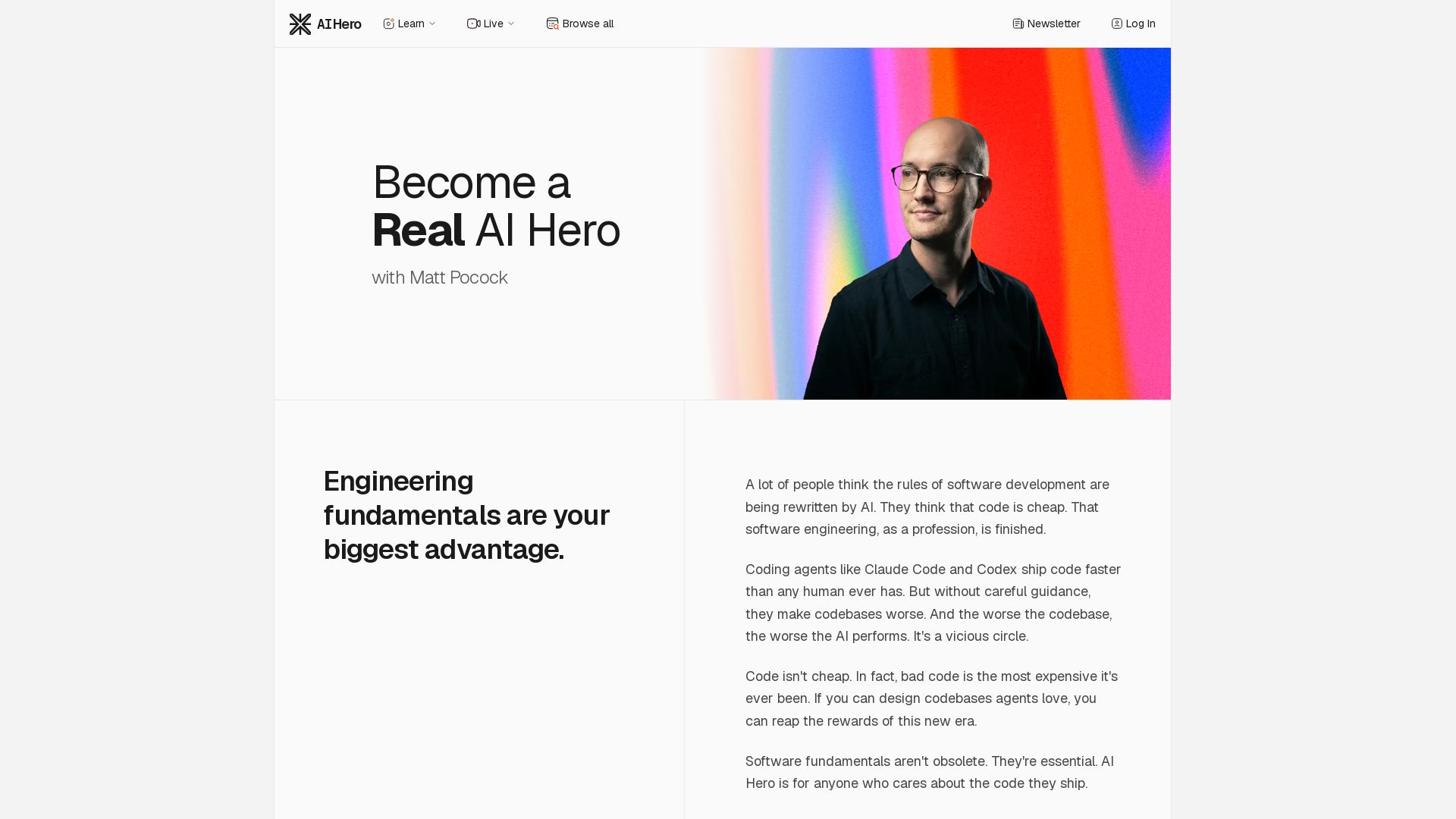
AI Hero
Master AI-assisted coding with proven engineering fundamentals. Learn to make codebases agents love, control AI output quality, and build real skills. Join 70k+ developers.

Gamma
Create stunning presentations by AI in 3 minutes. Upload files, convert to PPT, access 1000+ templates. Free trial available.


ℹ️ Curation Disclosure: The overview and features of Edraw.AI were synthesized using AI and fact-checked by our curation team to ensure accuracy.