
Dyad
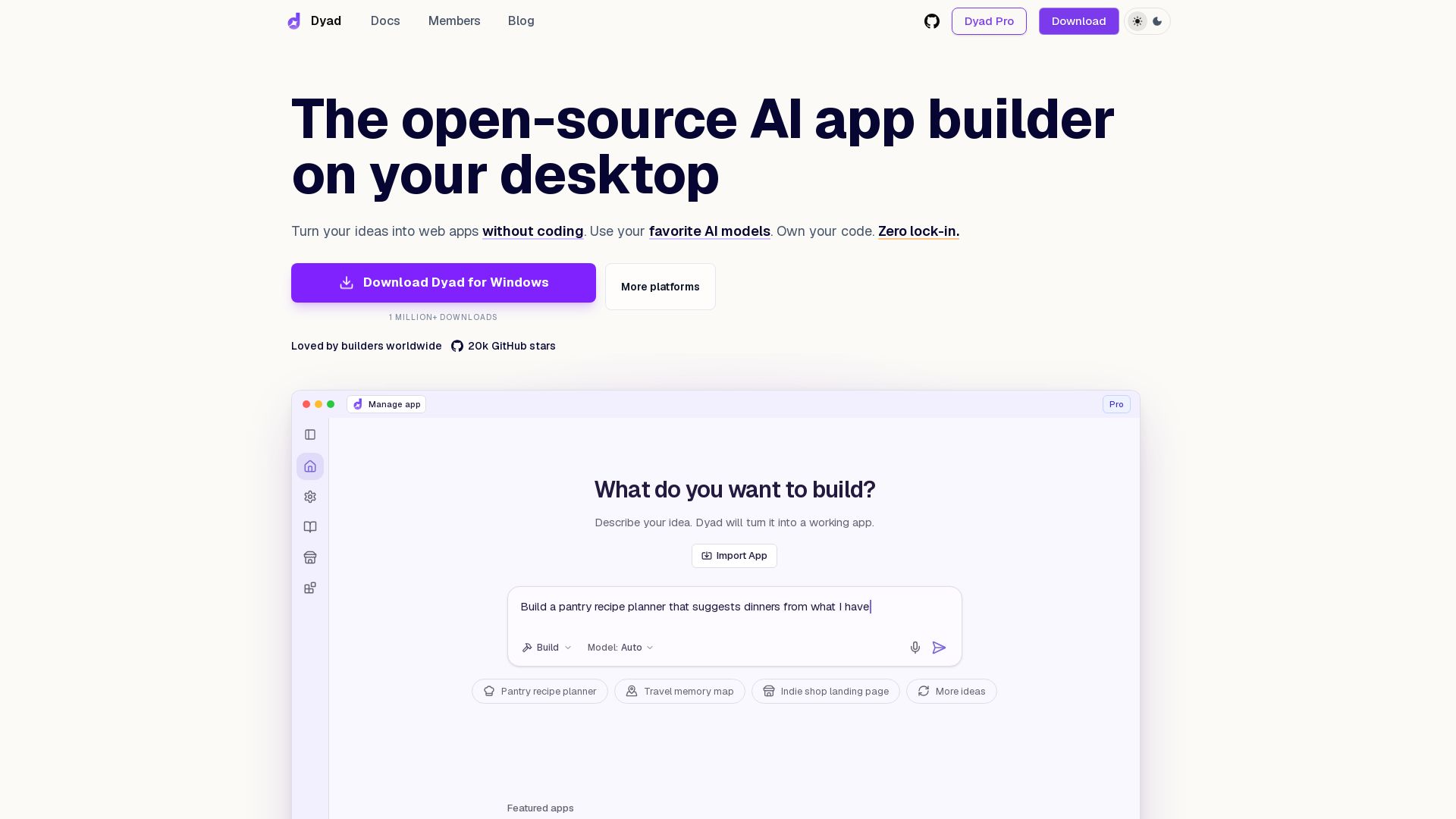
Turn ideas into web apps without coding. Runs locally, uses any AI model, and exports clean code you own. Free, open-source, and community-driven.
Editor's Verdict
Key Takeaways
- No-Code App Builder
- Use Any AI Model
- Local First
- Own Your Code
In-Depth Review: What is Dyad?
Dyad is a free, open-source AI app builder that runs on your machine. It lets you create full-stack web apps by describing your idea, using any AI model (OpenAI, Anthropic, local models, etc.). You own the generated code, can export it anytime, and deploy anywhere. Features include local-first architecture, security scanning, and a plugin catalog. Loved by a global community, Dyad offers transparent pricing and zero lock-in.
Core Features
No-Code App Builder
Turn your ideas into web apps without coding. Describe your idea and Dyad will build it.
Use Any AI Model
Supports OpenAI, Anthropic, Ollama, LM Studio, and more. Add almost any model in seconds.
Local First
Runs on your machine. Your data stays with you. Offline-capable.
Own Your Code
Export clean, runnable code anytime. No lock-in. Import existing apps or export.
Open Source
Transparent by design. 21k GitHub stars. Inspect, fork, and extend the codebase.
End-to-End Development
Create apps from start to finish with deep customization and structure.
Full-Stack with Supabase
Connect accounts for instant database, auth, and server function support.
Security Reviews
Scan for critical security issues like SQL injection and XSS, with clear fixes.
Publish Anywhere
Deploy to GitHub and Vercel in a few clicks, or bring your own cloud.
Bring Your Own Tools
Extend with any MCP server, template, or JavaScript framework.
Community Driven
3,000+ builders on Reddit, 22+ contributors worldwide. Feedback shapes releases.
Pricing
Dyad Free
- Local, open-source AI App Builder
- Downloadable for macOS & Windows
- No sign-up required
- Bring your own API key
- Community support
Dyad Pro
- Everything in Dyad Free
- Exclusive Pro modes to work on large codebases
- 200 AI credits/month
- Full Dyad Academy access
Dyad Max
- Everything in Dyad Pro
- 900 AI credits/month
- Prioritized access to office hours
- Reload credits at any time (same price)
Pros and Cons
Pros
- Local & PrivateDyad runs entirely on your machine, ensuring your data never leaves your control.
- Model AgnosticUse any AI model you prefer, from top-tier providers to local models like Ollama.
- Full OwnershipExport clean code anytime. No lock-in; you own every piece of your application.
- Open SourceFully transparent codebase with 21k GitHub stars, inspectable and extendable.
- End-to-End FlexibilityFrom idea to deployment, with security scans, Supabase integration, and one-click publishing.
Cons
- Requires Local DownloadMust install on your machine; no fully web-based version available.
- API Keys RequiredFor Pro and many models, you need to provide your own API keys from providers.
- Credits LimitationPro and Max plans have monthly AI credits that may limit heavy usage.
- Learning Curve for Non-DevelopersWhile no-code, some technical concepts like MCP servers may be challenging for absolute beginners.
- Beta StageCurrently in v1.9.0-beta.3; some features may be experimental or incomplete.
Use Cases & Recommended Professions
Non-Technical Entrepreneurs→ View Toolkit
Quickly prototype and launch web apps without writing code, validating ideas fast.
Product Managers→ View Toolkit
Build MVPs or internal tools to test features and workflows before developer handoff.
Indie Developers→ View Toolkit
Create full-stack applications with AI assistance while retaining full code ownership.
Designers→ View Toolkit
Turn design concepts into functional web interfaces without depending on engineering resources.
Tinkerers & Hobbyists→ View Toolkit
Experiment with AI models and build personal projects in a local, open-source environment.
Small Business Owners→ View Toolkit
Build landing pages, CRMs, or inventory tools tailored to their specific needs affordably.
Frequently Asked Questions
Alternative AI Tools
View Detailed Comparison →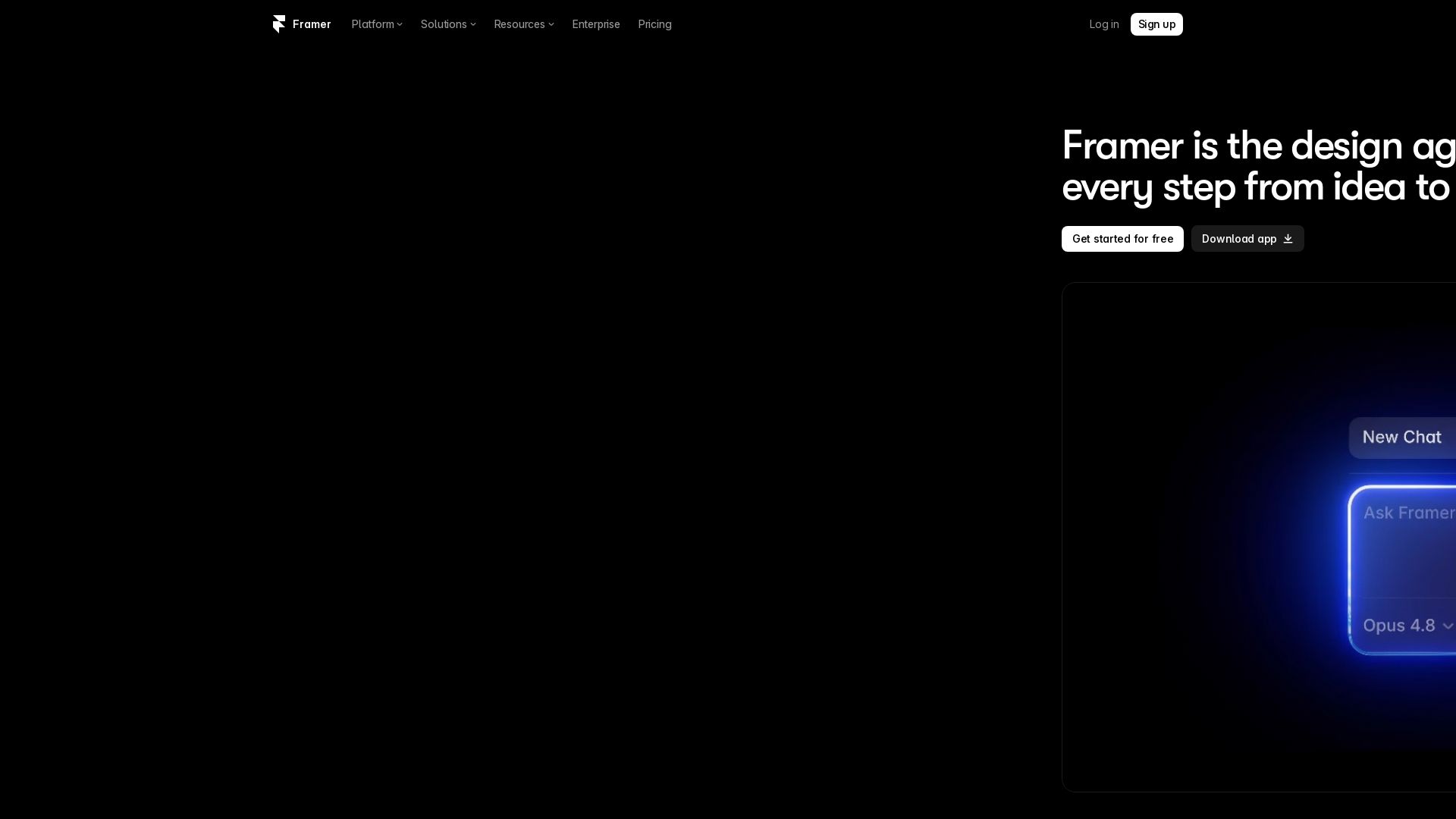
Framer
Design and launch stunning sites with Framer's AI agents. Manage CMS, code, and publish faster. Trusted by modern teams. Get started free.


Motiff AI
Generate production-ready UI from text, wireframes, or screenshots with Motiff AI. Choose preset styles, export to React/HTML. Fast, consistent design.


Figma
Figma is the intelligent, AI-native canvas for designing, prototyping, and building products together. Trusted by 95% of Fortune 500. Explore design and dev tools.


Superdesign
Create stunning designs with AI. Iterate quickly using natural language. Export production-ready code. Browse design prompts and styles.


Anima
Convert Figma designs, images, and code into live HTML/React apps. AI with design context for developers and agents.


UX Pilot
Ideate, design, and hand-off web apps in seconds with UX Pilot's AI. Generate wireframes, hi-fi designs, and clean code. Trusted by 1M+ users.


Figma Console MCP
Connect AI to Figma for design extraction, token sync, and component creation. Turn your design system into a programmable API.

I Tested Every Major Open-Source AI Agent SDK So You Don't ...
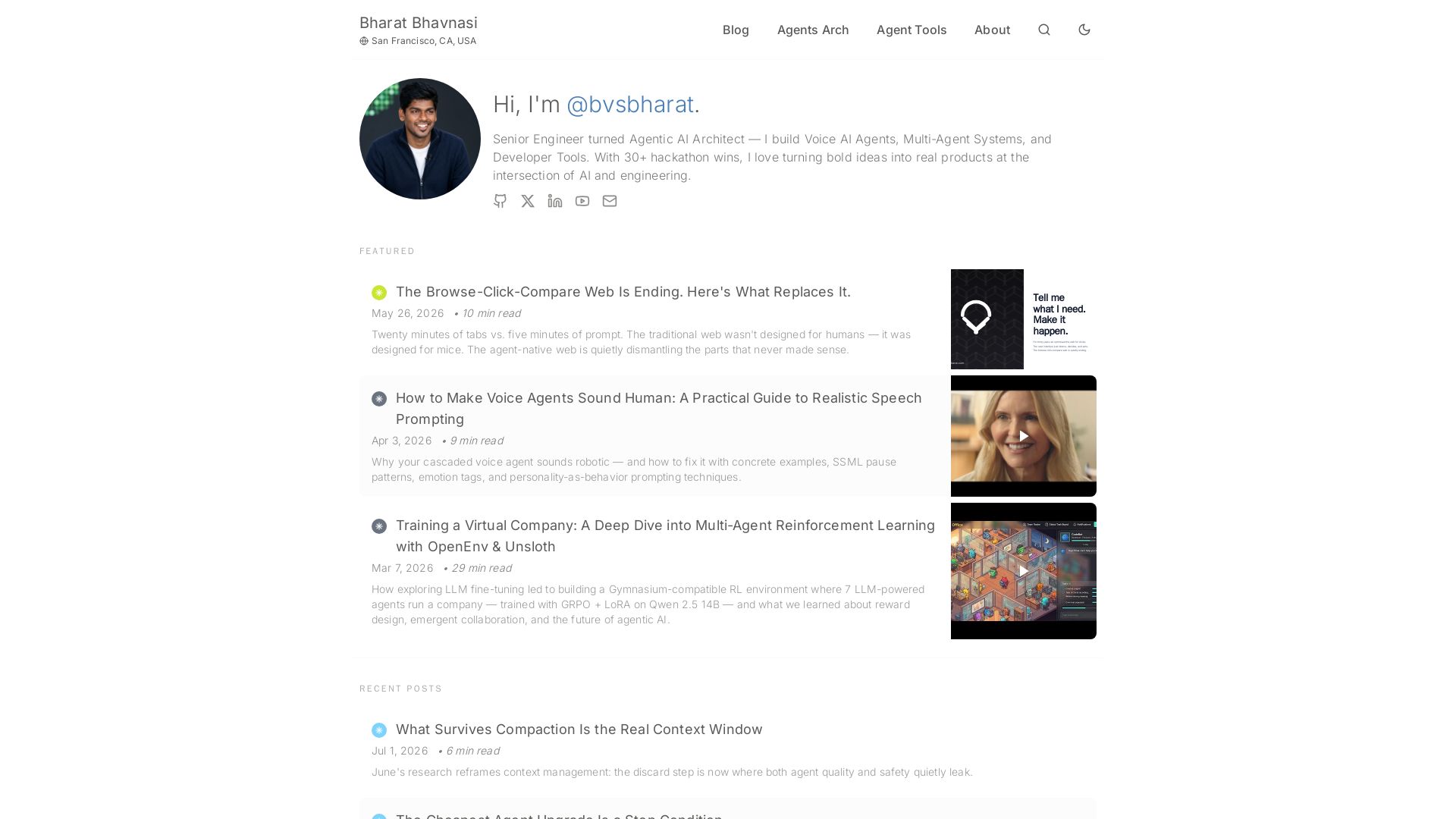
Explore insights on Voice AI Agents, Multi-Agent Systems, and Developer Tools from a 30+ hackathon winner. Practical guides and cutting-edge research.


Making AI think and act: my approach to the Hugging Face AI ...
Experienced AI engineer specializing in medical imaging and LLM-powered agents. Built globally deployed radiology AI at AZmed. Now building AI agents at Matrix One.

AI Elements Vue
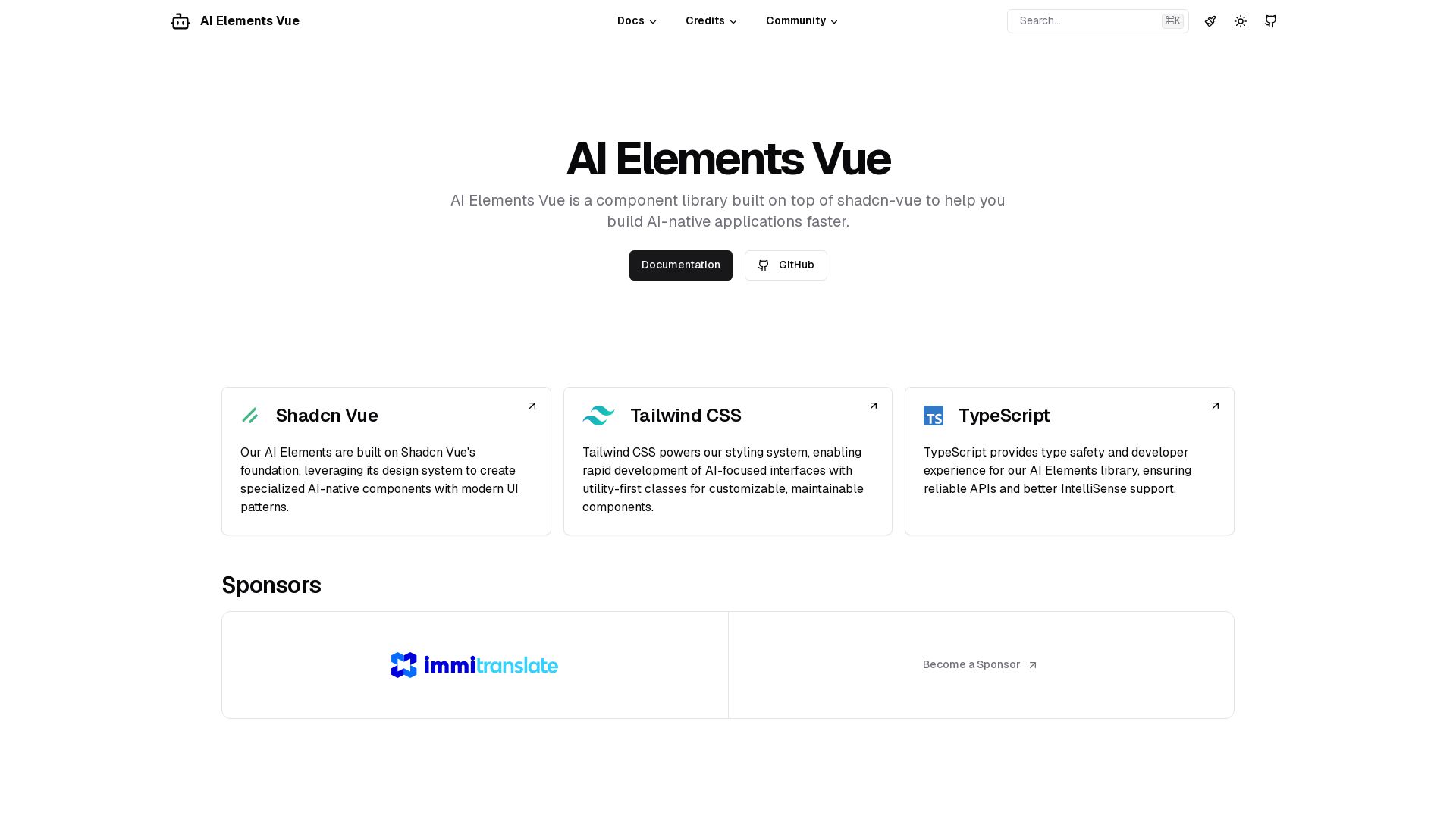
Build AI-native apps faster with AI Elements Vue: a component library on shadcn-vue with Tailwind CSS & TypeScript. Pre-built AI components.


Flux
Design PCBs with AI. Flux is a browser-based eCAD with real-time collaboration, live component data, and AI assistance from idea to manufacturing.


Komposo
Turn product ideas into real, editable designs with AI. Generate, edit, and export UIs using plain language. Trusted by 100k+ users. Start for free.

ℹ️ Curation Disclosure: The overview and features of Dyad were synthesized using AI and fact-checked by our curation team to ensure accuracy.
