
Domer AI
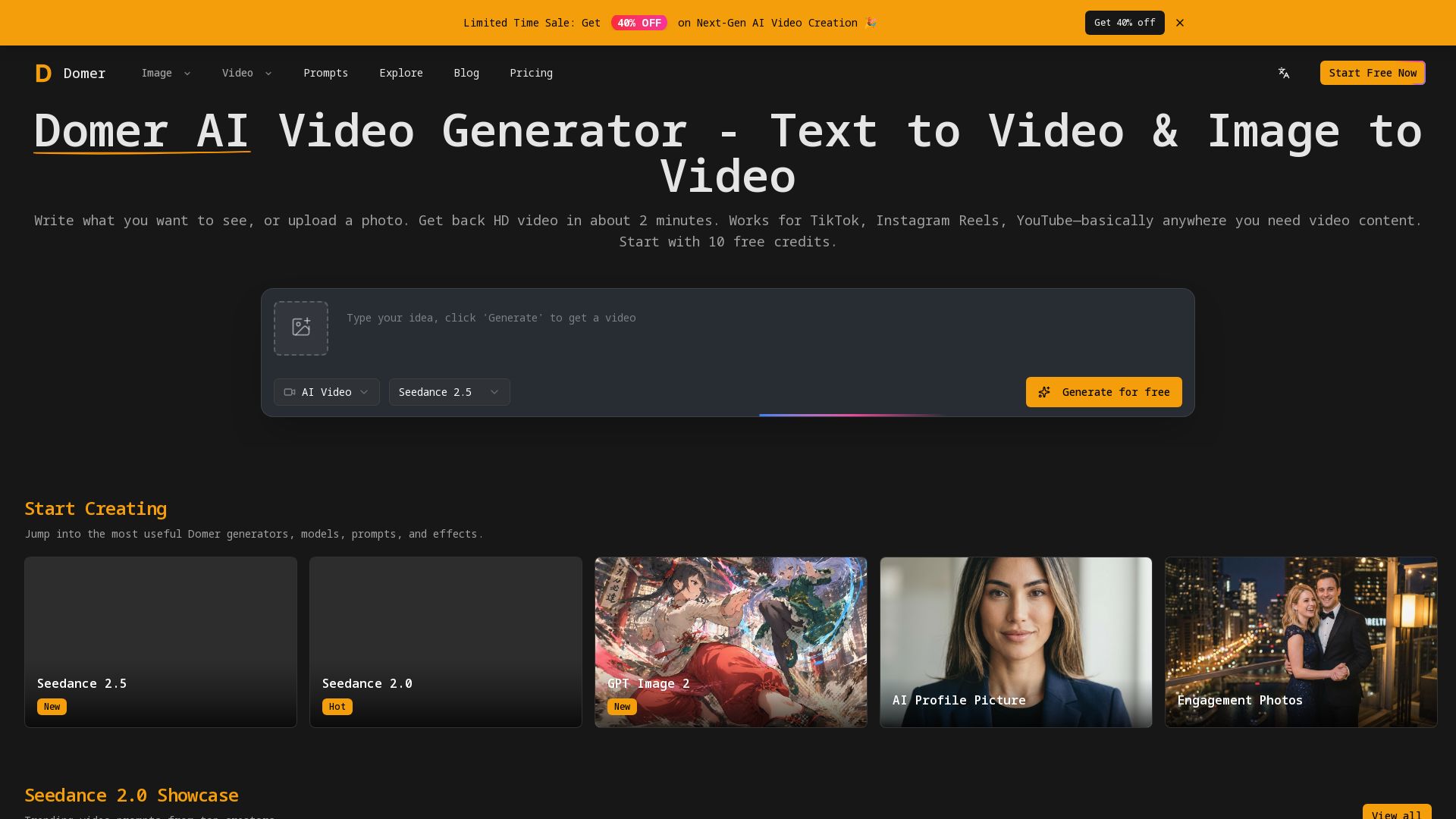
Create HD videos from text or photos with Domer AI. Generate AI videos, images, and more. Free credits, no watermark, commercial use.
Editor's Verdict
Key Takeaways
- AI Video Generator
- Multi-Model Support
- Text-to-Video
- Image-to-Video
In-Depth Review: What is Domer AI?
Domer AI is an all-in-one AI creative platform that lets you generate professional videos and images from text or photos. With support for top models like Veo, Kling, and Wan, you can create HD video content for TikTok, Instagram, YouTube, and more in minutes. Start with 10 free credits, no watermark, and full commercial rights to your creations. Whether you're a content creator, marketer, or small business, Domer makes video production fast, easy, and affordable.
Core Features
AI Video Generator
Create HD videos from text prompts or by animating uploaded photos in about 2 minutes. Supports text-to-video and image-to-video workflows.
Multi-Model Support
Access multiple models including Google Veo for quality, Kling for speed, and Wan for longer clips, plus image models like GPT Image 2 and Nano Banana 2, all from one platform.
Text-to-Video
Describe a scene in words and get a polished video ready for TikTok, Instagram Reels, YouTube, or any other platform.
Image-to-Video
Upload a photo and describe how it should move—camera pans, rotations, zoom effects—to animate still images into engaging clips.
No Watermark & Full Rights
Every video and image exports clean without watermarks. Users get full commercial usage rights with no attribution required.
Free Credits That Never Expire
New users receive 10 free credits on sign-up with no credit card required. Purchased credits also never expire and roll over.
AI Image Generator
Generate still images from text descriptions in seconds for thumbnails, concept art, social media content, and more.
AI Image Editing / Image-to-Image
Transform and restyle existing photos, apply artistic styles, change backgrounds, or turn sketches into detailed visuals.
Prompt Library & Templates
Browse a rich library of trending prompts, visual effects, camera control templates, UGC ad presets, and influencer-ready workflows.
Short-Form Content Focus
Built for Instagram Reels, TikTok, YouTube Shorts, and other social formats with multiple aspect ratios including 9:16 and 16:9.
Ultra HD & Private Generation
Paid plans unlock Ultra HD resolution, private generation, faster processing speeds, and an ad-free experience for professional work.
Commercial Use Included
All exports can be used for client work, advertising, product demos, and monetized platforms with no licensing restrictions.
Pricing
Free
- 10 free credits
- No credit card required
- Credits never expire
Basic
- 6000 credits/month
- Up to 3000 images
- Credits never expire
- Basic + Mid models
- HD, watermark-free downloads
- Private generation
- Faster generation speed
- Ad-free experience
Pro
- 14400 credits/month
- Up to 7200 images
- Credits never expire
- All models
- HD, watermark-free downloads
- Private generation
- Faster generation speed
- Ad-free experience
Ultra
- Up to 60000 credits/month
- Up to 15000 images
- Credits never expire
- All models + early access to new models
- HD, watermark-free downloads
- Private generation
- Faster generation speed
- Ultra HD resolution
- Ad-free experience
Pros and Cons
Pros
- Multiple AI Models in One PlaceUsers can choose from cutting-edge video and image models (Veo, Kling, Wan, Seedance, GPT Image, Nano Banana) without switching platforms.
- No Watermarks & Full Commercial RightsExports are clean and unrestricted, making the platform ideal for client work, advertisements, and monetized social media content.
- Free Credits That Never ExpireNew users get 10 free credits with no credit card requirement, and all purchased credits roll over indefinitely.
- Fast GenerationCreate HD videos in about 2 minutes and images in 5–10 seconds, enabling rapid iteration and high-volume content production.
- Versatile Creation WorkflowsSupports text-to-video, image-to-video, text-to-image, and image-to-image, letting users bring ideas from scratch or transform existing visuals.
Cons
- Quality May Not Be Top-Tier for Fine ArtWhile excellent for social media and concepts, the output may not match dedicated fine-art tools like Midjourney for maximum artistic polish or print-quality resolution.
- Advanced Editing Controls Are LimitedLacks inpainting, outpainting, ControlNet, and other granular controls that advanced users expect from local or specialized AI tools.
- High Credit Consumption for VideoVideo generation can cost between 25 and 300 credits per clip depending on the model and length, which can drain packages quickly.
- Requires Internet ConnectionThe platform is cloud-based and needs a stable internet connection; there is no offline or self-hosted version.
- Pricing Can Be ConfusingMultiple billing options (monthly, yearly, one-time) and model-specific credit costs may confuse new users when estimating effective prices.
Use Cases & Recommended Professions
Content Creator / Social Media Influencer→ View Toolkit
Needs to consistently produce engaging short-form videos for TikTok, Instagram Reels, and YouTube Shorts without expensive equipment or a production team.
Social Media Manager→ View Toolkit
Manages multiple brand accounts and needs to generate unique video content quickly for each platform while maintaining a consistent posting schedule.
Freelance Videographer→ View Toolkit
Delivers fast turnarounds for clients and can create high-quality AI-generated video concepts, B-roll, and client demos without lengthy editing sessions.
YouTube Creator→ View Toolkit
Generates B-roll, intro clips, and visual effects for videos, saving hours of stock footage searching and enabling more output.
E-commerce Owner→ View Toolkit
Creates product demo videos, ad creatives, and engaging product visuals from still photos to improve online store conversions.
Marketing Manager→ View Toolkit
Produces social media video ads and campaign visuals at scale, leveraging image-to-video to turn product photos into compelling animated content.
Frequently Asked Questions
Alternative AI Tools
View Detailed Comparison →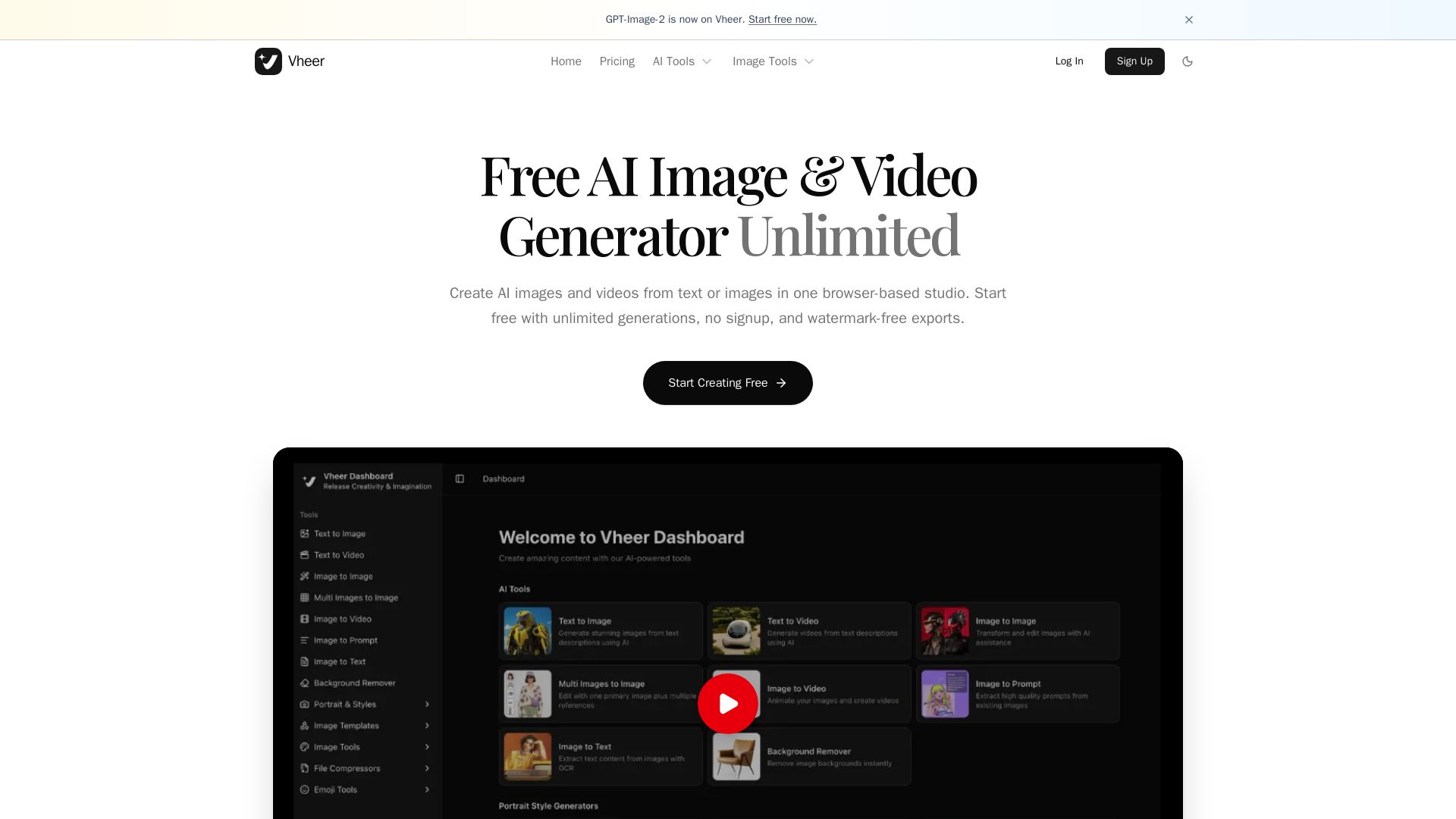
Vheer
Create stunning AI images and videos from text or images. Unlimited generations, no signup, watermark-free. Advanced models in one browser-based studio.

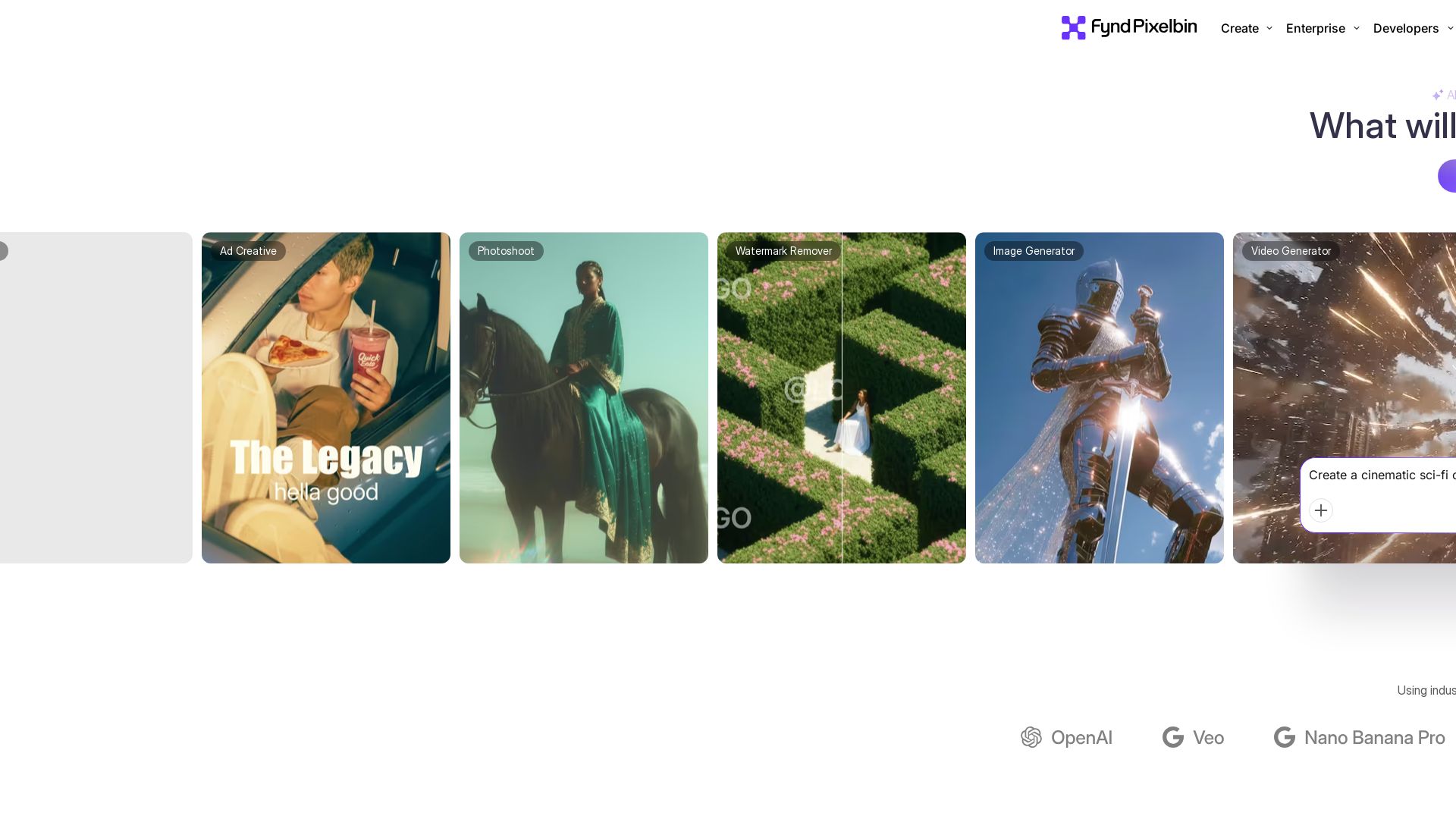
Pixelbin AI Studio
Create stunning visuals with Pixelbin's AI tools: image editing, video generation, upscaling, batch processing. Trusted by 58M+ users. Free to start.

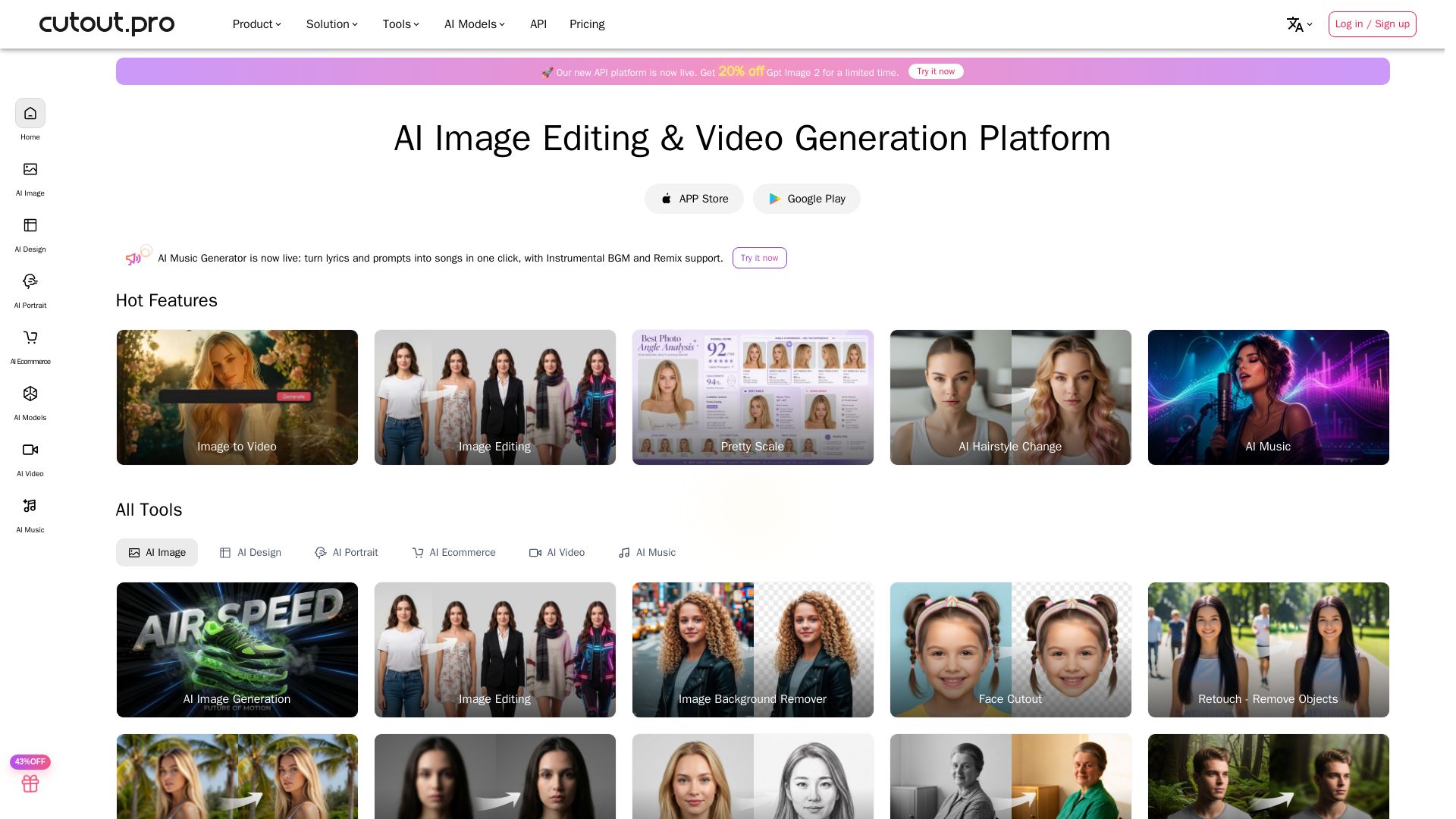
Cutout.Pro
Cutout.Pro offers AI image editing, video generation, background removal, and API integration. Trusted by 25K+ businesses. Get started for free.


Pixlr
Edit, generate, and design with Pixlr's free AI photo editor. Transform photos, create images from text, and more – all in your browser. No download needed.

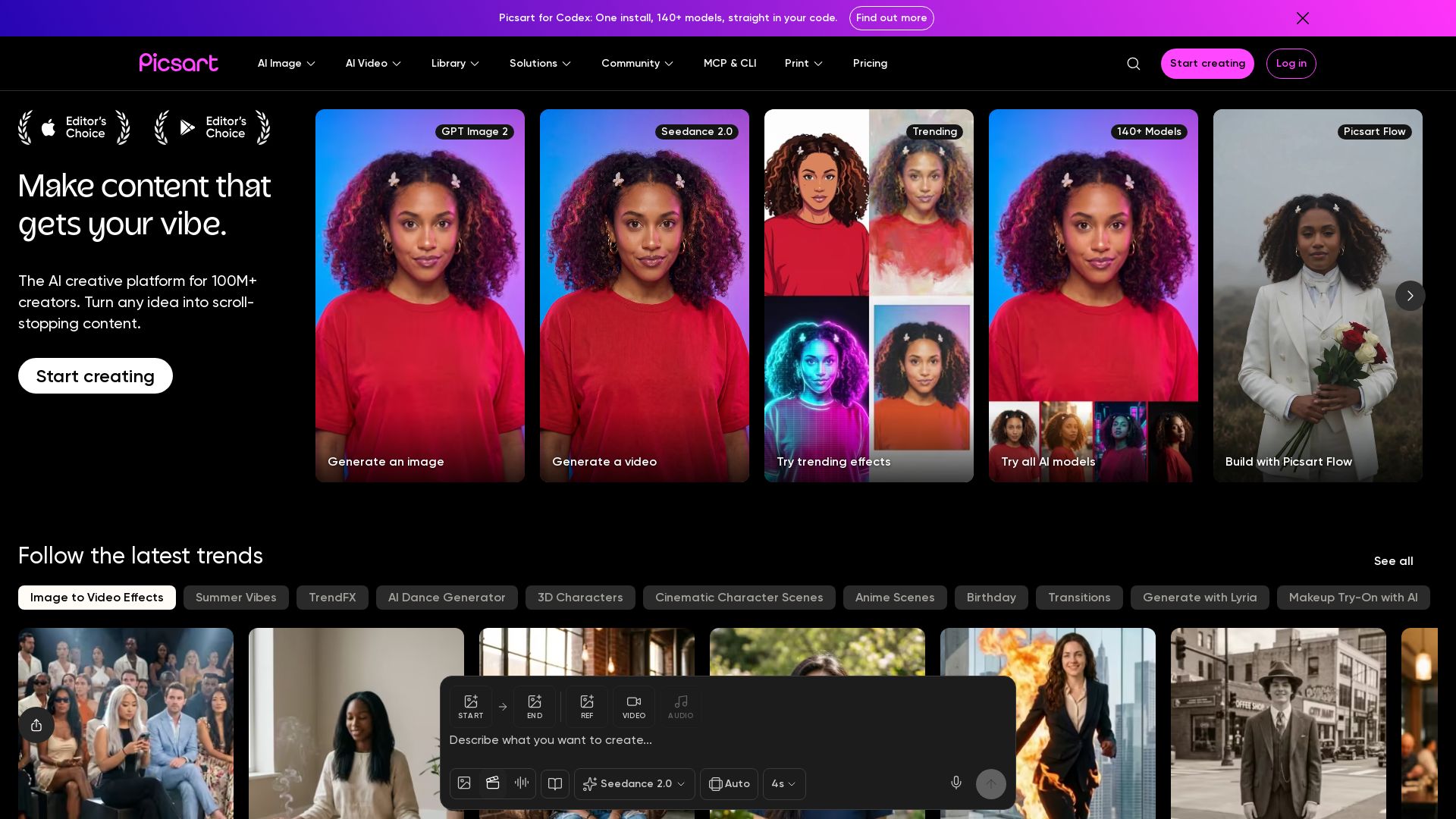
Picsart
Generate AI images & videos, edit photos, and access 140+ models. Picsart's AI creative platform for 100M+ creators. Start for free!


SeaArt AI
Turn ideas into stunning images and cinematic videos with SeaArt AI. Free tools, community, and advanced models like Seedance 2.0.

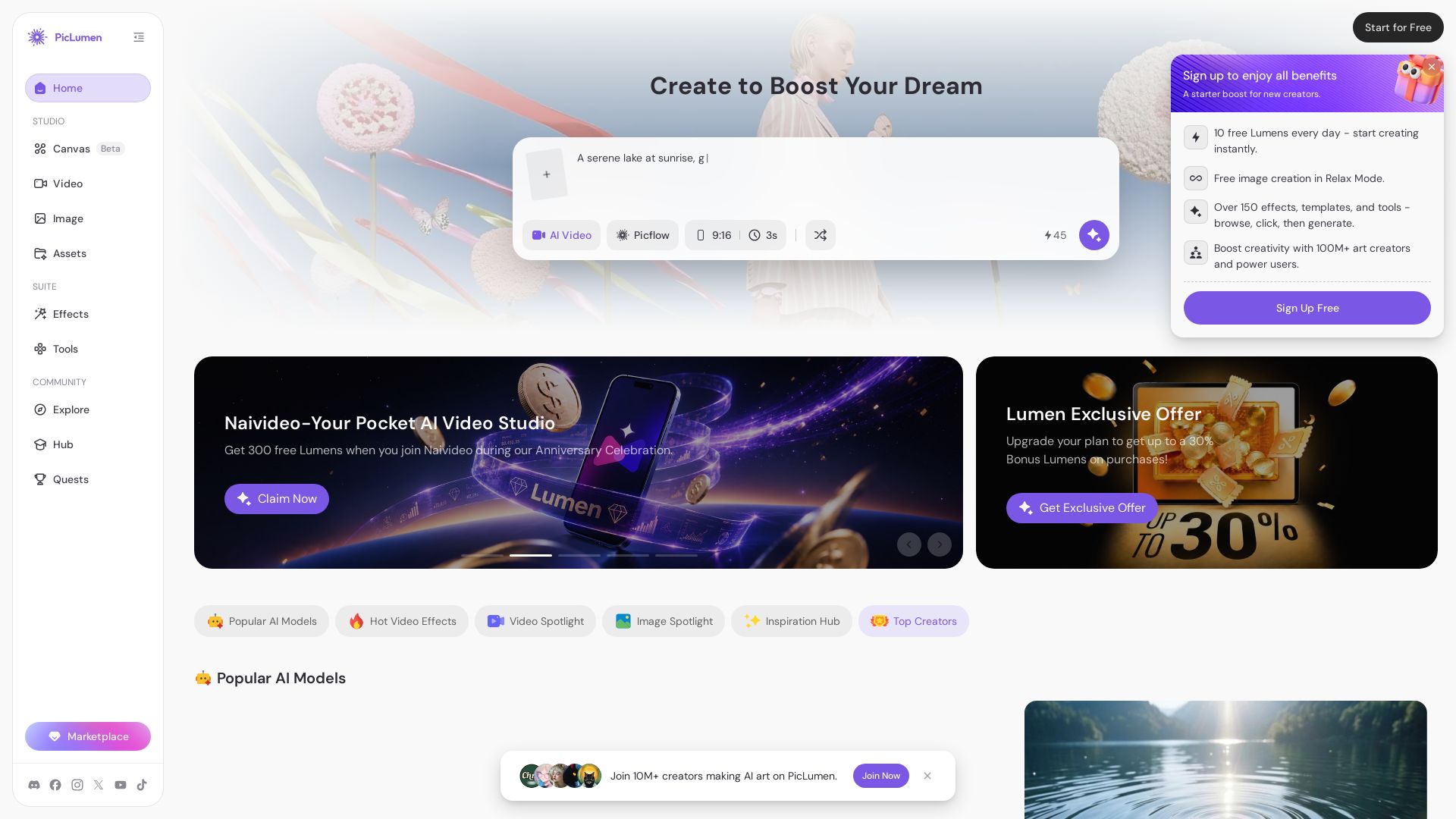
PicLumen
Create stunning AI images and videos with top models. Free to start. Join a vibrant creator community. Try PicLumen today!


AI Video - AI Video Generator
Create animated videos from text or images with AI. Drag-and-drop editing, lip-sync, HD export. No skills needed. Download free!

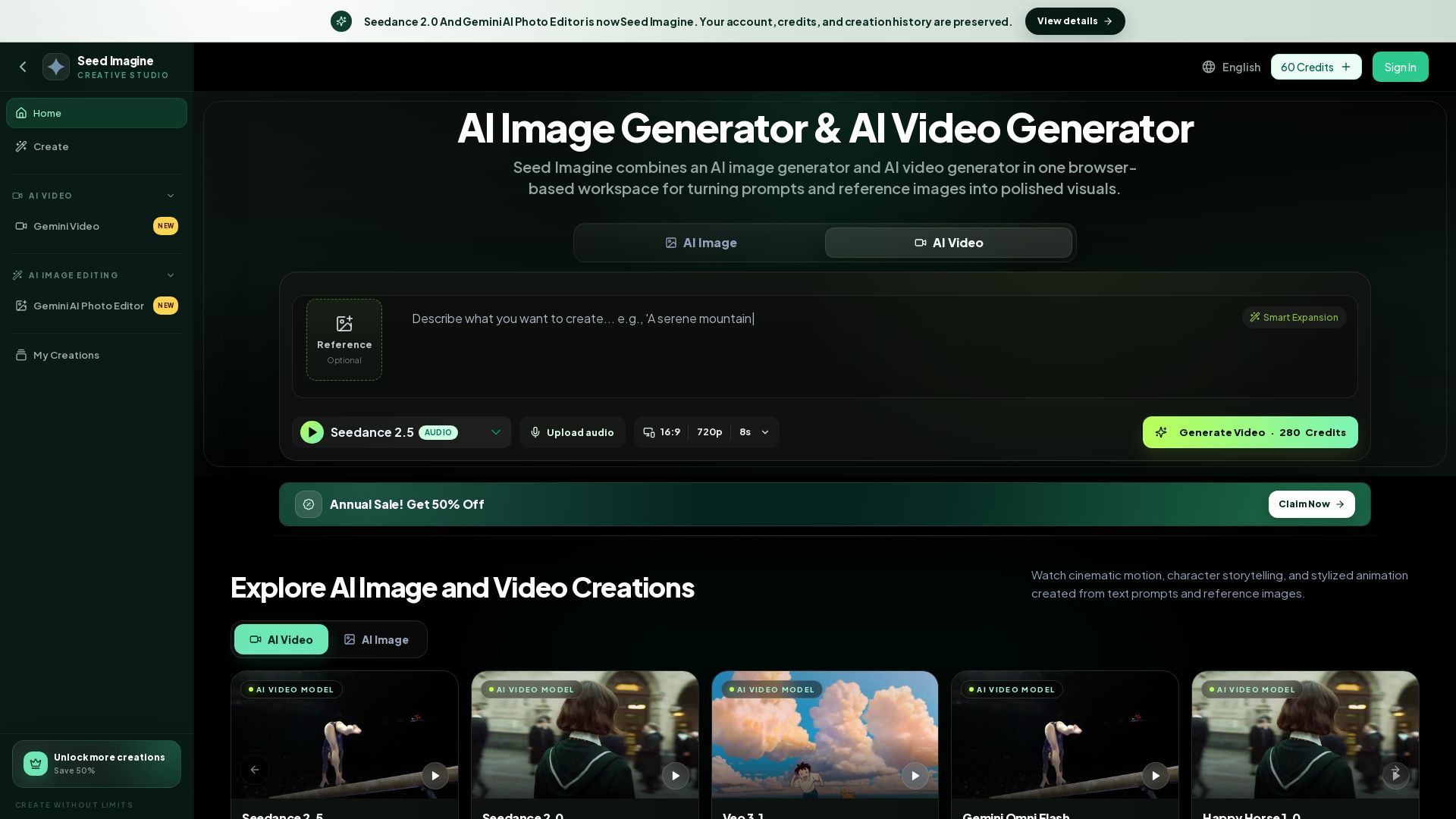
Seed Imagine
Create stunning AI images and videos from text or reference images. Preserved credits from Seedance 2.0. Free credits available. Try now!

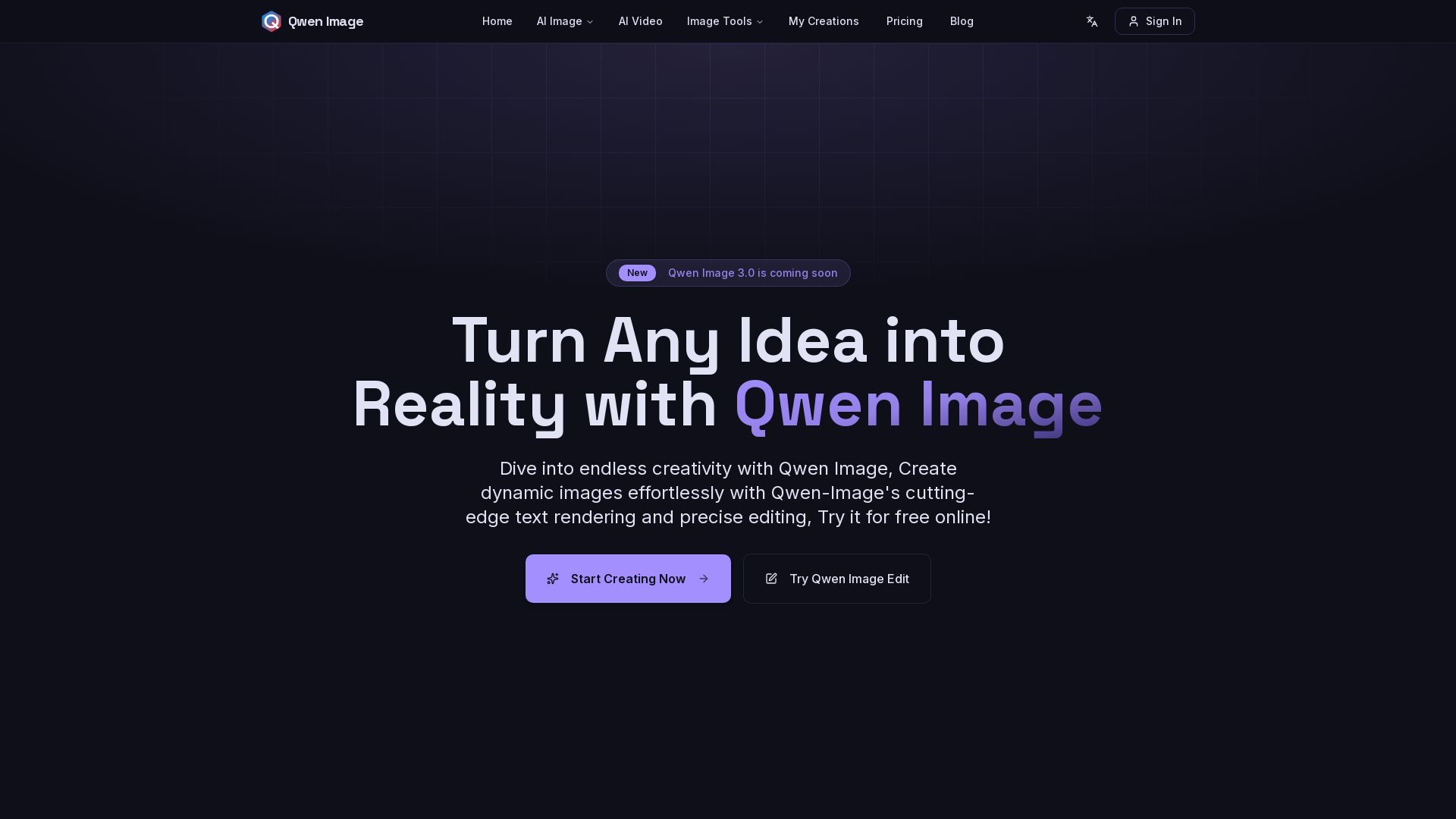
Qwen Image
Free AI image generator with superior text rendering and precise editing. Create commercial-quality images for any project.

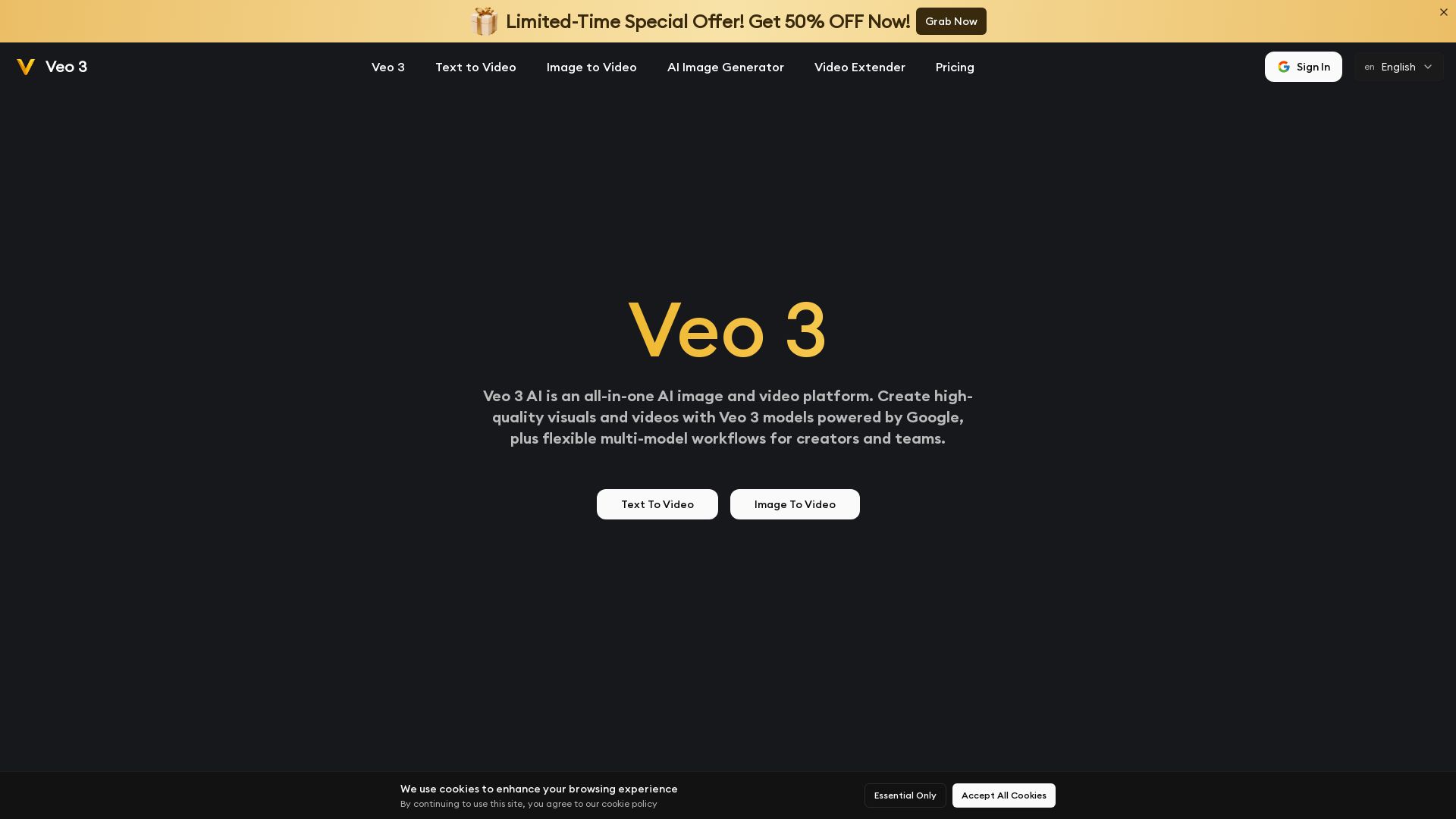
Veo 3 AI
Create stunning AI videos and images with Veo 3 AI. Text-to-video, image-to-video, realistic motion & audio. Powered by Google's Veo 3 models. Try now!

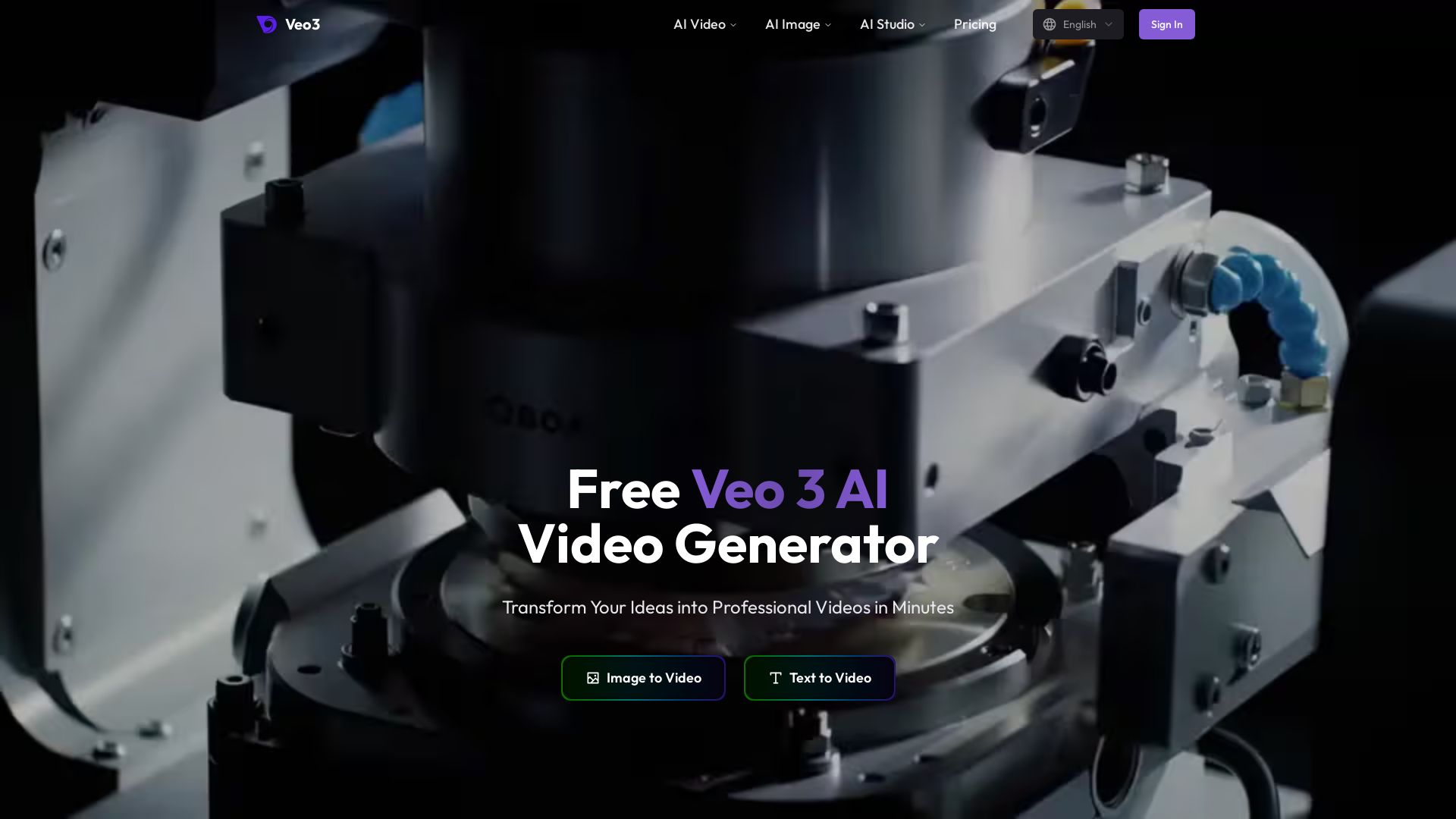
Veo3 AI
Create stunning videos from text or images using top AI models like Veo3, Sora 2, and Seedance. Free, all-in-one platform. No juggling multiple tools.

ℹ️ Curation Disclosure: The overview and features of Domer AI were synthesized using AI and fact-checked by our curation team to ensure accuracy.
