
Beautiful.ai
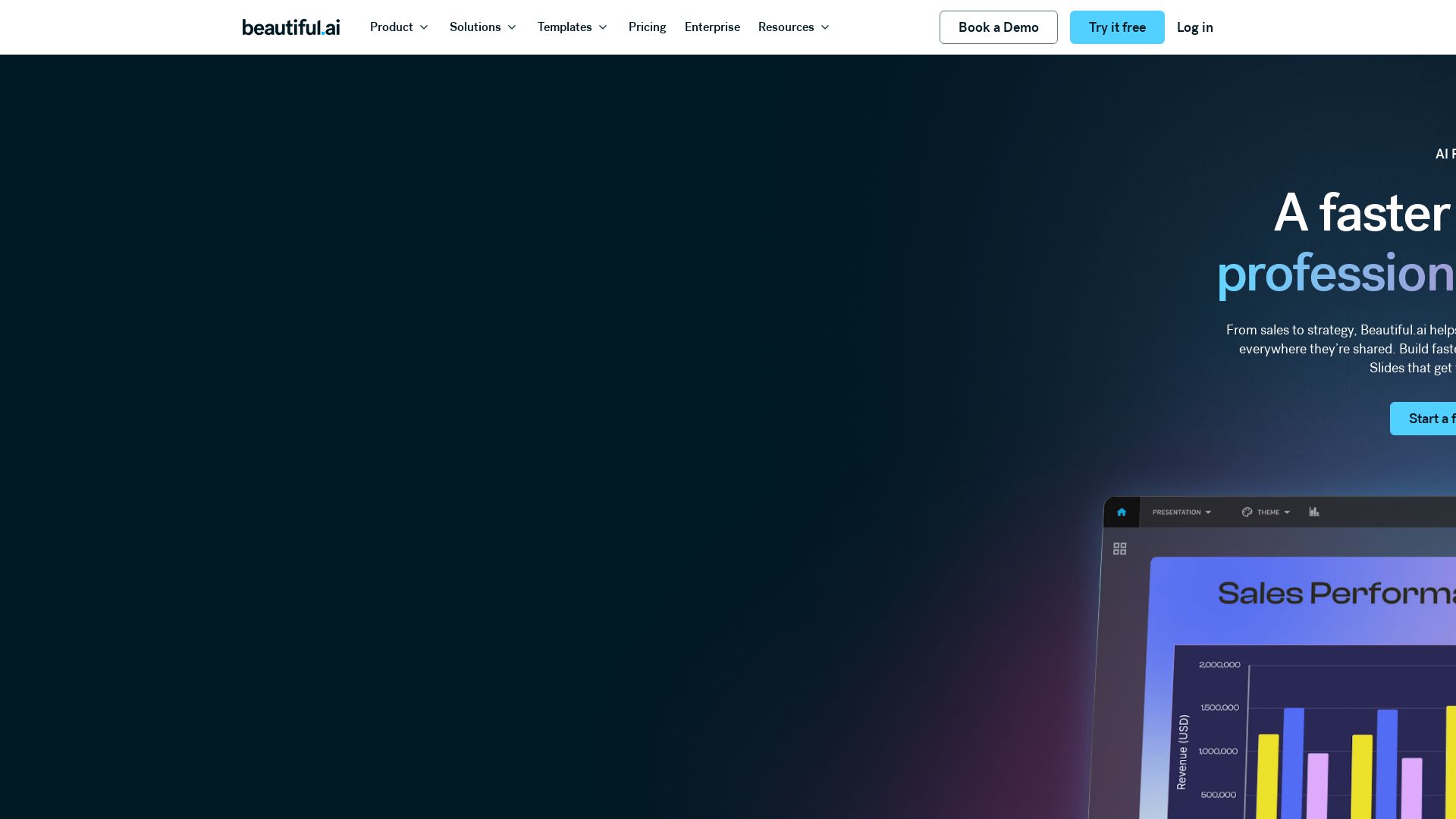
Create professional presentations 10x faster with Beautiful.ai. AI-powered slide design, smart templates, and brand controls. Start free.



Editor's Verdict
Key Takeaways
- Smart Slides
- Create with AI
- Themes & Brand Control
- Data Visualization
In-Depth Review: What is Beautiful.ai?
Beautiful.ai is an AI presentation maker that helps teams create polished, on-brand slides in minutes. With Smart Slides that auto-align and resize, AI workflow to refine outlines before generating, and customizable themes, you can build work-ready decks 10x faster. It offers 300+ layouts, data visualization, animations, and collaboration features for individuals, freelancers, and enterprises.
Core Features
Smart Slides
Intelligent layouts that auto-align, resize, and animate content as you edit, ensuring perfect spacing and hierarchy.
Create with AI
Guided AI workflow that refines outlines before generating slides, allowing iterative customization while preserving content.
Themes & Brand Control
Define colors, fonts, logos, and footers once; reuse across decks for consistent brand identity.
Data Visualization
Create animated charts and graphs linked to spreadsheets for fast updates and live data integration.
Image Libraries
Direct access to a library of free, real-life stock images and videos without leaving the slide editor.
Presentation Templates
Professionally designed multi-slide templates built with Smart Slides for quick customization.
Presentation Workflows
Collaboration features including shared slide libraries, real-time editing, user permissions, and locked themes.
Viewer Analytics
Track views, slide engagement, and follow up at the right moment with shared presentation insights.
Animation & Narration
Add embedded voice or video context to slides for asynchronous delivery and clear messaging.
Auto-Aligning Slide Layouts
Over 300 Smart Slide layouts that realign and resize content automatically for polished designs.
Pricing
Individual
- Create beautiful presentations in minutes
- Access to Smart Slides and AI features
- Impress audience with professional slides
Freelancer & Agency
- Saved themes and templates
- Streamline pitch decks, updates, and reports
- Show clients professional quality without heavy lifting
Team
- Presentation workflows for scaling organizations
- Shared workspace and asset libraries
- Streamline deck creation, collaboration, and brand control
Enterprise
- Compliance and control for presentation workflows
- Brand integrity with guardrails
- Advanced permissions and SSO
- Enterprise-grade security
Pros and Cons
Pros
- Time SavingsBuild decks in minutes instead of hours; users report up to 75% reduction in presentation design time.
- Professional DesignDesigner-quality slides with auto-alignment, animations, and compelling data visualizations.
- Brand ConsistencyDefine brand elements once and apply across all slides; shared themes ensure team-wide consistency.
- AI-Powered WorkflowGuided AI process from idea to finished deck with iterative control over outline and design.
- Collaboration FeaturesReal-time collaboration, shared libraries, user permissions, and viewer analytics for teams.
Cons
- No Offline ModeRequires internet connection to access and edit presentations; no offline functionality mentioned.
Use Cases & Recommended Professions
Creative Director→ View Toolkit
Frees up creative team time for more strategic work while maintaining high-quality, on-brand presentations.
VP of Product Management→ View Toolkit
Reduces presentation creation time by 75%, allowing focus on core message and strategy rather than design.
VP of Research→ View Toolkit
Enables analysts to focus on storytelling and data insights instead of formatting, with faster production.
CEO→ View Toolkit
Creates beautiful, engaging learning content and startup pitches at speed without requiring PowerPoint expertise.
Marketing Manager→ View Toolkit
Breaks the norm with unique templates that help tell stories more effectively and sell more.
Sales Professional→ View Toolkit
Captivate prospects with polished decks, live animations, and recorded walkthroughs for follow-up.
Frequently Asked Questions
Alternative AI Tools
View Detailed Comparison →
Prezi
Prezi AI creates studio-quality presentations from your ideas. Describe or upload, get a polished deck in seconds. Refine via chat, export as PPTX or PDF. No design skills needed.


SlidesAI
Create beautiful presentations from notes, prompts, or docs with SlidesAI. Works in Google Slides, PowerPoint, ChatGPT & web. Save 85% time.


SlideSpeak
Turn PDFs, Word docs, and ideas into professional PowerPoint slides in minutes. AI-powered editor, video, and branding. Trusted by 1M+ users.


AiPPT
Transform ideas into stunning presentations instantly with AiPPT. Generate slides from text, documents, URLs, or templates. Import from Google Drive. Free and paid plans.


Figr
Ship better UX faster. Figr builds a living understanding of your product, maps flows, finds edge cases, and generates high-fidelity prototypes from your actual design system.

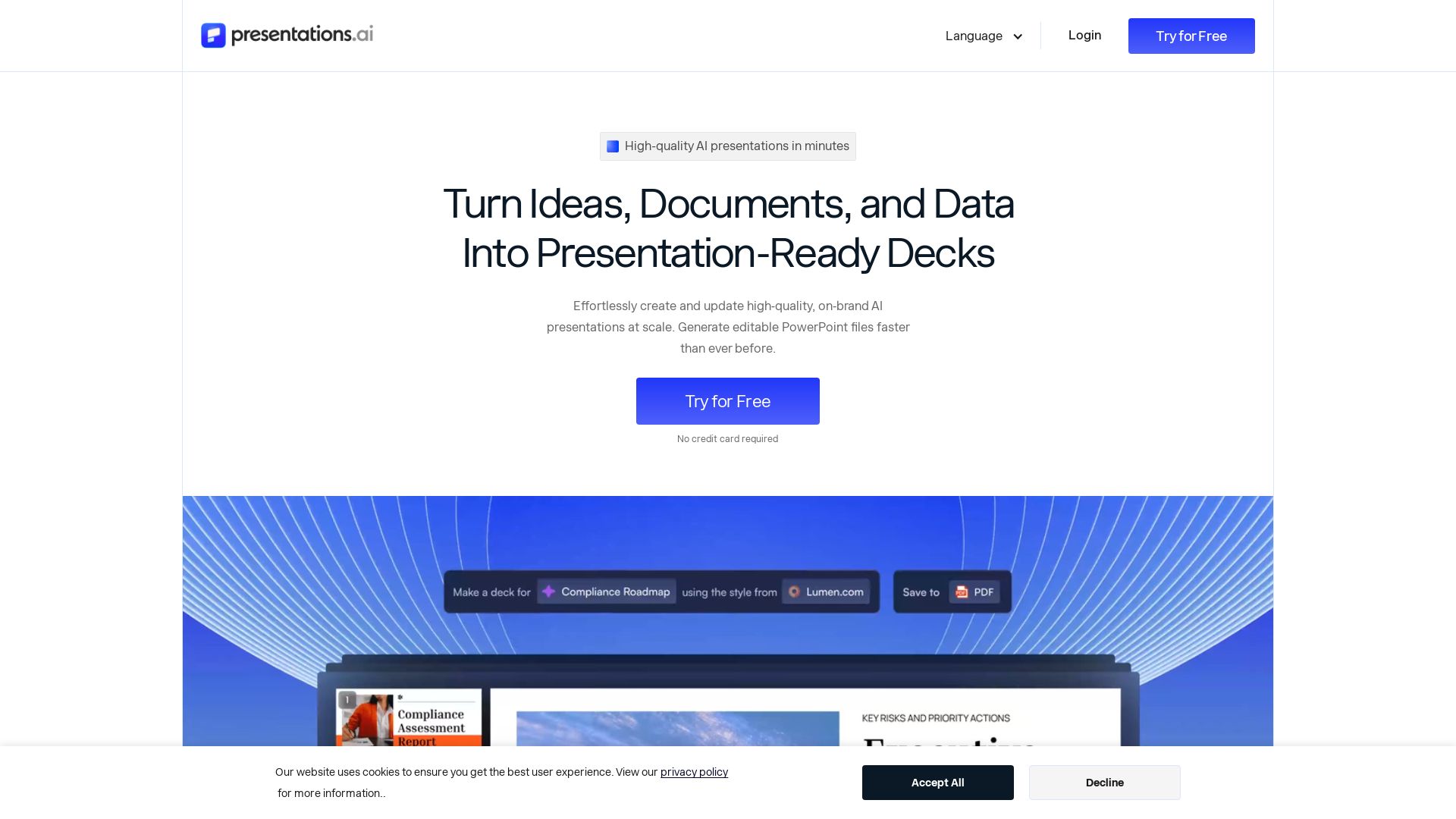
Presentations.AI
Create professional AI presentations in minutes. Turn ideas, documents, or data into editable PowerPoint slides with instant branding. Trusted by 12M+ teams.

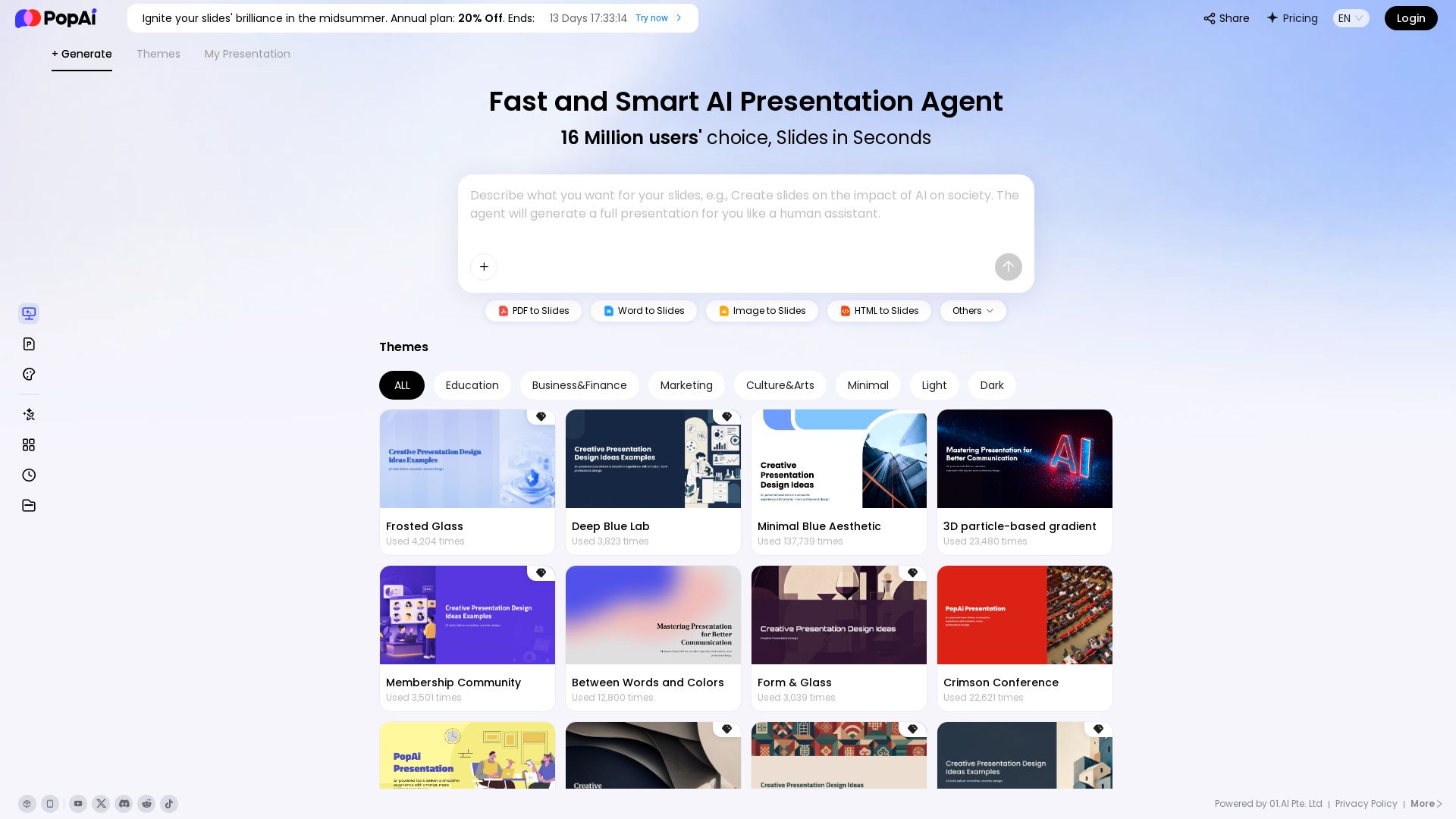
PopAi
Turn prompts, PDFs, Word docs into professional AI presentations. Fast, smart, and easy. 20% off annual plan. Try now!

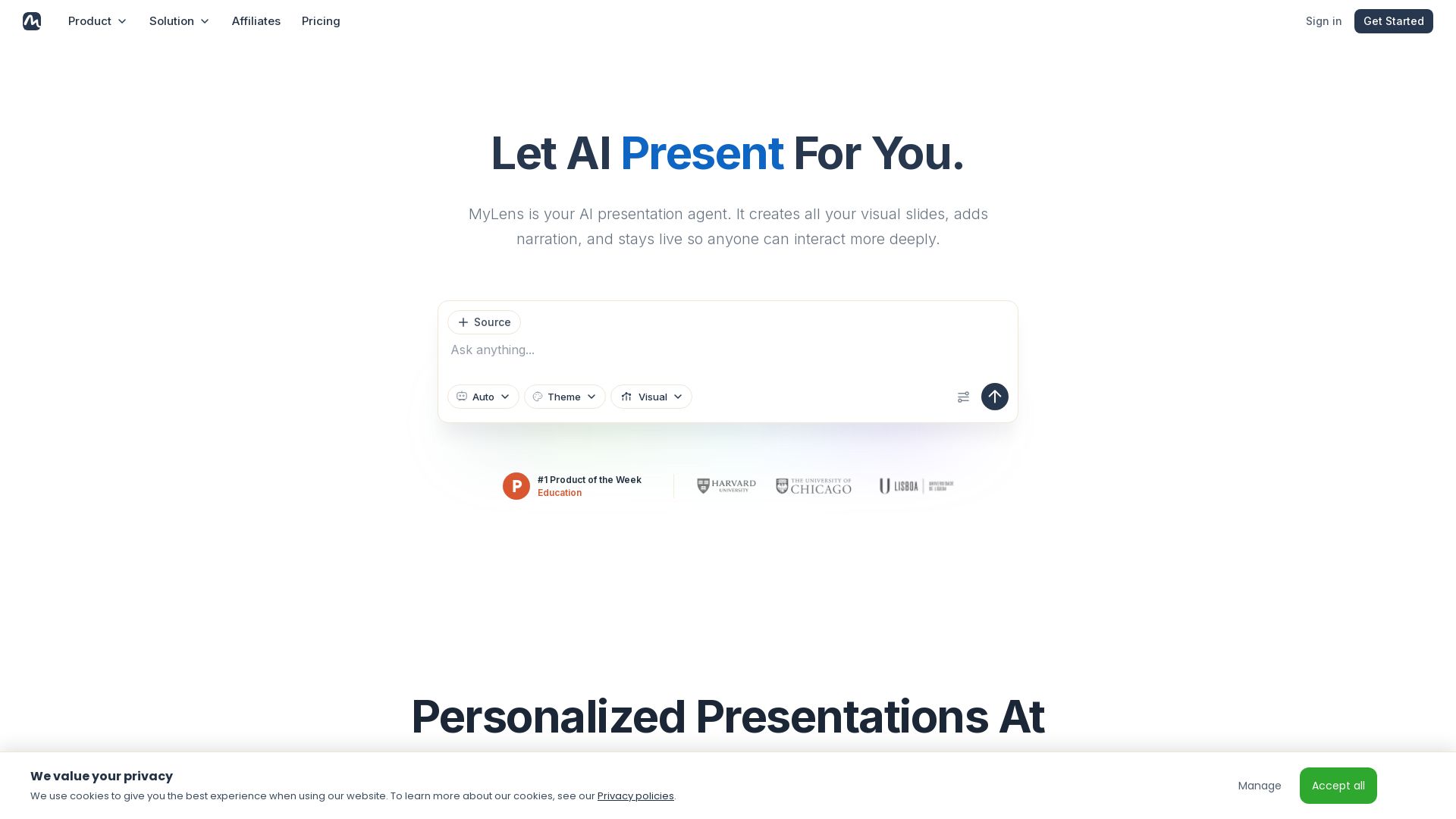
MyLens
Turn documents, links, or ideas into interactive presentations with AI narration. Engage your audience with live, explorable slides. Get started free.

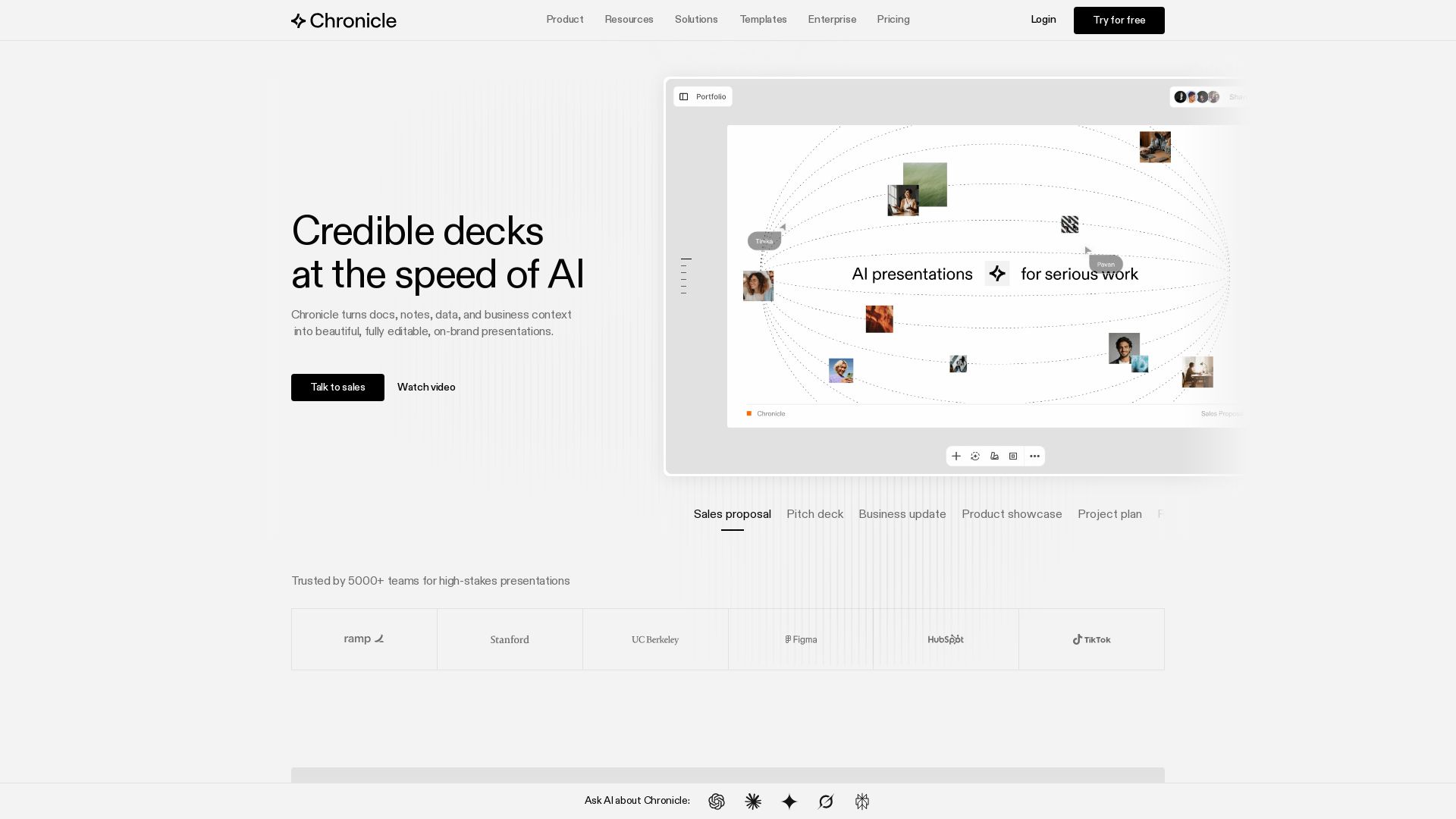
Chronicle
Create stunning presentations with AI. Trusted by 5000+ teams. Generate slides from notes, edit with AI, export to PPT. Built by ex-McKinsey, BCG, Apple experts.

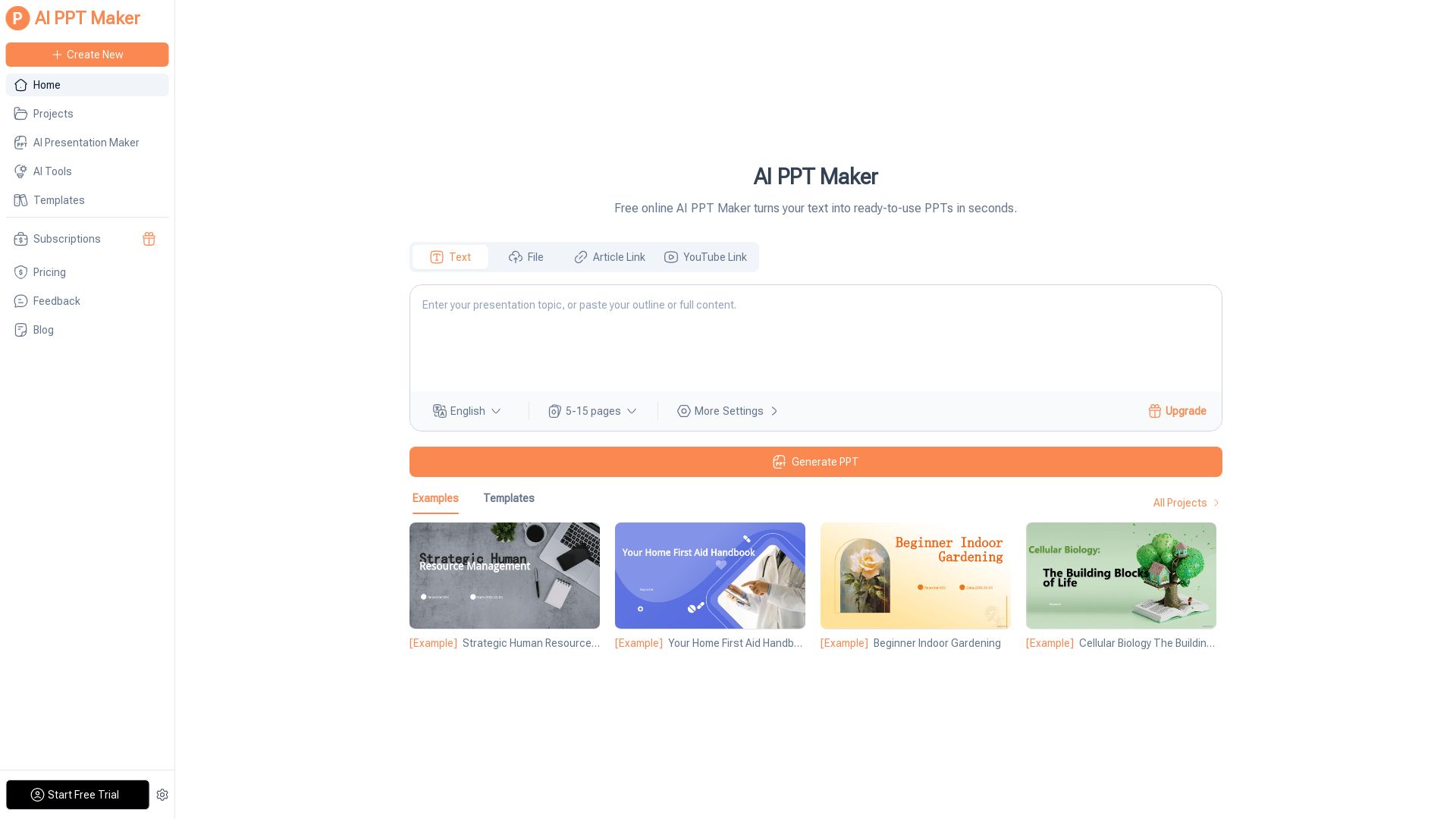
AI PPT Maker
Turn text, PDFs, videos into stunning PPTs in seconds. Free AI-powered tool with templates, customization, and instant download. Try now!
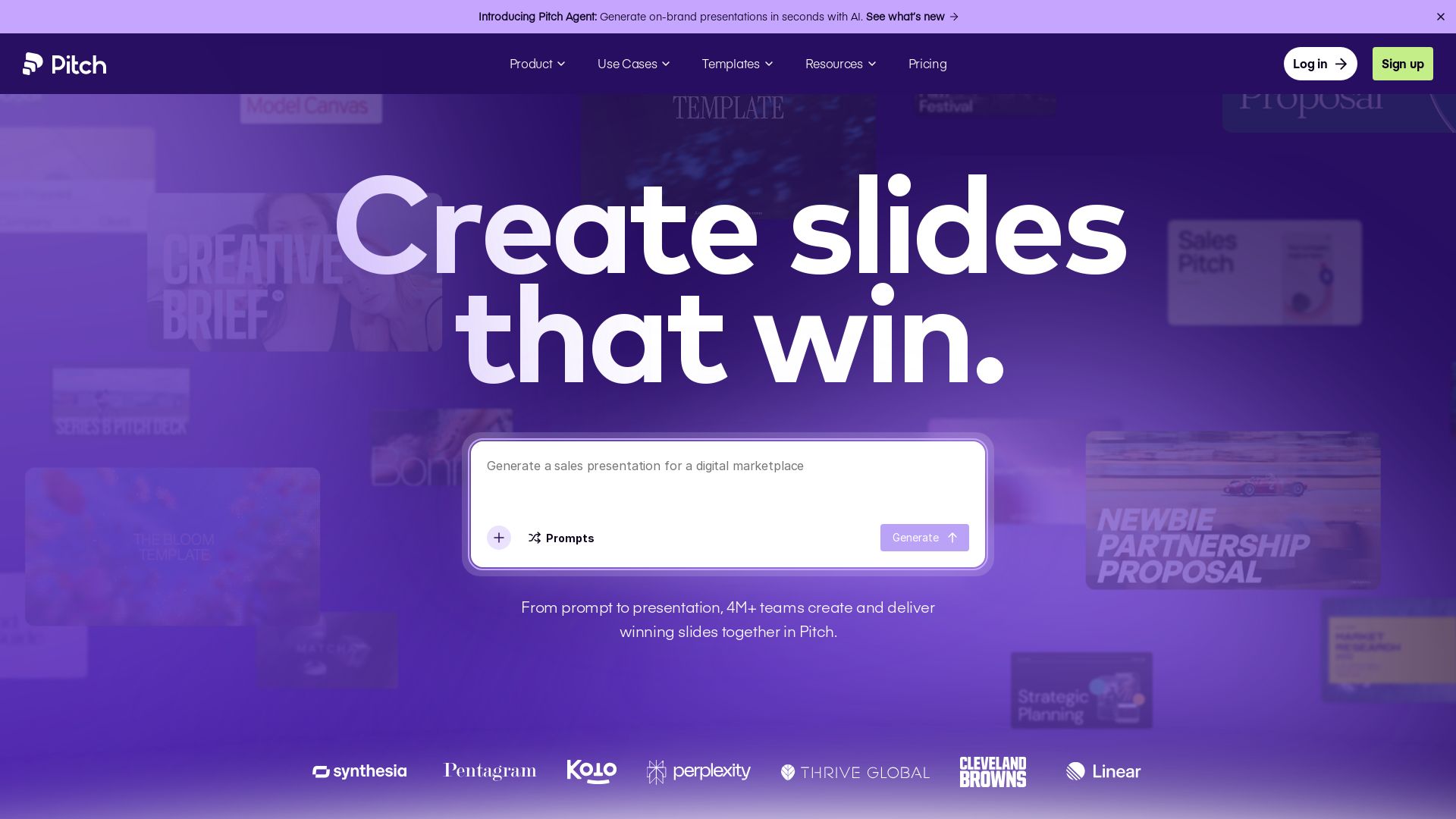
Pitch
Pitch is a presentation workspace where 4M+ teams create stunning slides, collaborate in real time, and track engagement. AI-powered, brand-friendly, and free to start.


Presentation Maker AI
Create professional presentations in minutes with our AI presentation maker. Ideal for students, teachers, and businesses. No design skills needed. Try free!

ℹ️ Curation Disclosure: The overview and features of Beautiful.ai were synthesized using AI and fact-checked by our curation team to ensure accuracy.