
ML Clever
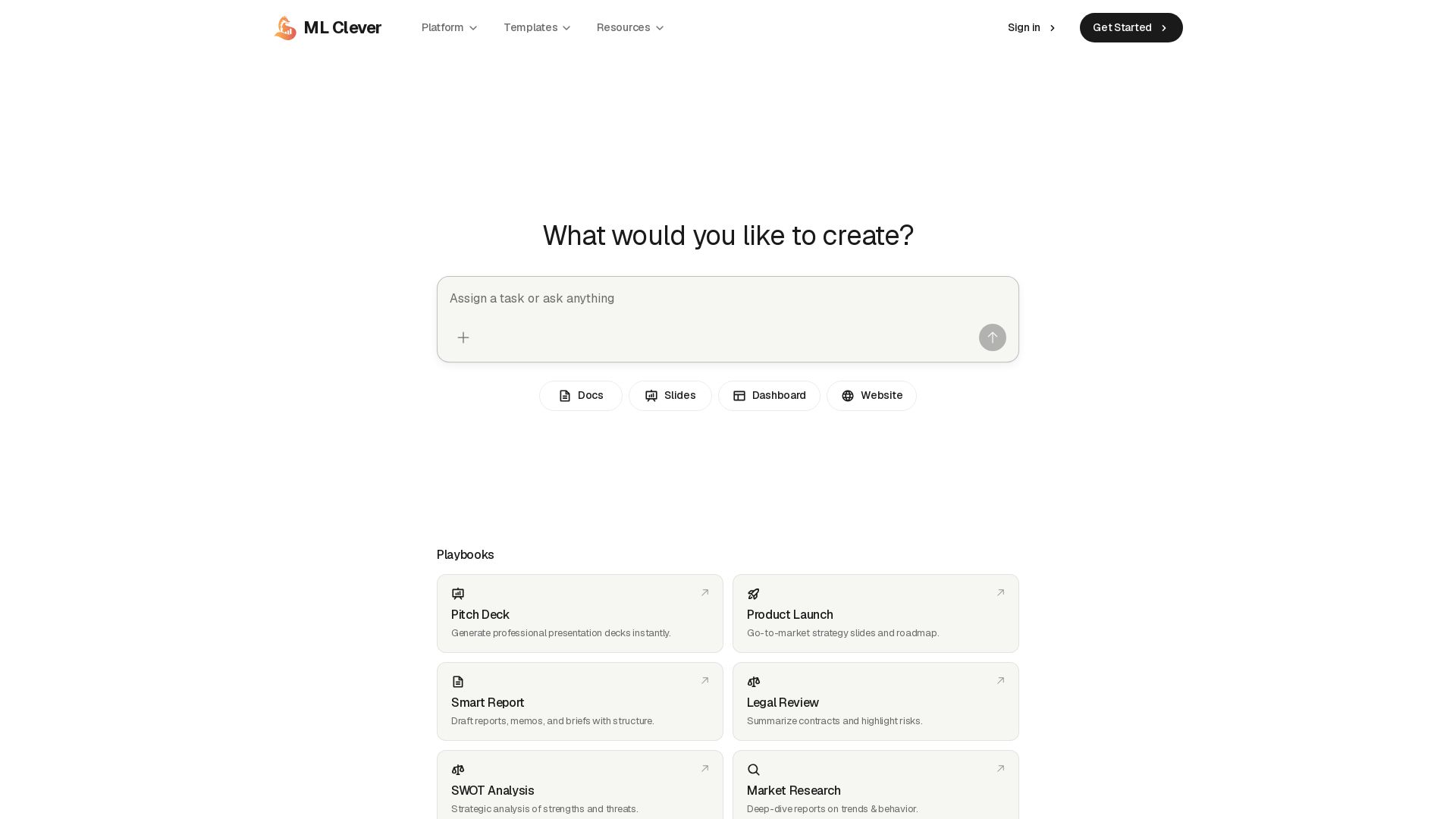
Turn prompts into polished documents, dashboards, presentations, and websites. AI-powered workspace for decision-ready work.
Editor's Verdict
Key Takeaways
- AI Documents
- AI Dashboards
- AI Presentations
- AI Websites
In-Depth Review: What is ML Clever?
ML Clever is a generative BI platform that lets you create documents, dashboards, presentations, and websites from prompts and your own data. It turns source material into structured drafts, builds live KPI dashboards with insights, generates presentation decks with research and citations, and designs landing pages—all in one seamless workflow. Ideal for market insights, business reviews, and go-to-market execution, ML Clever helps you move from question to deliverable faster.
Core Features
AI Documents
Generate structured memos, briefs, reports, and updates from prompts and source material, with evidence placed in the right sections.
AI Dashboards
Turn spreadsheets or warehouse data into KPI dashboards with charts, filters, and written insights automatically.
AI Presentations
Create professional decks with live research, citations, and speaker notes in minutes from a simple prompt.
AI Websites
Generate polished landing pages and website copy from prompts, briefs, and source content.
Prompt-based Workflow
Move from question to deliverable end to end—prompts turn into documents, dashboards, presentations, and websites with matching visuals.
Data Connectivity
Upload a spreadsheet or connect your warehouse to automatically build interactive dashboards and live insights.
Playbooks & Templates
Pre-built templates for market research, pricing strategy, go-to-market launch, SWOT analysis, and more to start fast.
Pricing Strategy Tool
Turn inputs into tiering, packaging, and experiment plans that can be validated with stakeholders.
Collaboration & Sharing
Share live dashboards with your team or embed them anywhere; refine documents and decks quickly.
Pricing
Free Tier
- Access to core AI workspace
- Create documents, dashboards, presentations, and websites
- Use pre-built playbooks
Enterprise / Demo
- See a full demo
- Advanced data warehouse connectivity
- Custom deployment and support
Pros and Cons
Pros
- All-in-one AI workspaceCombine documents, dashboards, presentations, and websites in a single workflow, eliminating tool switching.
- Fast content generationPrompts quickly turn into structured drafts, decks, and reports with visuals that match the message.
- Data-driven insightsConnect spreadsheets or warehouses to generate live KPI dashboards and written analysis automatically.
- Pre-built playbooksTemplates for market research, pricing, go-to-market, and more help users start with proven structures.
- Professional presentation featuresIncludes citations, speaker notes, and outline generation, making it suitable for investor decks and board updates.
Cons
- Pricing transparencyNo specific pricing tiers or amounts are listed on the site, making it difficult to estimate costs without contacting sales.
- Dependence on input qualityAI output quality relies heavily on the clarity of prompts and the source material provided.
- Potential data security concernsConnecting live data warehouses raises questions about data handling, though FAQ indicates security measures exist.
- Learning curveUsers may need time to understand how to best configure documents, dashboards, and playbooks for their specific use case.
- Limited offline functionalityAs a cloud-based platform, full functionality likely requires an internet connection.
Use Cases & Recommended Professions
Product Manager→ View Toolkit
Needs to quickly create market research reports, product launch decks, and roadmap presentations from scattered data.
Marketing Manager→ View Toolkit
Can generate landing pages, campaign dashboards, and performance reports without needing dedicated design or BI resources.
Business Analyst→ View Toolkit
Benefits from AI dashboards and data-driven insights to compare KPIs and present findings to stakeholders.
Startup Founder→ View Toolkit
Uses AI presentations and go-to-market playbooks to build investor pitch decks and business plans efficiently.
Sales / Revenue Operations→ View Toolkit
Leverages pricing strategy tools and dashboards to design tiers, test pricing, and monitor revenue metrics.
Strategy Consultant→ View Toolkit
Needs structured reports, competitive analysis, and SWOT analyses for client engagements—all of which ML Clever can automate.
Frequently Asked Questions
Alternative AI Tools
View Detailed Comparison →
Prezi
Prezi AI creates studio-quality presentations from your ideas. Describe or upload, get a polished deck in seconds. Refine via chat, export as PPTX or PDF. No design skills needed.


SlidesAI
Create beautiful presentations from notes, prompts, or docs with SlidesAI. Works in Google Slides, PowerPoint, ChatGPT & web. Save 85% time.


AiPPT
Transform ideas into stunning presentations instantly with AiPPT. Generate slides from text, documents, URLs, or templates. Import from Google Drive. Free and paid plans.


SlideSpeak
Turn PDFs, Word docs, and ideas into professional PowerPoint slides in minutes. AI-powered editor, video, and branding. Trusted by 1M+ users.


Figr
Ship better UX faster. Figr builds a living understanding of your product, maps flows, finds edge cases, and generates high-fidelity prototypes from your actual design system.

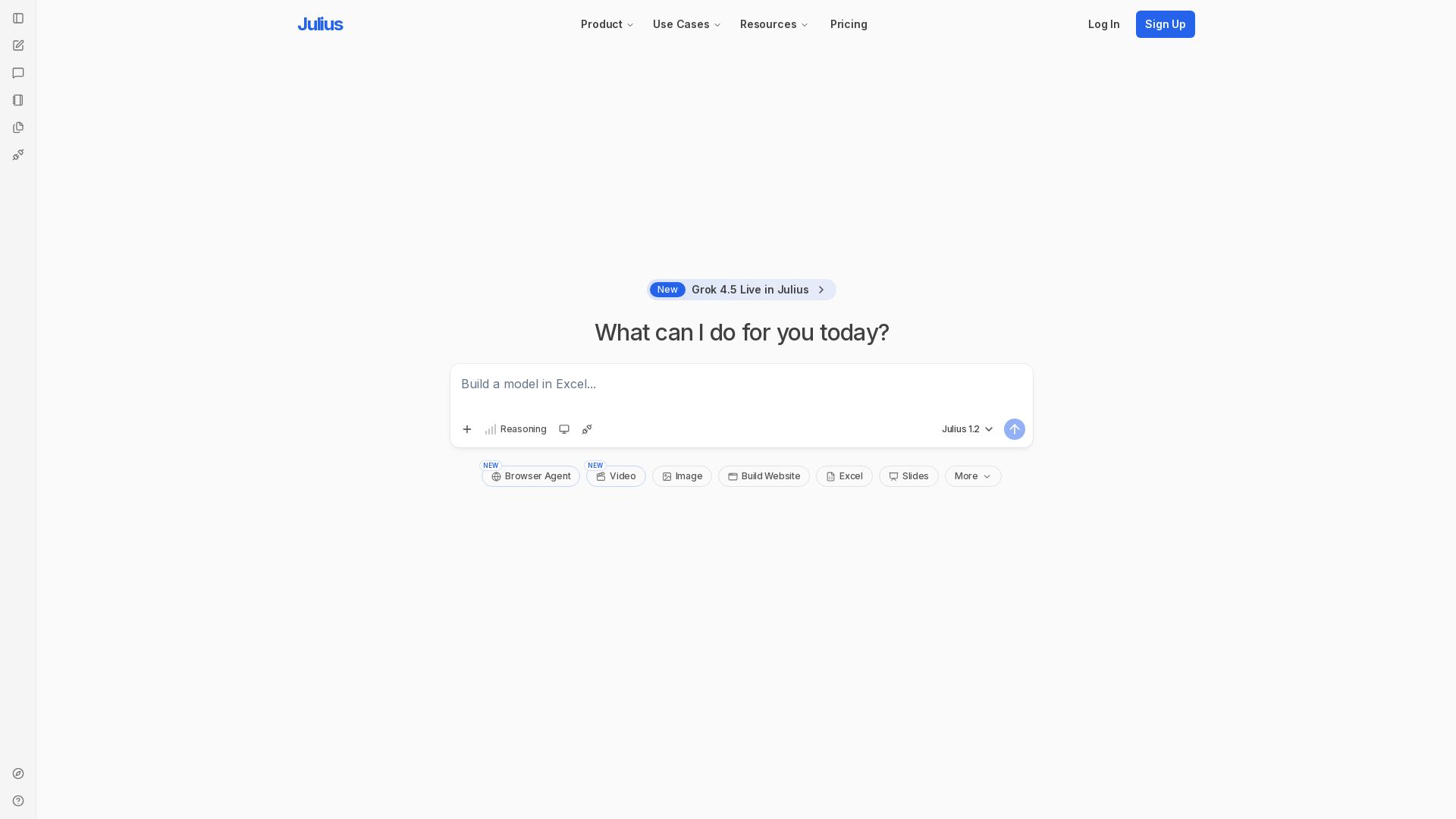
Julius AI
Unlock insights with Julius - AI assistant for data analysis, Excel models, website building, and more. Sign up free.

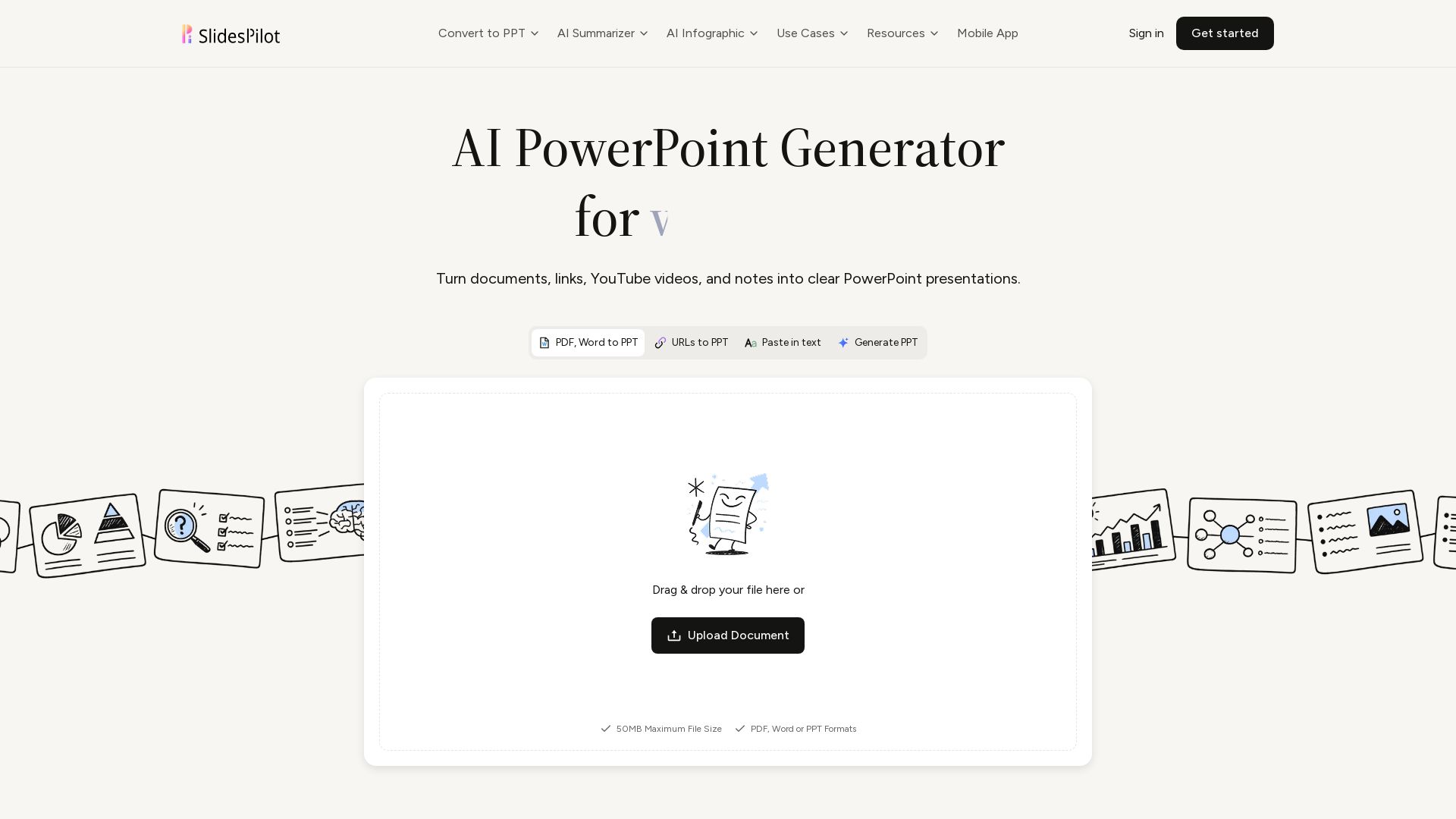
SlidesPilot
Turn PDFs, Word, links, YouTube to editable PPTs. AI analyzes source, builds storyline, designs slides. Free to try.

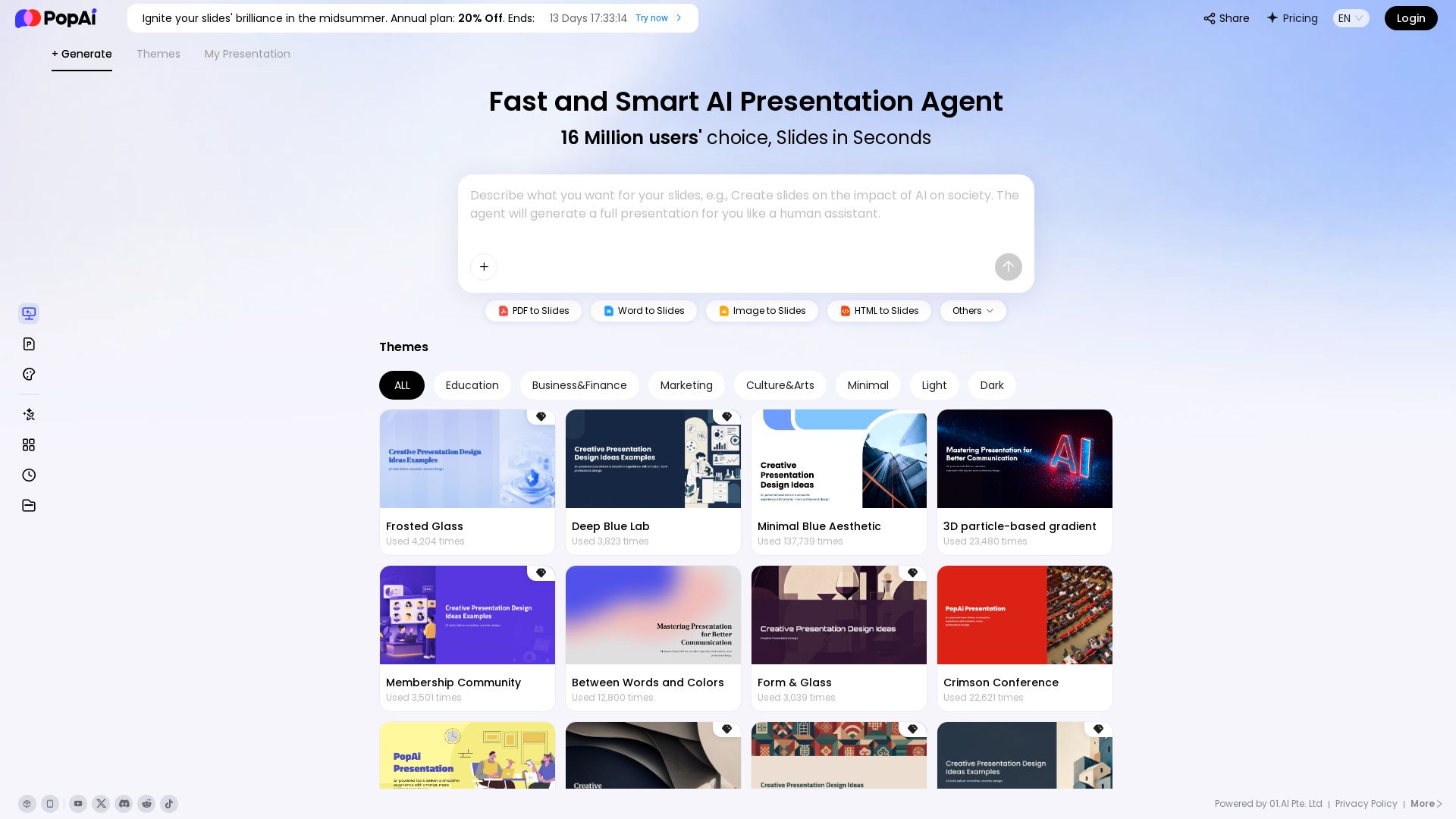
PopAi
Turn prompts, PDFs, Word docs into professional AI presentations. Fast, smart, and easy. 20% off annual plan. Try now!

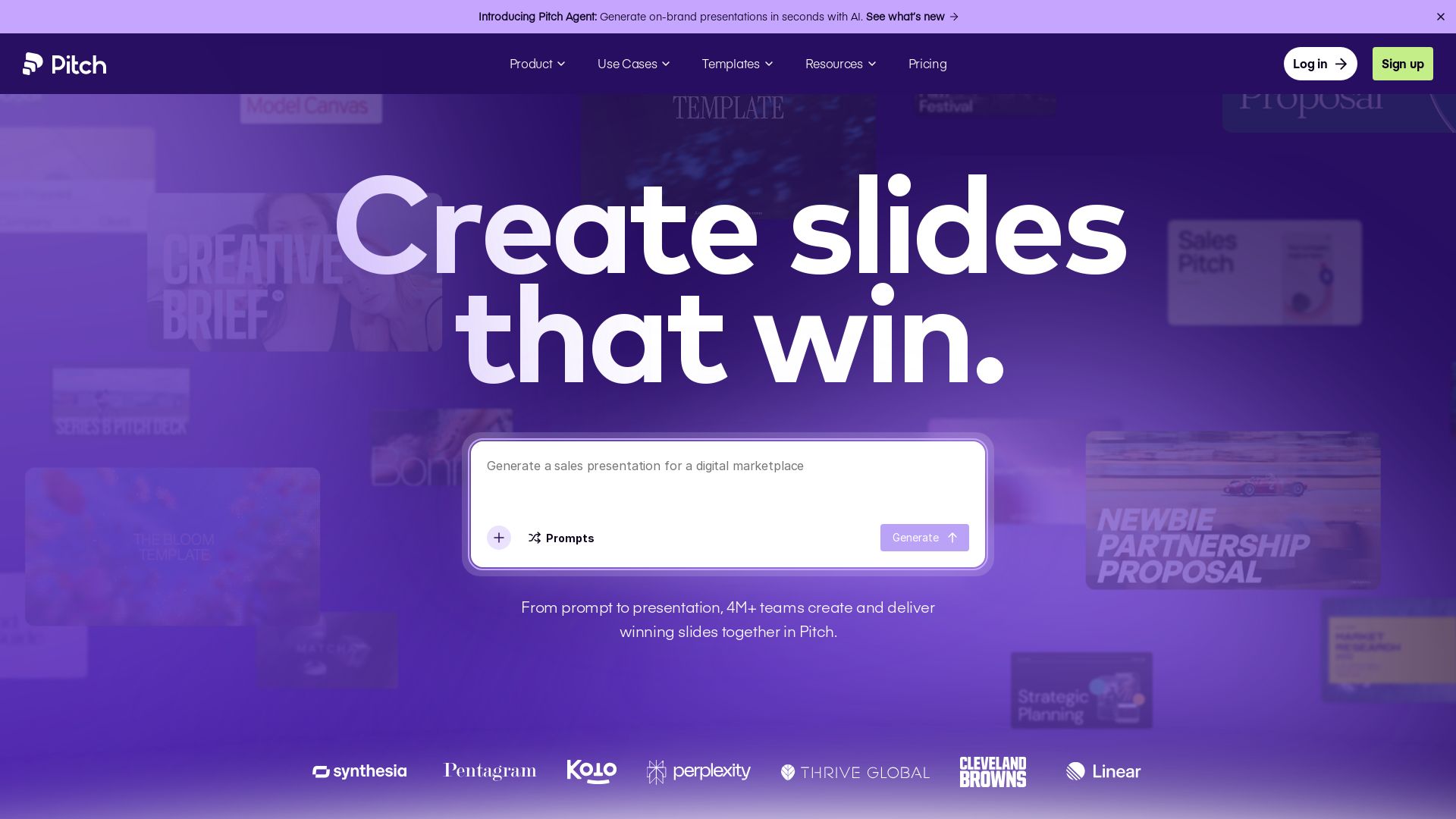
Pitch
Pitch is a presentation workspace where 4M+ teams create stunning slides, collaborate in real time, and track engagement. AI-powered, brand-friendly, and free to start.


Presentation Maker AI
Create professional presentations in minutes with our AI presentation maker. Ideal for students, teachers, and businesses. No design skills needed. Try free!

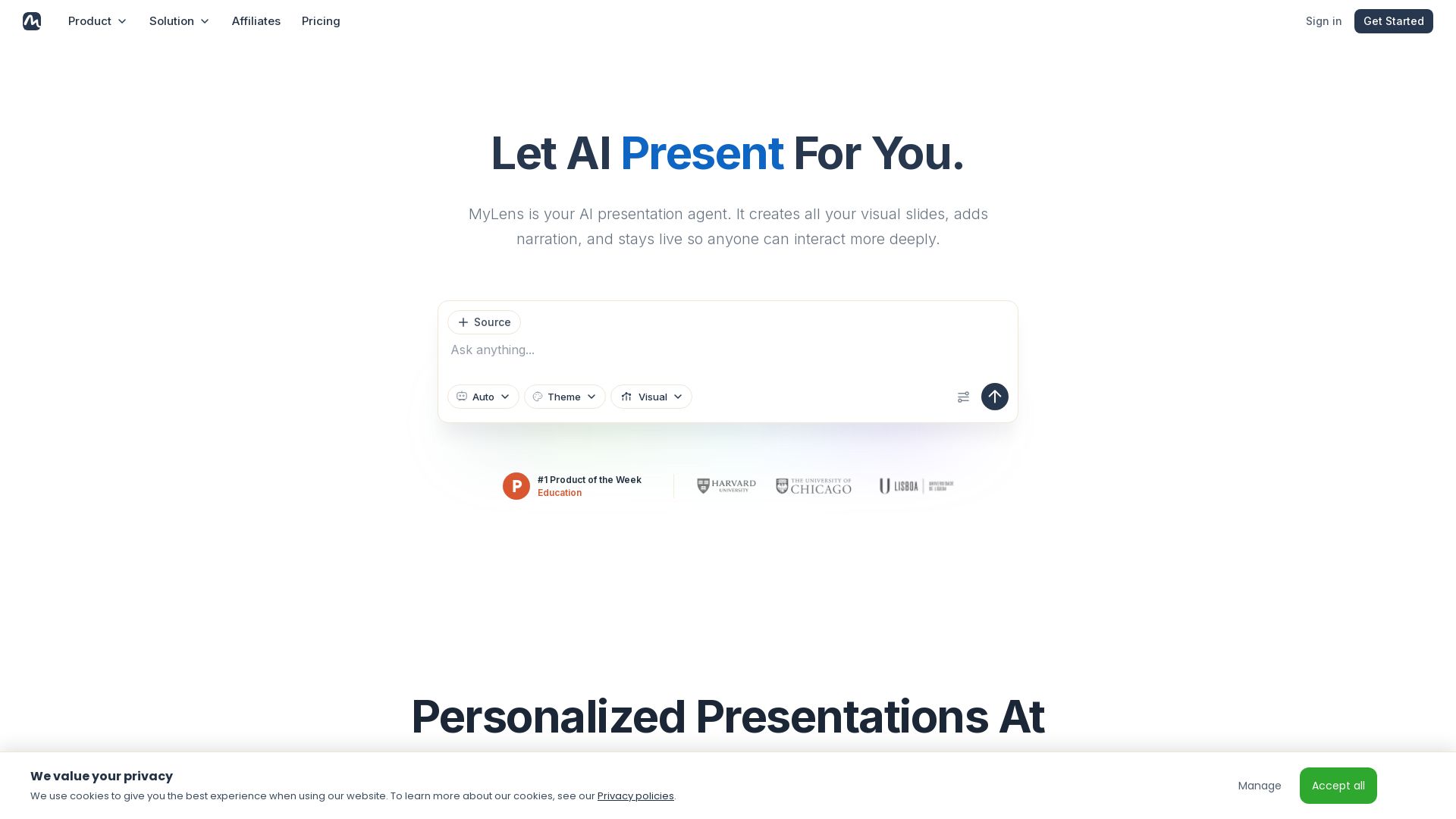
MyLens
Turn documents, links, or ideas into interactive presentations with AI narration. Engage your audience with live, explorable slides. Get started free.

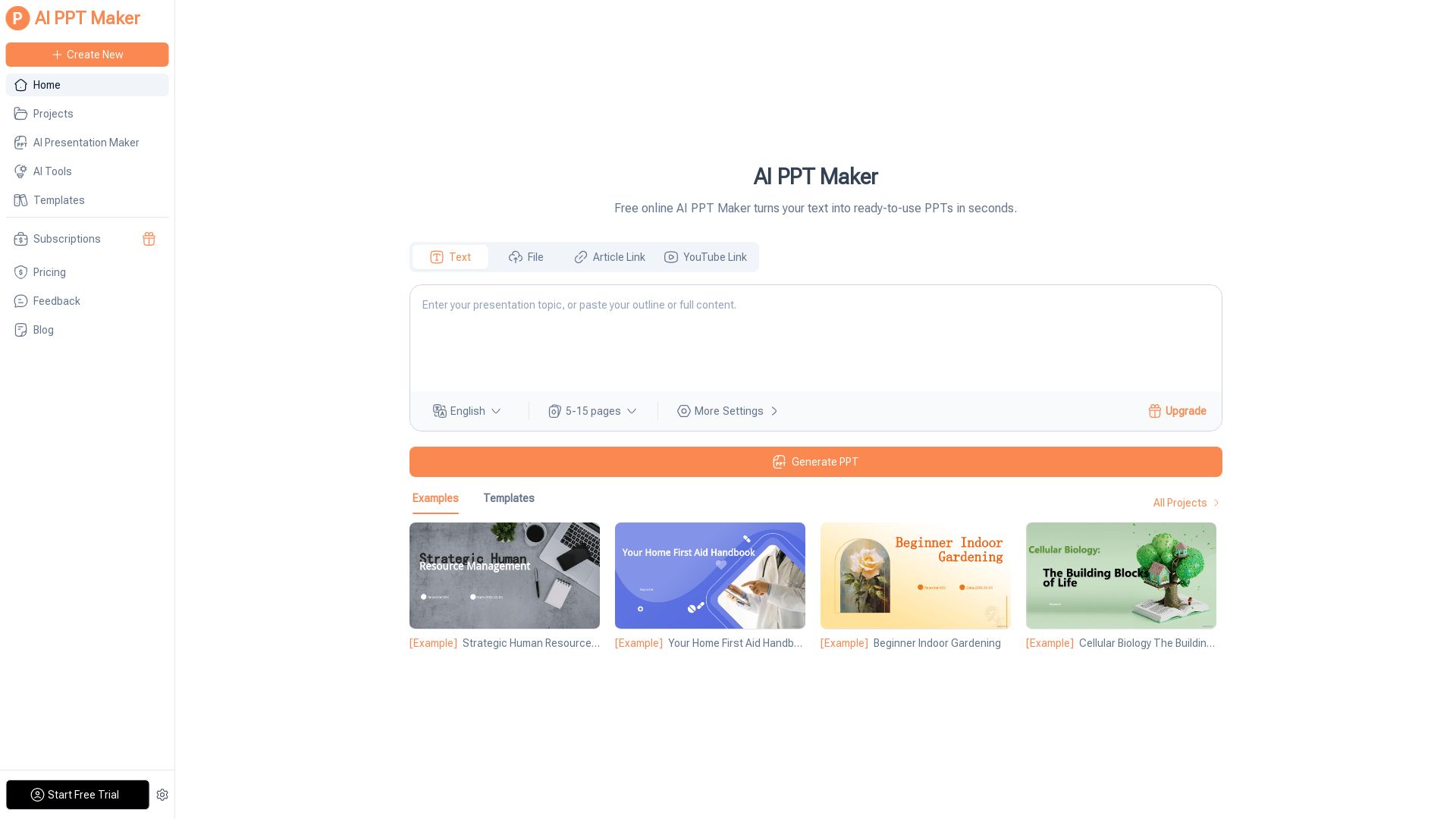
AI PPT Maker
Turn text, PDFs, videos into stunning PPTs in seconds. Free AI-powered tool with templates, customization, and instant download. Try now!

ℹ️ Curation Disclosure: The overview and features of ML Clever were synthesized using AI and fact-checked by our curation team to ensure accuracy.
