
JetBrains
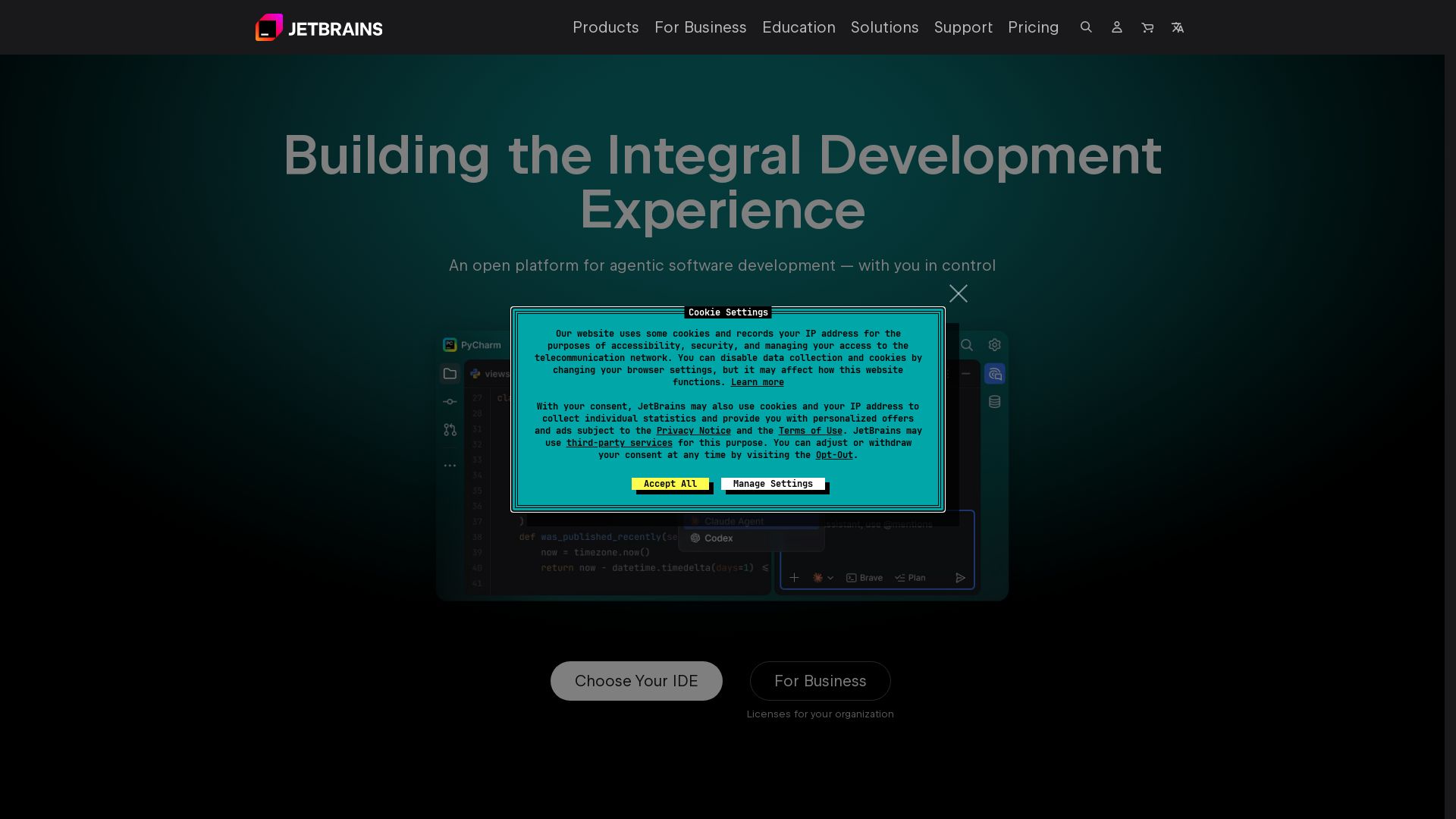
Discover JetBrains tools: intelligent IDEs (IntelliJ, PyCharm), team collaboration (TeamCity, YouTrack), AI assistance, and more. Trusted by 15M+ developers.
Editor's Verdict
Key Takeaways
- Agentic Software Development
- Ready Out of the Box
- Smart Code Assistance
- Built-in Tools
In-Depth Review: What is JetBrains?
JetBrains provides a comprehensive suite of developer tools including powerful IDEs for Java, Kotlin, Python, JavaScript, .NET, and C++, along with team tools for CI/CD, project management, and code quality. With AI-powered features and enterprise-grade security, JetBrains enhances productivity for individuals and teams of all sizes. Trusted by over 300,000 organizations worldwide.
Core Features
Agentic Software Development
An open platform for agentic software development with user control, allowing AI agents to run side by side in one unified workflow.
Ready Out of the Box
Mission-critical tools with wide language and framework support, no plugin hassle required.
Smart Code Assistance
Blazing-fast navigation and relevant suggestions based on deep code understanding, making complex tasks easy.
Built-in Tools
Run, debug, and test applications without leaving the IDE; all important tools within reach.
Customizable and Extendable
Configure the IDE to match personal taste and preferences to stay in the zone during coding sessions.
Pricing
Free (Non-commercial)
- Access to PyCharm, DataGrip, WebStorm, Rider, CLion for non-commercial use
- Limited features compared to paid versions
Business
- Licenses for organizations
- Enterprise-grade support
- AI-powered IDEs
- Flexible licensing and cost control
- Proven compliance and security (SOC 2)
Pros and Cons
Pros
- No Plugin HassleReady to use with a wide variety of supported languages and frameworks without needing additional plugins.
- Blazing-Fast NavigationThe IDE uses deep code knowledge to provide instant navigation and relevant suggestions.
- Built-in ToolsetAll essential tools like running, debugging, and testing are integrated, so you never have to leave the IDE.
- Customizable UIExtensive customization options to tailor the environment to your preferences for a distraction-free experience.
- Trusted by MillionsUsed by over 15 million developers and 300,000 organizations, including 88 Fortune Global Top 100 companies.
Cons
- Free for Non-commercial OnlyMany IDEs are free only for non-commercial use; commercial use requires a paid subscription.
- Resource IntensiveIDEs can be heavy on system resources, especially for large projects.
Use Cases & Recommended Professions
Java/Kotlin Developer→ View Toolkit
IntelliJ IDEA provides tailored support for Java and Kotlin, making it essential for modern Android and backend development.
Python Developer→ View Toolkit
PyCharm offers a dedicated environment for Python, including data science and web frameworks.
Database Administrator→ View Toolkit
DataGrip simplifies database management with multi-DB support and intelligent query tools.
Web Developer→ View Toolkit
WebStorm covers JavaScript, TypeScript, and frontend frameworks, streamlining web development workflows.
Game Developer→ View Toolkit
Rider supports .NET and game development, including Unity and Unreal Engine.
C/C++ Developer→ View Toolkit
CLion provides a cross-platform IDE for C and C++ with powerful refactoring and debugging.
Frequently Asked Questions
Alternative AI Tools
View Detailed Comparison →
Continue
Create, share, and use custom AI code agents with Continue. Features agent, chat, edit modes, and autocomplete for VS Code and JetBrains.

CodeGPT
Supercharge your coding with CodeGPT. AI-driven code generation, debugging, and agents. Seamlessly integrates with VS Code and JetBrains IDEs.

Kilo
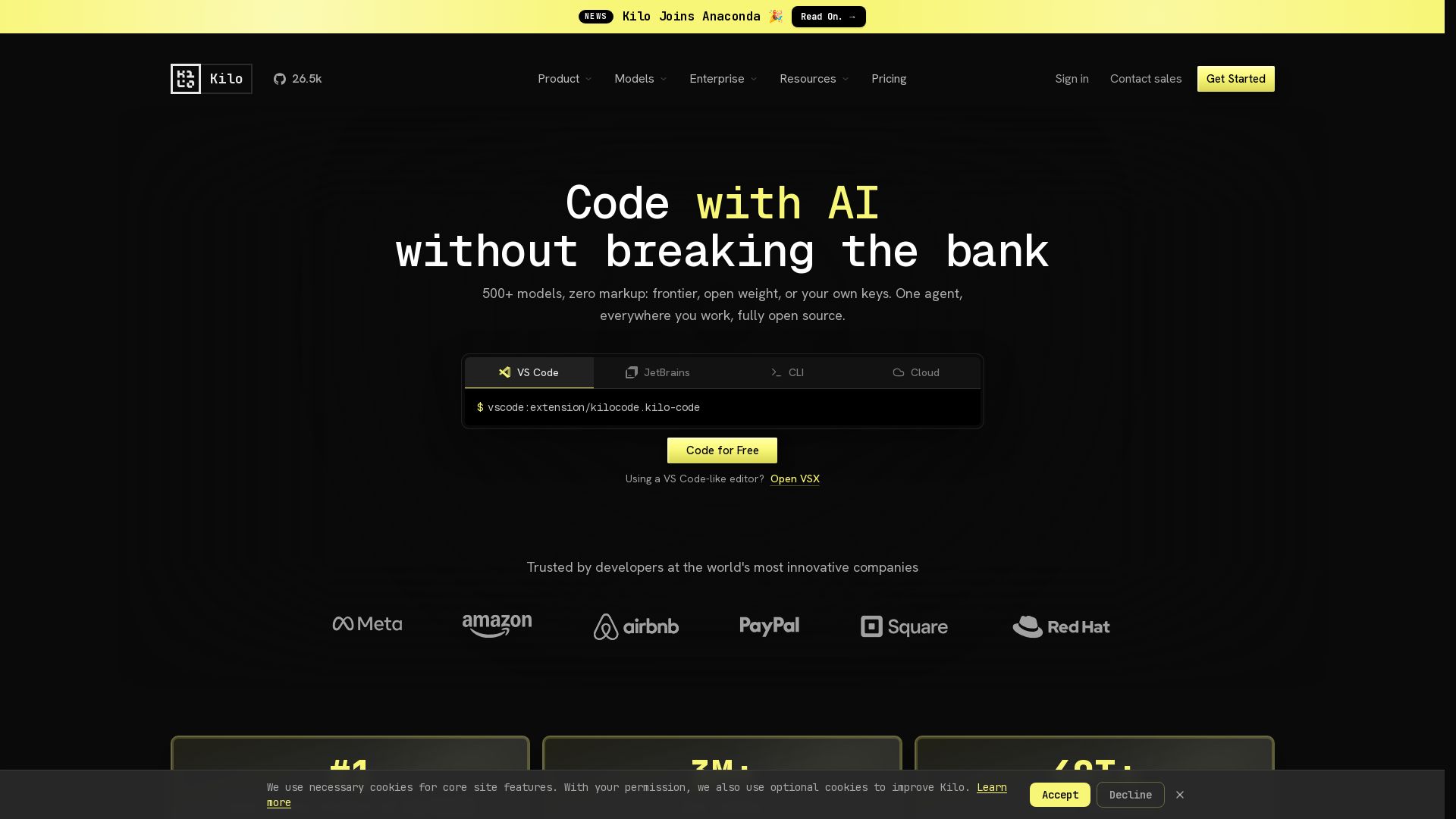
Free AI coding tool with 500+ models at cost. Open source, no lock-in. Works in VS Code, JetBrains, CLI, and cloud. Trusted by 3M+ developers.

Tabby
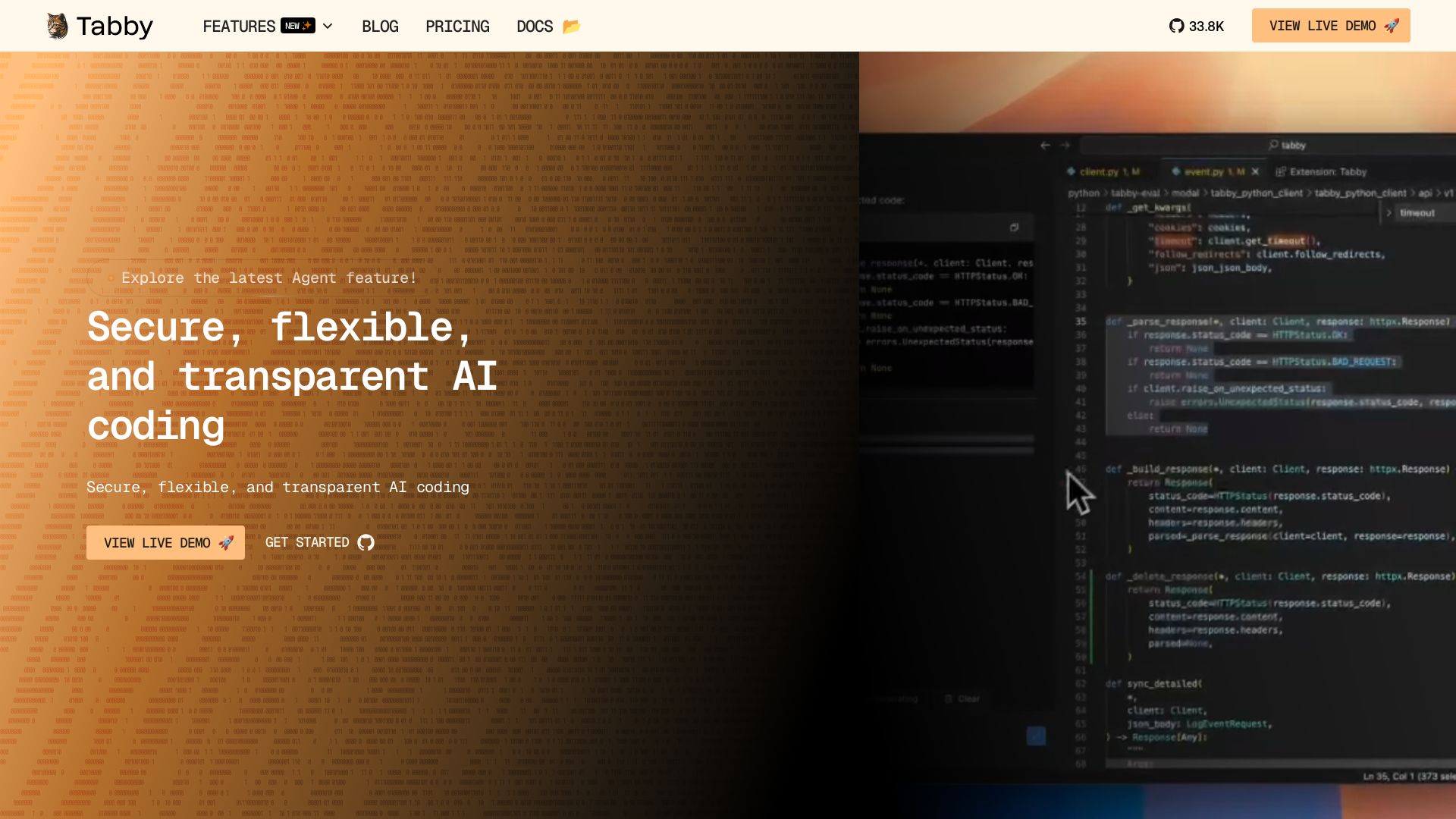
Accelerate coding with Tabby's AI-powered code completion, answer engine, and inline chat. Self-hosted, secure, and flexible. Supports VS Code, Neovim, IntelliJ, and more.

Tabby
Self-hosted, secure AI coding assistant with code completion, answer engine, and inline chat. Private and flexible.

CodeGPT
Bring your own API key for transparent, unlimited AI coding. Supports Claude, Gemini, OpenAI. Privacy-first, no middlemen. Trusted by 2M+ developers.

Cline
Cline is the open source AI coding agent that helps you ship secure code with Claude in VS Code, terminal, and more. Plan, act, and automate across your workflow.


OpenCode
OpenCode is a free, open-source AI coding assistant supporting multiple providers (OpenAI, Anthropic, local models) with CLI/TUI, custom tools, and privacy-centric local execution.

Claude Code
Build, debug, and ship faster with Claude Code. Works in terminal, VS Code, JetBrains, Slack, and more. AI-powered codebase understanding and multi-file editing.

OpenCode
OpenCode is an open-source, terminal-native AI coding assistant supporting Claude, GPT-4, Gemini, and local models. Boost productivity with agent mode and seamless CLI integration.

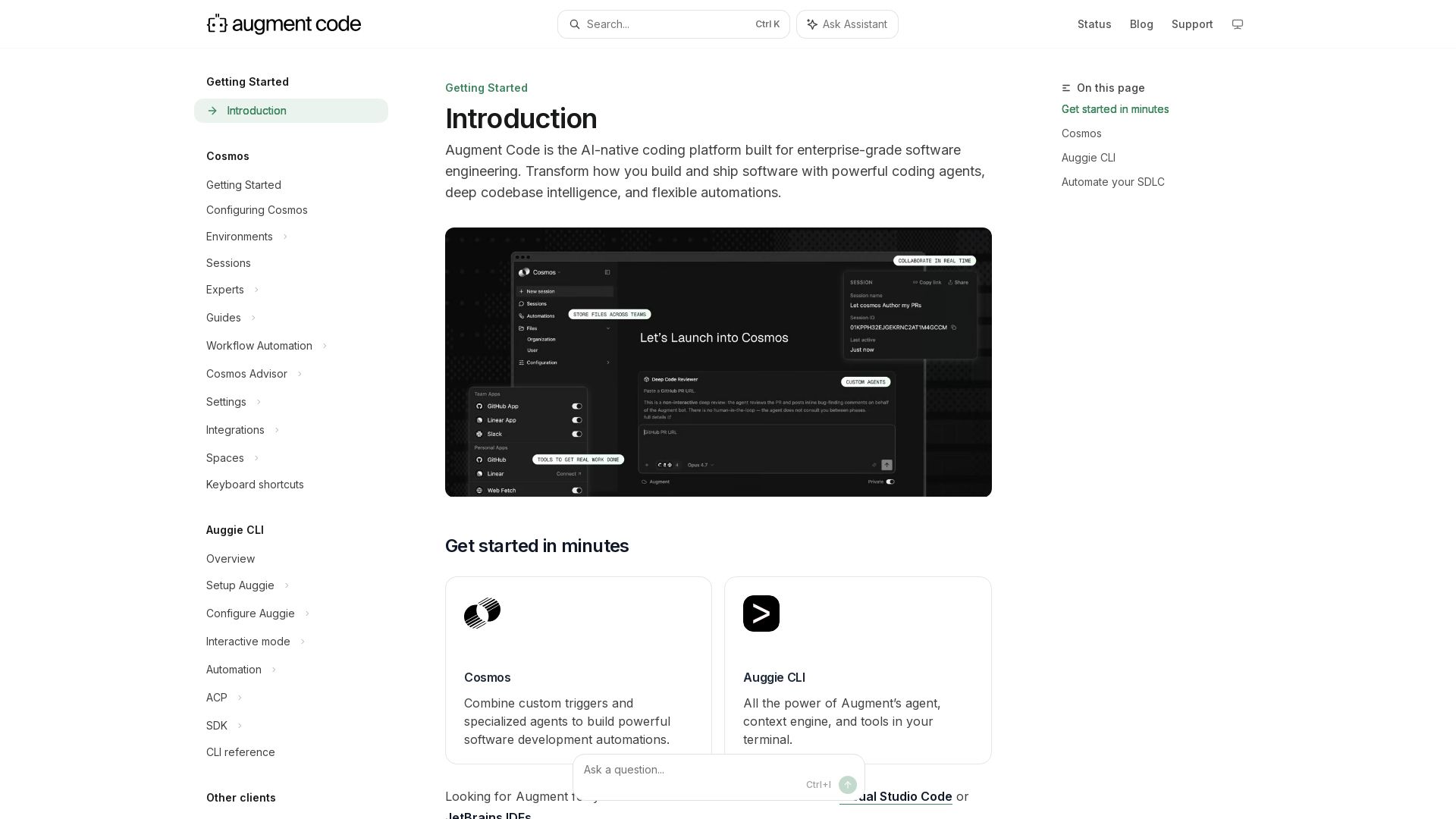
Augment
Build and ship software faster with Augment Code's AI agents, deep codebase intelligence, and automations. Get started with Cosmos, Auggie CLI, and IDE integrations.


Continue
Continue, the pioneering open-source coding agent, has been acquired by Cursor. Our mission to amplify developers continues. Explore FAQs and more.

ℹ️ Curation Disclosure: The overview and features of JetBrains were synthesized using AI and fact-checked by our curation team to ensure accuracy.
