
Do Browser

Control Chrome with simple English commands. Automate web scraping, form filling, slide creation, and more. No coding needed. Get started free.

Editor's Verdict
Key Takeaways
- Natural Language Automation
- Web Scraping & Data Extraction
- Slide Creation
- Personal Software Building
In-Depth Review: What is Do Browser?
Do Browser is an AI-powered browser automation tool that lets you control Chrome using natural language. No setup, scripting, or workflow builders required. Simply describe what you need—like extracting LinkedIn connections to CSV, summarizing Slack messages, or creating slides—and watch it happen. Features include automating actions (filling forms, clicking), creating presentations, building personal software, and analyzing data. Loved by users for its speed and accuracy. Start with a free tier (bring your own ChatGPT/Claude or use 10 hosted messages) or upgrade to Standard ($25/mo) or Max ($100/mo) for more usage. Supports Chrome on Mac, Windows, Linux.
Core Features
Natural Language Automation
Control Chrome with plain English. Describe what you want and watch it happen without any setup or scripting.
Web Scraping & Data Extraction
Extract insights from any webpage, scrape metrics, analyze trends, and transform raw data into actionable intelligence.
Slide Creation
Transform ideas into stunning presentations by describing what you want, resulting in polished, professional slides.
Personal Software Building
Build custom tools like todo apps, trackers, and dashboards without writing code yourself.
Multi-tab & Multi-step Workflows
Handle complex tasks across multiple tabs, including form submissions, navigation, and file exports.
Pricing
Free
- Bring your own ChatGPT or Claude subscription
- All core browser automation features
- 10 free messages to try the hosted model
- No credit card required
Standard
- Scrape data from any website
- Natural language to automation
- Create and export files
- Works across multiple tabs
- Hosted model included
- Generous usage limits
Max
- Scrape data from any website
- Natural language to automation
- Create and export files
- Works across multiple tabs
- 4x more usage
- Access to GPT-5.4
Pros and Cons
Pros
- No Setup RequiredStart automating instantly without scripting or workflow builders.
- User-Friendly InterfaceNatural language commands make it accessible to non-technical users.
- Versatile CapabilitiesHandles web scraping, slide creation, form filling, and more.
- Positive User ReviewsUsers report it's faster and more accurate than manual execution.
- Flexible PricingFree tier available with option to bring your own API key, plus paid plans for hosted access.
Cons
- Browser RestrictionCurrently only supports Chrome on desktop platforms.
- Hosted Plan CostsPaid plans start at $25/month, which may be expensive for casual users.
- Usage LimitsPaid plans have usage caps with 5-hour boundary windows and weekly limits.
- Data Privacy ConcernsConversations are stored locally, but third-party AI providers are used for hosted mode.
- Password LimitationsCannot read saved passwords; only interacts when explicitly instructed.
Use Cases & Recommended Professions
Data Analyst→ View Toolkit
Automate web data extraction and trend analysis without manual scraping.
Digital Marketer→ View Toolkit
Export social media data, generate reports, and automate repetitive marketing tasks.
Sales Professional→ View Toolkit
Extract lead information from LinkedIn and other sites into CSV files.
Product Manager→ View Toolkit
Gather competitive intelligence and user feedback from web pages efficiently.
Content Creator→ View Toolkit
Turn articles into slideshows, extract YouTube transcripts, and streamline content research.
Software Developer→ View Toolkit
Build personal tools and automate browser-based testing or data collection tasks.
Frequently Asked Questions
Alternative AI Tools
View Detailed Comparison →
SlidesAI
Create beautiful presentations from notes, prompts, or docs with SlidesAI. Works in Google Slides, PowerPoint, ChatGPT & web. Save 85% time.


AiPPT
Transform ideas into stunning presentations instantly with AiPPT. Generate slides from text, documents, URLs, or templates. Import from Google Drive. Free and paid plans.


Prezi
Prezi AI creates studio-quality presentations from your ideas. Describe or upload, get a polished deck in seconds. Refine via chat, export as PPTX or PDF. No design skills needed.


SlideSpeak
Turn PDFs, Word docs, and ideas into professional PowerPoint slides in minutes. AI-powered editor, video, and branding. Trusted by 1M+ users.


Figr
Ship better UX faster. Figr builds a living understanding of your product, maps flows, finds edge cases, and generates high-fidelity prototypes from your actual design system.

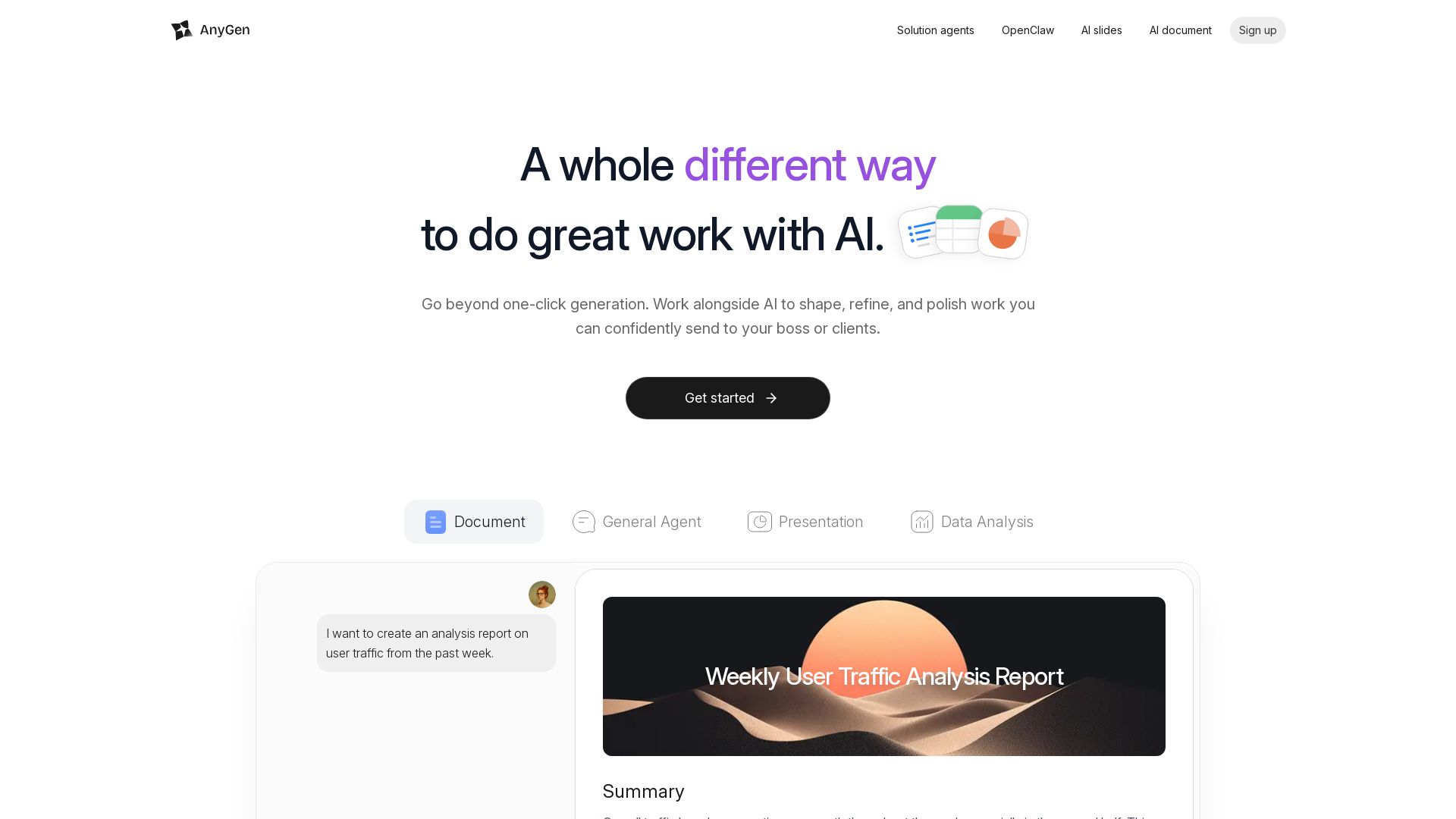
AnyGen
Create documents and presentations with AI that collaborates with you. Verify accuracy, refine tone, and stay in flow. No more one-click guesses.


Presentation Maker AI
Create professional presentations in minutes with our AI presentation maker. Ideal for students, teachers, and businesses. No design skills needed. Try free!
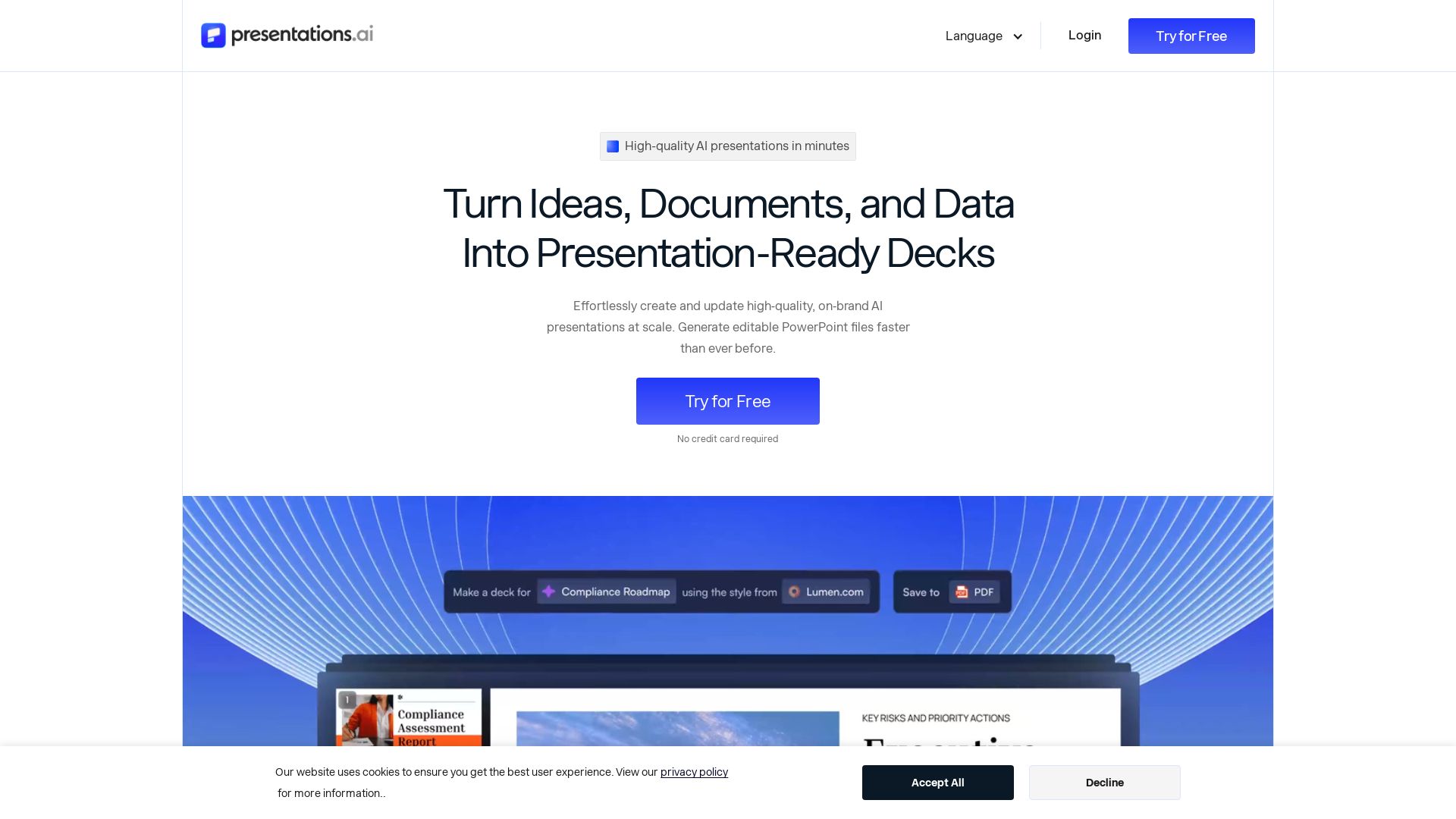
Presentations.AI
Create professional AI presentations in minutes. Turn ideas, documents, or data into editable PowerPoint slides with instant branding. Trusted by 12M+ teams.

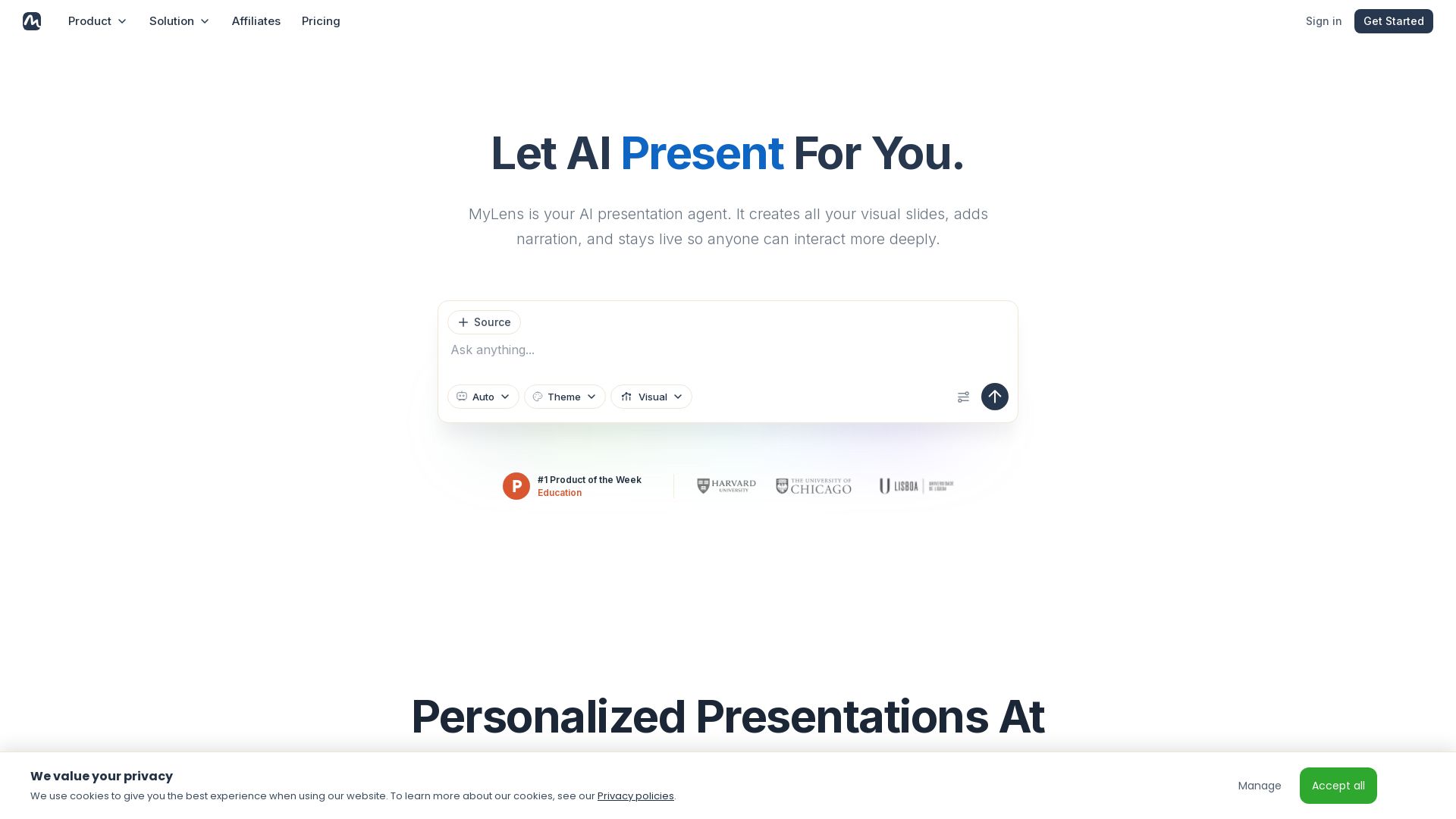
MyLens
Turn documents, links, or ideas into interactive presentations with AI narration. Engage your audience with live, explorable slides. Get started free.

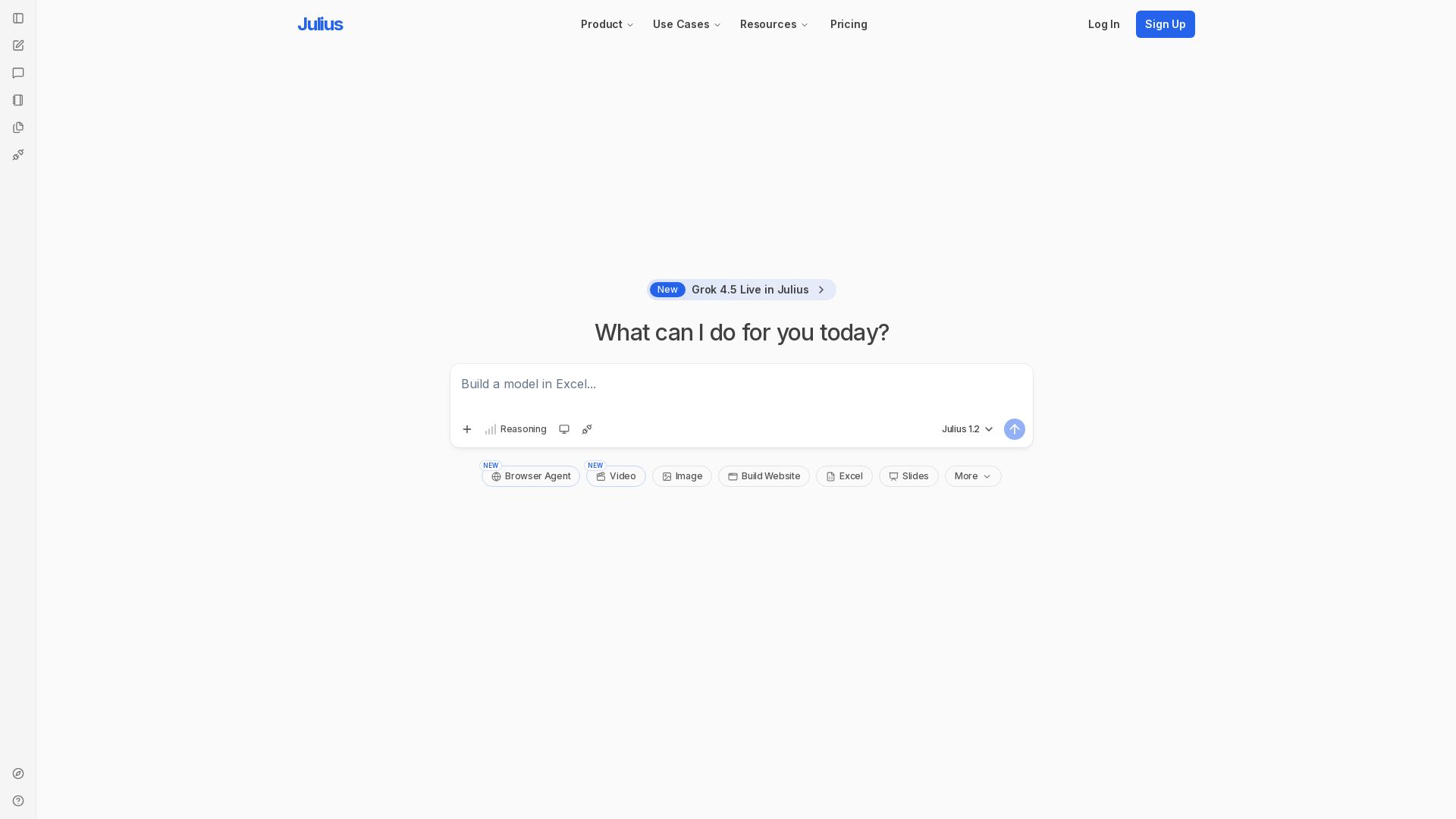
Julius AI
Unlock insights with Julius - AI assistant for data analysis, Excel models, website building, and more. Sign up free.

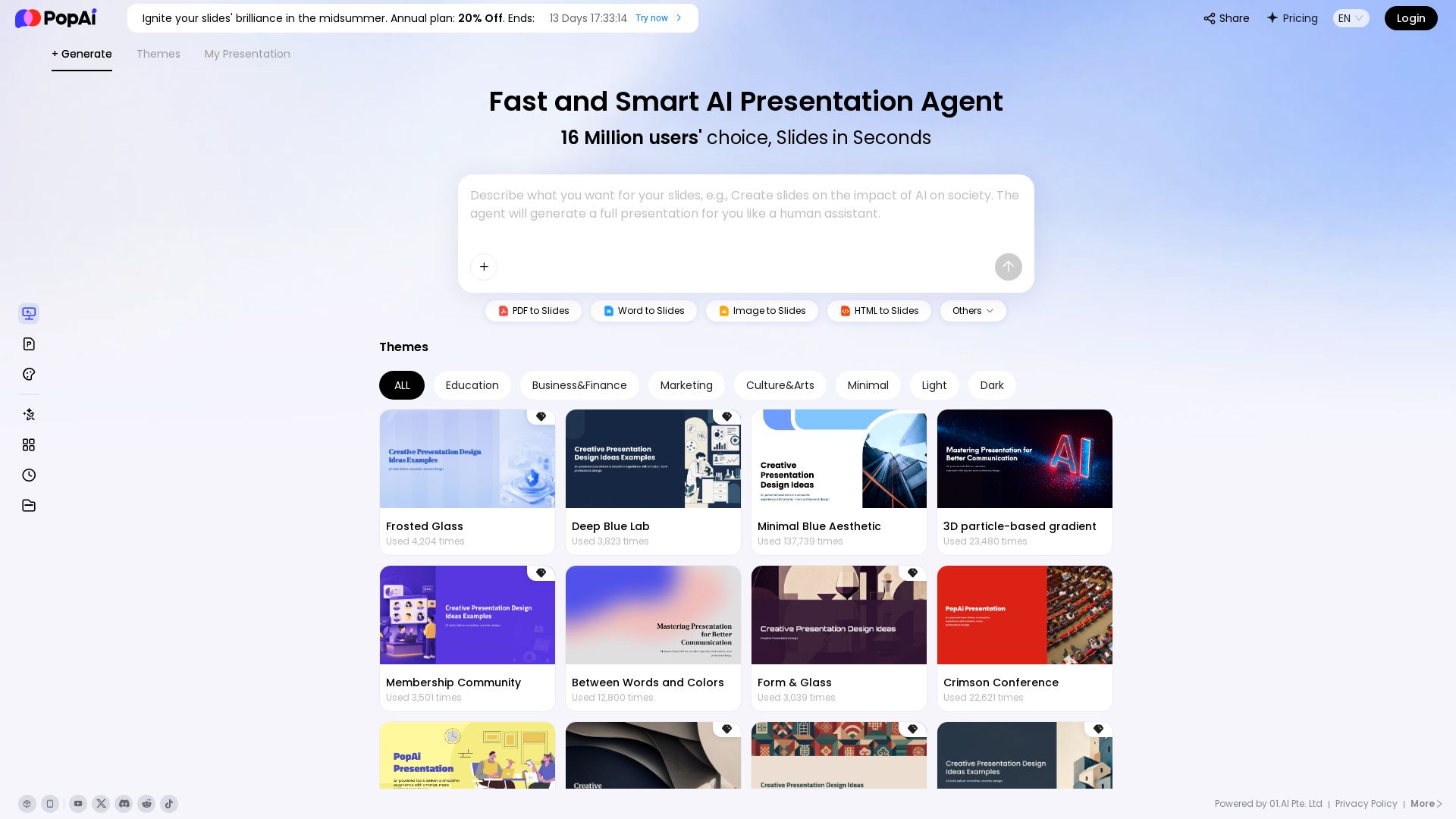
PopAi
Turn prompts, PDFs, Word docs into professional AI presentations. Fast, smart, and easy. 20% off annual plan. Try now!

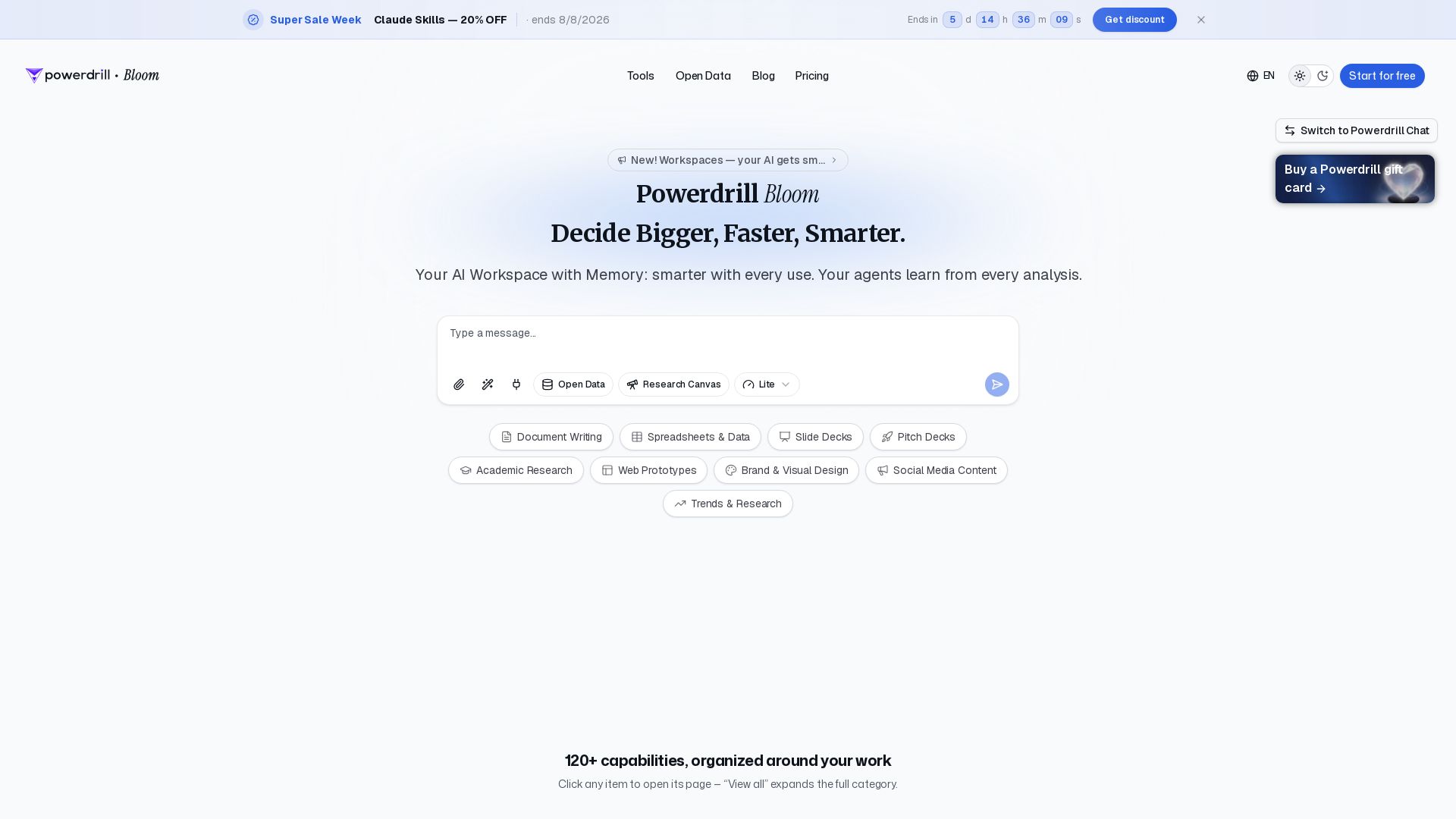
Powerdrill Bloom
Powerdrill Bloom: AI workspace with memory for data analysis, docs, research & more. Smarter with every use. Start free.

ℹ️ Curation Disclosure: The overview and features of Do Browser were synthesized using AI and fact-checked by our curation team to ensure accuracy.