
Powerdrill Bloom
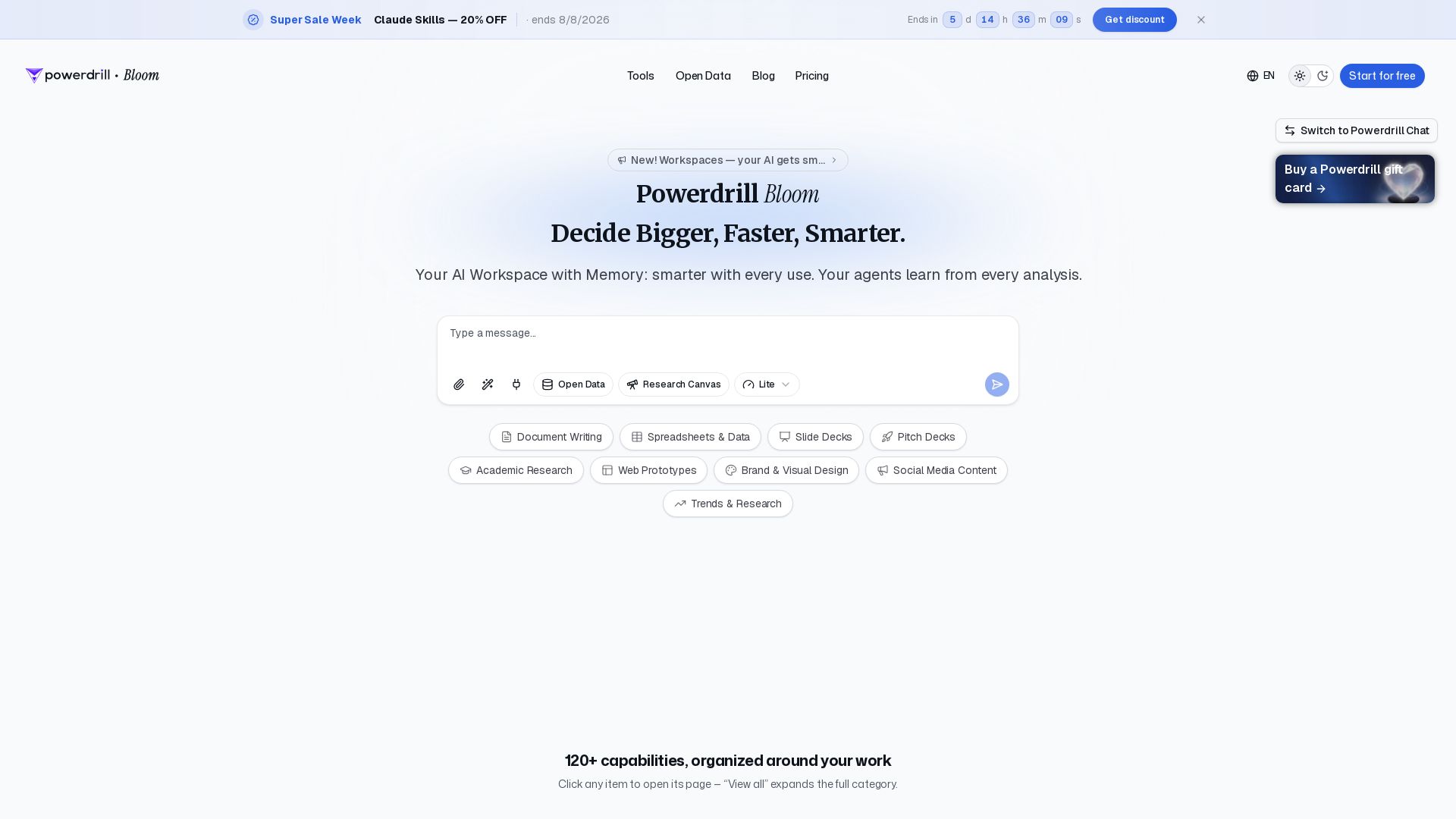
Powerdrill Bloom: AI workspace with memory for data analysis, docs, research & more. Smarter with every use. Start free.
Editor's Verdict
Key Takeaways
- AI-Powered Data Analysis
- Memory & Learning
- Open Data Sources
- 120+ Capabilities
In-Depth Review: What is Powerdrill Bloom?
Powerdrill Bloom is an AI-powered data analysis workspace with memory, designed to help you decide bigger, faster, and smarter. It offers 120+ capabilities including data analysis, document processing, market research, office productivity, research insights, data visualization, and AI ad hoc reporting. With a memory feature, your AI agents learn from every analysis, making the tool smarter with each use. Perfect for professionals seeking an intelligent assistant for spreadsheets, documents, slide decks, academic research, and more. Start for free and explore tools like Open Data, Research Canvas, and AI Agent Builder, all backed by SOC 2 Type 2 certification.
Core Features
AI-Powered Data Analysis
Automatically analyze datasets, uncover trends, and generate insights, charts, and summaries from Excel, CSV, PDF, and documents.
Memory & Learning
Agents learn from every analysis, making the workspace smarter with each use.
Open Data Sources
Search built-in open data sources for economic, financial, healthcare, and market research data.
120+ Capabilities
A comprehensive suite of tools for data analysis, document processing, market research, office productivity, research, and data visualization.
AI Agents & Skills
Build custom AI agents and use Claude Skills for specialized workflows in research, analysis, automation, and execution.
Data Visualization
Create line graphs, bar charts, pie charts, scatter plots, and infographics with AI, no design skills needed.
Document & Presentation Tools
Convert PDFs to slides, Excel to PPT, summarize documents, and generate reports using AI.
Excel & CSV Tools
Dedicated AI tools for cleaning, merging, converting, and analyzing Excel and CSV files.
Advanced Analytics & SQL
Chat with databases, transform natural language to SQL, and access data visualization tools.
Collaboration & Sharing
Share datasets and chat insights with team members for collaborative analysis.
Pricing
Free
- 1,000 daily refreshed credits
- Upload Excel, CSV, PDF, and docs
- Search built-in open data sources
- Generate insights, charts, and summaries
- Use built-in agent skills
- Create basic slides, docs, sheets, and images
- 1 scheduled task
Pro
- 1,000 daily credits + 5,000 monthly credits
- Claude Code / Codex-level agent tasks
- Advanced open-data search and retrieval
- Deep analysis, visualization, and reporting
- Run built-in and custom agent skills
- Create slides, Office docs, Excel analysis, and Nano Banana images
- Use Claude Skills for specialized AI workflows
- 20 scheduled tasks
Plus
- 1,000 daily credits + 11,000 monthly credits
- Claude Code / Codex-level agent tasks
- Advanced open-data search and retrieval
- Deep analysis, visualization, and reporting
- Run built-in and custom agent skills
- Create slides, Office docs, Excel analysis, and Nano Banana images
- Use Claude Skills for specialized AI workflows
- 20 scheduled tasks
Premium
- 1,000 daily credits + 60,000 monthly credits
- Higher-capacity agent task execution
- Deep multi-step analysis and visualization
- More quota for built-in and custom skills
- Advanced slides, docs, sheets, and image generation
- Built for finance, market, competitor, product, and growth analysis
- 20 scheduled tasks
Team Pro
- All features included in the Pro Plan
- Create a team and invite members to share Team Credits
- Each member uses one Seat
Credit Package
- One-time purchase — no recurring billing
- Stacks on top of your plan credits
- Credits valid for 12 months
- Works on any plan, including Free
- Flexible one-time top-ups
Pros and Cons
Pros
- All-in-One WorkspaceCombines data analysis, visualization, reporting, and document creation in one platform.
- Memory & LearningAgents learn from every analysis, becoming smarter and more efficient over time.
- Open Data AccessBuilt-in open data sources provide easy access to economic, financial, healthcare, and market datasets.
- Flexible PricingFree tier available, plus a 20% discount during Super Sale Week for annual plans.
- Team CollaborationTeam plans allow members to share credits and collaborate on datasets and insights.
Cons
- Steep Learning CurveWith 120+ capabilities, new users may feel overwhelmed by the variety of features.
- Credit LimitsDaily and monthly credits may limit heavy usage, especially on the free plan.
- Annual Billing RequirementDiscounted pricing requires annual commitment, which may not suit all users.
- AI Accuracy DependencyAI-generated insights may require validation, especially for critical business decisions.
- Premium Plan CostThe highest tier is expensive for individual users, making it more suitable for teams or enterprises.
Use Cases & Recommended Professions
Data Analyst→ View Toolkit
Needs to quickly analyze large datasets and visualize insights for decision-making.
Market Researcher→ View Toolkit
Requires access to open data sources and tools to generate comprehensive market reports.
Financial Analyst→ View Toolkit
Needs advanced analysis and reporting for market trends, competitor performance, and financial data.
Business Consultant→ View Toolkit
Creates data-driven presentations, pitch decks, and strategic reports for clients.
Product Manager→ View Toolkit
Analyzes user data, market trends, and product performance to inform roadmap decisions.
Academic Researcher→ View Toolkit
Uses AI to summarize documents, analyze research data, and create visualizations for publications.
Frequently Asked Questions
Alternative AI Tools
View Detailed Comparison →
Making AI think and act: my approach to the Hugging Face AI ...
Experienced AI engineer specializing in medical imaging and LLM-powered agents. Built globally deployed radiology AI at AZmed. Now building AI agents at Matrix One.

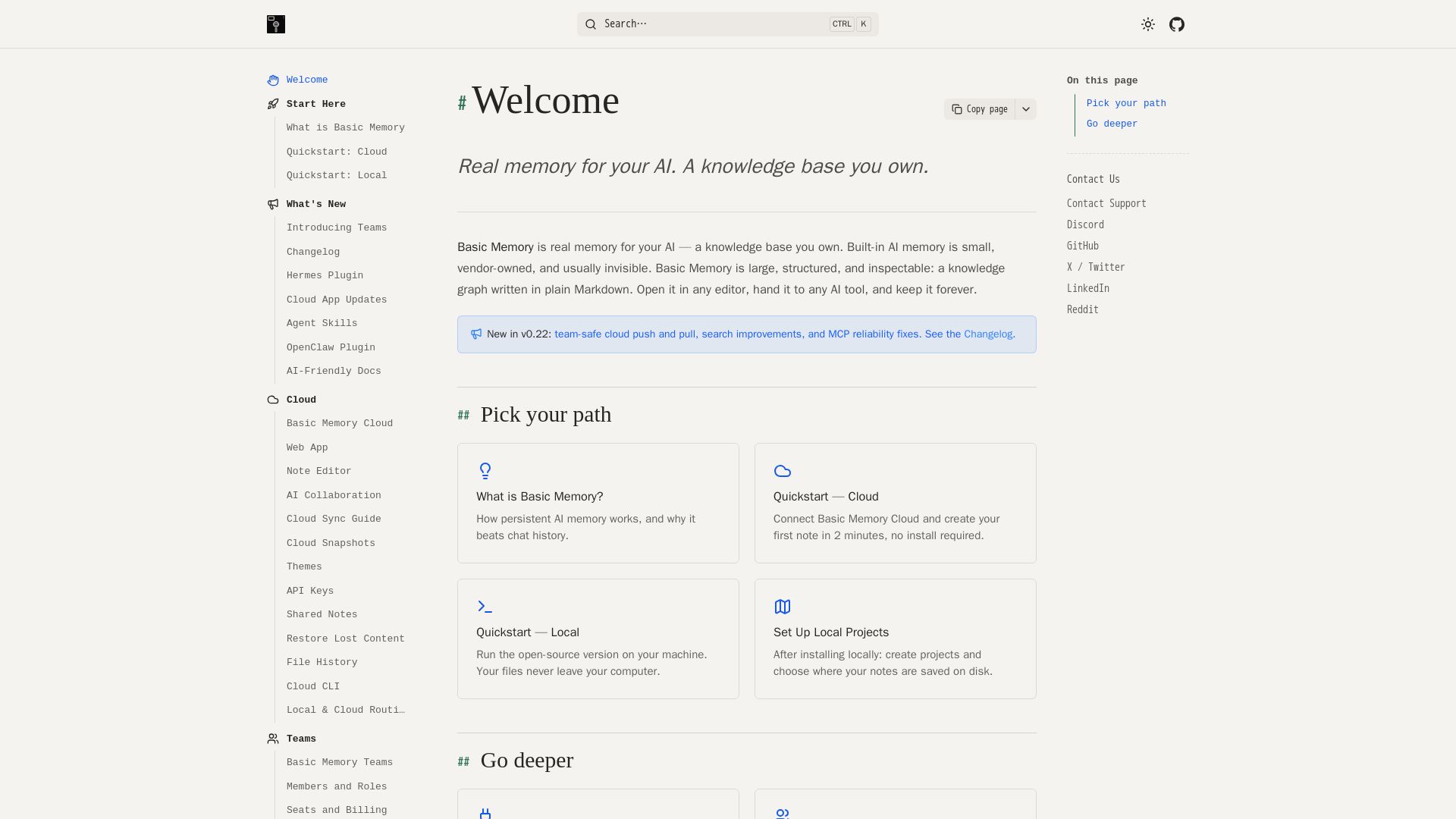
Basic Memory
Persistent, structured, and inspectable AI memory in Markdown. Open source, works with Claude, ChatGPT, and more. Own your knowledge graph.


HIX AI
HIX AI is an AI agent workspace that lets you research, create slides, videos, images, and more with one tool. Boost productivity with deep research and automated content creation.


Section AI
Turn AI investment into workforce transformation with Section. Command center, coaching, and strategic support to drive measurable ROI.


SF AI Labs
End-to-end AI services from strategy to launch. Proven delivery framework, expert network in San Francisco. Maximize ROI with custom AI solutions for modern companies.

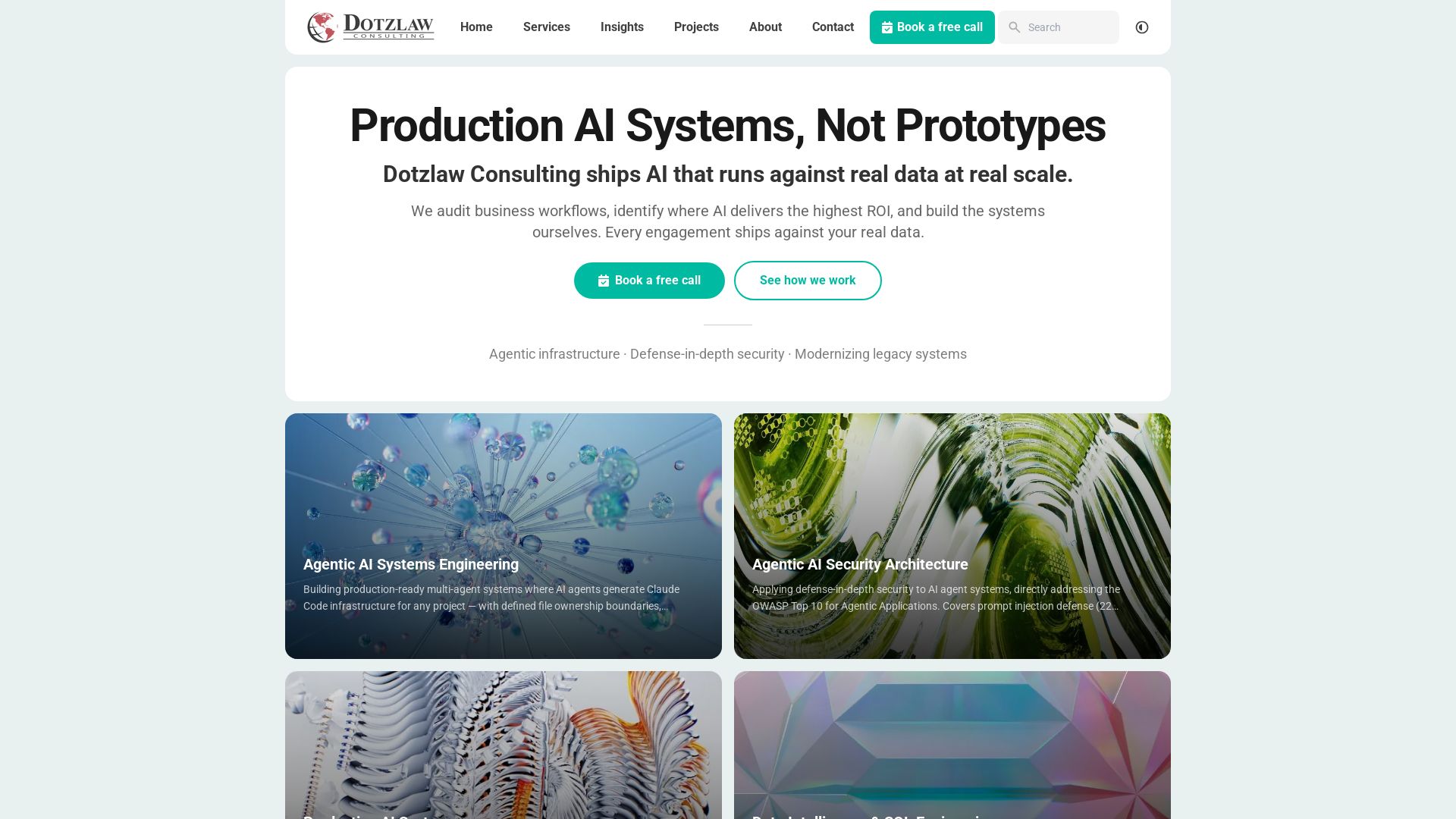
Dotzlaw Consulting
We build production-ready AI systems, multi-agent workflows, and secure architectures. Real data, real scale. Expert SQL & data intelligence.

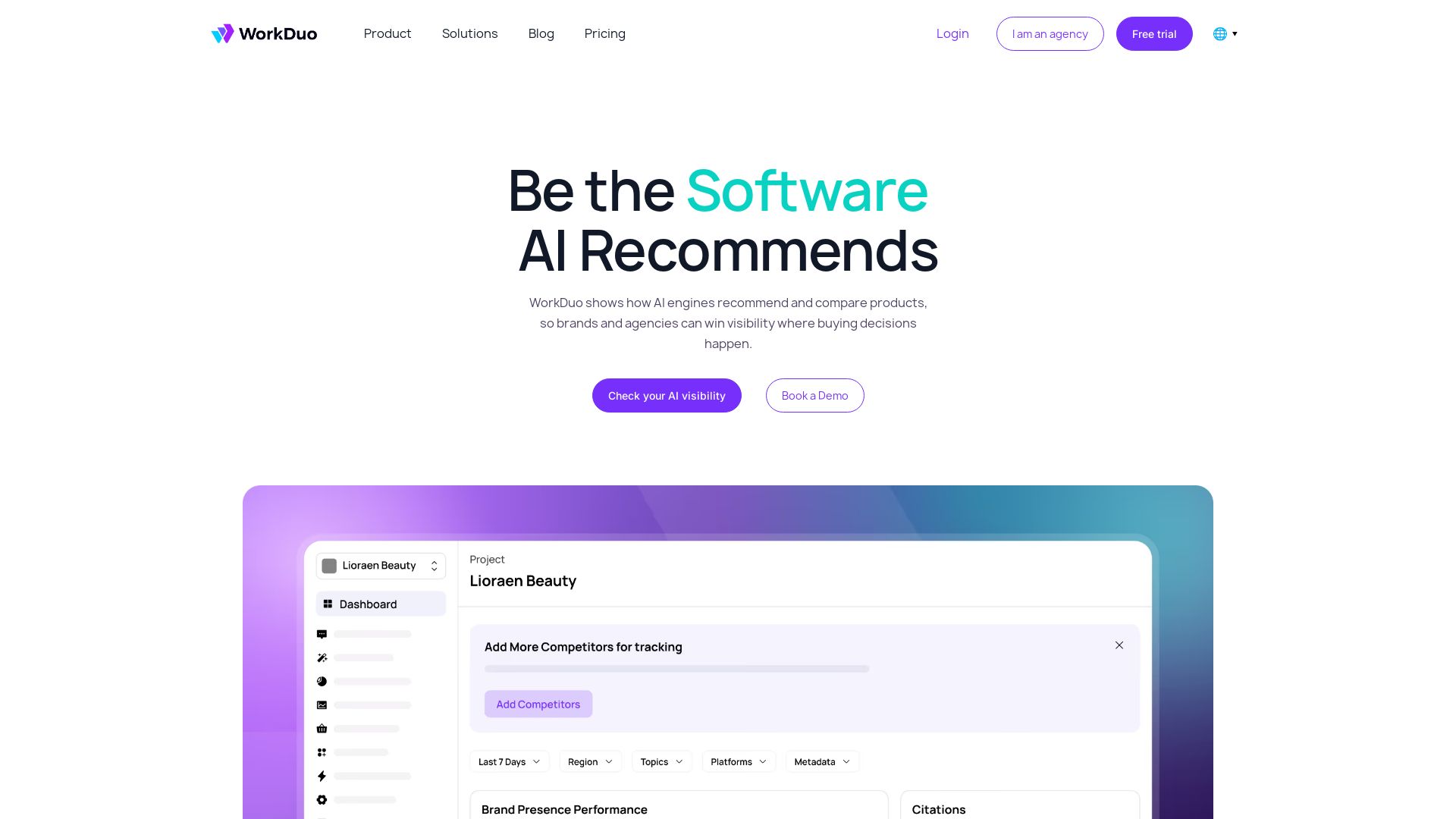


Scuti AI
We specialize in generative AI, AI-OCR, RAG, and offshore development. Combining Vietnam's speed with Japan's quality to automate tasks and boost business.


Faros
Trace every AI dollar to outcomes. Improve engineering productivity, measure AI impact, and provide context for AI agents. Trusted by top teams.

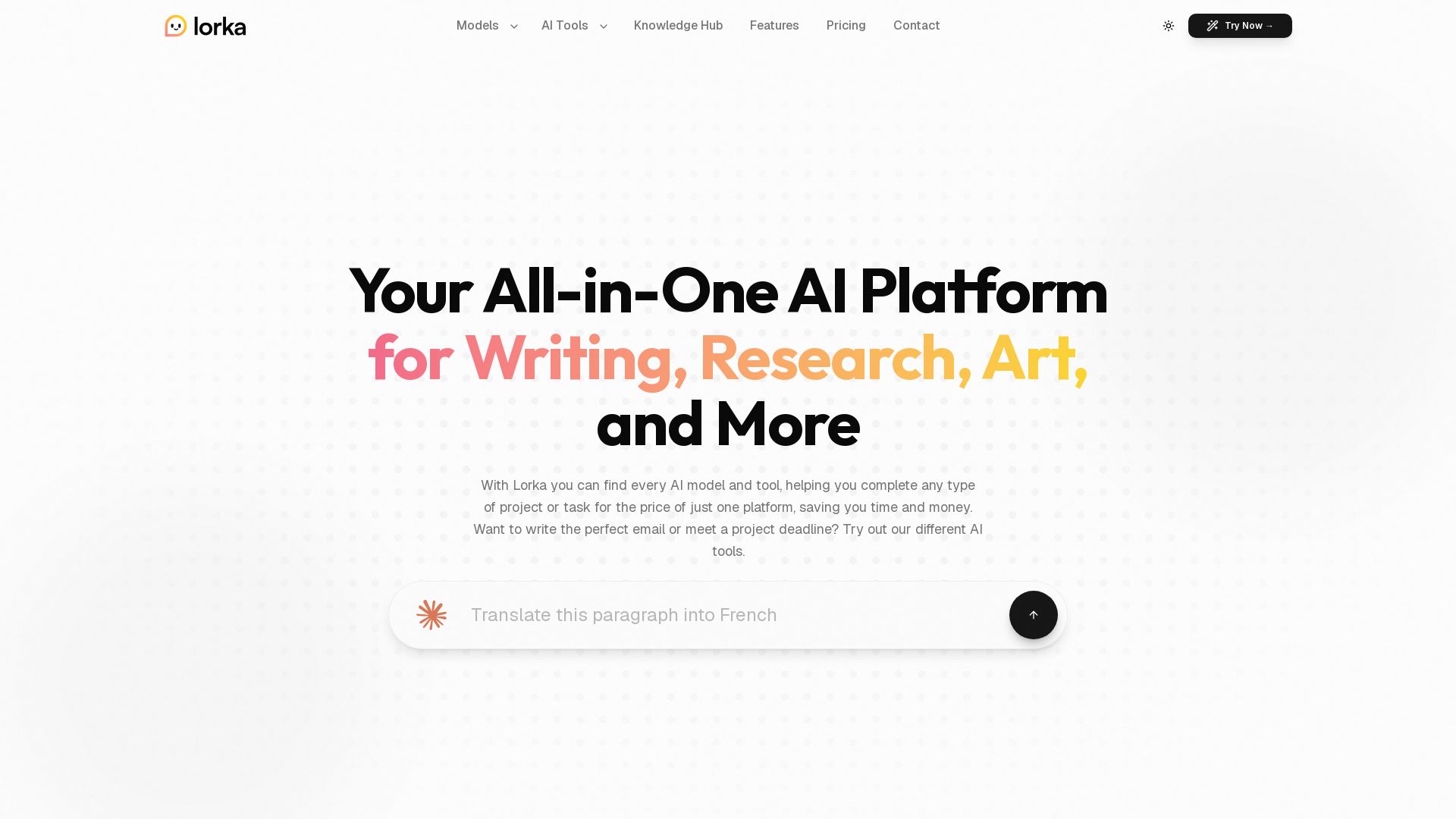
Lorka AI
Access ChatGPT, Claude, Gemini, and more in one platform. Save $123/mo. Write, research, create art, analyze data, and chat with PDFs. Try Lorka AI today.


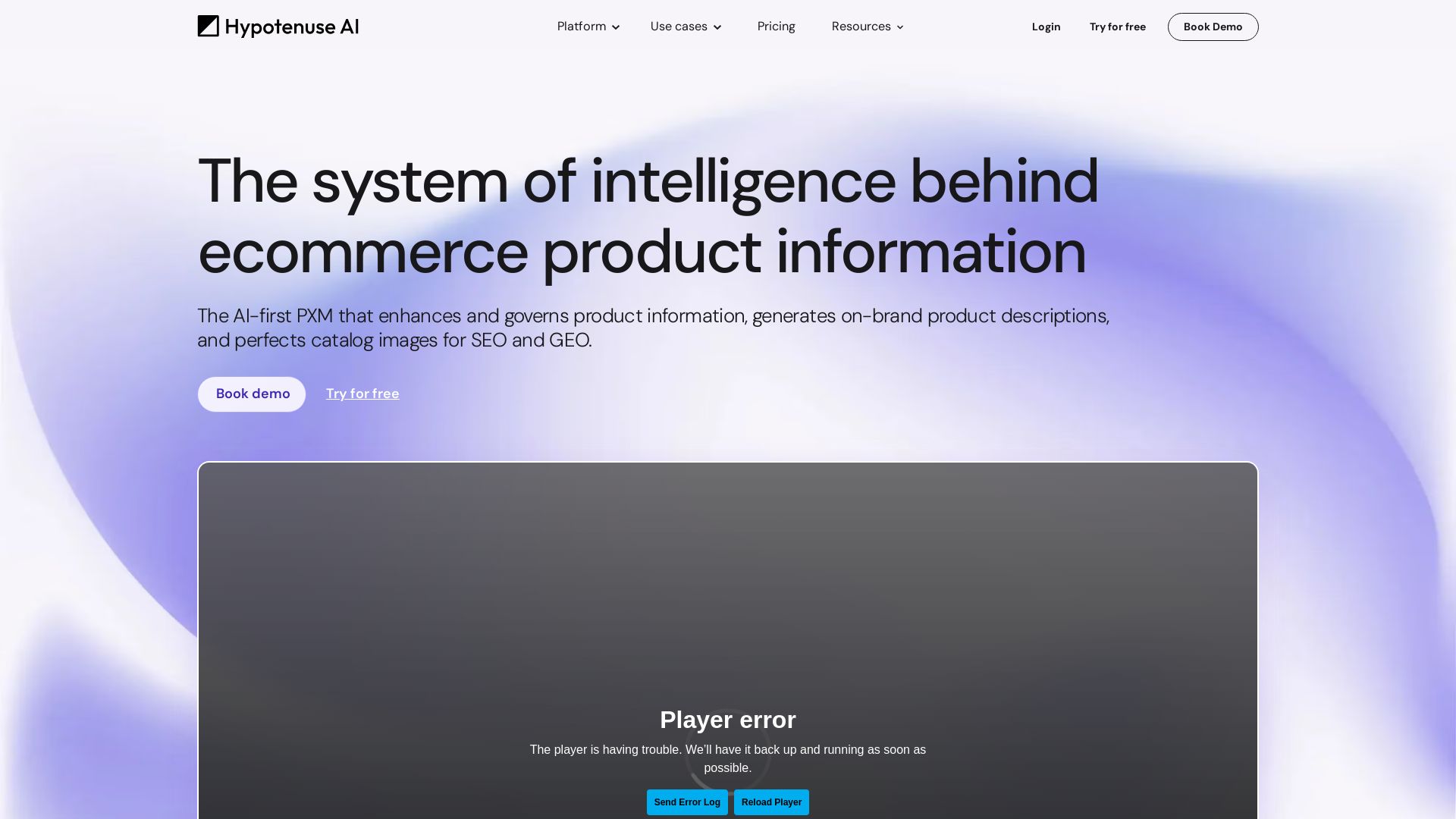
Hypotenuse AI
Enhance product data, generate SEO-optimized descriptions, and perfect images with AI. Trusted by global brands. Try free.

ℹ️ Curation Disclosure: The overview and features of Powerdrill Bloom were synthesized using AI and fact-checked by our curation team to ensure accuracy.
