
Sendsteps
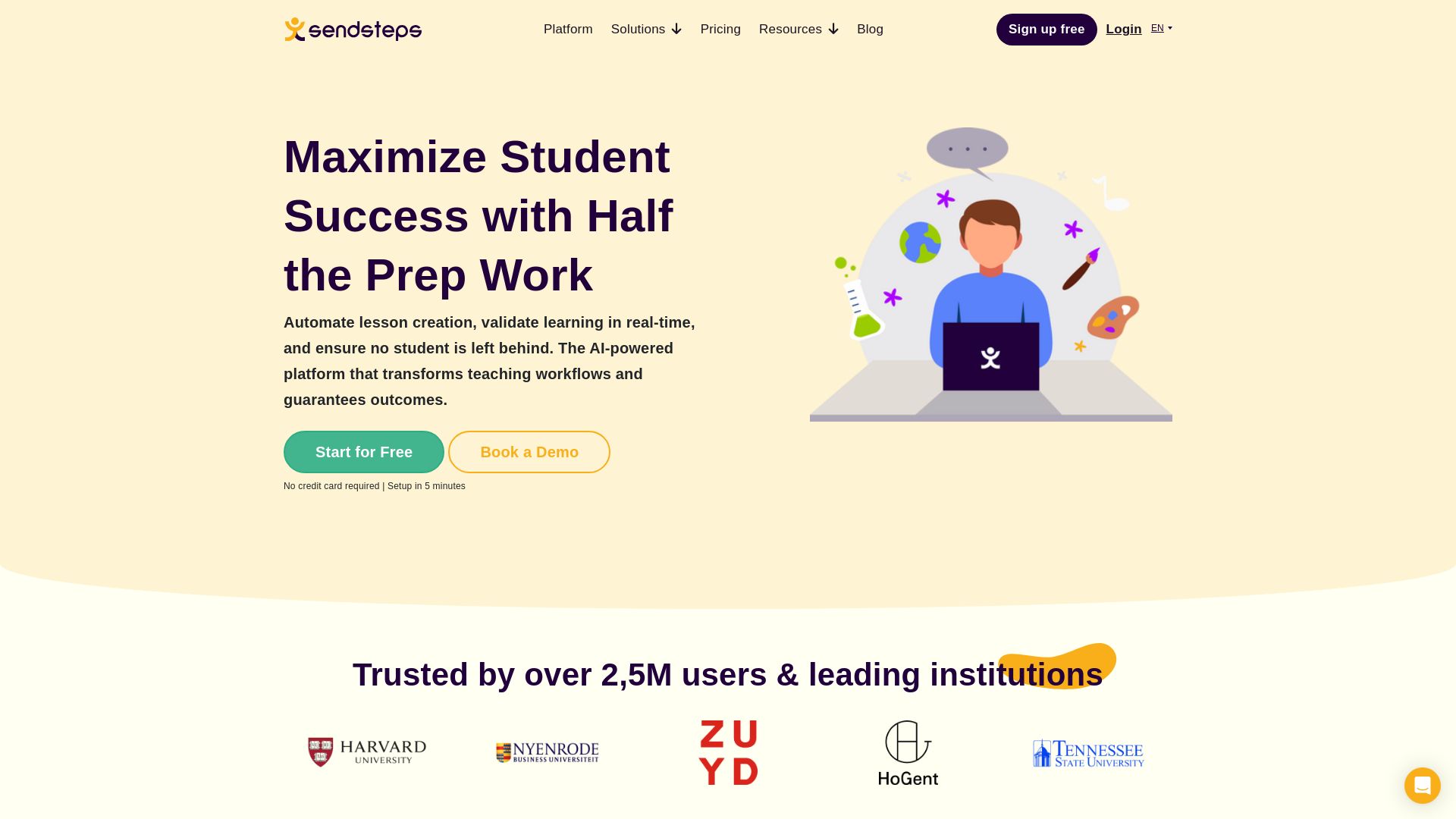
Automate lesson creation, validate learning in real-time, and ensure no student is left behind. Trusted by 2.5M+ users. Start for free.



Editor's Verdict
Key Takeaways
- AI Lesson Creation
- Real-Time Learning Validation
- Anonymous Participation
- Continuous Improvement Loop
In-Depth Review: What is Sendsteps?
Sendsteps is an AI-powered platform that transforms teaching workflows by automating lesson creation, validating learning in real-time, and ensuring every student succeeds. With features like instant interactive content generation, anonymous participation, and predictive analytics, it reduces prep time by half and improves outcomes. Trusted by over 2.5 million users and leading institutions, Sendsteps helps educators focus on high-impact teaching.
Core Features
AI Lesson Creation
Automatically generate interactive lessons, quizzes, and activities from any curriculum or topic, reducing prep time from hours to minutes.
Real-Time Learning Validation
Track comprehension in real-time, identify struggling students instantly, and provide targeted support through predictive intervention alerts.
Anonymous Participation
Enable shy students to contribute anonymously, ensuring every voice is heard and no student is left behind.
Continuous Improvement Loop
AI learns from validated outcomes to automatically optimize future lessons, pacing, and teaching strategies for better results.
Interactive Engagement Tools
Deliver polls, quizzes, word clouds, and live Q&A that keep students engaged and make learning memorable.
Multi-Format Content
Support for slides, polls, quizzes, and adaptive question banks aligned to teaching objectives, with import from PowerPoint.
Pricing
Free
- Create AI-supported presentations
- Add interactive questions
- Present live
- Share lessons / slideshows
- View live responses
Starter
- All Free features
- Import PowerPoint presentations
- Remove Sendsteps branding
- Export results in PDF, Excel & CSV
- Access session history
Professional
- All Starter features
- Unlimited AI presentations
- Unlimited PowerPoint Import
- Unlimited interactive functionality
- Unlimited interactive audience size
- Add your own logo
- Advanced poll types
- Phone support
Enterprise
- All Professional features
- Company Branding
- User management
- User roles
- Customer Success Manager
- SSO login
- LMS integrations
- Institutional analytics
- Data governance / compliance
- Dedicated trainings & resources
Pros and Cons
Pros
- Massive Time SavingsAutomates lesson creation, cutting prep work by half or more, allowing teachers to focus on student interaction.
- Real-Time InsightValidates learning instantly, showing exactly who understands and who needs help, enabling targeted interventions.
- Inclusive ParticipationAnonymous features ensure every student can contribute without fear, increasing engagement and equity.
- Continuous ImprovementAI learns from outcomes to automatically refine future lessons, improving teaching effectiveness over time.
- Easy to UseIntuitive interface with AI generation from any content; quick setup in 5 minutes without credit card.
Cons
- Limited Free PlanFree plan lacks advanced features like PowerPoint import, branding removal, and export options, may be insufficient for heavy users.
- Internet DependentRequires internet connectivity for live presentations and real-time validation; offline functionality limited.
- Learning Curve for AnalyticsWhile basic use is simple, fully leveraging the continuous loop and analytics features may require some training.
- Pricing for InstitutionsEnterprise plan pricing is custom and may be costly for large-scale deployments, though likely negotiable.
Use Cases & Recommended Professions
K-12 Teacher→ View Toolkit
Save hours on lesson planning and engage students with interactive quizzes and polls that validate learning in real-time.
University Professor→ View Toolkit
Standardize high-quality interactive lectures across courses, track individual student progress, and improve retention rates.
Corporate Trainer→ View Toolkit
Deliver engaging training sessions with real-time feedback and analytics to ensure knowledge retention among employees.
Instructional Designer→ View Toolkit
Quickly generate and iterate on course materials using AI, ensuring alignment with learning objectives and outcomes.
School Administrator→ View Toolkit
Deploy a consistent, validated teaching tool across faculties with centralized analytics to measure ROI and improve institutional outcomes.
Student→ View Toolkit
Benefit from interactive lessons that make learning fun and personalized, with anonymous participation encouraging confidence.
Frequently Asked Questions
Alternative AI Tools
View Detailed Comparison →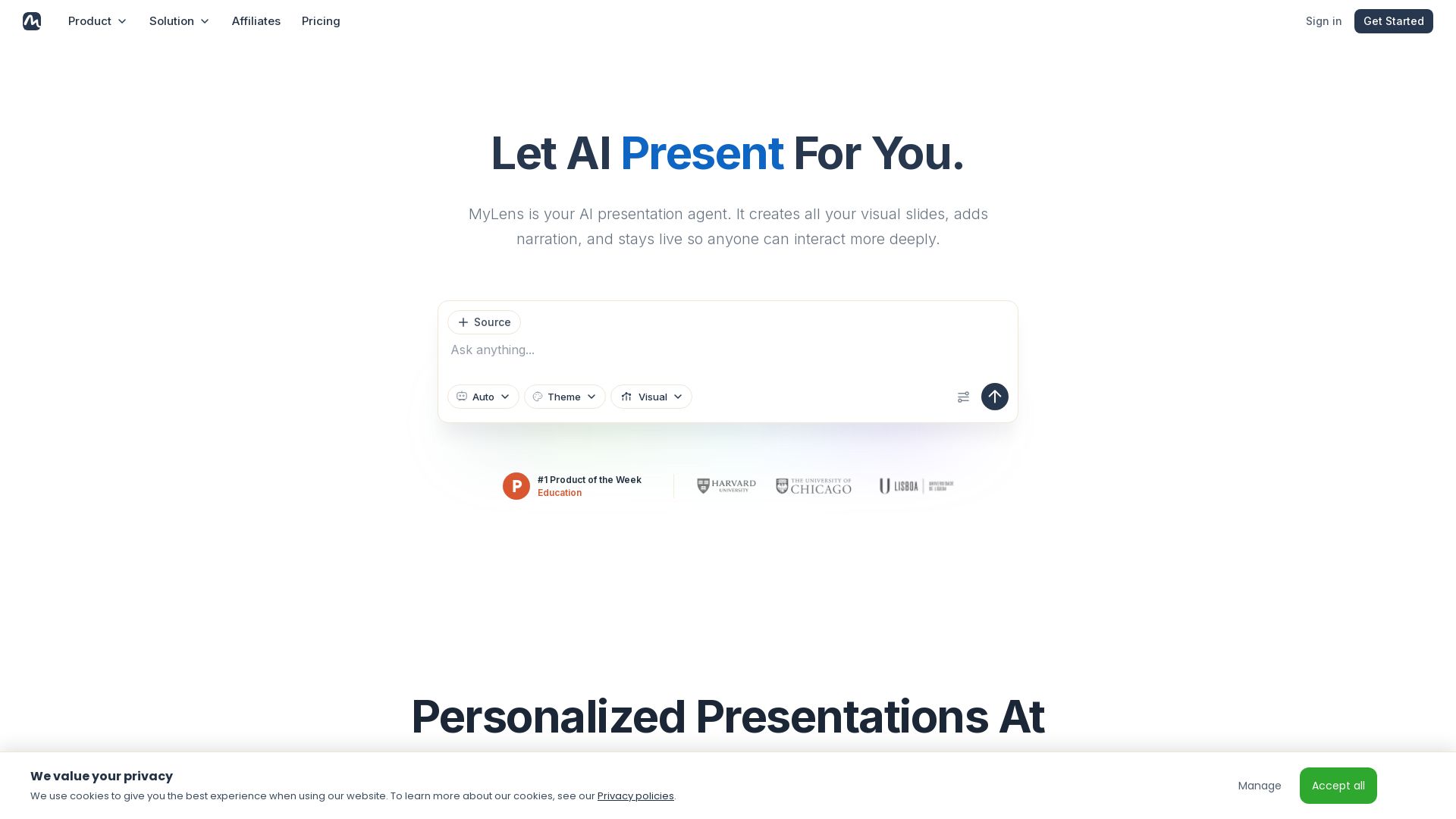
MyLens
Turn documents, links, or ideas into interactive presentations with AI narration. Engage your audience with live, explorable slides. Get started free.


Making AI think and act: my approach to the Hugging Face AI ...
Experienced AI engineer specializing in medical imaging and LLM-powered agents. Built globally deployed radiology AI at AZmed. Now building AI agents at Matrix One.


Prezi
Prezi AI creates studio-quality presentations from your ideas. Describe or upload, get a polished deck in seconds. Refine via chat, export as PPTX or PDF. No design skills needed.


Section AI
Turn AI investment into workforce transformation with Section. Command center, coaching, and strategic support to drive measurable ROI.


AiPPT
Transform ideas into stunning presentations instantly with AiPPT. Generate slides from text, documents, URLs, or templates. Import from Google Drive. Free and paid plans.


SlideSpeak
Turn PDFs, Word docs, and ideas into professional PowerPoint slides in minutes. AI-powered editor, video, and branding. Trusted by 1M+ users.

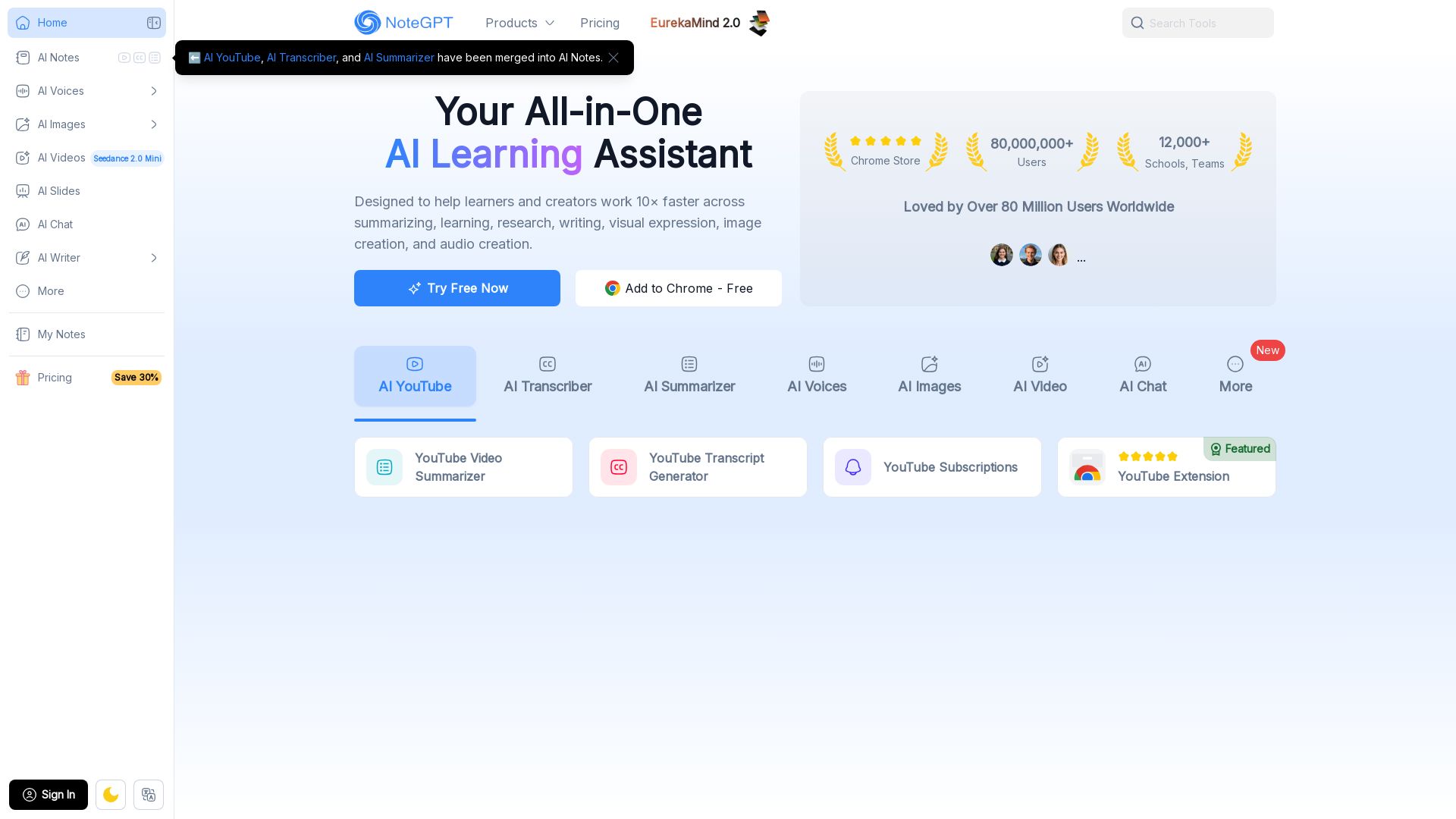
NoteGPT
Supercharge your learning with NoteGPT. Summarize videos, transcribe audio, generate images, voices, and slides. Used by 80M+ users. Try free.


Presentation Maker AI
Create professional presentations in minutes with our AI presentation maker. Ideal for students, teachers, and businesses. No design skills needed. Try free!

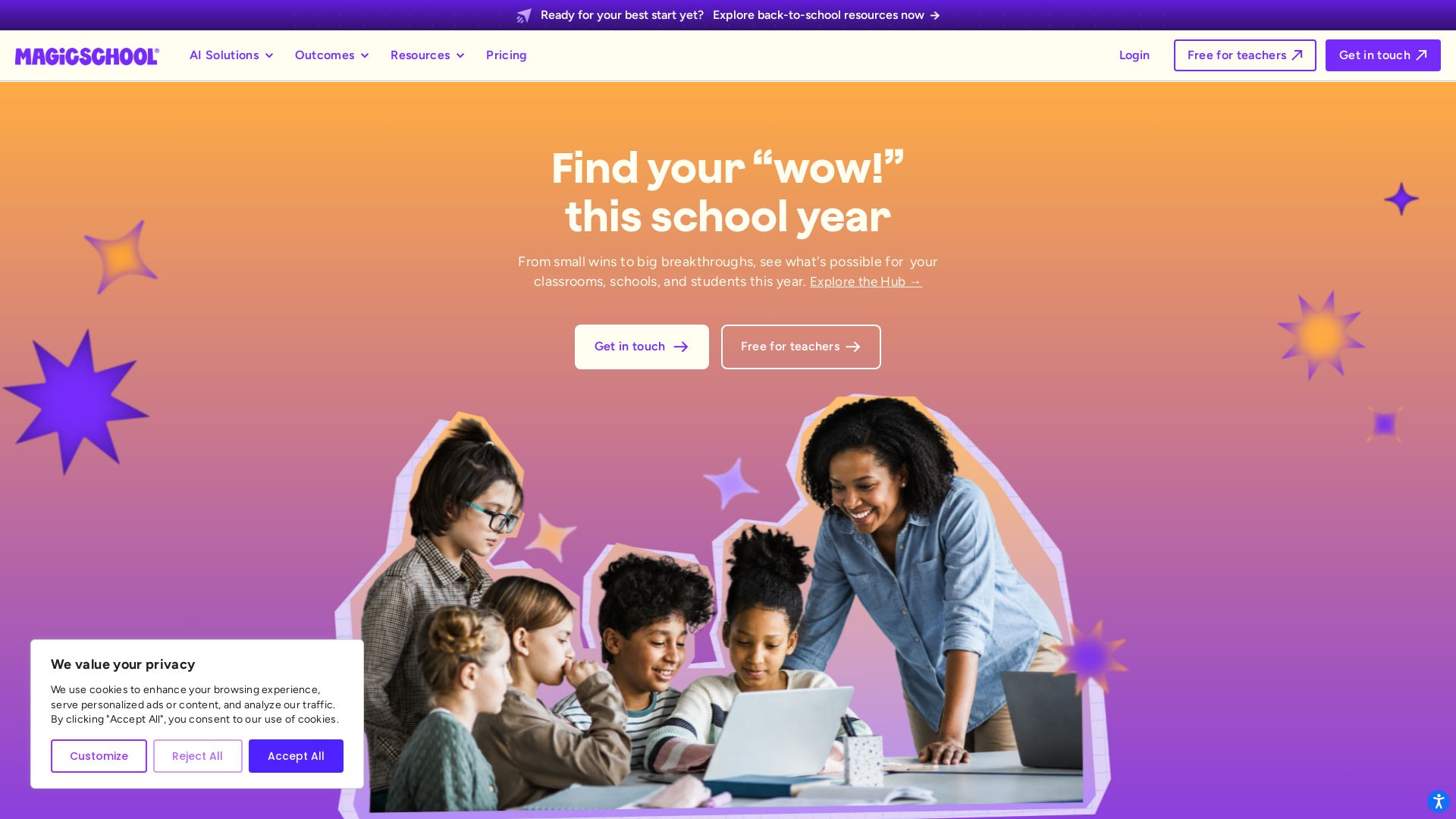
MagicSchool
MagicSchool AI: Trusted AI platform for schools. Teachers save time with 80+ tools, personalize learning, protect student data.

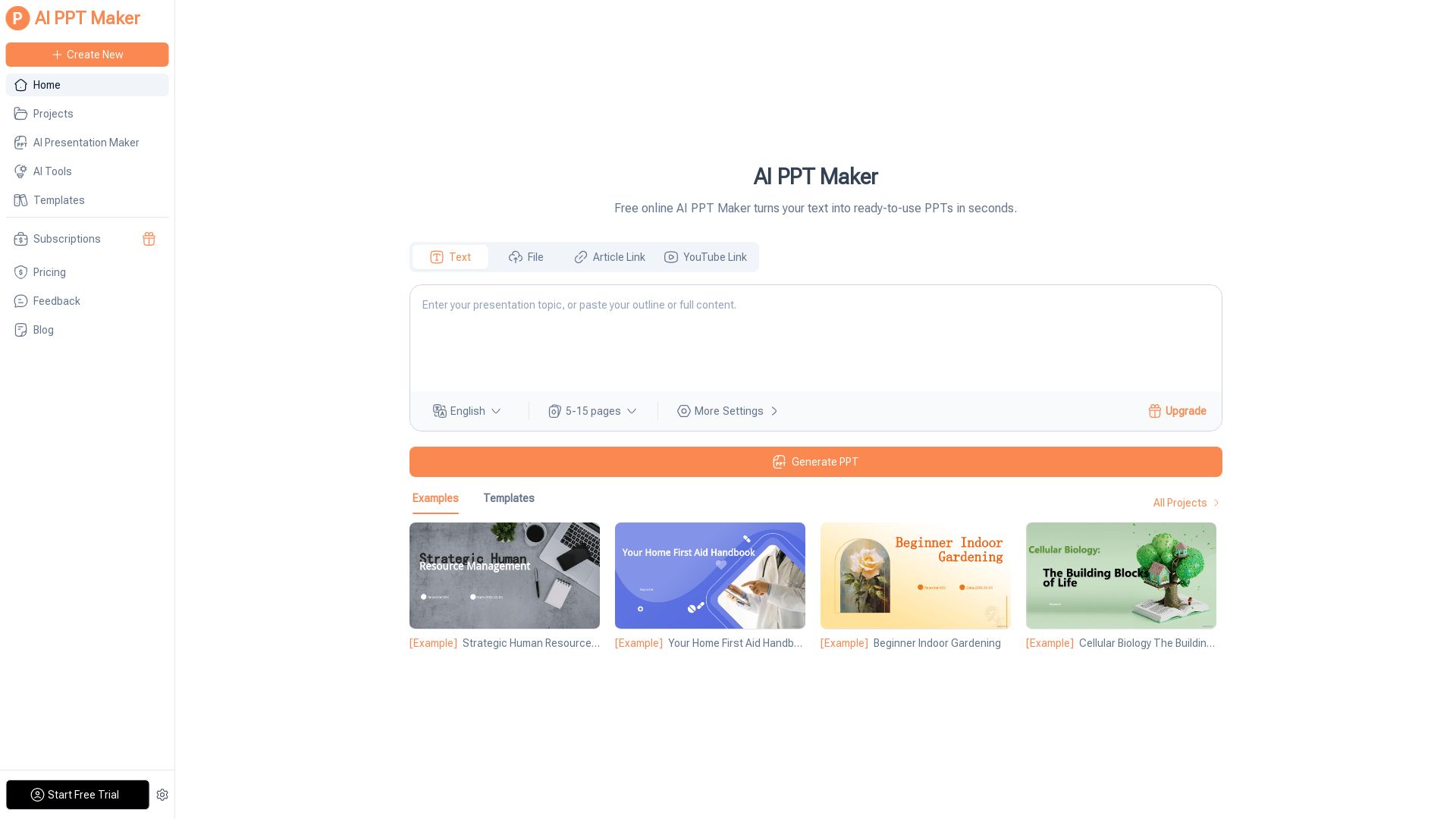
AI PPT Maker
Turn text, PDFs, videos into stunning PPTs in seconds. Free AI-powered tool with templates, customization, and instant download. Try now!



SlidesAI
Create beautiful presentations from notes, prompts, or docs with SlidesAI. Works in Google Slides, PowerPoint, ChatGPT & web. Save 85% time.

ℹ️ Curation Disclosure: The overview and features of Sendsteps were synthesized using AI and fact-checked by our curation team to ensure accuracy.